🚨 Malware Blocked on macOS: A Developer's Experience
💻 As developers, we deal with many tools, but sometimes even trusted ones can cause unexpected surprises. Recently, while using Docker, I encountered this pop-up:
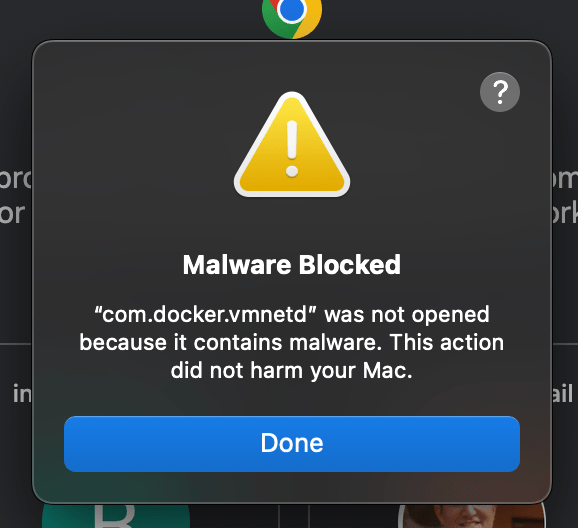
The alert read:
"com.docker.vmnetd" was not opened because it contains malware. This action did not harm your Mac."
🛠️ What’s Going On?
If you're using Docker Desktop for macOS, this warning might seem alarming. But don’t panic! This is likely a result of Apple’s aggressive security measures flagging Docker components. It could be a false positive, but it’s essential to take steps to ensure your system remains secure.
🔎 Steps to Stay Safe:
-
Update Docker – Ensure you're on the latest version. Security patches are released regularly.
-
Check for macOS Updates – Apple often releases updates to refine malware detection.
-
Run a Security Scan – Use trusted antivirus software to confirm there are no real threats.
-
Check Docker Forums & GitHub Issues – See if others are experiencing similar problems.
💡 Why This Matters?
Even trusted tools can be flagged, so it's crucial to:
-
Stay informed 📰 about security updates.
-
Trust but verify 🔐 when alerts pop up.
-
Contribute back 🤝 by reporting issues to Docker or Apple.
🔗 Connect with me:
Want me to tweak or expand any part? 😊
Imported from rifaterdemsahin.com · 2026