Stop Pre Approved Payments
https://twitter.com/rifaterdemsahin/status/1884913626651251111
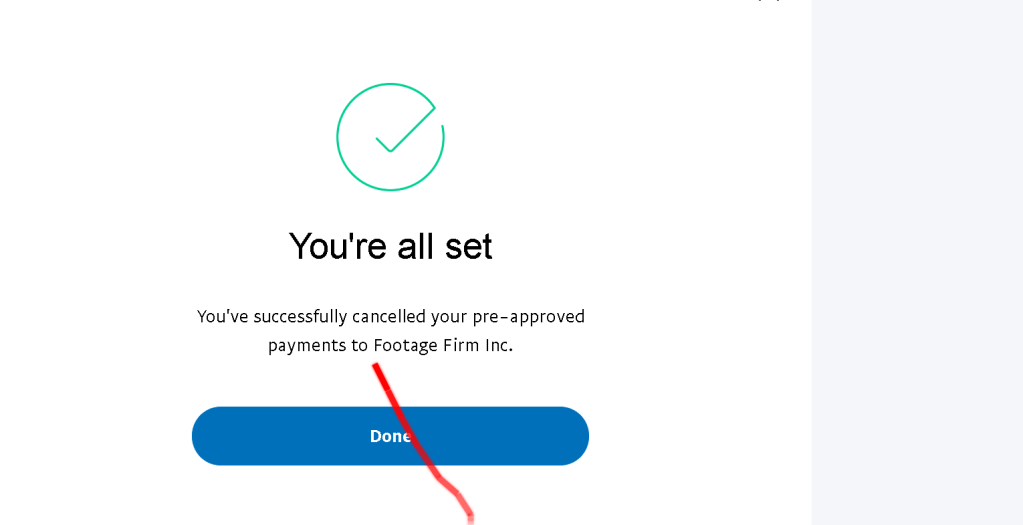
How I Successfully Cancelled Pre-Approved Payments: A Step-by-Step Guide ✨
In today's world, subscription services and recurring payments can be overwhelming to keep track of. 😅 I recently decided to clean up my finances by cancelling some pre-approved payments, and I thought I'd share my experience with you. If you're looking to take control of your subscriptions, here's a simple guide on how I did it.
The Journey 🛣️
First, I made a list of all the subscriptions I had set up with pre-approved payments. This included everything from software tools to digital memberships. Here's a sneak peek at the companies I cancelled payments to:
-
Givinga Foundation Inc.
-
GoBrands UK Holdings LTD.
-
Lucid Software
-
Patreon
-
Paddle.com Market Limited
-
Plex, Inc.
-
Samsung Electronics GmbH
-
USZoom
-
Wix.com (UK) Limited (Still in progress 🔄)
-
Wondershare
What Did I Learn? 💡
-
Stay Organised: Keep a list of all your subscriptions and check it regularly.
-
Check Your Payment Settings: Most services allow you to manage pre-approved payments directly from your account settings.
-
Act Quickly: As soon as you realise a subscription is no longer needed, it's best to cancel it right away to avoid further charges. 💸
-
Confirmation Is Key: Always wait for confirmation after canceling a payment to make sure everything is fully processed. ✔️
remaining
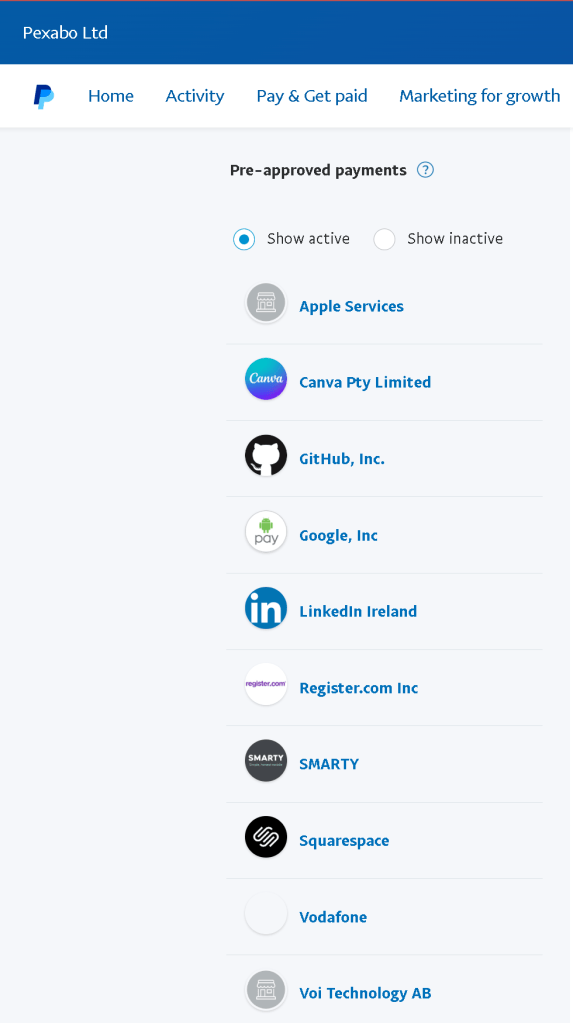
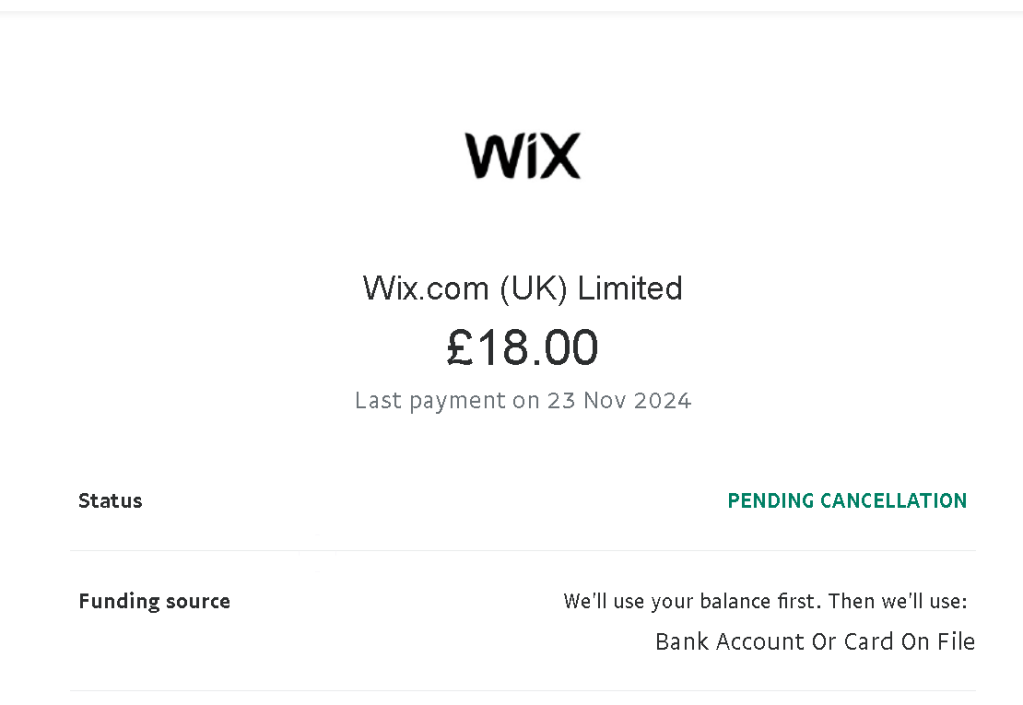
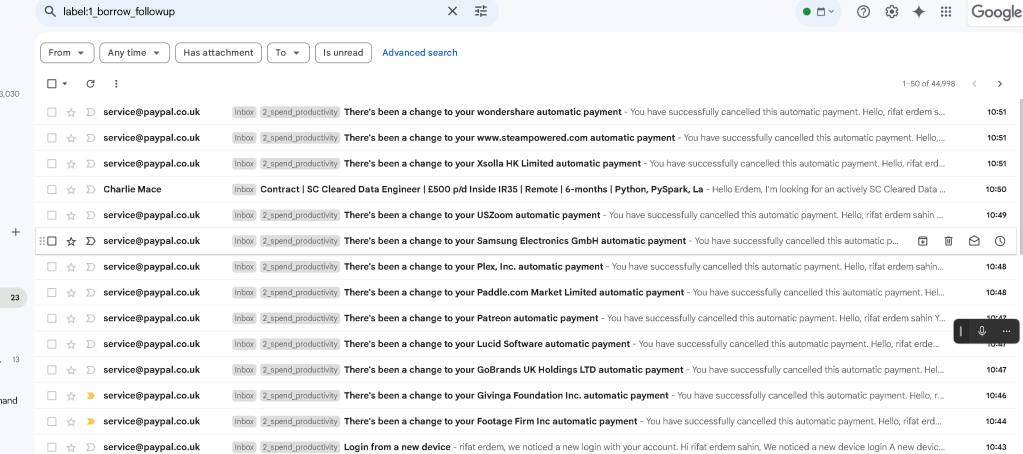
Each one reassured me that I had taken the right step towards managing my subscriptions effectively. ✅
Check email
What’s Next? 🚀
With all these cancellations in place, I feel much more in control of my finances and can focus on spending only on what really matters to me. 🏆
Stay tuned as I continue to simplify my subscription list!
🔗 Connect with me:
Thanks for reading! 😊
Imported from rifaterdemsahin.com · 2025