OBS Setup For Teams Call
Start OBS > set Virtual Camera
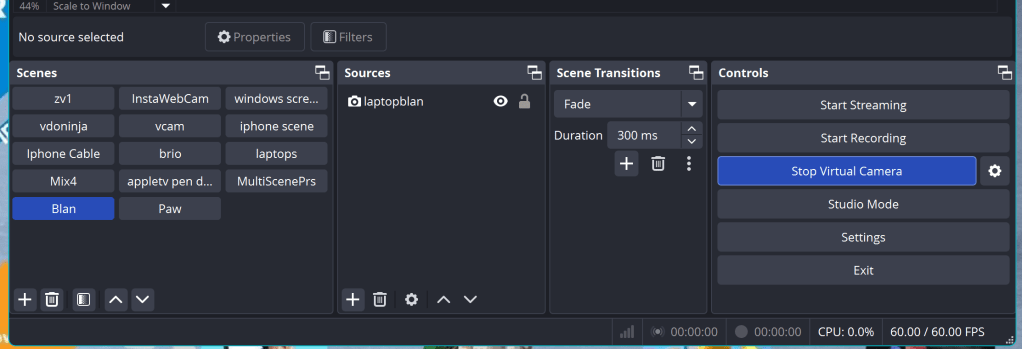
Set the Scene > with camera
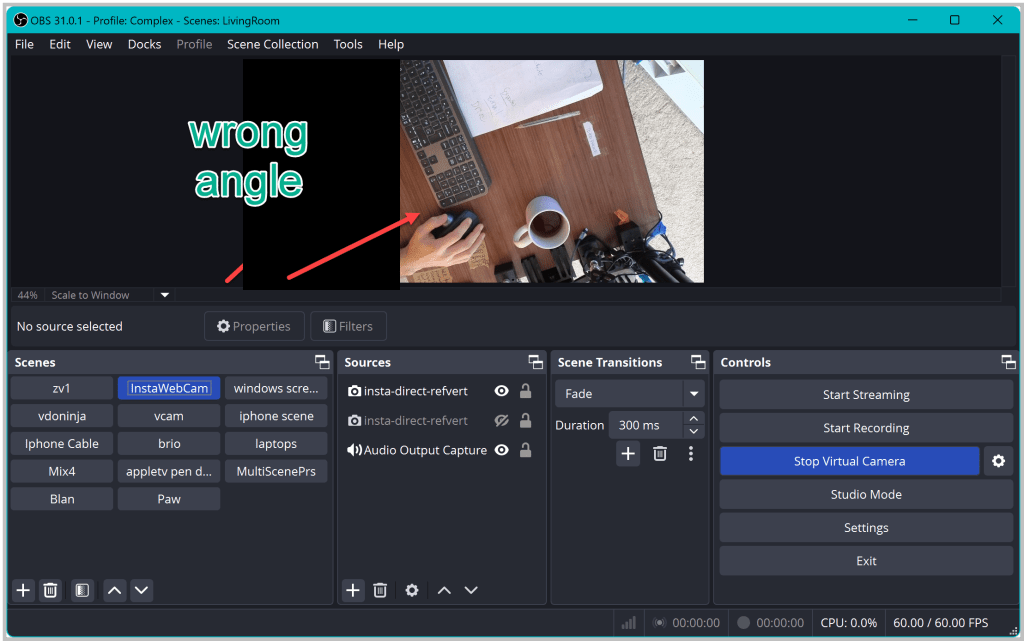
Open instalink >app > camera app
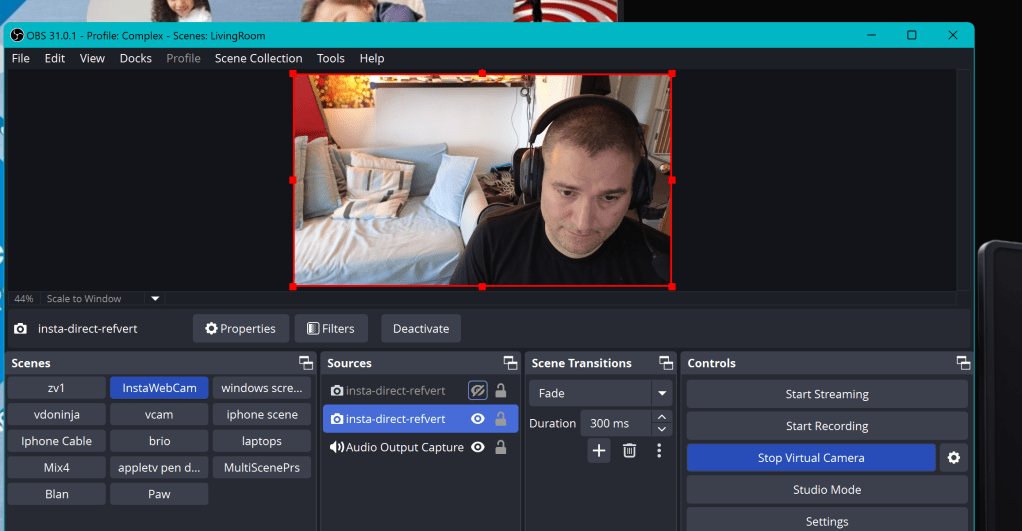
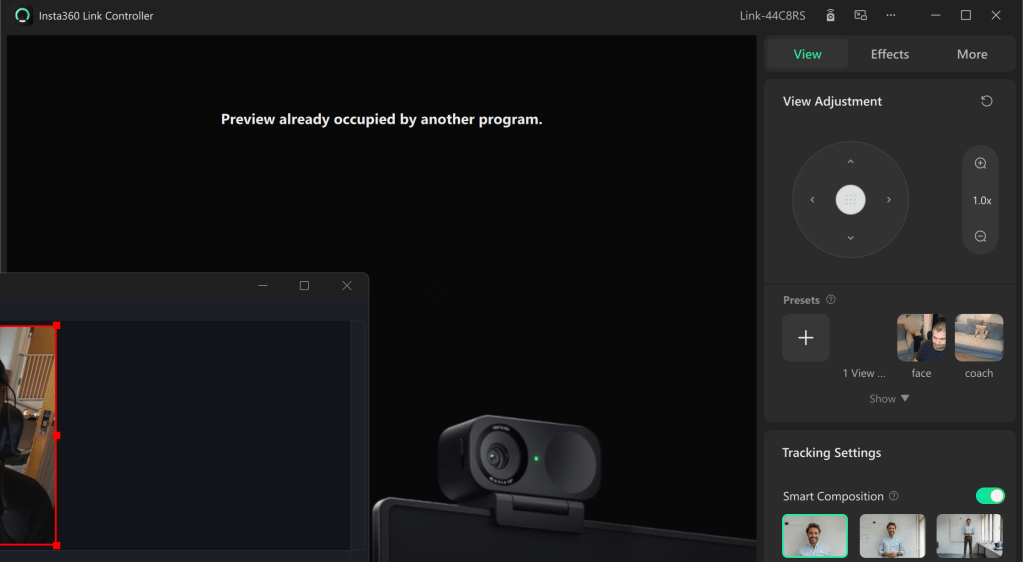
turn the main light on
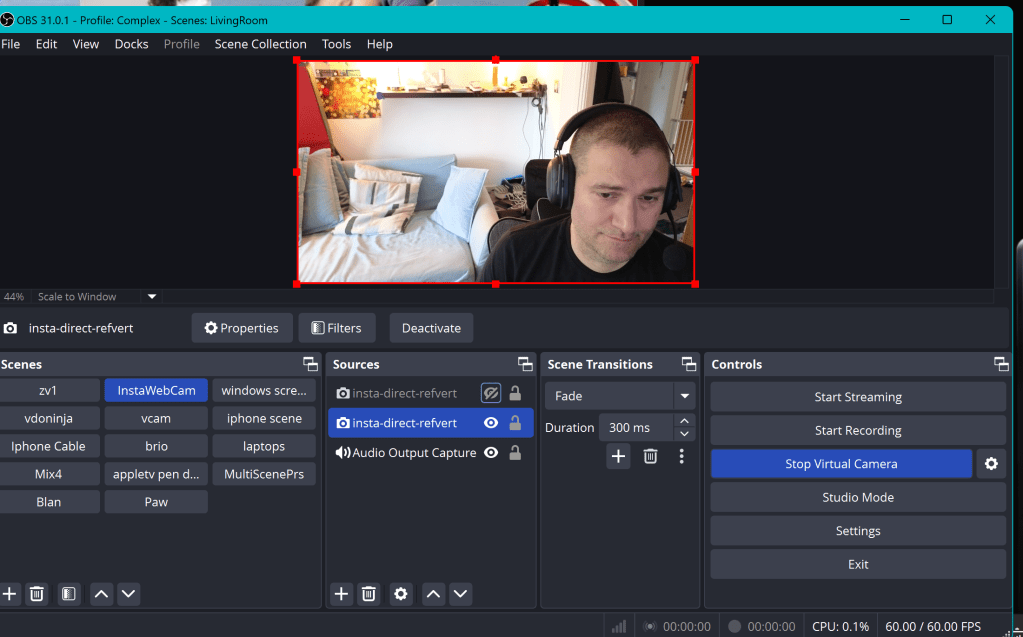
fixed
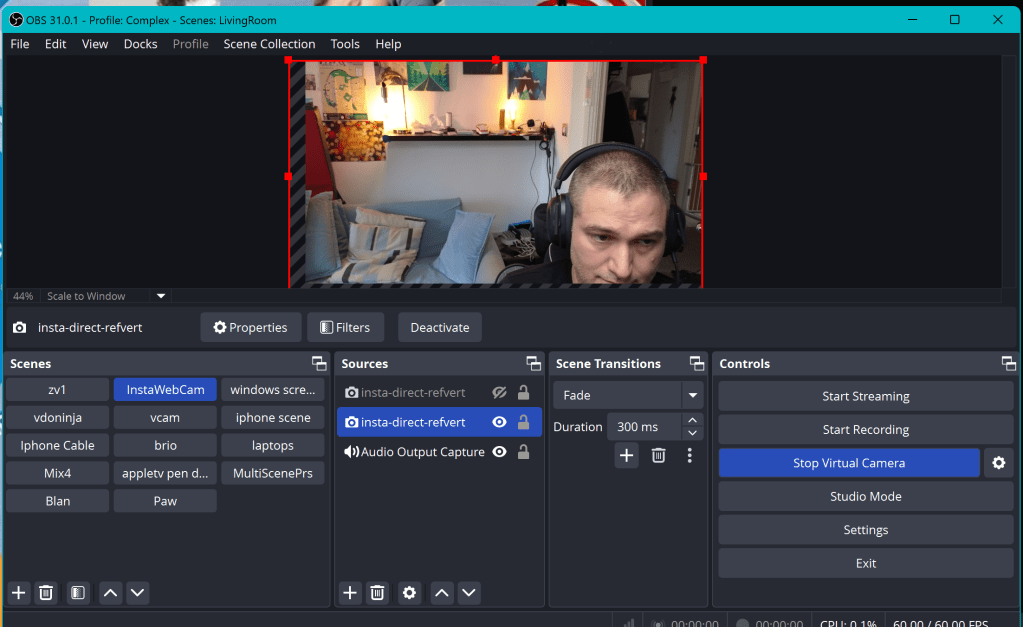
Open teams
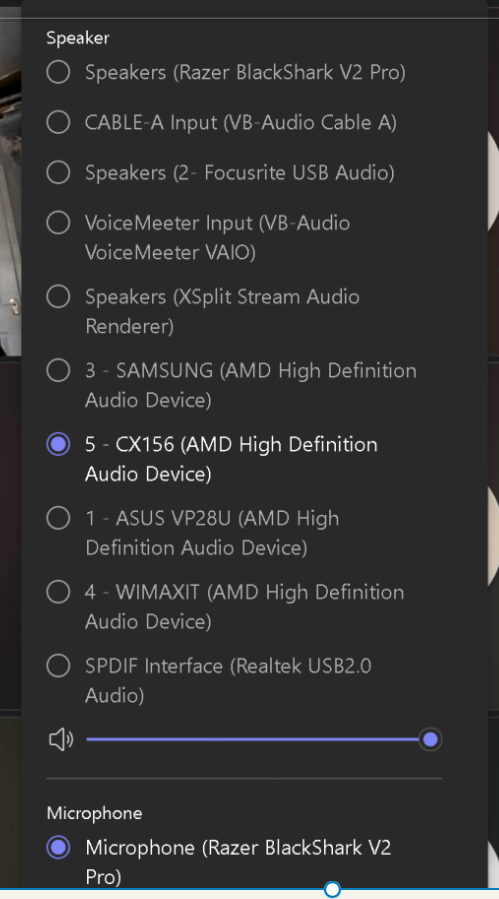
set mic and audio
Meeting hide if not ready
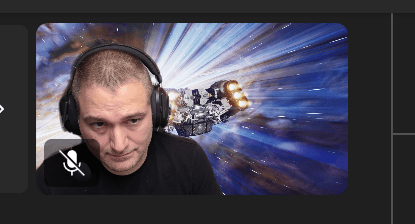
Use the one no one uses
Open another obs to do other work
or use the windowed projector and turn on and off the virtual camra
Open the needed ones in the new windows to refer in the meeting! Side by Side Open
Going in and out from the image > ask team mates

Imported from rifaterdemsahin.com · 2025