Laser Pointer in ExcaliDraw
Mermaid as well
🚀 Enhance Your Online Trainings with ExcaliDraw & Mermaid Diagrams
In today's digital world, creating engaging and interactive content is key to delivering successful online training. Whether you're hosting webinars, conducting workshops, or recording educational videos, two amazing tools can significantly level up your presentations: ExcaliDraw and Mermaid!
💡 Why Use ExcaliDraw?
ExcaliDraw is a versatile sketching tool that allows you to create diagrams, wireframes, and visual notes quickly. It’s perfect for brainstorming sessions or explaining complex ideas in a simple, hand-drawn style.
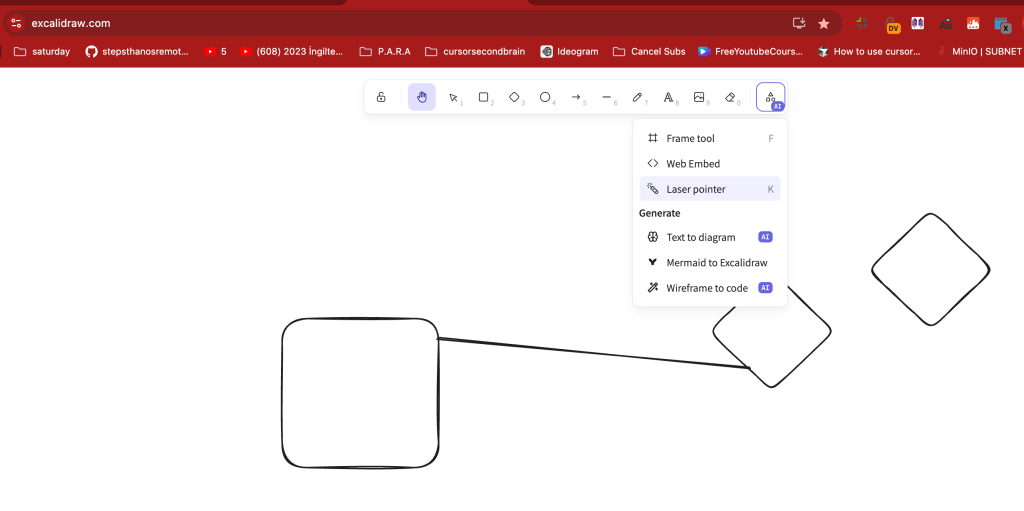
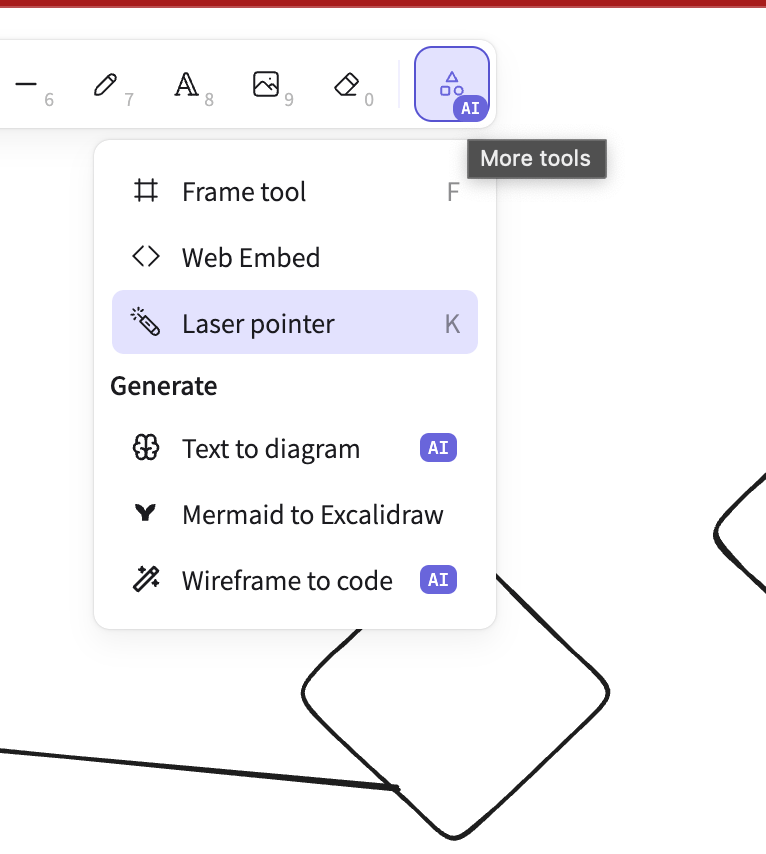
🔍 Highlight Feature: Laser Pointer Mode
A cool addition to ExcaliDraw is the Laser Pointer, which allows you to guide your audience’s attention to specific parts of the diagram during live presentations. 🎯 It mimics the effect of a laser pointer on a whiteboard, giving you more control over your presentation flow!
💡 Why Use Mermaid?
If you're a fan of coding and love clean, professional diagrams, Mermaid is a game-changer. Mermaid lets you write diagram definitions in a markdown-like syntax and convert them into beautiful visuals.
📐 Diagram-as-Code
This makes it perfect for automating diagram creation or embedding diagrams into your documentation. You can create everything from flowcharts, Gantt charts, and sequence diagrams to mind maps – all through code! 💻
Example:
graph TD
A[Start] --> B{Decision}
B -->|Yes| C[Continue]
B -->|No| D[Stop]
🚀 How You Can Achieve More with These Tools
These tools, ExcaliDraw for sketch-style diagrams and Mermaid for structured diagrams, together create an ideal combination for online trainings and interactive sessions. You can:
-
🖍 Sketch ideas live with ExcaliDraw.
-
📊 Automate and update technical diagrams with Mermaid.
-
🎯 Use the laser pointer to guide participants.
-
📸 Take screenshots or share live diagrams during presentations for added clarity.
🔗 Connect with Me:
If you're interested in learning more or want to collaborate on creating better online learning experiences, feel free to reach out!
-
💼 LinkedIn: Connect with me on LinkedIn
-
🐦 Twitter: Follow me on Twitter
-
🎥 YouTube: Watch my YouTube channel
-
💻 GitHub: Check out my GitHub projects
💡 Pro Tip: Keep a screenshot pause in your presentations so participants can capture key visuals. It's a small step that adds tremendous value! 📸
Imported from rifaterdemsahin.com · 2025