Cursor Cost and Decision
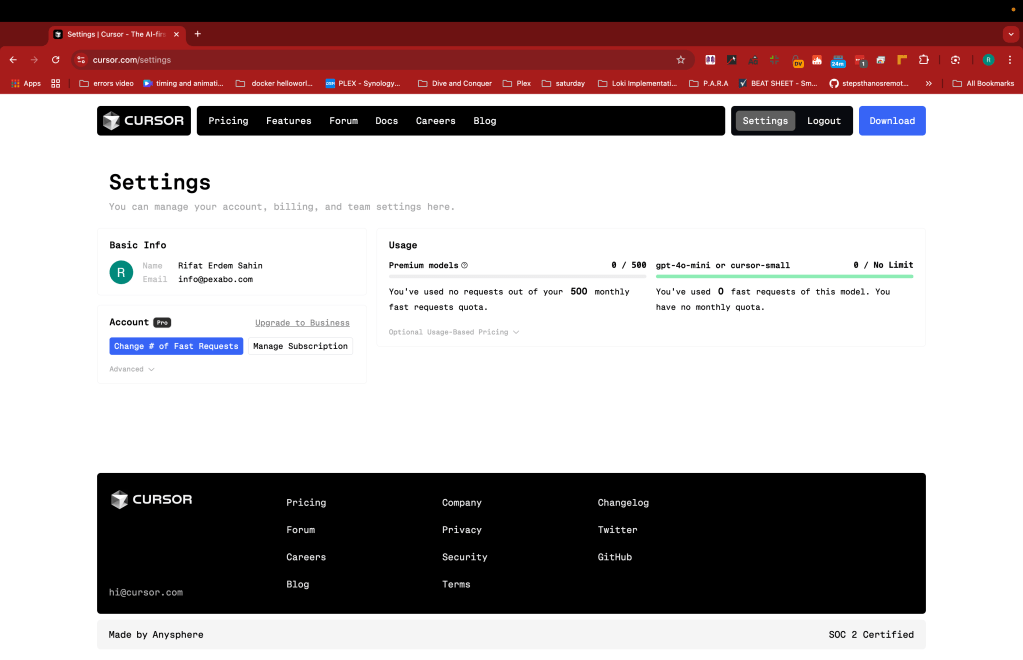
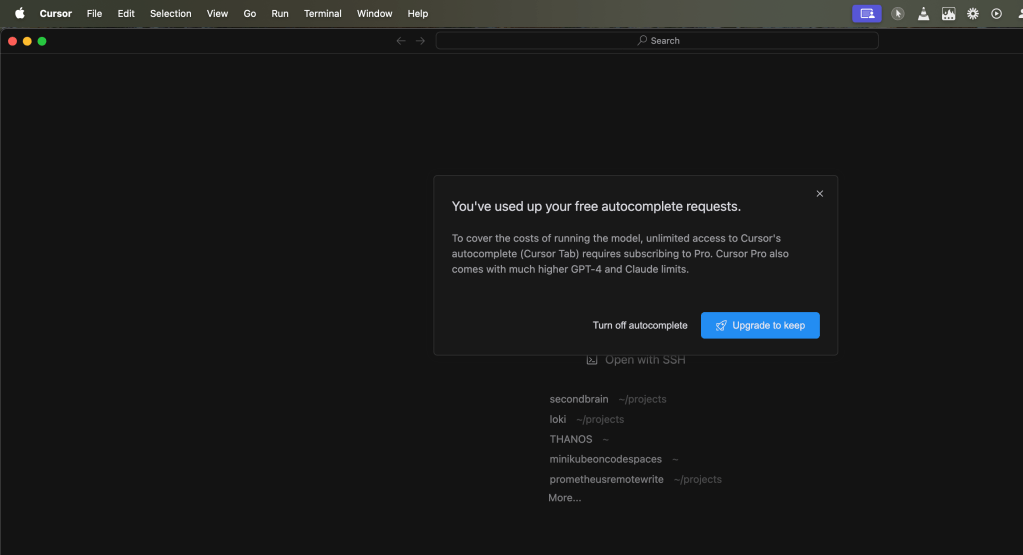
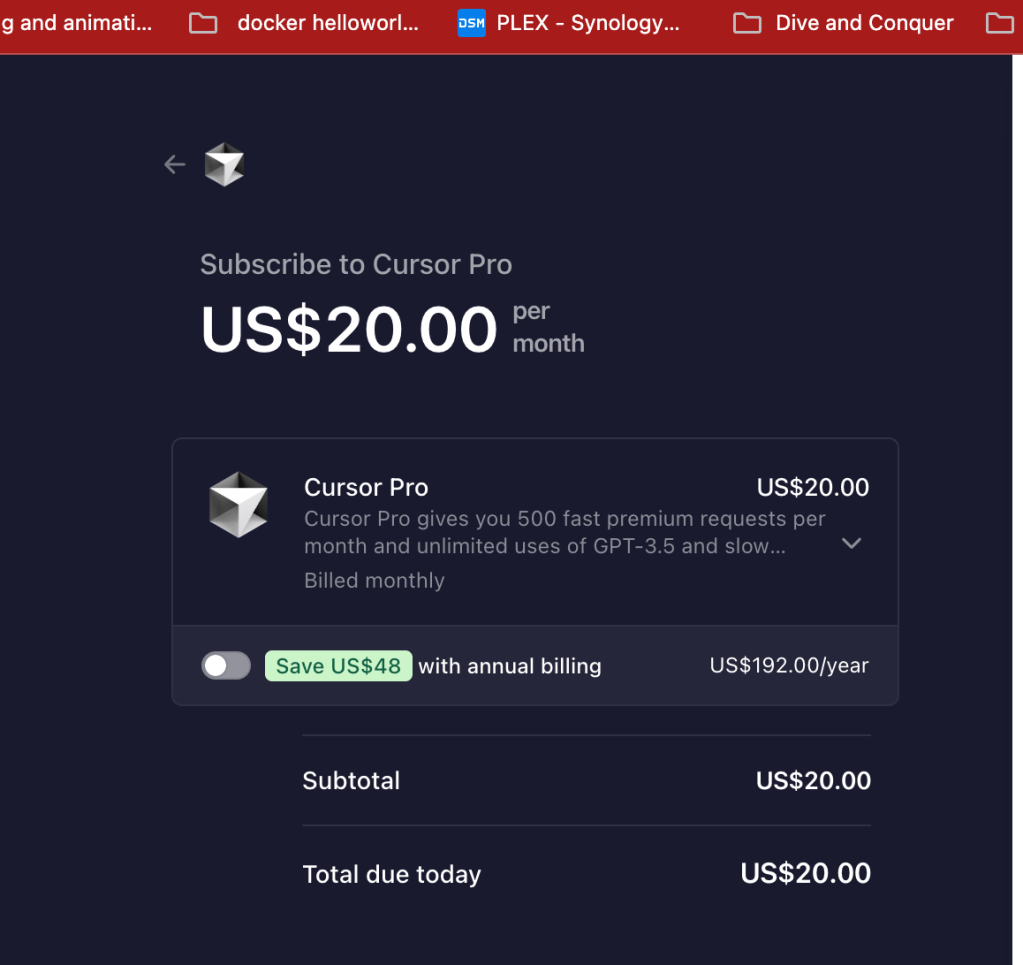
💸 Why Pay $20 for Cursor When You Have ChatGPT? 🤔
When considering tools like Cursor that charge $20 a month, it's essential to evaluate why this investment might be worth it compared to using ChatGPT, which has its own impressive set of features and affordable pricing. Let's break down the key differences and what you’re really paying for with Cursor. 💡
🚀 Key Features of Cursor
-
Integrated Development Environment (IDE) 🎯
-
Cursor is an AI-powered IDE, making coding a seamless experience with real-time AI suggestions, refactoring, and code generation. It’s tailored for developers who want to speed up their workflow.
-
Code-Specific Optimization 💻
-
Cursor specializes in helping you code. Its machine learning models are optimized for specific programming tasks, helping with things like debugging, code review, and automation. These are areas where ChatGPT can help but doesn’t focus as specifically.
-
Productivity-Boosting Features ⏱️
-
Automated code comments, faster navigation, and integrated testing are just some of the features that could shave hours off your coding sessions. These aren’t as easy to achieve with general-purpose tools like ChatGPT.
-
Collaboration Tools 🤝
-
Teams can use Cursor for collaborative coding, with features designed for better code merging, tracking, and multi-user interaction. For more professional use cases, this alone could be worth the extra dollars.
🆚 ChatGPT Strengths
-
General AI Assistant 🌍
-
ChatGPT is a highly versatile tool that can assist with coding, but also handles research, writing, problem-solving, and more. Its strength lies in its flexibility, not necessarily its depth in specific domains like coding.
-
Affordable and Accessible 💵
-
ChatGPT offers a free tier and even its paid versions are typically more affordable than Cursor, making it a go-to for many users.
-
Great for Brainstorming and Idea Generation 🧠
-
If you need something to help you think through problems creatively, ChatGPT excels at that. It’s also great for writing drafts, summarizing ideas, and more—but when it comes to complex, real-time coding assistance, that’s where Cursor shines.
💡 What I Want to Achieve:
If your focus is boosting productivity in development, investing in Cursor could save you significant time and effort. It’s like having a second pair of hands when coding, designed specifically to streamline your work. But if you need a more generalized assistant for multiple tasks, then ChatGPT is likely more suitable (and budget-friendly).
Ultimately, it comes down to your specific needs. If coding efficiency is your top priority, then paying $20 for Cursor makes sense. If you need an all-around assistant, ChatGPT covers a lot of ground—often for less.
💬 What's your take? Would you pay extra for a specialized tool like Cursor or stick with ChatGPT for its flexibility? Let me know in the comments!
🔗 Connect with me:
-
💼 LinkedIn: https://www.linkedin.com/in/rifaterdemsahin/
-
🐦 Twitter: https://x.com/rifaterdemsahin
-
🎥 YouTube: https://www.youtube.com/@RifatErdemSahin
-
💻 GitHub: https://github.com/rifaterdemsahin
Imported from rifaterdemsahin.com · 2025