✍️ Supercharge Your Blogging with Cursor.ai and WordPress
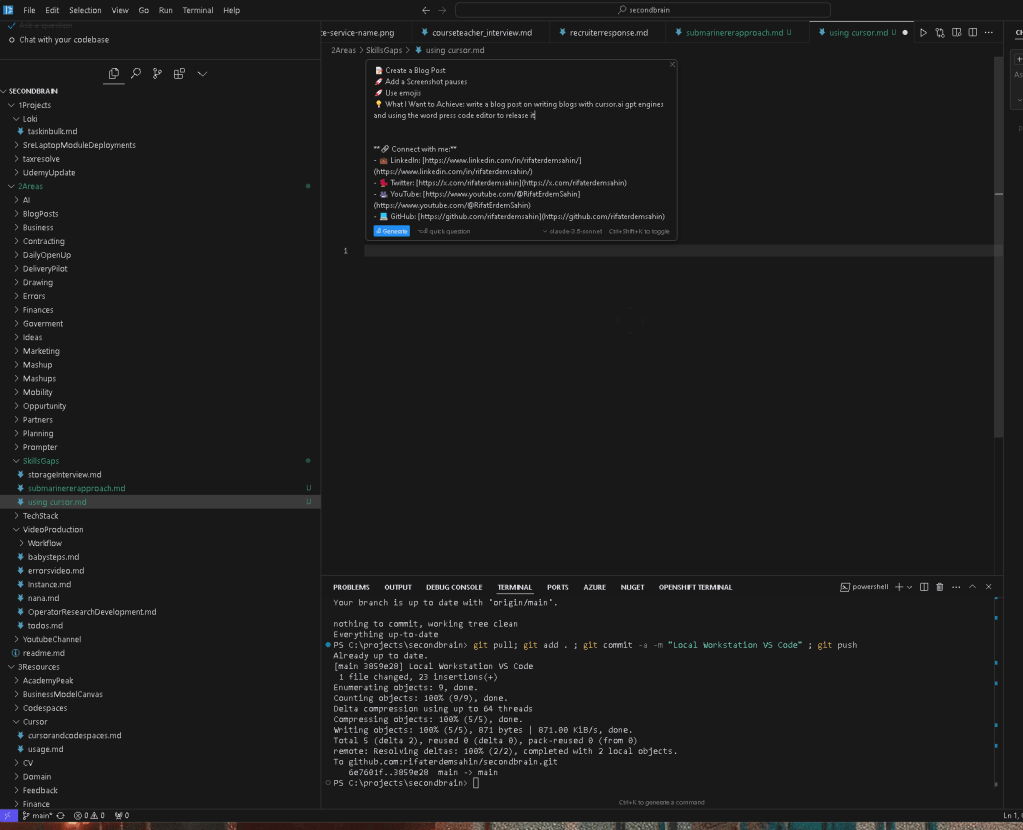
Want to level up your blogging game? Let me show you how I use Cursor.ai's GPT capabilities alongside WordPress to create engaging content efficiently! 🚀
🤖 What is Cursor.ai?
Cursor.ai is a powerful AI-powered code editor that integrates GPT technology to help developers and content creators write more effectively. Think of it as your intelligent writing assistant! ✨
🔄 The Writing Workflow
-
📝 Draft your initial content in Cursor.ai
-
💡 Use GPT suggestions to enhance your writing
-
🎨 Format content with WordPress blocks
-
📊 Add media and structure
-
✅ Review and publish
💪 Key Benefits
-
⚡ Faster content creation
-
🎯 More consistent writing style
-
🔍 Better SEO optimization
-
📈 Improved readability
-
🎨 Professional formatting
📸 Step-by-Step Guide
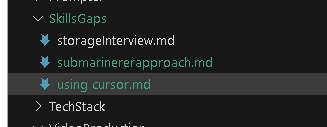
Start by opening Cursor.ai and creating a new document. The AI will help you develop ideas and improve your writing in real-time! 🎯
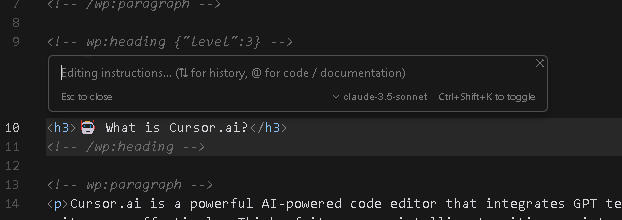
Then, transfer your content to WordPress's block editor, where you can enhance it with proper formatting and media elements. 🎨
💡 Pro Tips
-
🎯 Use Cursor.ai's context-aware suggestions
-
📱 Optimize content for mobile readers
-
🔑 Include relevant keywords naturally
-
📊 Break up text with headings and lists
-
🖼️ Add engaging visuals
🎉 Conclusion
By combining Cursor.ai's AI capabilities with WordPress's powerful editor, you can create professional, engaging blog posts more efficiently than ever before. Give it a try and watch your content creation process transform! 🚀
🔗 Connect With Me
Happy blogging! ✨📝
Imported from rifaterdemsahin.com · 2025