Why I Moved My NAS Home from the Studio: 10 Reasons for My Work-From-Home Setup 🏡💾
🚀 Introduction
Hey, everyone! After using my NAS at the studio for a while, I finally decided it was time to move it to my home. The shift was more than just convenience – it has significantly optimized my workflow and improved my work-from-home experience. In this post, I'll dive into the top 10 reasons I made this move, complete with a screenshot of my setup! 📸
🖥️ 1. Instant Access to All Files
Having my NAS at home gives me real-time access to all my files without the need for a remote connection to the studio. Now, I can reach my files whenever inspiration strikes or whenever there's an urgent need. 🌐⚡
🔒 2. Enhanced Security
By keeping my NAS at home, I have greater control over who can access it. No more worrying about security breaches in a shared studio environment. Now I can monitor access and enforce security directly. 🛡️
💡 3. Powering a Smarter Home Network
A NAS at home means I can easily integrate it into my smart home setup, which includes automated backups, media streaming, and even home surveillance recordings, all in one place! 🏠✨
⚡ 4. Fast Local Transfer Speeds
In a studio, file transfers could slow down due to bandwidth restrictions or shared networks. At home, my NAS connects directly to my devices over a local network, providing super-fast data transfer speeds. 🖧⚡
🔄 5. Seamless Sync Across Devices
Having my NAS at home lets me synchronize data across multiple devices with ease. Now I can access the latest version of a file from any device, whether it's my desktop, laptop, or mobile. 📲💻
🌐 6. Greater Control Over Backup Frequency
Home access means I can back up my data as often as I need, without impacting anyone else's workflow. I can also run incremental backups more frequently, reducing the risk of data loss. 🔄💾
☕ 7. Comfortable Work Environment
Let’s face it – working from home has its perks. I’m now able to manage my NAS while comfortably working in my own space, without any studio restrictions or commuting hassles. 😌📍
🛠️ 8. Easier Customization and Maintenance
Having the NAS at home allows me to adjust settings, install updates, and perform maintenance whenever I need, without worrying about studio operating hours. Plus, troubleshooting is faster when everything’s right at hand. 🔧
📦 9. More Storage Options
With the NAS in-house, expanding storage or adding new drives becomes straightforward. Now I can seamlessly manage and expand my setup according to my needs. 📈🗄️
🎬 10. Streamlined Content Creation
For video production, a local NAS setup means faster access to video files, which is a huge advantage for editing and uploading content. This setup enhances my overall content creation workflow. 🎥🚀
🖥️ Screenshot of My Home NAS Setup
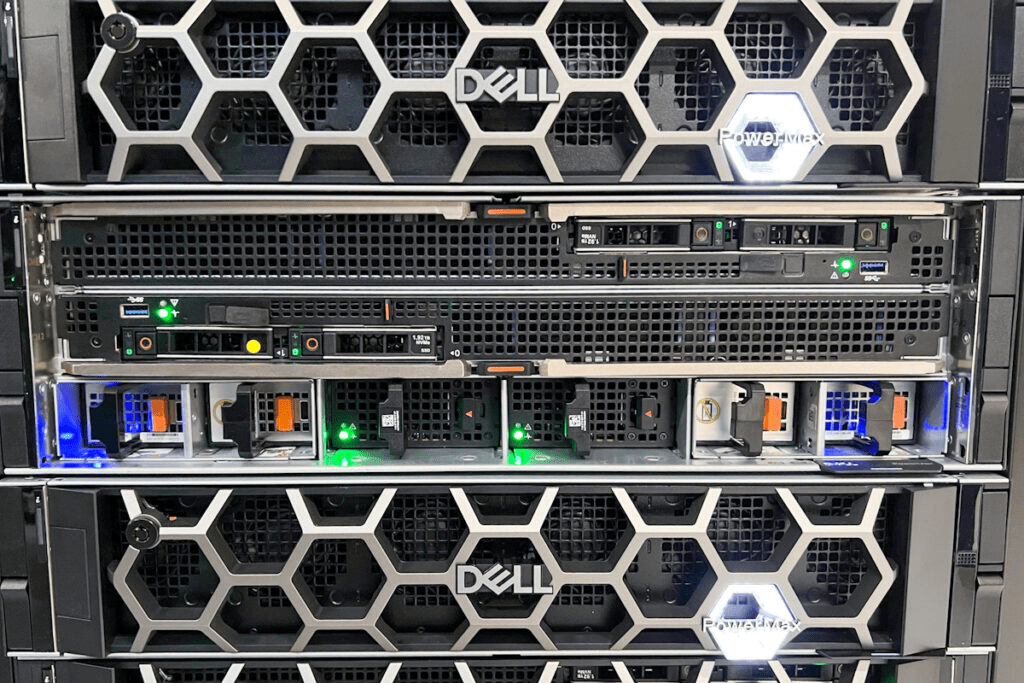
Here’s a peek at my setup to show you how it looks in action! 📸 [Insert screenshot here]
🔗 Connect with Me:
-
💼 LinkedIn: https://www.linkedin.com/in/rifaterdemsahin/
-
🐦 Twitter: https://x.com/rifaterdemsahin
-
🎥 YouTube: https://www.youtube.com/@RifatErdemSahin
-
💻 GitHub: https://github.com/rifaterdemsahin
Moving my NAS home has proven to be an invaluable decision for both my personal and professional life, making work-from-home all the more productive!
Imported from rifaterdemsahin.com · 2025