Fastest Turn on Time for 3995x on workstation
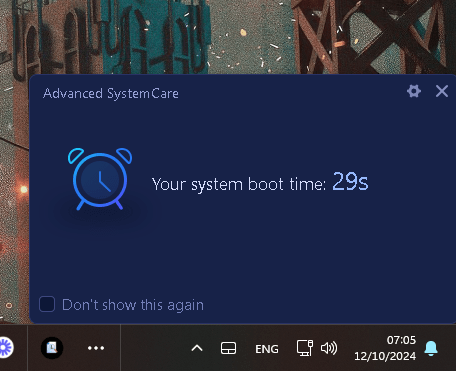
After the updates
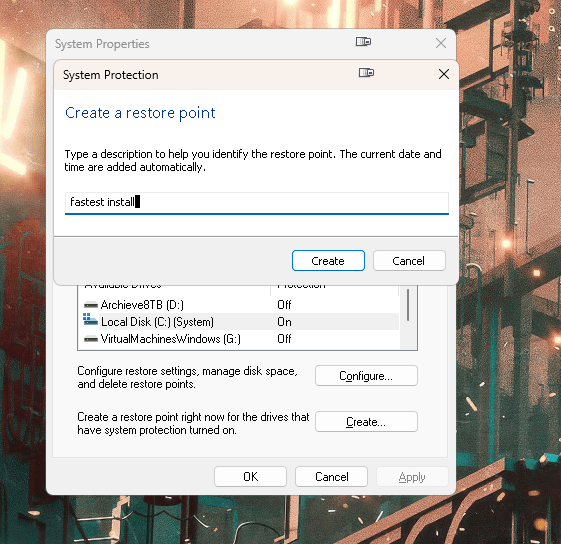
Backup location
🚀 How to See the Latest Packages and Updates with Chocolatey 💻🍫
Chocolatey makes it easy to stay updated with all your software packages. Here’s how you can quickly check for and apply updates:
- Command to Upgrade All Packages:
Run:
choco upgrade all
This command upgrades all installed packages to the latest version.
- Check Release Info for a Package:
For more details, use:
choco info
This command shows release details and version history.
💡 Achieve Smoother Performance
Keep your system running great with regular updates and performance fixes! 🚀
🔗 Connect with me:
-
💼 LinkedIn: RifatErdemSahin
-
🎥 YouTube: RifatErdemSahin
Feel free to share and optimize your setup! 👨💻✨
==================================================================
*** SCRIPT FOR CHOCO ***
==================================================================
To see the latest installations in the last week in a format similar to your example from Chocolatey, you can run the following PowerShell command:
choco list --local-only --limit-output | foreach {
$package = $_ -split '|'
$packageName = $package[0]
$packageVersion = $package[1]
# Get installation date and time for the package
                $installDate = Get-ItemProperty "HKLM:\SOFTWARE\Microsoft\Windows\CurrentVersion\Uninstall\*" |
                                Where-Object { $_.DisplayName -eq $packageName } |
                                Select-Object -ExpandProperty InstallDate

                if ($installDate -and $installDate -ge (Get-Date).AddDays(-7).ToString('yyyyMMdd')) {
                    Write-Output "$packageName v$packageVersion"
                }
}
This script performs the following:
-
Lists all locally installed Chocolatey packages.
-
Retrieves their installation date from the Windows registry.
-
Filters to show only those packages installed or upgraded in the last 7 days.
Make sure to run the command in an elevated PowerShell session (Run as Administrator).
Let me know if you need further
Imported from rifaterdemsahin.com · 2025