📖 Writing Stories with AI: Final Draft vs. VS Code
Welcome to the intersection of creativity and technology! Whether you're a budding screenwriter or a storyteller exploring digital tools, choosing between Final Draft and VS Code for your projects can be a game-changer. Let's dive into their strengths and weaknesses and explore how AI can enhance your writing process. 🚀
🛠 Tools for the Craft
✍️ Final Draft
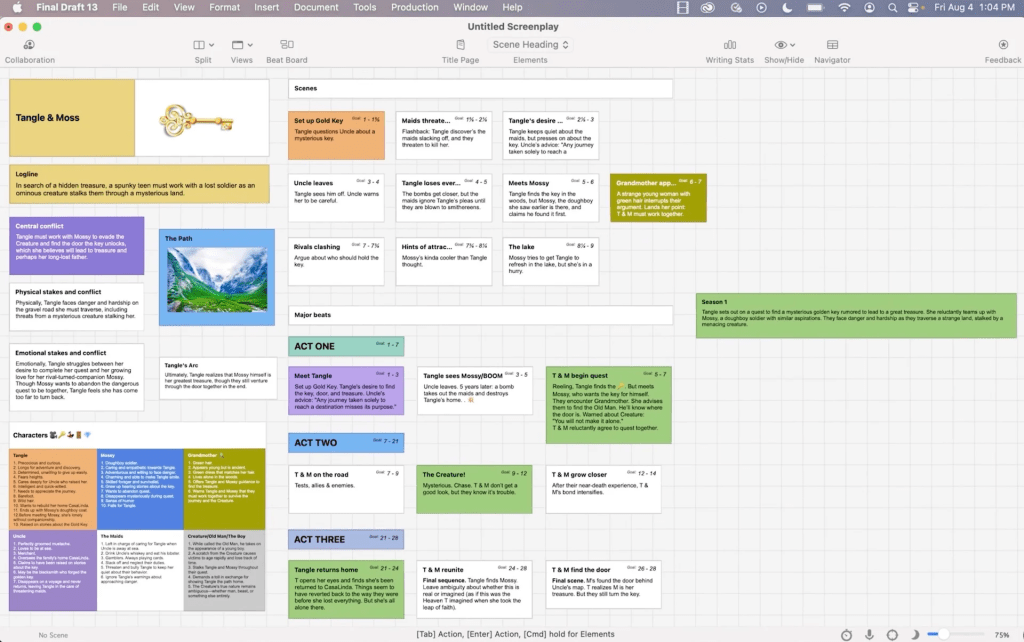
A go-to for screenwriters, Final Draft offers tools tailored for scripting.
✨ Pros:
-
Industry Standard: Built for professional screenwriting, with features like auto-formatting and story beats.
-
Story Beats: Visualize your plot with a built-in beat board.
-
Collaboration: Share scripts seamlessly with other writers or editors.
❌ Cons:
-
Cost: Premium features come with a premium price.
-
Limited Customization: Less flexible compared to open-ended tools.
👨💻 VS Code
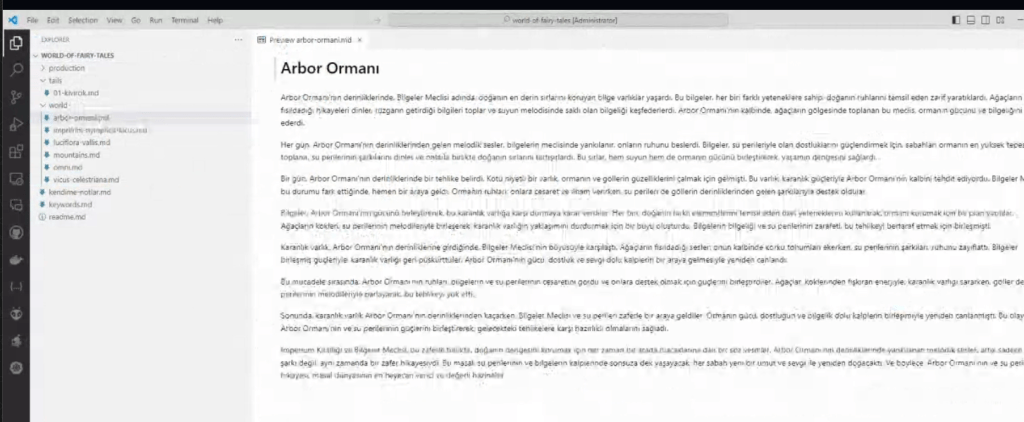
VS Code is a coder's playground, but with the right extensions, it transforms into a writer’s paradise.
✨ Pros:
-
Flexibility: Customize your workspace with extensions like Markdown or Quokka.js for visualizations.
-
Free: Open-source and budget-friendly.
-
AI Integration: Easily integrates with AI tools like ChatGPT, Copilot, or even specialized writing bots.
❌ Cons:
-
Learning Curve: Not intuitive for non-coders.
-
Formatting: Lacks built-in scriptwriting tools unless you configure them.
🤖 How AI Enhances Writing
AI tools like ChatGPT can revolutionize your storytelling process:
-
Brainstorming: Generate ideas or overcome writer’s block.
-
Editing: Fine-tune grammar, tone, or structure.
-
Plot Development: Use GPT-based tools to simulate characters or expand dialogue.
🧩 Visualizing Story Beats
Both Final Draft and VS Code let you break down your story, but the approach differs:
Final Draft: Traditional Beat Board
Think sticky notes on a whiteboard—drag, drop, and connect scenes intuitively. Perfect for linear thinkers.
VS Code: Custom Visualizations
With extensions like Mermaid.js, you can create interactive flowcharts, timeline graphs, or even mind maps. This is ideal for tech-savvy creators who like non-linear storytelling.
🖼 Pro Tip: Use VS Code’s Quokka.js to experiment with real-time AI story edits side by side with your beats!
🚀 Final Thoughts
For industry-standard scripts, Final Draft is unbeatable. But if you’re looking for versatility and AI integration, VS Code offers limitless possibilities. 🎉
🔗 Connect with me:
💼 LinkedIn
🐦 Twitter
🎥 YouTube
💻 GitHub
What’s your go-to writing tool? Let me know in the comments below! 💬
Imported from rifaterdemsahin.com · 2025