🌌 Unleashing Your Creativity with Canva Dream Lab AI 🚀
Canva Dream Lab AI is revolutionizing how we create visuals! Whether you're a designer, a content creator, or just love to experiment with innovative tools, this feature will leave you in awe. Today, I'll walk you through how to use Canva's Dream Lab AI and get the most out of it. Let's dive in! 🎨✨
💡 What is Canva Dream Lab AI?
Canva Dream Lab AI is a cutting-edge feature that uses artificial intelligence to generate stunning visuals based on your input. Think of it as having a digital assistant that transforms your ideas into professional designs within seconds. Perfect for brainstorming, prototyping, or adding a unique touch to your projects! 🌟
🛠️ How to Use Canva Dream Lab AI
Here's your step-by-step guide:
1️⃣ Access the Dream Lab AI
-
Log in to Canva and head to the "Apps" section in the side menu.
-
Search for Dream Lab AI and click to activate.
🔗 Pro Tip: Bookmark the Dream Lab AI page for quick access!
2️⃣ Input Your Idea 💭
-
Type in a prompt describing the design you envision.
For example: "A serene sunset with pastel colors, minimalistic typography for a travel blog banner." -
Let the AI work its magic!
3️⃣ Refine the Output 🔄
-
Use Canva's editing tools to tweak the design.
-
Adjust colors, fonts, or layouts to match your style.
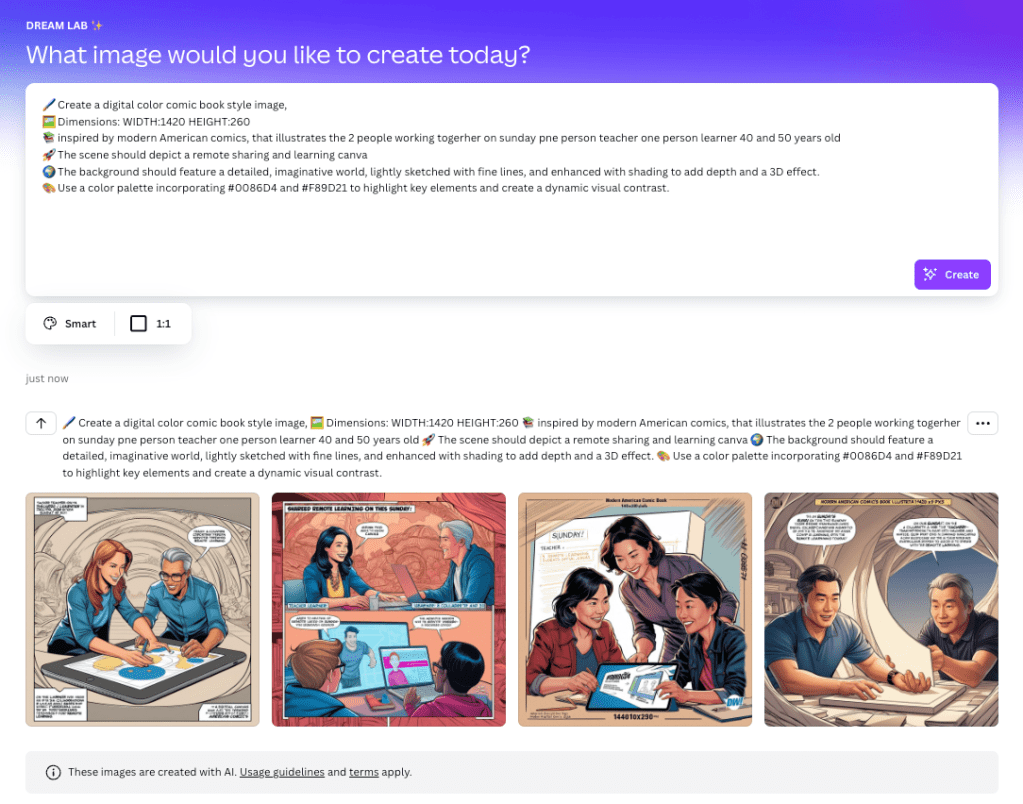
📌 After activating Dream Lab AI: Highlight where to find it.
📌 While entering a prompt: Showcase examples of creative prompts.
📌 On the final design screen: Flaunt the stunning results!
🤩 Why Use Canva Dream Lab AI?
-
Saves Time: Skip hours of manual designing.
-
Boosts Creativity: Generate ideas you wouldn't think of on your own.
-
Accessible for Everyone: Whether you're a pro or a newbie, it’s user-friendly!
🎯 Final Thoughts
Canva Dream Lab AI is a game-changer for creators looking to elevate their designs effortlessly. Dive into this creative wonderland today and unleash the artist within you! 🌟
🔗 Connect with me:
Stay in the loop for more tips and tutorials!
What will you create today with Canva Dream Lab AI? Drop your designs or questions in the comments below! 💬
Sample Prompt
`🖌️ Create a digital color comic book style image,
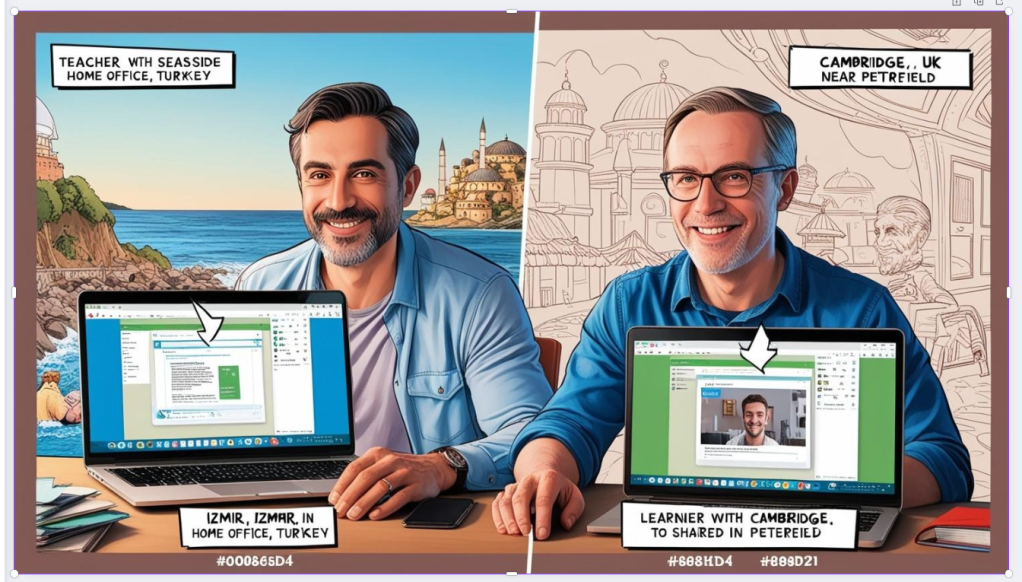
📚 inspired by modern American comics, that illustrates the 2 people working togerher on sunday pne person teacher one person learner 40 and 50 years old. both turkish people and 2 man working the subject one in izmir and one in cambridge connected by remote
🚀 The scene should depict a remote sharing and learning canva
🌍 The background should feature a detailed, imaginative world, lightly sketched with fine lines, and enhanced with shading to add depth and a 3D effect.
🎨 Use a color palette incorporating #0086D4 and #F89D21 to highlight key elements and create a dynamic visual contrast.
`
3 rd iteration
Imported from rifaterdemsahin.com · 2025