Recreate Openshift Check Version Update the Size
4.16.7
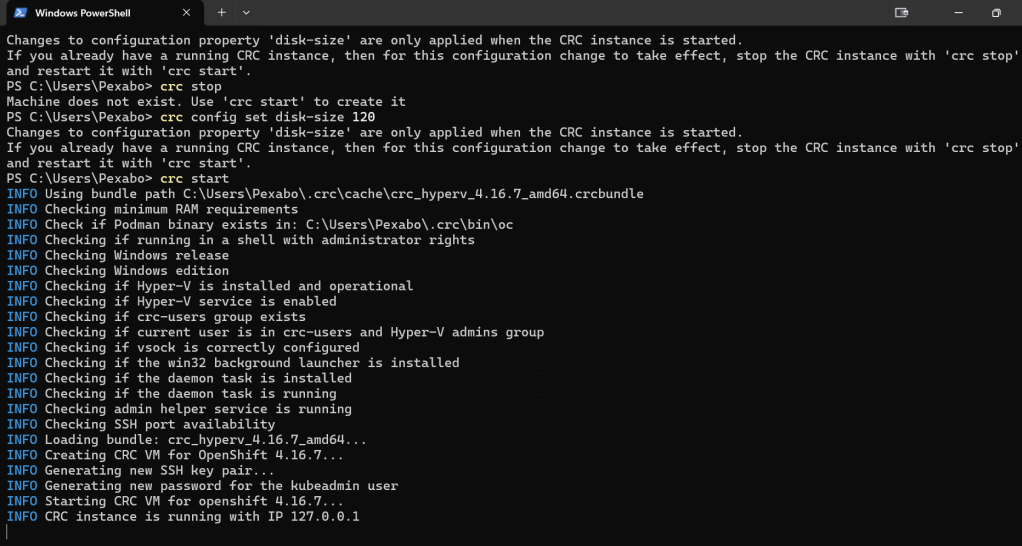
To configure your CRC (CodeReady Containers) to start with a 120 GB disk size, you can adjust the virtual machine's storage size using CRC commands. Here's how you can do it:
- Stop CRC: Ensure that CRC is not running before making any configuration changes.
crc stop
- Set the Disk Size to 120 GB: Run the following command to set the storage size to 120 GB (the default is 31 GB, but you can increase it as needed):
crc config set disk-size 120
- Start CRC: Once the configuration is updated, you can start the CRC with the new configuration.
crc start
This will provision a CRC virtual machine with a 120 GB disk size. Let me know if you need any further assistance with this!
Imported from rifaterdemsahin.com · 2025