🚀 Title: Mastering AI Development: From Idea to Deployment
🔮 Why?
The Evolution of AI Development & Its Impact
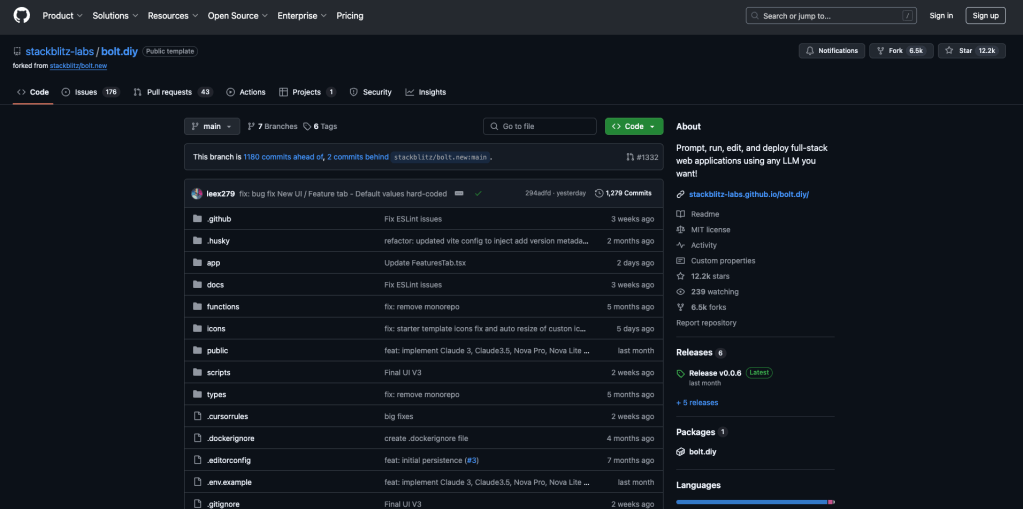
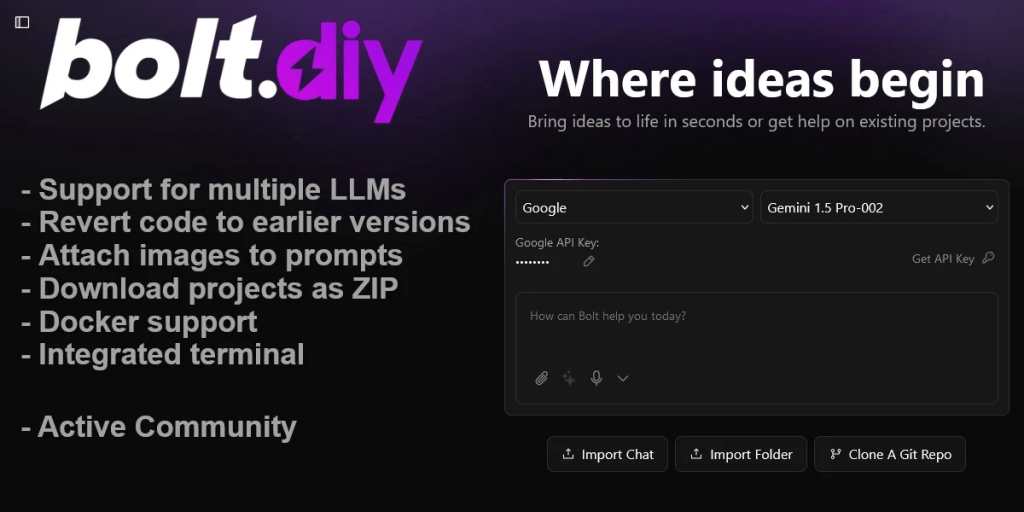
Bold.DIY: The rise of AI isn't just a technological shift—it's a revolution in how we think, work, and create. AI is not just for big tech; it’s for everyone. Mastering AI development allows individuals and businesses to innovate, automate, and stay ahead in an ever-changing landscape. The key is to integrate AI into workflows efficiently, making the most of its potential while minimizing pitfalls.
🎯 How?
A Tactical Roadmap for AI Success
✅ "ITERATE ARTICULATE" – Constantly refine your AI models through testing and feedback loops. ✅ "RIDE TECH AI TRENDS" – Stay updated with emerging AI trends like LLMs, fine-tuning techniques, and multi-modal models. ✅ "CAPTURE RESEARCH OPEN SOURCE" – Leverage the power of open-source projects on platforms like GitHub to accelerate AI development. ✅ "ORGANIZE DEVELOP > LACAN" – Structure development processes effectively, implementing frameworks like Lacan’s knowledge layers. ✅ "DISTILL VIDEOS" – Summarize and extract insights from videos to create informative, digestible content. ✅ "EXPRESS FOR MEDIUM" – Adapt AI solutions to fit different media formats, from blogs to interactive applications.
🗺 What?
Key Steps to Build & Deploy AI Applications
1️⃣ Prompt Engineering & Fine-Tuning – Design effective prompts and refine model responses. 2️⃣ Run & Deploy Multi-Stack Applications – Integrate AI into full-stack applications, ensuring scalability. 3️⃣ 5K Repo Strategy – Contribute and leverage repositories with 5,000+ stars on GitHub for faster iteration. 4️⃣ Model Validation & Performance Tuning – Measure and optimize AI models for efficiency. 5️⃣ Automation & Deployment Pipelines – Streamline continuous integration and deployment for AI systems.
✨ Web References:
✨ Signature:
🔗 Connect with Me:
🚀 Let’s build the future of AI together! 🌍
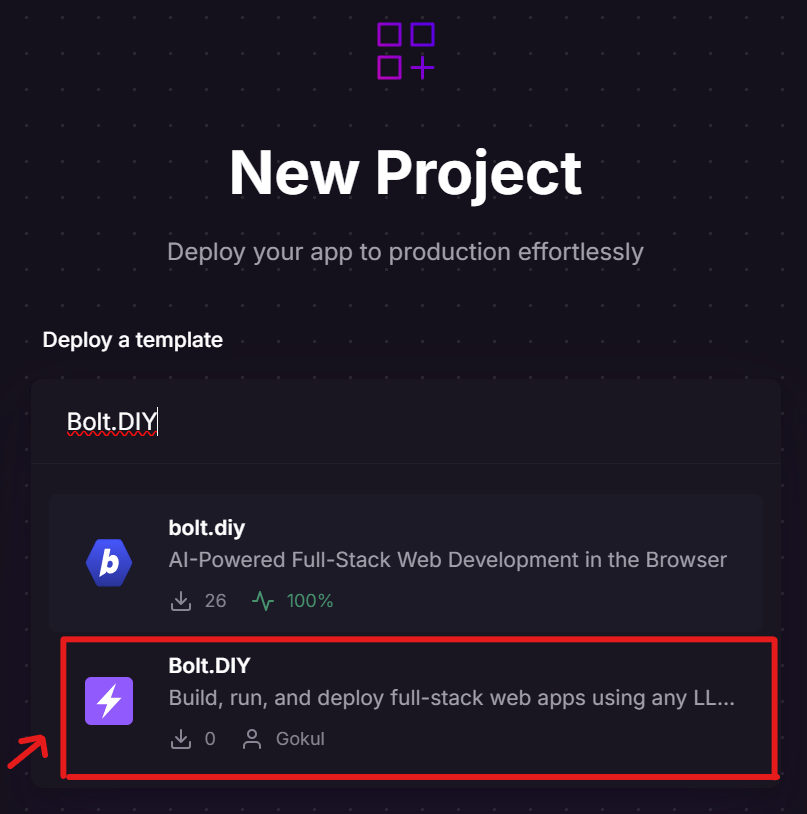
Bolt.DIY and LM Studio are both tools for running AI models locally, but they serve slightly different purposes and have different approaches. Here's a breakdown of their key differences:
1. Purpose & Use Case
- Bolt.DIY
Aims to make running AI models locally easy for non-technical users.
-
Focuses on a plug-and-play experience, with pre-configured settings for models like LLaMA, Mistral, and other open-weight LLMs.
-
Targets users who want a no-code approach to running local AI assistants.
-
LM Studio
A more advanced and flexible platform for running large language models on personal hardware.
-
Allows users to download, configure, and fine-tune models.
-
Includes features like local API endpoints, model benchmarking, and advanced prompt customization.
-
More suited for developers or power users who want control over their LLMs.
2. Ease of Use
- Bolt.DIY:
Extremely simple, designed for casual users who want a local chatbot without tweaking many settings.
-
May have a more streamlined installation and model selection process.
-
LM Studio:
More technical and feature-rich, providing deeper customization.
- Better for users who need advanced configurations and optimizations.
3. Model Support
- Bolt.DIY:
Likely supports mainstream models in a user-friendly way but may have limited options for advanced custom setups.
- LM Studio:
Supports GGUF models, which are optimized for local inference.
- Allows downloading and running a wider range of open-weight models.
4. Performance & Customization
- Bolt.DIY:
Prioritizes simplicity over deep customization.
-
May have fewer options for adjusting performance parameters.
-
LM Studio:
Offers fine-tuning, prompt engineering, and model performance adjustments.
- Includes a built-in local API, allowing integration with other apps.
5. Best For...
- Bolt.DIY:
Users who want a quick and easy local AI without technical expertise.
-
Good for casual chatbot interactions and lightweight AI tasks.
-
LM Studio:
Developers and power users who need custom configurations, local APIs, and model experimentation.
- Better suited for more advanced AI applications like RAG (Retrieval-Augmented Generation).
Final Thoughts
-
If you just want a simple AI assistant running locally, Bolt.DIY is a good pick.
-
If you want full control over your models with customization options, LM Studio is the better choice.
Would you like a recommendation based on your setup? 🚀
Imported from rifaterdemsahin.com · 2025