Free Up Google Drive Space With Synology NAS
Stop Shared Drive Sync Free Google Drive
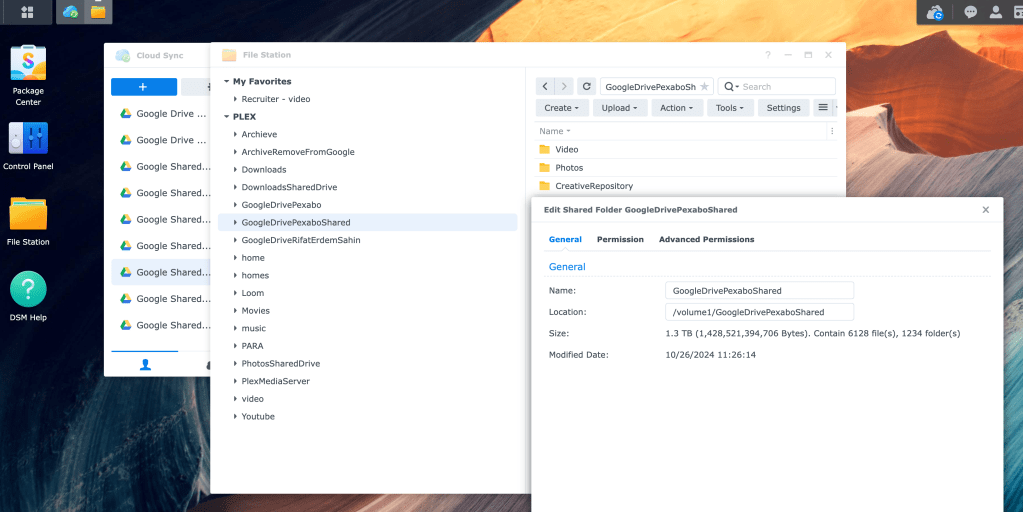
Open to make sure correct folder removal
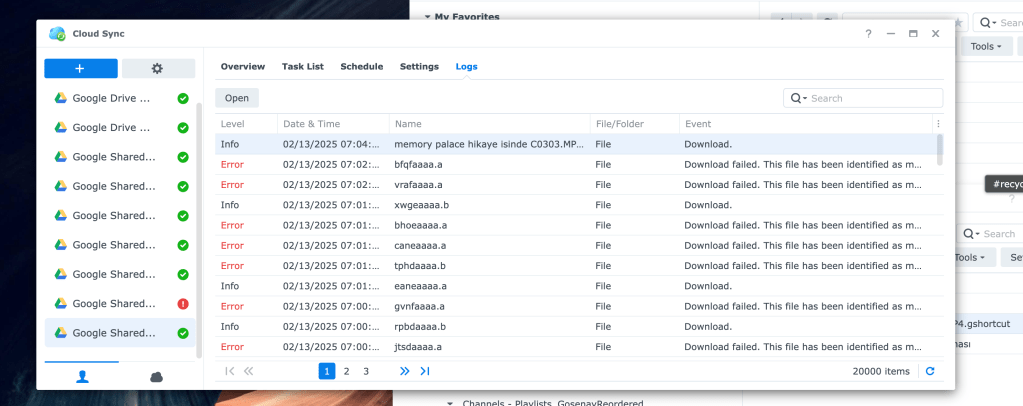
Archive Remove from Google
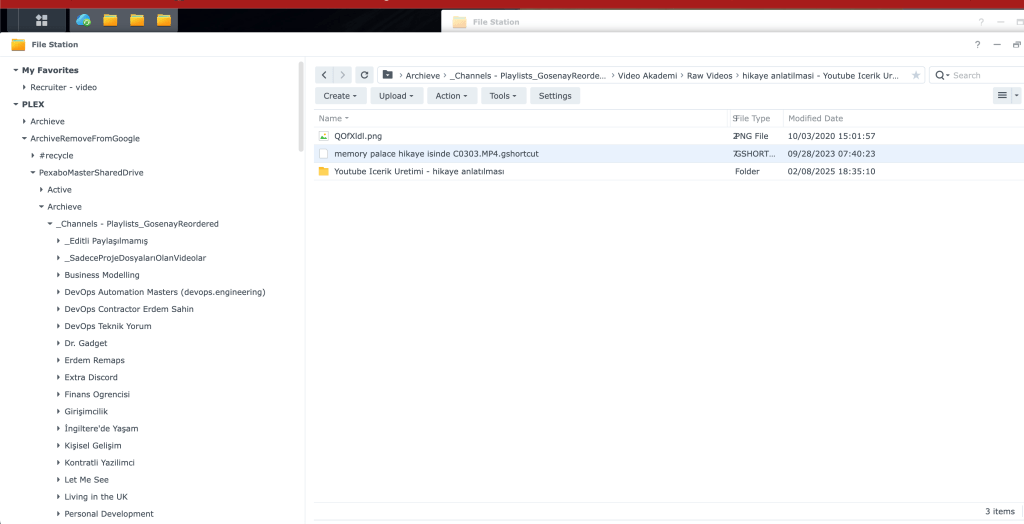
How to Ensure Correct Folder Removal from Google Drive
🗂 Step 1: Identify the Correct Folder for Removal
-
Check the 4TB storage to locate the folder that needs to be deleted.
-
Verify with Nas to confirm that it is the right folder.
📊 Step 2: Compare the Folder Size
- Cross-check the folder size from Google Drive and match it with your local drive to ensure consistency.
🔗 Step 3: Verify Unlinked Files
- Check your Synology NAS to confirm whether the files are still available after unlinking from Google Drive.
⚠ Step 4: Confirm Deletion Criteria
- According to Google Drive rules, the folder must be completely empty before it can be deleted.
📁 Step 5: Delete the Contents First
- Remove all files inside the folder before deleting the main folder itself.
🗑 Step 6: Empty the Trash
- Ensure you follow business rules by permanently deleting the files from the Google Drive bin to complete the cleanup process.
✅ Conclusion By following these steps, you can safely remove folders from Google Drive without accidental data loss. Always double-check file locations before deletion to prevent critical information loss! 🚀
PS: Deletion for 4 TB takes around 4 hours to complete
Imported from rifaterdemsahin.com · 2025