Search on gpt vs reasoning
Removes the main idea >
Output
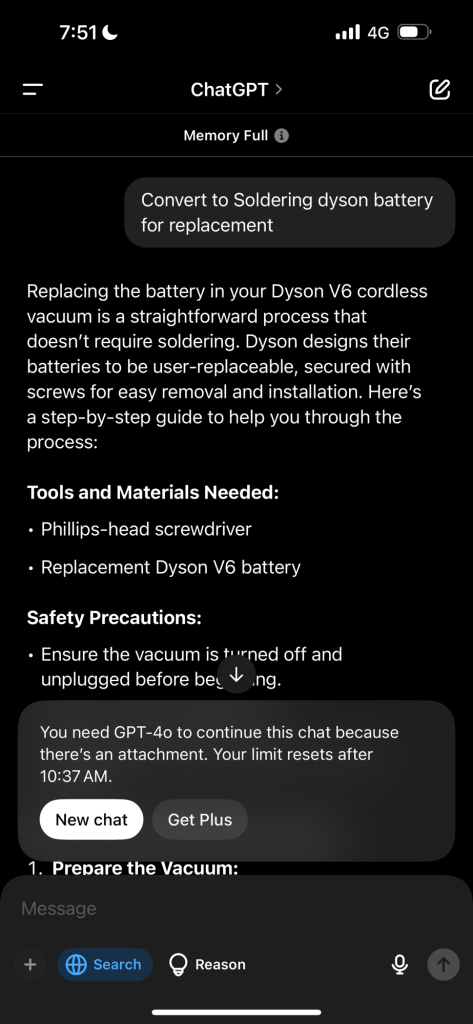
Replacing the battery in your Dyson V6 cordless vacuum is a straightforward process that doesn’t require soldering. Dyson designs their batteries to be user-replaceable, secured with screws for easy removal and installation. Here’s a step-by-step guide to help you through the process:
Tools and Materials Needed:
• Phillips-head screwdriver
• Replacement Dyson V6 battery
Safety Precautions:
• Ensure the vacuum is turned off and unplugged before beginning.
• Work in a clean, well-lit area.
• Handle all components with care to avoid damage.
Step-by-Step Battery Replacement:
- Prepare the Vacuum:
• Unplug the vacuum from the charger.
• Place the vacuum on a soft surface to prevent scratches.
- Remove the Dust Bin:
• Press and hold the red button to release the bin.
• Detach the bin from the main body of the vacuum.
- Locate and Remove Screws:
• Identify the three screws securing the battery: one on the handle and two on the underside of the vacuum.
• Use the Phillips-head screwdriver to remove these screws.
- Detach the Old Battery:
• Gently pull the battery away from the vacuum body.
• Set the old battery aside for proper disposal.
- Install the New Battery:
• Align the new battery with the slot in the vacuum.
• Slide it in until it clicks into place.
• Secure the new battery by tightening the three screws.
- Reassemble the Vacuum:
• Reattach the dust bin to the main body.
• Ensure all components are securely in place.
- Test the Vacuum:
• Charge the new battery fully before use.
• Turn on the vacuum to confirm it’s operating correctly.
Proper Disposal of the Old Battery:
Do not dispose of the old battery in regular household waste. Instead, take it to a local recycling center or a designated battery disposal point. Many electronics retailers and municipal waste facilities offer battery recycling services.
Additional Resources:
For a visual demonstration, you can refer to the following video:
By following these steps, you can replace your Dyson V6 battery without the need for soldering, ensuring your vacuum continues to perform optimally.
Imported from rifaterdemsahin.com · 2025