Vi Commands and Text Blaze
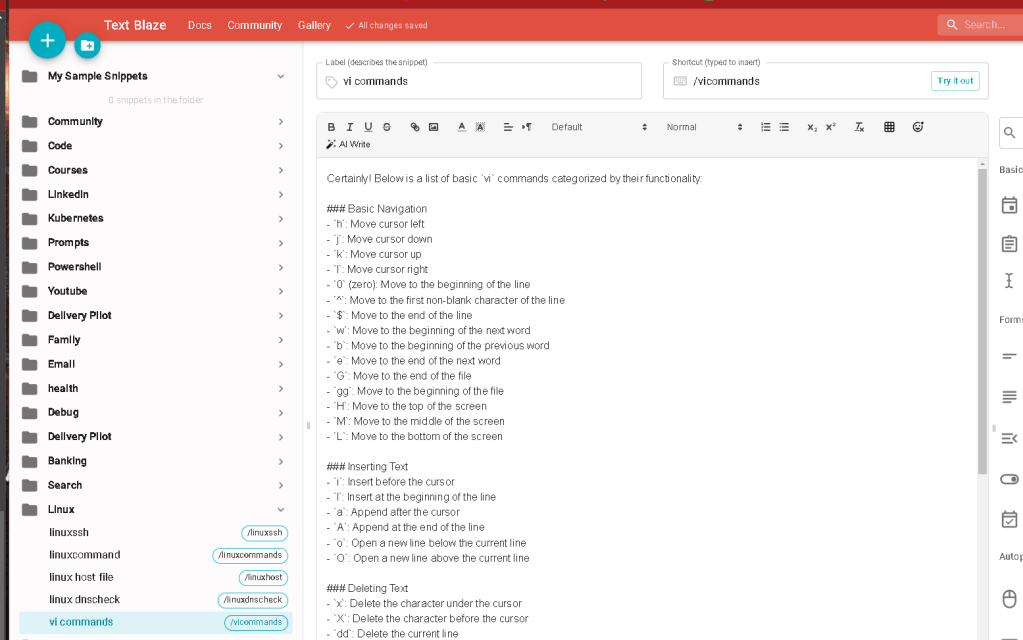
Certainly! Below is a list of basic vi commands categorized by their functionality:
Basic Navigation
h: Move cursor leftj: Move cursor downk: Move cursor upl: Move cursor right0(zero): Move to the beginning of the line^: Move to the first non-blank character of the line$: Move to the end of the linew: Move to the beginning of the next wordb: Move to the beginning of the previous worde: Move to the end of the next wordG: Move to the end of the filegg: Move to the beginning of the fileH: Move to the top of the screenM: Move to the middle of the screenL: Move to the bottom of the screen
Inserting Text
i: Insert before the cursorI: Insert at the beginning of the linea: Append after the cursorA: Append at the end of the lineo: Open a new line below the current lineO: Open a new line above the current line
Deleting Text
x: Delete the character under the cursorX: Delete the character before the cursordd: Delete the current linedw: Delete from the cursor to the end of the wordd$: Delete from the cursor to the end of the lined^: Delete from the cursor to the beginning of the lineD: Delete from the cursor to the end of the line (same asd$)
Changing Text
cw: Change from the cursor to the end of the wordcc: Change the entire lineC: Change from the cursor to the end of the liner: Replace a single characterR: Enter replace mode
Copying and Pasting
yy: Yank (copy) the current lineyw: Yank (copy) from the cursor to the end of the wordy$: Yank (copy) from the cursor to the end of the linep: Paste after the cursorP: Paste before the cursor
Undo and Redo
u: Undo the last changeU: Undo all changes on the current lineCtrl + r: Redo the last undone change
Search and Replace
/pattern: Search forpattern?pattern: Search backward forpatternn: Repeat the last searchN: Repeat the last search in the opposite direction:%s/old/new/g: Replace all occurrences ofoldwithnewin the entire file
Exiting
:w: Write (save) the file:q: Quitvi:wq: Write (save) and quit:q!: Quit without saving changes:x: Write (save) and quit (same as:wq)
Visual Mode
v: Start visual mode (character-wise)V: Start visual mode (line-wise)Ctrl + v: Start visual block mode
Advanced Editing
.: Repeat the last changeJ: Join the current line with the next line>: Indent line right<: Indent line left
Miscellaneous
:set number: Show line numbers:set nonumber: Hide line numbers:help: Open the help file
These commands cover a wide range of basic and intermediate functionality in vi. If you need more advanced or specific commands, feel free to ask!
Imported from rifaterdemsahin.com · 2025