🚀 How to Update CRC with Red Hat OpenShift Local: A Step-by-Step Guide
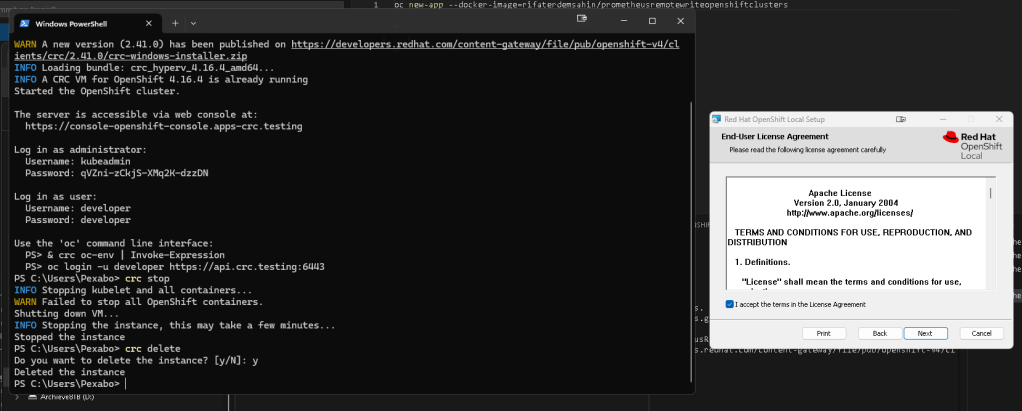
It looks like you've uploaded a screenshot related to Red Hat OpenShift Local Setup and some commands for crc management.
If you're looking to write a blog post about updating the CRC (CodeReady Containers) setup with Red Hat, here's a suggestion based on what I see in the screenshot:
If you're working with Red Hat OpenShift Local (previously CRC) and need to update your environment, this quick guide is for you! I'll walk you through stopping, deleting, and re-installing your CRC instance.
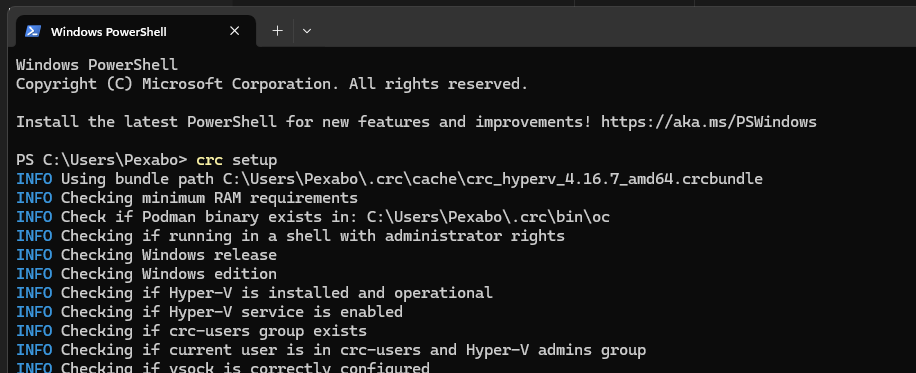
Step 1: Stopping the CRC Instance 🛑
First, you need to stop the running CRC instance. Here's the command:
crc stop
This will shut down your VM and all running containers. Make sure you stop all the processes cleanly to avoid issues during the update.
Note: Sometimes, you might see a warning about failing to stop containers. This usually happens if there's some dependency still running. In that case, don't worry, the instance will still shut down.
Step 2: Deleting the Instance ❌
Once the instance is stopped, it's time to delete it to clear space for the update:
crc delete
You’ll be prompted to confirm:
Do you want to delete the instance? [y/n]: y
This step clears the instance from your system, allowing you to set up a fresh version.
Step 3: Installing the Latest CRC Version 🆕
To ensure you’re working with the latest features and bug fixes, download the latest version of CRC from the official Red Hat site:
https://developers.redhat.com/content-gateway/file/pub/openshift-v4/clients/crc/2.41.0/crc-windows-installer.zip
Once downloaded, follow the installation process via the graphical setup. Make sure to accept the license agreement.
Step 4: Starting the New CRC Instance ⚙️
After installation, launch a new CRC instance by executing:
crc start
You'll be provided with login credentials for both the administrator and developer accounts:
Username: kubeadmin
Password:
Troubleshooting 🚨
If you encounter any issues during the update, like failing containers or missing resources, make sure to:
-
Verify your
crcversion by runningcrc version. -
Double-check your network configuration for any proxy or DNS issues.
-
Consult the Red Hat documentation for troubleshooting tips.
Feel free to tweak this blog post as you see fit! If you'd like me to edit or add anything, or even generate a link to the uploaded image for embedding in your blog, just let me know. 😊
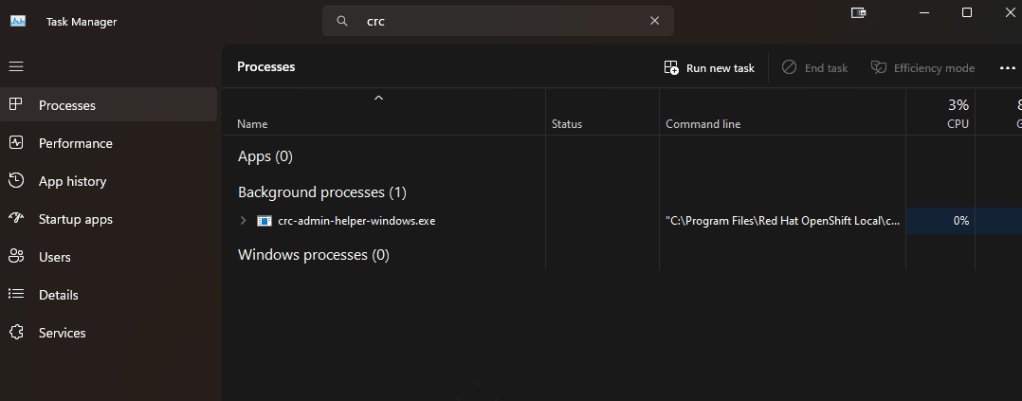
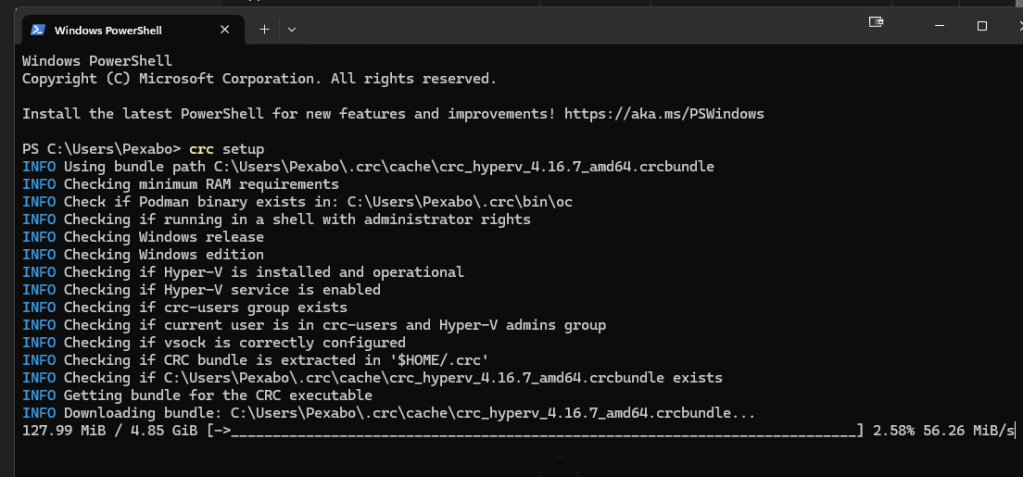
redownload > after the setup
Imported from rifaterdemsahin.com · 2025