Rode Wireless Go Errors Out
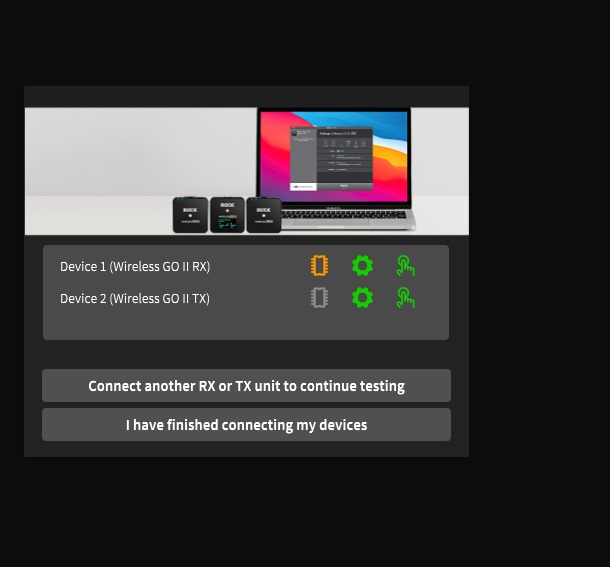
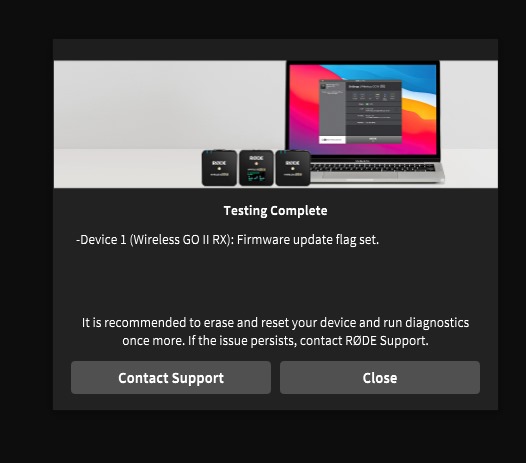
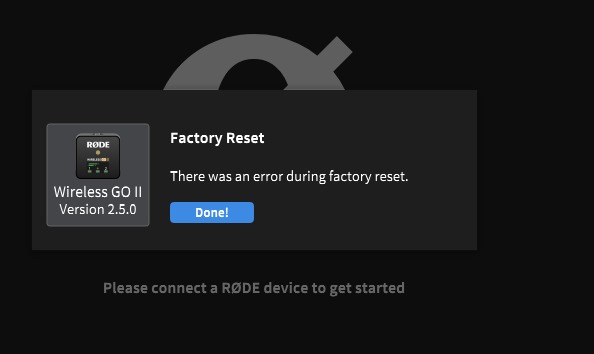
Diagnogistics does not show an error> the battery not holding well
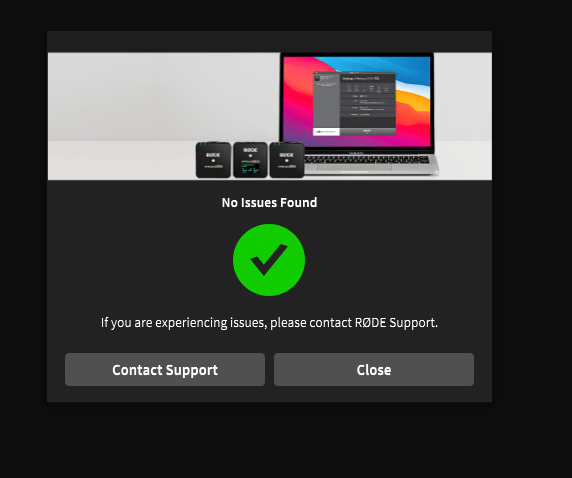
Second restart
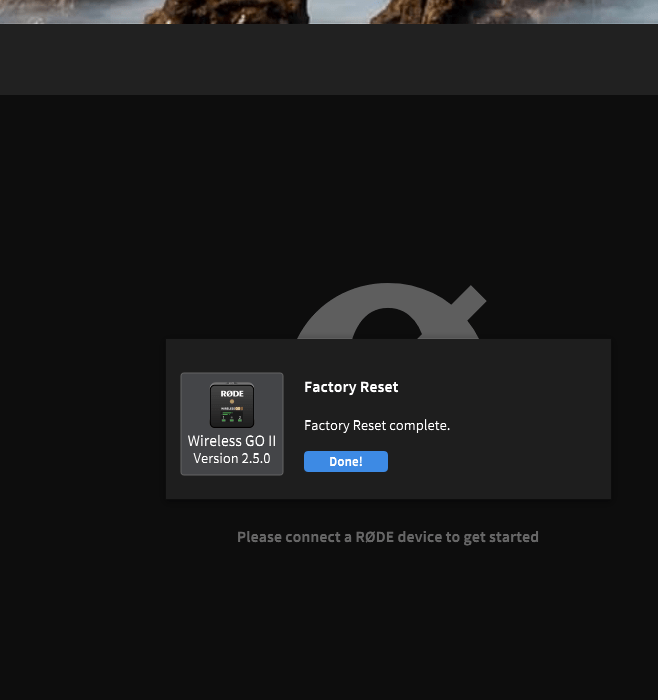
gpt 4.0
To pair the Rode Wireless GO II, follow these steps:
1. Turn on the Devices
- Press and hold the power button on the receiver (RX) and the transmitters (TX) until they turn on. You'll see the Rode logo appear on the screens.
2. Check Automatic Pairing
- The devices should automatically pair when turned on. The receiver will show battery and signal strength indicators for each transmitter when successfully paired.
3. Manual Pairing (If Needed)
- Activate Pairing Mode on the Receiver:
Press and hold the pairing button on the receiver until it starts searching (indicated on the screen).
- Activate Pairing Mode on the Transmitter:
Press and hold the pairing button on the transmitter.( doublr click )
-
The transmitter's light will flash to indicate pairing mode.
-
When paired, the receiver will display the signal strength of the transmitter, and the transmitter’s light will stop flashing.
4. Factory Reset (Optional)
- If the devices fail to pair, you can reset them:
On the receiver, navigate to the settings menu and select "Unpair All".
- Then try pairing again manually.
5. Using the Rode Central App (Optional for Advanced Settings)
-
Download the Rode Central app on your computer or smartphone.
-
Connect the receiver and transmitters via USB-C to customize settings or ensure firmware is updated.
Let me know if you encounter any issues!
After connection > it asked again > this time for the rodecaster pro II
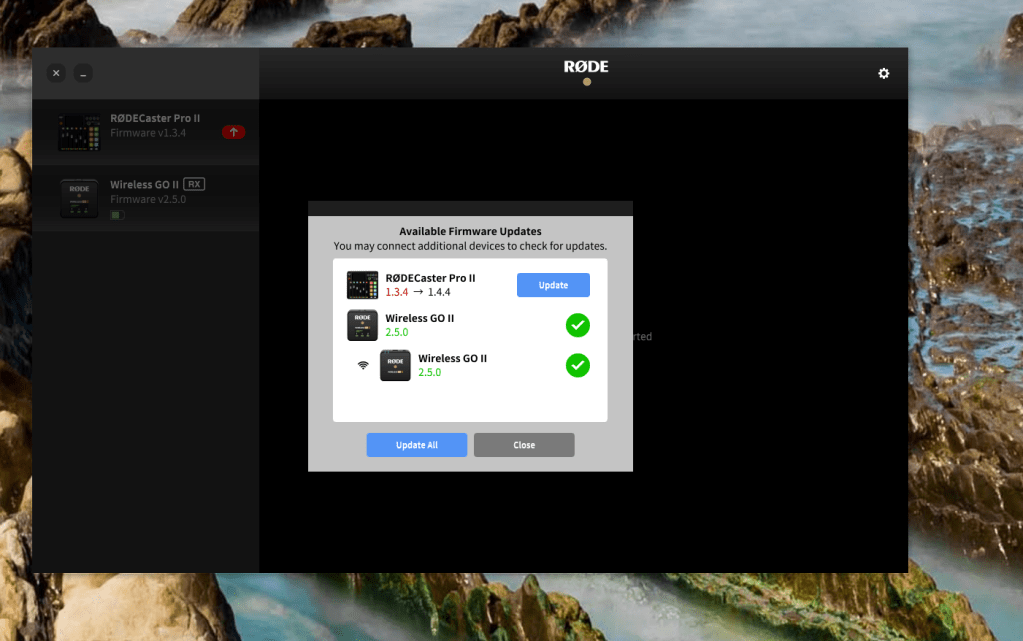
Rode fix > error found maybe that gets resolved!
Imported from rifaterdemsahin.com · 2024