Keeping Your Software Up to Date with Chocolatey
Todays workstation updates ^
Keeping software up to date is crucial for both security and functionality. One of the most efficient ways to manage software updates on Windows is through Chocolatey, a package manager for Windows. Recently, I performed an upgrade using Chocolatey, and I’d like to share the experience and benefits.
What is Chocolatey?
Chocolatey is a package manager for Windows that works similarly to APT on Debian/Ubuntu or YUM on CentOS. It allows you to install, update, and manage software packages directly from the command line, simplifying the management of your software.
The Upgrade Process
Here’s a step-by-step look at how Chocolatey upgraded my software:
- Initiating the Upgrade: I opened Windows PowerShell with administrator privileges and ran the command to upgrade all installed packages:
choco upgrade all -y
-
Package Updates: Chocolatey went through the list of installed packages, checked for newer versions, and upgraded them. Here are some of the packages that were checked:
-
obs-studio.install v30.1.2 -
office365business v17531.20486.0 -
paint.net v5.0.13 -
vscode v1.92.0 -
winrar v7.1.0 -
zoom v6.1.6.43767 -
Successful Upgrade: After a few minutes, Chocolatey had successfully upgraded one of the packages,
anydesk v8.0.12, and provided a summary of the action taken:
Upgraded:
- anydesk v8.0.12
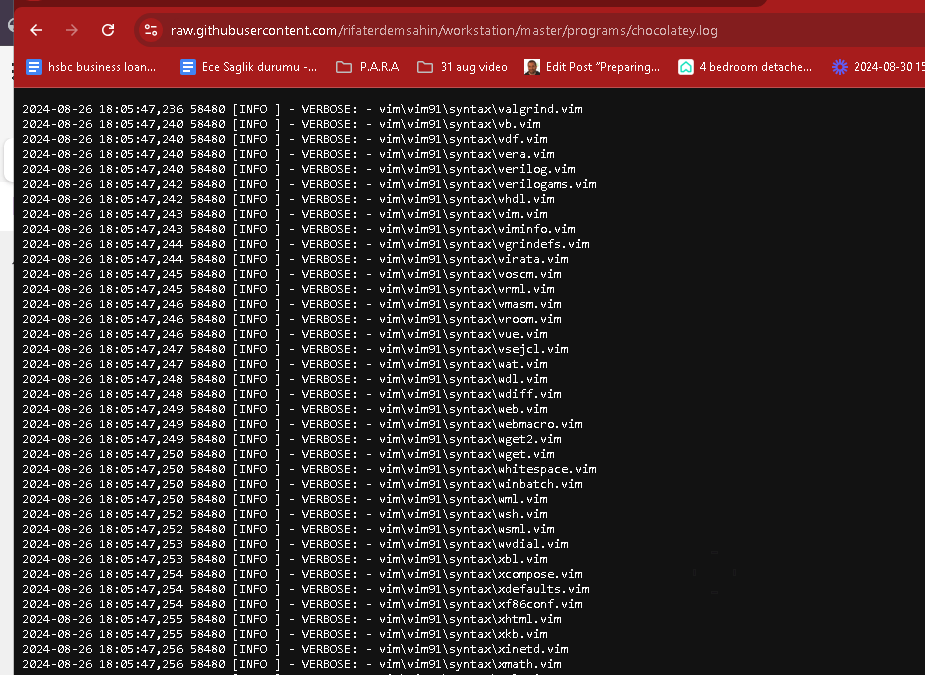
- Log Details: For a complete log of the upgrade process, including any issues or skipped packages, Chocolatey saves a log file at:
C:\ProgramData\chocolatey\logs\chocolatey.log
Benefits of Using Chocolatey
-
Automation: Automating the update process saves time and ensures that you always have the latest security patches and features.
-
Centralized Management: Manage all your software from a single interface, avoiding the need to visit multiple websites and download individual installers.
-
Reduced Errors: By using command-line instructions, the chances of manual errors are minimized, making the process more reliable.
Conclusion
Using Chocolatey to manage software updates is a powerful way to ensure your applications are always up to date. It simplifies the process, provides centralized management, and minimizes errors. If you’re not already using Chocolatey, I highly recommend giving it a try.
For more detailed instructions and to get started with Chocolatey, visit their official website.
Happy updating!
Logs
Imported from rifaterdemsahin.com · 2024