🚀 How to Access Your Workstation with AnyDesk 🌐
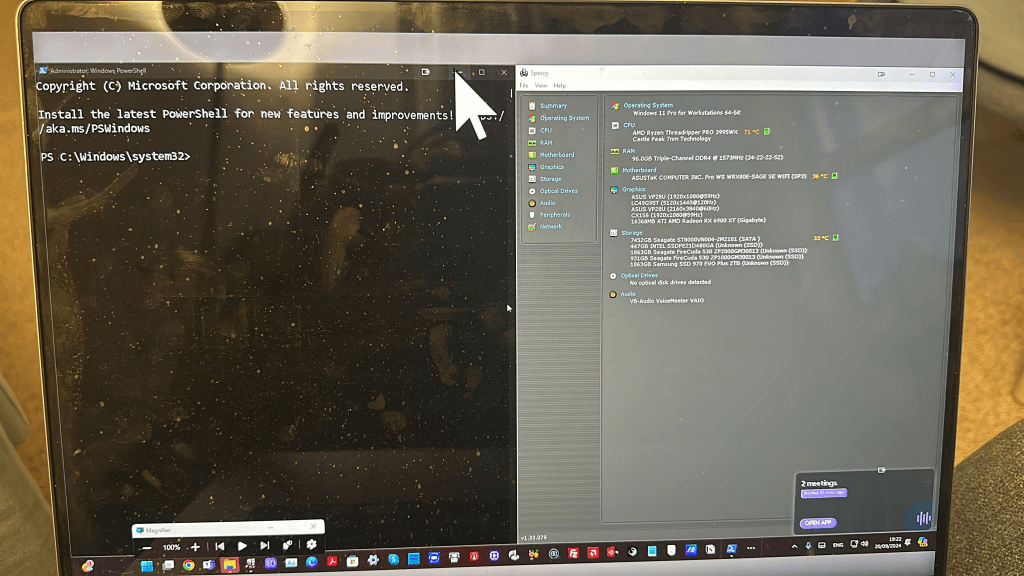
One of the most efficient ways to access your workstation remotely is by using AnyDesk. Whether you're traveling or working from home, this tool allows you to connect to your work environment effortlessly, ensuring you always have the necessary files and resources at your fingertips. Here's a quick guide on how to set it up and use it! 🎯
🔧 Step-by-Step Guide to Remote Access with AnyDesk 🖥️
-
Download & Install AnyDesk 🛠️
-
Visit AnyDesk and download the version suitable for your operating system.
-
Follow the installation instructions and set up AnyDesk on both the workstation and the device you’ll be accessing it from.
-
Get Your Address 🔢
-
Open AnyDesk on your workstation and locate your unique address in the main window.
-
This address is what you will use to access the machine remotely. (🔗 Example below)
-
Start the Remote Session 🕹️
-
Open AnyDesk on your remote device (laptop, phone, etc.) and enter the address of your workstation.
-
Accept the connection on your workstation, and you're good to go!
-
Control Settings ⚙️
-
You can adjust permission levels to allow for file transfer, screen recording, or even full remote control.
-
It’s recommended to set up unattended access if you frequently use the same workstation.
🚀 Why AnyDesk is My Go-To for Remote Access
-
Fast & Lightweight – AnyDesk is designed to be quick and responsive, ensuring smooth remote sessions.
-
Secure 🔒 – With end-to-end encryption, your data is safe during remote access.
-
Cross-Platform – Whether you're using Windows, macOS, or Linux, AnyDesk works across all systems seamlessly.
💡 Pro Tip: Set up AnyDesk to run automatically when your workstation starts. This way, you won’t need to physically access the machine to connect remotely.
🔗 Connect with me:
🌍 Whether you're setting up your remote environment for coding, content creation, or managing servers, AnyDesk is an essential tool for efficiency. Happy remote working! 😊
Imported from rifaterdemsahin.com · 2024