🚀 Unlocking Knowledge: Exploring LinkedIn Video Upload Limitations for Sharing Courses 🎥
Have you ever wondered about sharing your valuable course content directly on LinkedIn instead of platforms like Udemy? 🌟 Removing paywalls to empower individuals and helping them showcase their skills through videos sounds like an exciting idea. However, LinkedIn has its share of limitations when it comes to video uploads. Here’s a deep dive into the possibilities and constraints. 🕵️♀️
💡 Why LinkedIn?
LinkedIn is a professional hub where your target audience already resides. By uploading course videos here:
1️⃣ You eliminate barriers like subscription fees.
2️⃣ Your content becomes discoverable to recruiters and peers.
3️⃣ You help people directly showcase skills without redirecting them to third-party platforms.
But here’s the catch—LinkedIn’s video upload capabilities come with limitations. Let's break them down. 👇
🚨 Limitations of Uploading Videos on LinkedIn
1. File Size Restrictions 📁
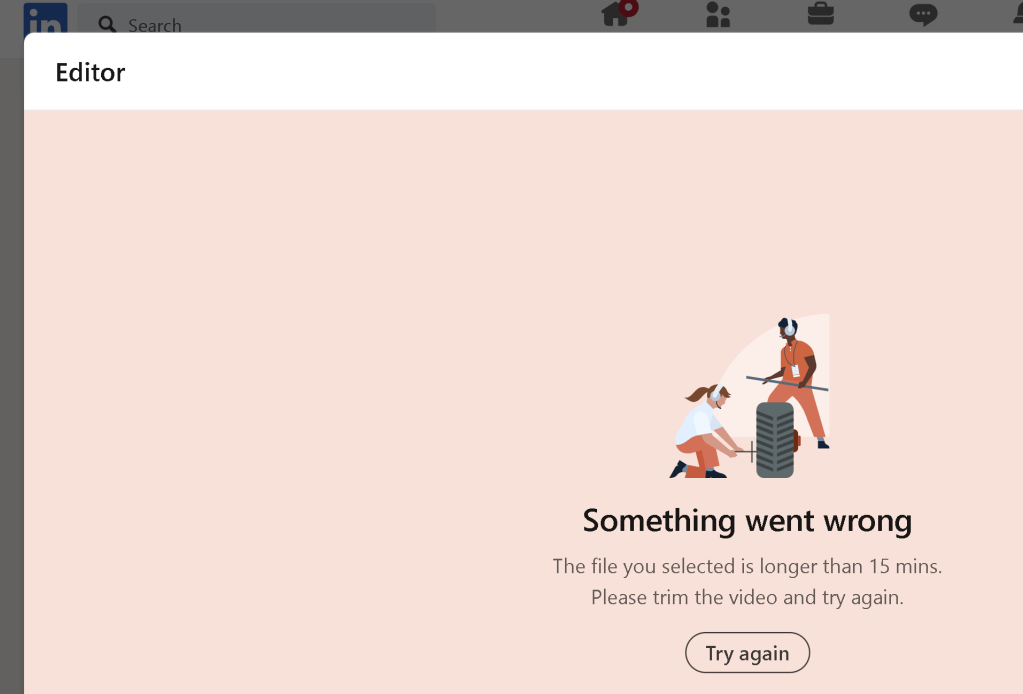
LinkedIn supports video files up to 5GB, which might not be sufficient for high-resolution, long-duration course videos.
- 5gb is big enough
2. Video Duration ⏱️
The maximum duration for a single video is 10 minutes for standard posts. For LinkedIn Live, content can extend longer, but it requires a separate setup.
- Videos can be divided
3. Aspect Ratios and Resolutions 📐
LinkedIn accepts specific aspect ratios (16:9, 9:16, 1:1). Videos must comply with these standards, or you’ll face cropping issues.
- Export Linkedin mind
4. No Multi-Module Support 📚
Unlike platforms like Udemy, LinkedIn doesn’t offer structured modules. This means your courses will be standalone videos, losing the chapter-by-chapter learning experience.
-
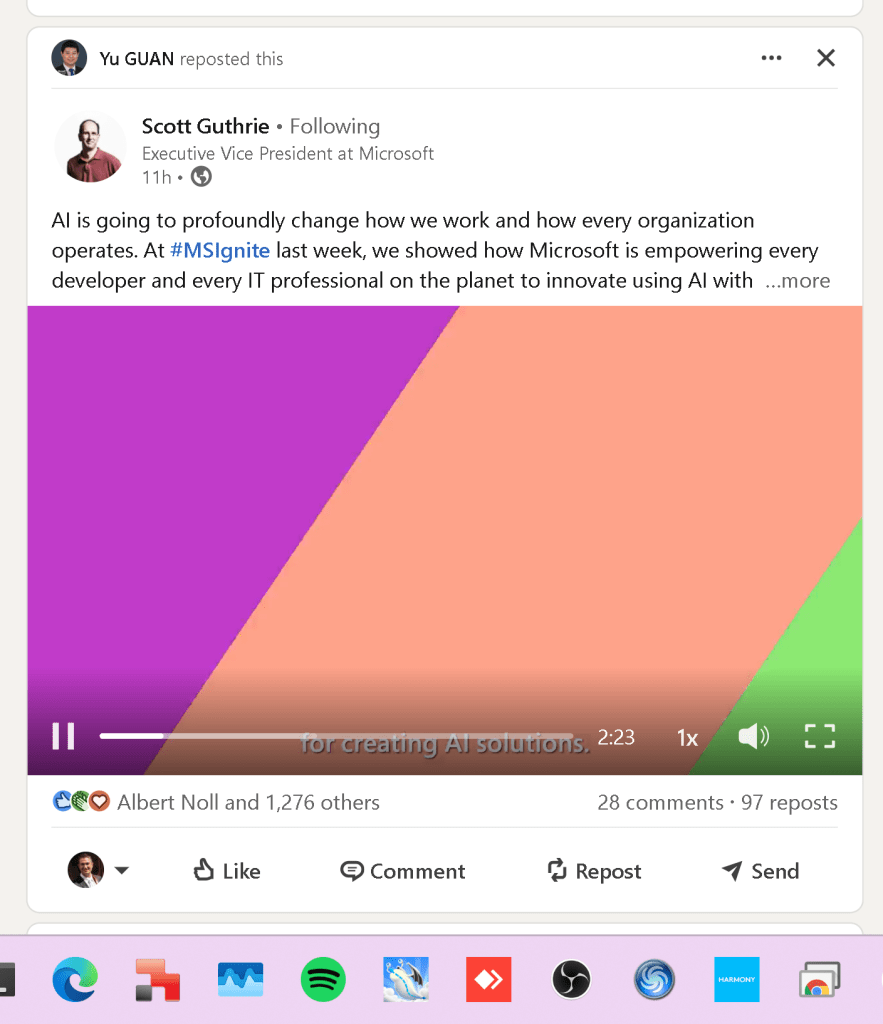
Video chains by link down below
-
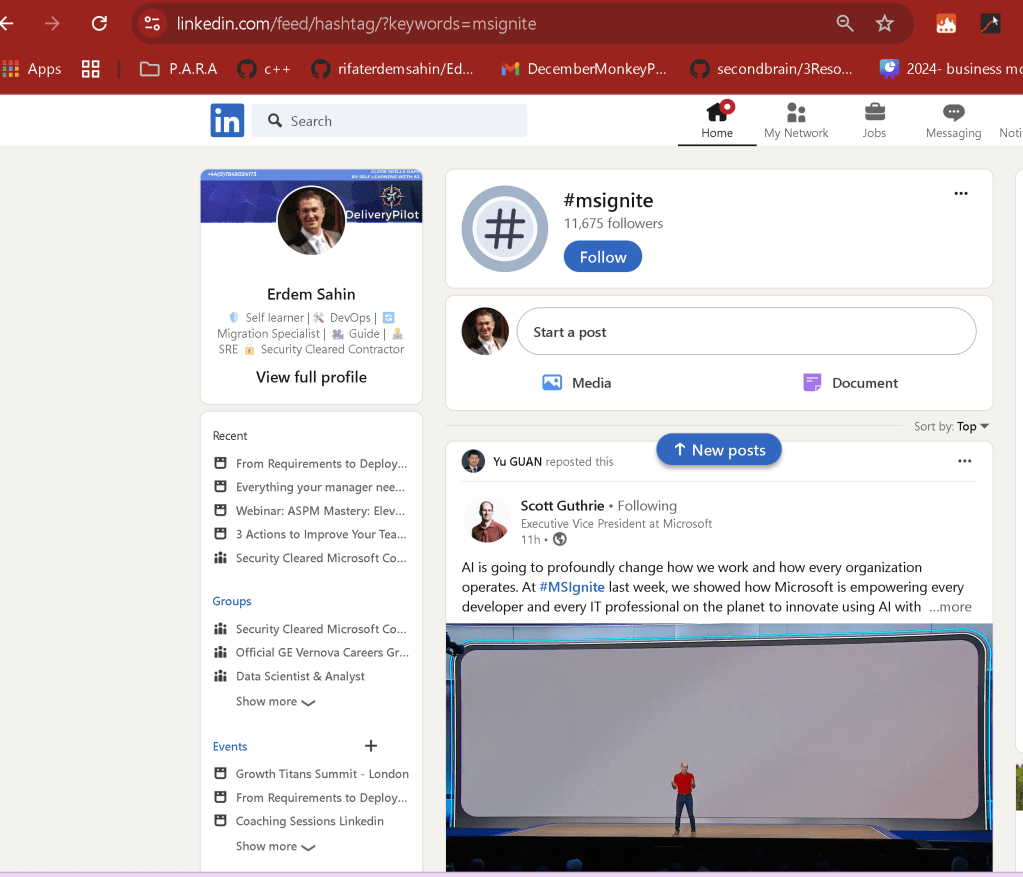
Multi Hashtags to collect
-
Generate by GPT
5. Limited Analytics 📊
You won’t get detailed insights like completion rates or engagement heatmaps. LinkedIn provides basic metrics like views, likes, and shares.
-
better than paying to Thinkific
-
better than giving free an nousage on Udemy
6. Discoverability Challenges 🔍
Course content can easily get buried in the feed unless users save or bookmark your post. There's no robust course cataloging feature.
- Release in devops engineering community
7. No Monetization Options 💵
If you’re looking to generate income from your content, LinkedIn doesn’t currently support direct monetization.
-
Youtube self learning promote > Linked Course
-
Linked value > Connect >> Framework buyin
-
Web site > Assesment on self learning
8. Storage and Accessibility 🌐
Once uploaded, your videos remain on LinkedIn servers. There’s no organized library for users to revisit like Udemy’s course dashboard.
- Watch the funnel landing on the website
🚀 How to Work Around These Limitations?
To make the most of LinkedIn’s platform:
💡 Chunk Your Content: Break your course into smaller, digestible videos.
💡 Use Captivating Descriptions: Add structured outlines and timestamps in post captions.
💡 Leverage LinkedIn Articles: Embed videos within long-form posts to create a pseudo-course format.
💡 Promote Interaction: Encourage learners to comment, share, or ask questions.
✨ Conclusion
While LinkedIn’s video upload features have limitations, they provide a unique opportunity to connect directly with a professional audience. By adapting your content to fit the platform, you can make a significant impact without relying on paywalls. Let’s democratize learning! 🌍
📸 Pause for a Screenshot: 🎥
“Here’s a sneak peek at how I structure my course videos on LinkedIn!”
🔗 Connect with Me!
Let’s collaborate and make education more accessible:
Let’s learn, grow, and share—together! 🚀
Imported from rifaterdemsahin.com · 2024