GPT DIAGRAMS
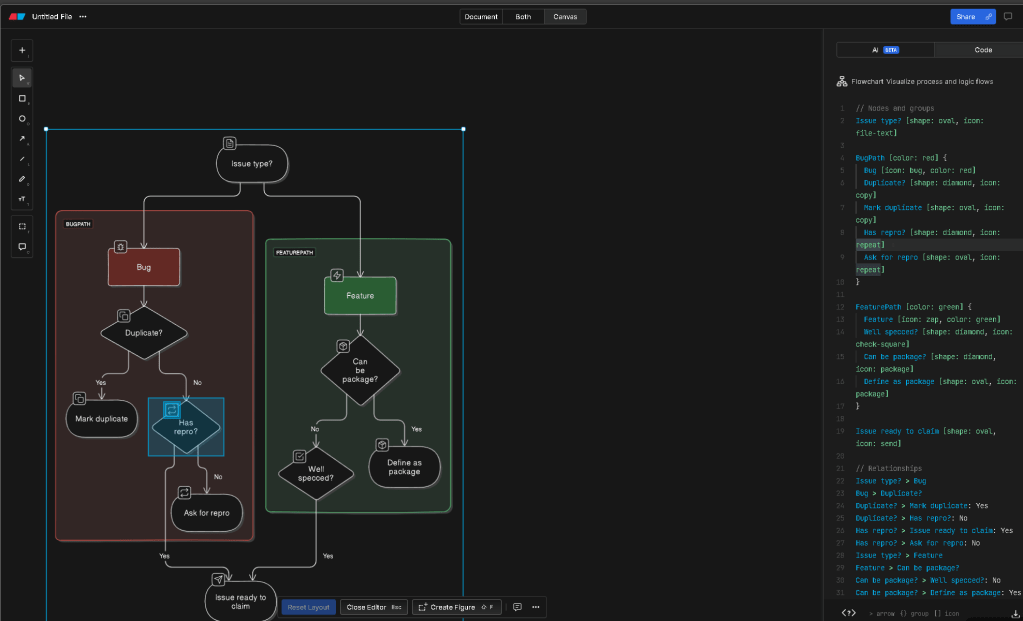
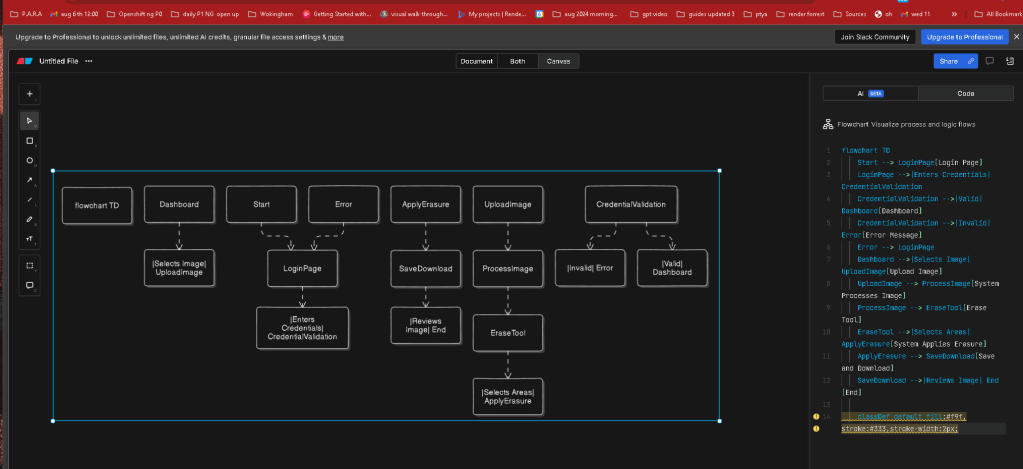
Let's create a sample flowchart for a basic user journey in the app.eraser.io, from login to using the main feature of erasing content from images.
Flowchart Description:
-
Start
-
Login Page
-
User enters credentials
-
System validates credentials
If invalid, show error message and prompt to re-enter credentials
-
If valid, proceed to Dashboard
-
Dashboard
-
User selects image to upload
-
Upload Image
-
System processes the image
-
Erase Tool
-
User selects areas to erase
-
System applies erasure
-
Save and Download
-
User reviews the image
-
User saves and downloads the image
-
End
I'll create this diagram using a standard flowchart format.
Diagram Creation
flowchart TD
Start --> LoginPage[Login Page]
LoginPage -->|Enters Credentials| CredentialValidation
CredentialValidation -->|Valid| Dashboard[Dashboard]
CredentialValidation -->|Invalid| Error[Error Message]
Error --> LoginPage
Dashboard -->|Selects Image| UploadImage[Upload Image]
UploadImage --> ProcessImage[System Processes Image]
ProcessImage --> EraseTool[Erase Tool]
EraseTool -->|Selects Areas| ApplyErasure[System Applies Erasure]
ApplyErasure --> SaveDownload[Save and Download]
SaveDownload -->|Reviews Image| End[End]
classDef default fill:#f9f,stroke:#333,stroke-width:2px;
I will now generate and provide you with the diagram file.
Diagram File
Here is the flowchart diagram in SVG format for download.

This SVG file represents a simple user journey within the app.eraser.io from login to erasing content from an image and downloading the final output. If you need further customization or additional details, please let me know!
Imported from rifaterdemsahin.com · 2024