Edit By Transcript in Video Production
Canva vs CapCut > Bigger File In Take
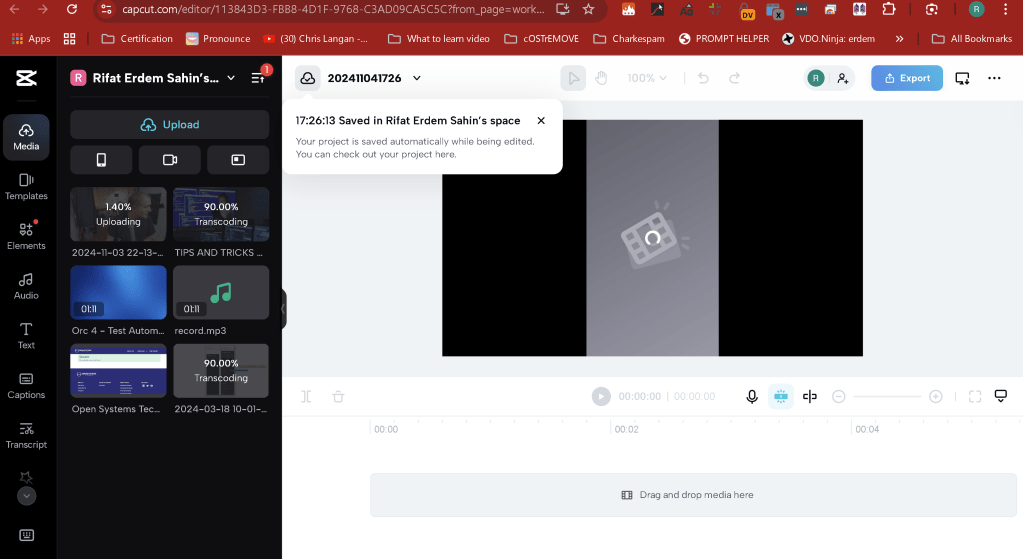
Faster in take or background upload
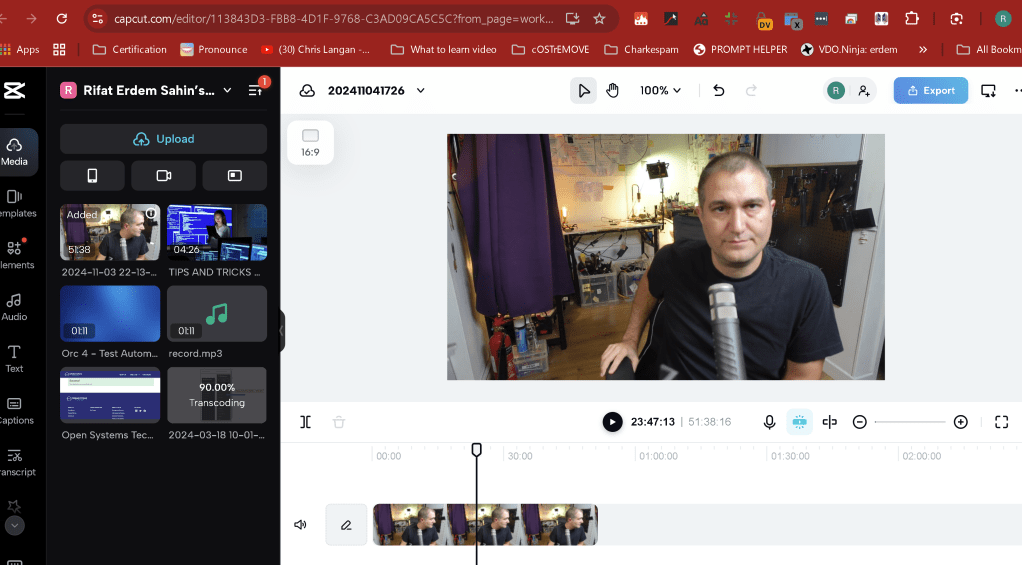
Captions is there
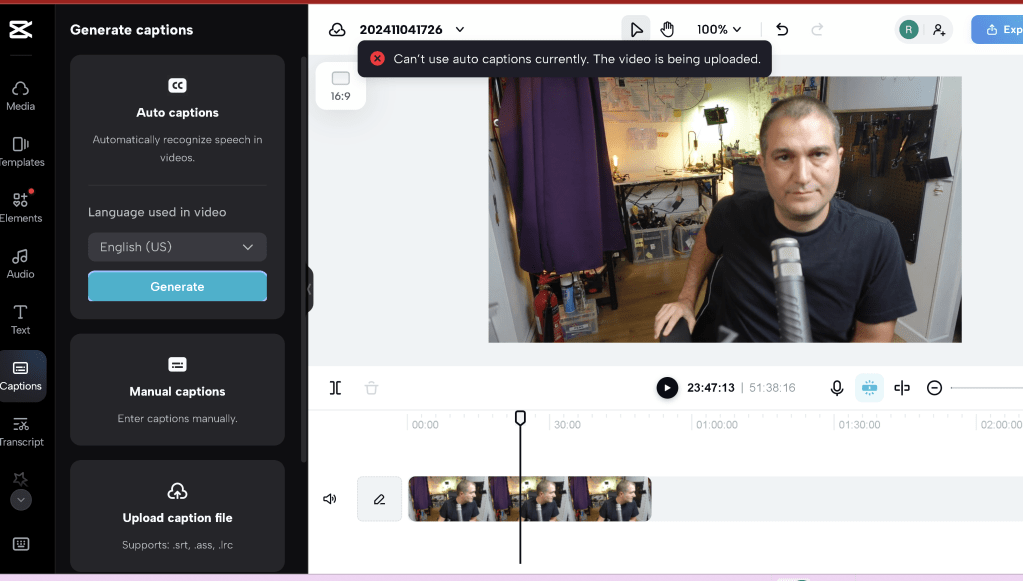
Srt support
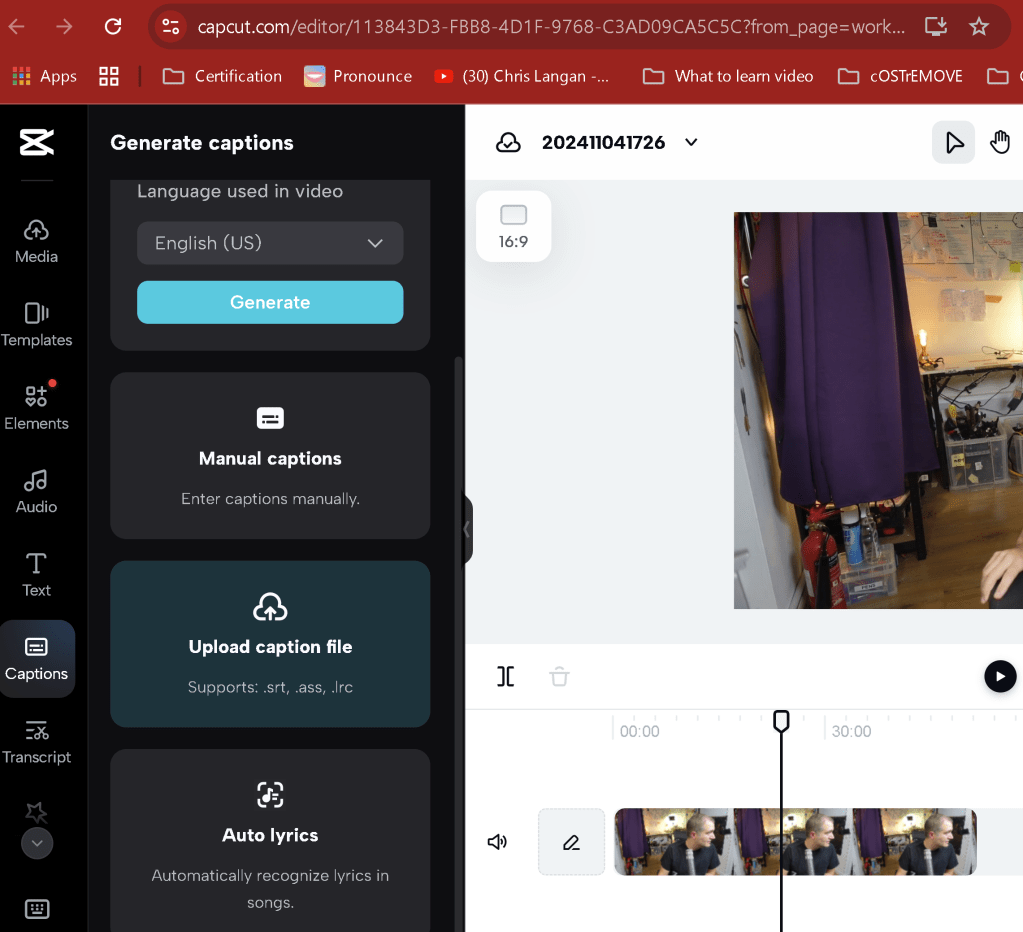
Cut by srt is there
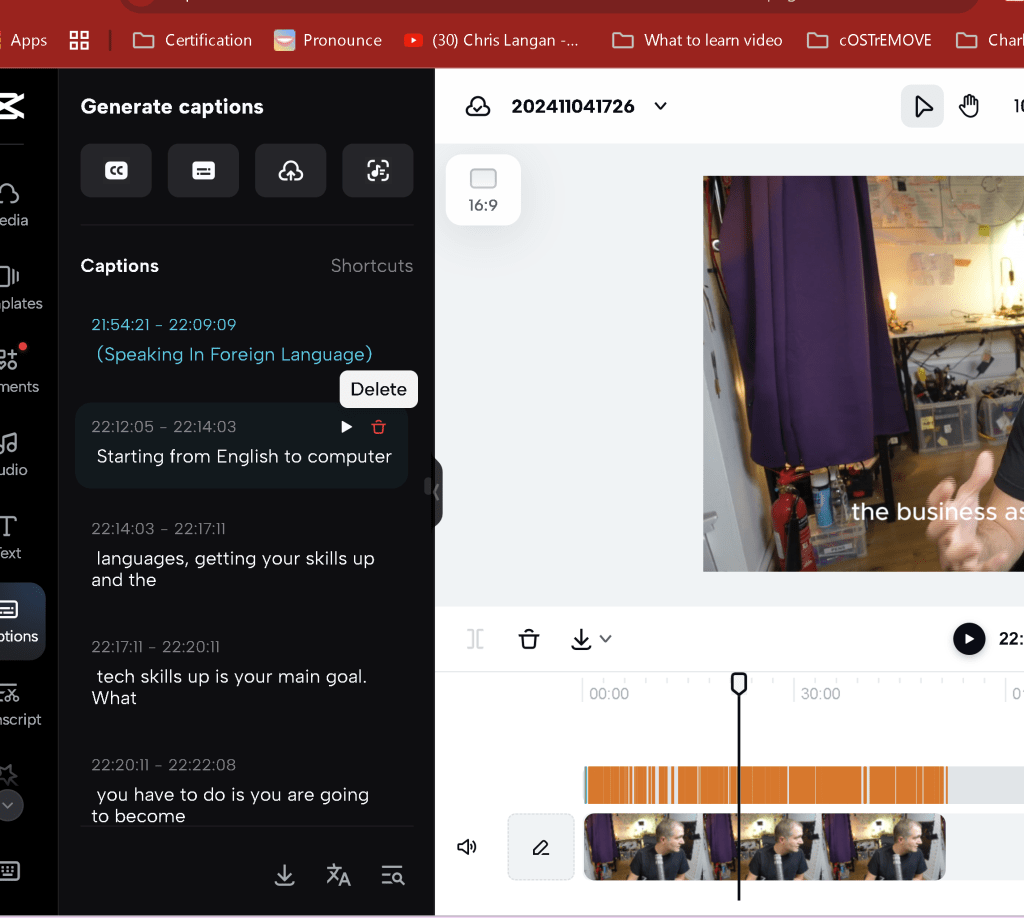
Cap Cut Captions delete does not delete the timeline
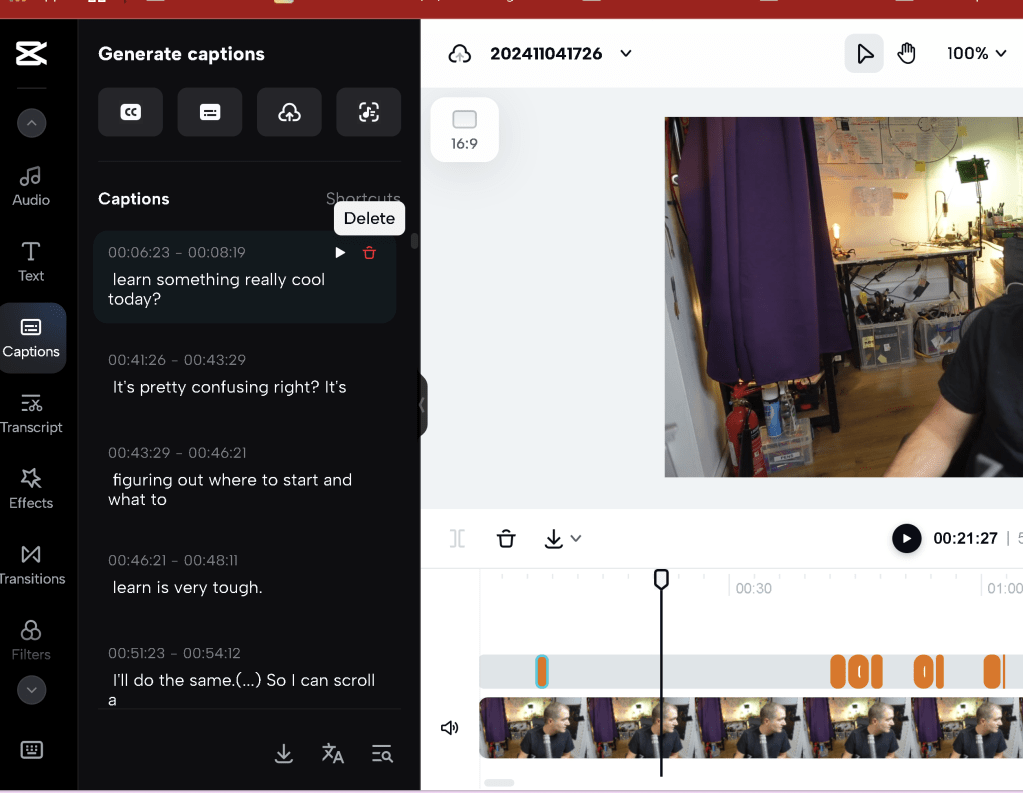
MAYBE TRANSCRIBE WOULD LET ME CUT IT
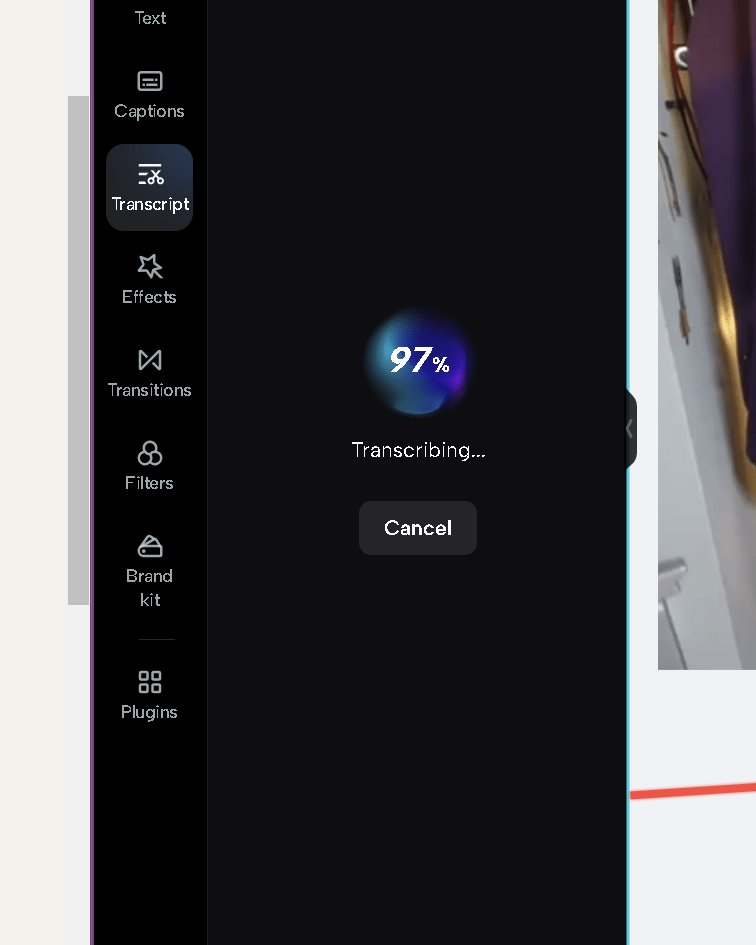
SIMILAR FOLDER SHARE FEATURE NOT USED IN REALITY
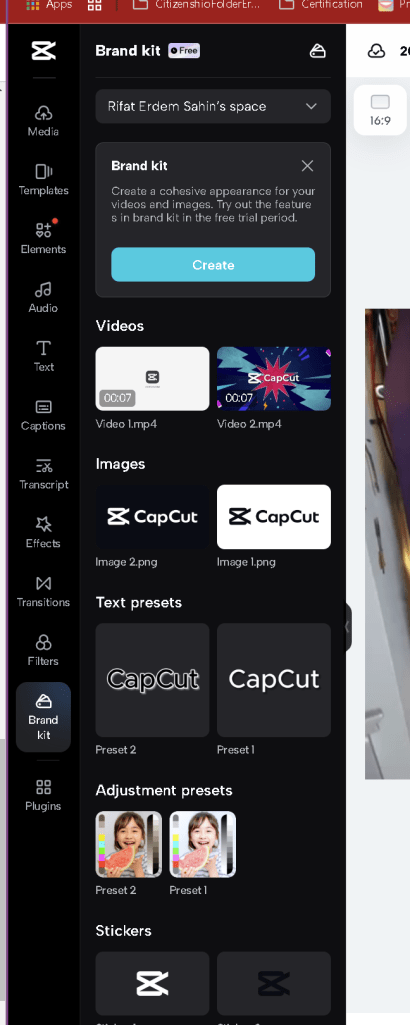
EMPTY SPACES ARE THERE
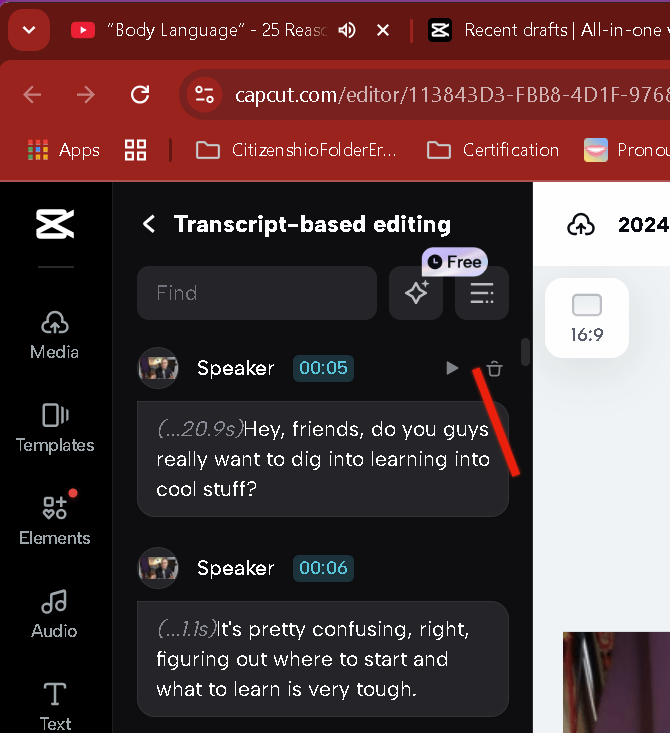
Capcut has the dual video timeline enter > not just position
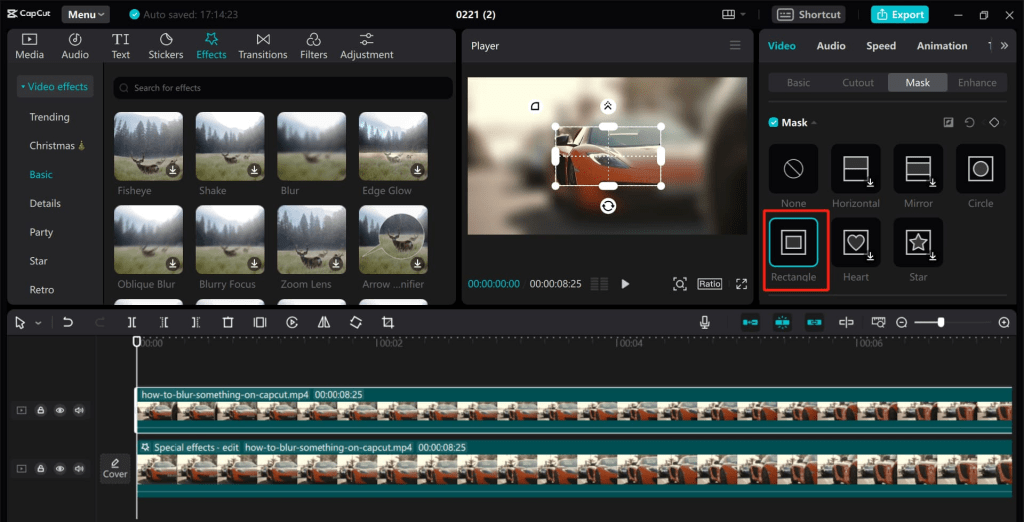

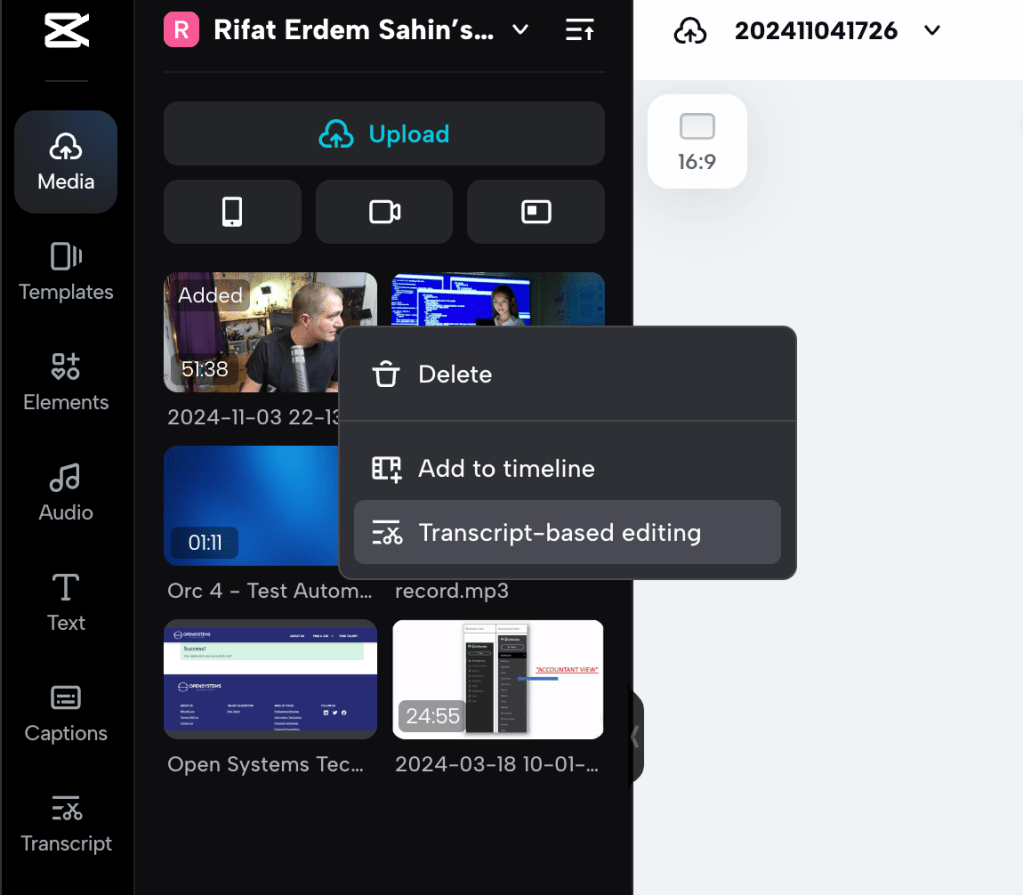
https://www.capcut.com/tools/video-transcript-editing
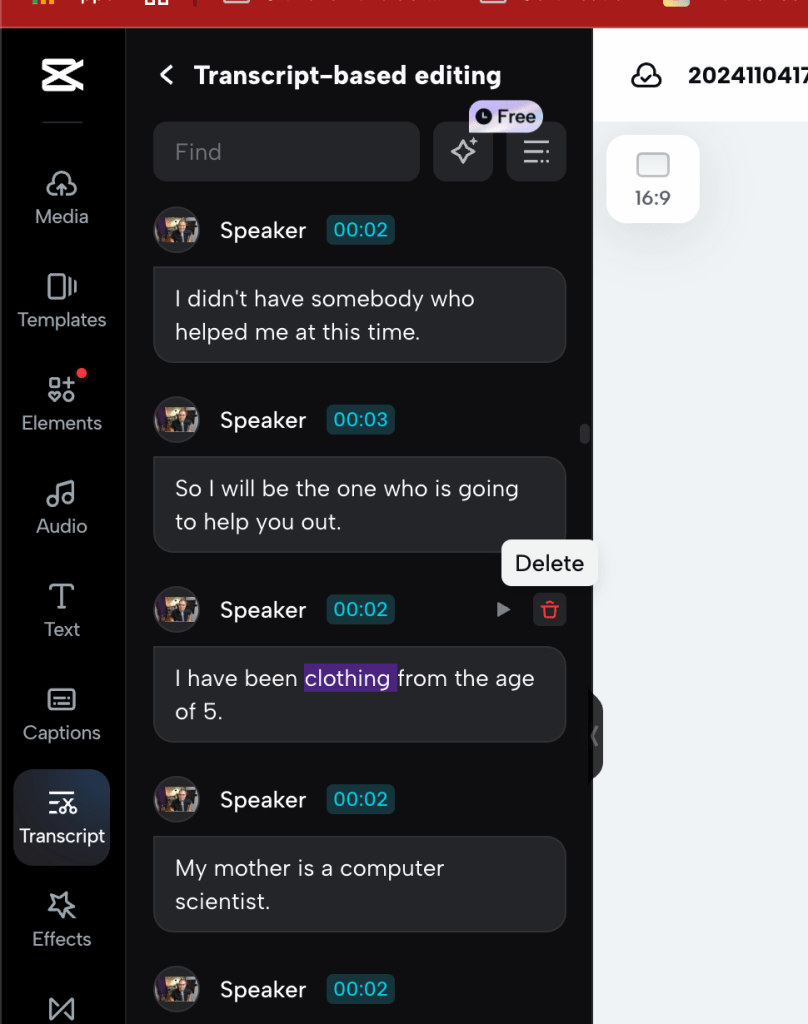
Practical cloud delete makes much more sense
Different way to do a box
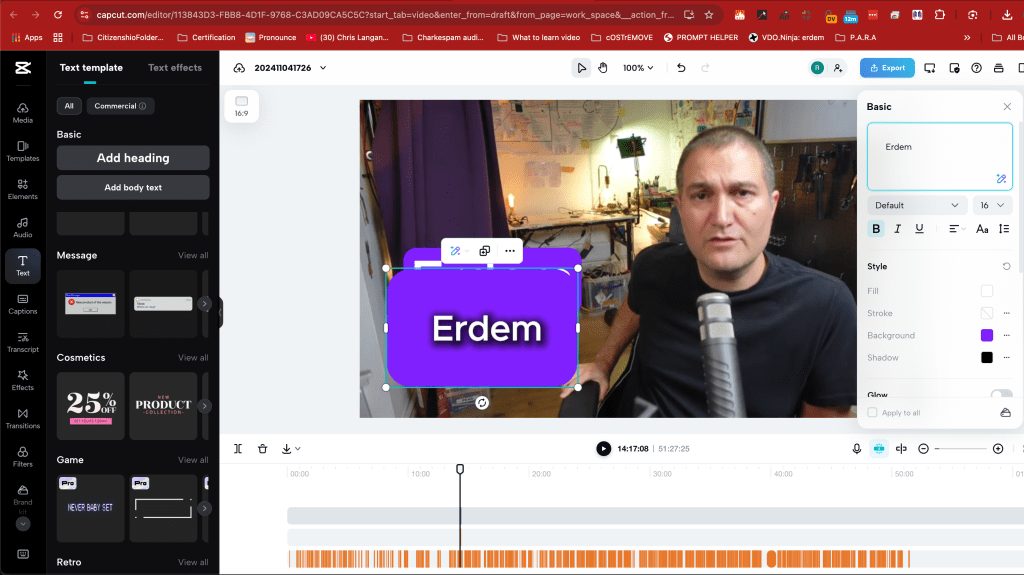
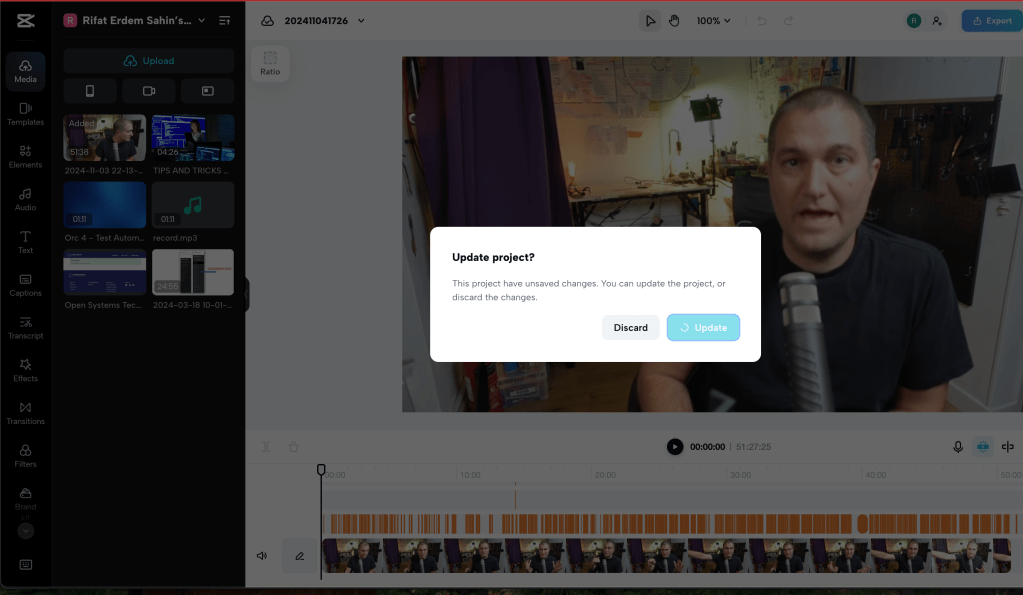
Errors out
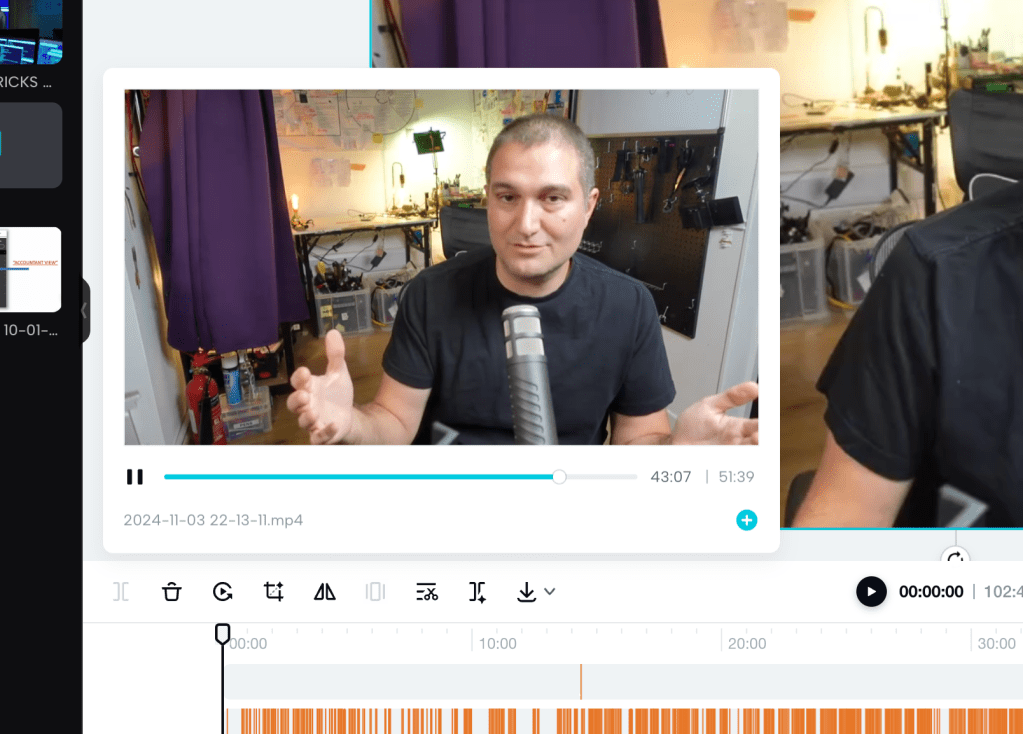
Player there
they are aware of the feature
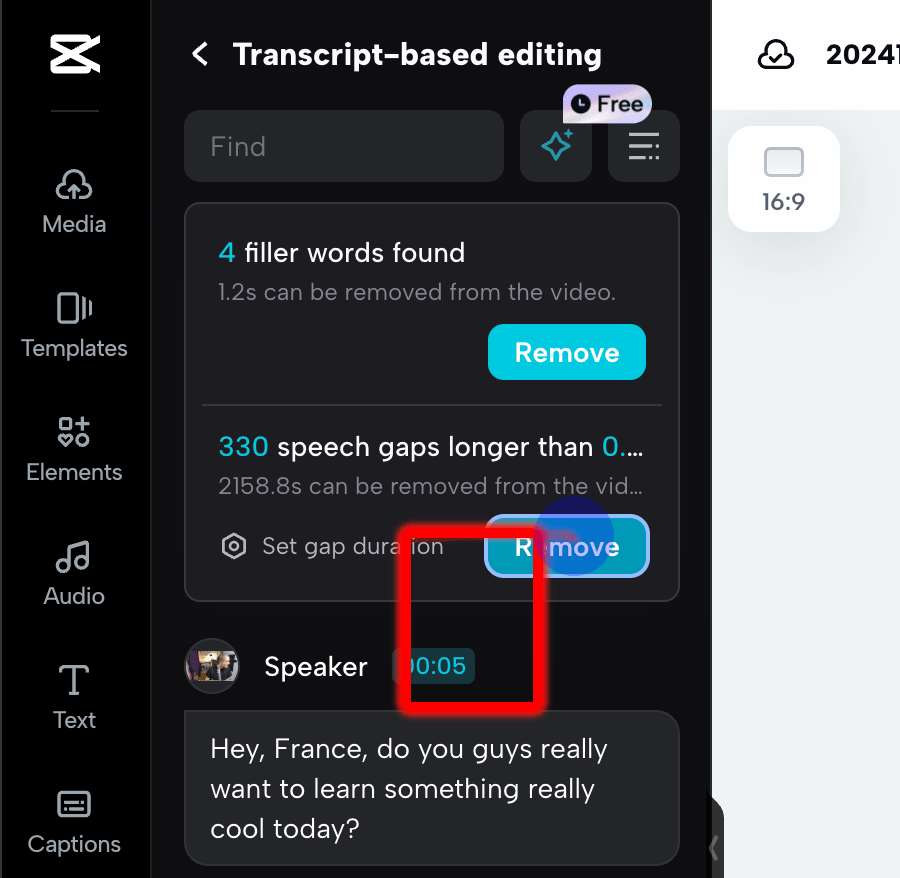
Bulk remove is there
Watch and delete it needed
Bulk action and error out
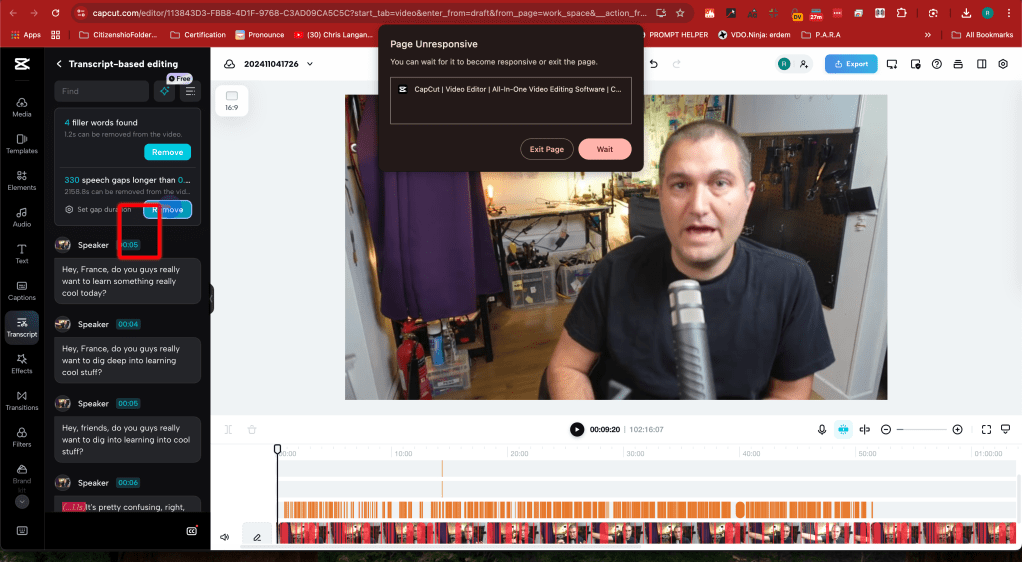
Desktop version is there
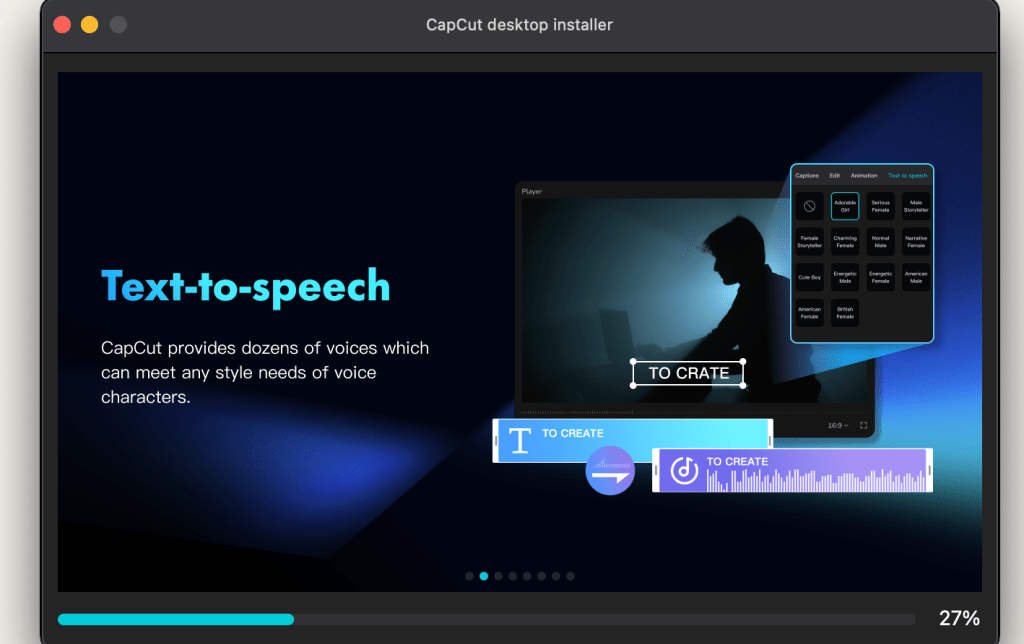
capcut text to speech is there for basics
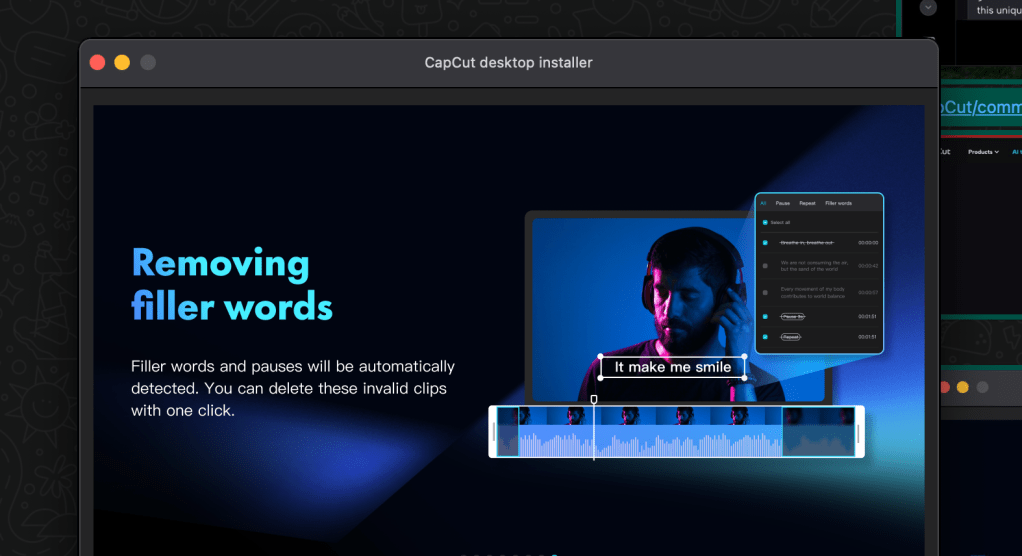
filler words delete all together
Cut and see
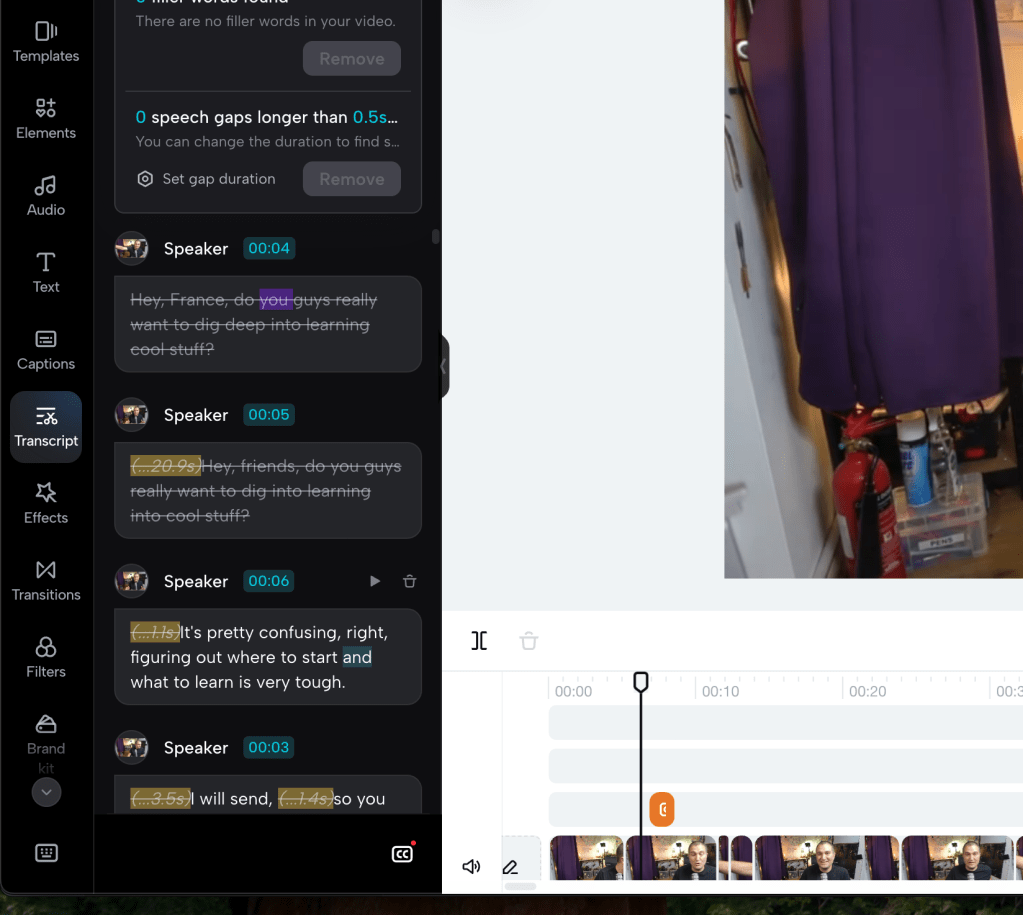
Downloading file from the cloud but not the project
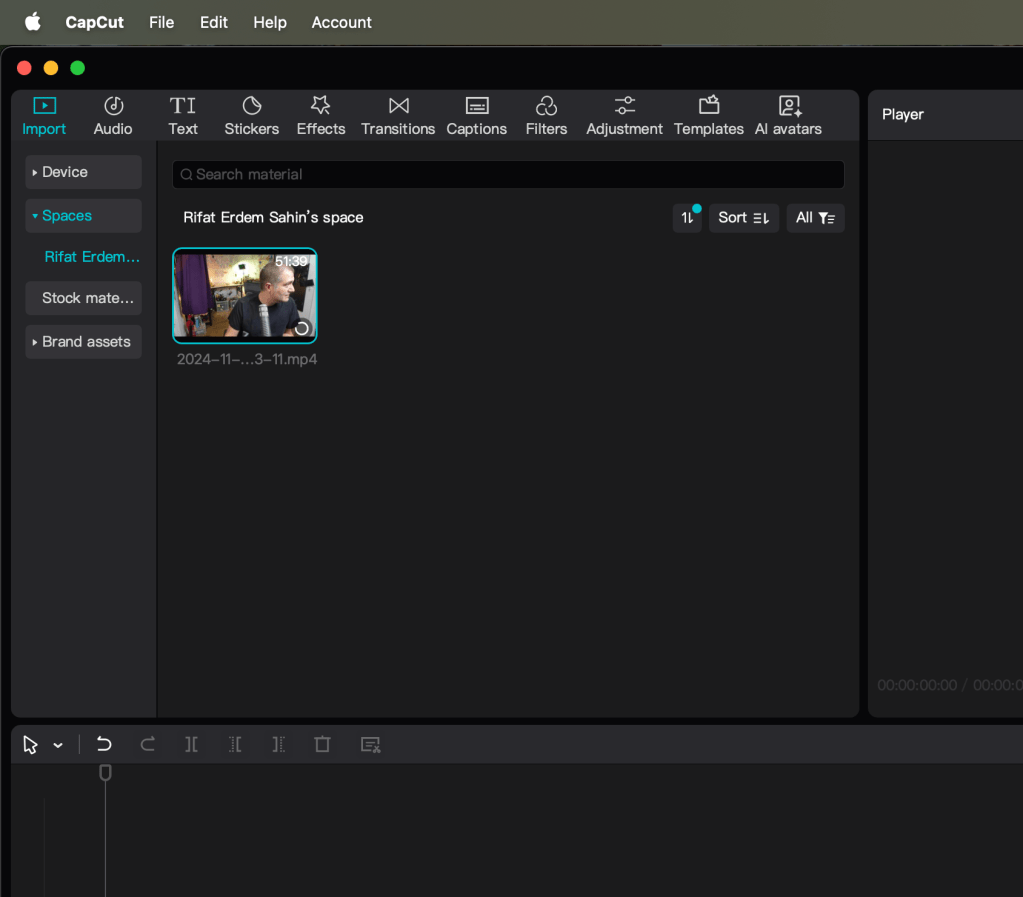
Problem desktop and local dont look like the same
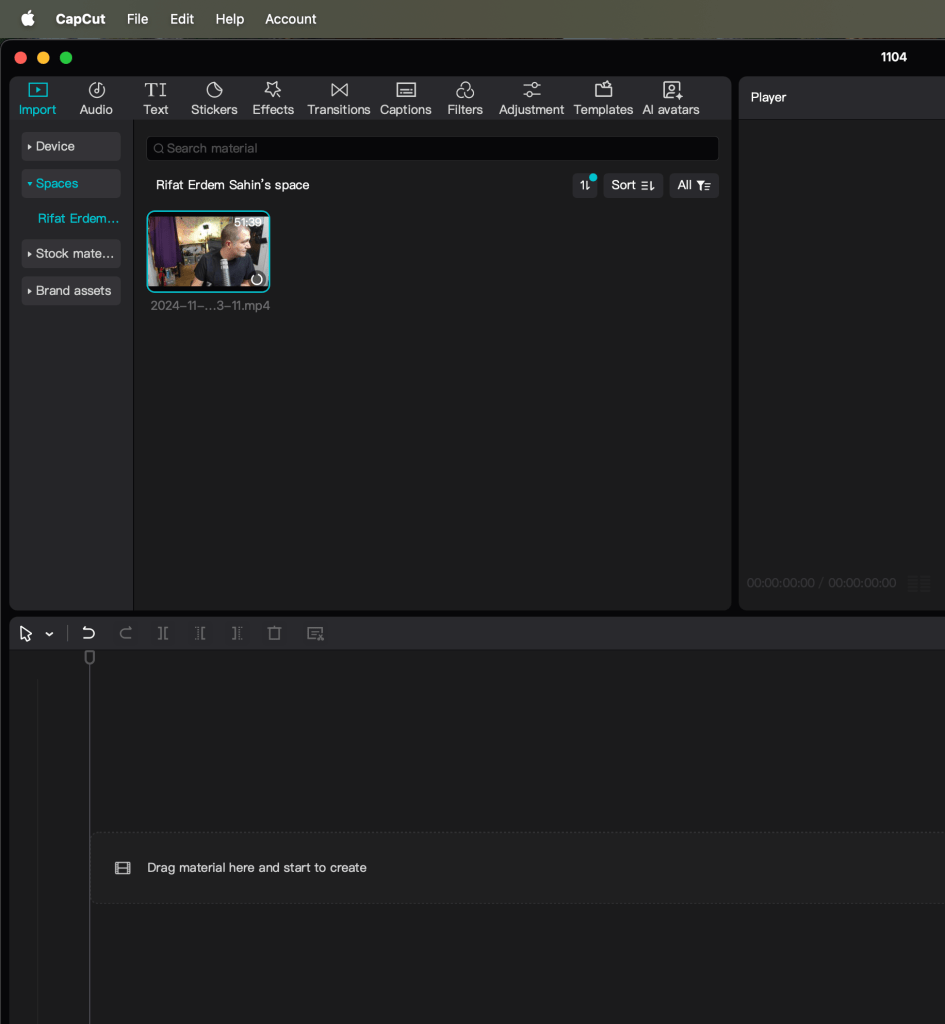
Drafts are not in the local one
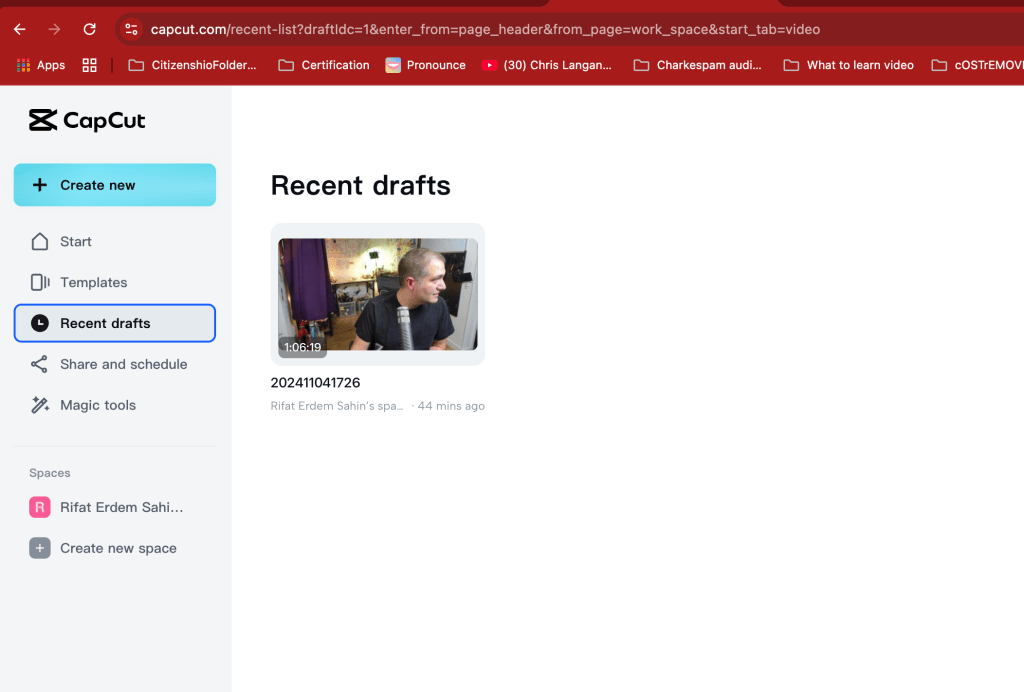
of the script is important
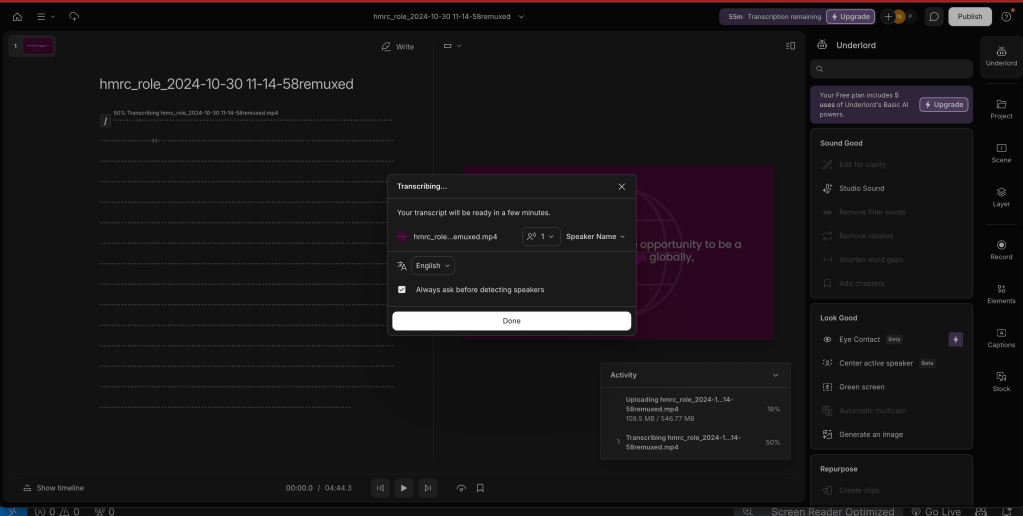
download takes a long time
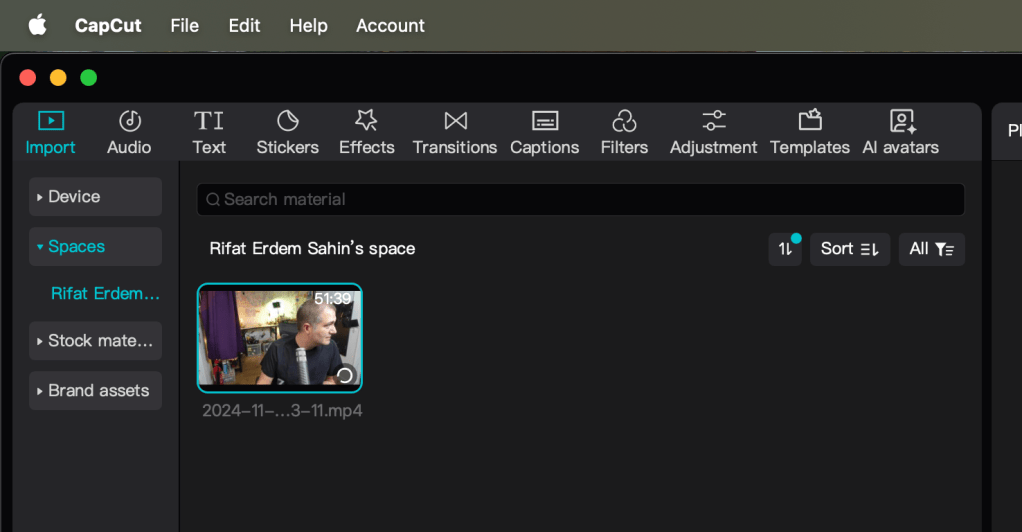
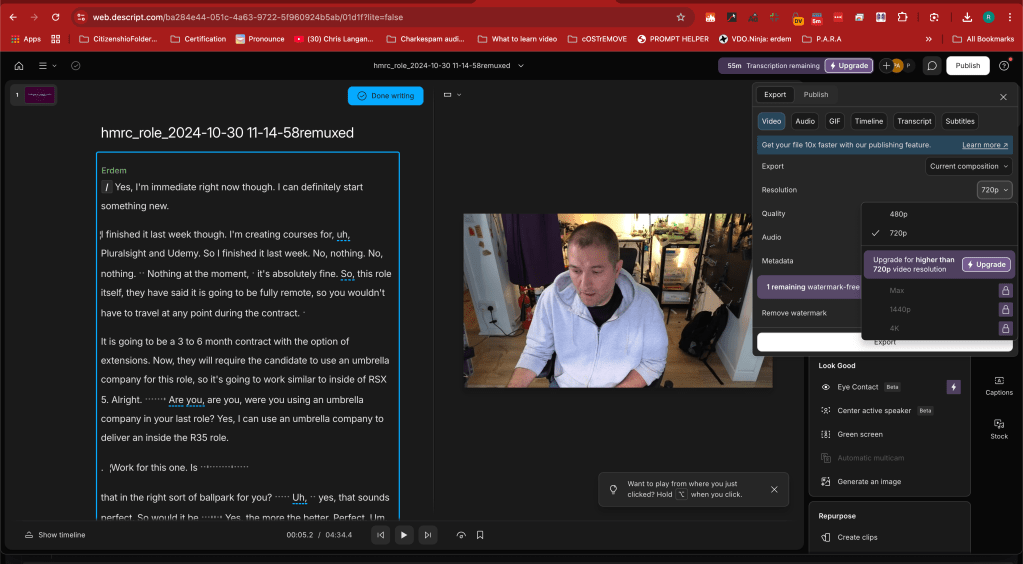
Monthly cost coming up
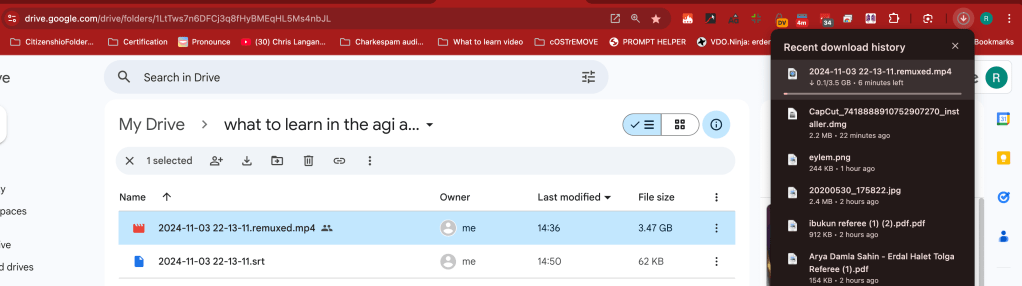
Gooogle Download is predictable and NAS ready
No cash every time feeling is not so great
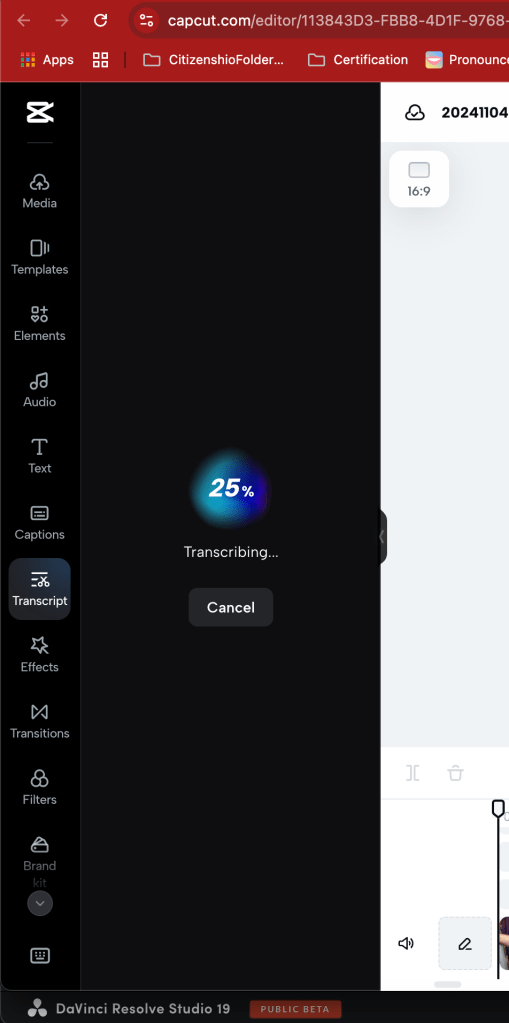
Maybe I need to use Davinci better
Cloud editors are also failing as well
tab and append to a new timeline could be the thing
Davinci box can be made smaller
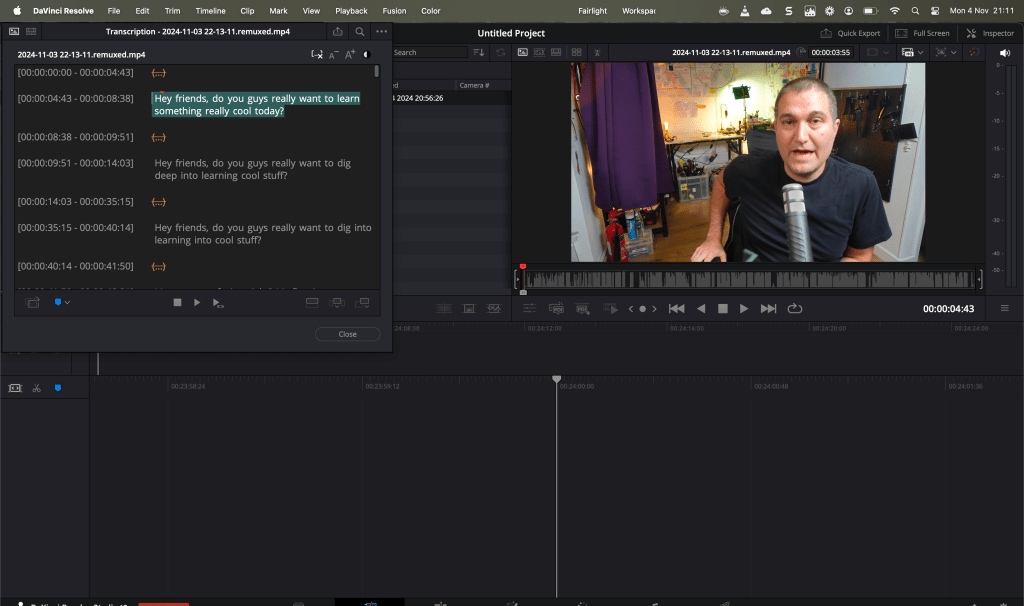
Sub clip solves the problems of the audio selection an extraction points
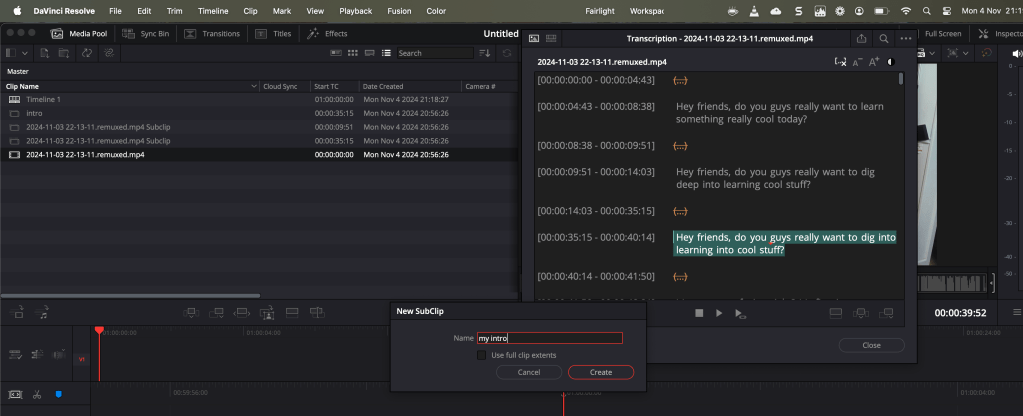
command N new timeline from the sub clip
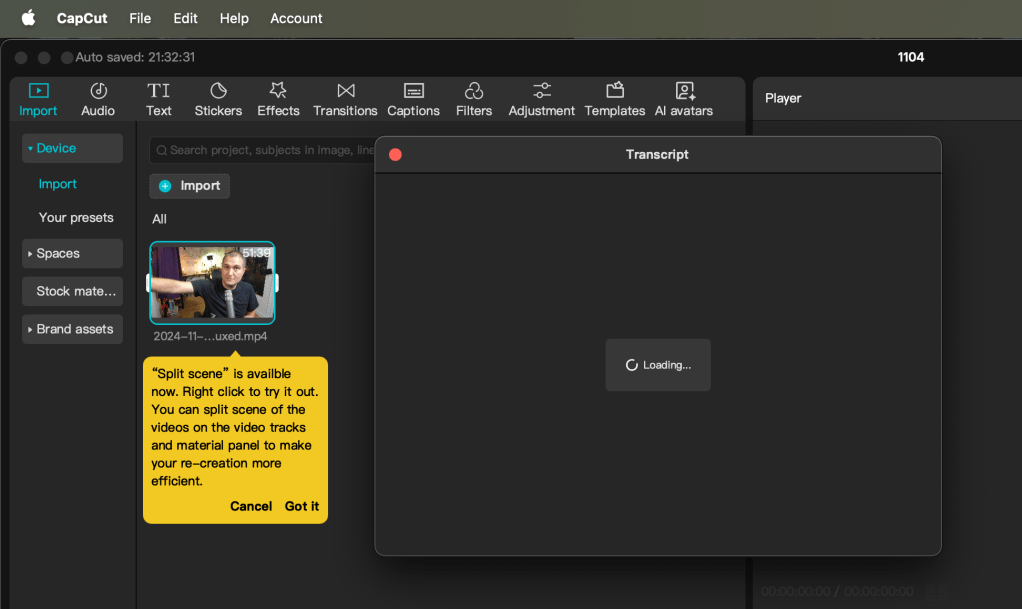
LOCAL TRANSCRIPT LOADING EXPECTED AROUND 5 MINUTE 21:38
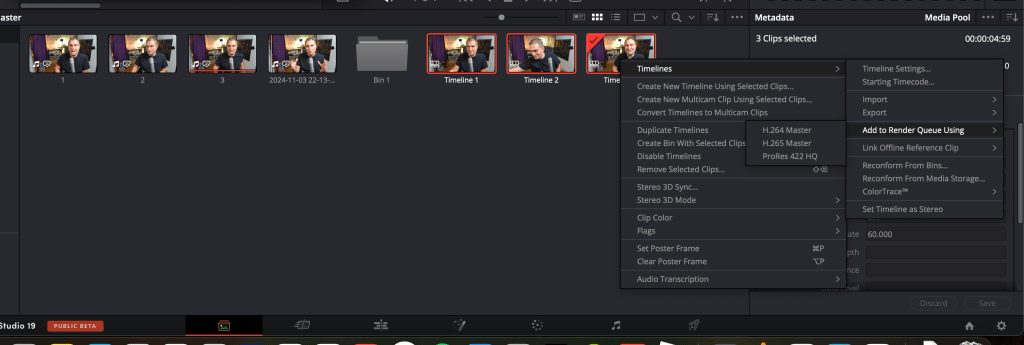
MEDIA TAB HAS THE BULK ADD FEATURE IN IT
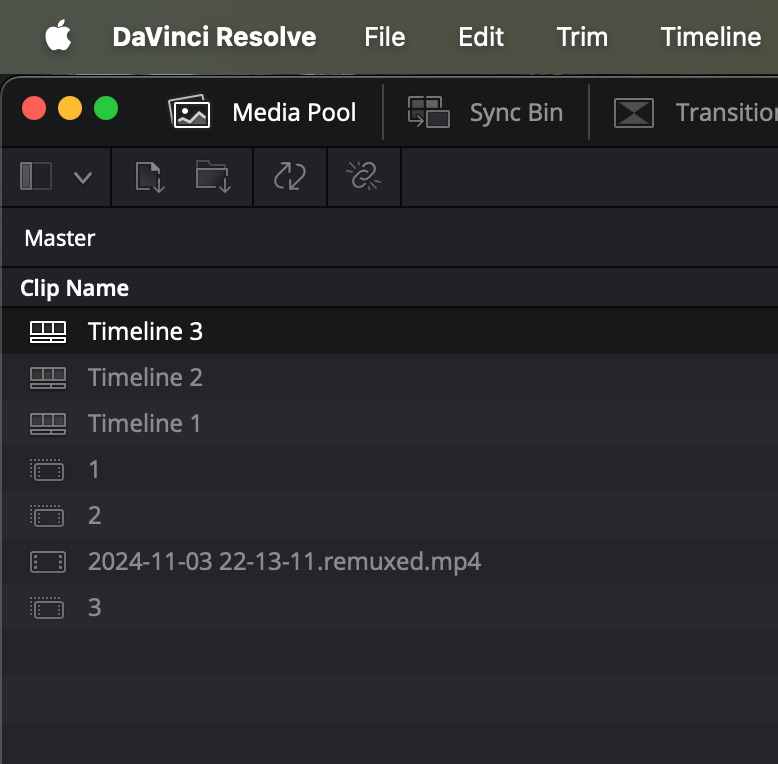
desktop one is the similar interface
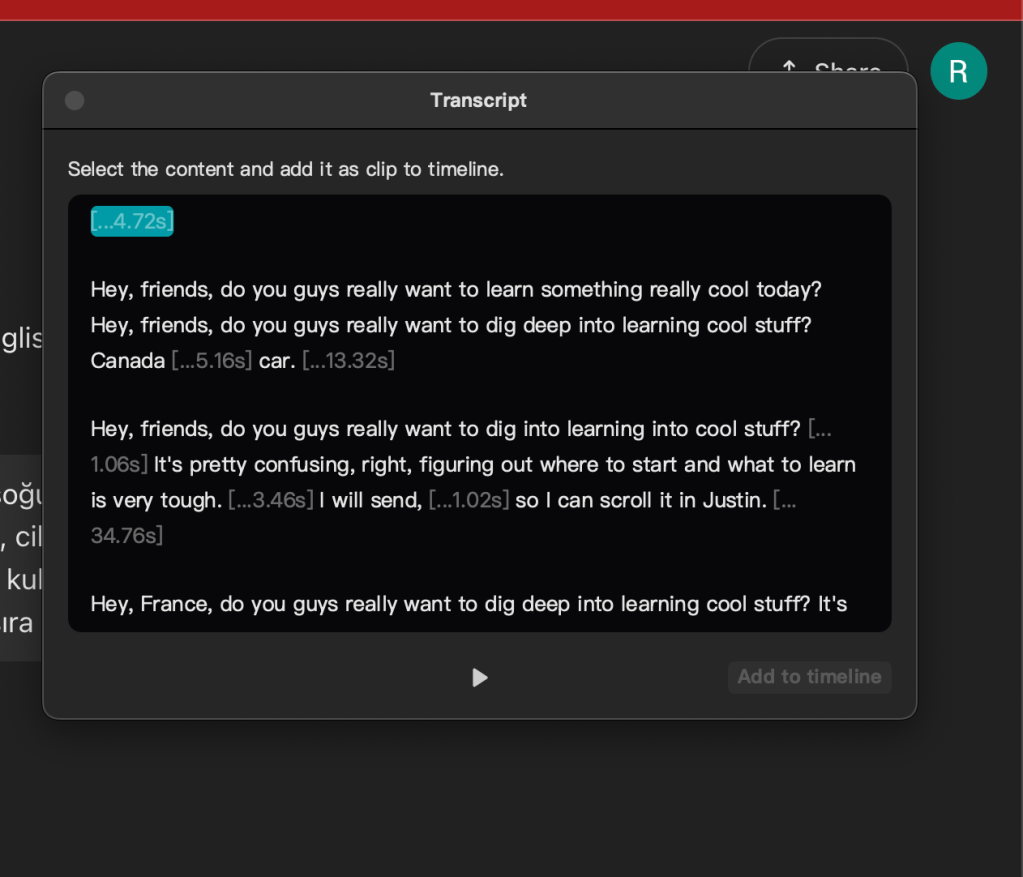
Render has similar output
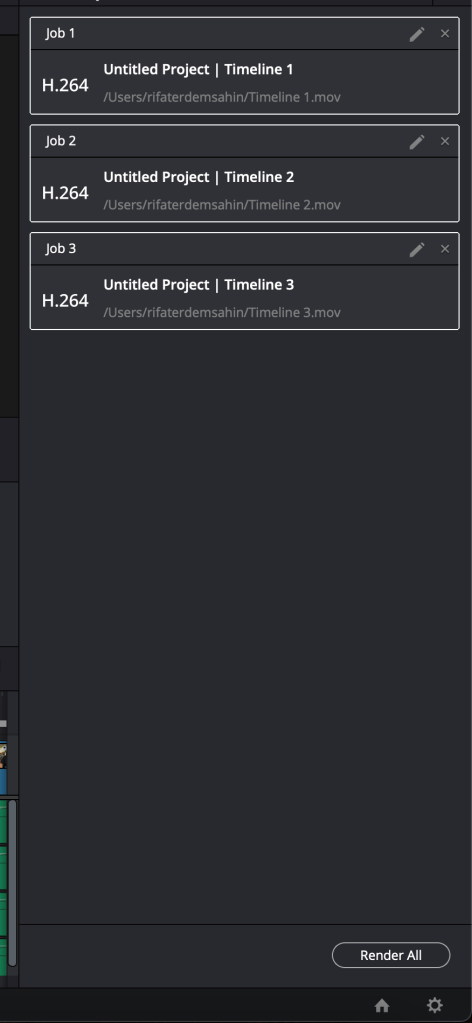
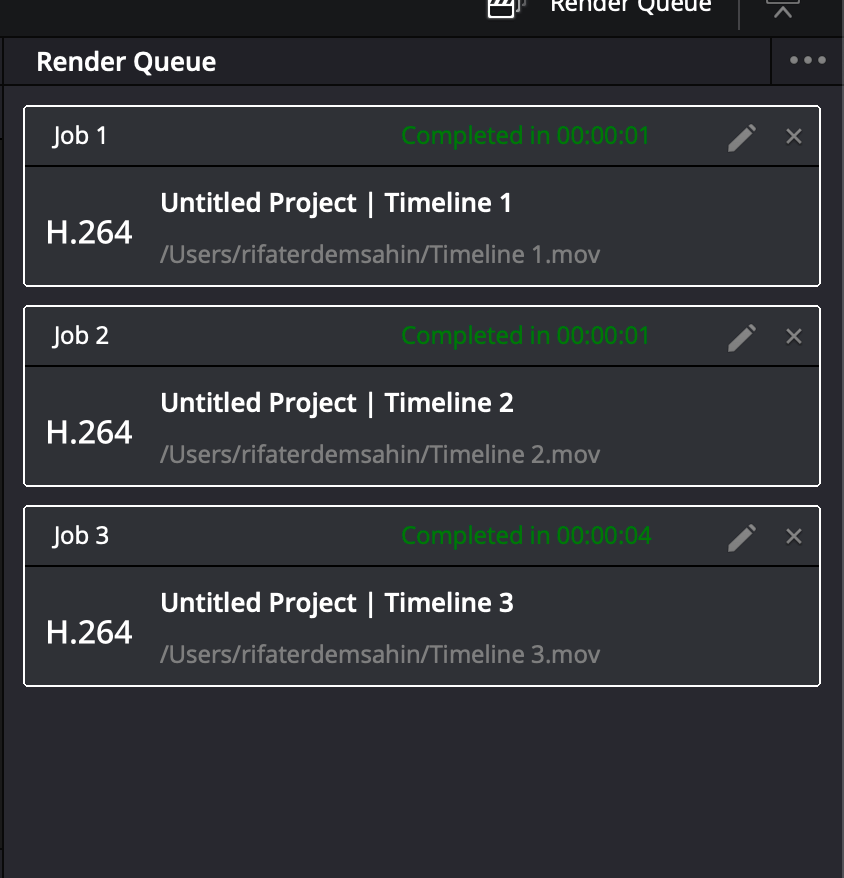
maybe i only need the subclips that are name dont take the others have the in and out points
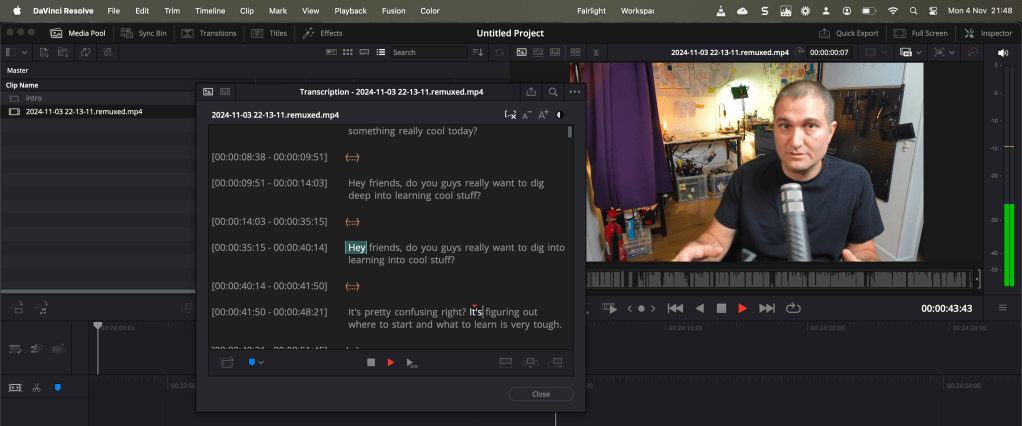
one timeline is also risky as well
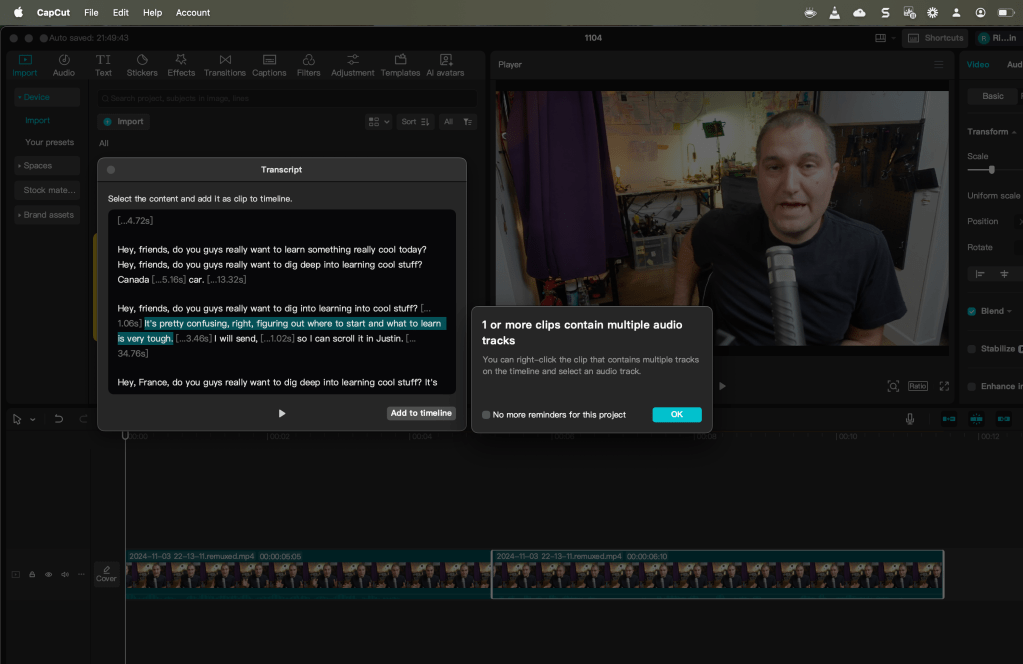
extra mashup not that interesting! with montly cost
you can move on with the yaml mapping
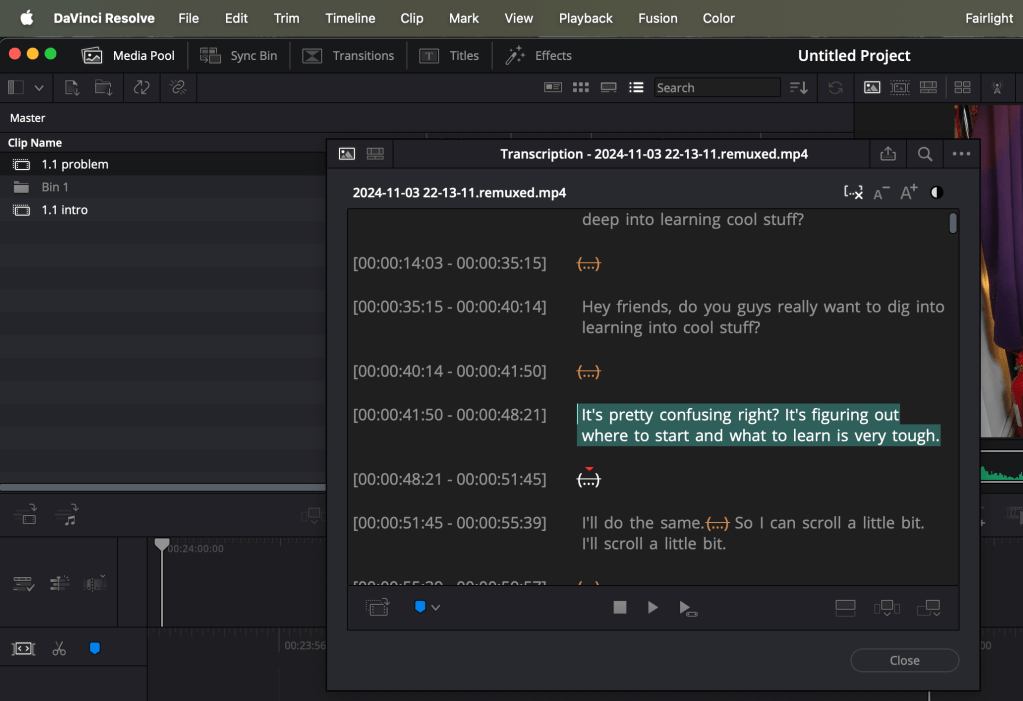
I can also add the same name with the subclips
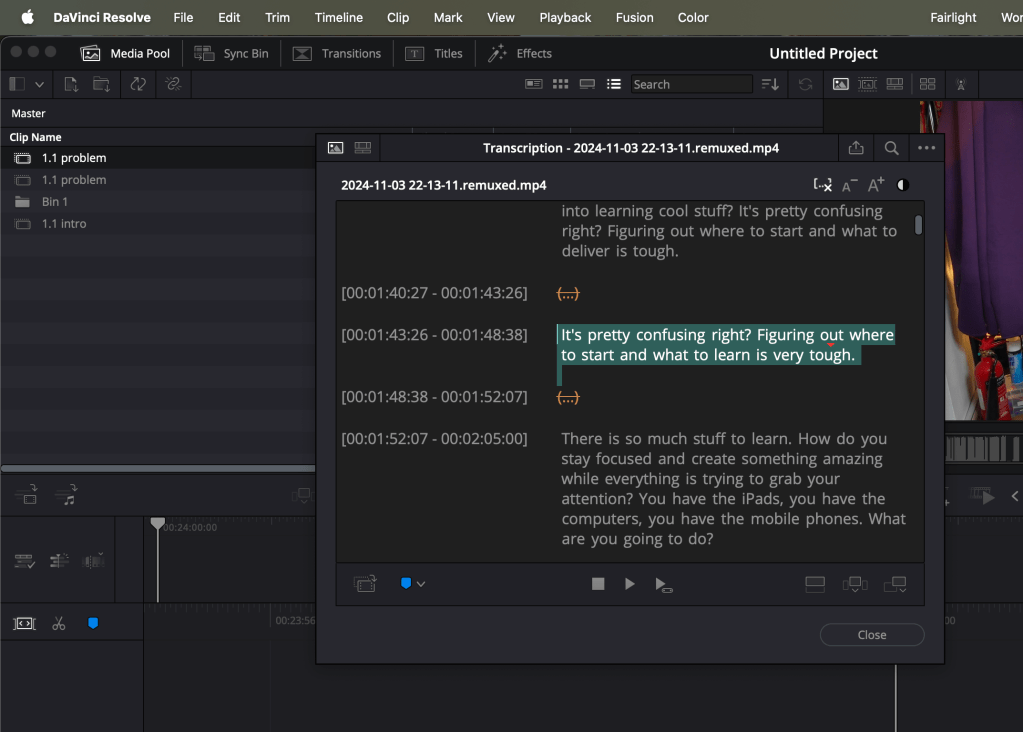
mention on bin where you are left off
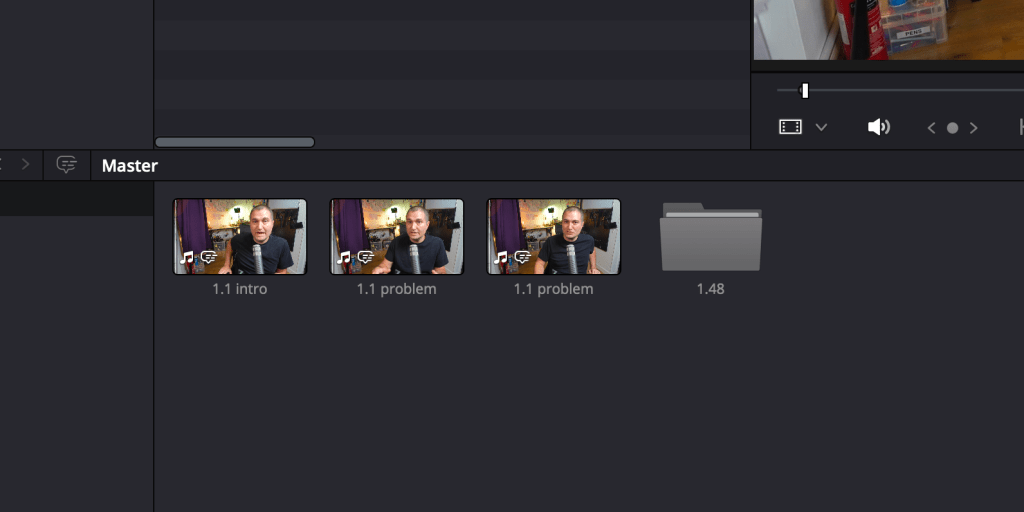
one timeline to watch and multi files as output
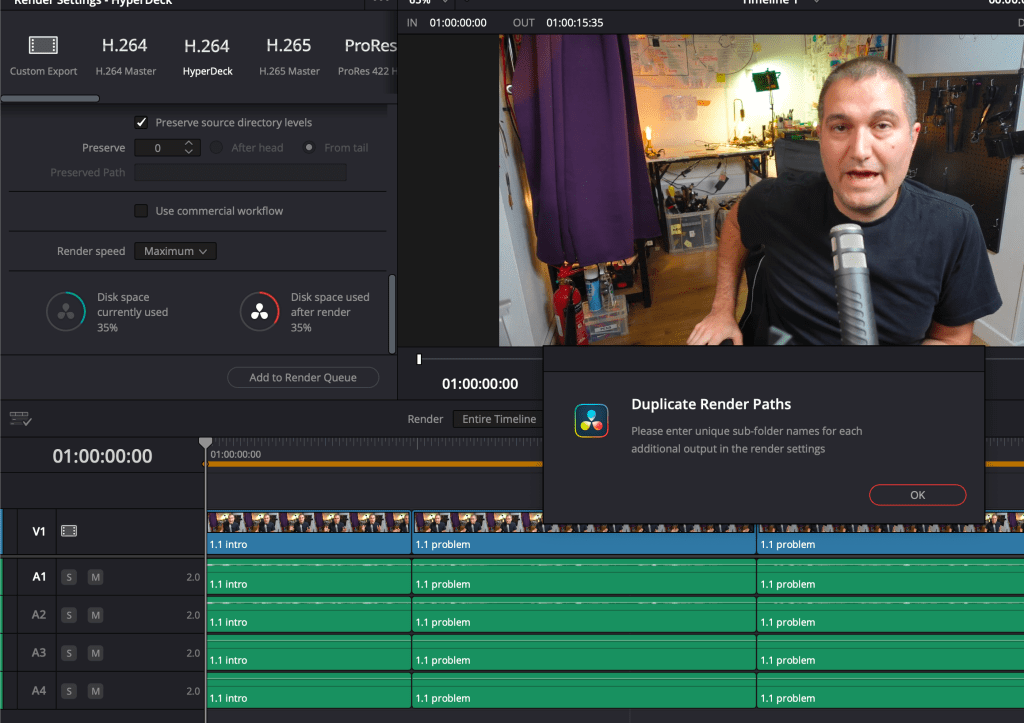
Not perfect but a progress
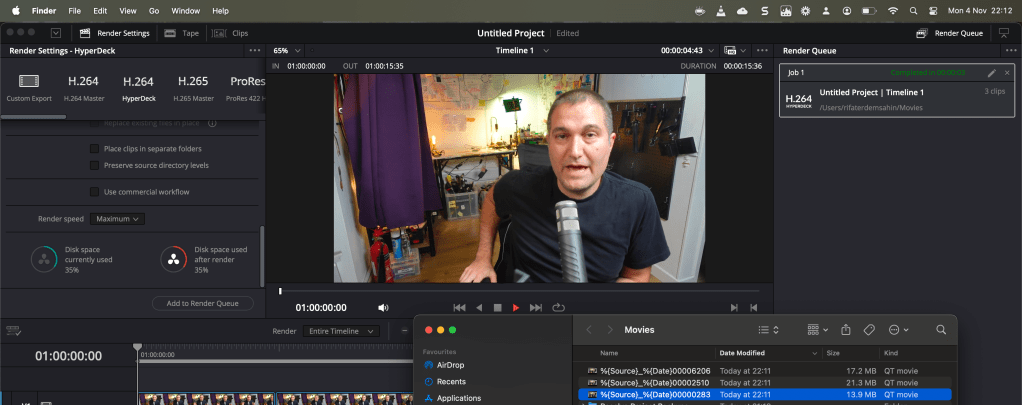
Davinci helper ui
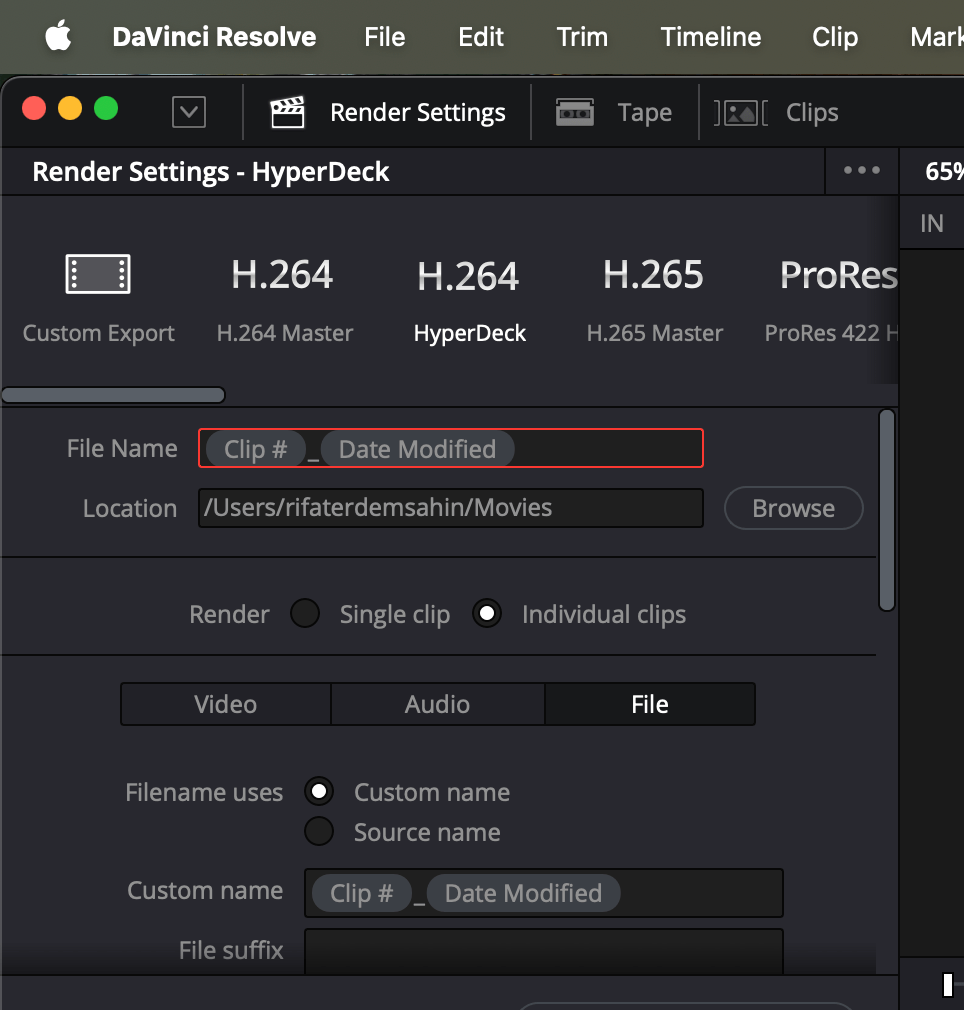
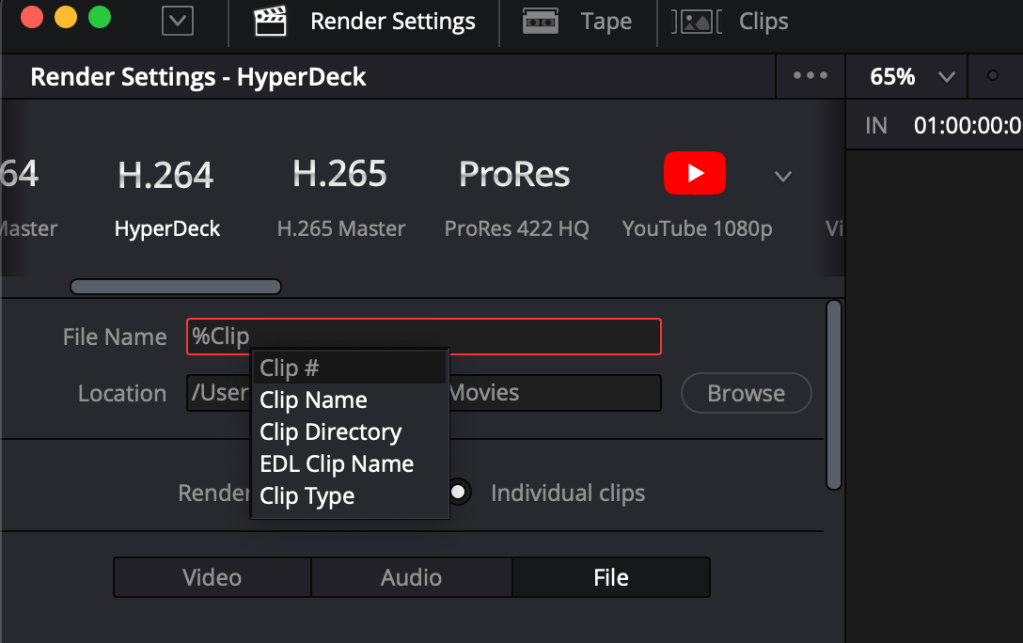
Start with percentage
Good enough bulk naming
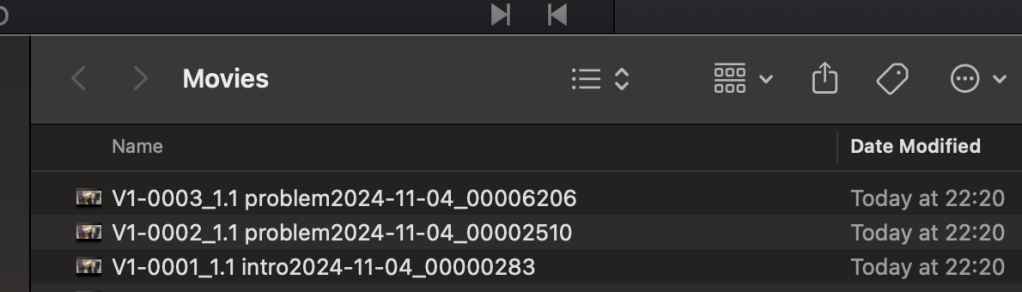
explain what you are doing > yaml mapping
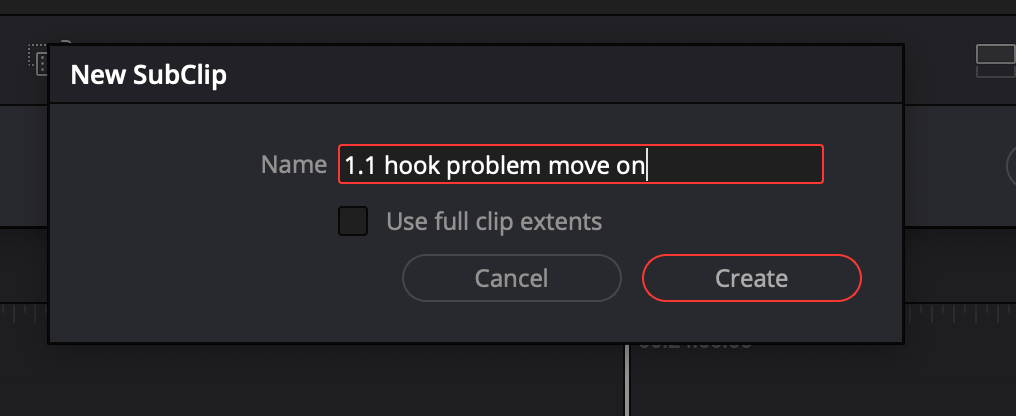
Director remarks in the back
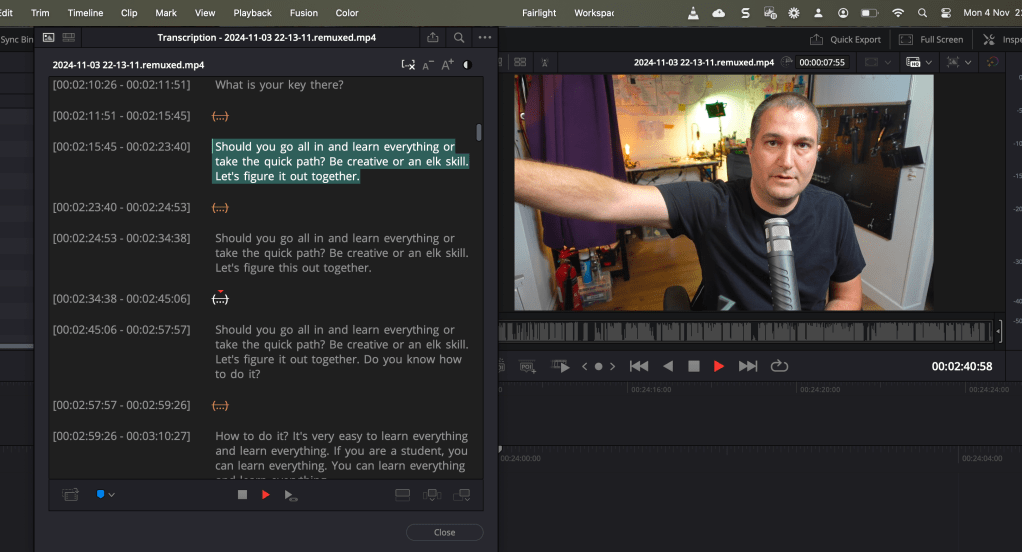
second person to warn
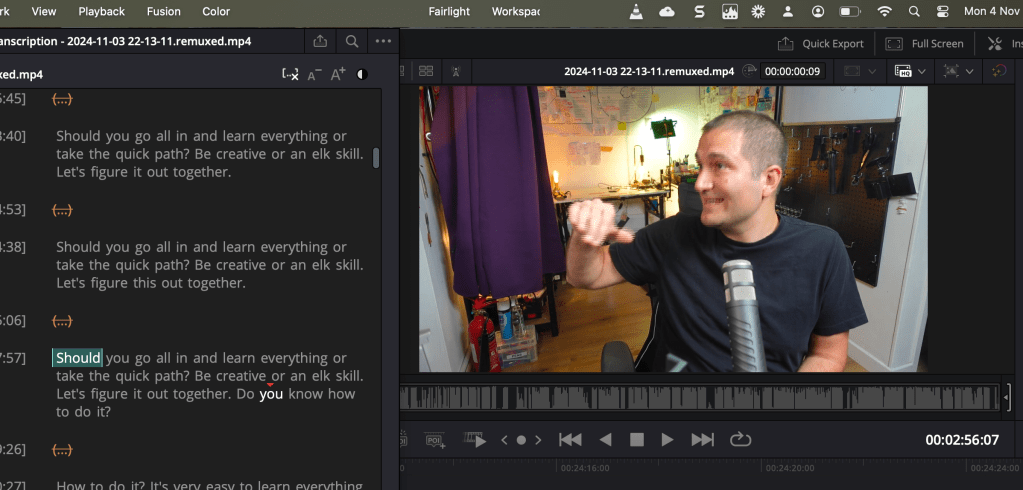
math and strategy names mixed
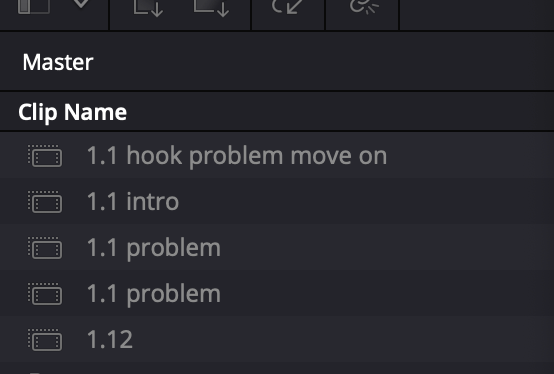
Director also needs the same words to be on timeline >>> cut or good
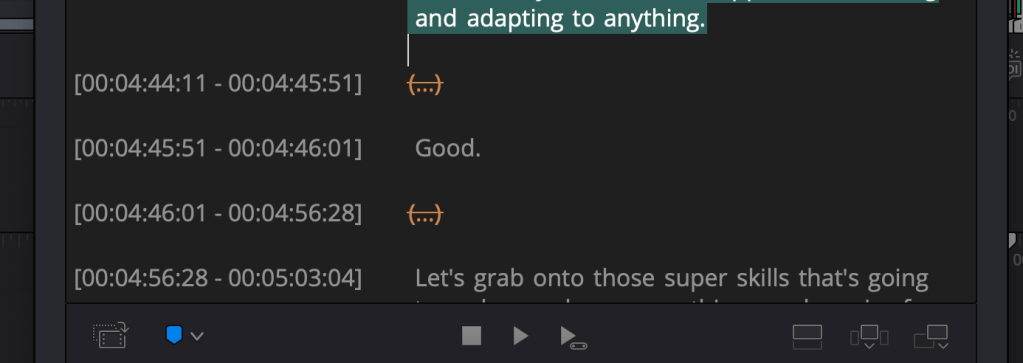
3 objectives
number / read / watch
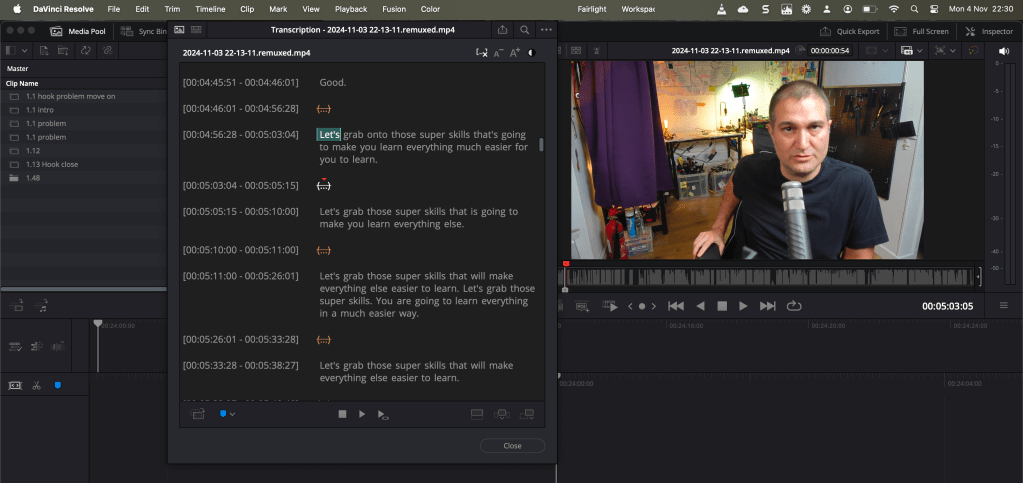
yak shave identify
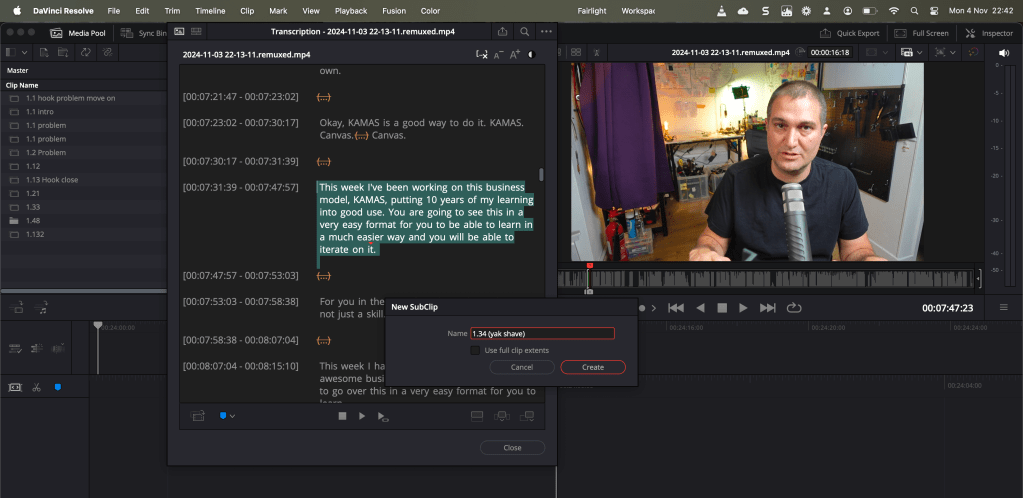
Yak shave and reroute back
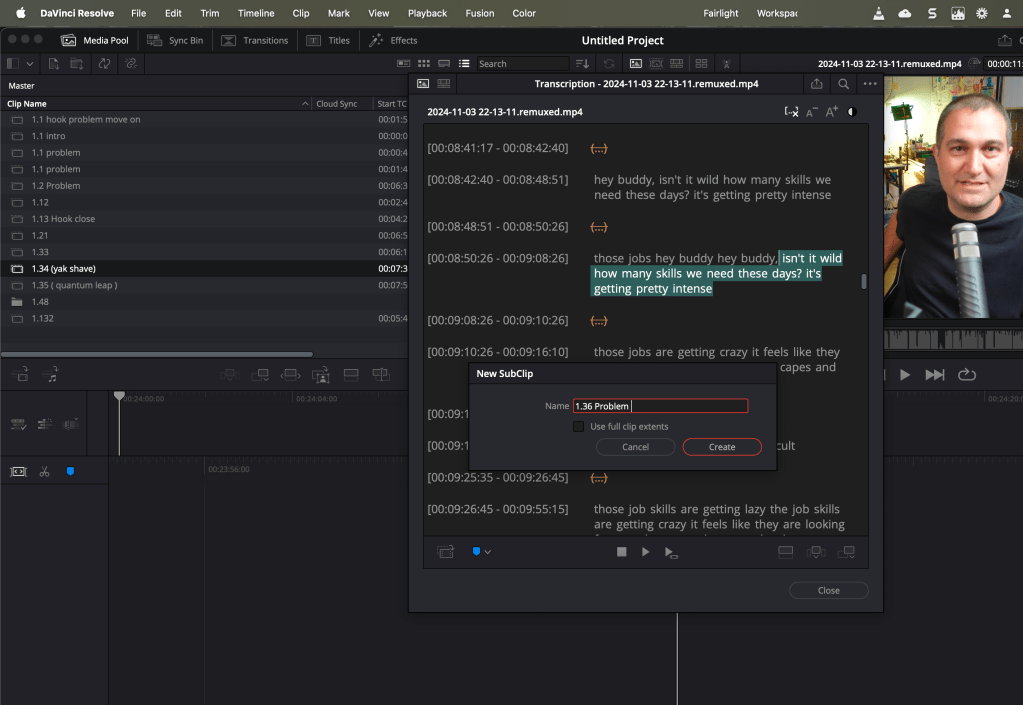
maybe in future the yaml can be also indexed as well
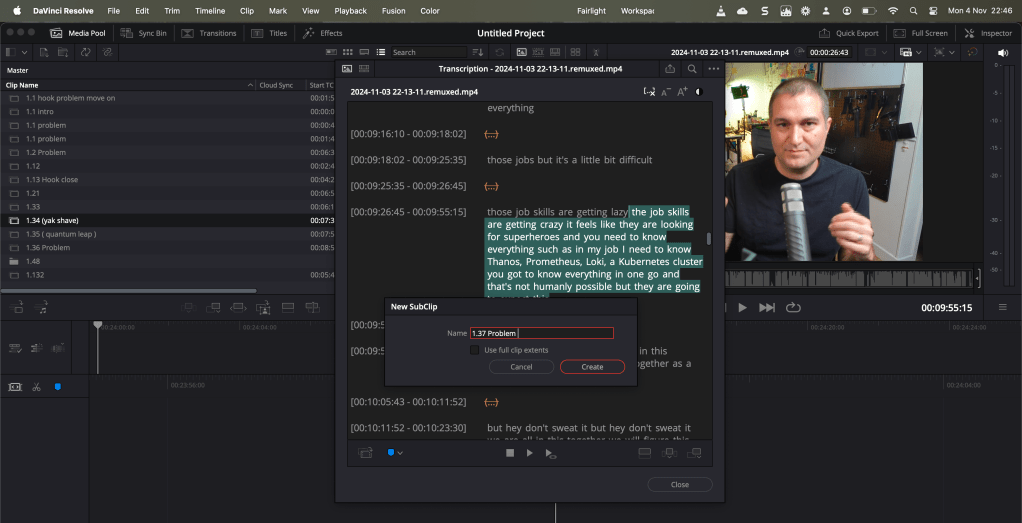
Bulk take in
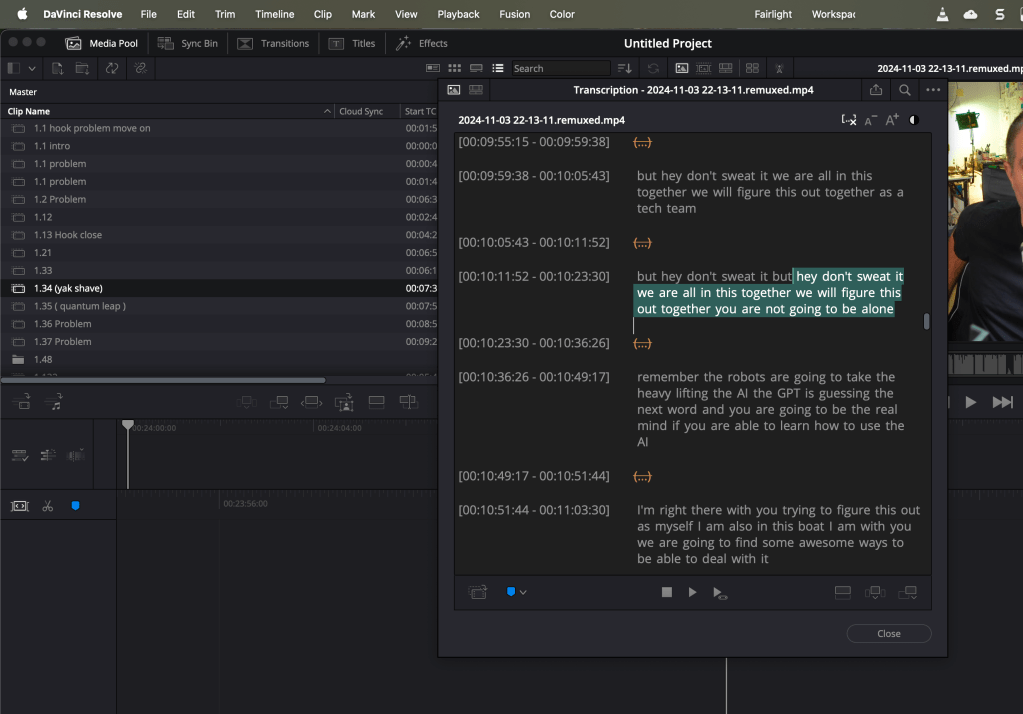
Added to main workflow
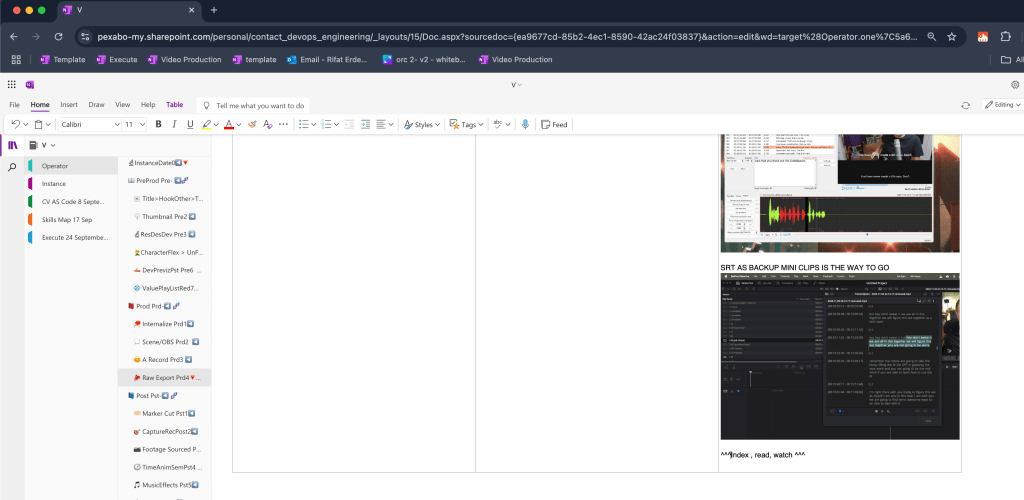
Also adding description to have less yak shaves
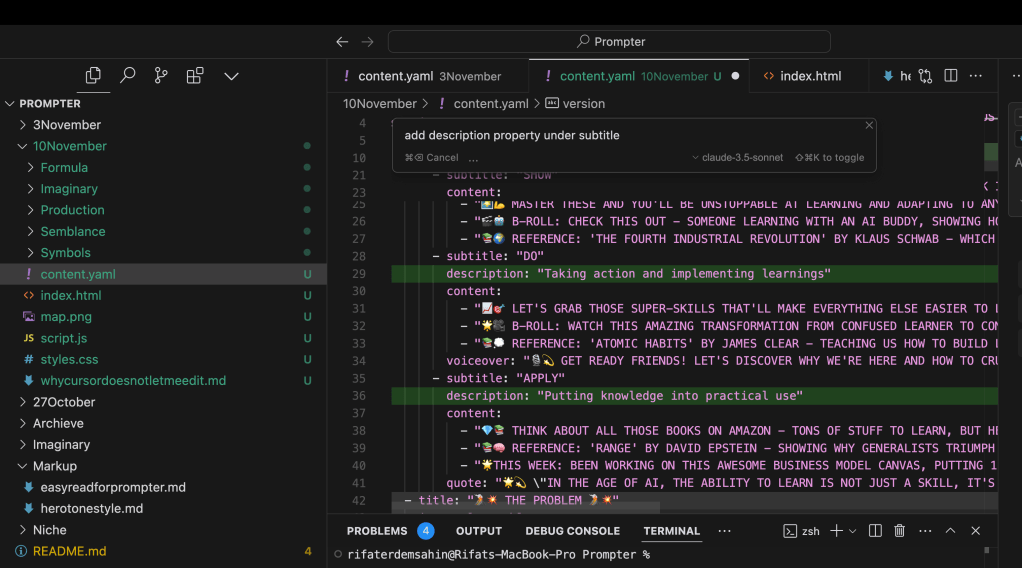
Watch and redirect the director
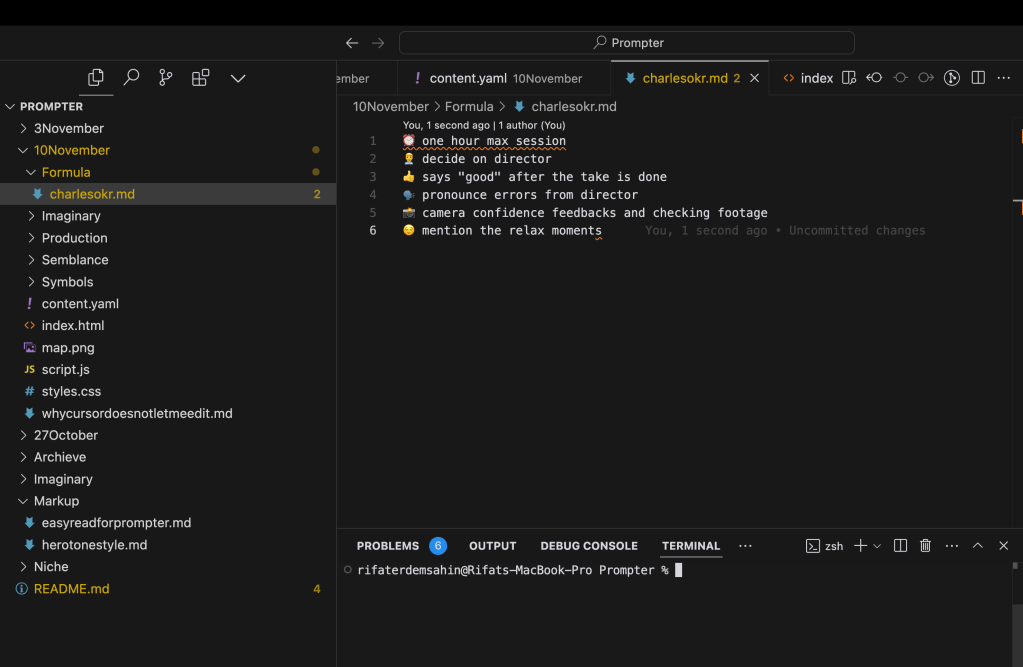
If i feel it is a yak shave i dont need to take it just take things that maps the yaml structure
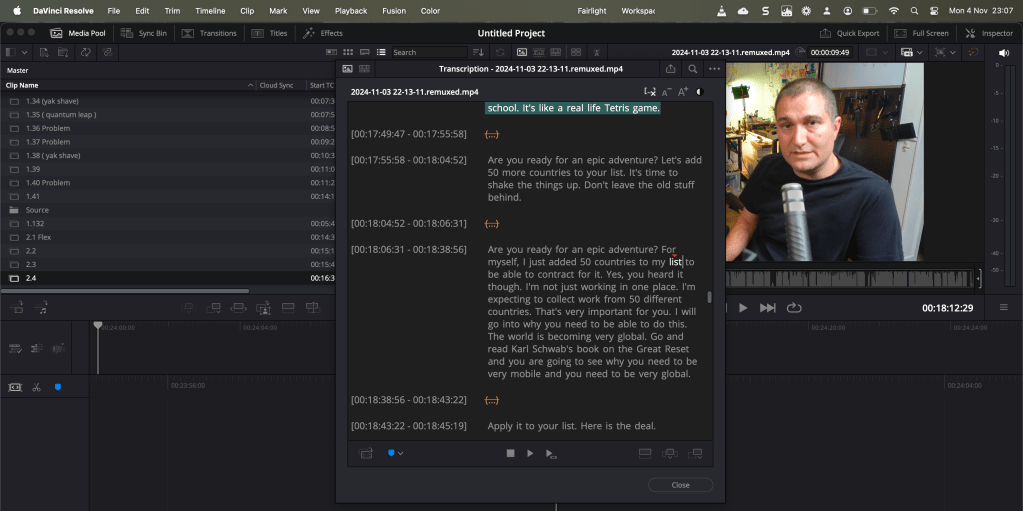
edit with numbers is easier
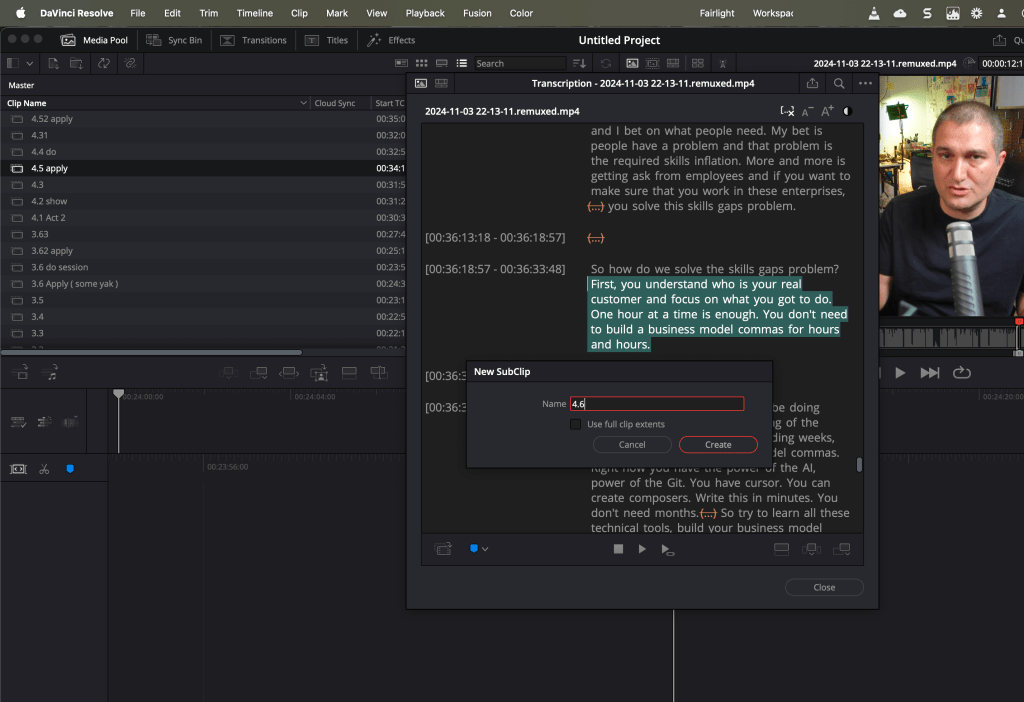
One timeline create
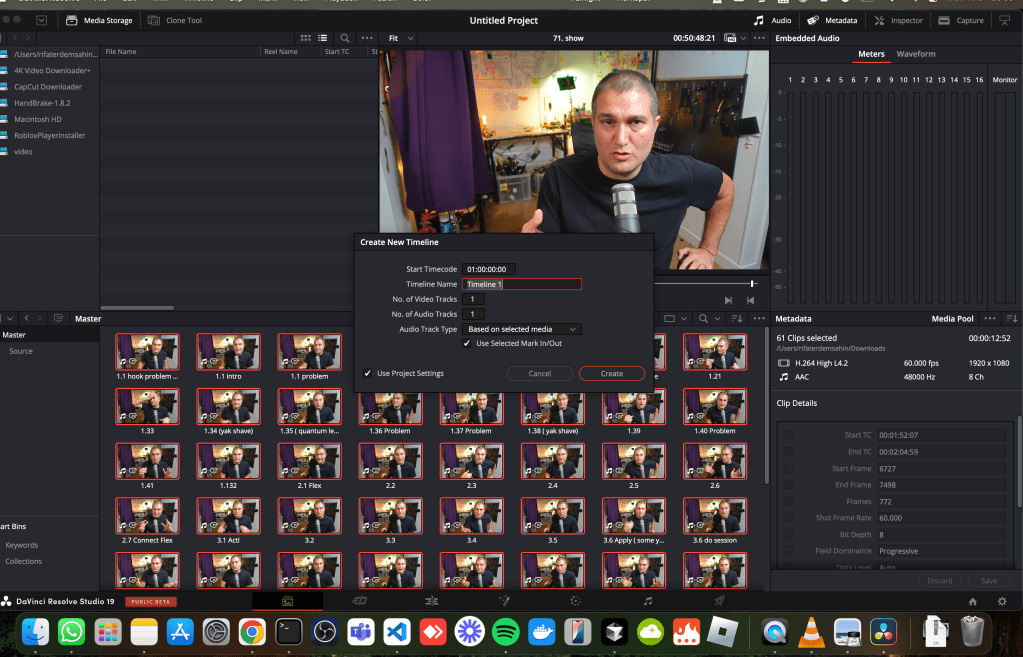
62 clips in one go and no extra subs and we got the naming structure
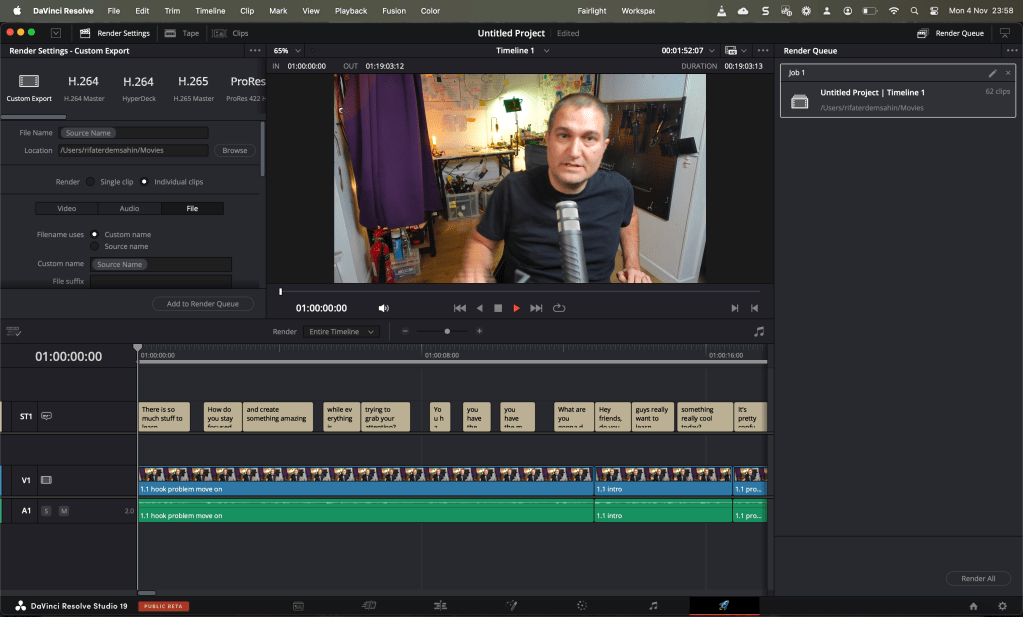
Added parts
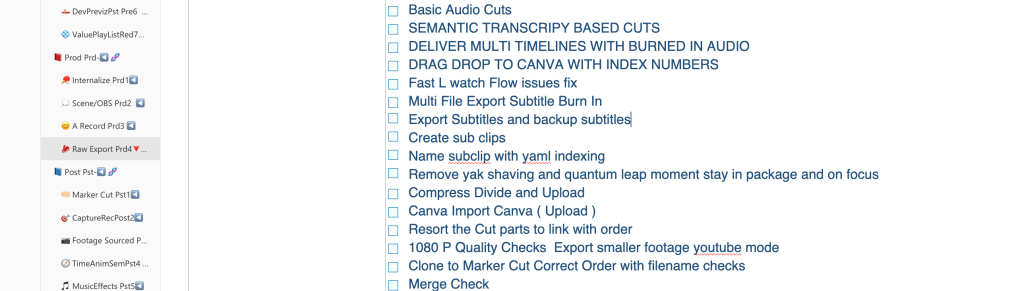
Smaller files google drive works
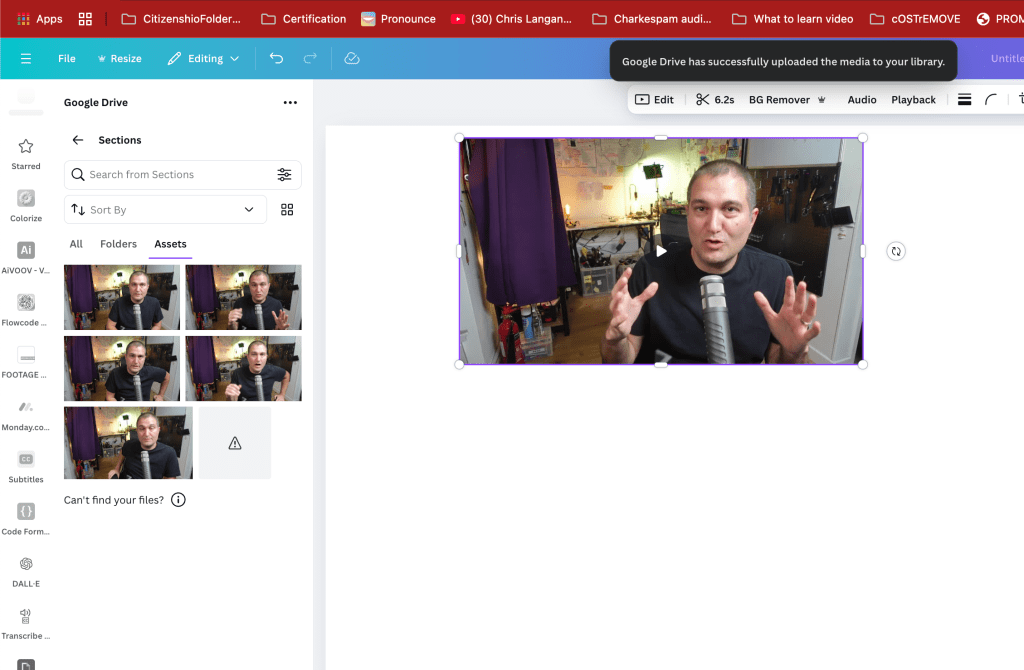
Smaller problems
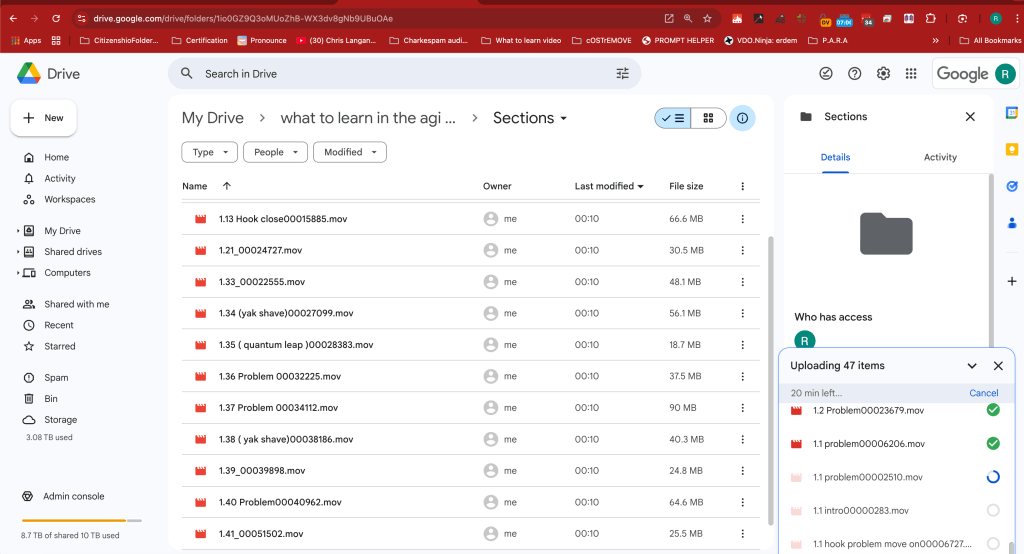
Google Drive imports dont named so well
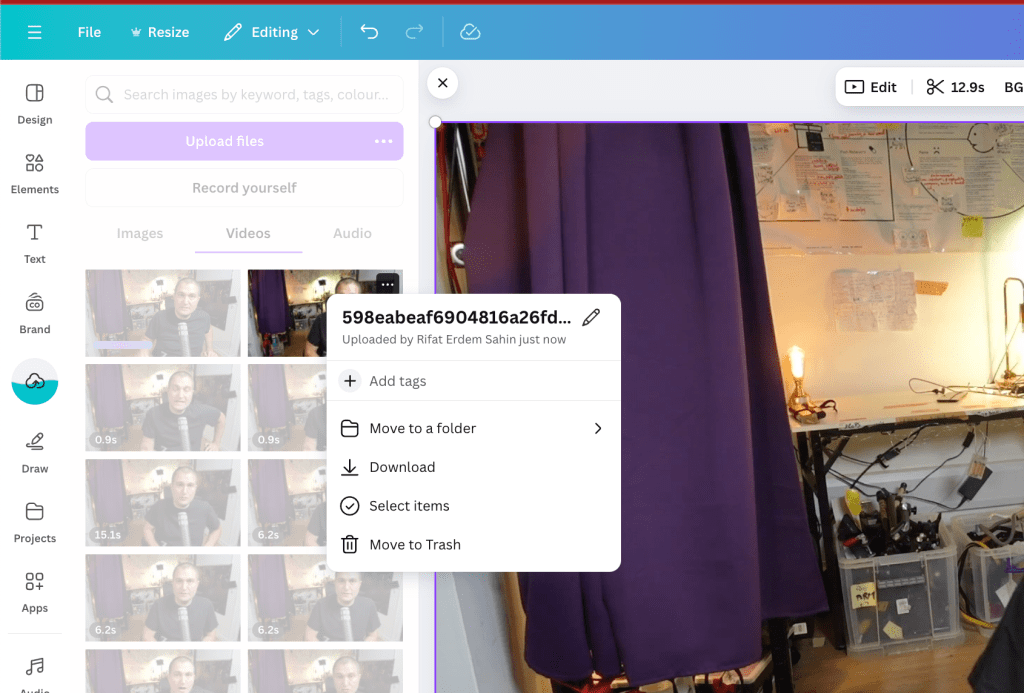
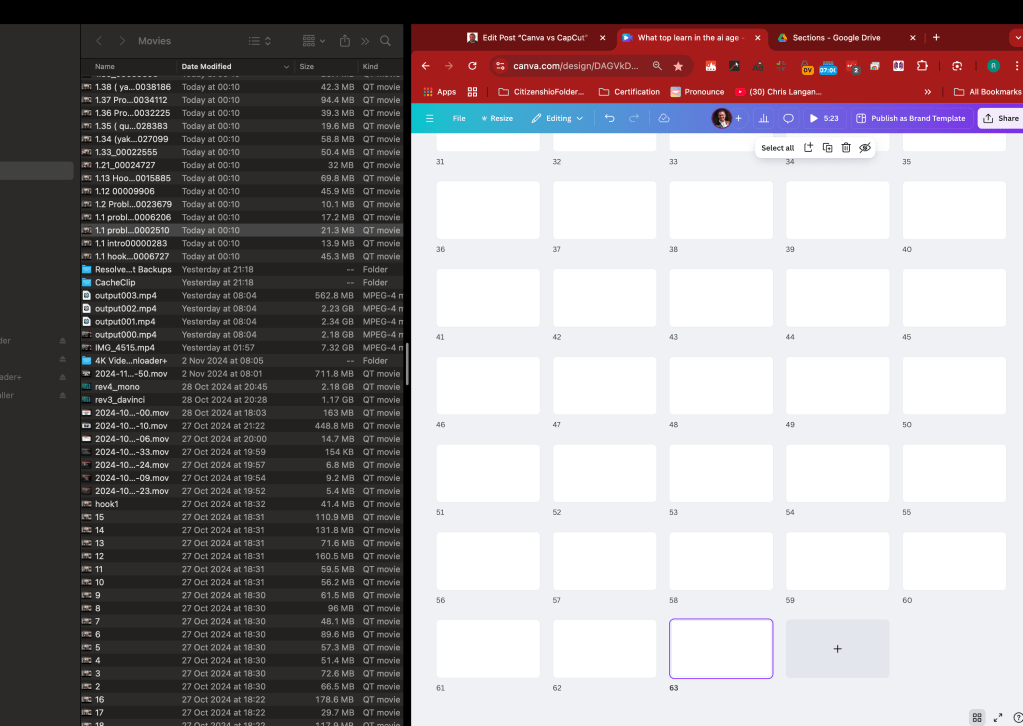
63 to drag and drop
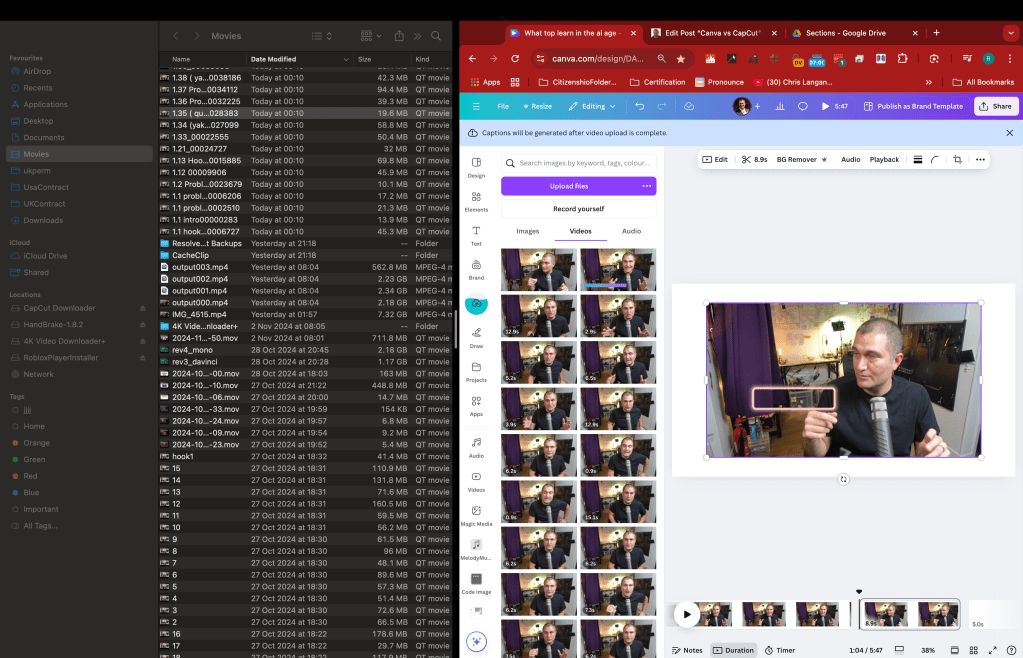
Slow upload as dual action coming in
Imported from rifaterdemsahin.com · 2024