Metric-generator and Prometheus Journey
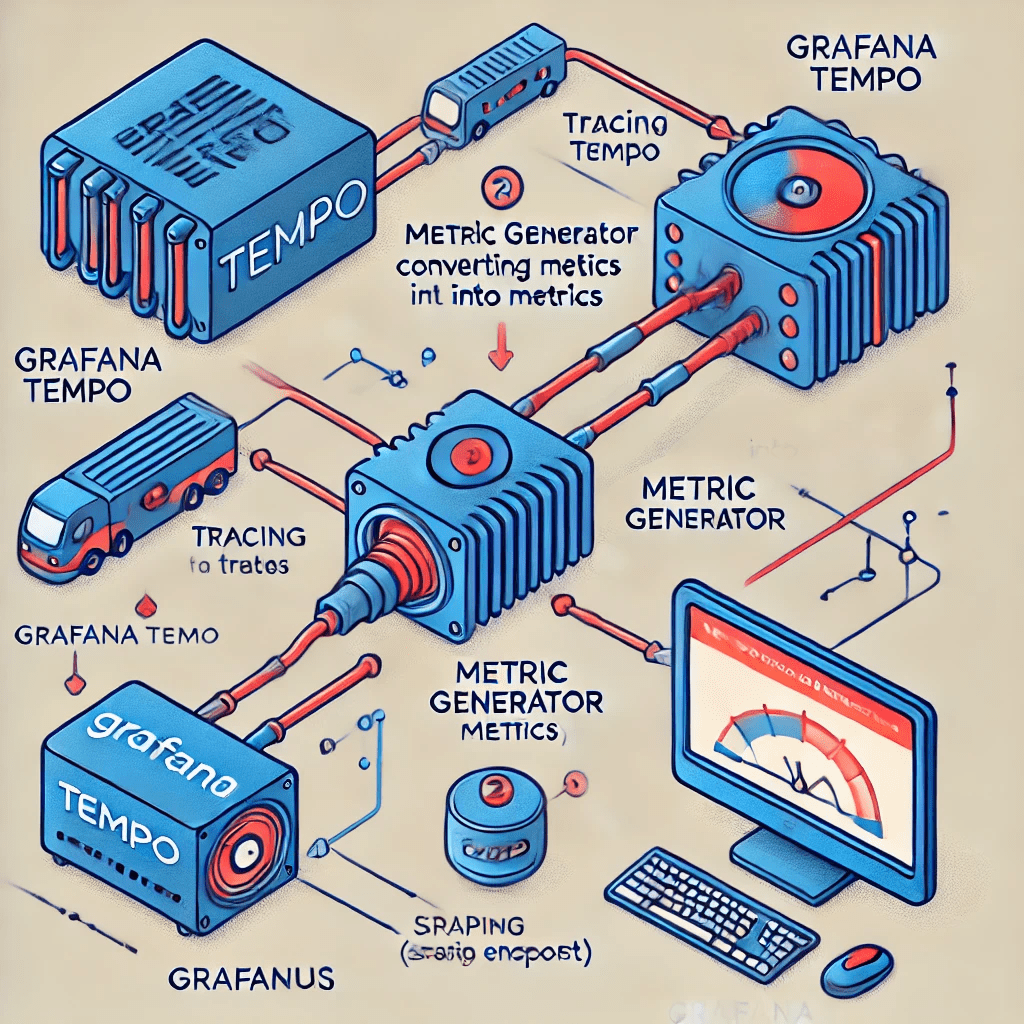
The metric-generator can relate to Prometheus in the following key ways:
1. Metrics Exporter for Prometheus:
In most setups, Prometheus is used to scrape metrics from services like your metric-generator. The metric-generator generates operational metrics, such as request rates, errors, latencies, etc., which are then exposed via an HTTP endpoint (typically at /metrics) in a Prometheus-compatible format. Prometheus scrapes this endpoint at regular intervals to gather the metrics and store them for analysis and visualization in systems like Grafana.
In your deployment:
spec:
containers:
- name: metric-generator
image: your-metric-generator-image:latest
ports:
- containerPort: 8080
If this service is exposing metrics on a specific endpoint (like /metrics), you would configure Prometheus to scrape this endpoint.
2. How Prometheus Scrapes Metrics from Metric Generator:
Prometheus scrapes metrics by querying the HTTP endpoints exposed by your applications. To allow Prometheus to scrape the metric-generator:
-
Expose a
/metricsendpoint in themetric-generatorwhere Prometheus can pull metrics in Prometheus format (e.g., Prometheus metrics include counters, gauges, histograms, summaries, etc.). -
Configure a Prometheus scrape target for the
metric-generatorin your Prometheus configuration. You can do this by adding the generator as a target.
Prometheus Scrape Configuration Example:
In Prometheus' prometheus.yml configuration, you need to specify the metric-generator as a scrape target:
scrape_configs:
- job_name: 'metric-generator'
static_configs:
- targets: ['metric-generator-service:8080']
This configuration tells Prometheus to scrape the metrics from the metric-generator service at the specified port.
3. Metrics Collection Workflow:
Here's how the metric generation and collection workflow typically looks:
-
Metric Generation:
Themetric-generatorproduces custom or application-specific metrics (e.g., response times, error rates, trace-related metrics) and exposes them on an HTTP endpoint like/metrics. -
Metrics Scraping by Prometheus:
Prometheus, configured to scrape targets likemetric-generator, periodically polls the/metricsendpoint ofmetric-generatorto collect the metrics. -
Metrics Storage:
Prometheus stores these metrics in its time-series database, allowing them to be queried and analyzed later. -
Visualization and Alerts:
The metrics scraped by Prometheus frommetric-generatorcan be visualized in Grafana or used for alerting. For example, you could create a dashboard showing: -
Trace count per minute.
-
Latency histograms.
-
Error rates derived from the metrics produced by the
metric-generator.
4. Integration Points with Prometheus:
Here’s how you can ensure that the metric-generator integrates well with Prometheus:
-
Expose a
/metricsendpoint in themetric-generatorapplication. This can be done by using Prometheus client libraries (e.g.,prom-clientfor Node.js,prometheus_clientfor Python, or built-in options for other languages). -
Configure Prometheus to scrape the endpoint. Ensure that the
metric-generator's deployment is discoverable by Prometheus, either via static configuration or using OpenShift’s service discovery mechanisms.
5. Example Metric Exposure in the Application:
In the metric-generator container, you would need to expose metrics in a format Prometheus understands, like:
from prometheus_client import start_http_server, Summary
Create a metric to track time spent and requests made.
REQUEST_TIME = Summary('request_processing_seconds', 'Time spent processing request')
Decorate function with metric.
@REQUEST_TIME.time()
def process_request():
time.sleep(2)
if name == 'main':
# Start up the server to expose the metrics.
start_http_server(8080)
# Generate some requests.
while True:
process_request()
This Python example uses the prometheus_client library to expose metrics on port 8080.
6. Prometheus Metrics from Tempo:
If the metric-generator also pulls trace data from Grafana Tempo, it can convert those traces into metrics (e.g., request latency, error rates, trace count) and expose them for Prometheus to scrape. This way, Prometheus gathers the metrics derived from the traces managed by Tempo.
7. Prometheus and Tempo Metrics:
Prometheus can also monitor Tempo's internal metrics. Tempo exposes its own operational metrics (such as ingested trace spans, storage access latencies, etc.) via a Prometheus endpoint. Prometheus scrapes these metrics to monitor the health and performance of the Tempo system itself.
Summary:
-
Metric Generator and Prometheus: The
metric-generatorgenerates application-specific metrics and exposes them on an HTTP endpoint. -
Prometheus Scraping: Prometheus scrapes the
/metricsendpoint of themetric-generatorto gather these metrics for monitoring and analysis. -
Integration with Tempo: The
metric-generatorcould also generate metrics based on the trace data from Tempo and expose those metrics for Prometheus to collect.
Let me know if you'd like any more details on how to set up Prometheus or customize the integration!
Imported from rifaterdemsahin.com · 2024