How to Deploy a Basic NGINX Pod in CRC (CodeReady Containers)
Deploying a basic NGINX pod in CodeReady Containers (CRC) is a straightforward task if you are familiar with Kubernetes and OpenShift. CRC allows you to set up a local OpenShift cluster for testing and development purposes. In this post, we’ll guide you through deploying an NGINX pod in CRC step-by-step.
Prerequisites
Before getting started, make sure you have the following prerequisites in place:
-
CodeReady Containers installed on your local machine
-
The OpenShift client (
oc) installed and configured -
A running CRC instance
If you haven’t installed CRC yet, follow the CRC installation guide.
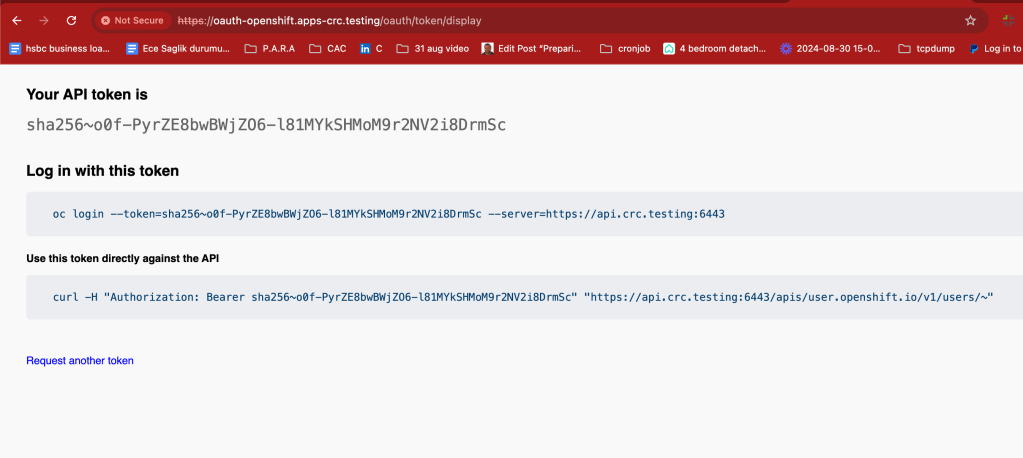
Step 1: Log in to OpenShift Cluster
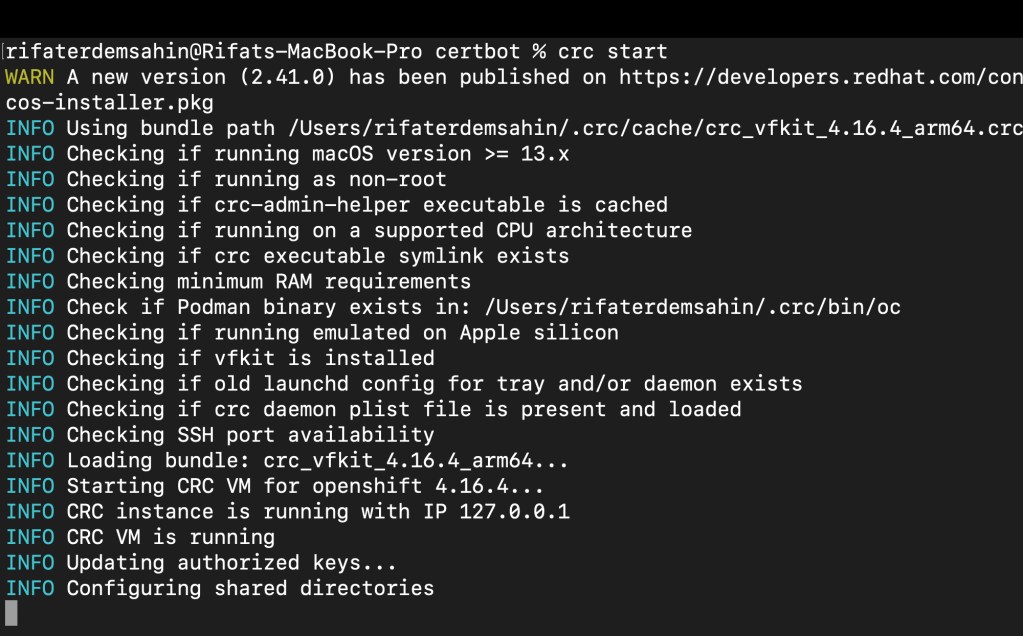
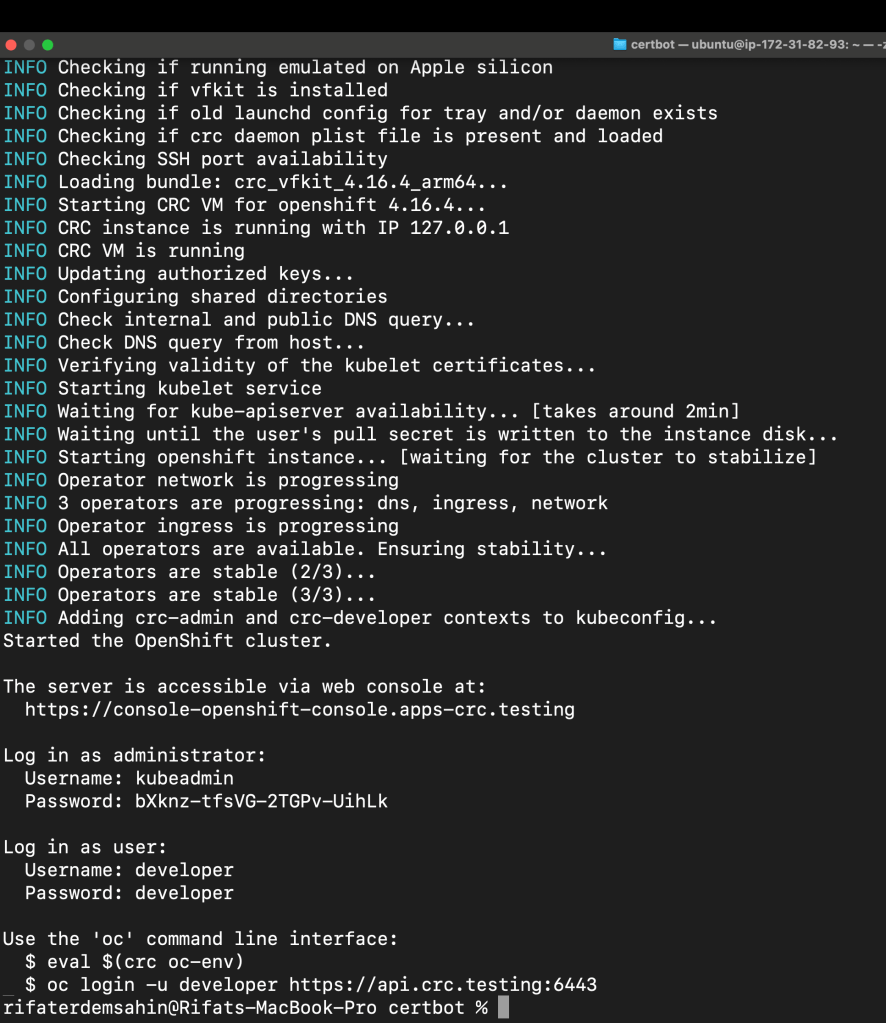
Once your CRC is up and running, log in to the OpenShift cluster using the oc command-line tool. Run the following command:
crc start
eval $(crc oc-env)
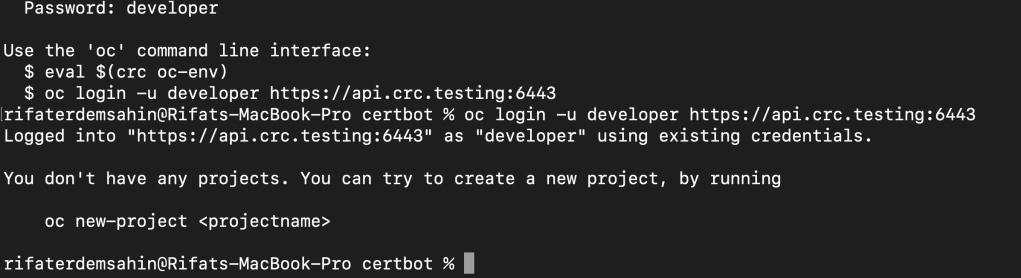
oc login -u developer -p developer
This logs you into the local OpenShift cluster as the developer user.
Step 2: Create a New Project
Kubernetes and OpenShift organize resources under namespaces (projects). Let’s create a new project for our NGINX pod:
oc new-project nginx-deployment
This creates a new project where you’ll deploy the NGINX pod.
Step 3: Deploy the NGINX Pod
Now, let’s deploy the NGINX pod. You can deploy it directly using a basic YAML configuration, or by using the oc command to create the pod interactively.
Option 1: YAML Configuration
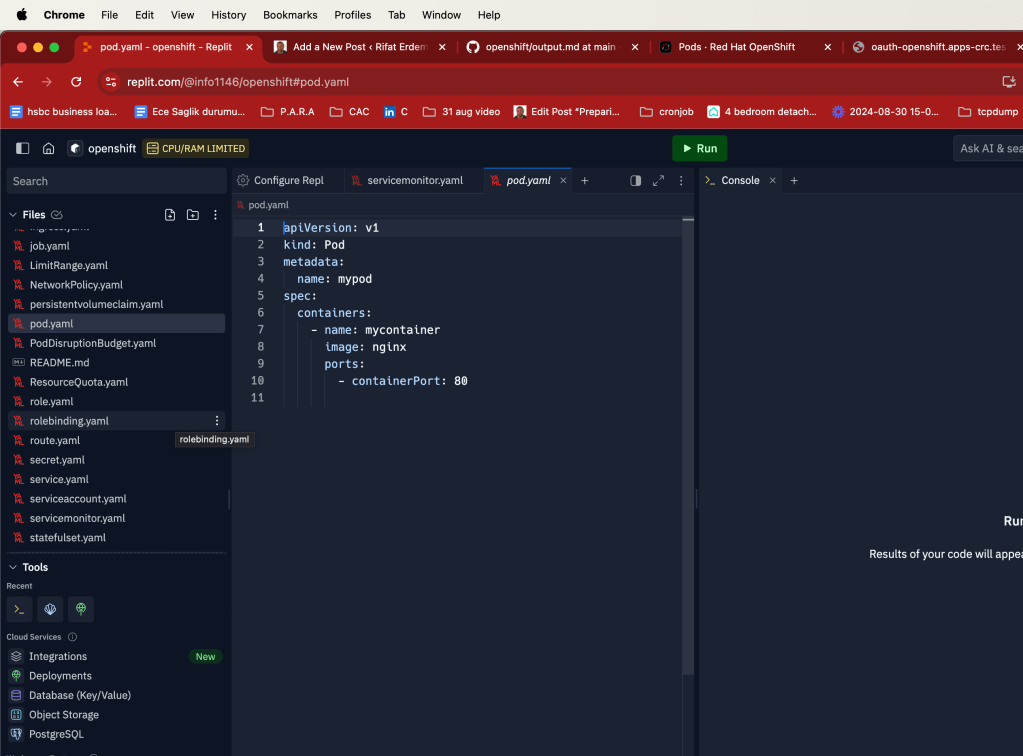
Create a YAML file (nginx-pod.yaml) with the following content:
apiVersion: v1
kind: Pod
metadata:
name: nginx-pod
labels:
app: nginx
spec:
containers:
- name: nginx-container
image: nginx:latest
ports:
- containerPort: 80
To deploy the pod, use the following command:
Star Yaml
Get Yaml
oc apply -f nginx-pod.yaml
Recopy with the token
Option 2: Direct Command
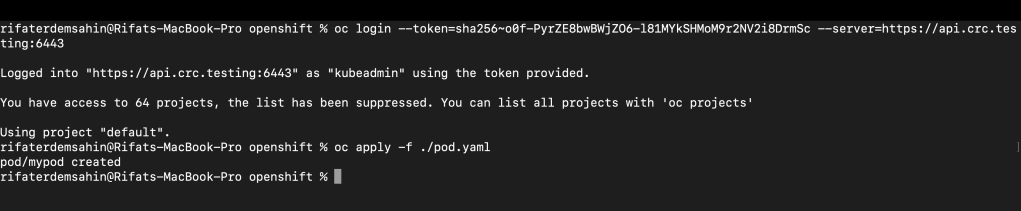
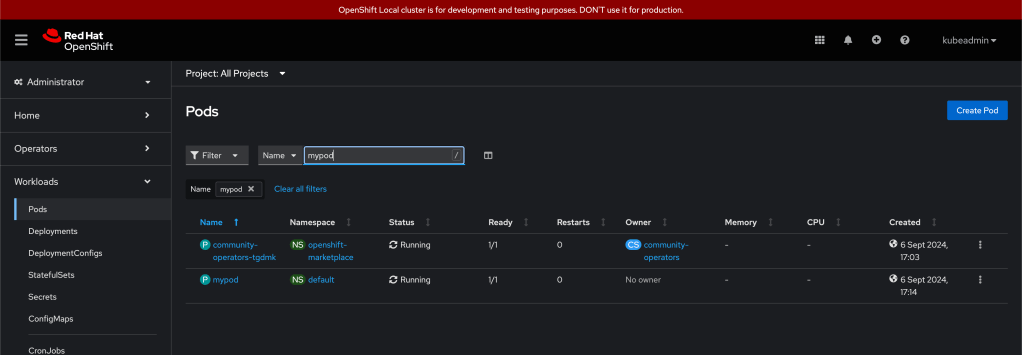
mypod
Alternatively, you can run the following command to deploy the NGINX pod directly without the YAML file:
oc run nginx-pod --image=nginx --port=80
one done 24 more to go
Step 4: Expose the NGINX Pod
To make the NGINX pod accessible from outside the cluster, you need to expose it as a service. Run the following command to expose the pod:
oc expose pod nginx-pod --type=NodePort --port=80
This will expose the pod on a specific NodePort, allowing you to access the NGINX server externally.
Step 5: Get the Service URL
To access the running NGINX server, get the service URL. Use the following command to find the service and the assigned port:
oc get svc nginx-pod
You’ll see an output with the NodePort assigned. Combine the cluster’s IP address with the NodePort to access the NGINX server. You can use crc ip to get the CRC instance IP.
Example:
curl http://
Conclusion
By following these simple steps, you’ve deployed a basic NGINX pod in CodeReady Containers. CRC makes it easy to set up a local development environment for OpenShift, and deploying pods like NGINX is a great way to get started with containerized applications.
Happy coding!
Imported from rifaterdemsahin.com · 2024