How to Fix the "Address Not Found" Email Error 🚨 After SquareSpace Migration
Errors popping up on Friday where nursery sends an ultimatom but i cant send emails
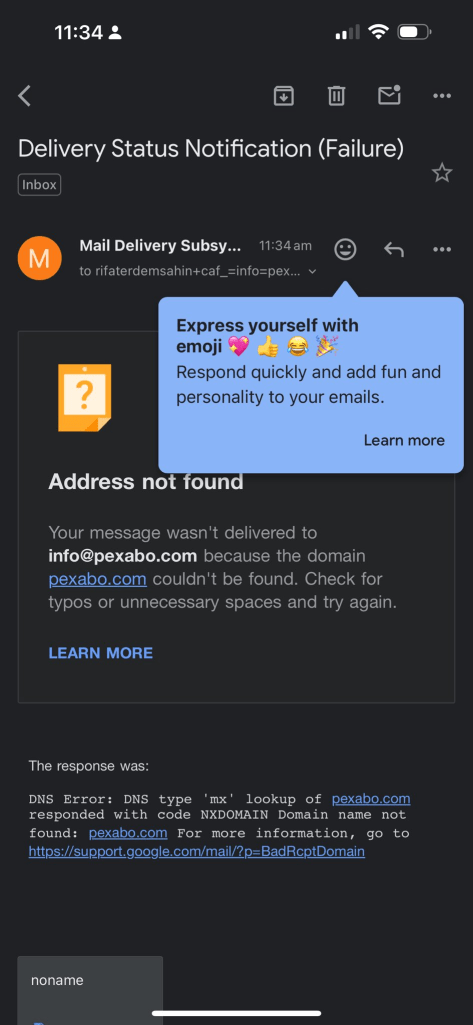
Have you ever received a message like the one in the screenshot? 😅 It's frustrating when your email doesn't go through because of a domain issue. Here’s how you can troubleshoot it easily!
Contacted on X to square space
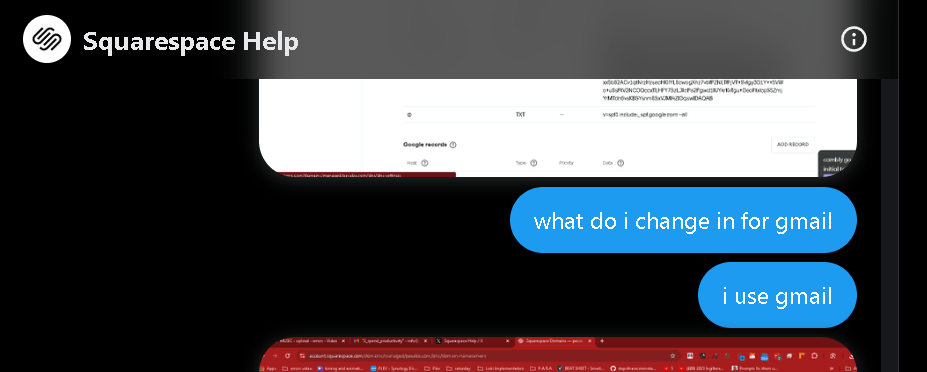
Yak Shaving
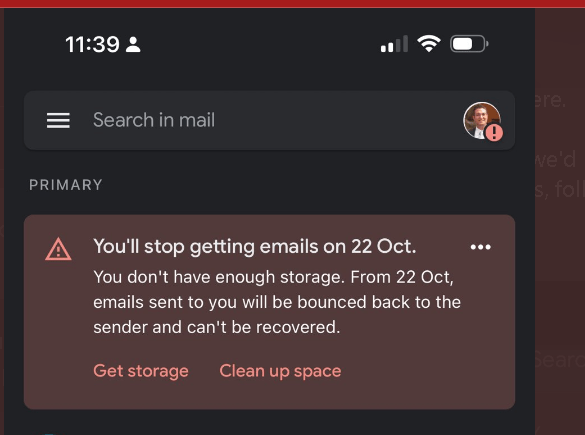
update the information
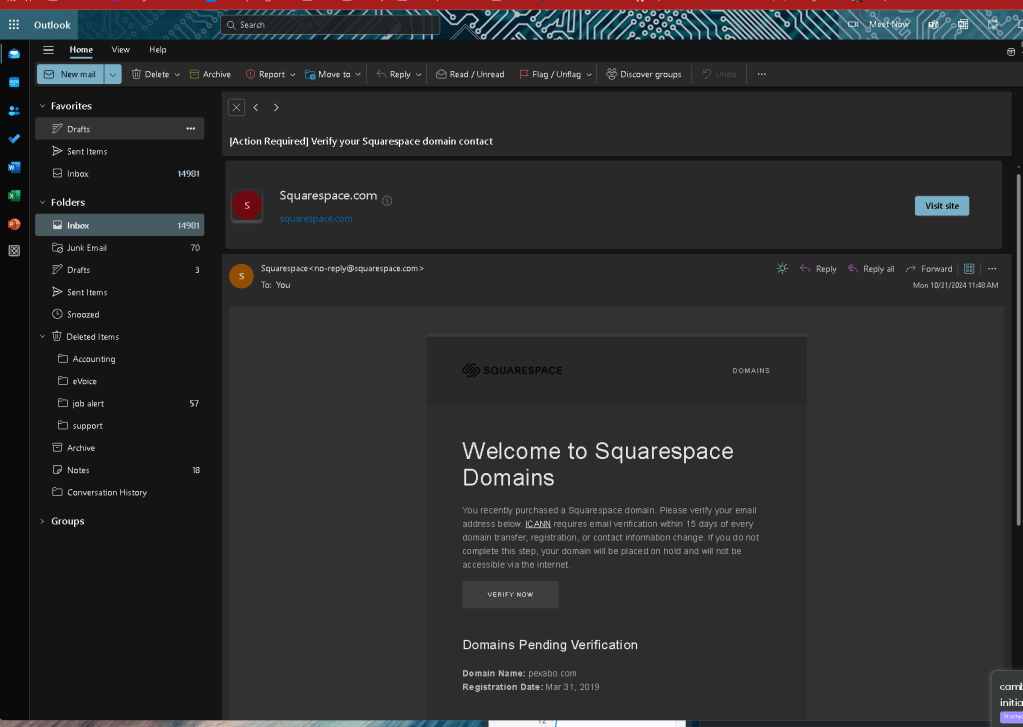
Test and see
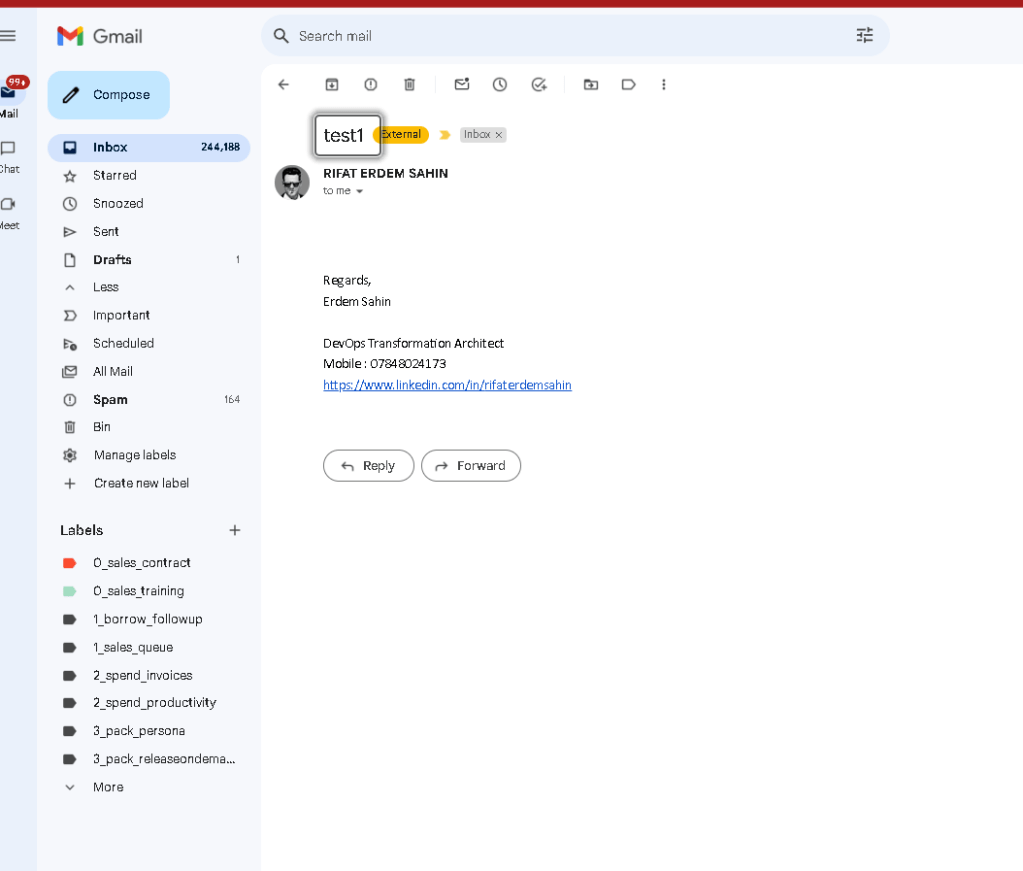
Now go back to the other problem
download files from google drive
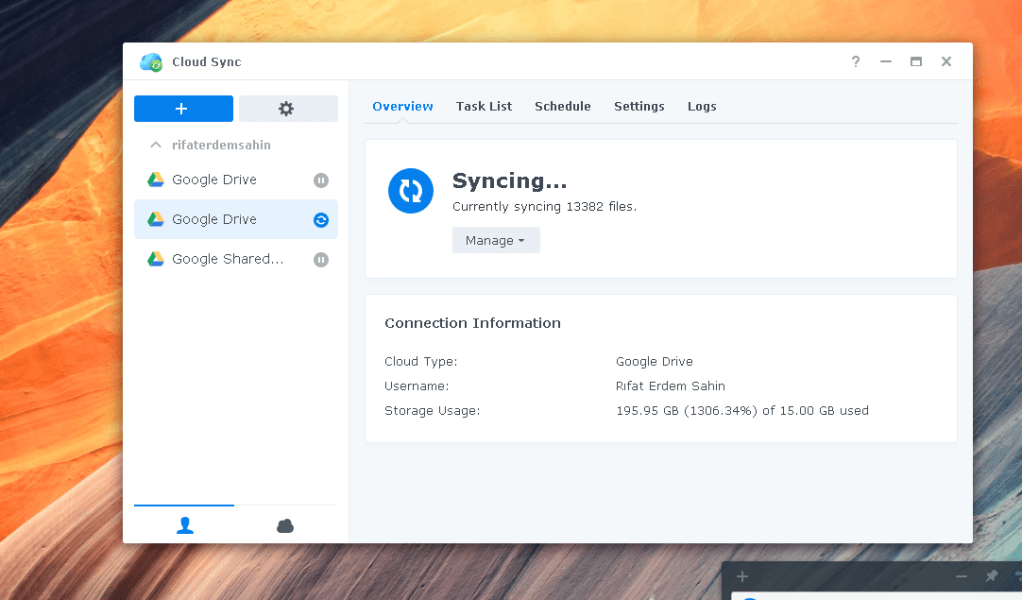
Pause sync on nas
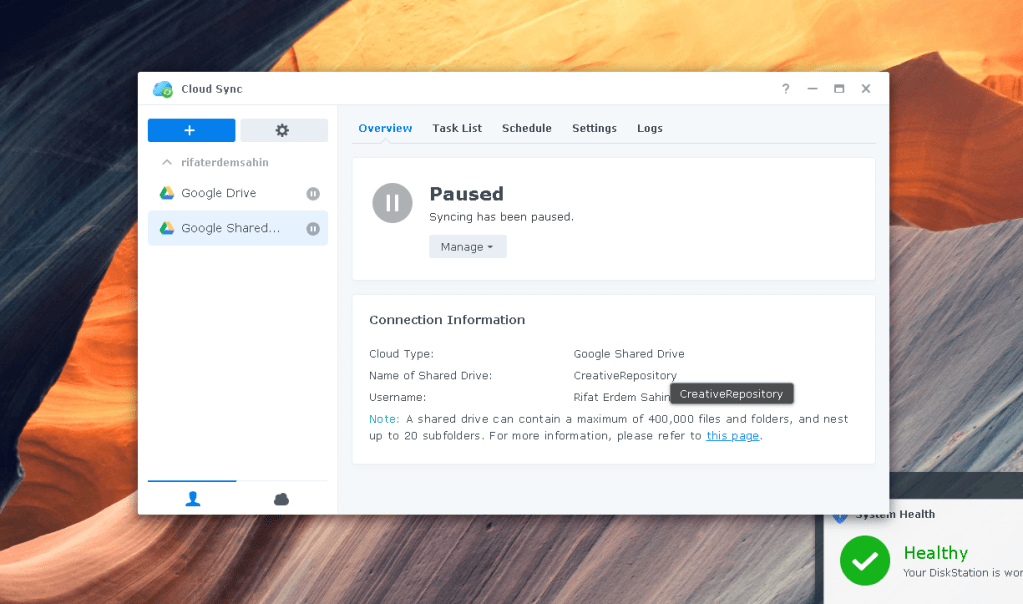
Download before getting blocked
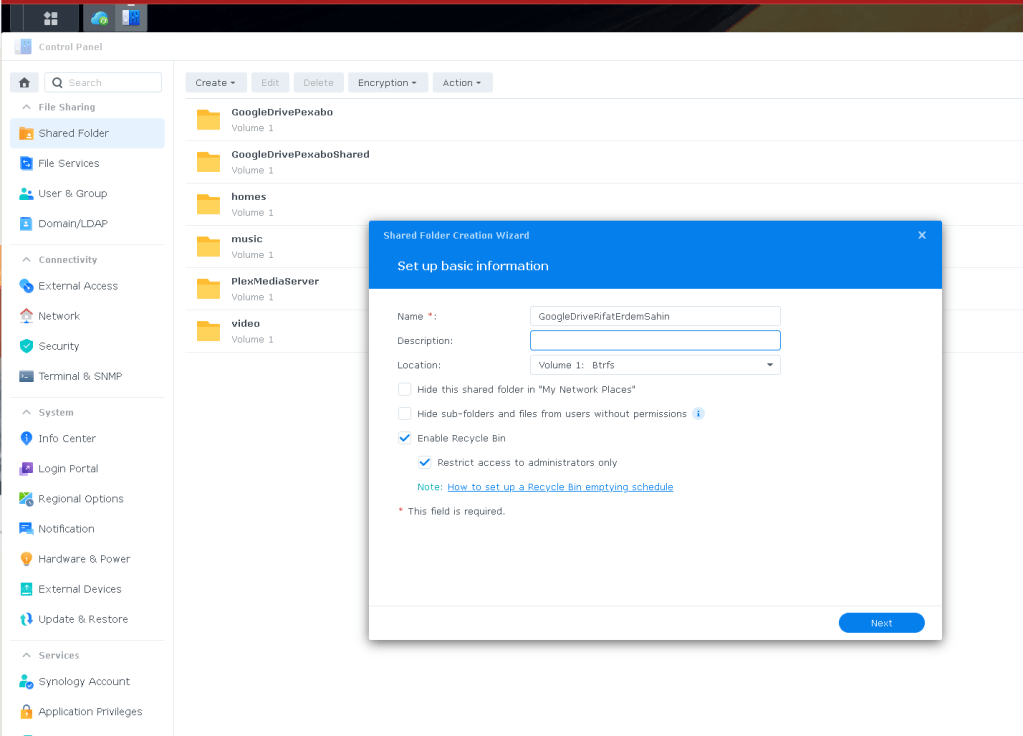
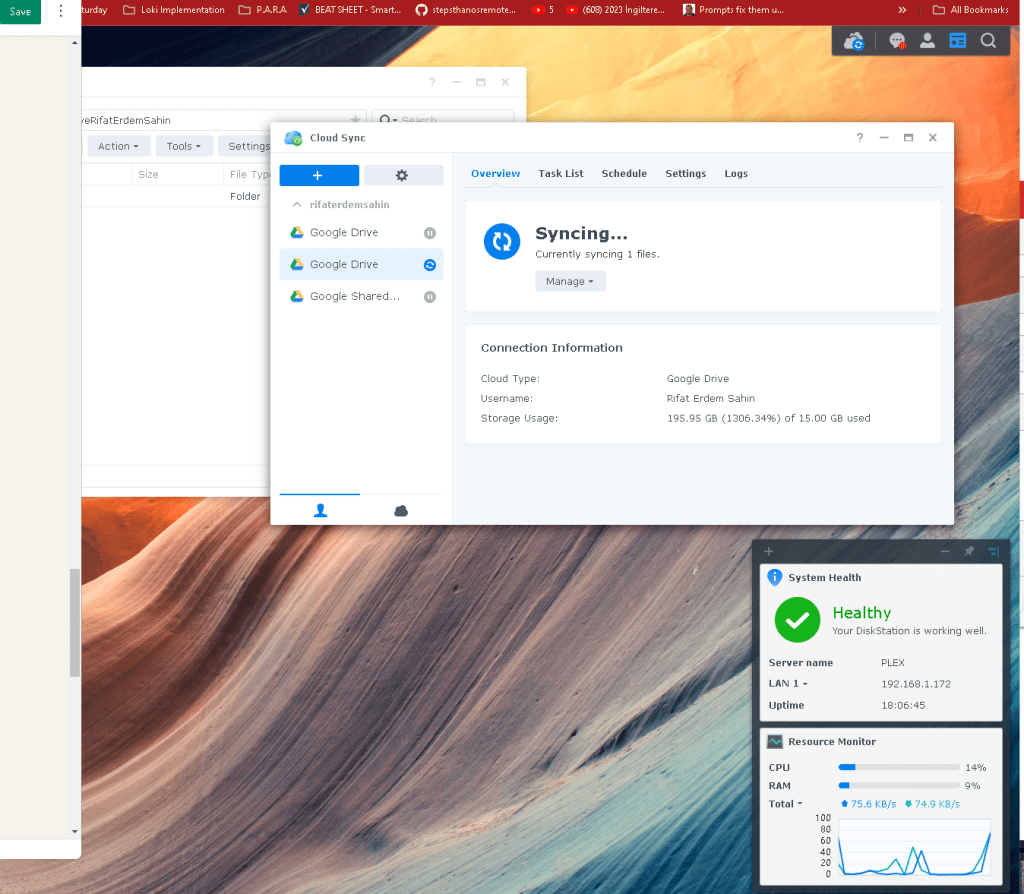
See the sync that works
Email arrives
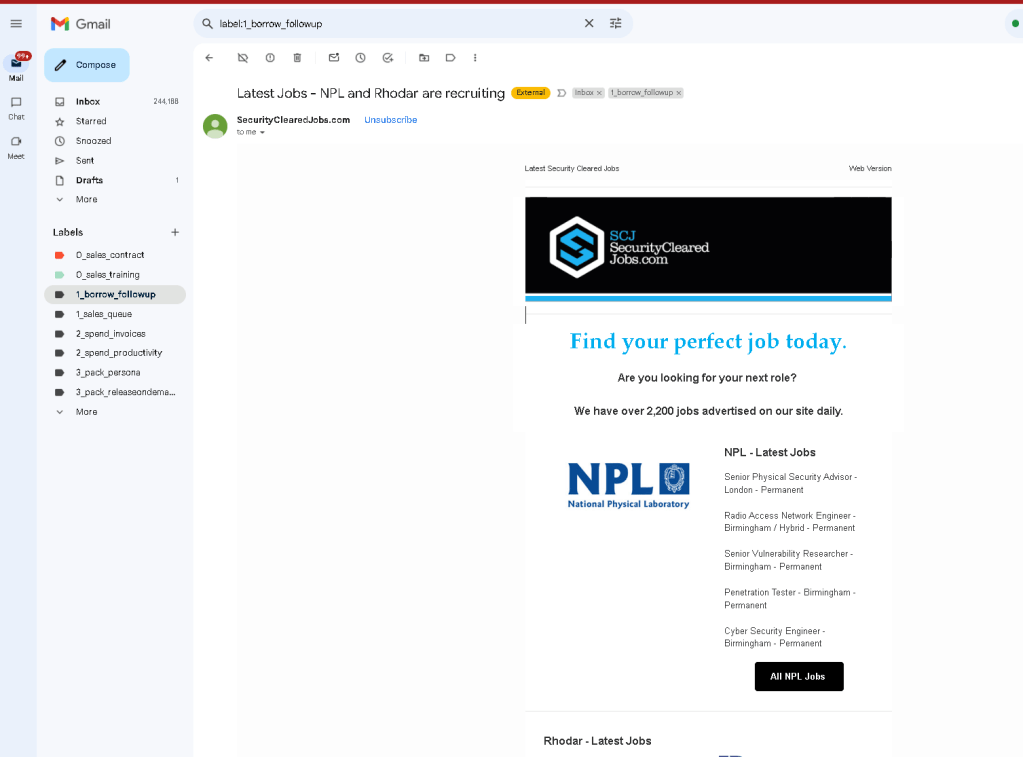
file coming in
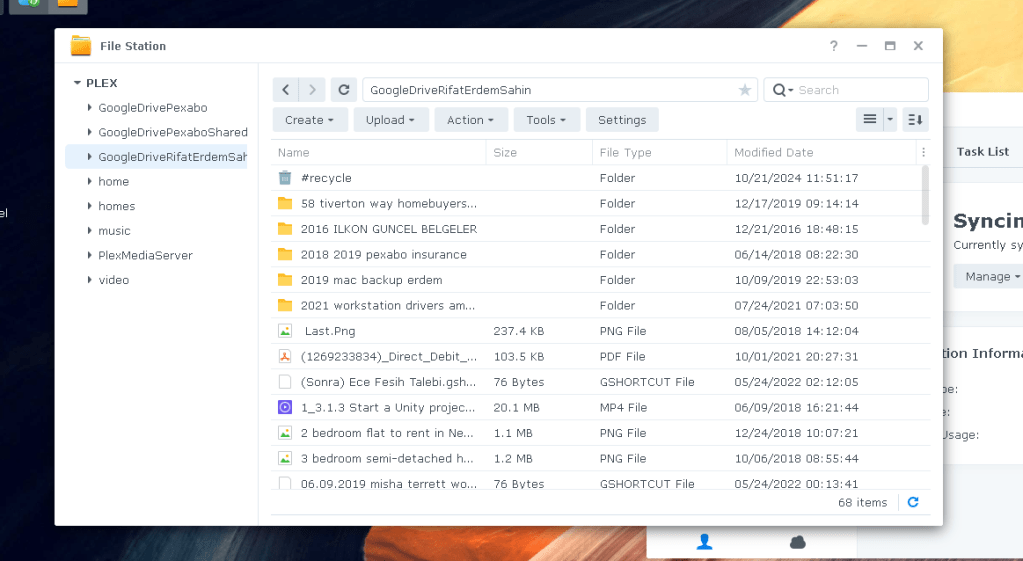
At least > I would clean this up
Get the files
🛠️ Common Reasons for the Error:
-
Typo in the email address 🧐
Double-check the email address for any spelling mistakes, unnecessary spaces, or missing characters. -
Non-existent domain 🌐
Sometimes, the domain might not exist anymore. Try searching for the domain (e.g., "pexabo.com") in a browser to see if it's still live. -
Server Issues 💻
The server hosting the domain might be down temporarily. Wait a while and try again later.
📝 Steps to Solve:
-
Verify the domain name 🔍
Search for the domain (in this case, pexabo.com) to check if it’s valid. -
Contact the recipient 📞
If you have another way to reach out, ask them if they have another email address. -
Check your own email settings ⚙️
Ensure that your outgoing mail server settings are correct. -
Try alternative communication methods 💬
If email fails, try sending a message through a different platform like LinkedIn or Slack.
💡 What I Want to Achieve:
-
🖥️ Send a successful email to the correct address.
-
🛠️ Avoid similar errors in the future by verifying emails before sending.
🔗 Connect with me:
-
💼 LinkedIn: Rifat Erdem Sahin
-
🐦 Twitter: @rifaterdemsahin
-
🎥 YouTube: RifatErdemSahin
-
💻 GitHub: rifaterdemsahin
Let me know if this helps! 😄
Imported from rifaterdemsahin.com · 2024