Cursor and CodeSpaces
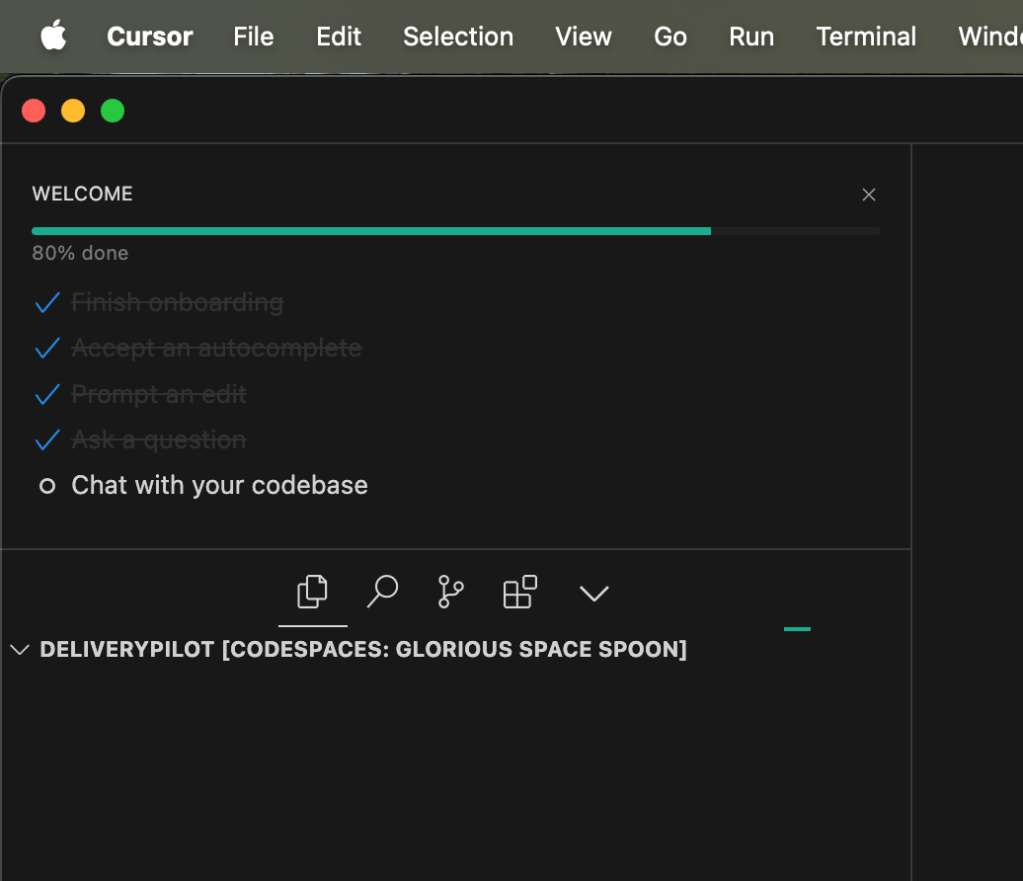
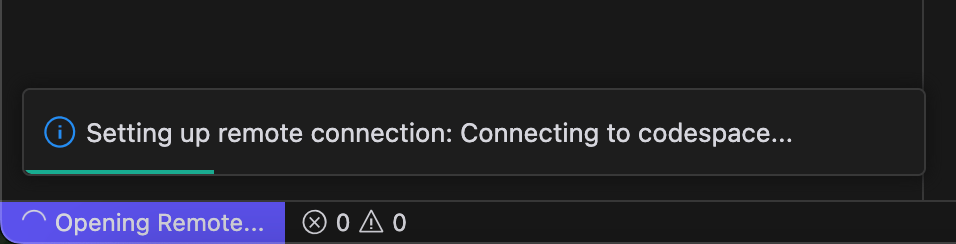
a Remote connection
🚀 How to Use Cursor AI and GitHub Codespaces Together
💡 What I Want to Achieve: In this blog post, I'll walk you through how to leverage the power of Cursor AI and GitHub Codespaces together for an efficient, AI-enhanced development workflow. We'll explore how to integrate these tools to streamline coding, automate tasks, and improve your overall productivity. If you're a developer looking to work smarter, this combo can be a game-changer! 🌟
🎯 What is Cursor AI?
Cursor AI is an AI-powered code generation and automation tool. With it, you can write, review, and refactor code much faster by harnessing machine learning models that understand natural language and code context. Imagine having an assistant that helps write functions, tests, and even handles documentation for you. 👨💻🤖
⚙️ What is GitHub Codespaces?
GitHub Codespaces is a cloud-based development environment directly integrated with GitHub. You can spin up a fully configured code editor in the cloud, allowing you to develop on any machine without worrying about local setups. With Codespaces, your development environment lives in the cloud and is accessible from anywhere. 🌐☁️
🚀 How to Use Cursor AI with GitHub Codespaces
Combining Cursor AI with Codespaces gives you a highly scalable, collaborative, and AI-assisted coding experience. Here's how to get started:
-
Set Up GitHub Codespaces:
-
Navigate to the repository you want to work on and click the Code button.
-
Select Open with Codespaces and start your cloud-based development environment.
-
Once set up, your workspace will be ready with pre-configured tools, extensions, and environment settings. 🛠️
-
Install Cursor AI Extensions:
-
Inside your Codespace, go to the Extensions tab in VS Code and search for Cursor AI.
-
Install the extension and configure it to work with your project (e.g., connecting your AI token, if required).
-
Cursor AI will now be accessible in your workspace, offering intelligent suggestions and code generation. 💻✨
-
Automate Your Coding Tasks:
-
Open any code file and start coding as you normally would.
-
Use Cursor AI to generate boilerplate code, write tests, or suggest optimizations.
-
Ask questions or describe the functions you need, and Cursor AI will generate snippets instantly. 🤖📜
-
Seamless Collaboration:
-
Share your Codespace with collaborators or teammates in real-time. Since Codespaces is in the cloud, anyone with access can jump into the same workspace.
-
Your AI tools (Cursor AI) will be available for the entire team, allowing everyone to work more efficiently and stay in sync. 👥💡
✨ Benefits of Using Cursor AI + GitHub Codespaces
-
Accessibility: Develop from any device, anywhere, without worrying about your local setup. 🏖️🖥️
-
Productivity Boost: AI-generated code and suggestions from Cursor AI drastically reduce the time spent on repetitive tasks. 🚀
-
Collaboration: Share your Codespace and the power of AI with teammates, making coding together more streamlined. 🤝
-
Cloud-Powered Development: No more dependency issues or local machine limitations. Your development environment is always ready in the cloud. ☁️⚡
🔗 Connect with me:
If you have any questions or want to connect, feel free to reach out via the links below:
Happy coding! 😊
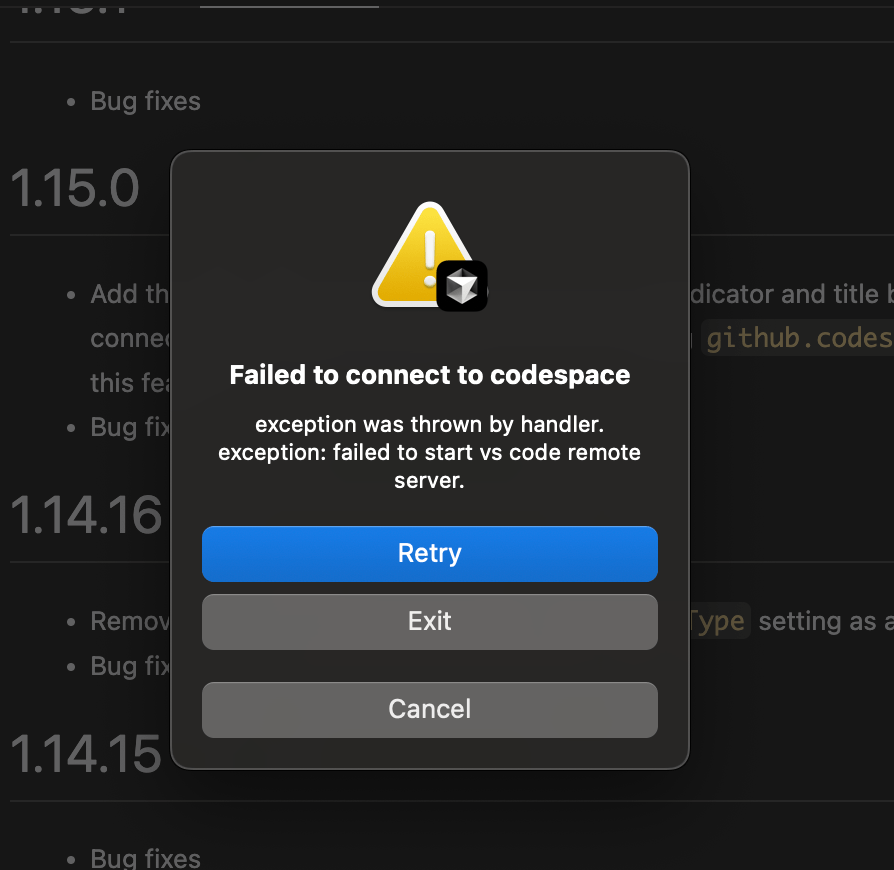
Unfortunately
Imported from rifaterdemsahin.com · 2024