Snagit Exports as Video
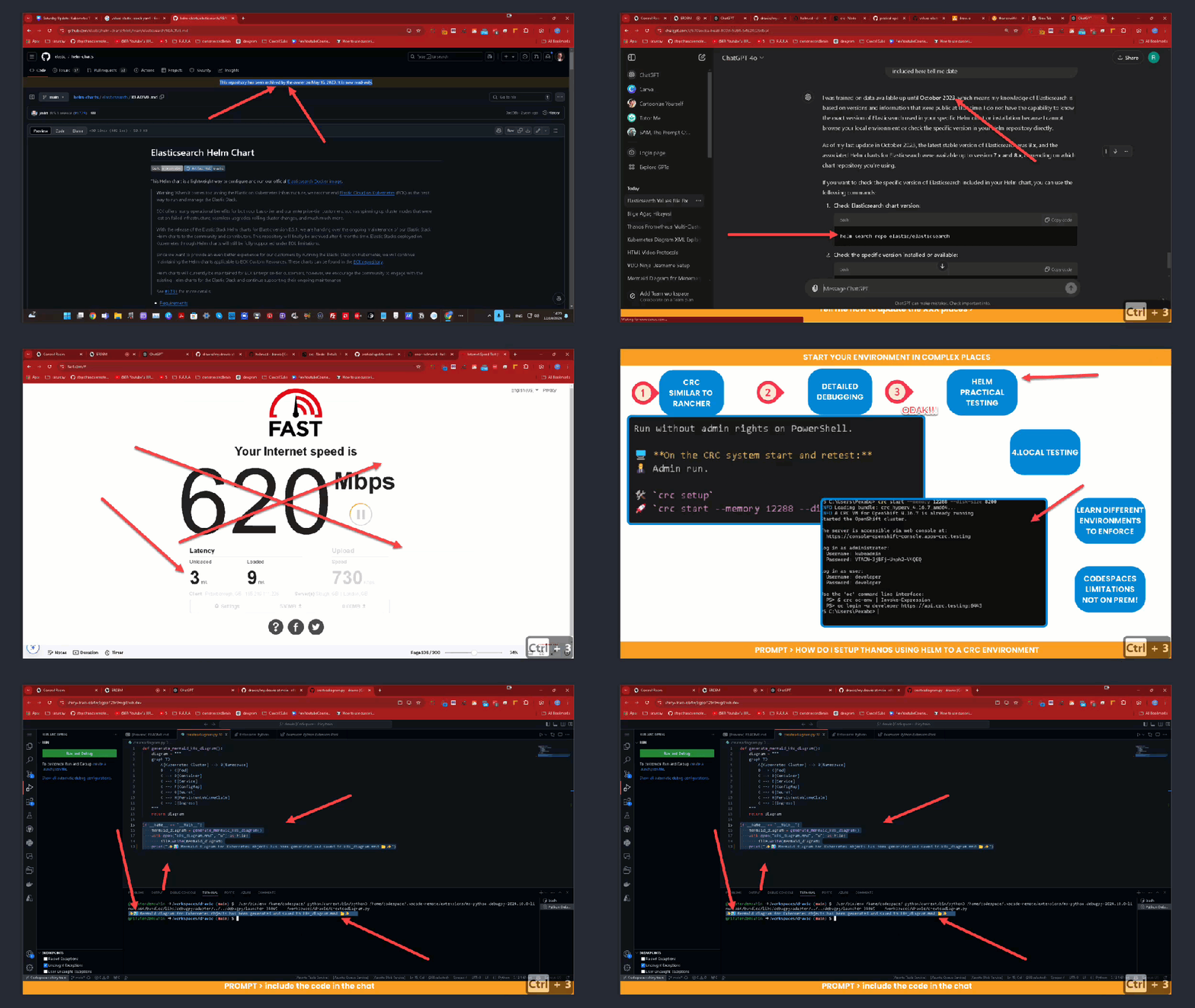
🚀 Why Snagit Exports as Video are Perfect After Live Training Sessions
🔄 You’ve just wrapped up a fantastic live training session, and you’re feeling pumped! But how do you ensure your audience retains the key points? This is where Snagit exports come in as an invaluable tool for post-training success.
💡 The Power of Video Recaps
Training sessions can be information-packed, and it's not uncommon for participants to miss out on some important details. By exporting Snagit captures as video, you’re providing an accessible and engaging way for attendees to revisit and reinforce the lessons learned.
🎥 Why Use Snagit for Post-Training Videos?
-
🎯 Focused Recaps: You can quickly highlight key moments from your training.
-
✂️ Seamless Edits: Easily trim unnecessary pauses, keeping the video concise and relevant.
-
🎬 Visual + Audio Learning: By combining screenshots and voice narration, you cater to both visual and auditory learners.
⏯️ Screenshot Pauses: The Hidden Gem
Screenshot pauses allow you to provide a clearer breakdown of complex topics. You can capture step-by-step processes, add voiceover explanations, and give your audience the ability to pause and replay at their own pace.
💪 Achieve Better Learning Outcomes
By offering these videos right after the training, your audience can retain more and apply the concepts sooner. Think of it as a way to solidify the learning experience and make the most of that initial excitement.
🔗 Connect with me for more insights on maximizing training outcomes:
-
💼 LinkedIn: Connect with me
-
🐦 Twitter: Follow me on Twitter
-
🎥 YouTube: Check out my YouTube channel
-
💻 GitHub: Explore my GitHub projects
Let’s turn those training sessions into actionable, lasting knowledge! 🎉
Imported from rifaterdemsahin.com · 2024