🚀 Selling Items on eBay Before Moving Your Business and Home
Moving your business and home can feel overwhelming. But there’s a bright side: it’s the perfect time to declutter, streamline, and make some extra cash by selling items on eBay. Here’s a step-by-step guide to help you sell efficiently, reduce your load, and turn unused goods into profit.
3 important parts
-
Pictures
-
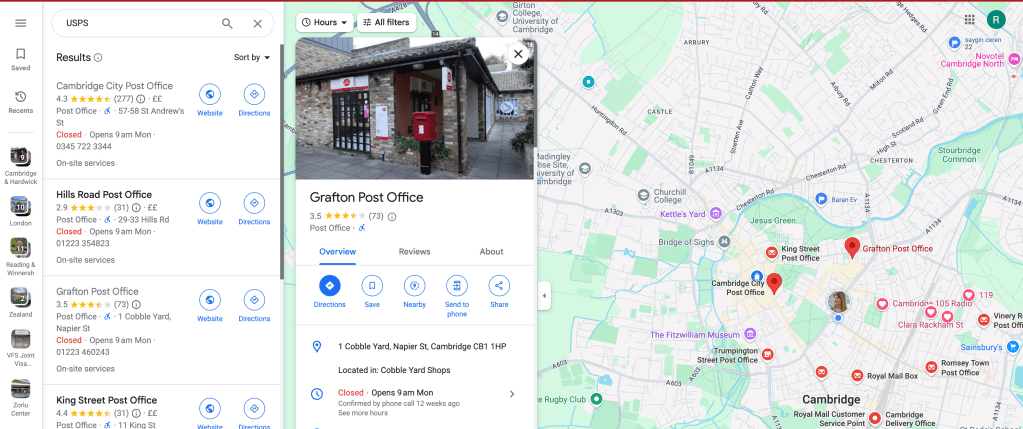
Location
-
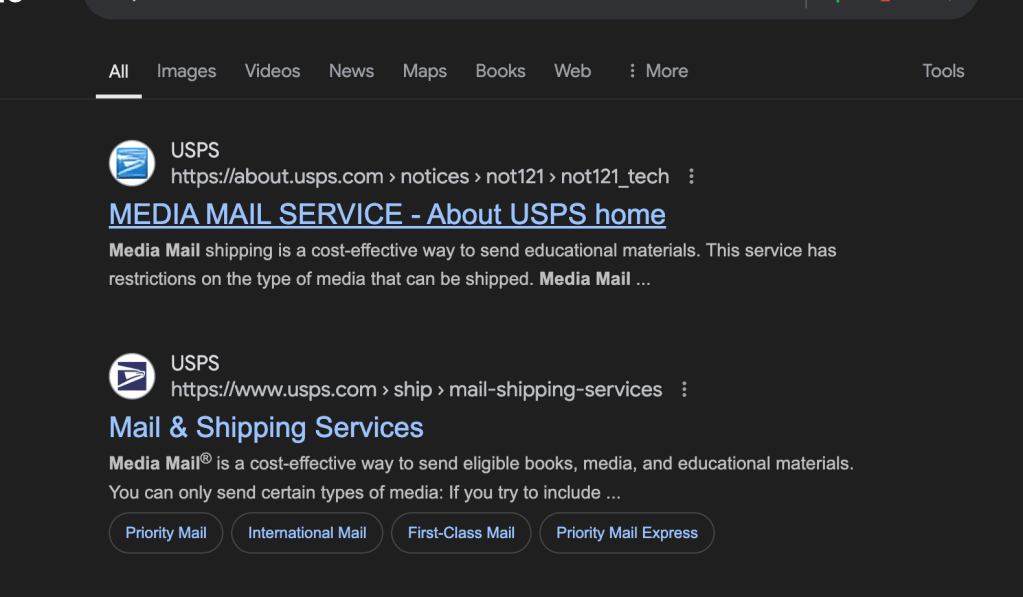
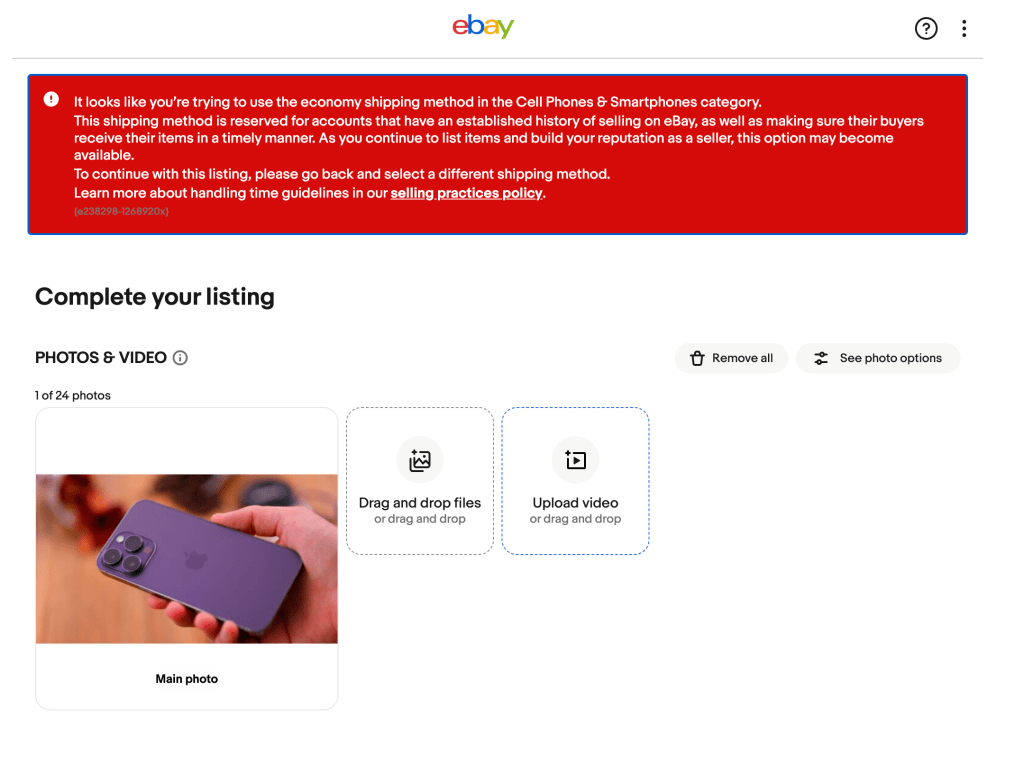
Postage
Ask > https://x.com/rifaterdemsahin/status/1837923705361780829
💡 Why Sell Before You Move?
-
🧹 Declutter Your Space: Moving is the best time to get rid of items that no longer serve you.
-
💸 Extra Income: Selling unused items can give you a financial boost for moving expenses.
-
🌱 Sustainability: Giving your old things a new home reduces waste and promotes sustainability.
-
📦 Less Stuff to Pack: Simplifying your load makes the moving process faster and easier.
🚀 Steps to Get Started
1. 📸 Take High-Quality Photos
Good pictures sell products. Use natural light, highlight any unique features, and upload multiple angles. eBay allows 12 photos per listing, so use them to showcase your item’s best attributes.
2. ✏️ Write Clear Descriptions
Be specific with your item’s condition, size, brand, and any quirks. A detailed and honest description builds buyer trust and prevents returns.
3. 💰 Research Prices
Before listing, check similar items on eBay. Look for sold listings to get a real sense of what people are willing to pay.
4. 🚛 Choose the Right Shipping Option
Offering free or low-cost shipping can attract more buyers. Calculate your shipping fees and choose reliable carriers.
5. ⏰ Schedule Listings Before You Move
Plan your selling timeline around your moving date. Make sure you have enough time to pack and ship items before relocating.
📝 Screenshot Pauses
(Pause here to take a screenshot of your eBay listings page)
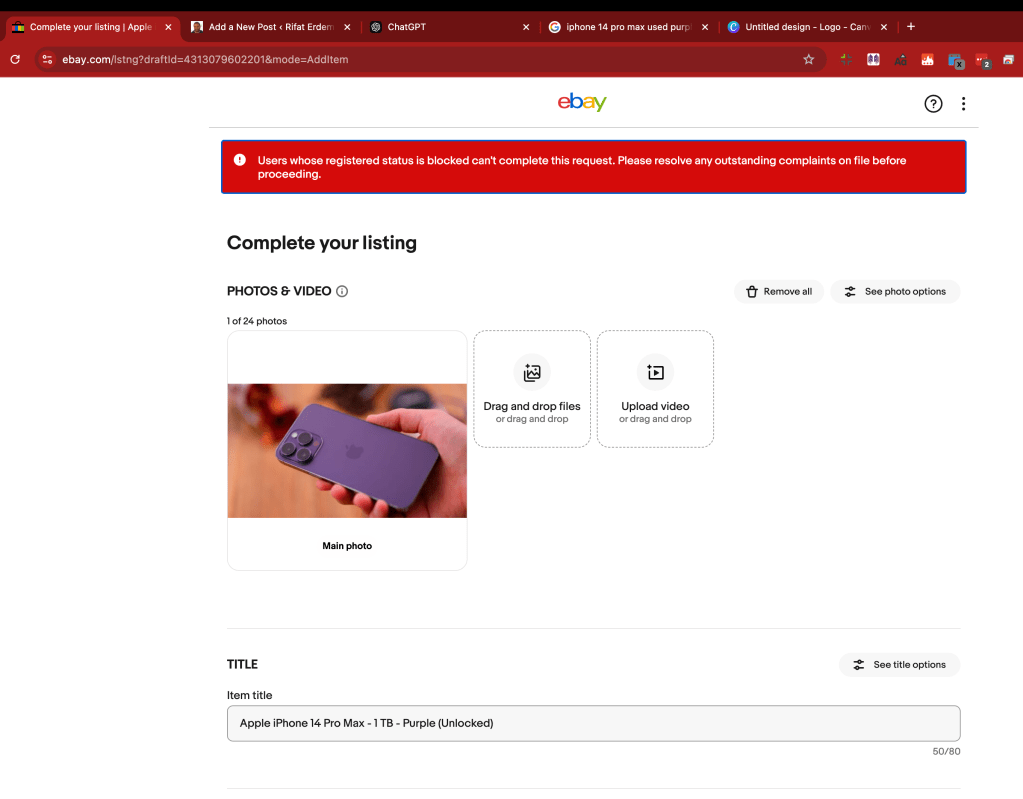
When you're preparing to list items, eBay’s interface allows you to easily upload photos, set prices, and select shipping options. Here’s how mine looks when I’m getting ready to list an item before moving. 🖼️👇 (Insert Screenshot)
💡 Bonus Tips for Selling Success
-
🕒 Timing Matters: List items on weekends or evenings when more buyers are online.
-
📢 Promote Your Listings: Share your eBay listings on social media or through email to reach a larger audience.
-
✨ Stay Organized: Keep track of what you’ve sold, shipped, and still need to list. A simple spreadsheet can save you time and stress.
By the time you’re ready to move, you’ll have fewer things to pack, more cash in your pocket, and a fresh start for your business and home. 💼📦
🔗 Connect with me:
-
💼 LinkedIn: https://www.linkedin.com/in/rifaterdemsahin/
-
🐦 Twitter: https://x.com/rifaterdemsahin
-
🎥 YouTube: https://www.youtube.com/@RifatErdemSahin
-
💻 GitHub: https://github.com/rifaterdemsahin
Good luck with your eBay sales and the upcoming move! 🌟
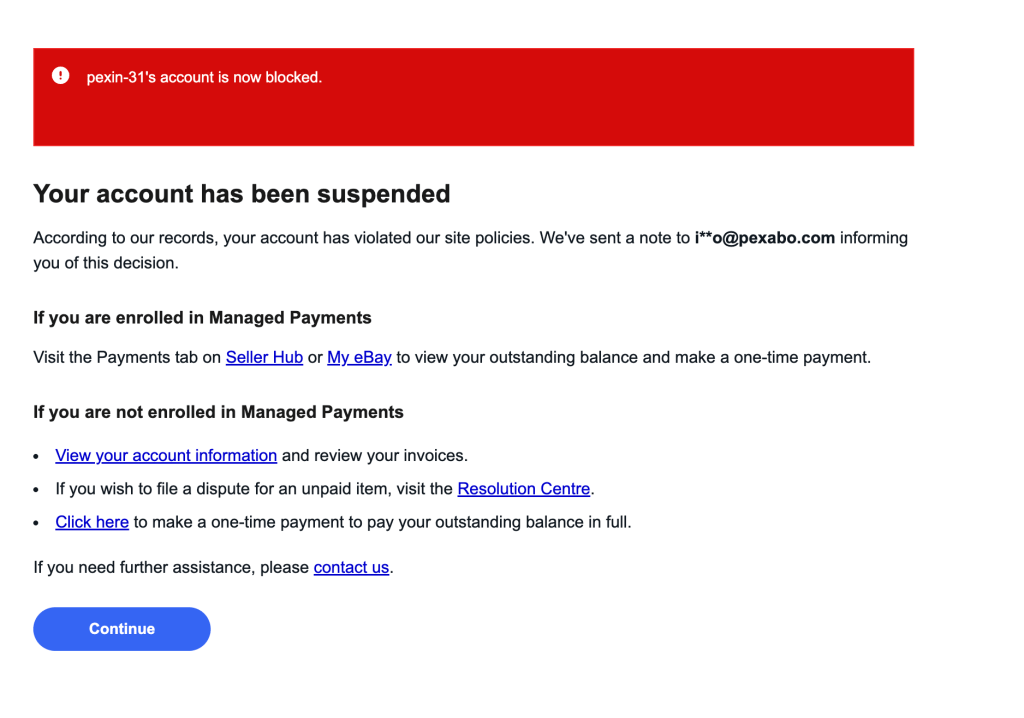
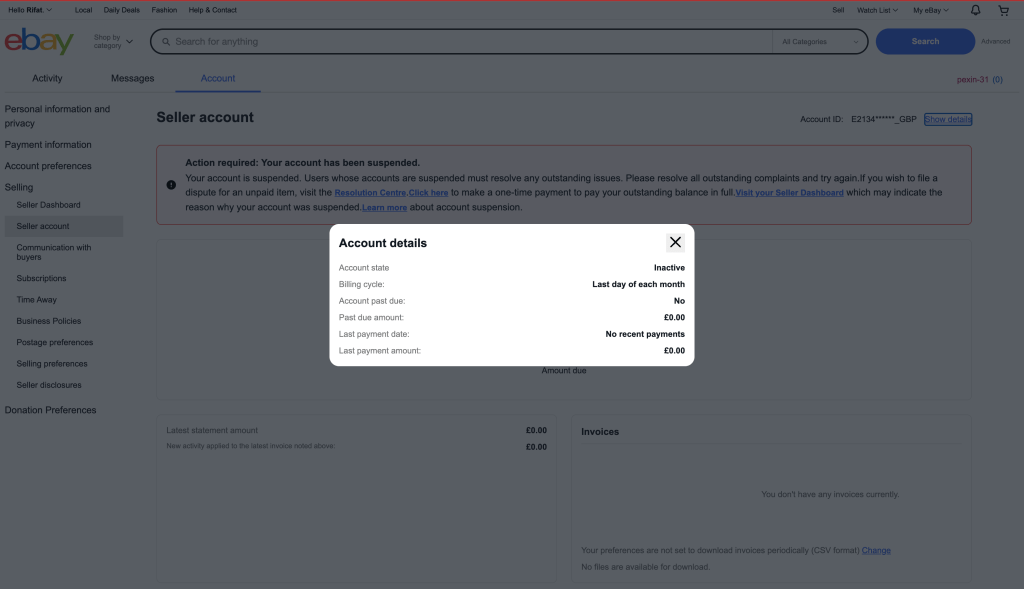
If you're seeing the error message "No longer a registered user" on eBay, it typically means that the user you're trying to interact with has had their account suspended or deleted. Here's how you can troubleshoot and address the issue:
1. Check the User's Profile:
- If the user has been removed, their profile will show "No longer a registered user." You can confirm this by searching for their username on eBay and checking if their profile is still accessible.
2. Order Related Issues:
-
If you've made a purchase and the seller is no longer registered, contact eBay's customer service for assistance. They may offer buyer protection if there are issues with the order (e.g., item not received or not as described).
-
If you haven't received your item, file a claim through the eBay Money Back Guarantee.
3. Messages from Suspended Users:
- If you're receiving messages from a user who is no longer registered, you won't be able to respond. You may need to contact eBay's support if it's important to resolve the issue.
4. For Sellers:
-
If you’re a seller and the buyer is no longer a registered user, eBay might automatically cancel the transaction. You’ll typically get a notification about the situation.
-
eBay might refund any selling fees associated with that transaction.
5. Contact eBay Support:
- If you’re unable to resolve the issue on your own or if you need clarification, reach out to eBay’s customer service for further help. You can find their help center at eBay Help.
Common Reasons for Account Removal:
-
Violation of eBay policies: The user might have violated eBay’s rules or terms of service, leading to suspension or banning.
-
User-requested account closure: Sometimes users close their own accounts.
-
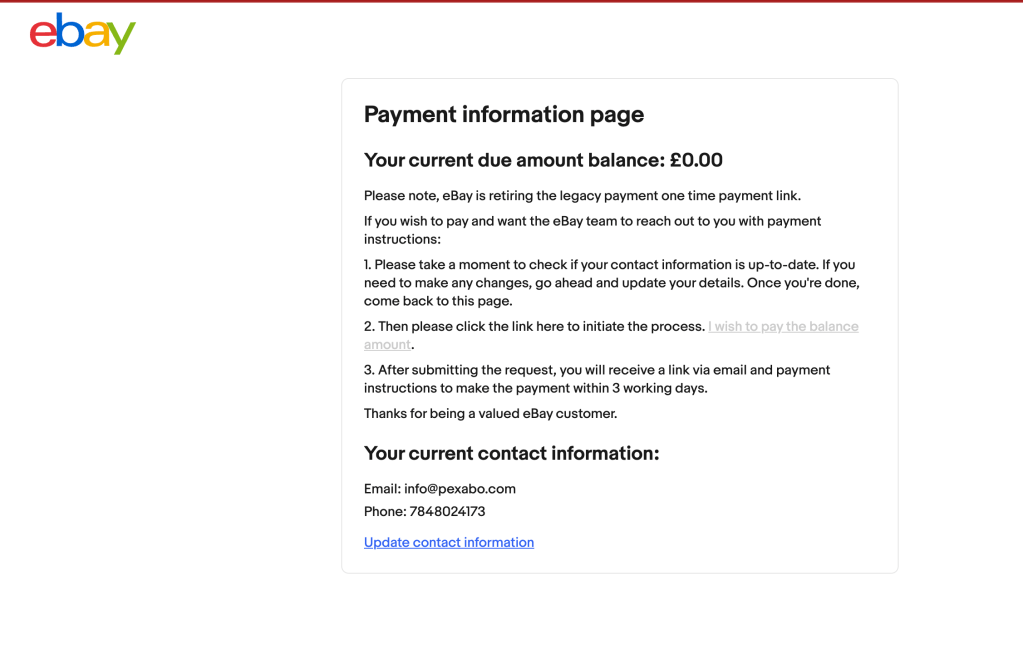
Non-payment of fees or unresolved issues: Accounts can be suspended for unpaid fees or unresolved disputes.
Let me know if you need specific help with an order or a dispute!
Imported from rifaterdemsahin.com · 2024