Linkedin Update For Roles
Something is off I am getting not roles but offers
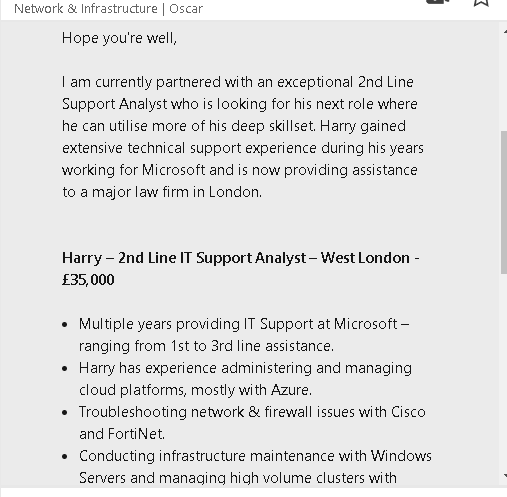
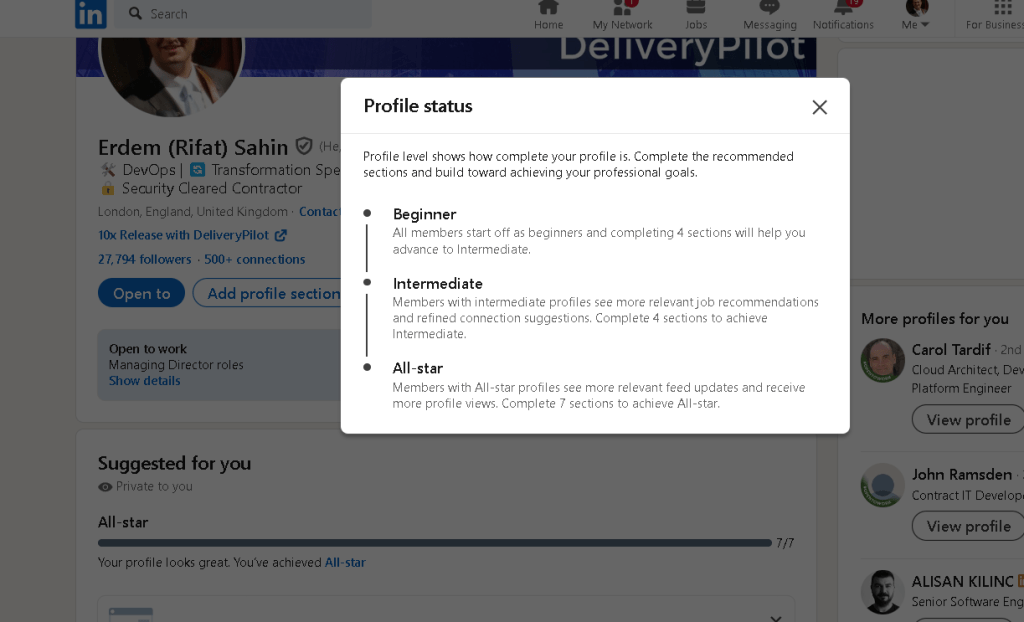
It looks like the message you received on LinkedIn is a recruiter or hiring manager reaching out to you. They're informing you about an available position and highlighting the candidate’s skills. This could be happening because you’ve been marked as someone in the industry related to IT, technical support, or infrastructure.
If you're currently looking for work, setting the stage on LinkedIn involves optimizing your profile and making sure recruiters can find you easily. Here are some steps to set your profile for job hunting:
1. Update Your LinkedIn Profile
-
Headline: Include a clear statement like “Looking for opportunities in [your industry]” or “Open to new roles in [specific skills/roles]”.
-
Profile Summary: Write a concise and engaging summary that highlights your skills, experience, and the types of roles you’re interested in.
-
Experience: Ensure that your work history is up to date and includes key achievements and relevant technical skills.
-
Skills and Endorsements: Add specific, relevant skills (e.g., “IT Support,” “Cloud Computing,” “Azure,” etc.) and ask for endorsements from colleagues.
2. Turn on the ‘Open to Work’ Badge
-
LinkedIn has an option to let recruiters know you’re open to opportunities. You can set this up by clicking on the “Me” icon, selecting “View profile,” and then “Open to Work.”
-
You can choose whether to display this badge publicly or only make it visible to recruiters.
3. Engage with Industry Content
- Start liking, commenting, or sharing relevant posts in your industry. This engagement can improve your visibility.
4. Connect with Recruiters
- Use the “LinkedIn Jobs” section to search for roles and connect with recruiters who are hiring for roles that match your skill set. You can even send a direct message expressing interest.
5. Tailor Your Job Preferences
- Set job alerts for specific types of roles. LinkedIn lets you customize the types of jobs you’re interested in, such as job titles, locations, and industries.
Would you like to dive into a specific part of your profile optimization or need help drafting a profile summary?
Imported from rifaterdemsahin.com · 2024