Preparing for VAT Submission as a Small Business

As a small business owner, one of the recurring tasks I must handle is preparing for VAT submission. This time around, my accountant, Paolo Amabile, has asked me to prepare everything needed for the VAT submission due by the 7th of September 2024, covering up to the 31st of July 2024.
**Before I start my work, I do communiate to the accountant with a blog post so i can collect the feedback from him to make sure i document the process of doing the work. **
Here’s a step-by-step process I follow to ensure everything is in order for VAT submission: ( Generated By GPT 4.o )
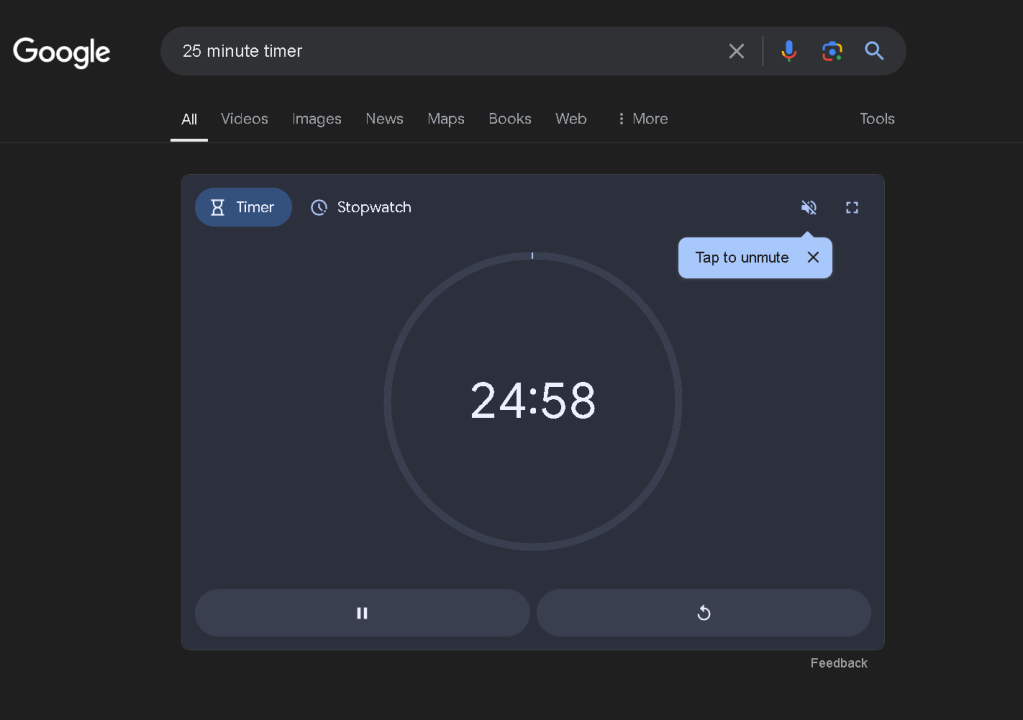
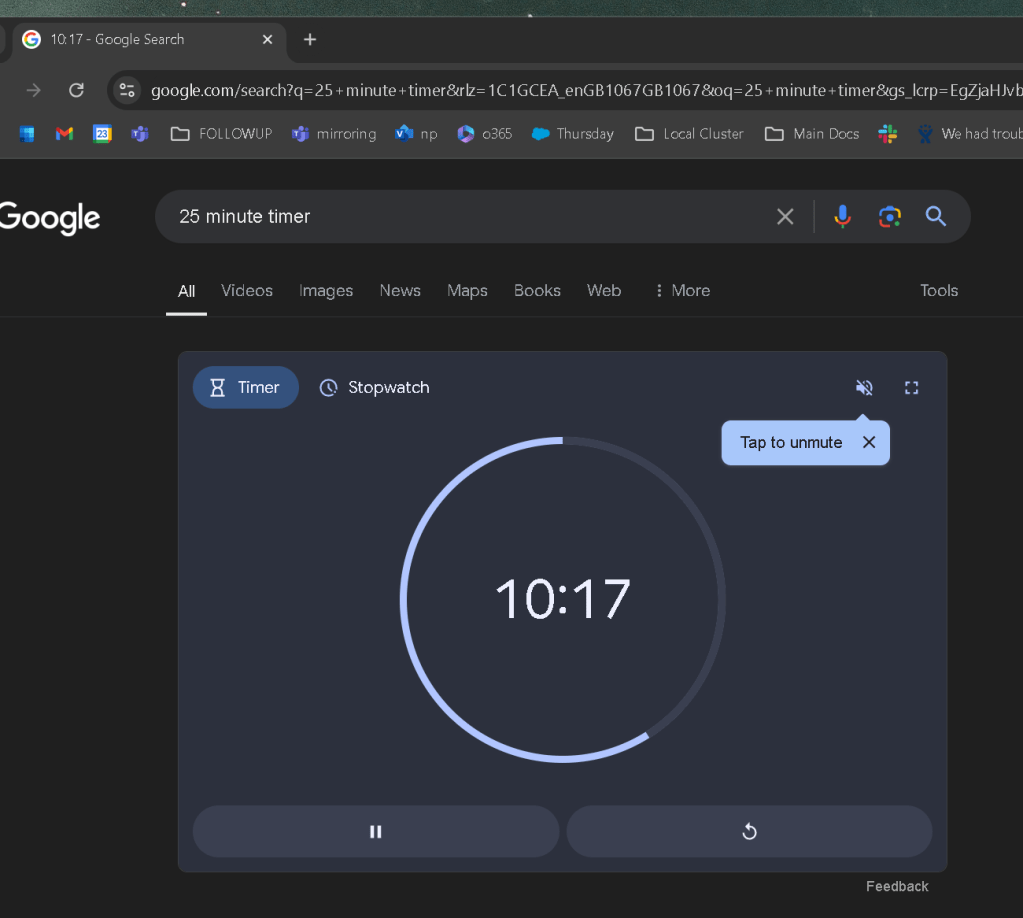
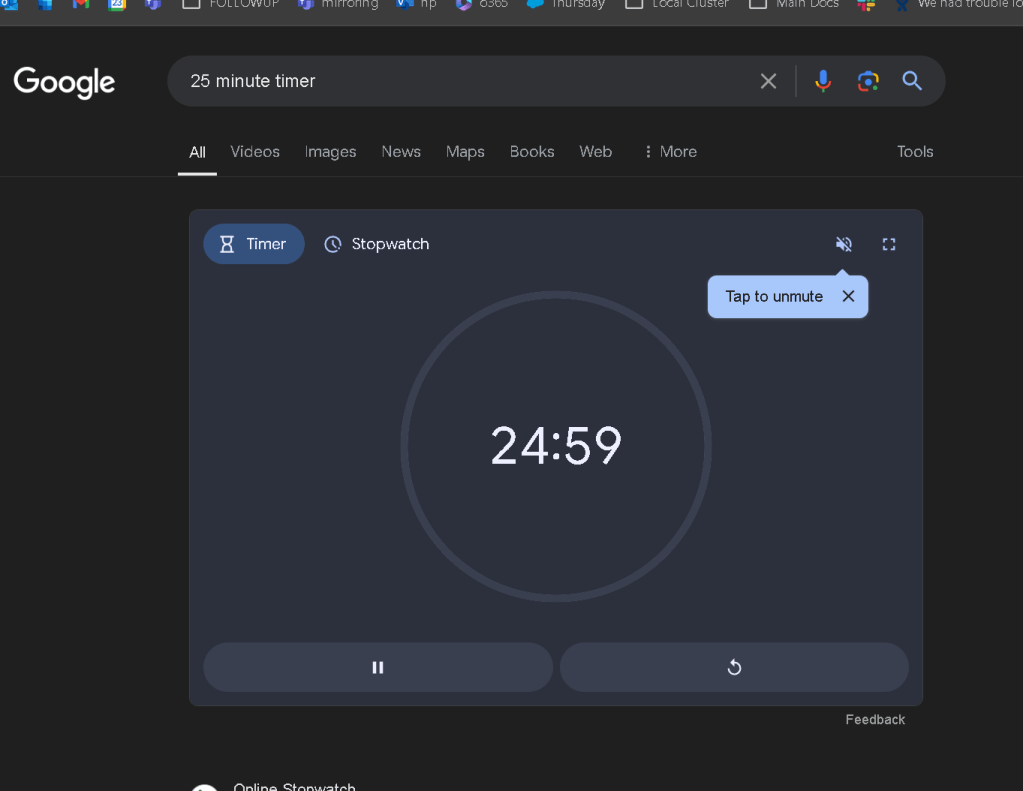
Start with tea and a pomodoro timer
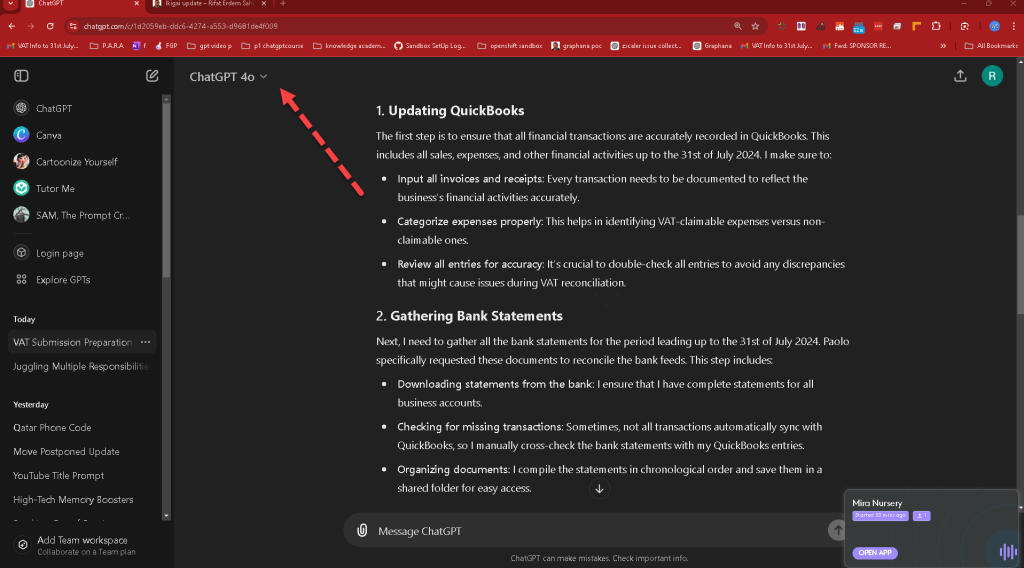
1. Updating QuickBooks
not a dummy update >>> make sure to link other parts
The first step is to ensure that all financial transactions are accurately recorded in QuickBooks. This includes all sales, expenses, and other financial activities up to the 31st of July 2024. I make sure to:
- Input all invoices and receipts: Every transaction needs to be documented to reflect the business's financial activities accurately.
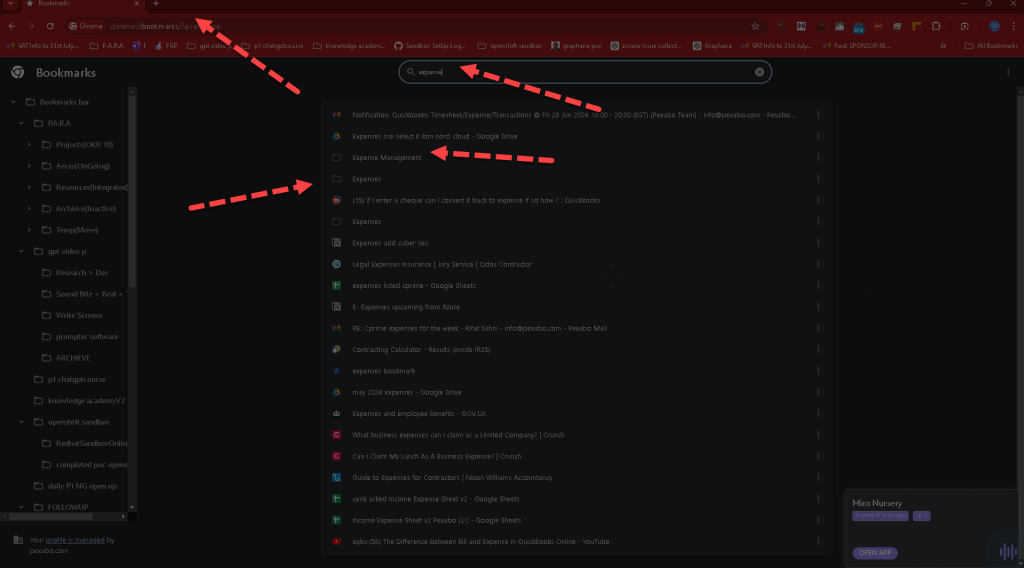
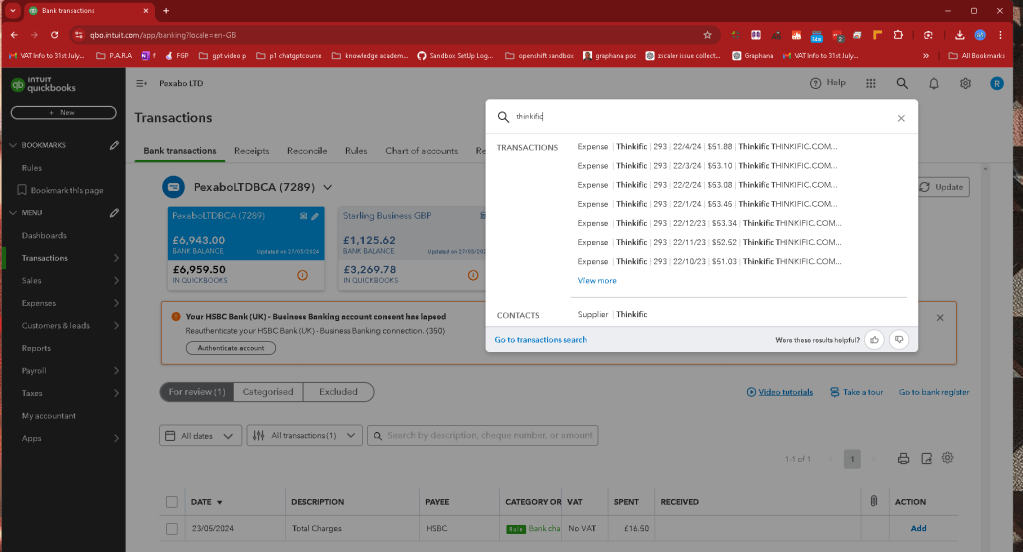
Power of the google bookmarks and get the last 3 months of invoices as the VAT submissions is done in 4 month intervals. Goverments overloading the small business with tax does not make sense in UK. I should spend this time with better actitivities. Hope they listen and remove this process.
The only good part is i can go over my expenses and have an idea on them.
Such as the cambly cost ! > it should be montly if i can generate videos monthly and talk to them monthly.
- Categorize expenses properly: This helps in identifying VAT-claimable expenses versus non-claimable ones.
- Review all entries for accuracy: It's crucial to double-check all entries to avoid any discrepancies that might cause issues during VAT reconciliation.
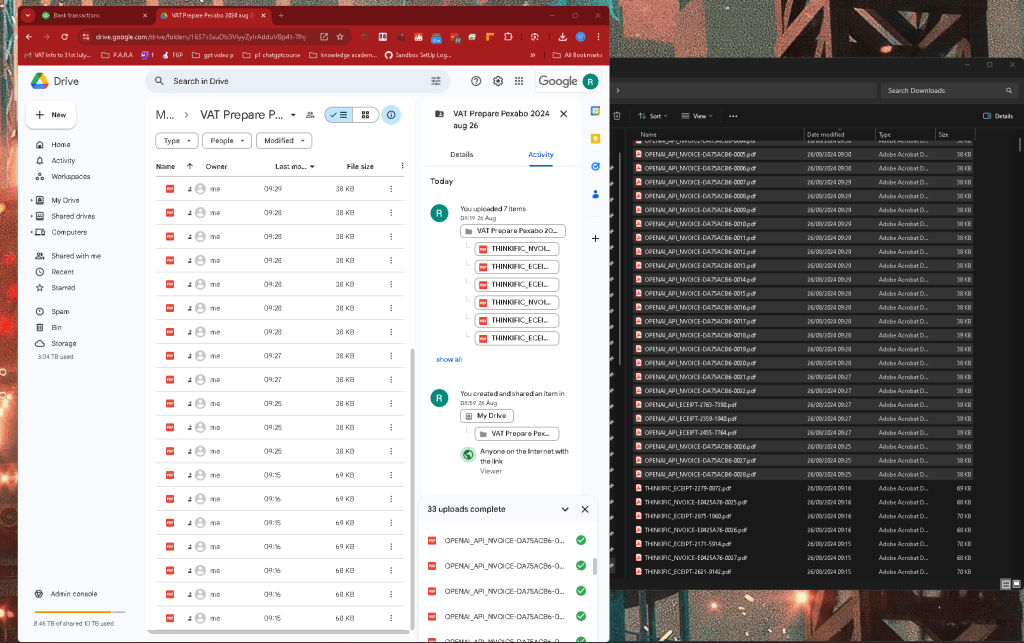
I would have them in a google drive folder to make the accountant life easier.
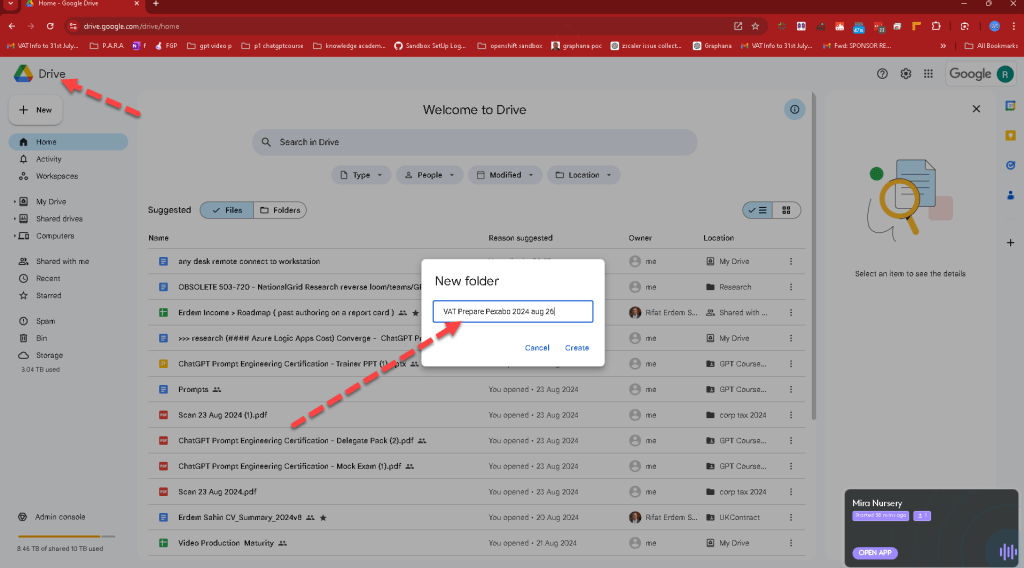
Invoice to check > https://drive.google.com/drive/folders/16S7sSxuDb3ViyyZyIrAdduVBp4t-Tfhj?usp=sharing
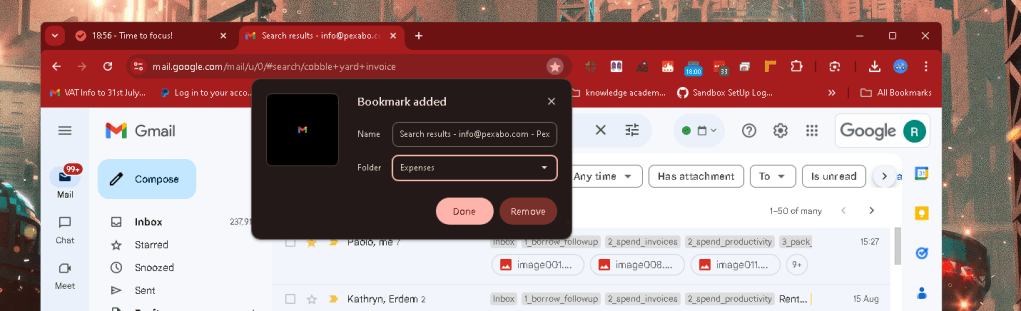
Google Bookmarks to collect them
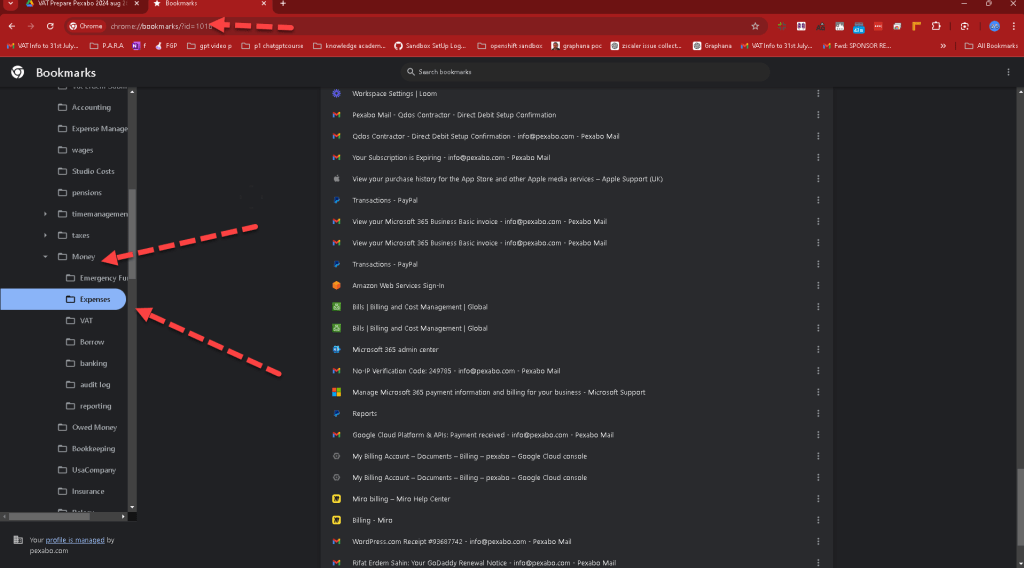
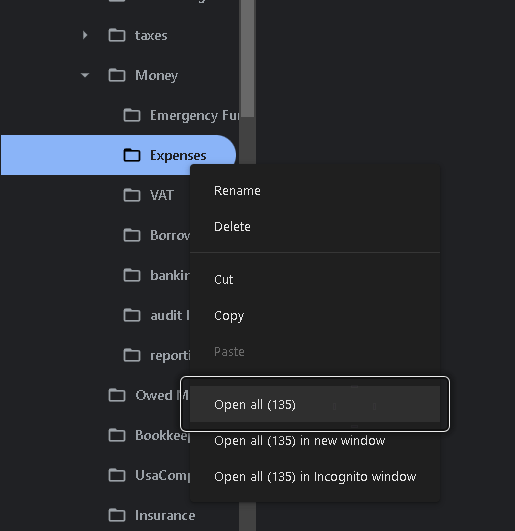
135 tabs to open ( dont think the policy makers can understand this also Gary Stevenson ) Well intended to tax the rich while the rich convolutes the game by adding tax rules > https://www.youtube.com/@garyseconomics
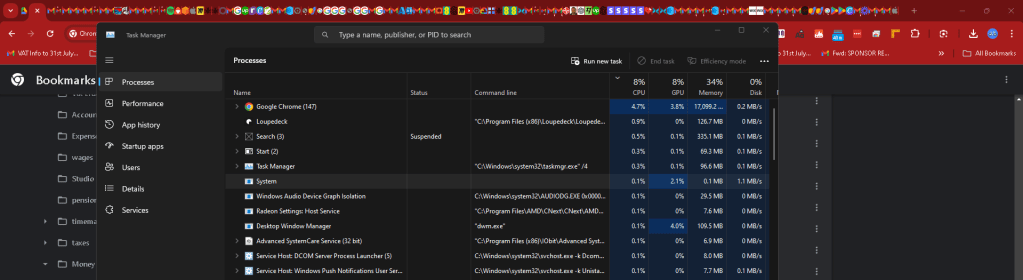
17 GB overloads the system
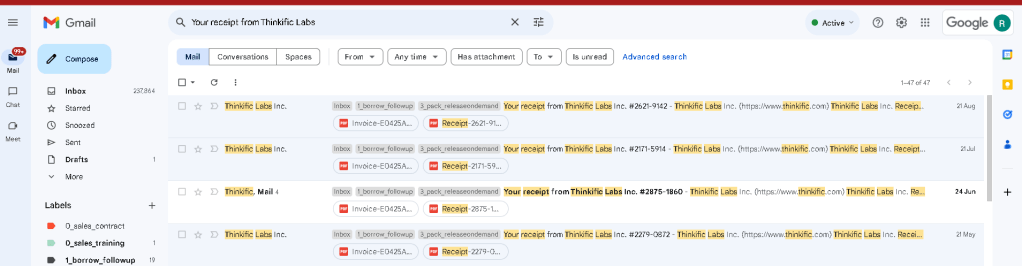
Last 3 or 4 months to be on the safe side ?
Add new bookmarks to the folder
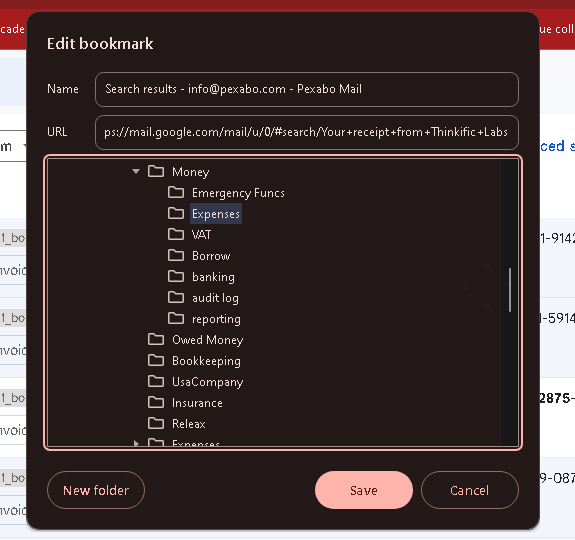
record once and use multiple times
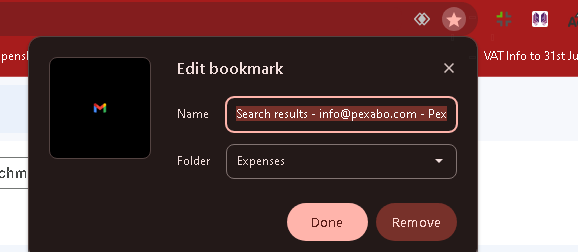
Login to quickbooks / pomodoro is running with me
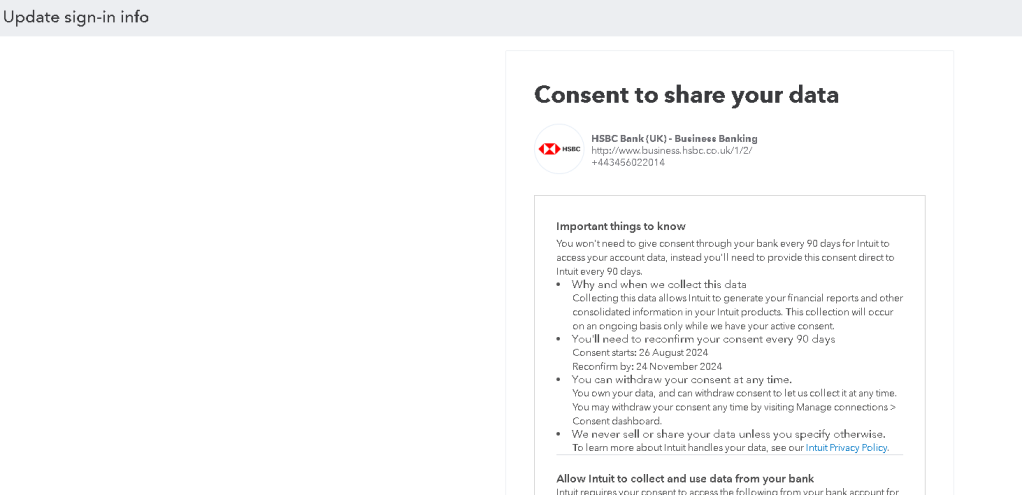
Other YAK Shaving issues with quickbooks and the reconnect for security
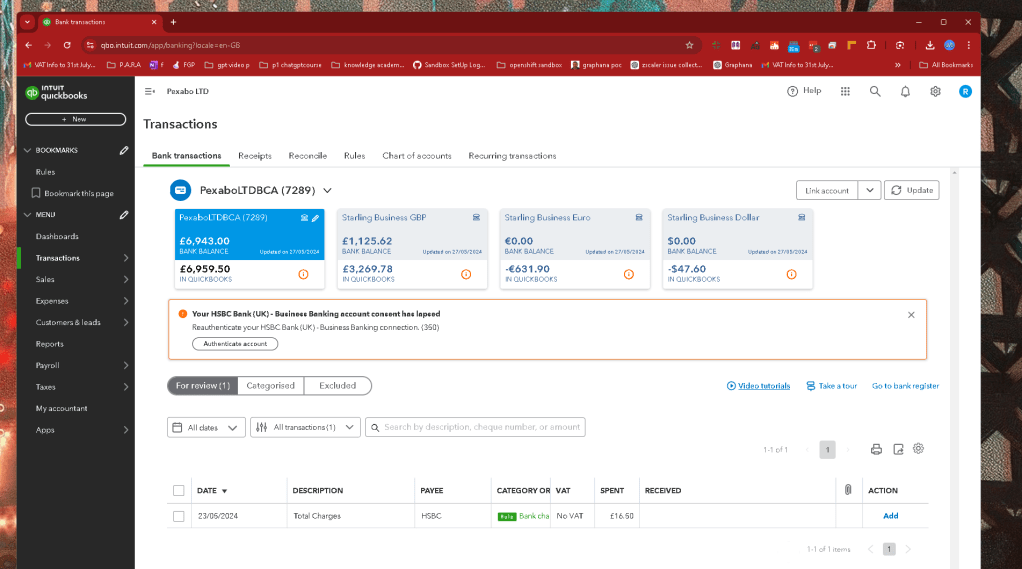
I was wrong the may is not in so i need 4 statement not 3 of them it is better to check it from here
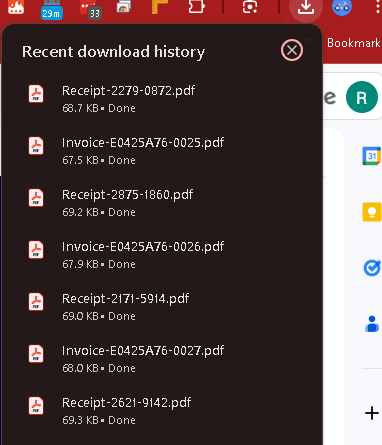
Download and close
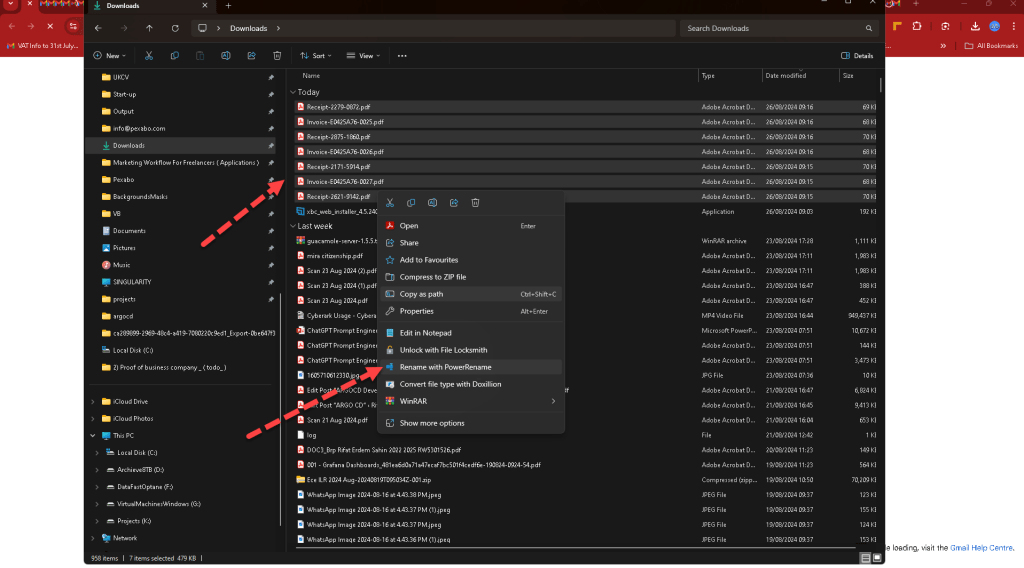
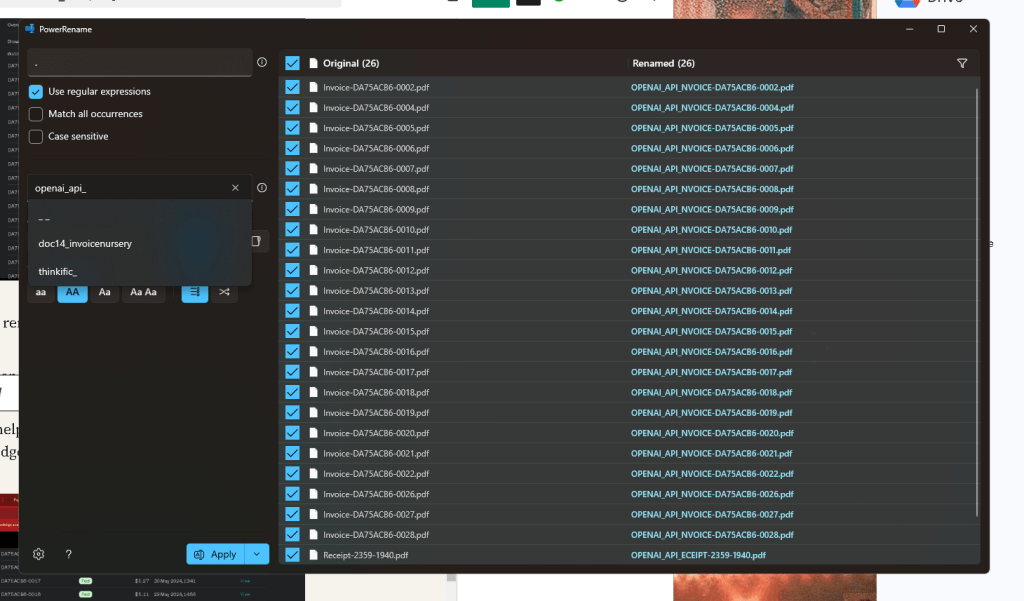
Powerrename before upload
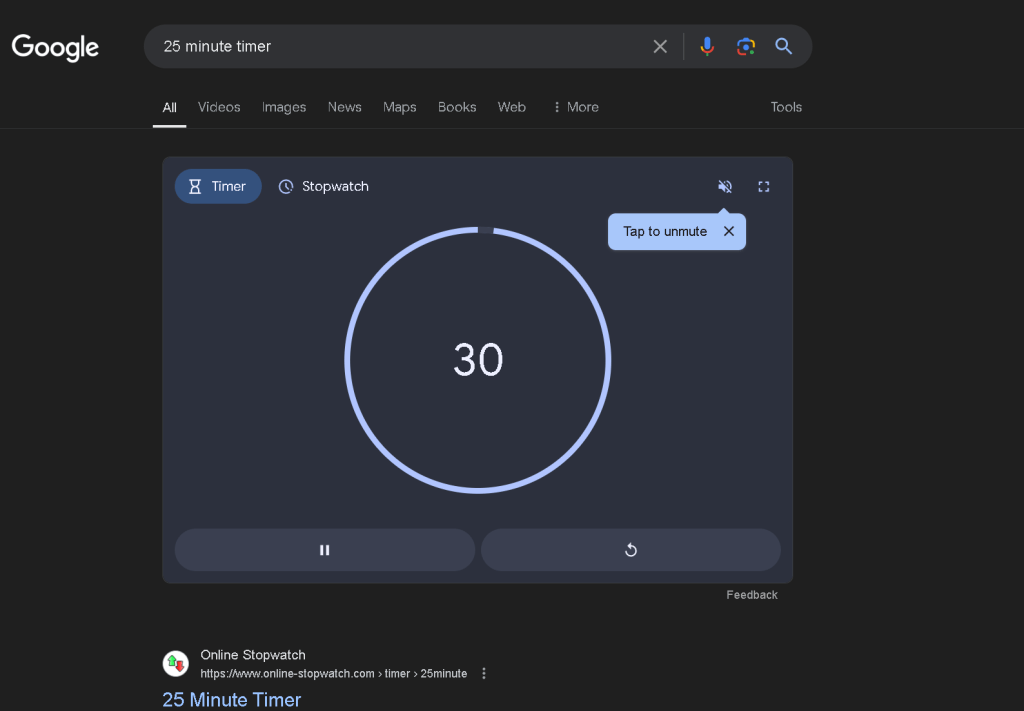
first pomodoro coming to an end did not get the tea
Name them and move them
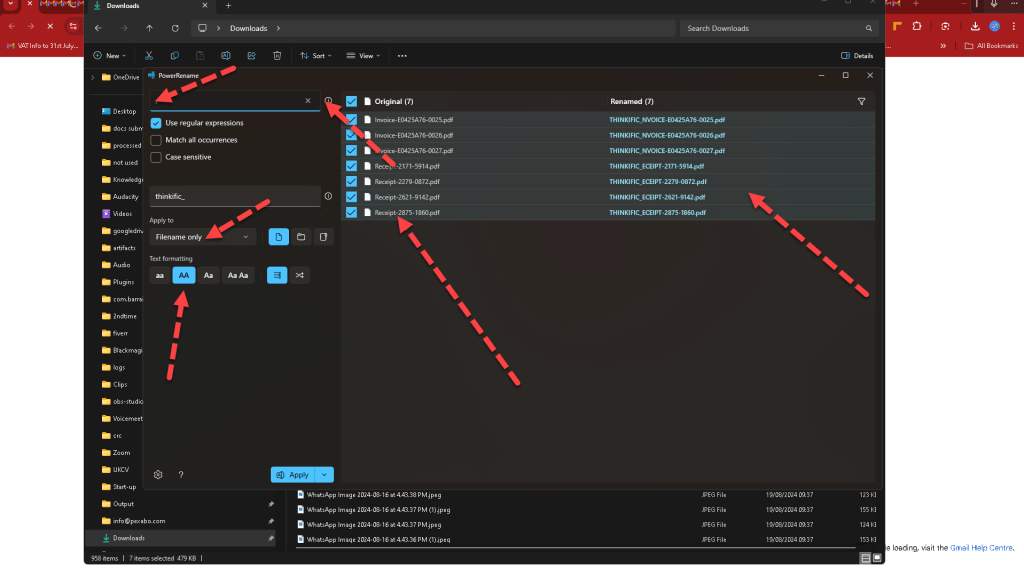
Better rename and uploads
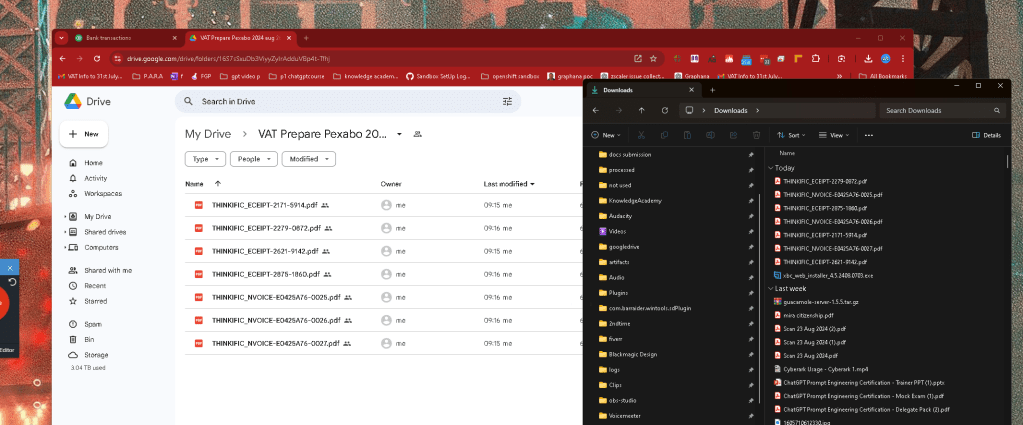
Bulk downloads see the times
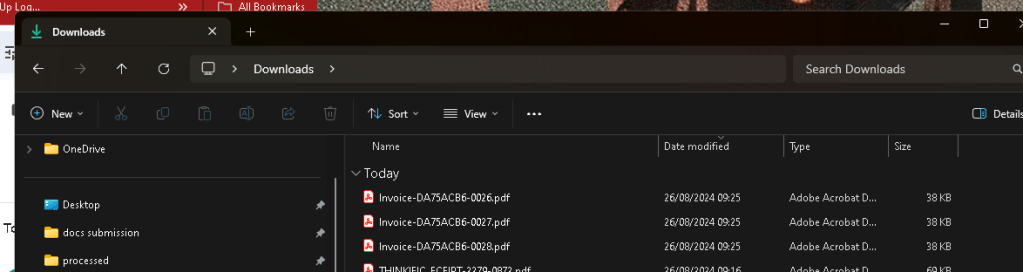
So many coming in > in quickbooks they would be bulk uploaded> no time to map them > have more data for tax office
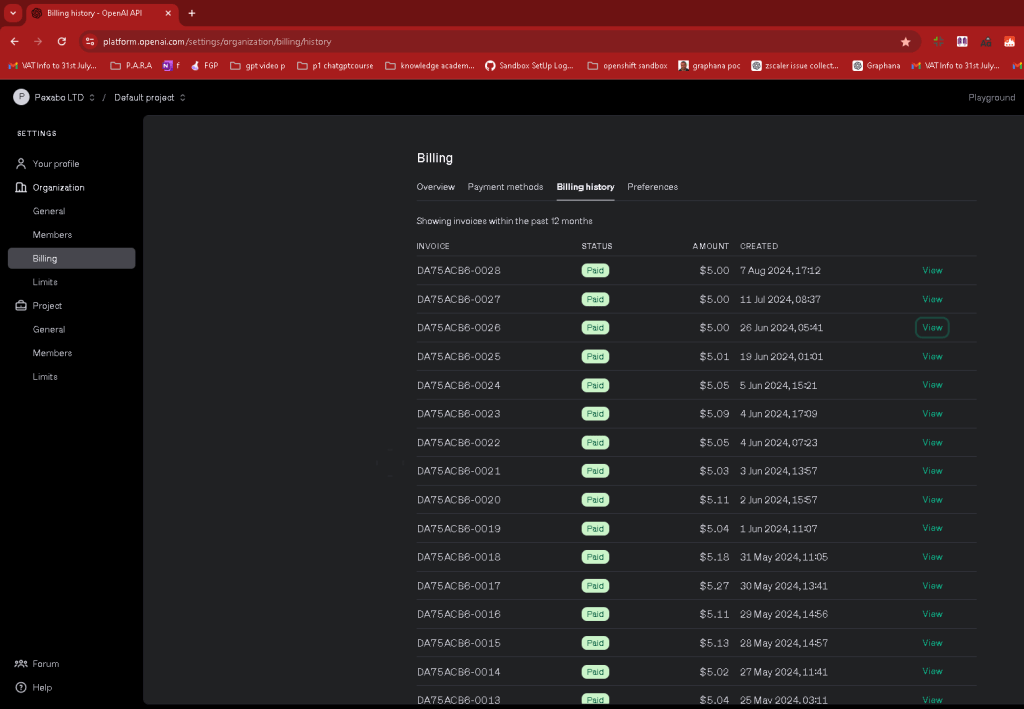
future > ai automation task to remove dublicates and get to the action.
Openai validations is a 20 dollar service with the coverletter
Learned > openai validation helped to save 80 pounds from itself and 320 from logic apps ( side knowledge of doing the VAT > have a silverning )
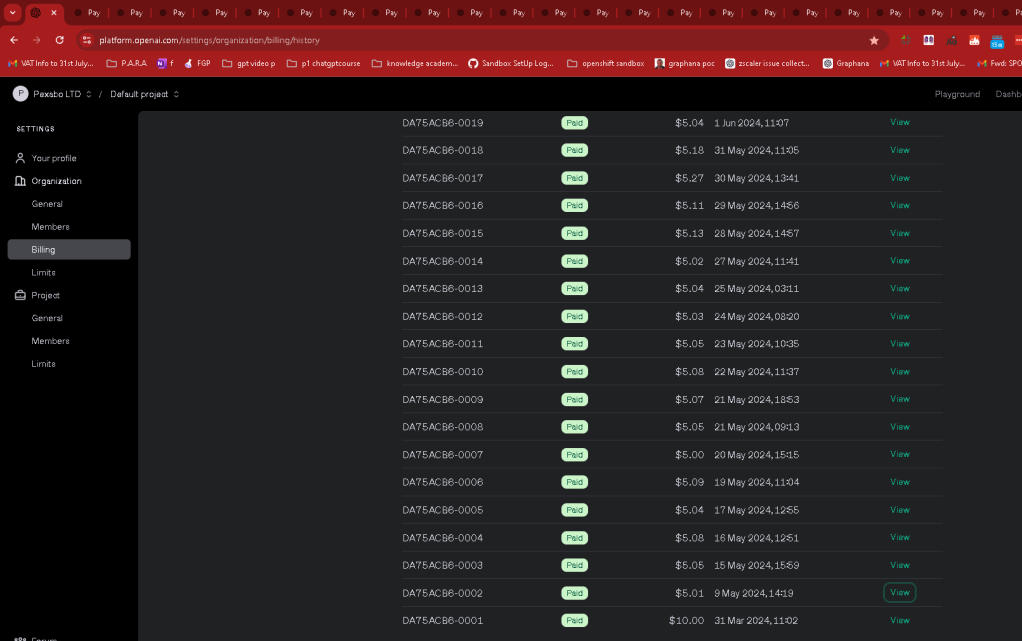
So many named so that is also freat
move them to resources another day in the second brain PARA
Sync to google Drive backup all the time > have the full backup when you are done!
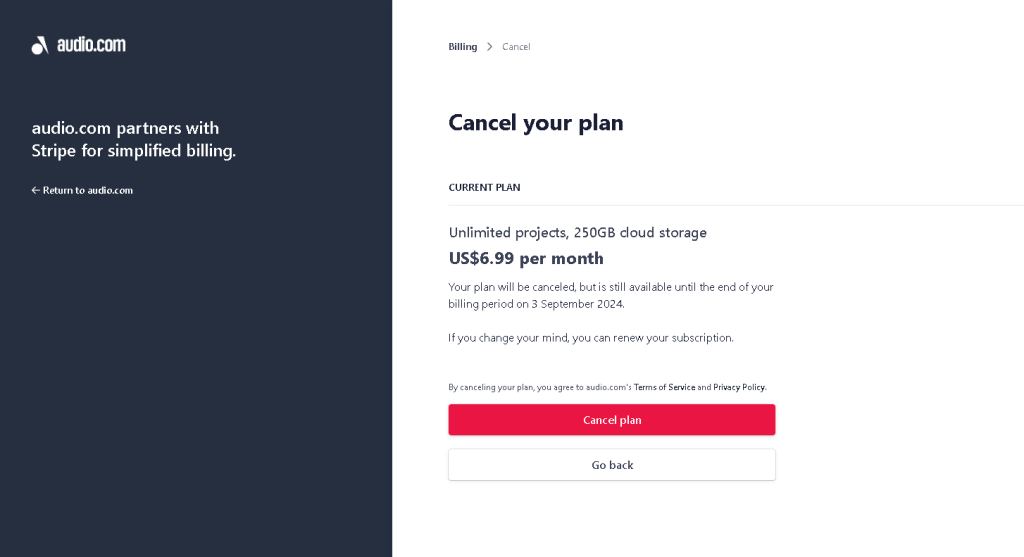
Side plus cancel subs > silverlining 2
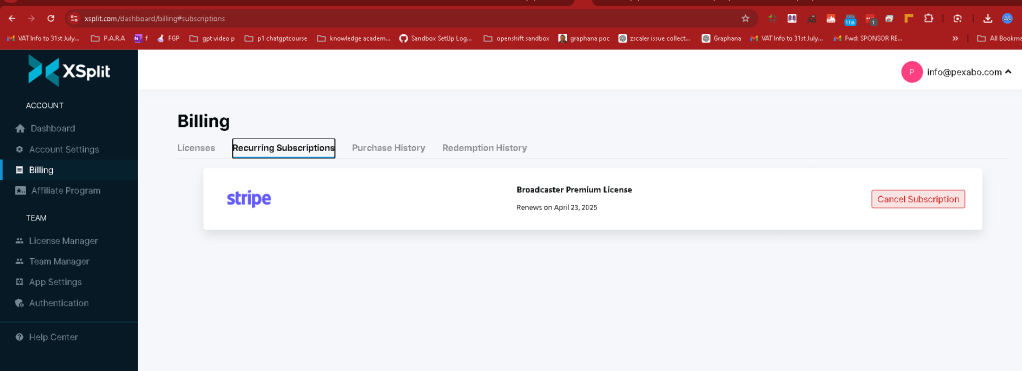
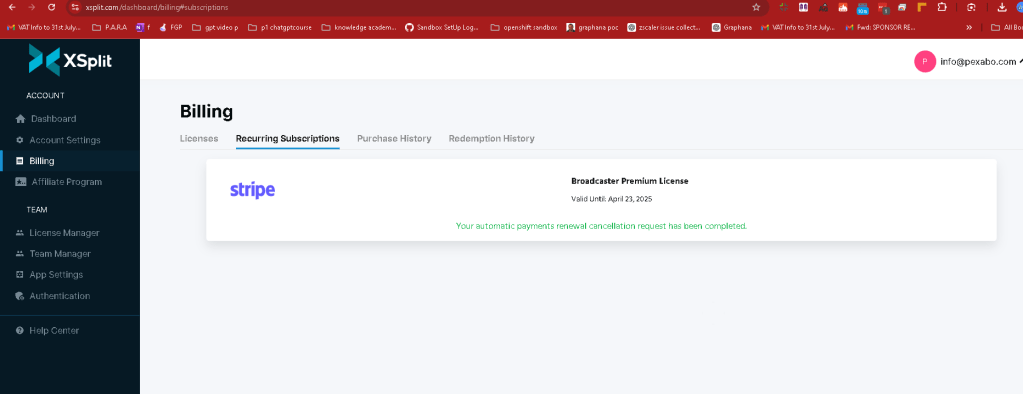
Auto renawal should be stopped here as well
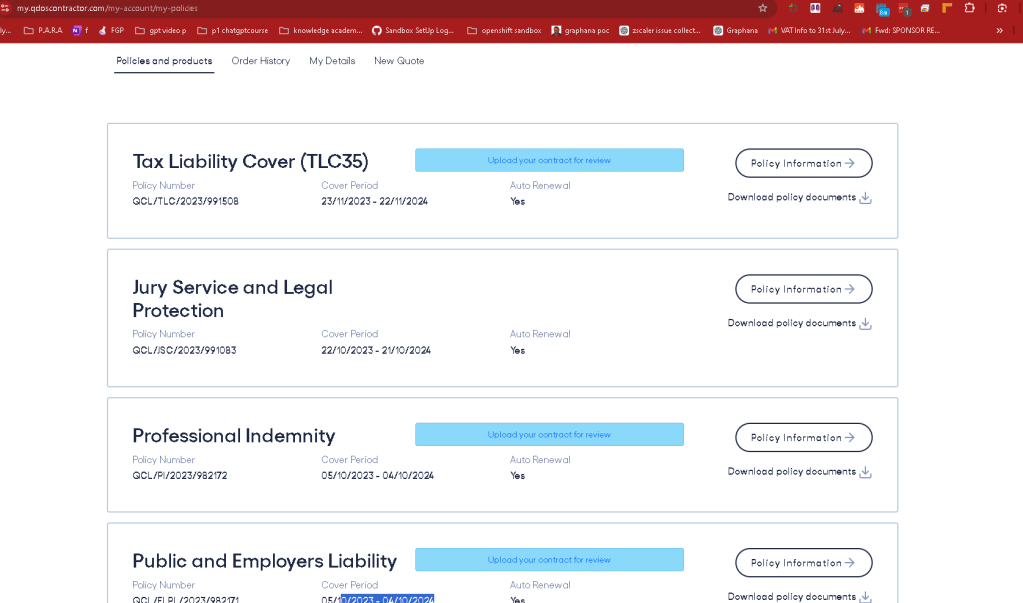
Silverlining 3
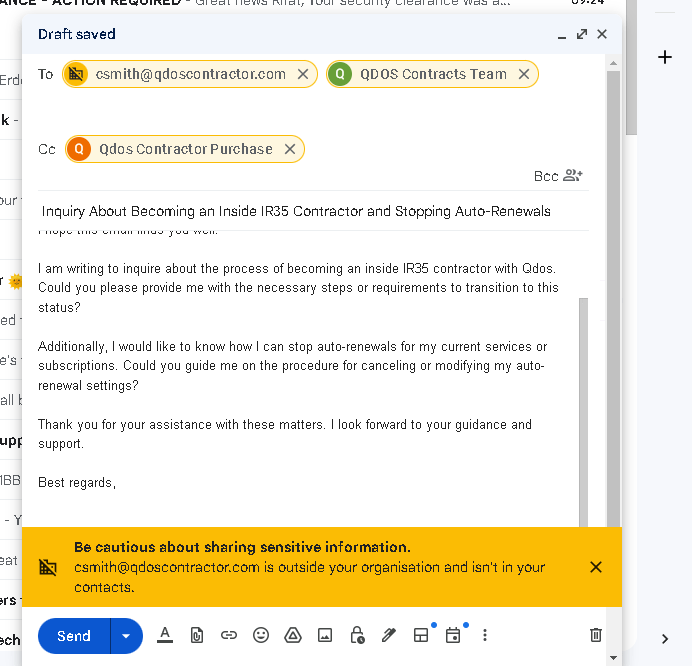
Also mark them as well
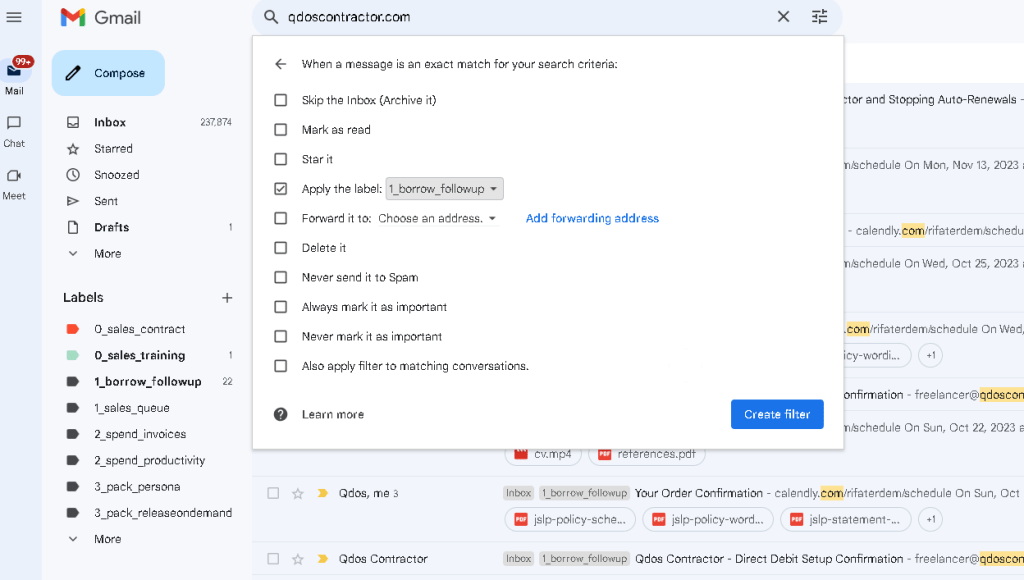
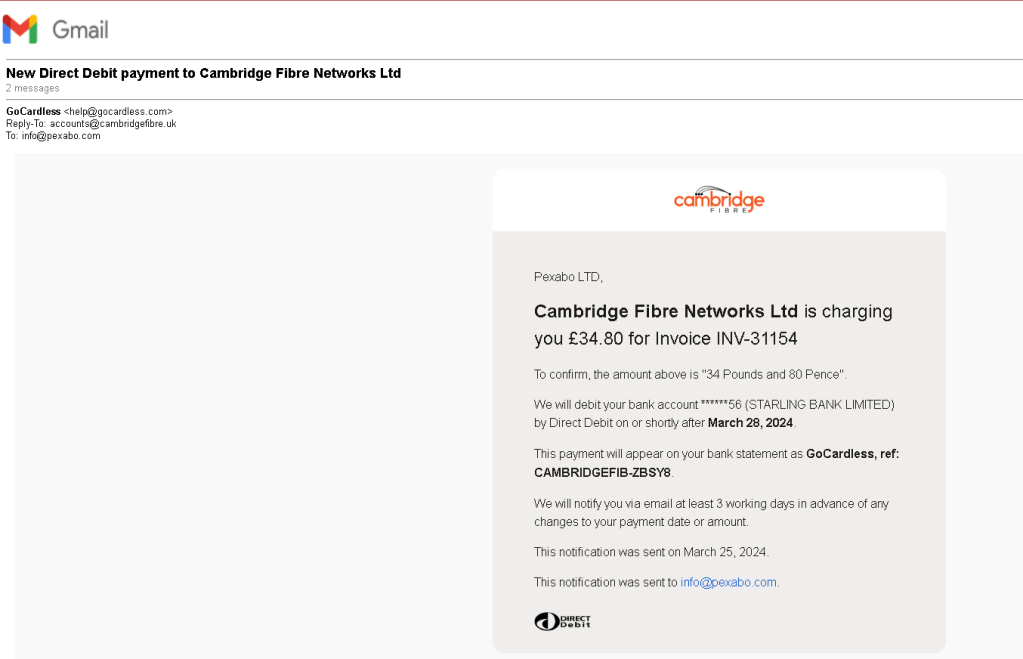
Cancel the direct debit reminder at July
Pomodoro 2 > completes 2 more pomodoros before friends arrive

NIIP SERVICES AND ANY DESK USAGE > STILL NOT SO GREAT
Not all tabs opened up but the ones where productive to give the updates.
Gmail Containers failing with request > every ones containers have limits
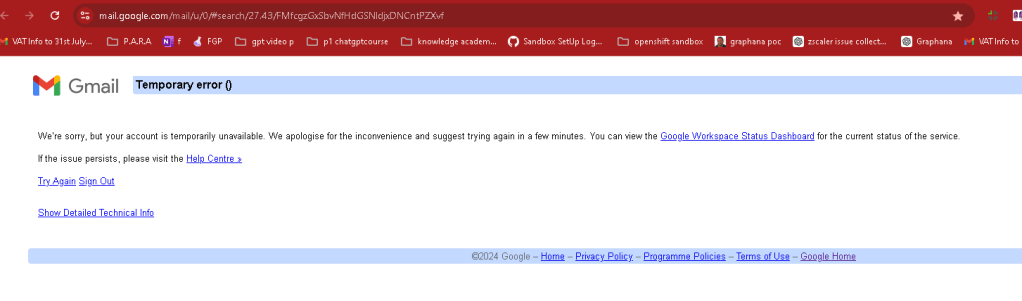
Not all in expenses bookmarked
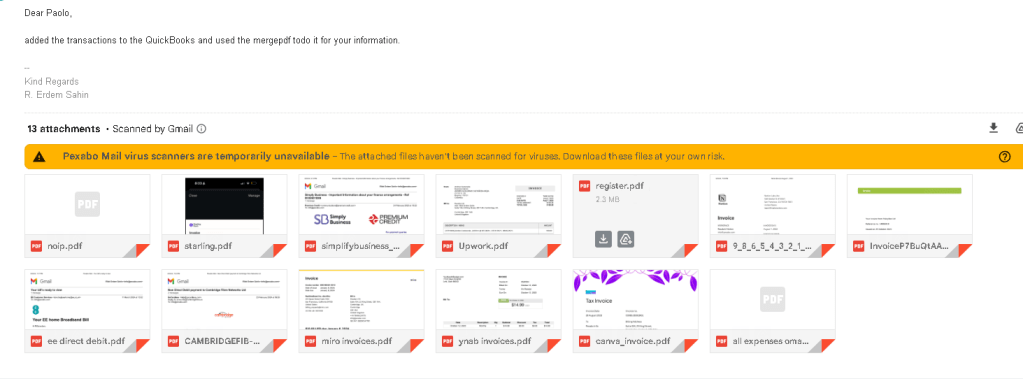
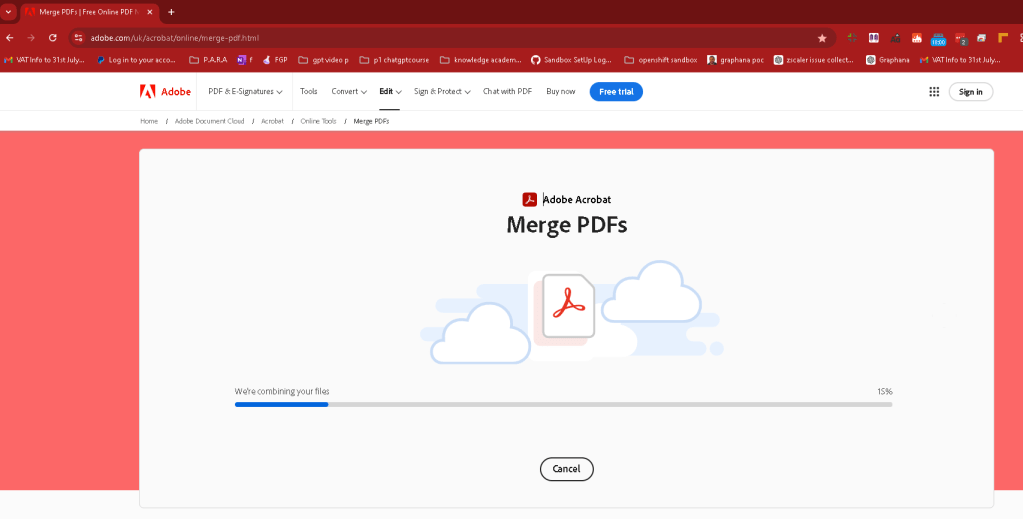
Merge them before adding them into the system
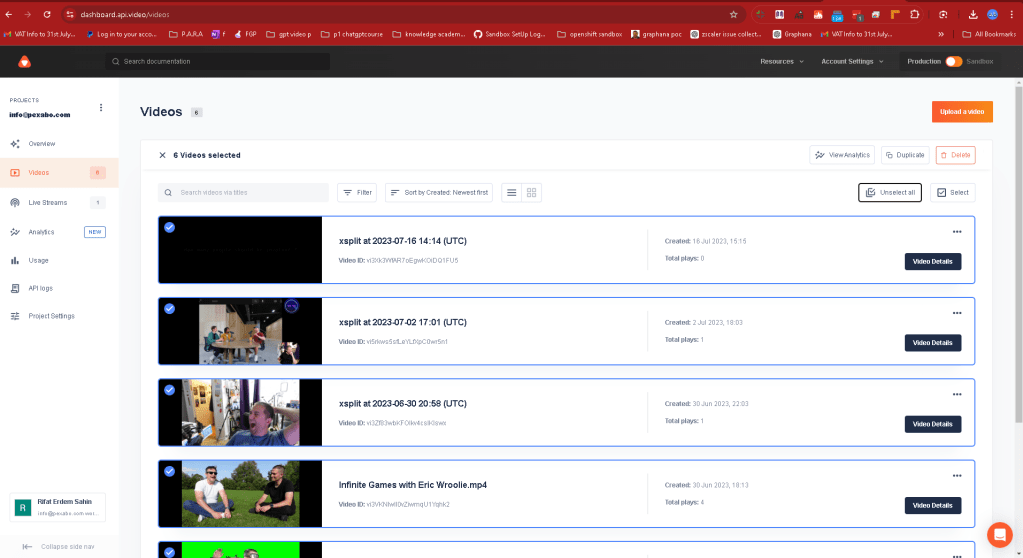
Cleanup and delete not used resources
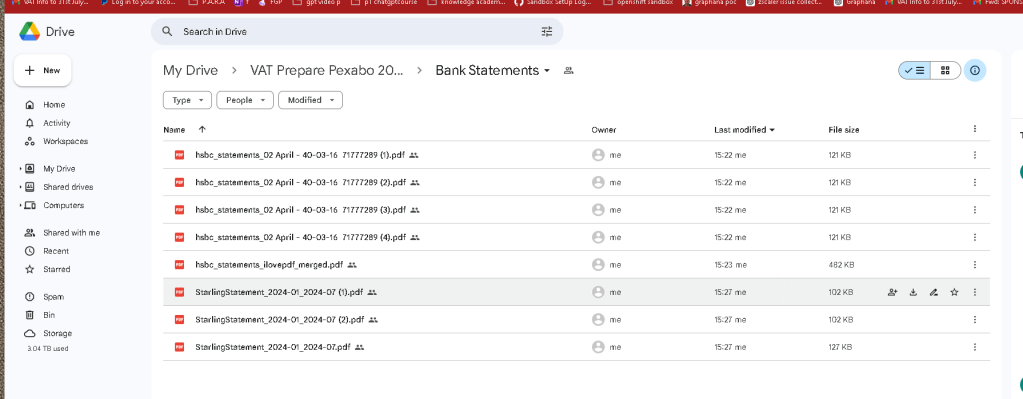
150 Statement merge with adobe.com
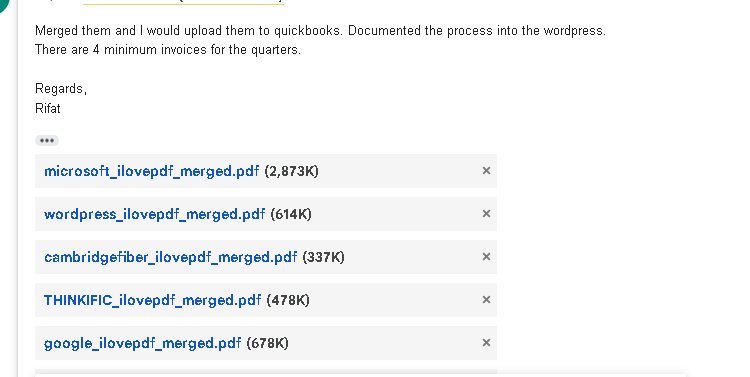
Main Expenses missing added
4. Gathering Bank Statements
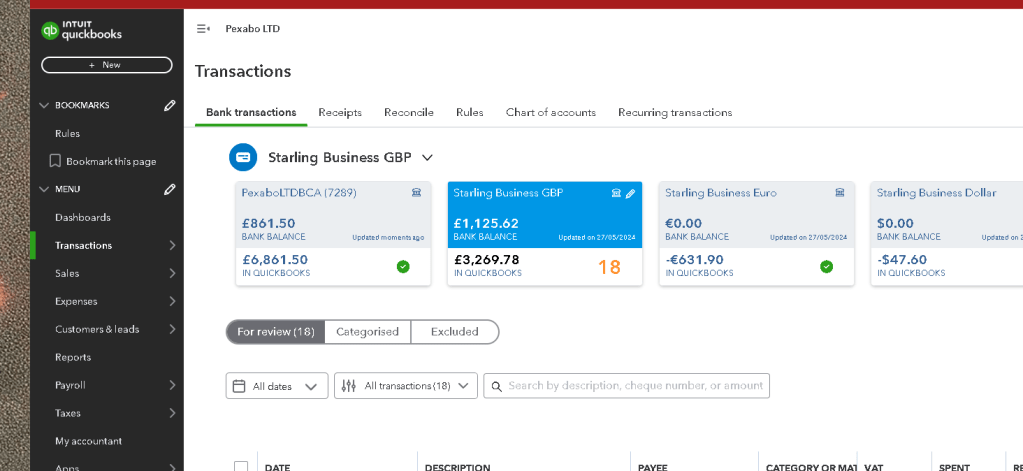
Reconnect
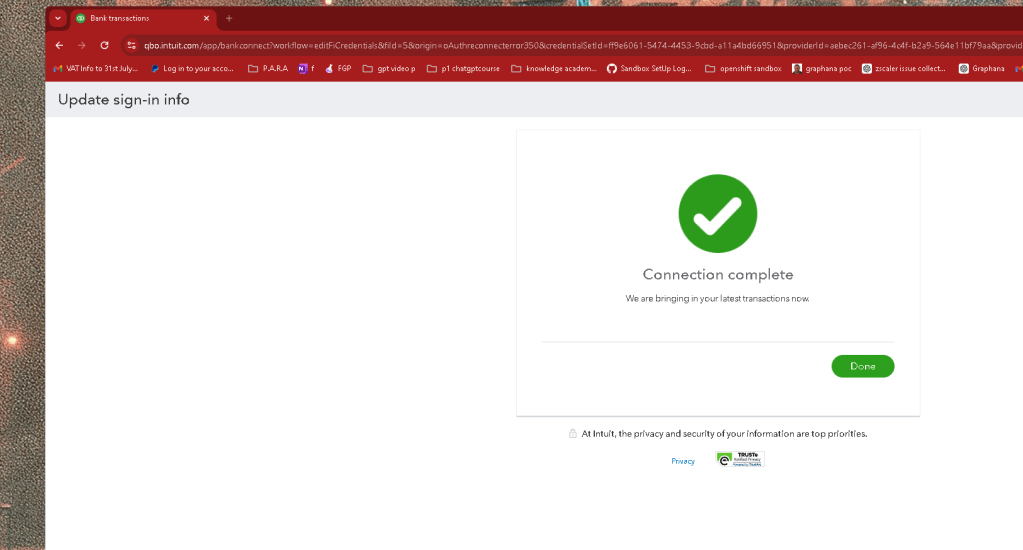
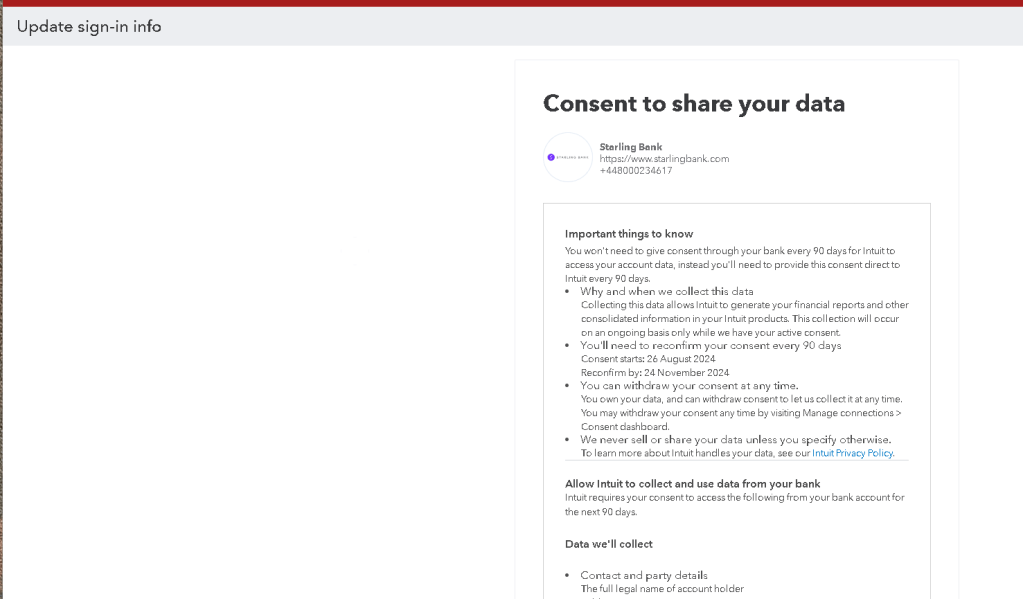
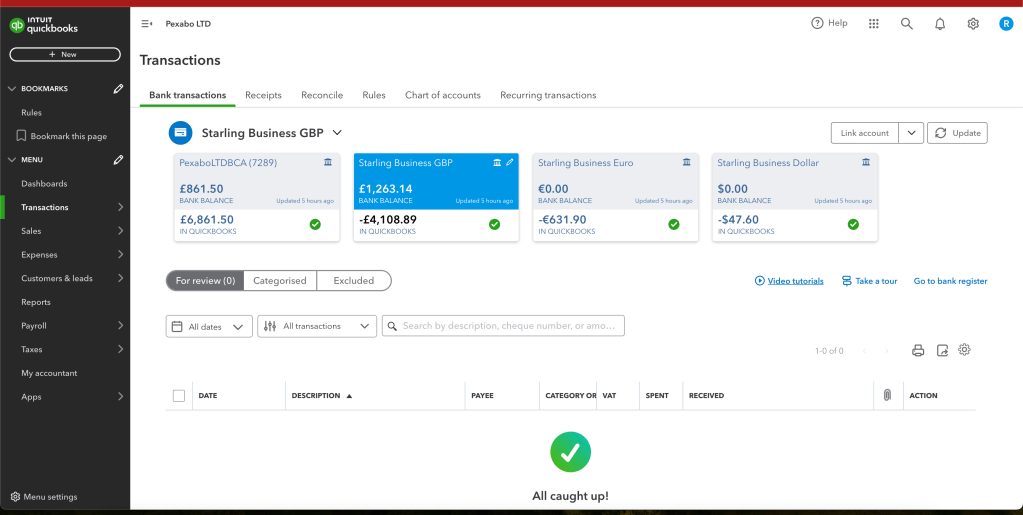
Numbers not lining up
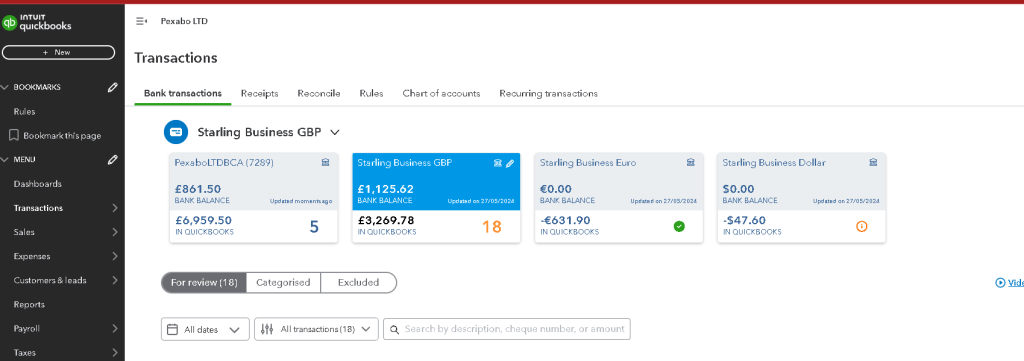
Next, I need to gather all the bank statements for the period leading up to the 31st of July 2024. Paolo specifically requested these documents to reconcile the bank feeds. This step includes:
-
Downloading statements from the bank: I ensure that I have complete statements for all business accounts.
-
Checking for missing transactions: Sometimes, not all transactions automatically sync with QuickBooks, so I manually cross-check the bank statements with my QuickBooks entries.
-
Organizing documents: I compile the statements in chronological order and save them in a shared folder for easy access.
Bank charges are not listed in the account
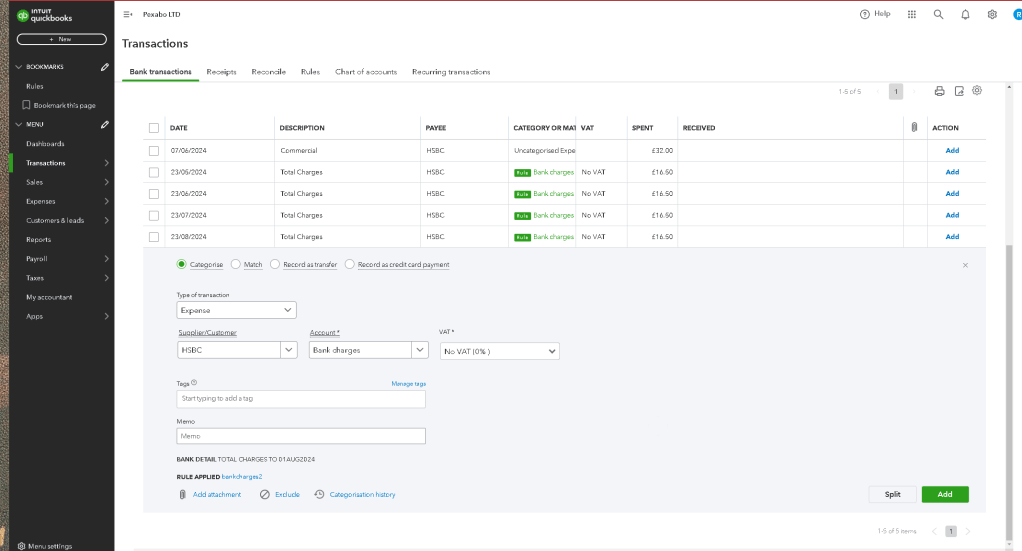
Email plus backup google drive folder for full text search
3. Reconciling Accounts
None active period 18 records to be added
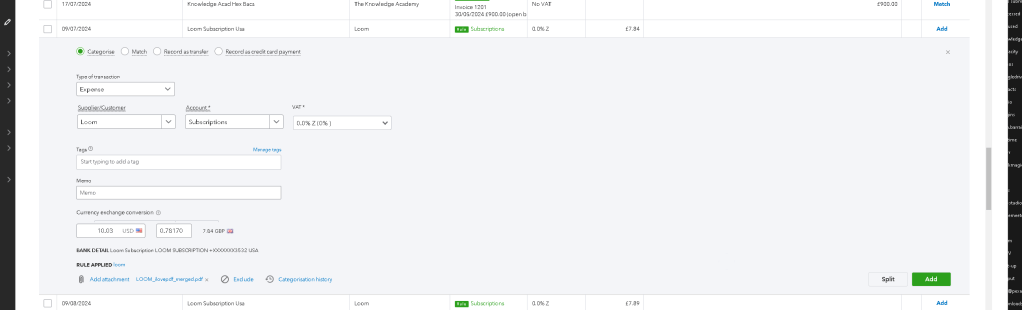
Rules are there and add invoices
One file to do the trick
Before sending anything over to my accountant, I perform a preliminary reconciliation of all accounts. This involves:
-
Matching bank statements to QuickBooks entries: Ensuring every transaction listed in QuickBooks matches the bank statement.
-
Identifying discrepancies: If there are any discrepancies, such as missing transactions or incorrect amounts, I correct them immediately.
-
Finalizing the reconciliation: Once everything matches, I mark the accounts as reconciled in QuickBooks.
Still rules to be created
Onsite meetings
- while i had 2 meetins
1 hour whatsapp as well
- 2 hour onsite
ASK GPT ON VAT
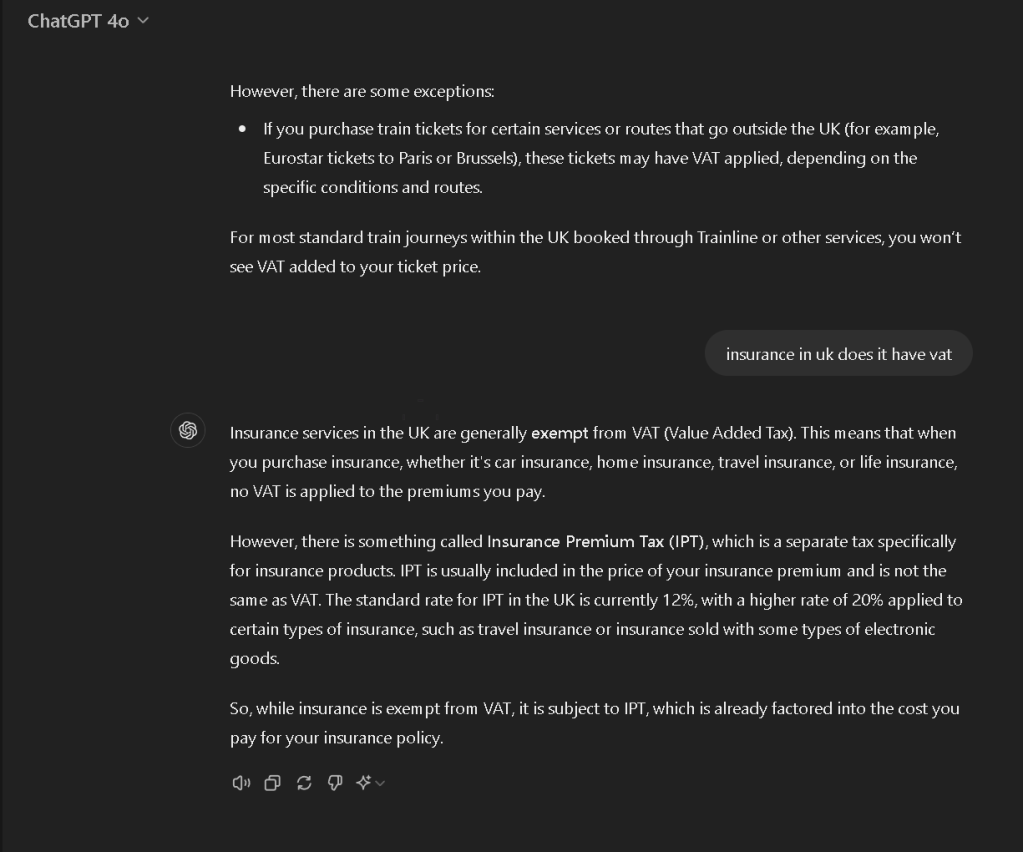
still left over subs is there
Account coming together
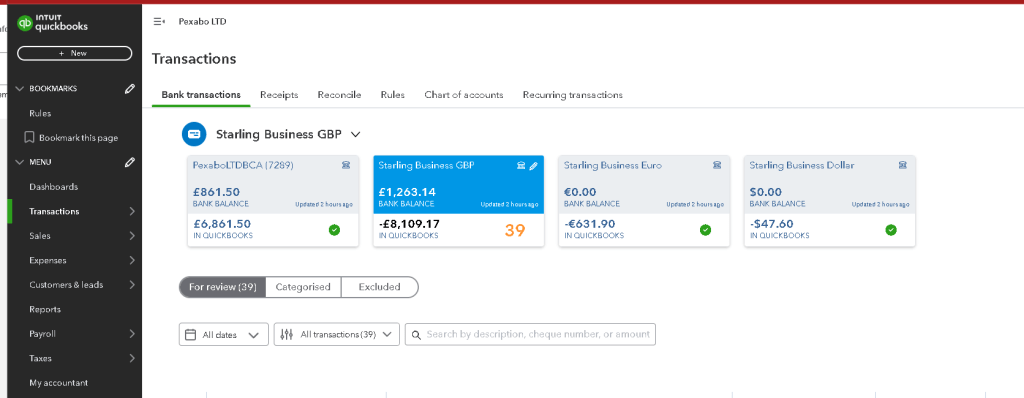
Quickbooks fails with rules
4. Communicating with the Accountant
Matched the incoming transactions
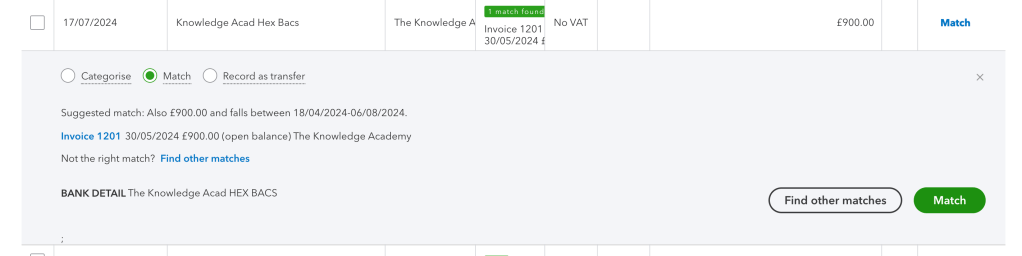
Directors loan as expense
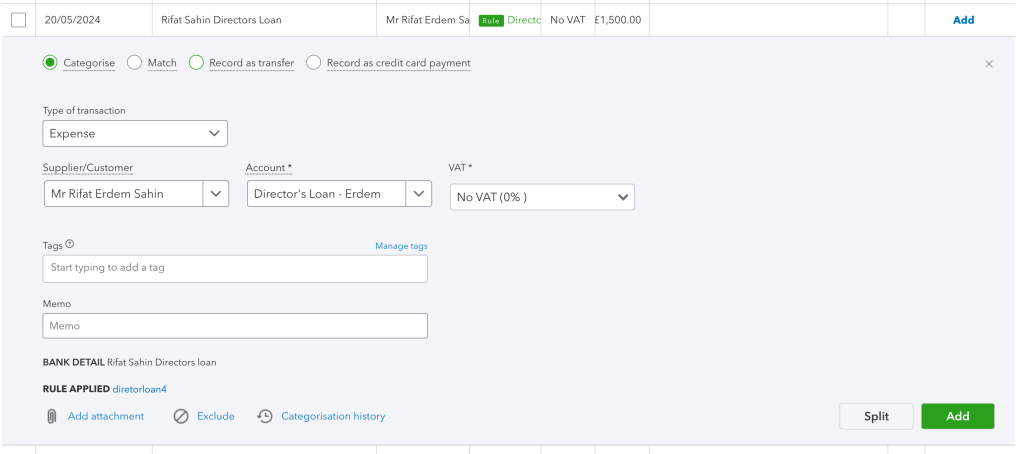
Loan PayBack as Deposit
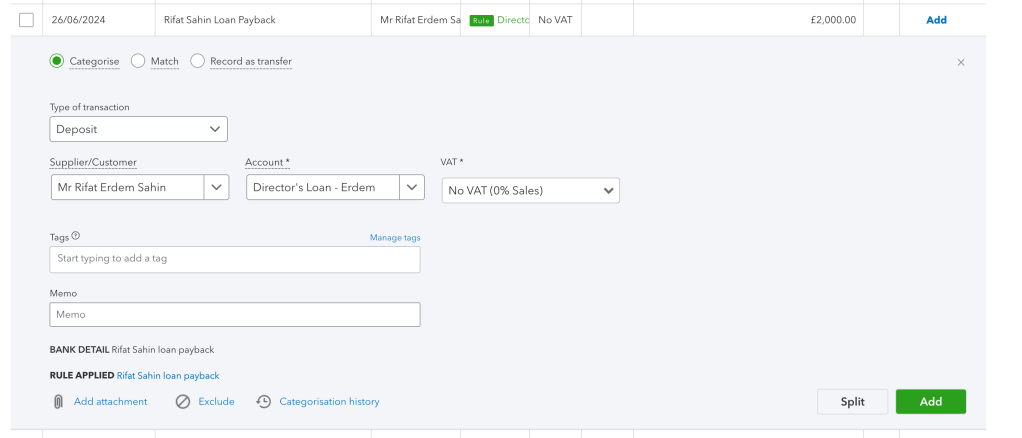
Once I’ve done my part, it’s time to let my accountant, Paolo, know that everything is ready for his review. I do this by:
A Second email mentioning the part that i have done with all references so he can read and give the feedback .
-
Sending an email confirmation: I let Paolo know that QuickBooks is up to date and that all the necessary documents, including the bank statements, are ready for him to review.
-
Providing access to documents: I make sure Paolo has access to all the necessary documents, either by sharing them through a secure platform or attaching them directly to the email.
-
Asking for any further requirements: I ask if there’s anything else he needs from me to ensure a smooth VAT submission process.
Green Check Marks but numbers not lining up
5. Preparing for VAT Submission
Finally, with everything in place, I prepare for the actual VAT submission. This involves:
-
Reviewing the VAT return prepared by the accountant: After Paolo reviews everything and prepares the VAT return, I double-check the details for accuracy.
-
Understanding any potential VAT liabilities or refunds: Based on the VAT return, I understand whether I owe VAT or if there’s a refund due.
-
Submitting the VAT return: Once Paolo gives the go-ahead, I submit the VAT return well before the deadline to avoid any penalties.
The hmrc should not create this burden on the small business and overload them with paper work and focus on productivity probably with automation these issues would go away till that time they would slow down the economy with they well intented action but bad implementations.
6. Recheck the old blog post
Every time i work on it i create the documentation make sure it is better the older one.
https://rifaterdemsahinblog.wordpress.com/wp-admin/post.php?post=34456&action=edit&calypsoify=1
7.Retro on payments
-
Thinkific not utilized well not promoted well
-
Cambly not used well and not promoted well
- Future Todos
- Cancel direct debit for the fiber in December
Conclusion
Preparing for VAT submission as a small business can be a bit of a task, but with proper organization and attention to detail, it becomes a manageable process. Staying on top of financial records and maintaining clear communication with your accountant ensures that everything runs smoothly, and you meet all your tax obligations on time.
This approach to VAT submission preparation has helped me stay organized and compliant, and I hope it can help other small business owners manage their VAT responsibilities efficiently!
References
- Accountant Email
https://mail.google.com/mail/u/0/#advanced-search/is_unread=true&query=label%3A1_borrow_followup&isrefinement=true/FMfcgzQVzFSKDNbzRjmrSMrfqlKNBDvX
- Expense Bookmark
chrome://bookmarks/?id=1018
- Drive upload
https://drive.google.com/drive/folders/16S7sSxuDb3ViyyZyIrAdduVBp4t-Tfhj
- Quickbooks
https://qbo.intuit.com/app/banking?locale=en-GB
- Qdos Email to opt out
https://mail.google.com/mail/u/0/#sent/QgrcJHrtvWzbSMWcmkdJbfxklgDNTcDSZRL
Imported from rifaterdemsahin.com · 2024