Essential Software for a DevOps Contractor and YouTube Creator: A Comprehensive Guide
As a DevOps contractor who doubles as a YouTube creator, your machine needs to be equipped with a versatile suite of tools to handle everything from software development and deployment to video editing and production. Here’s a detailed look at the essential software you should have installed on your machine, ensuring you’re well-prepared for both roles.
1. Compression and File Management
-
7zip 24.7.0 / 7zip.install 24.7.0
-
A reliable tool for file compression and decompression, supporting a wide range of formats. Essential for managing large files and ensuring efficient storage and transfer.
2. Remote Desktop and Connectivity
-
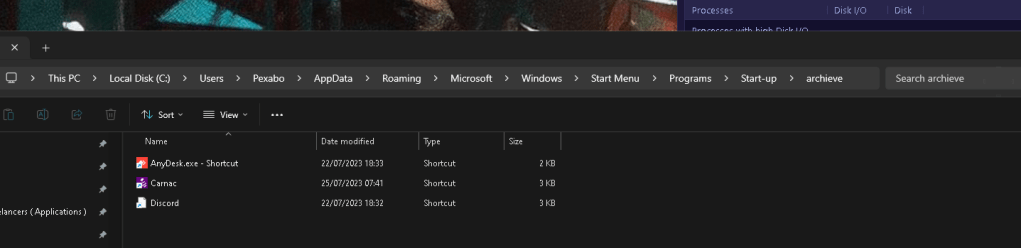
AnyDesk 8.0.11 / AnyDesk.portable 8.0.12
-
Provides secure remote desktop access, crucial for managing servers and systems remotely.
3. Audio and Video Editing
-
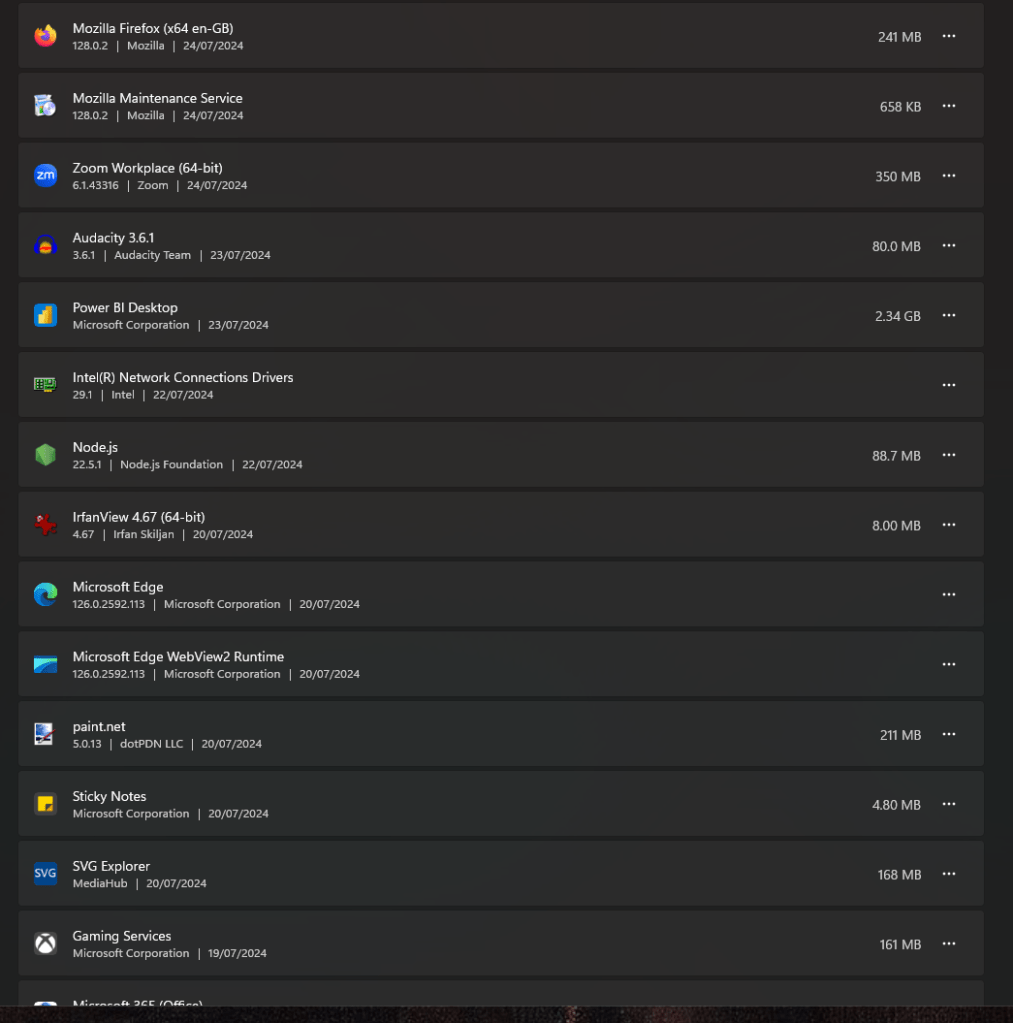
Audacity 3.6.1
-
A powerful, open-source audio editor, perfect for creating and editing audio for your YouTube videos.
-
Camtasia 2024.0.1
-
An all-in-one screen recorder and video editor that simplifies the process of creating professional videos.
4. Scripting and Automation
-
AutoHotkey 1.1.37.1 / AutoHotkey.install 1.1.37.1 / AutoHotkey.portable 2.0.18
-
A versatile scripting language for automating repetitive tasks, enhancing productivity in both DevOps tasks and content creation.
5. Development and Deployment
-
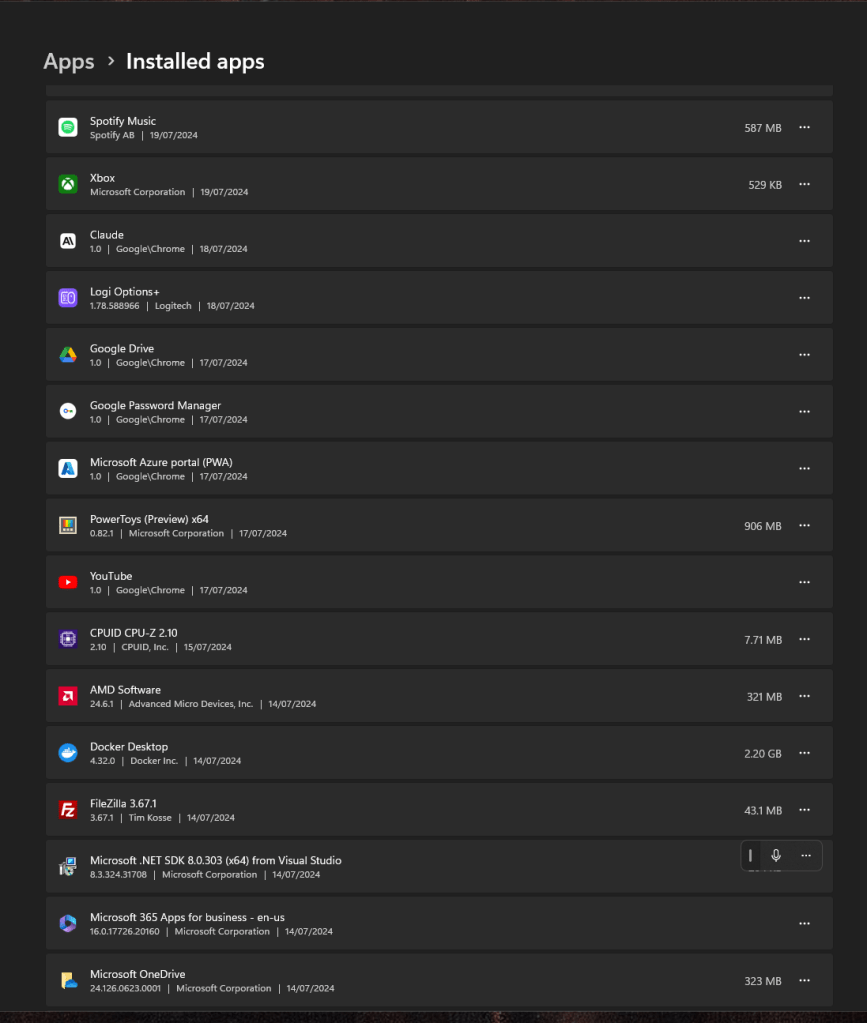
Docker Desktop 4.32.0
-
Enables containerized application development and deployment, crucial for modern DevOps workflows.
-
Git 2.45.2 / Git.install 2.45.2
-
Essential for version control, allowing you to manage your codebase effectively.
-
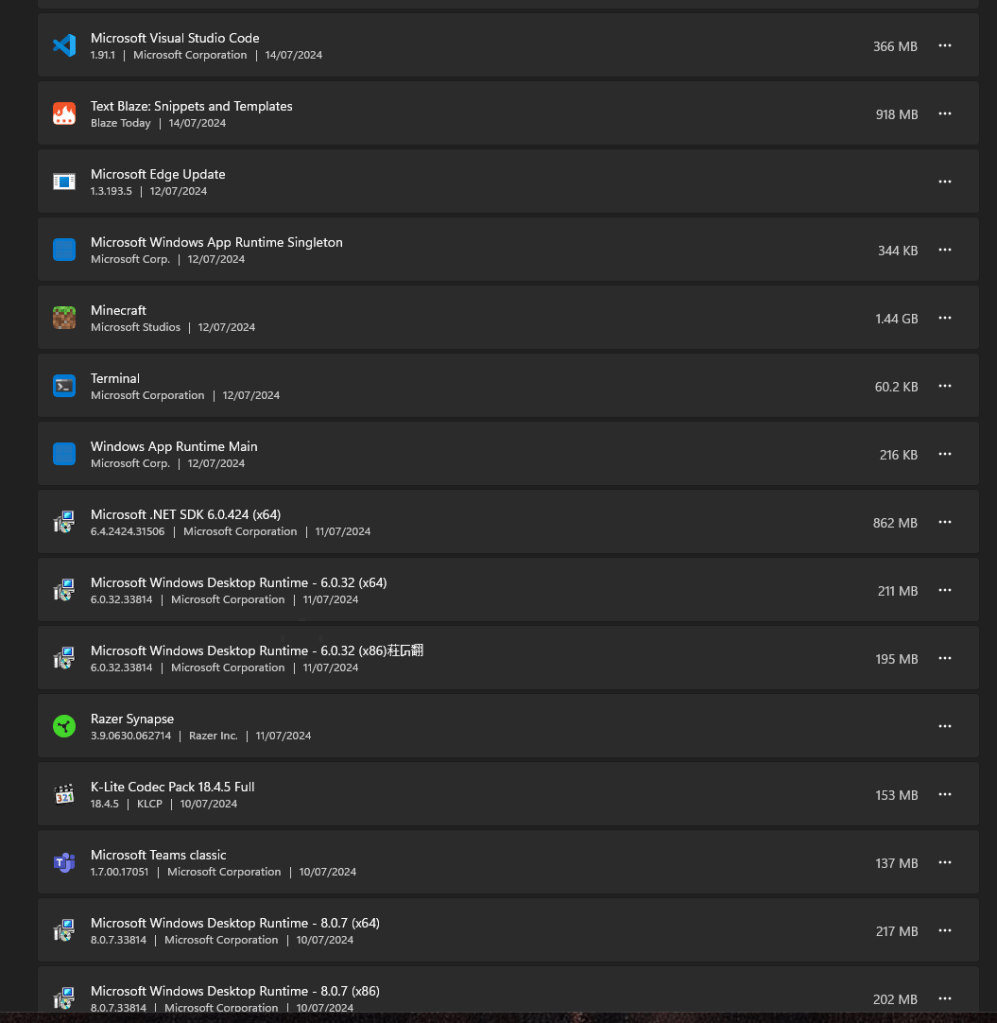
Visual Studio Code (VSCode) 1.91.1 / VSCode.install 1.91.1
-
A powerful and customizable code editor that supports various programming languages and extensions.
6. Web Browsers
-
Google Chrome 127.0.6533.73
-
A fast and secure web browser, ideal for browsing the web and testing web applications.
-
Firefox 128.0.2
-
Another reliable web browser, providing flexibility and compatibility with various web development tools.
7. Virtual Meetings and Collaboration
-
Microsoft Teams 1.7.0.17051
-
Facilitates communication and collaboration with your team, essential for remote work environments.
-
Zoom 6.1.5.43316
-
A widely-used platform for virtual meetings and webinars, crucial for team meetings and online collaborations.
8. Multimedia and Creativity Tools
-
OBS Studio 30.1.2 / OBS Studio.install 30.1.2
-
Open Broadcaster Software for live streaming and recording, essential for your YouTube content creation.
-
VLC Media Player 3.0.21 / VLC.install 3.0.21
-
A versatile media player that supports a wide range of audio and video formats.
9. Utility and Productivity Tools
-
Notion 2.2.0
-
An all-in-one workspace for note-taking, project management, and collaboration.
-
PowerToys 0.82.1.20240716
-
A set of utilities for power users to tune and streamline their Windows experience.
-
EarTrumpet 2.3.0
-
An advanced volume control app for Windows, giving you more control over audio settings.
10. System Monitoring and Optimization
-
CPU-Z 2.9.0.20240123 / CPU-Z.install 2.9.0.20240123
-
Provides detailed information about your system’s hardware, essential for monitoring performance.
-
GPU-Z 2.59.0
-
Monitors your GPU, providing crucial information for performance optimization.
11. Version Control and Compatibility
-
Chocolatey 2.3.0
-
A package manager for Windows that simplifies the installation, upgrading, and configuration of software.
-
Various Chocolatey Extensions
-
Ensure compatibility and extended functionality for different software packages and system updates.
Conclusion
Having the right software installed on your machine can significantly enhance your productivity and efficiency, whether you’re managing DevOps tasks or creating content for YouTube. The above list covers essential tools that cater to both roles, providing a solid foundation for your workflows. Make sure to keep these applications up to date to leverage the latest features and improvements.
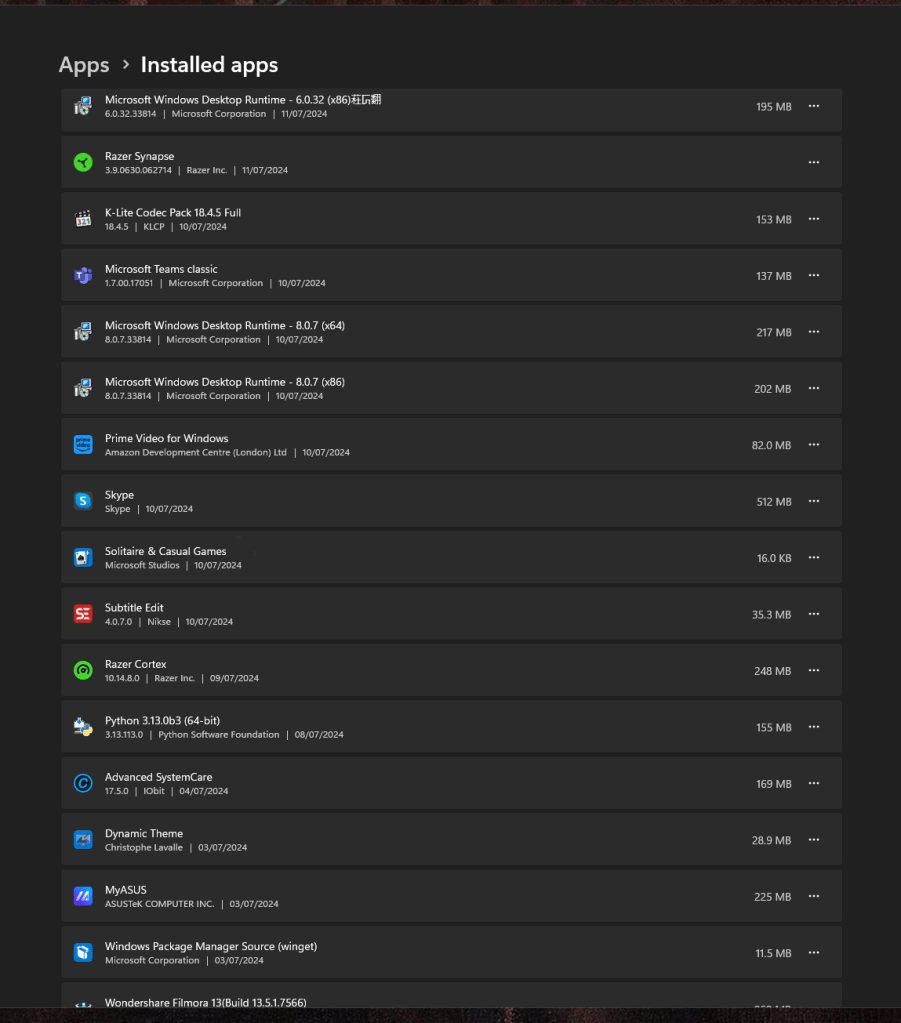
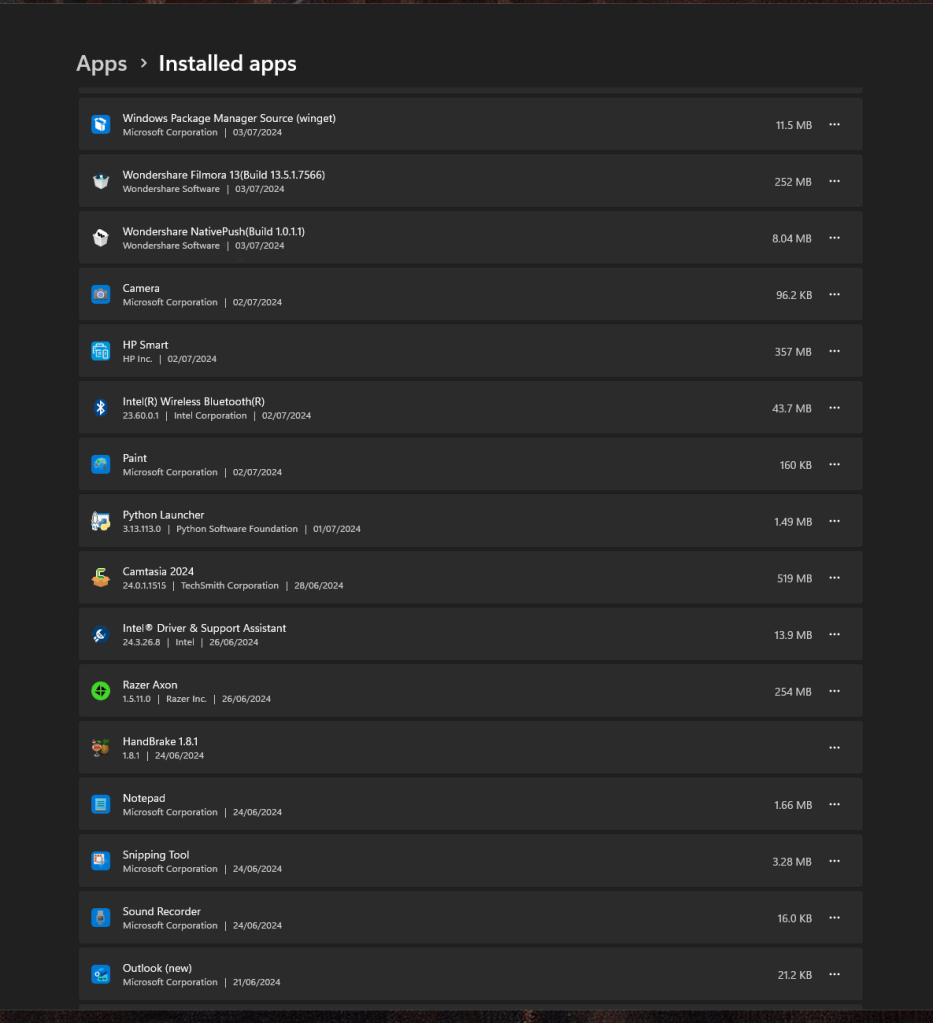
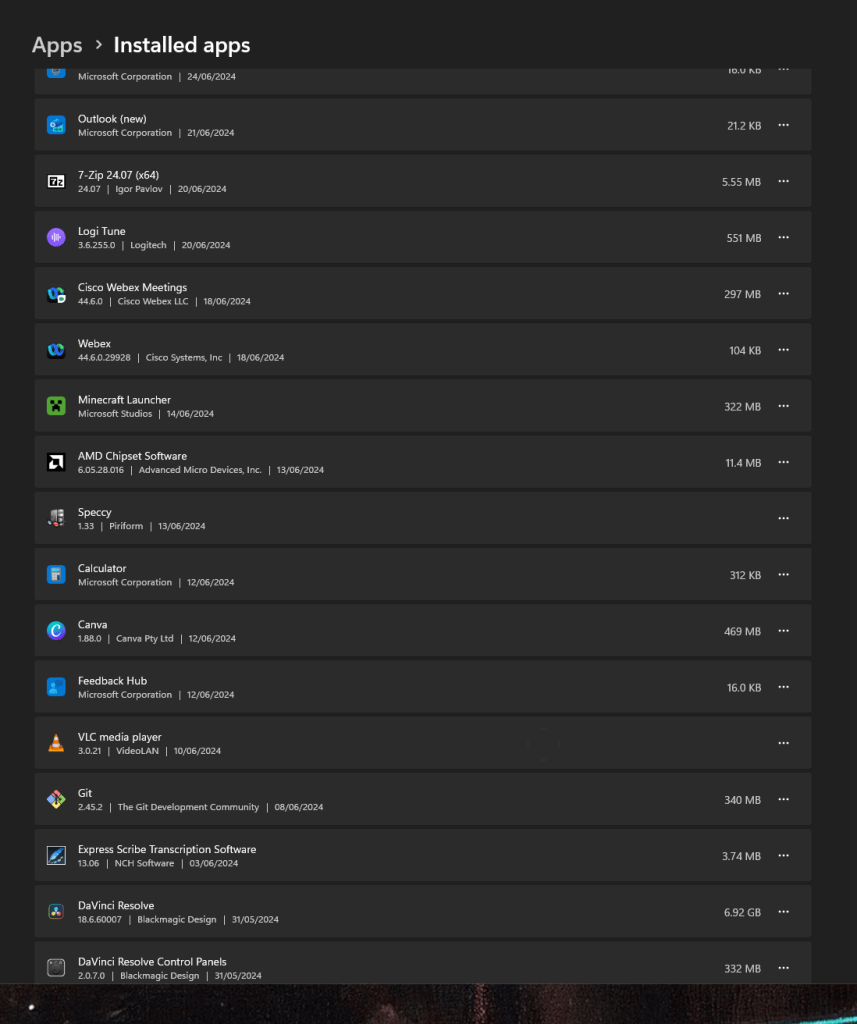
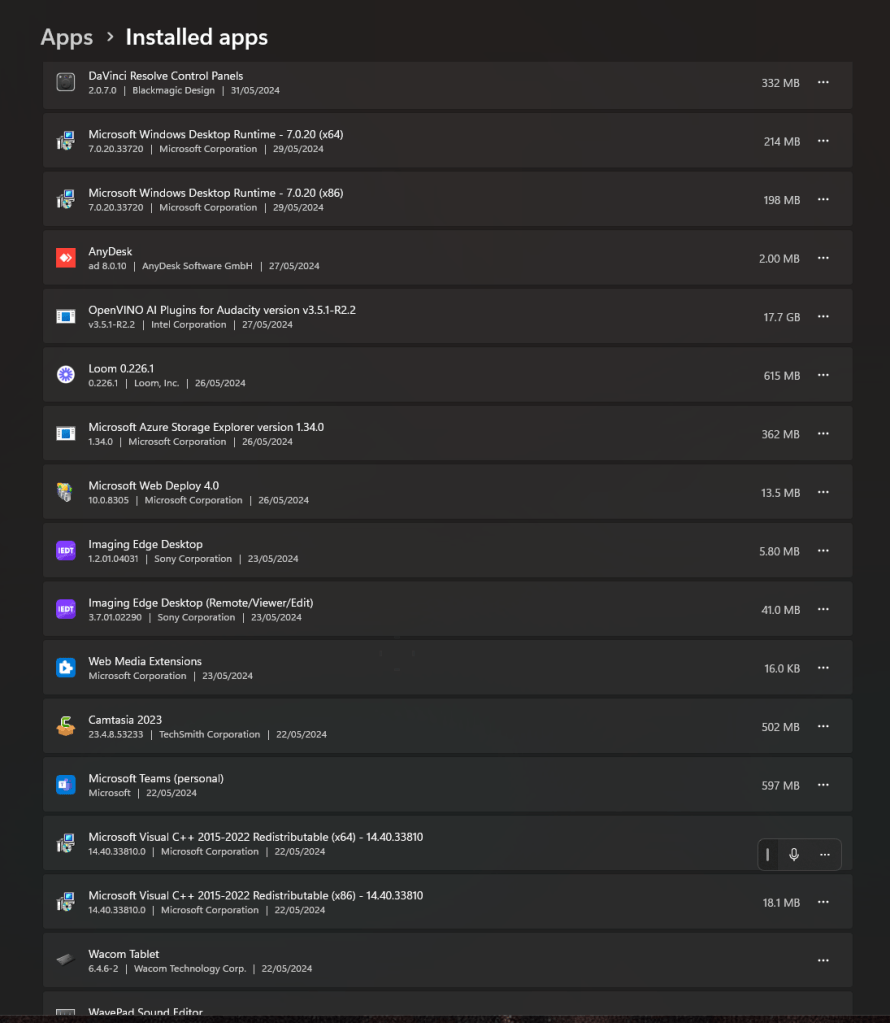
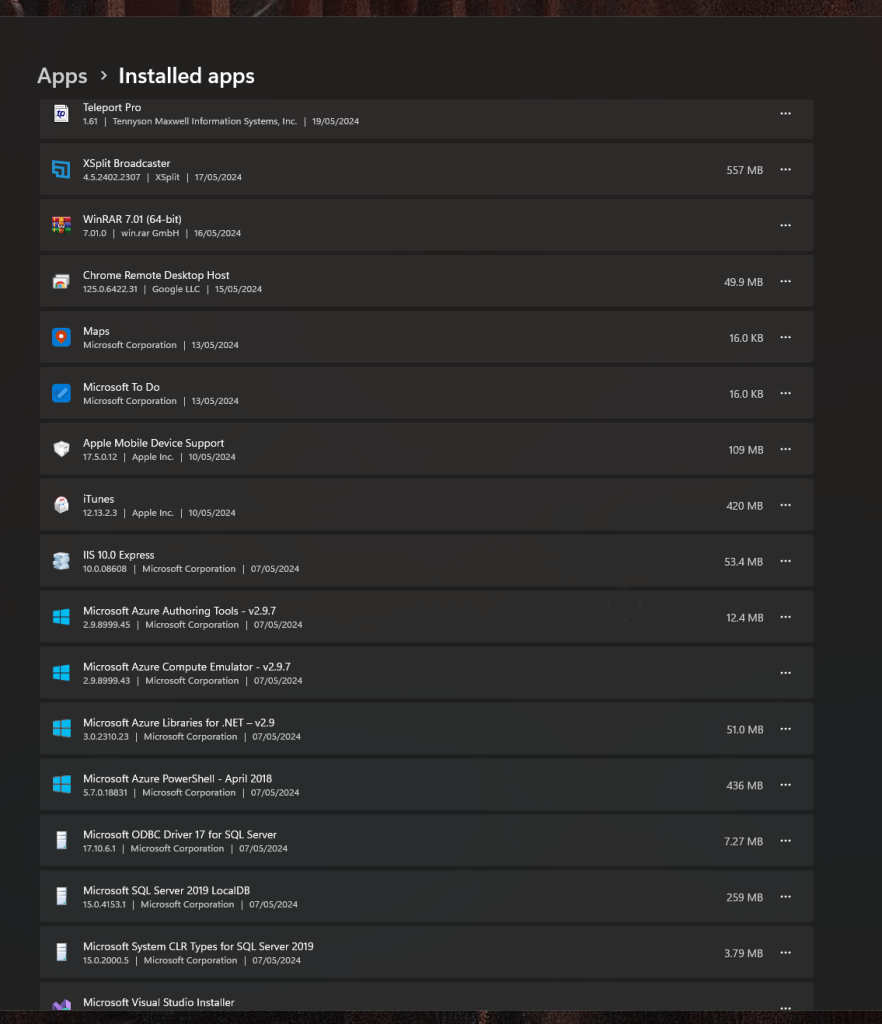
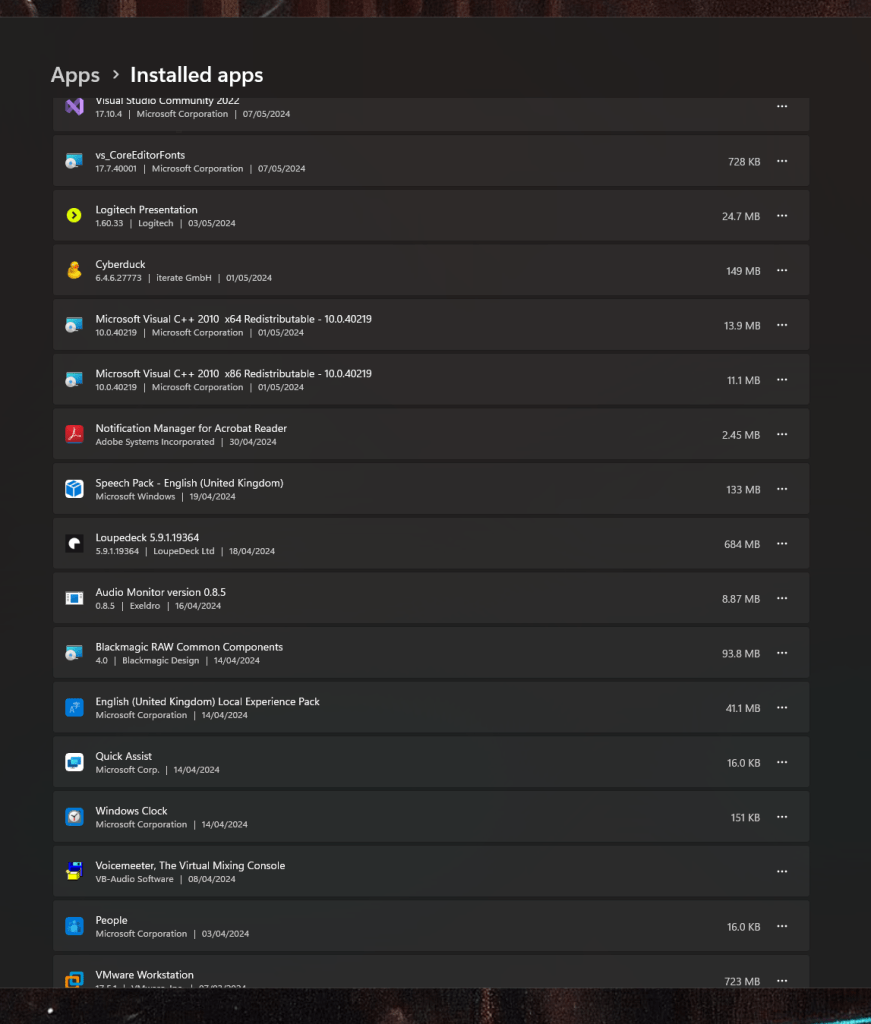
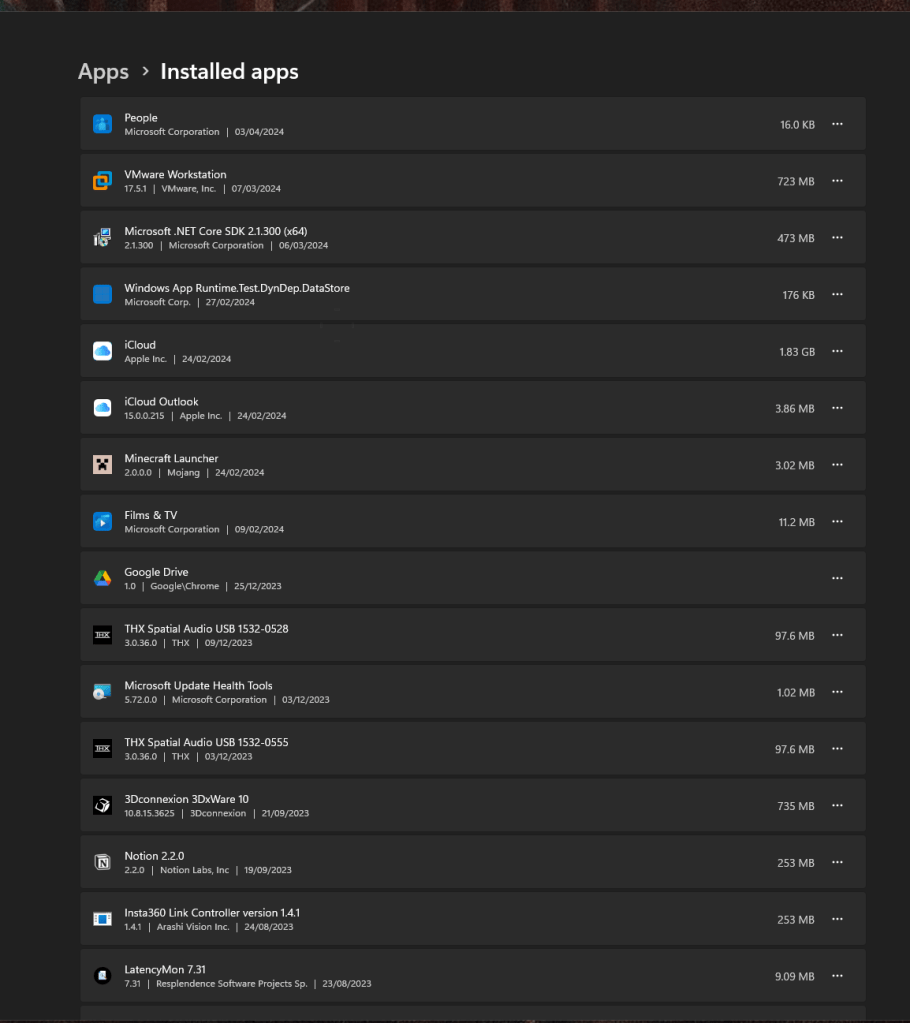
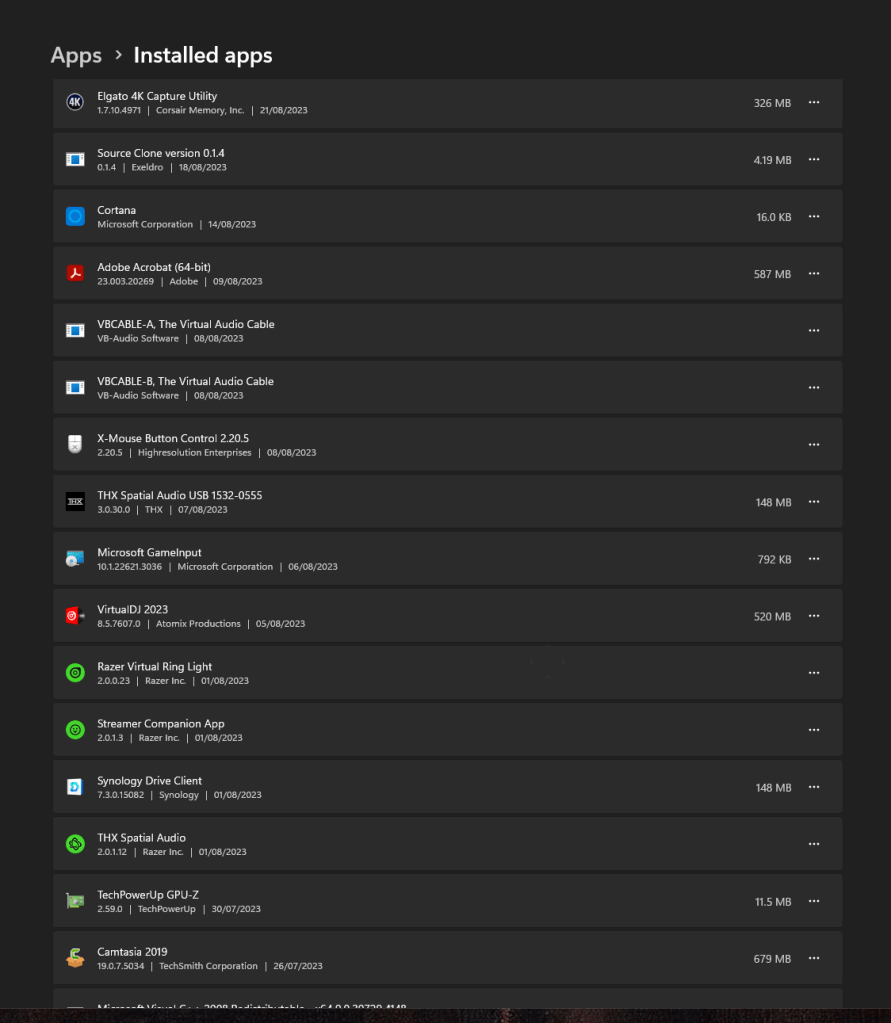
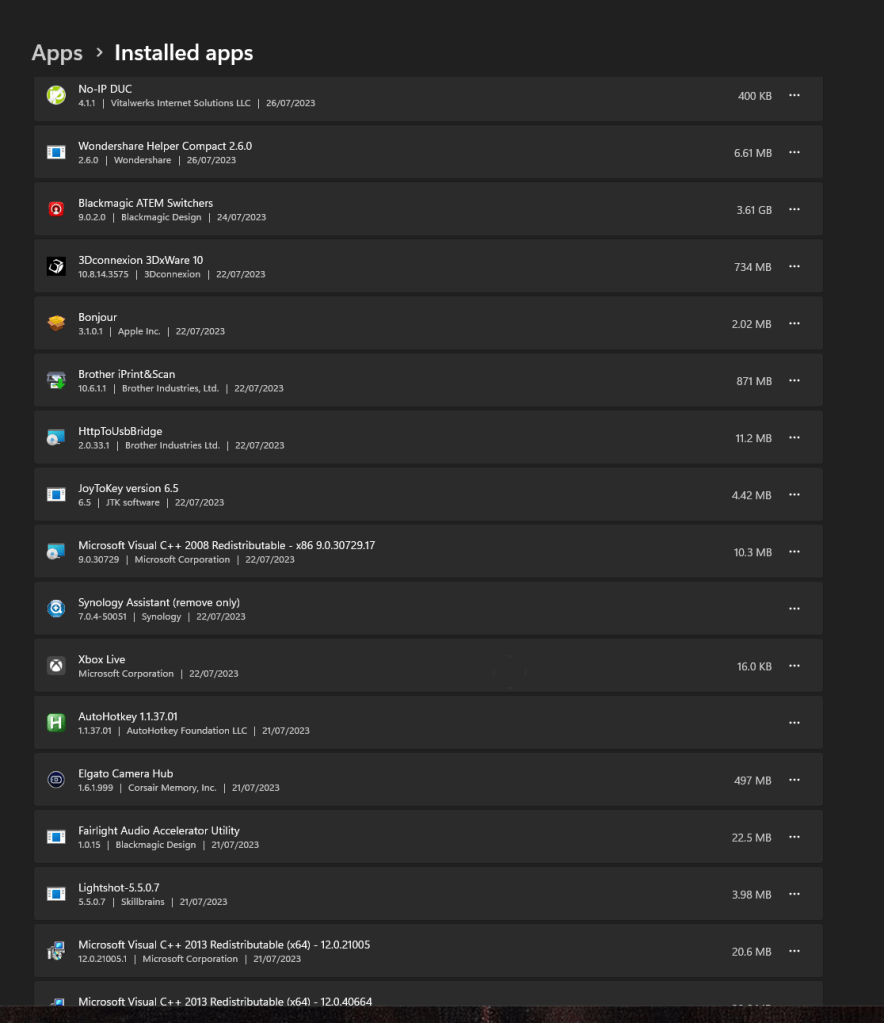
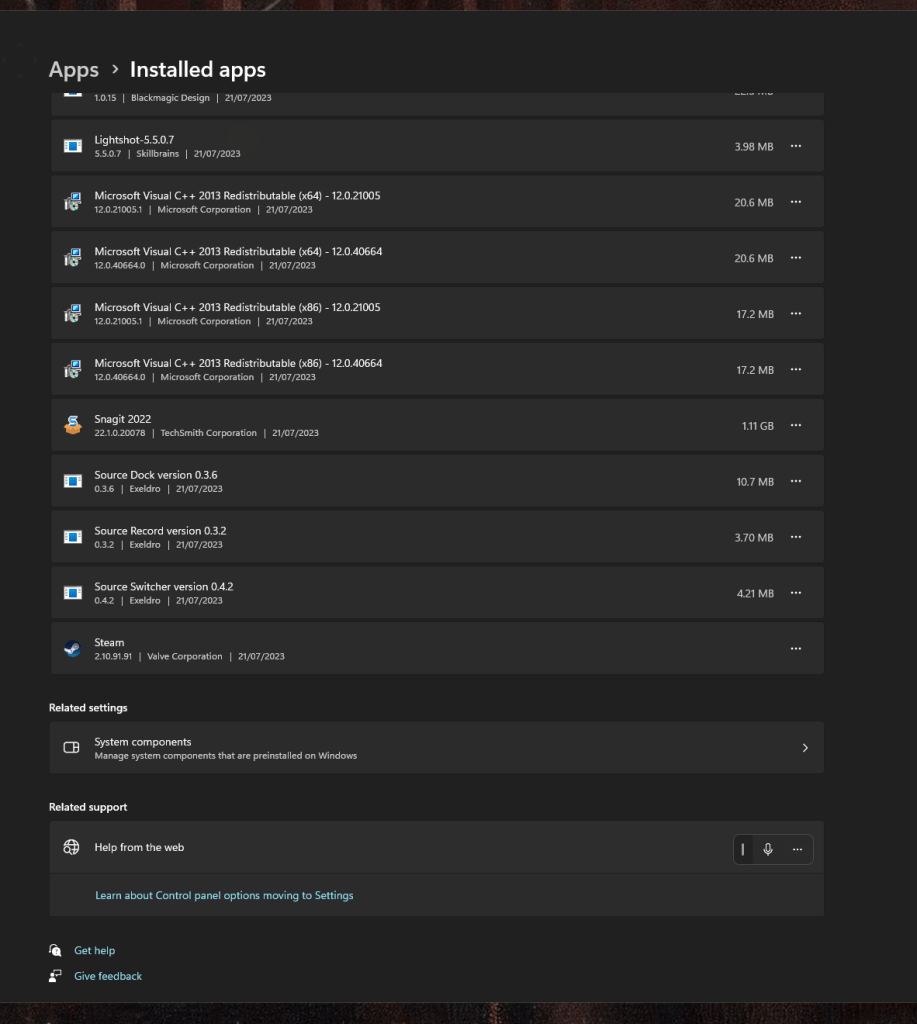
https://docs.google.com/spreadsheets/d/1_xsY-1PEnPj4eTg138u6Aebove_zAIa48fpQbjcfRTU/edit?usp=sharing
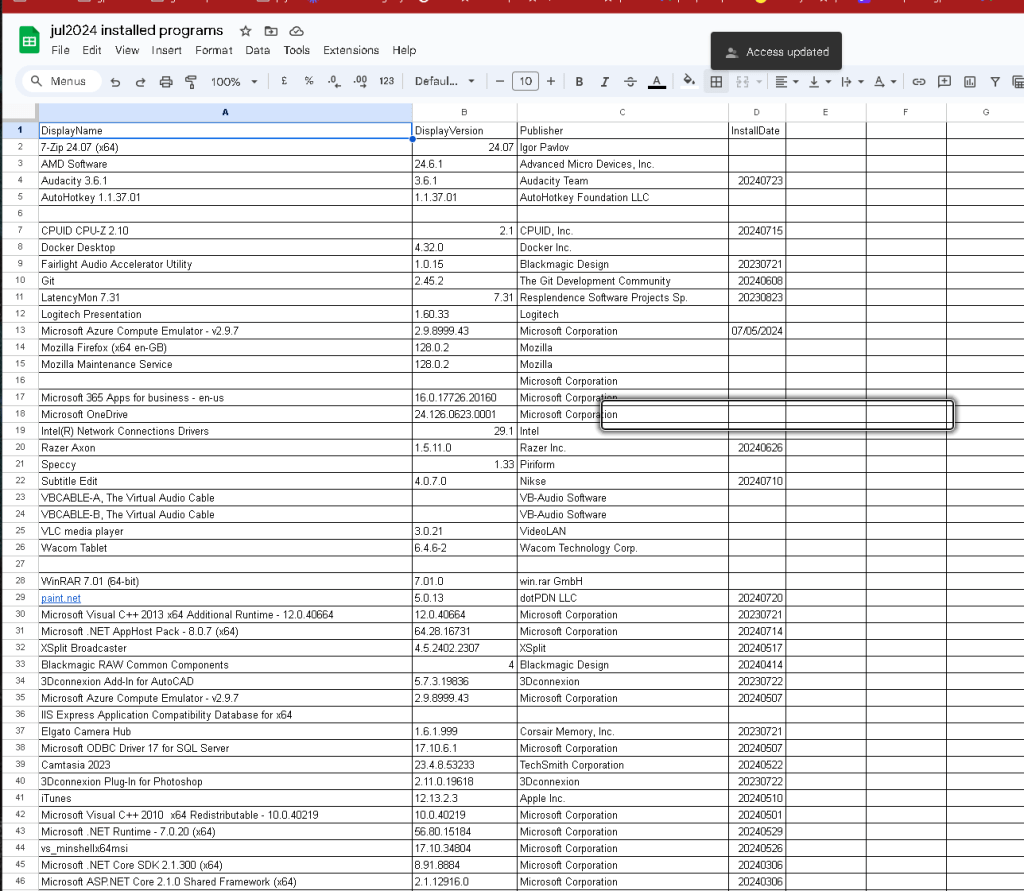
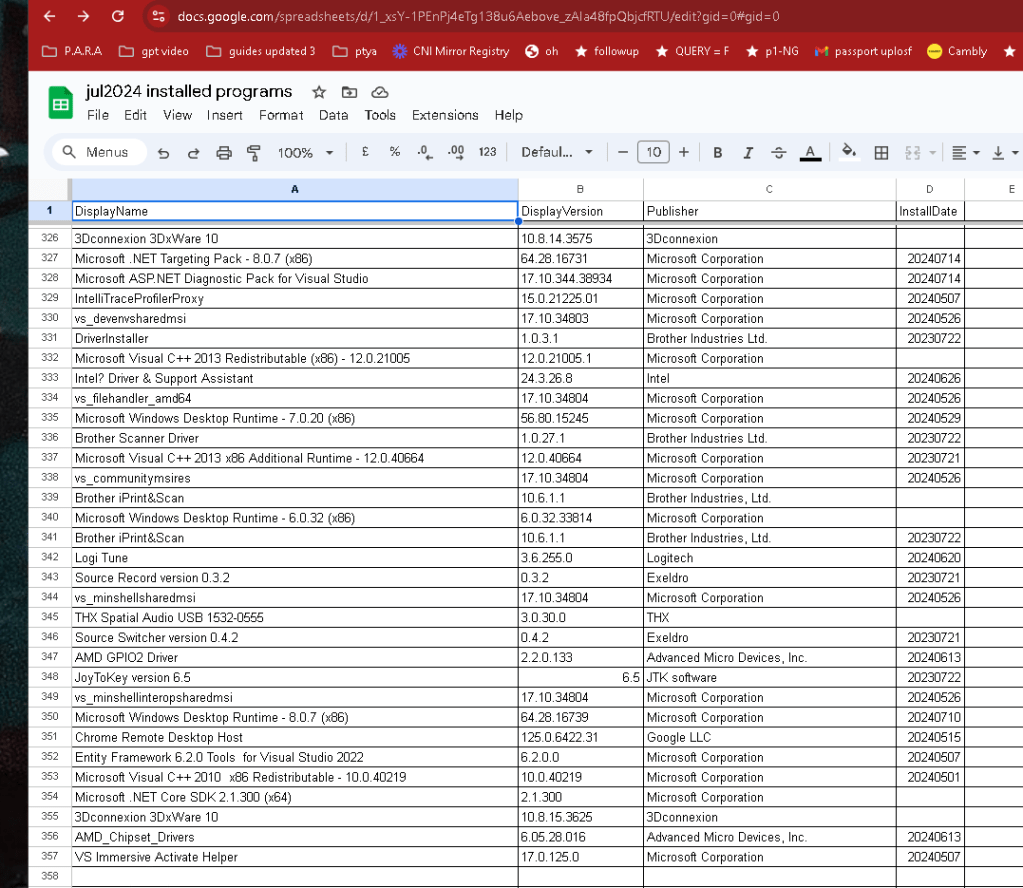
360
choco installed
PS C:\Windows\system32> choco list
Chocolatey v2.3.0
3 validations performed. 2 success(es), 1 warning(s), and 0 error(s).
Validation Warnings:
- System Cache directory is not locked down to administrators.
Remove the directory 'C:\ProgramData\ChocolateyHttpCache' to have
Chocolatey CLI create it with the proper permissions.
7zip 24.7.0
7zip.install 24.7.0
afedteated 17.5.0.255
amd-ryzen-chipset 2024.6.11
anydesk 8.0.11
anydesk.portable 8.0.12
audacity 3.6.1
autohotkey 1.1.37.1
autohotkey.install 1.1.37.1
autohotkey.portable 2.0.18
camtasia 2024.0.1
carnac 2.3.13
chocolatey 2.3.0
chocolatey-compatibility.extension 1.0.0
chocolatey-core.extension 1.4.0
chocolatey-dotnetfx.extension 1.0.1
chocolatey-visualstudio.extension 1.11.1
chocolatey-windowsupdate.extension 1.0.5
cpu-z 2.9.0.20240123
cpu-z.install 2.9.0.20240123
cyberduck.install 6.4.6.27773
docker-desktop 4.32.0
DotNet4.6.1 4.6.1055.20170308
dotnet-6.0-desktopruntime 6.0.32
dotnet-6.0-sdk 6.0.424
dotnet-6.0-sdk-4xx 6.0.424
dotnet-7.0-desktopruntime 7.0.20
dotnet-8.0-desktopruntime 8.0.7
dotnet-desktopruntime 8.0.7
dotnetfx 4.8.0.20220524
eartrumpet 2.3.0
filezilla 3.67.1
Firefox 128.0.2
git 2.45.2
git.install 2.45.2
GoogleChrome 127.0.6533.73
gpu-z 2.59.0
gravitdesigner 2021.1.1.20240203
gravitdesigner.install 2021.1.1.20240203
handbrake 1.8.1
handbrake.install 1.8.1
hp-universal-print-driver-ps 7.2.0.25780
irfanview 4.67.0
iTunes 12.13.2.3
KB2919355 1.0.20160915
KB2919442 1.0.20160915
KB2999226 1.0.20181019
KB3033929 1.0.5
KB3035131 1.0.3
KB3063858 1.0.0
k-litecodecpackfull 18.4.5
latencymon 7.31.0
lightshot.install 5.5.0.720221014
microsoftazurestorageexplorer 1.34.0
microsoft-teams 1.7.0.17051
minecraft-launcher 1.0.0.20240221
netfx-4.7.2 4.7.2
nodejs 22.5.1
nodejs.install 22.5.1
notion 2.2.0
obs-studio 30.1.2
obs-studio.install 30.1.2
office365business 17531.20046.0
paint.net 5.0.13
powertoys 0.82.1.20240716
speccy 1.33.75
steam 2.10.91.91221129
streamdeck 6.7.0.20977
subtitleedit 4.0.7
vb-cable 43.0.0
vcredist140 14.40.33810
vcredist2010 10.0.40219.32503
vcredist2015 14.0.24215.20170201
vcredist2017 14.16.27033
visualstudio2022community 117.10.4
visualstudio-installer 2.0.3
vlc 3.0.21
vlc.install 3.0.21
voicemeeter.install 1.0.8.8
vscode 1.91.1
vscode.install 1.91.1
winrar 7.1.0
zoom 6.1.5.43316
zoomit 8.1.0
84 packages installed.
PS C:\Windows\system32>
Connect with me:
-
LinkedIn: https://www.linkedin.com/in/rifaterdemsahin/
-
Twitter: https://x.com/rifaterdemsahin
-
YouTube: https://www.youtube.com/@RifatErdemSahin
Imported from rifaterdemsahin.com · 2024