webm files and streaming
Yes, WEBM files can be streamed, as they are designed for web-based video playback. However, the ability to stream WEBM files depends on the compatibility of the platform and the browser you are using. Here’s how you can stream WEBM files on various platforms:
HTML5 Video Player (Self-hosted Website)
To stream WEBM files on your own website using an HTML5 video player, you can use the following HTML code:
Make sure the yourvideo.webm file is in the correct path relative to your HTML file.
YouTube
YouTube supports WEBM files. When you upload a WEBM video to YouTube, it will be transcoded into several different formats and resolutions for streaming on various devices. Follow the steps provided earlier to upload your WEBM file to YouTube, and it will handle the streaming for you.
VLC Media Player
VLC Media Player can stream WEBM files. Here’s how to do it:
-
Open VLC Media Player.
-
Click on
Mediain the menu bar. -
Select
Stream.... -
In the
Open Mediawindow, clickAdd...to select your WEBM file. -
Click on
Streamat the bottom. -
Follow the prompts to configure the streaming options.
Using a Video Hosting Service (e.g., Vimeo)
Many video hosting services support WEBM files for streaming. For Vimeo, follow these steps:
-
Log in to your Vimeo account.
-
Click on the
New Videobutton. -
Select
Upload. -
Drag and drop your WEBM file or click to upload from your computer.
-
Once uploaded, Vimeo will process the video for streaming.
Streaming via a Media Server
You can use media server software like Plex or a dedicated streaming server like Wowza to stream WEBM files. These servers handle the streaming protocols and can provide high-quality streaming experiences.
Compatibility Considerations
-
Browsers: Modern browsers like Google Chrome, Firefox, and Opera support WEBM natively. Safari and Internet Explorer may require additional plugins or may not support WEBM at all.
-
Mobile Devices: Android devices natively support WEBM. For iOS devices, additional support may be required through apps or by converting the file to a more compatible format like MP4.
Conversion to Ensure Compatibility
If you face issues with streaming WEBM files due to compatibility, consider converting the WEBM file to a more universally supported format like MP4 using tools like HandBrake or FFmpeg.
By following these guidelines, you can stream WEBM files on various platforms and devices. If you have a specific platform in mind for streaming, let me know, and I can provide more detailed instructions.
https://drive.google.com/file/d/1SzD2TvUerBXyhSX_kBy3eONz4V3RbOUX/view?usp=sharing
opens in google drive and chrome
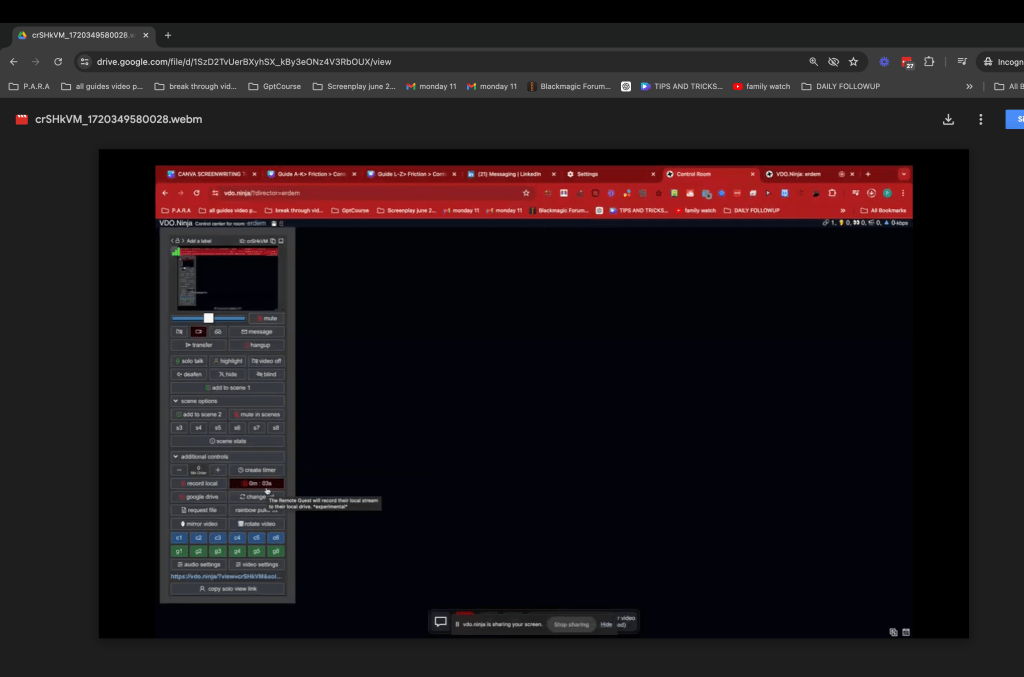
practical guide on record and see
delayed recording it works even there is an issue... and chrome crashes...you lose last 10 sec
Imported from rifaterdemsahin.com · 2024