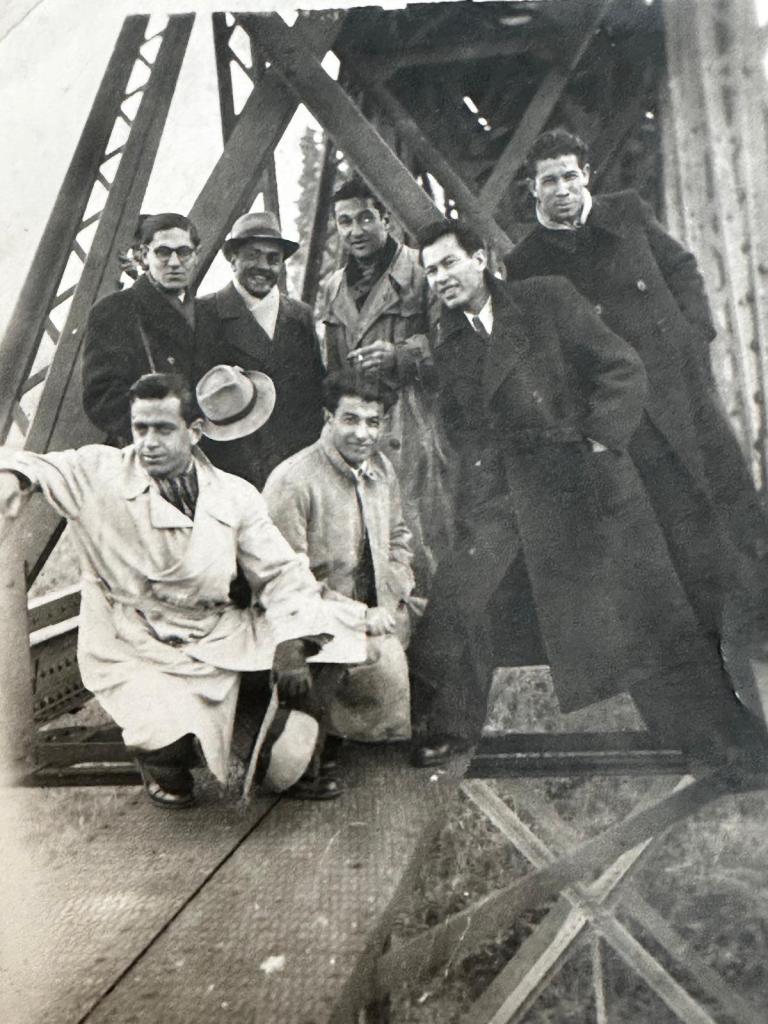
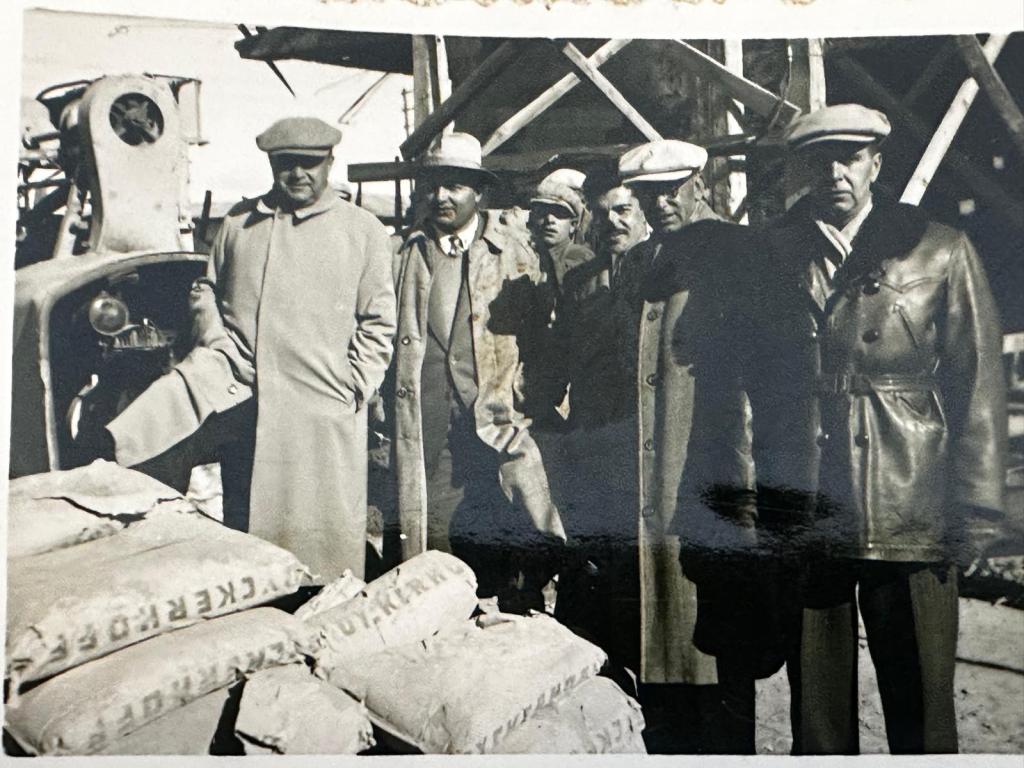
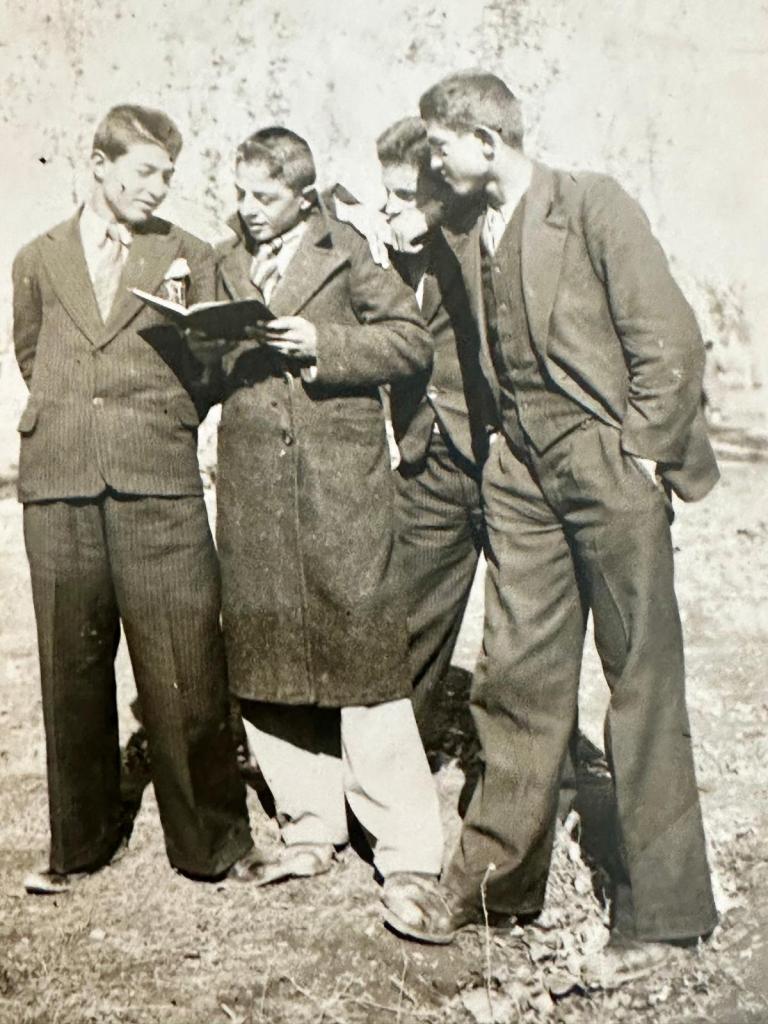
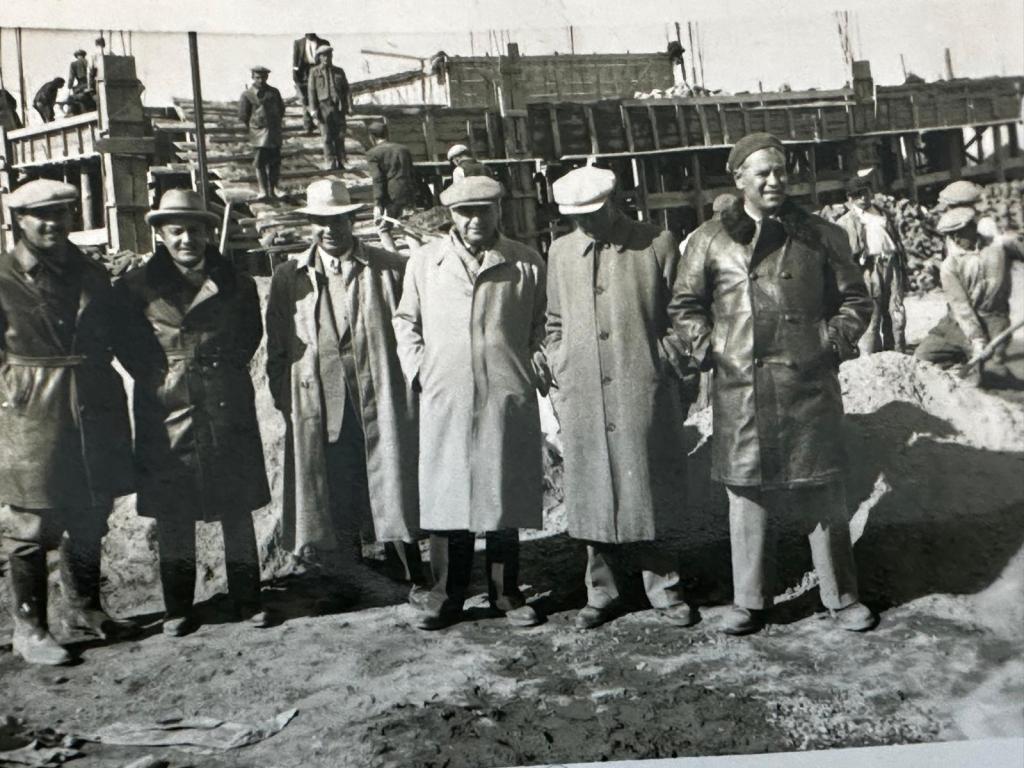
Going back in Generations

Grand Father
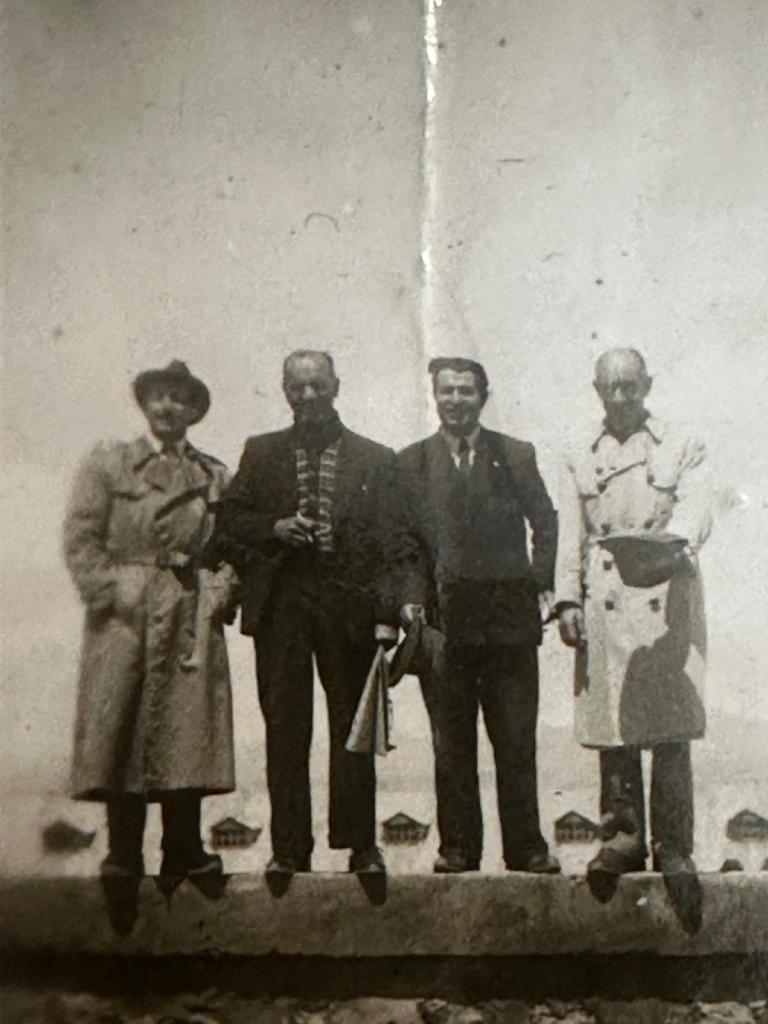
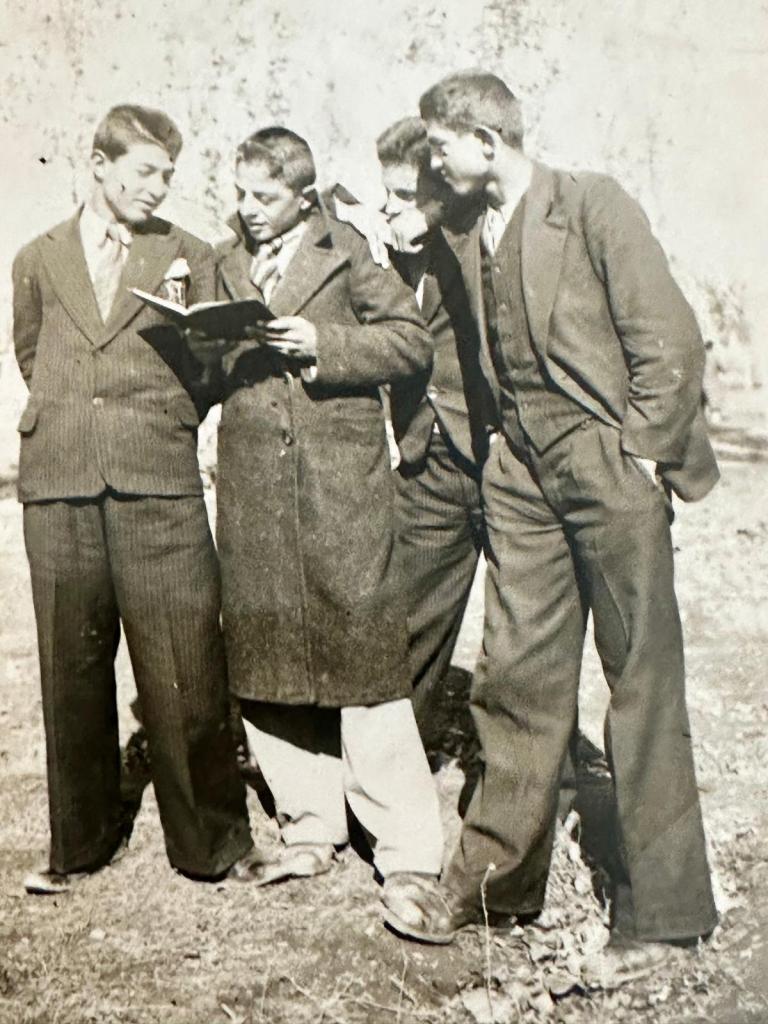
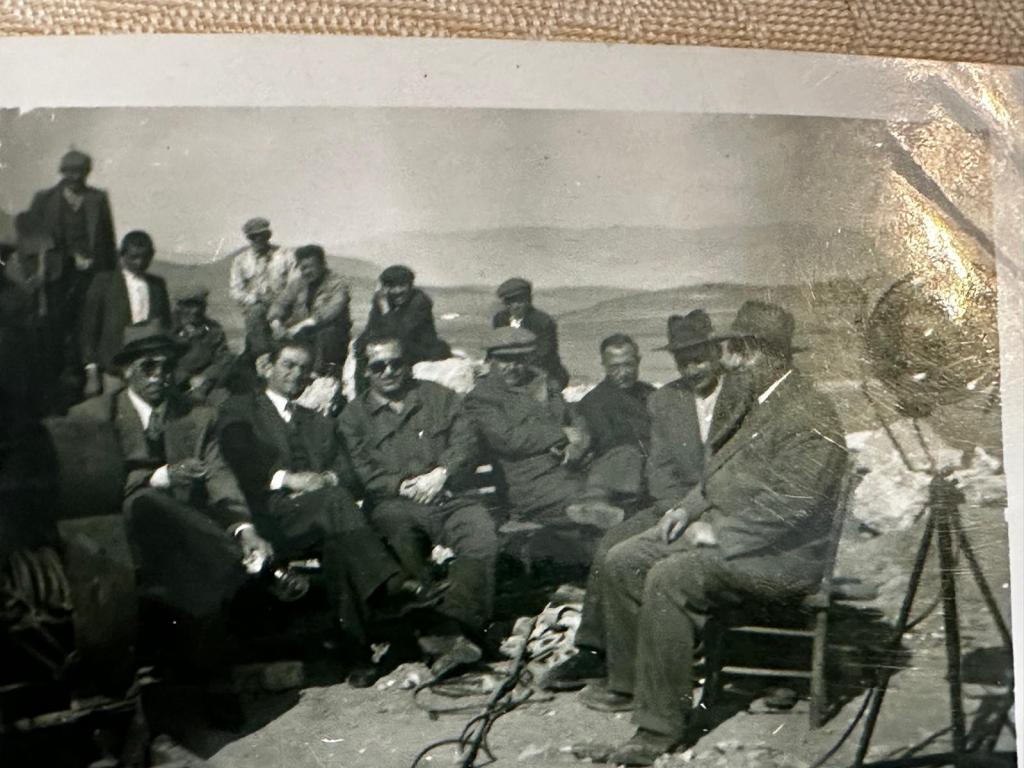
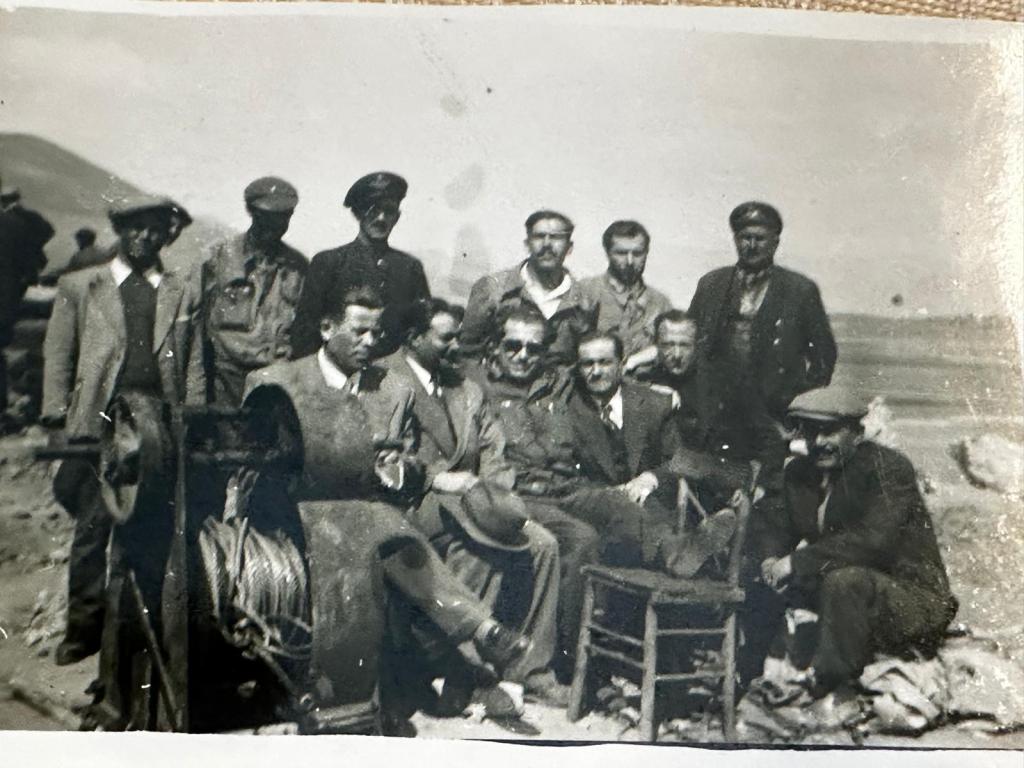
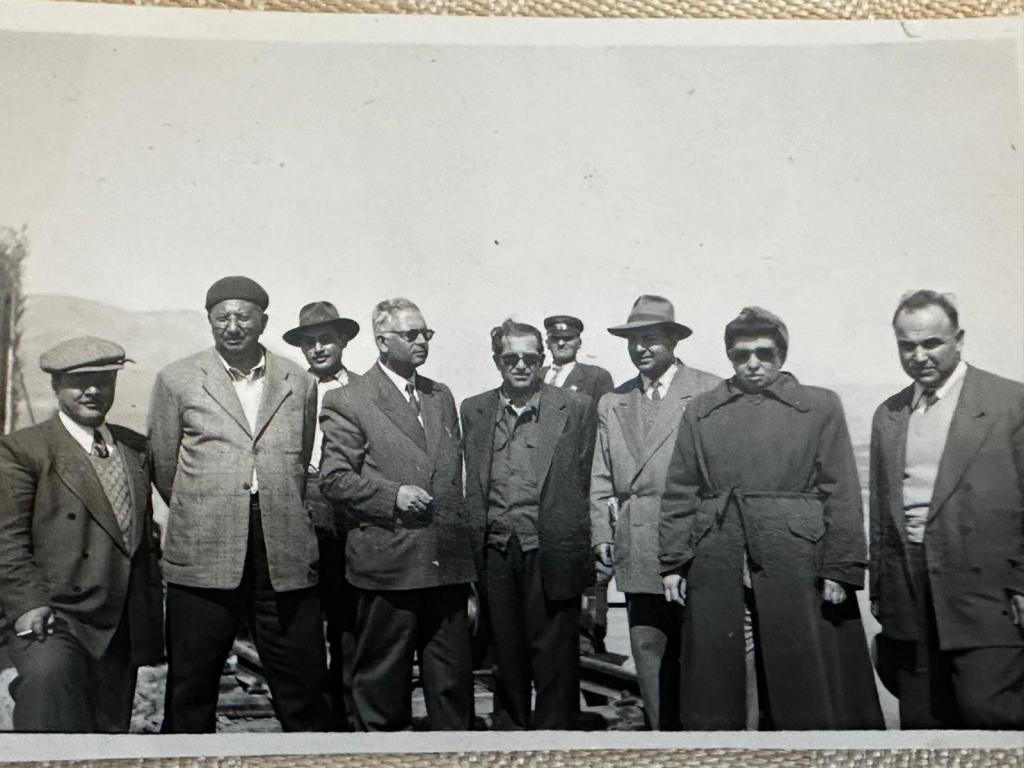
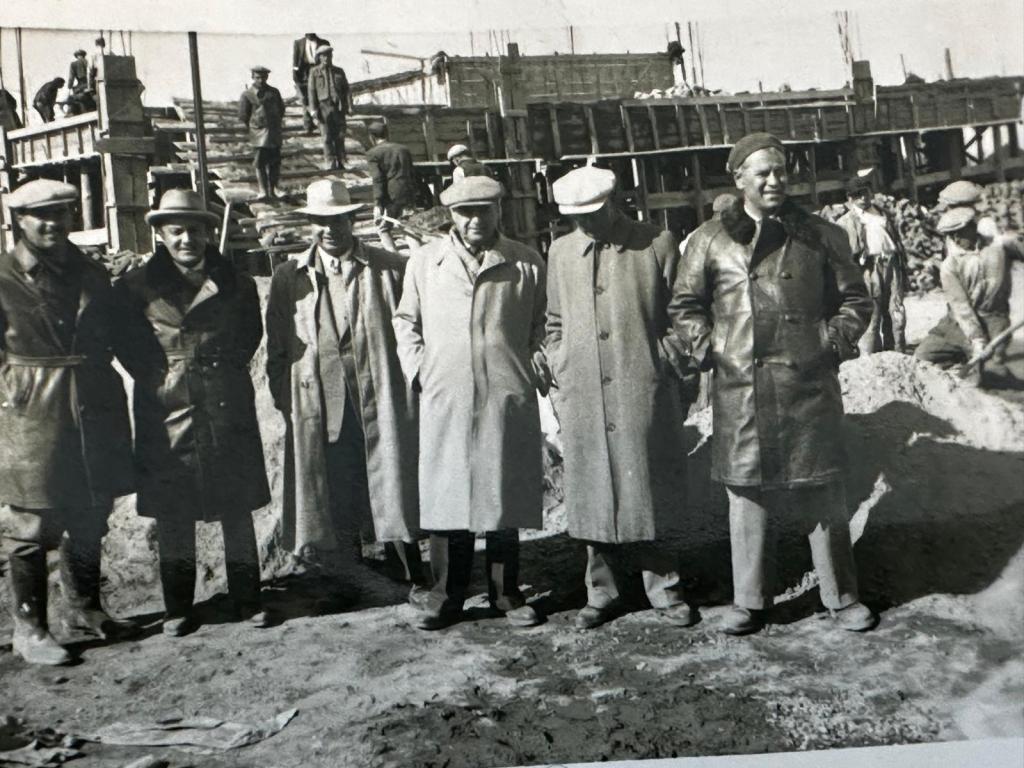
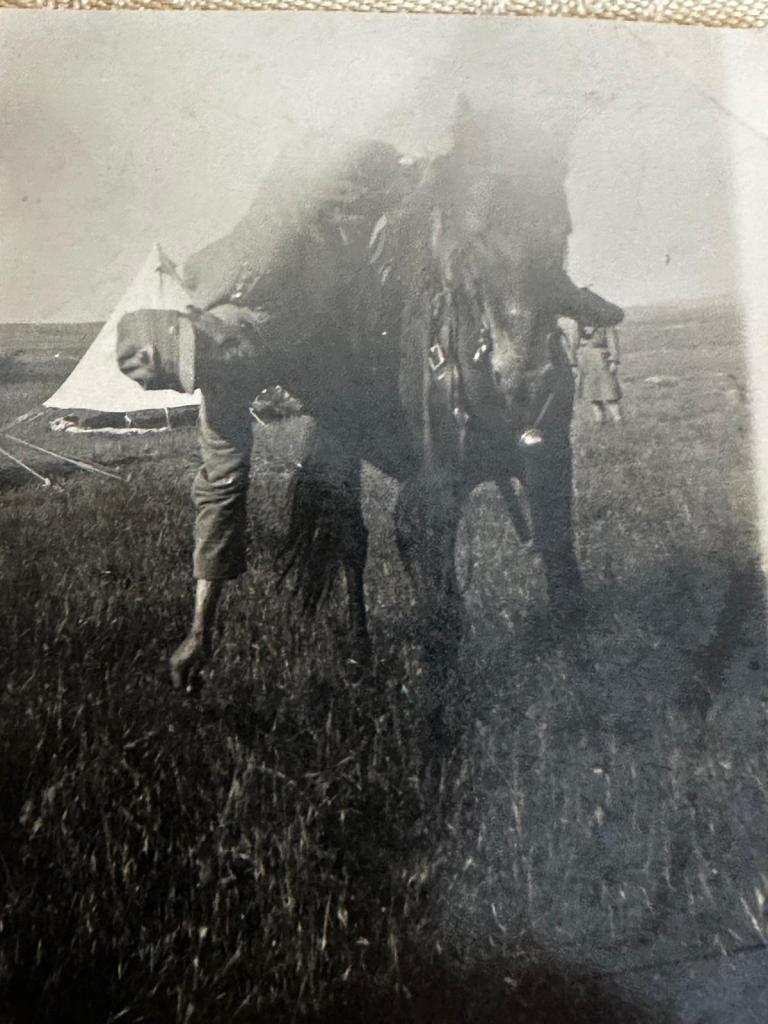
To convert your black and white photo to color, you can use several online tools that utilize advanced AI technology for this purpose. Here are some of the best options available:
-
Img2Go: This tool is user-friendly and free. It uses AI algorithms to add realistic colors to black and white photos. You can simply upload your image, and the AI will automatically process and colorize it for you【8†source】.
-
Phot.AI: Another excellent choice that offers instant colorization of black and white photos using AI. The process is straightforward: upload your image, and the tool will handle the rest, giving you a naturally colored photo. It also supports a variety of photo types, including family photos and historical images【9†source】.
-
Fotor: This tool provides an easy-to-use interface for uploading and colorizing photos. It offers automated colorization and options to adjust the results. Fotor's AI technology ensures high-quality colorization, making it a great choice for revitalizing old photos【10†source】.
-
Colourise.com: This platform is free to use and focuses on providing natural and realistic colorization. It’s designed to work with old black and white photos, and the process is quick and simple: upload your image, let the AI colorize it, and download the result【11†source】.
-
Media.io: This AI-powered photo colorizer can handle various image formats and provides natural-looking colors. It's easy to use—just upload your photo, let the AI do its work, and download the colorized image. Media.io also offers additional features like photo restoration and enhancement【13†source】.
You can try any of these tools based on your preference and the specific needs of your photo. Each offers a straightforward and effective way to bring your black and white photos to life with color.
Imported from rifaterdemsahin.com · 2024