Canva Plugin For ChatGPT
Unlocking Creativity: Canva Plugin for ChatGPT
In the ever-evolving digital landscape, creativity and efficiency are key. With the rise of artificial intelligence and powerful design tools, content creators, marketers, and anyone in need of compelling visuals can now harness the best of both worlds. Enter the Canva Plugin for ChatGPT – a game-changer that promises to revolutionize how we approach design and content creation.
What is Canva Plugin for ChatGPT?
The Canva Plugin for ChatGPT is an innovative integration that combines the capabilities of OpenAI’s ChatGPT with the design prowess of Canva. This plugin allows users to create stunning graphics, presentations, social media posts, and more, all within the ChatGPT interface. It’s like having a virtual assistant and a professional designer rolled into one.
Why You Should Use It
-
Ease of Use:
The plugin is designed with user-friendliness in mind. Whether you are a seasoned designer or a complete novice, the Canva Plugin for ChatGPT simplifies the design process. You can generate ideas, get design recommendations, and create visuals without ever leaving the chat interface. -
Time-Saving:
Imagine drafting a blog post or an article and instantly creating complementary visuals without switching apps. This integration significantly cuts down the time spent on design, allowing you to focus more on your content and less on the logistics of creating visuals. -
Creative Inspiration:
Sometimes, the hardest part of design is getting started. The Canva Plugin for ChatGPT can suggest design ideas, color schemes, and layout options based on your content. It’s like having a brainstorming partner available 24/7. -
Consistency:
Maintaining a consistent brand image is crucial. The plugin helps ensure that all your designs are aligned with your brand’s aesthetics. By using predefined templates and styles, you can create cohesive visuals that resonate with your audience. -
Accessibility:
Not everyone has access to expensive design software or the skills to use them effectively. Canva democratizes design by providing powerful tools that are accessible to all. Coupled with ChatGPT, it’s a powerhouse that makes professional-quality design attainable for everyone.
How to Get Started
-
Install the Plugin:
To get started, you need to install the Canva Plugin within the ChatGPT environment. Follow the installation instructions provided by the platform. -
Link Your Canva Account:
After installation, link your Canva account to ChatGPT. This step ensures that you have access to all your saved designs, templates, and brand assets directly within the chat interface. -
Start Creating:
Once everything is set up, you can start creating. Ask ChatGPT for design suggestions, generate templates, or create new visuals from scratch. The intuitive interface guides you through the process, making design seamless and enjoyable.
Practical Applications
-
Social Media Marketing:
Create eye-catching posts, stories, and advertisements that engage your audience. Use ChatGPT to draft the copy and Canva to design the visuals. -
Content Creation:
Whether you’re writing a blog, an eBook, or a newsletter, you can generate relevant visuals to complement your content effortlessly. -
Business Presentations:
Design professional presentations with ease. From slide layouts to infographics, the plugin helps you create impactful presentations that leave a lasting impression. -
Personal Projects:
Use the plugin for personal projects such as invitations, resumes, photo books, and more. The possibilities are endless.
Conclusion
The Canva Plugin for ChatGPT is more than just a tool; it’s a bridge between creativity and productivity. It empowers users to create stunning visuals without the steep learning curve of traditional design software. Whether you’re a business owner, a content creator, or someone who loves to create, this plugin is a must-have in your digital toolkit. Embrace the future of design and let your creativity flow with the Canva Plugin for ChatGPT.
Example Prompt
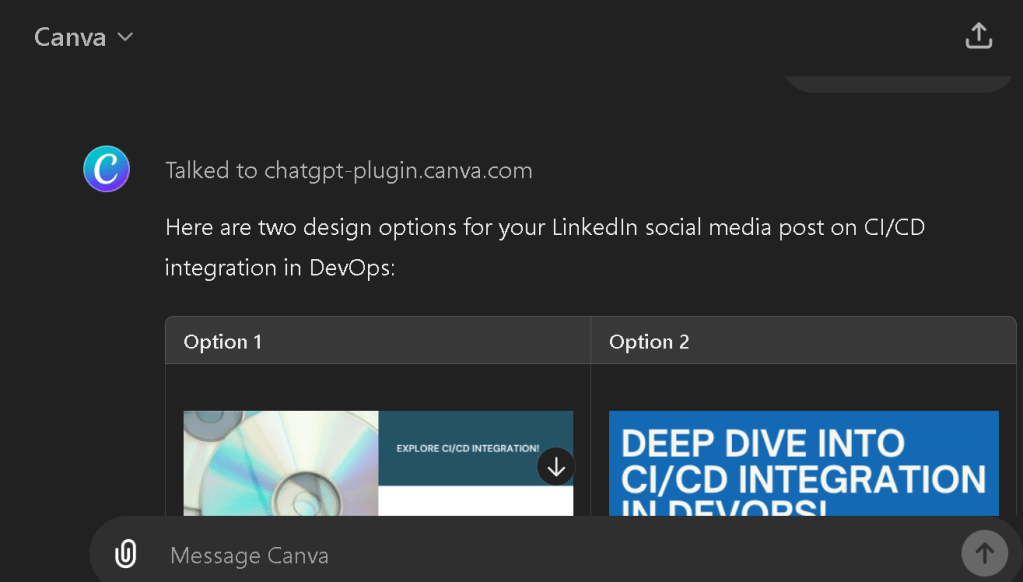
Outputs > Links to Canva Designs to iterate
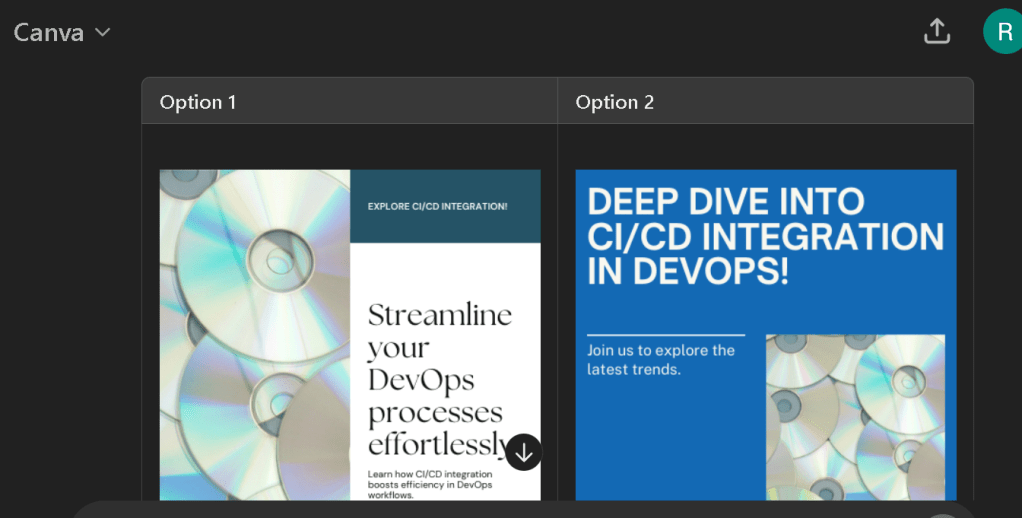
Reference
Imported from rifaterdemsahin.com · 2024