Canva Still Makes Sense
Maximizing Your Video Production Workflow: From Canva to Audio Mastery
In the realm of video production, seamless integration between tools is vital for efficiency and creativity. While Canva provides exceptional features for creating animated text slides, transitioning these elements to Descript for further editing can sometimes feel unnecessary, especially if you're already committed to Canva's ecosystem. Here's why sticking with Canva for your text slides might be the best choice, and how to enhance your audio recording process to complement your video projects.
Why Canva Remains Essential for Animated Text Slides
-
Ease of Use: Canva’s user-friendly interface makes creating animated text slides straightforward. Its drag-and-drop functionality and extensive library of templates allow for quick production, saving valuable time.
-
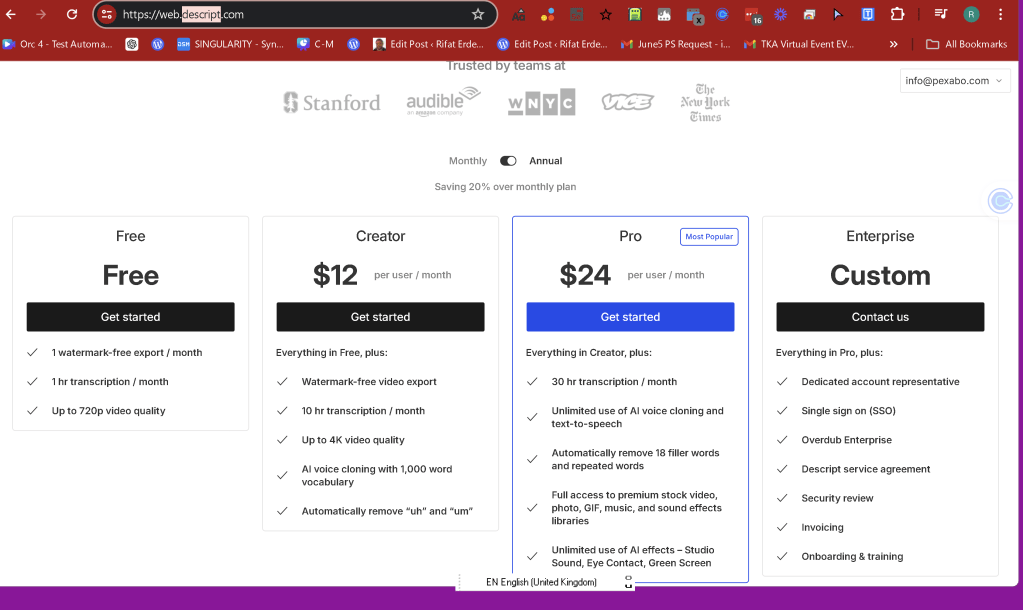
Cost-Effective: Since you’re already paying for Canva, maximizing its use for all your text animation needs is both practical and economical. Transitioning to another tool like Descript for this purpose could mean unnecessary additional costs and learning curves.
-
Integration Capabilities: Canva’s export options are robust, allowing you to seamlessly integrate your animated slides into various video editing software. This means you can still use Descript for its powerful audio and video editing features without discarding Canva’s contributions.
Enhancing Audio Recording: The Role of Auto-Naming Files
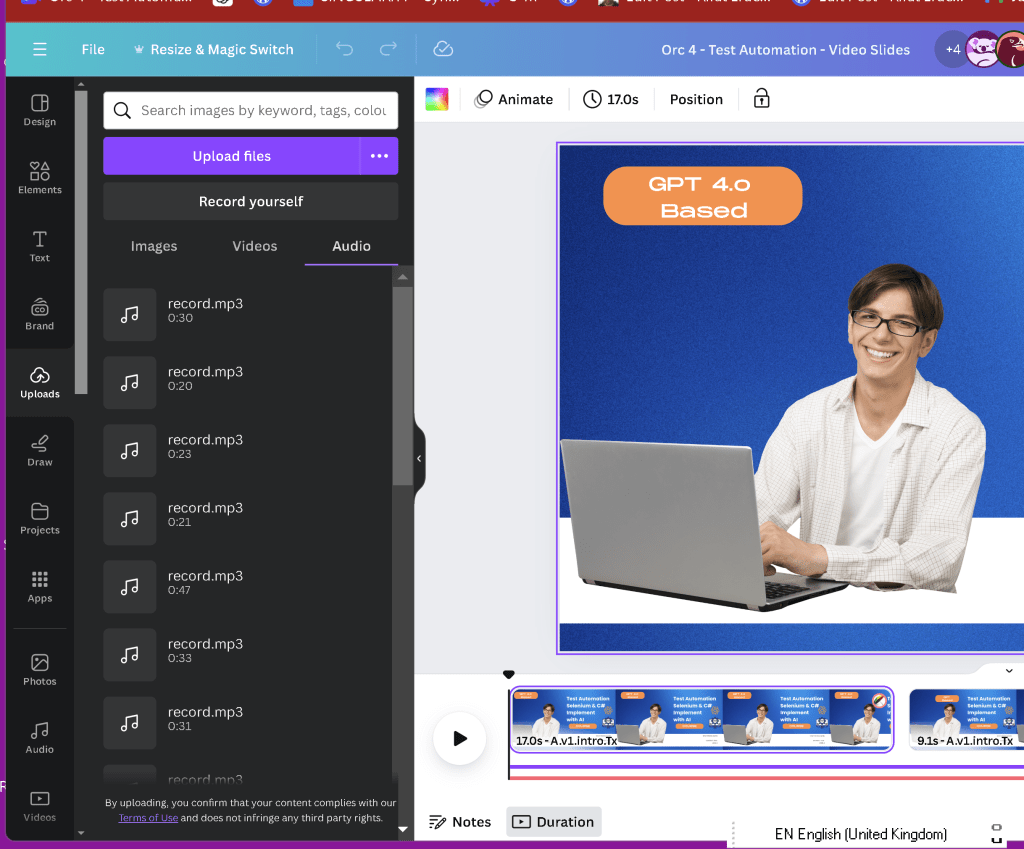
Effective audio recording is crucial for any video production. However, managing these recordings can be challenging, especially when dealing with numerous files named generically. Here’s how to improve your audio recording workflow:
-
Utilize Advanced Audio Recorders: Invest in high-quality audio recording tools that offer advanced features such as noise reduction, clear sound capture, and, importantly, auto-naming functionalities. Software like Audacity is excellent for editing, but modern alternatives may provide better file management capabilities.
-
Auto-Naming Features: Look for recorders that allow automatic file naming based on parameters like date, time, or project name. This feature helps in organizing files systematically, making it easier to locate specific recordings without the confusion of generic names.
-
Consistency in Naming Conventions: Even if your current setup doesn’t support auto-naming, establish a consistent naming convention manually. Include details like the project name, date, and a brief description of the content. This practice can significantly reduce the frustration of sifting through identically named files.
Avoiding the Pitfalls of Generic Naming
When multiple recordings are named the same, it can lead to confusion and disorganization. Here are a few tips to avoid this:
-
Manual Renaming: After recording, immediately rename the file with a descriptive title. For instance, “ProjectX_Interview_01June2024.wav” is much more informative than “audio001.wav”.
-
Folder Organization: Organize your recordings into specific project folders. This way, even if files are generically named, their folder location provides context.
-
Backup Regularly: Always back up your recordings to avoid data loss. Use cloud storage or external hard drives for this purpose.
Conclusion
Sticking with Canva for your animated text slides makes sense both financially and practically. By leveraging its capabilities to the fullest, you can maintain a streamlined workflow. On the audio side, moving towards better audio recorders and adopting auto-naming practices will enhance your production process, ensuring that your recordings are well-organized and easily accessible.
Investing in these improvements will not only save you time but also elevate the quality of your video productions, making your creative process more efficient and enjoyable.
Imported from rifaterdemsahin.com · 2024