canva create automation
https://community.chocolatey.org/packages/vscode
choco install python --pre
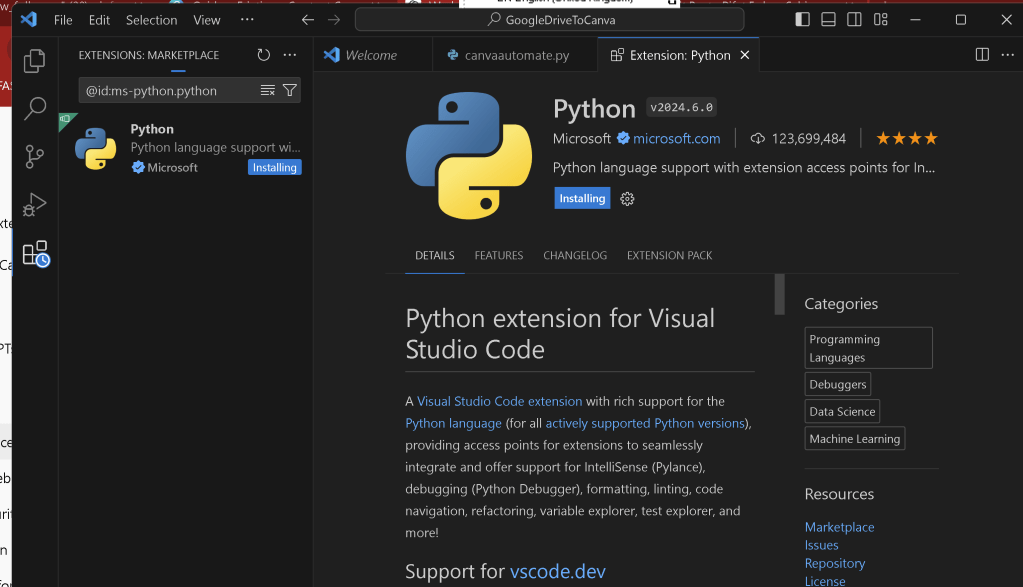
no api key it did not work
https://twitter.com/rifaterdemsahin/status/1794094125106577668
maybe selenium is the way to go
from selenium import webdriver
from selenium.webdriver.common.keys import Keys
from selenium.webdriver.common.by import By
import time
Path to your ChromeDriver
driver_path = '/path/to/chromedriver'
driver = webdriver.Chrome(executable_path=driver_path)
Open Canva login page
driver.get('https://www.canva.com/login')
Log in
email_field = driver.find_element(By.ID, 'email')
email_field.send_keys('[email protected]')
password_field = driver.find_element(By.ID, 'password')
password_field.send_keys('your_password')
password_field.send_keys(Keys.RETURN)
Wait for login to complete
time.sleep(10)
Navigate to create a new design
driver.get('https://www.canva.com/create-a-design')
Wait for the page to load
time.sleep(5)
List of URLs to embed
urls_to_embed = [
"https://www.youtube.com/watch?v=VIDEO_ID_1",
"https://www.youtube.com/watch?v=VIDEO_ID_2",
"https://www.youtube.com/watch?v=VIDEO_ID_3",
"https://www.youtube.com/watch?v=VIDEO_ID_4",
"https://www.youtube.com/watch?v=VIDEO_ID_5",
"https://www.youtube.com/watch?v=VIDEO_ID_6",
"https://www.youtube.com/watch?v=VIDEO_ID_7",
"https://www.youtube.com/watch?v=VIDEO_ID_8",
"https://www.youtube.com/watch?v=VIDEO_ID_9",
"https://www.youtube.com/watch?v=VIDEO_ID_10"
]
Loop through URLs and embed each one
for index, url in enumerate(urls_to_embed):
Click on the 'Elements' tab to add shapes or embeds
elements_tab = driver.find_element(By.XPATH, '//*[@aria-label="Elements"]')
elements_tab.click()
time.sleep(2)
Add an embed element
embed_button = driver.find_element(By.XPATH, '//*[text()="Embed"]')
embed_button.click()
time.sleep(2)
Enter the URL to embed
url_input = driver.find_element(By.XPATH, '//*[@aria-label="Enter URL"]')
url_input.send_keys(url)
url_input.send_keys(Keys.RETURN)
time.sleep(5)
Optionally, you can reposition each embed element to avoid overlap
This requires finding the new embed element and dragging it to a new position
For simplicity, here we assume they stack vertically without overlap
Close the browser after completing the tasks
driver.quit()
Imported from rifaterdemsahin.com · 2024