old desktops opened up
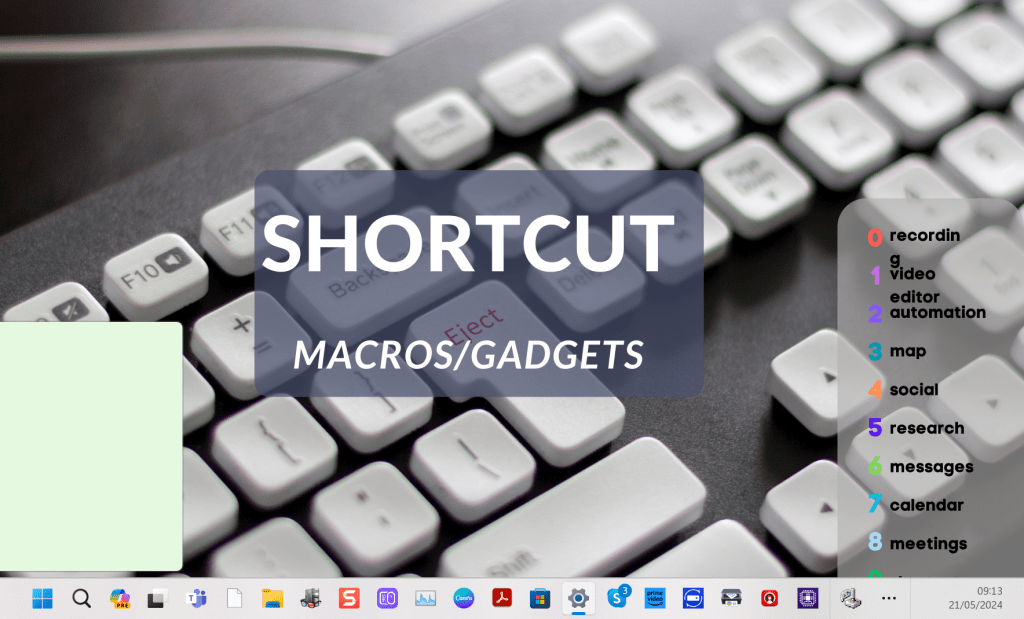
it is a left over
To show virtual desktops on Windows, follow these steps:
- Accessing Task View:
Click on the Task View button on the taskbar. It looks like a rectangle with two smaller rectangles on either side.
-
If the Task View button is not visible, right-click on the taskbar and select "Show Task View button."
-
Using Keyboard Shortcuts:
Press Windows key + Tab to open the Task View.
- Creating a New Virtual Desktop:
In the Task View, click on the "New Desktop" button usually found at the top left or bottom right corner.
-
Alternatively, you can use the keyboard shortcut
Windows key + Ctrl + Dto create a new virtual desktop. -
Switching Between Virtual Desktops:
Press Windows key + Ctrl + Left Arrow or Windows key + Ctrl + Right Arrow to switch between desktops.
-
You can also switch by opening Task View and clicking on the desired desktop.
-
Closing a Virtual Desktop:
In Task View, hover over the desktop you want to close and click the "X" button.
- Or, use the keyboard shortcut
Windows key + Ctrl + F4to close the current desktop.
These steps will help you manage and navigate through virtual desktops in Windows effectively.
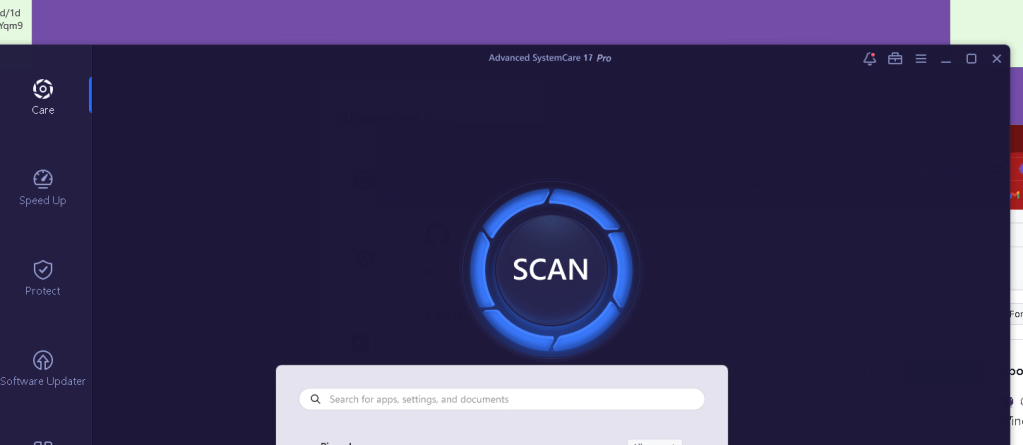
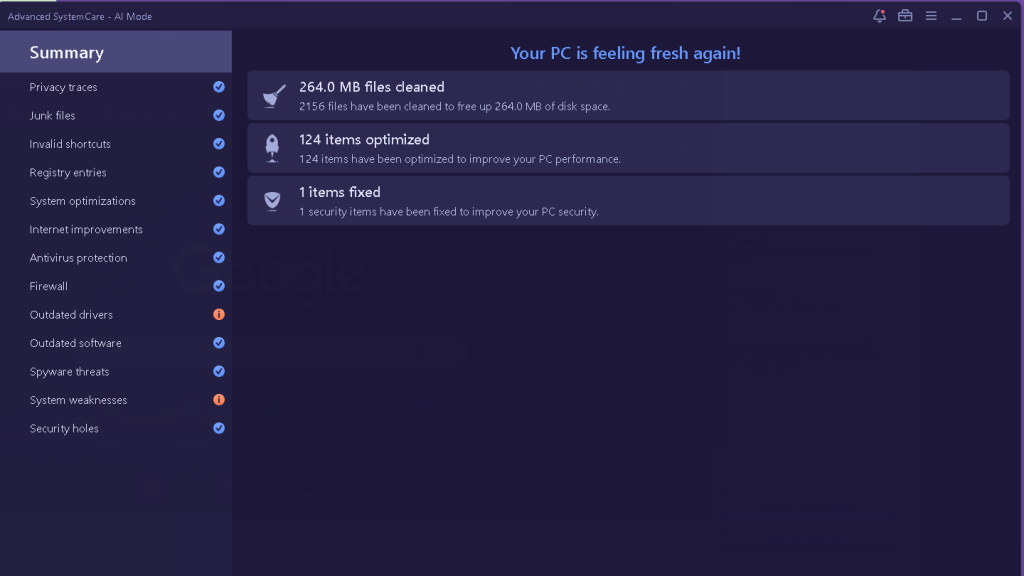
back to where we are
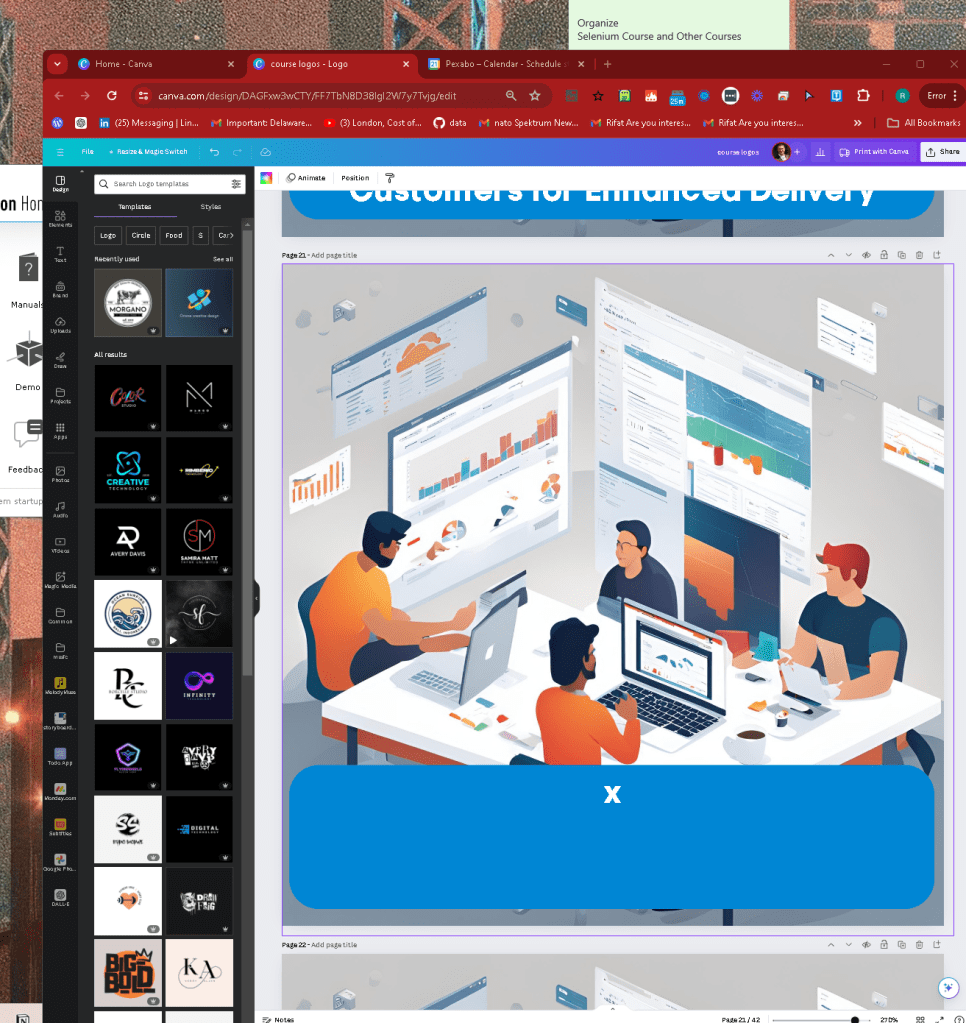
Music to kick off todayt with surface connected to hf-150
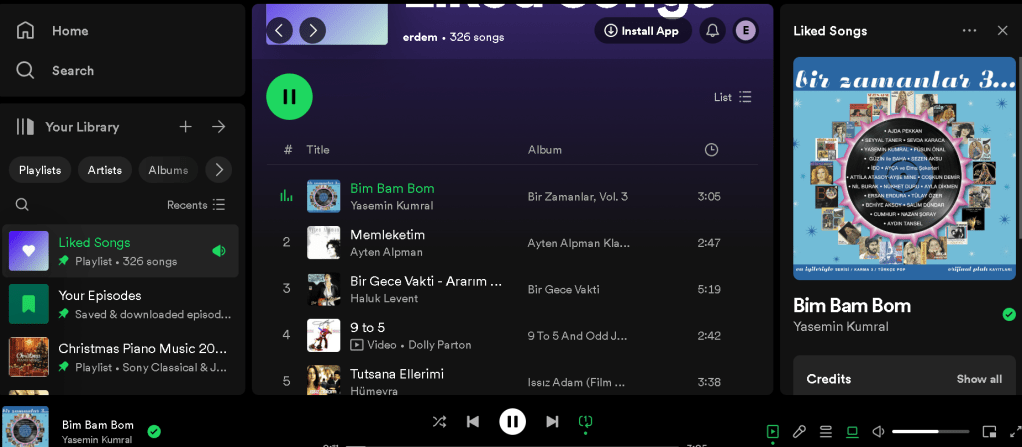
managed by the 2 computes!
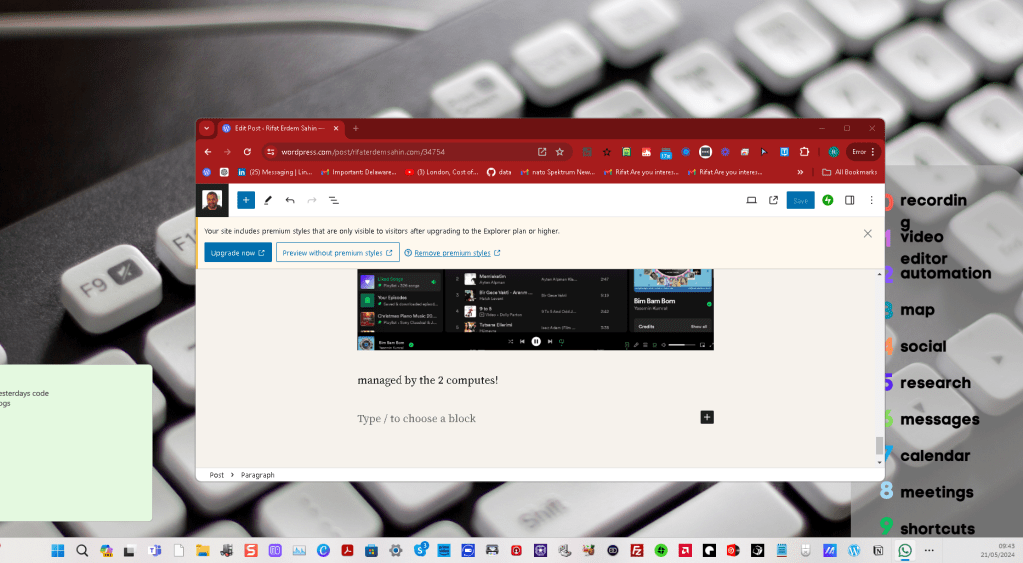
windows still loading desktops in the back for some reason
Imported from rifaterdemsahin.com · 2024