Use AI to prepare for a course
To prepare for teaching the "Selenium Immersion with C#" course, follow this structured plan:
Course Preparation Plan
1. Understand the Course Outline
-
Review the provided course outline thoroughly to understand the scope and sequence of the topics.
-
Break down each module into its components and identify key learning objectives.
2. Prepare Teaching Materials
-
Create or gather presentations, slides, and handouts for each module.⏳
-
Prepare code samples and exercises for practical sessions.⏳
-
Develop quizzes and assessment tools to gauge students' understanding.⏳
-
Create useful gpt prompt for them ⏳
3. Set Up Development Environment
-
Install and configure Visual Studio with Selenium WebDriver in C# on your computer.✅
-
Ensure all necessary tools and libraries are installed and functioning properly.⏳ ( Choco install guide as well )
-
Do a hello world with selenium⏳
-
Prepare a detailed guide for students to set up their own development environment.⏳
4. Create a Detailed Lesson Plan
- For each module, create a lesson plan that includes:
Introduction: Brief overview of the module's topics.
-
Lecture: Key points to cover, supported by slides and examples.
-
Hands-On Practice: Specific exercises and projects for students to work on.⏳ GPT example
-
Q&A Sessions: Time allocated for addressing student questions and clarifying doubts.⏳ GPT example
-
Review and Assessments: Summarize key points and administer quizzes or practical tests.
5. Develop Practical Exercises
-
Design exercises that reinforce the concepts taught in each module.⏳ GPT example
-
Ensure exercises are progressively challenging and cover real-world scenarios.
-
Prepare solutions and explanations for each exercise.
6. Plan for Interactive Sessions
-
Include interactive elements such as live coding, pair programming, and group discussions.⏳ Camera Swaps
-
Encourage students to ask questions and participate actively in the learning process.
-
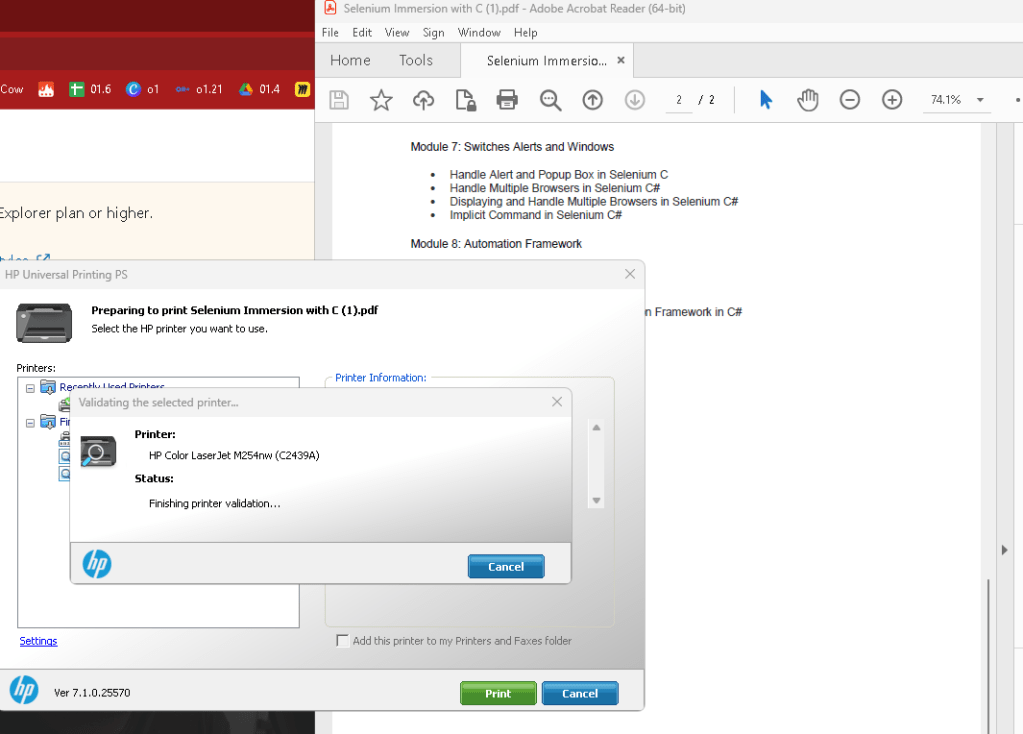
Print and check if you are done with it
7. Prepare Additional Resources
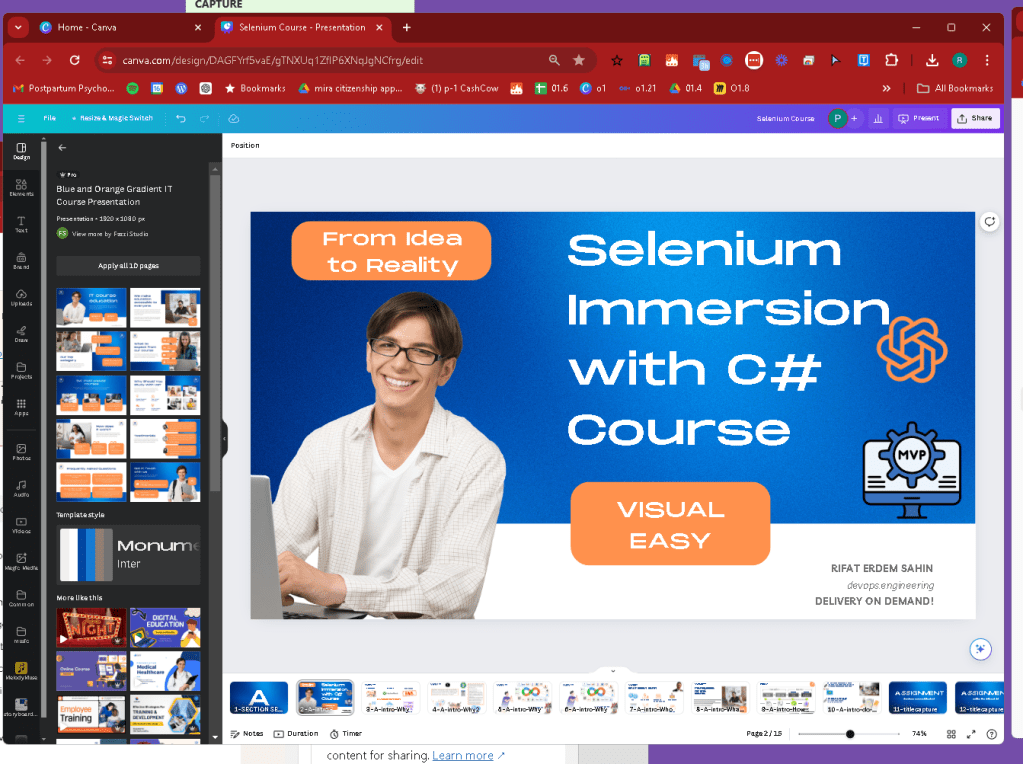
- Compile a list of additional resources such as online tutorials, documentation, and relevant articles.⏳Canva animations for them
https://www.canva.com/design/DAGFYrf5vaE/gTNXUq1ZfIP6XNqJgNCfrg/edit
- Provide these resources to students for further learning and practice.
8. Familiarize with Common Issues and Troubleshooting
-
Anticipate common issues students may face and prepare troubleshooting guides.⏳⏳
-
Have ready-made solutions for technical problems related to the development environment and code errors.
9. Continuous Improvement
-
Gather feedback from students after each module to identify areas for improvement.
-
Adjust the teaching approach and materials based on feedback and observed difficulties.
-
Include the delivery pilot in the process and explain the idea what happens with test automation ⏳
Detailed Lesson Plan
Module 1: Introduction to Selenium
-
Introduction: Overview of Selenium and its components.
-
Lecture: Benefits of Selenium, features of Selenium IDE, introduction to C#.
-
Hands-On Practice: Install Selenium IDE, simple recording, and playback exercise.
-
Q&A Session
-
Review and Assessment
Module 2: Object Oriented Using C
-
Introduction: Importance of object-oriented programming in automation.
-
Lecture: C# data types, loops, and classes.
-
Hands-On Practice: Write basic C# programs, create and use classes.
-
Q&A Session
-
Review and Assessment
Module 3: Selenium IDE
-
Introduction: Detailed look at Selenium IDE.
-
Lecture: Recording and playback, using Selenese commands.
-
Hands-On Practice: Create test cases using Selenium IDE.
-
Q&A Session
-
Review and Assessment
Module 4: Set Up Selenium in Visual Studio with C
-
Introduction: Setting up the development environment.
-
Lecture: Steps to download and install Visual Studio, set up Selenium WebDriver.
-
Hands-On Practice: Create a simple Selenium test in Visual Studio using NUnit framework.
-
Q&A Session
-
Review and Assessment
Module 5: XPath in Selenium
-
Introduction: Using XPath for locating elements.
-
Lecture: Types of XPath, handling dynamic elements.
-
Hands-On Practice: Write XPath expressions to find web elements.
-
Q&A Session
-
Review and Assessment
Module 6: Locators in Selenium
-
Introduction: Importance of locators in web automation.
-
Lecture: Different types of locators, using DOM.
-
Hands-On Practice: Identify elements using various locators.
-
Q&A Session
-
Review and Assessment
Module 7: Switches, Alerts, and Windows
-
Introduction: Managing multiple windows and alerts.
-
Lecture: Handling popups, switching between windows.
-
Hands-On Practice: Write tests to manage alerts and multiple browsers.
-
Q&A Session
-
Review and Assessment
Module 8: Automation Framework
-
Introduction: Building robust automation frameworks.
-
Lecture: Types of frameworks, setting up a Selenium project.
-
Hands-On Practice: Create a basic automation framework, use PageFactory.
-
Q&A Session
-
Review and Assessment
Module 9: Closing and Retrieving
-
Introduction: Finalizing tests and retrieving data.
-
Lecture: Closing browser sessions, retrieving page information.
-
Hands-On Practice: Write tests to close browsers, get page source, URL, and title.
-
Q&A Session
-
Review and Assessment
By following this plan, you will be well-prepared to deliver the "Selenium Immersion with C#" course effectively, ensuring that students gain both theoretical knowledge and practical skills in Selenium automation with C#.
**Canva Presentation > With the index ready it is a good speed to create it **
https://www.canva.com/design/DAGFYrf5vaE/gTNXUq1ZfIP6XNqJgNCfrg/edit
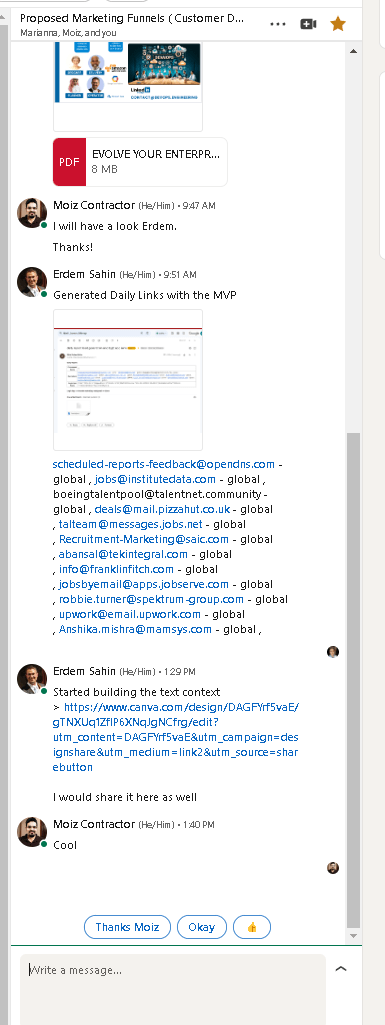
** share it in linkedin as marketing funnels to build the deliverypilot**
before openshift
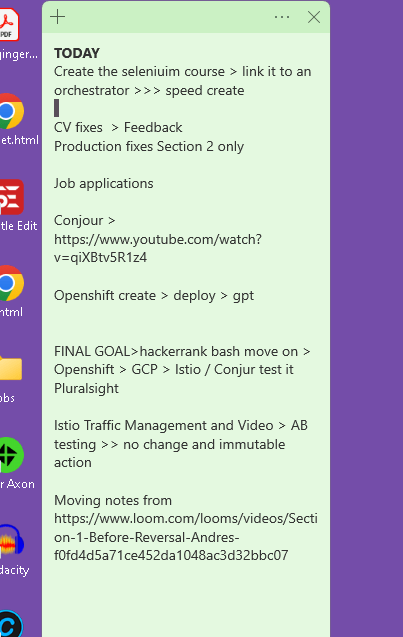
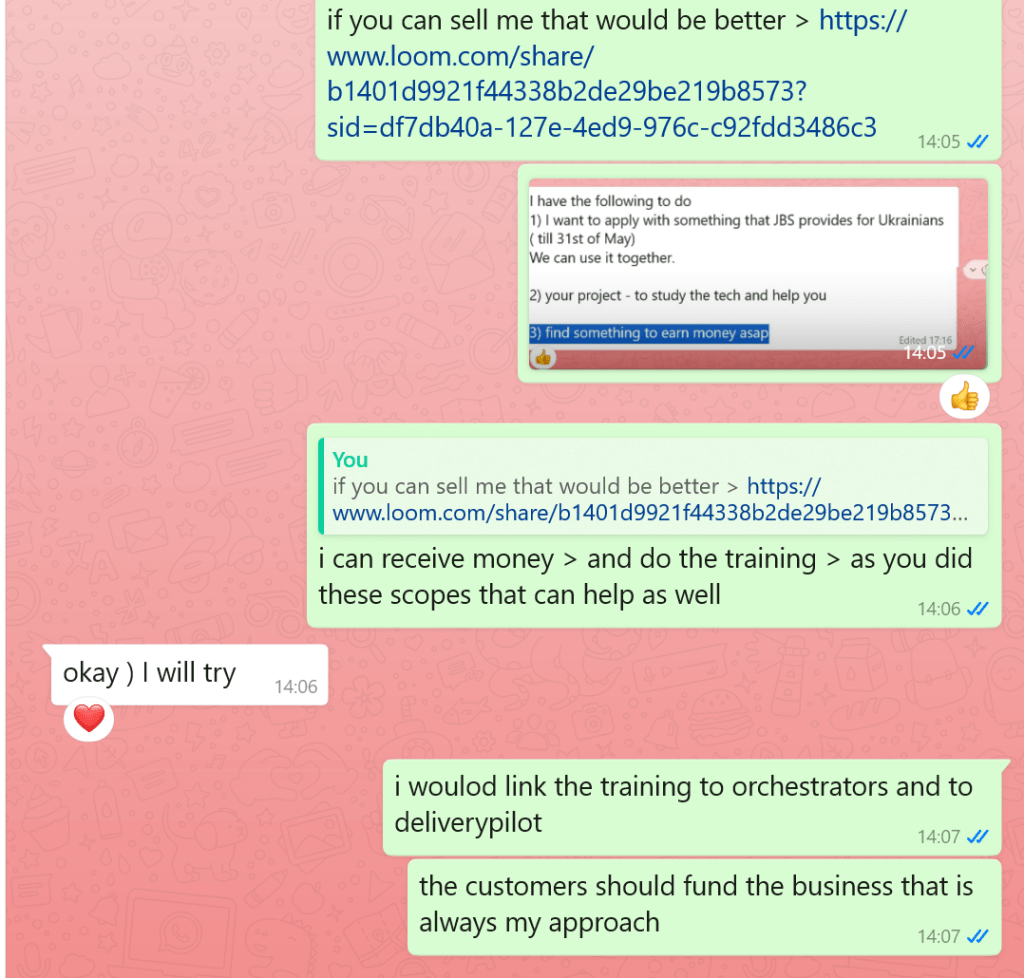
have a strategy that works and the scopes person should be close by
Imported from rifaterdemsahin.com · 2024