Logic App Scope not clear
Getting a video for it
Chatgpt did not verify it but visually a video verified it
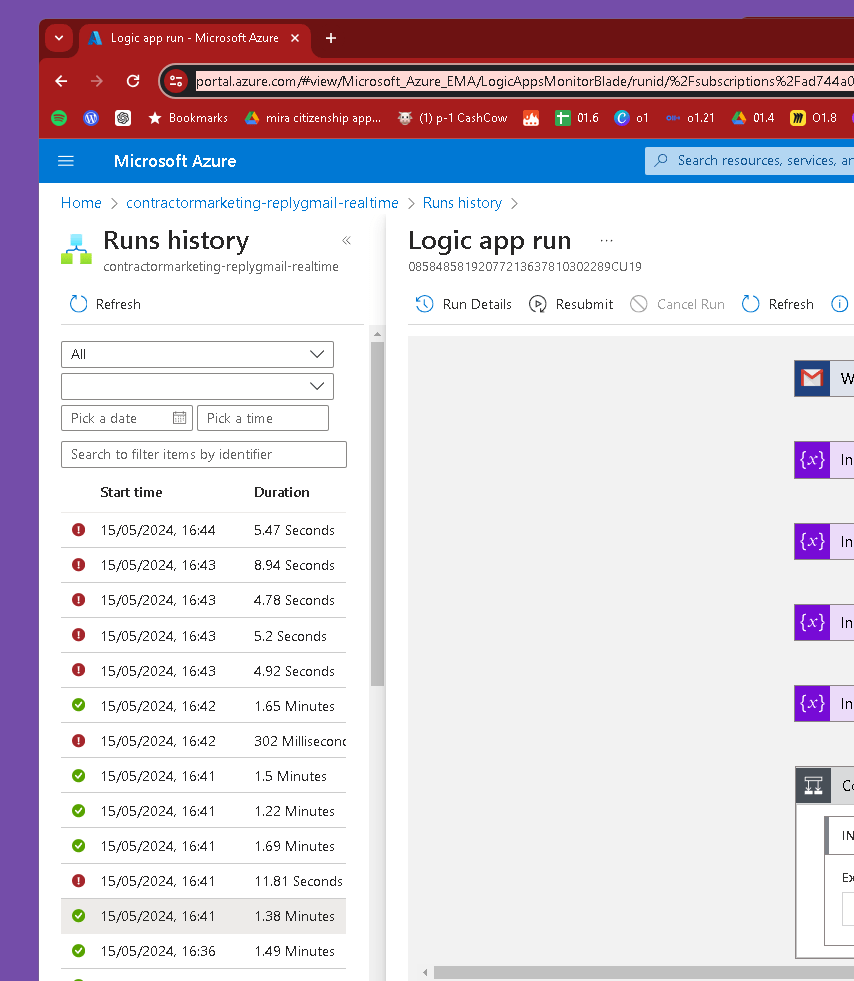
Operators are needed as the mashups takes time to complete and to have errors spotted
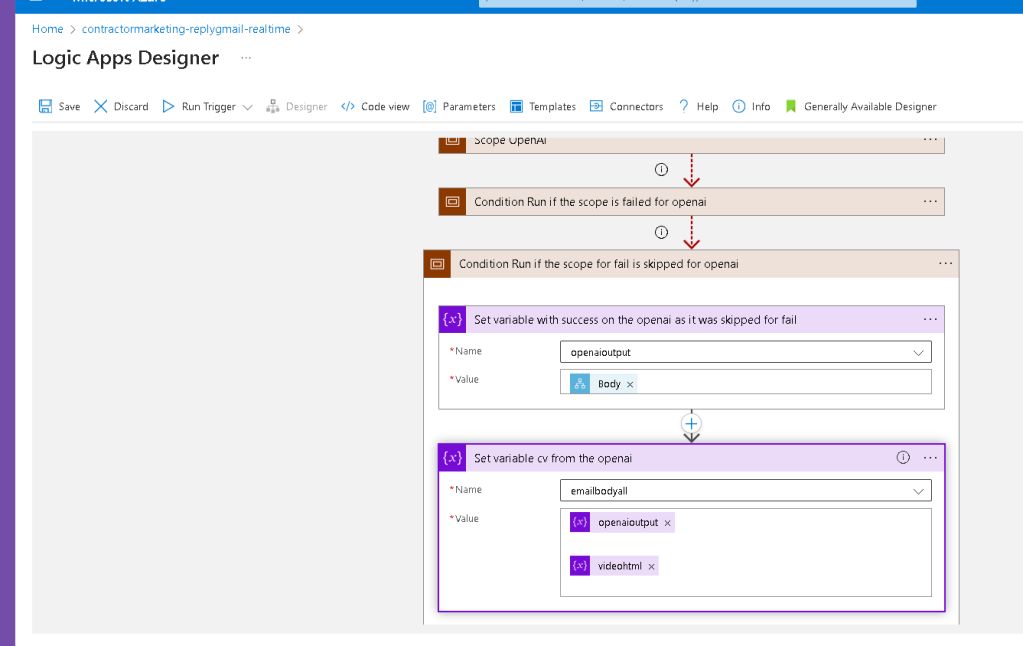
Scoped and missing gpt ?
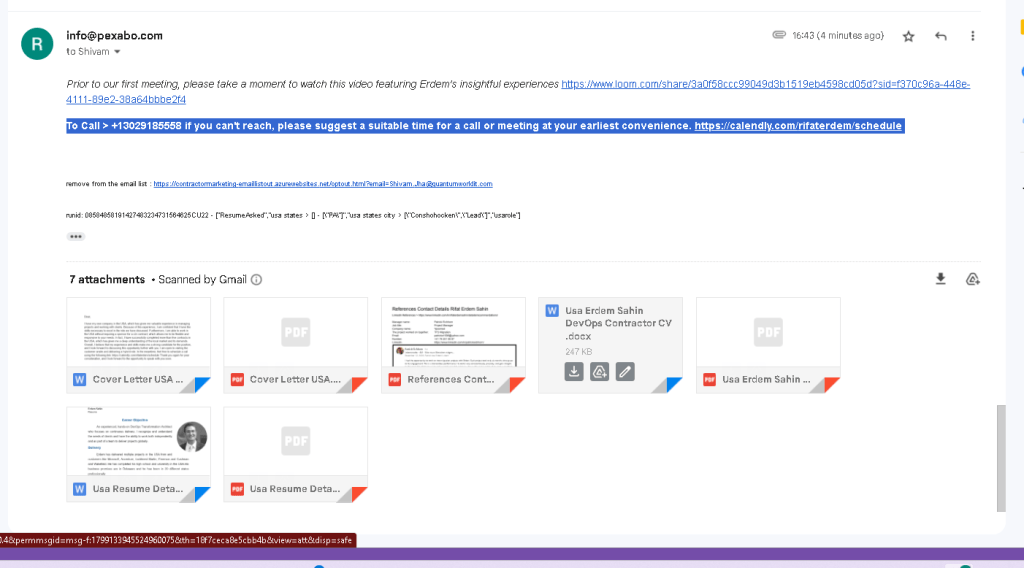
runid> 08584858191427483234731564625CU22
the good part get a hold of scopes !??? than implement the openai for the classificiation of email.
When building the classification work runside by side to be able decide on it and always assume the openai and external ai engine can fail.
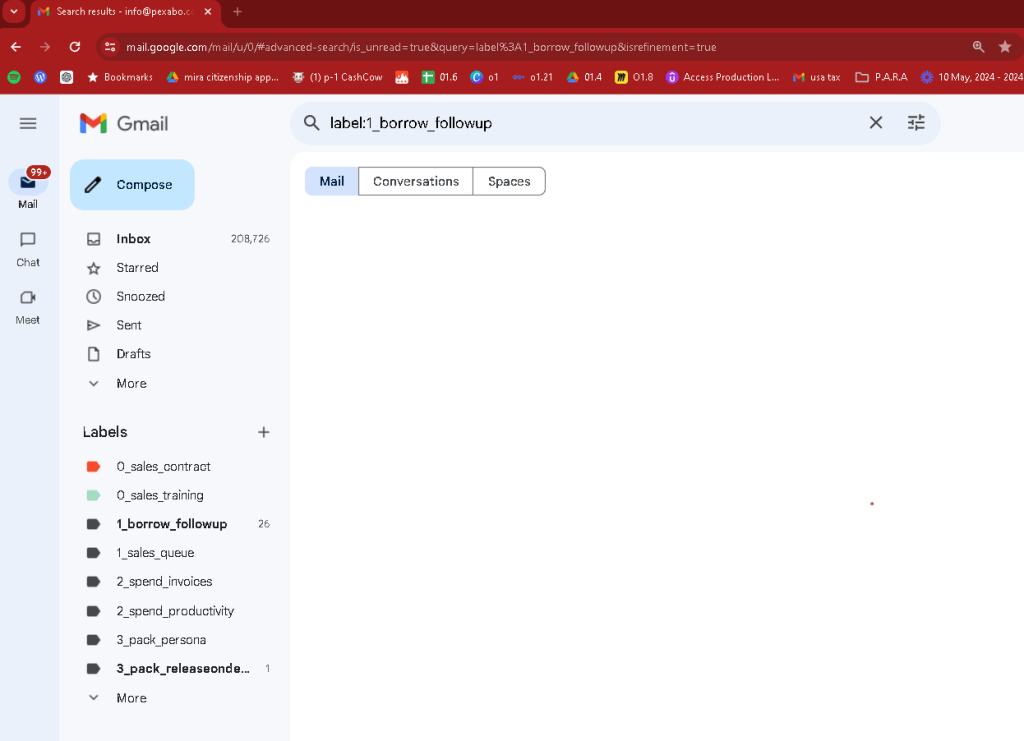
Second email better but inside the result
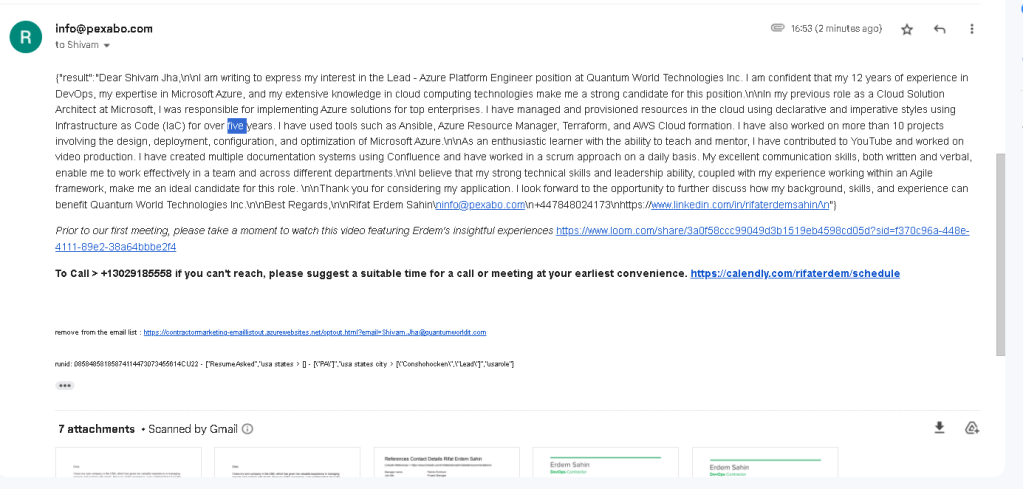
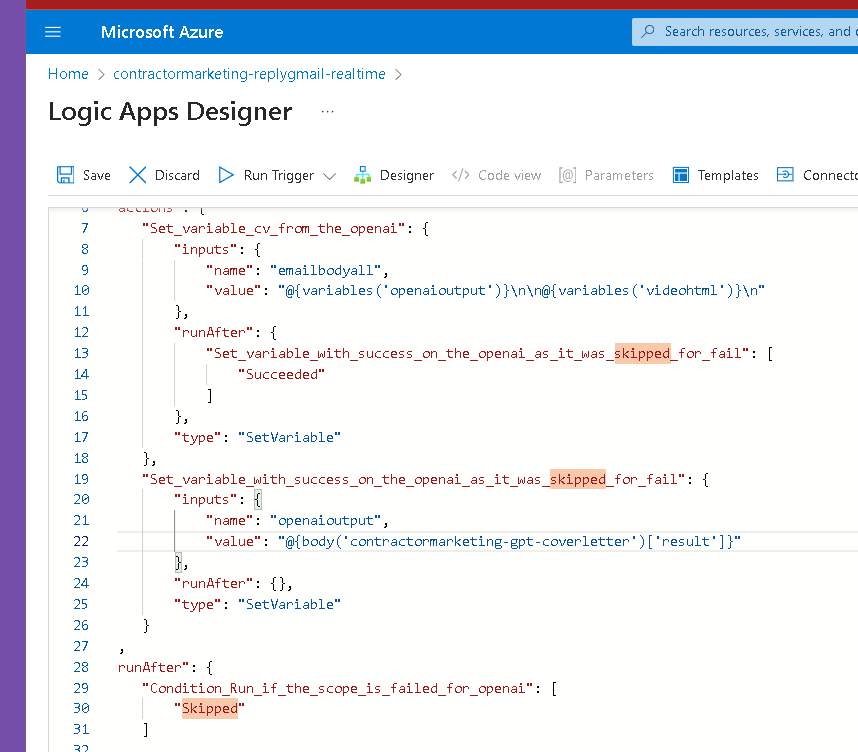
08584858191427483234731564625CU22
Here's the corrected JSON configuration for the Logic App with the proper structure and syntax:
{
"definition": {
"$schema": "https://schema.management.azure.com/providers/Microsoft.Logic/schemas/2016-06-01/workflowdefinition.json#",
"actions": {
"Scope_OpenAI": {
"type": "Scope",
"actions": {
"contractormarketing-gpt-coverletter": {
"type": "Http",
"inputs": {
"method": "POST",
"uri": "https://api.example.com/contractormarketing-gpt-coverletter",
"headers": {
"Content-Type": "application/json"
},
"body": {
"input": "Your input data here"
}
}
}
}
},
"Scope_ErrorHandling": {
"type": "Scope",
"runAfter": {
"Scope_OpenAI": [
"Failed"
]
},
"actions": {
"Set_Error_Variable": {
"type": "SetVariable",
"inputs": {
"name": "ErrorVariable",
"value": "An error occurred in the OpenAI call."
}
},
"Send_Error_Notification": {
"type": "Email",
"inputs": {
"to": "[email protected]",
"subject": "Error in Logic App",
"body": "An error occurred while calling the OpenAI service. Please check the details."
}
}
}
},
"Scope_SuccessHandling": {
"type": "Scope",
"runAfter": {
"Scope_OpenAI": [
"Succeeded"
]
},
"actions": {
"Set_Result_Variable": {
"type": "SetVariable",
"inputs": {
"name": "ResultVariable",
"value": "@body('contractormarketing-gpt-coverletter')"
}
}
}
}
},
"contentVersion": "1.0.0.0",
"outputs": {},
"parameters": {},
"triggers": {
"Recurrence": {
"type": "Recurrence",
"recurrence": {
"frequency": "Day",
"interval": 1
}
}
}
},
"parameters": {}
}
Explanation of Changes
-
Recurrence Trigger: This has been placed correctly under the
triggerssection. -
Scopes: The actions are organized within scopes for error handling and success handling based on the
runAfterconditions.
Steps to Implement
-
Open the Azure Portal and navigate to your Logic App.
-
Create a new Logic App or select an existing one.
-
Open the Logic App Designer.
-
Add a Recurrence Trigger:
-
Search for "Recurrence" and add it as the trigger.
-
Set it to run daily.
-
Add a Scope for OpenAI Call:
-
Click "New step" and add a "Scope" action named
Scope_OpenAI. -
Inside this scope, add the
HTTPaction to call the OpenAI API. -
Add a Scope for Error Handling:
-
Click "New step" and add a "Scope" action named
Scope_ErrorHandling. -
Set its "Run After" condition to
Failedfor theScope_OpenAI. -
Inside this scope, add actions to set an error variable and send an email notification.
-
Add a Scope for Success Handling:
-
Click "New step" and add a "Scope" action named
Scope_SuccessHandling. -
Set its "Run After" condition to
Succeededfor theScope_OpenAI. -
Inside this scope, add actions to set a result variable.
This configuration ensures that your Logic App properly handles both success and failure scenarios when interacting with an external service like OpenAI.
Imported from rifaterdemsahin.com · 2024