v13 from start template
miro > https://miro.com/app/board/uXjVKR5-Ces=/
there are questions and answers
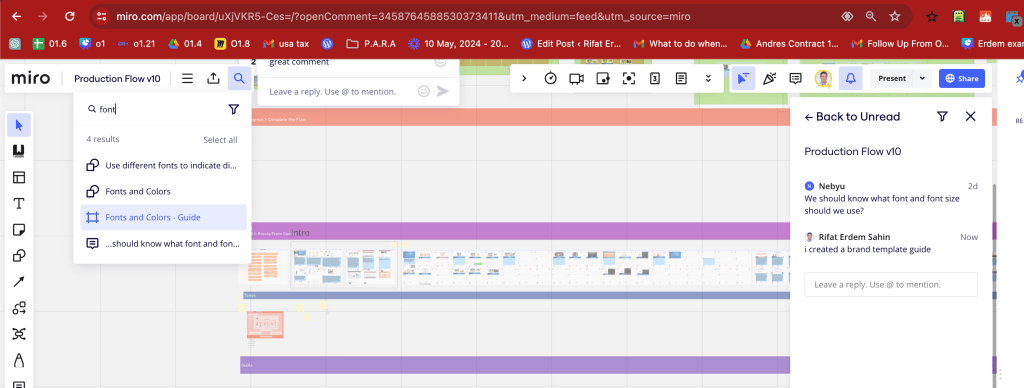
miro dependency is risky
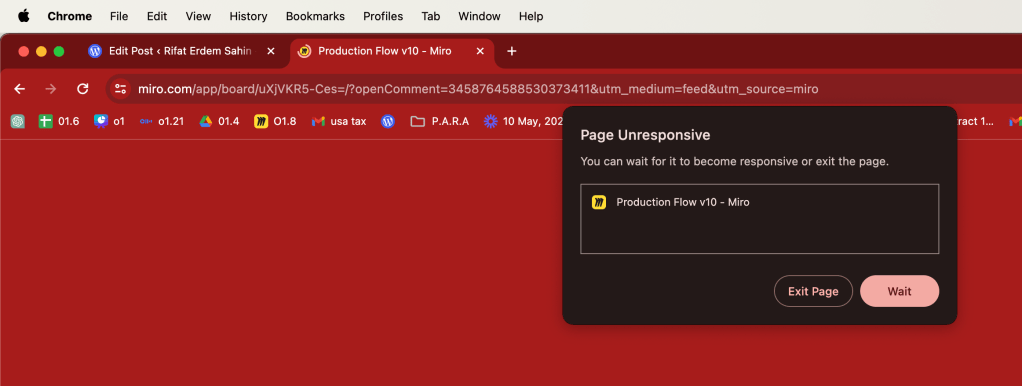
Miro.com, known for its digital whiteboard solutions aimed at facilitating collaborative work, has several competitors in the market offering similar or complementary functionalities. Here are some of the main competitors:
-
Microsoft Whiteboard - Integrated with Microsoft's Office suite, this tool offers real-time collaboration features and is well-suited for users already embedded in the Microsoft ecosystem.
-
Lucidspark - Part of the Lucidchart family, Lucidspark focuses on brainstorming and collaboration, providing tools that help teams ideate and organize their thoughts visually.
-
MURAL - Similar to Miro, MURAL specializes in visual collaboration for teams, offering robust features for drawing, adding sticky notes, and facilitating remote team meetings.
-
Jamboard - Google's take on the digital whiteboard, Jamboard integrates with other Google Workspace tools and offers real-time collaboration features, suitable for users deeply integrated into Google's ecosystem.
-
Conceptboard - Offers extensive tools for creative project management and collaboration, with a focus on visual feedback and presentations.
-
Stormboard - Known for its sticky note-style interface, Stormboard allows users to brainstorm, organize, and prioritize ideas effectively.
-
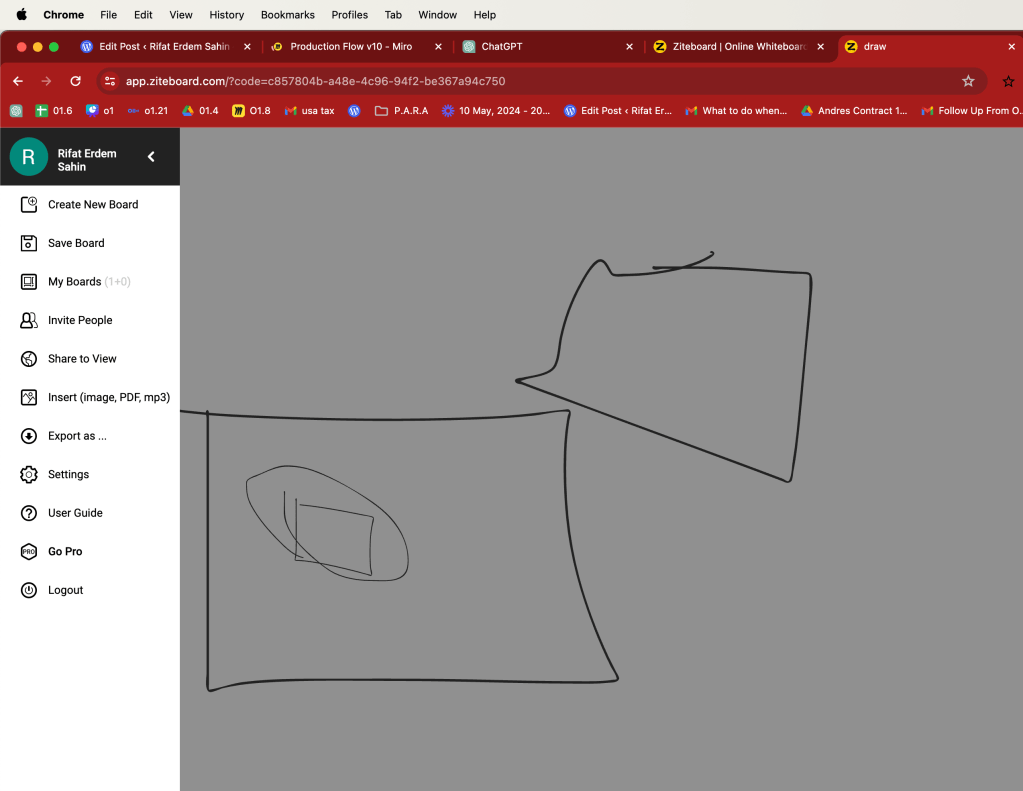
Ziteboard - A simple and lightweight online whiteboard that provides basic sketching and collaboration features.
-
Canva white board
These tools vary in features, integration capabilities, and focus, catering to different aspects of collaboration and visual management. Depending on the specific needs—whether integration with certain software suites, emphasis on creative processes, or scalability—different organizations might choose one over another.
zite handdraw friendly
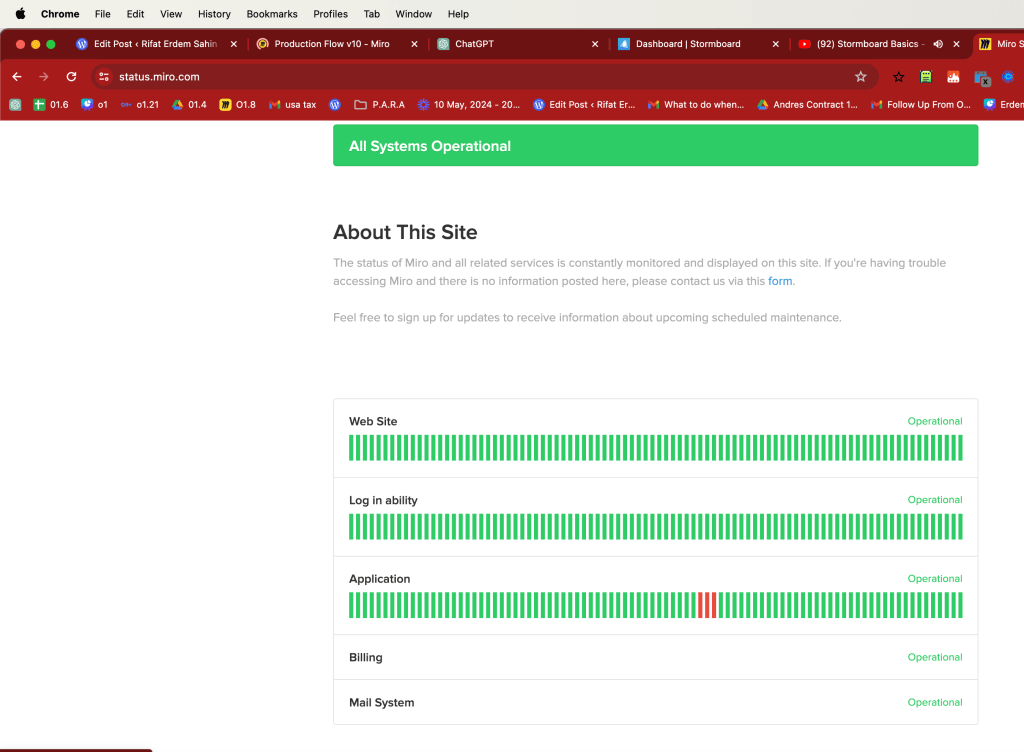
maybe an app error ?
Storm board could be good for flow
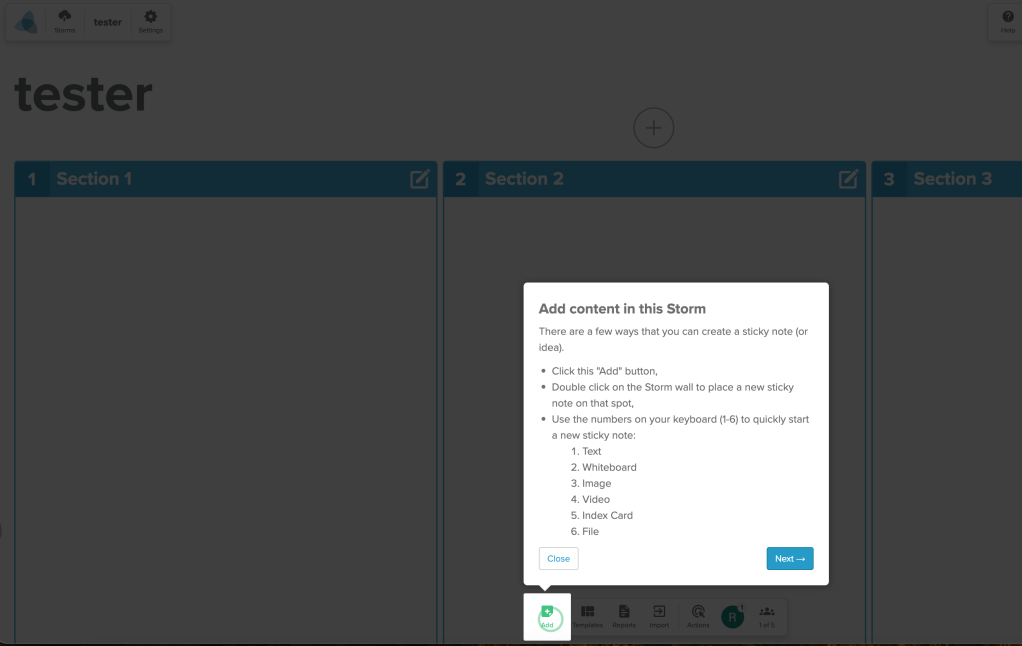
video can be added
due date and tasks
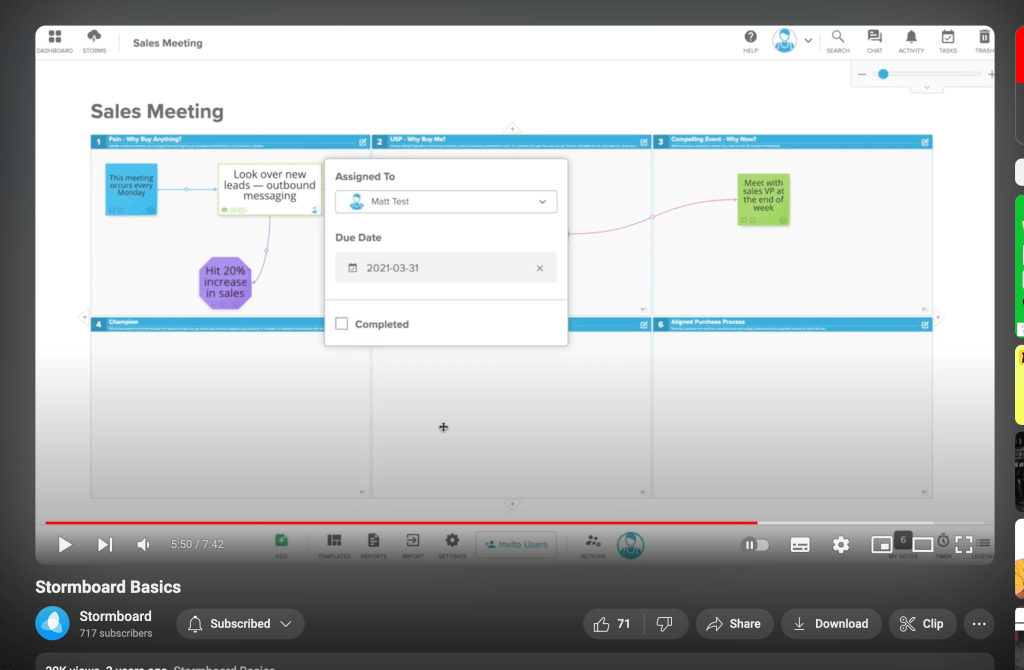
prestructured frames
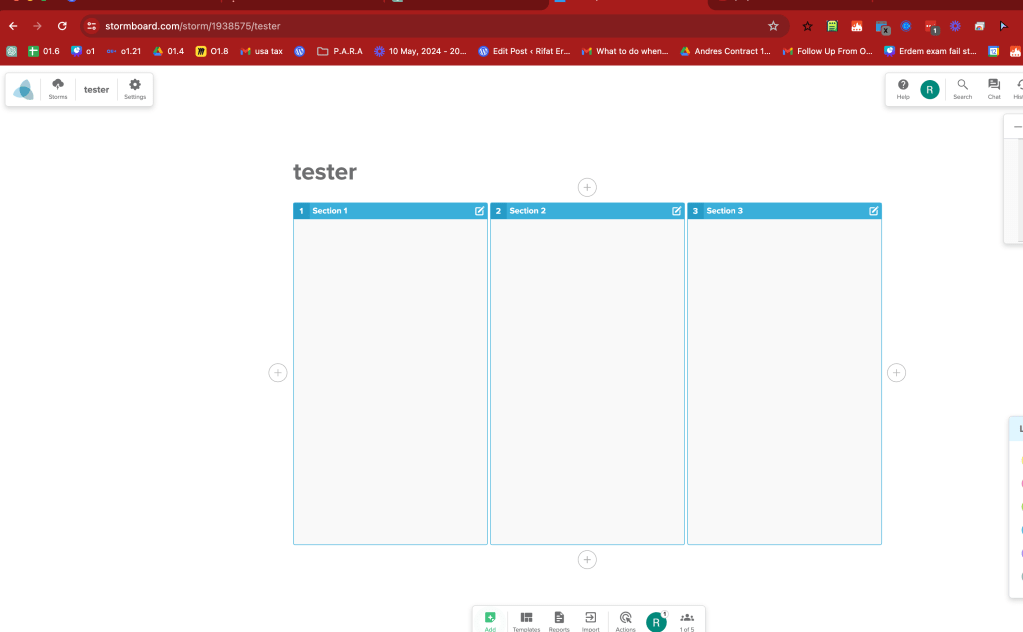
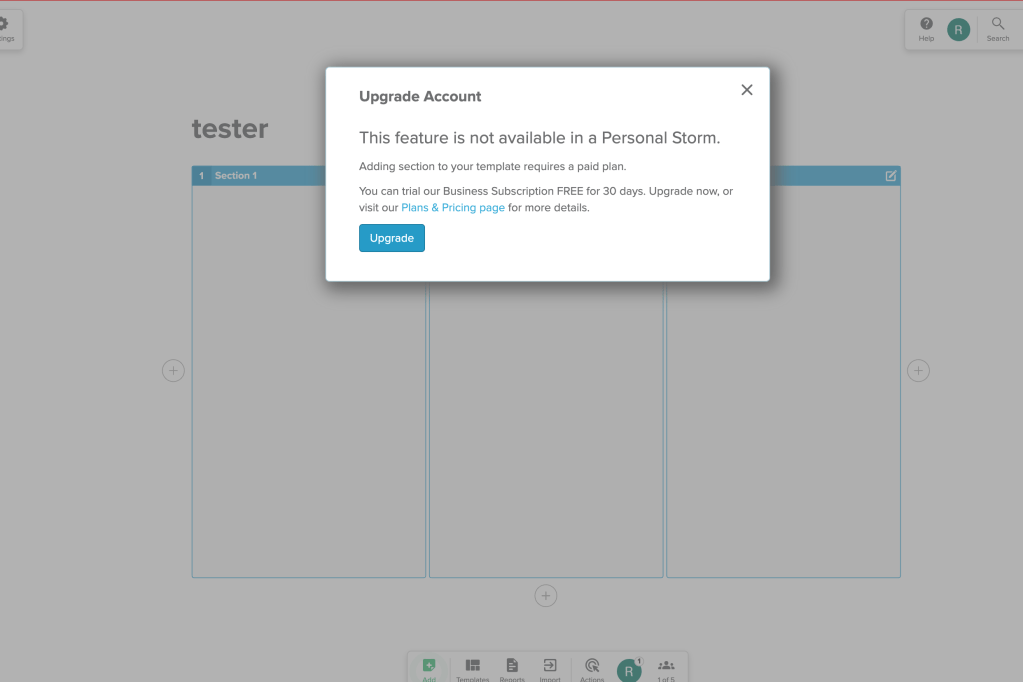
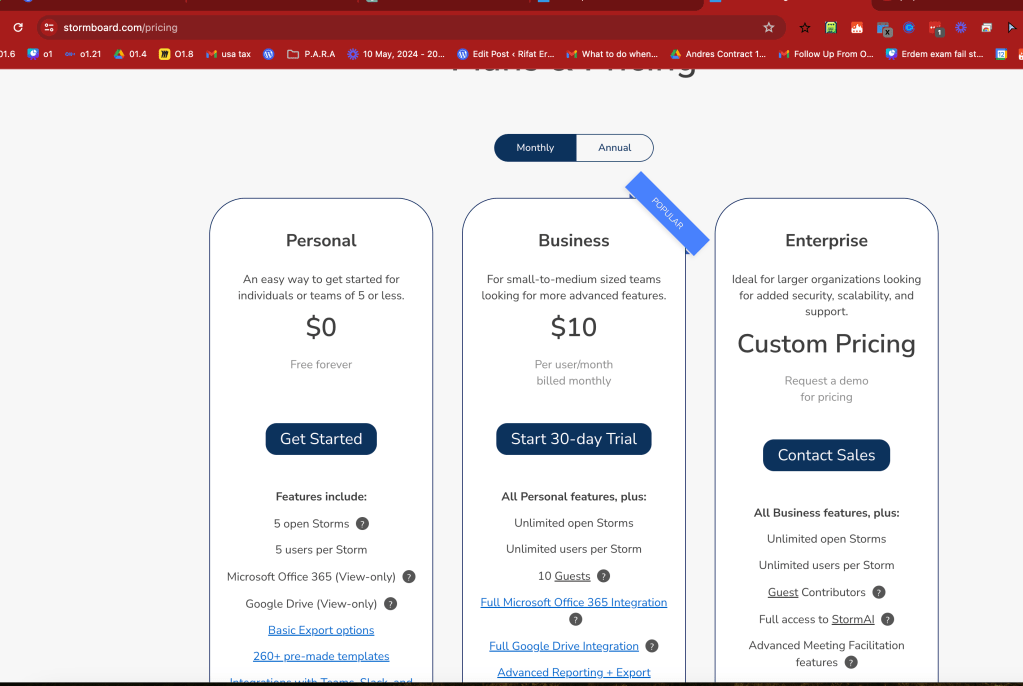
there is a drawing tool inside
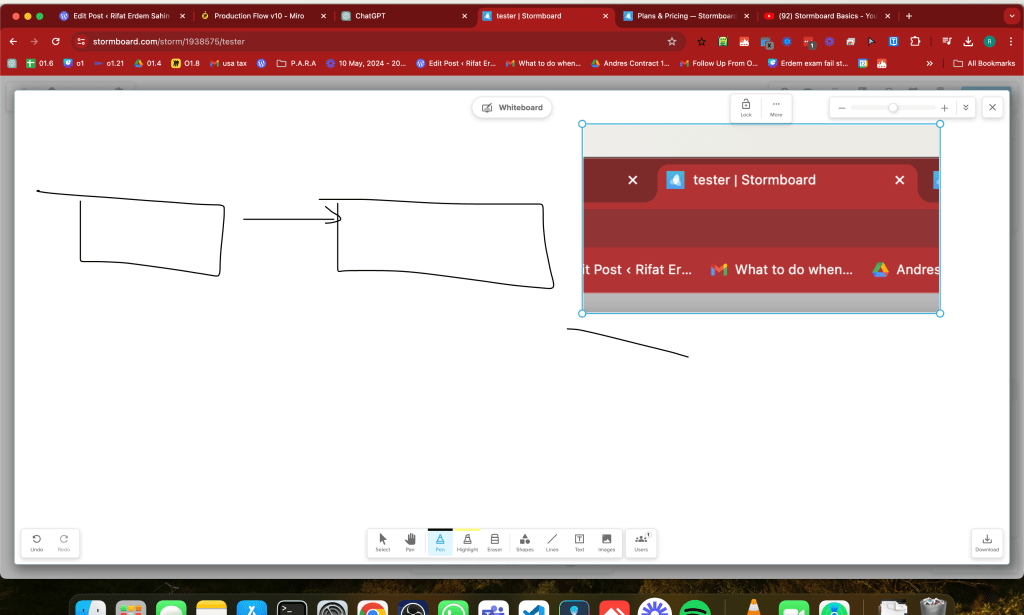
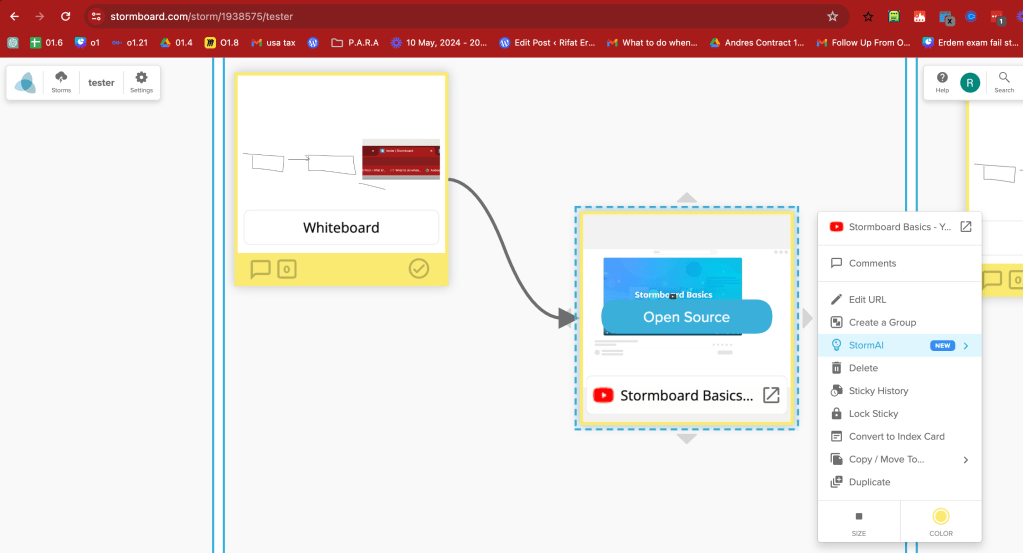
it can be added
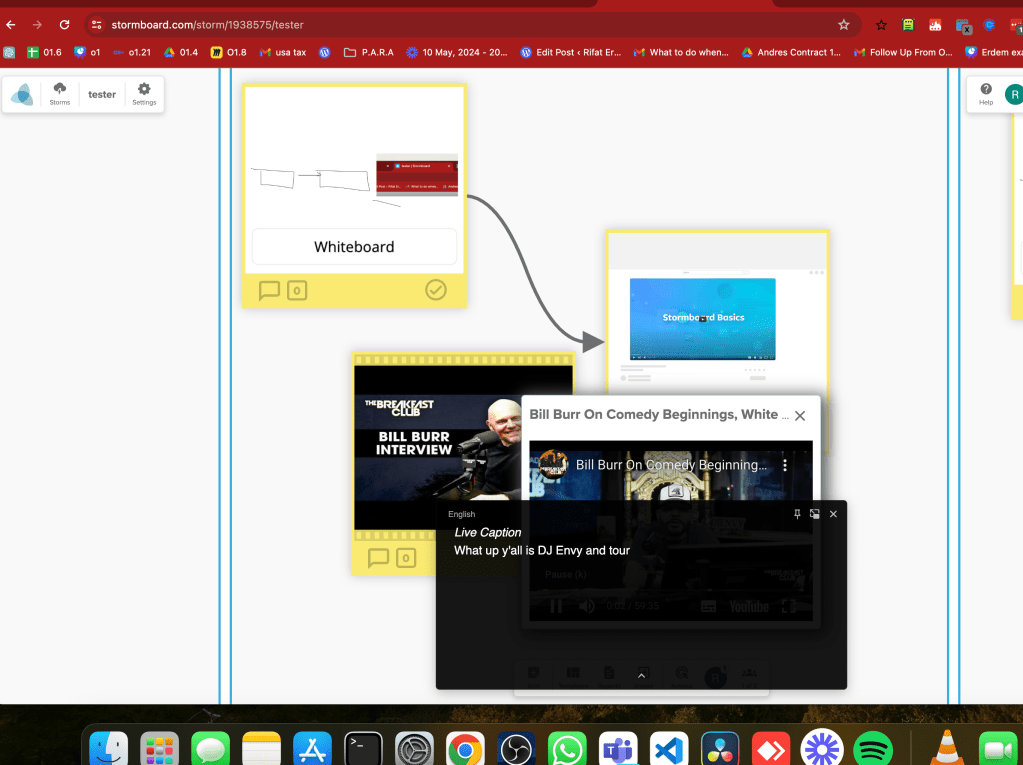
not that unlimited
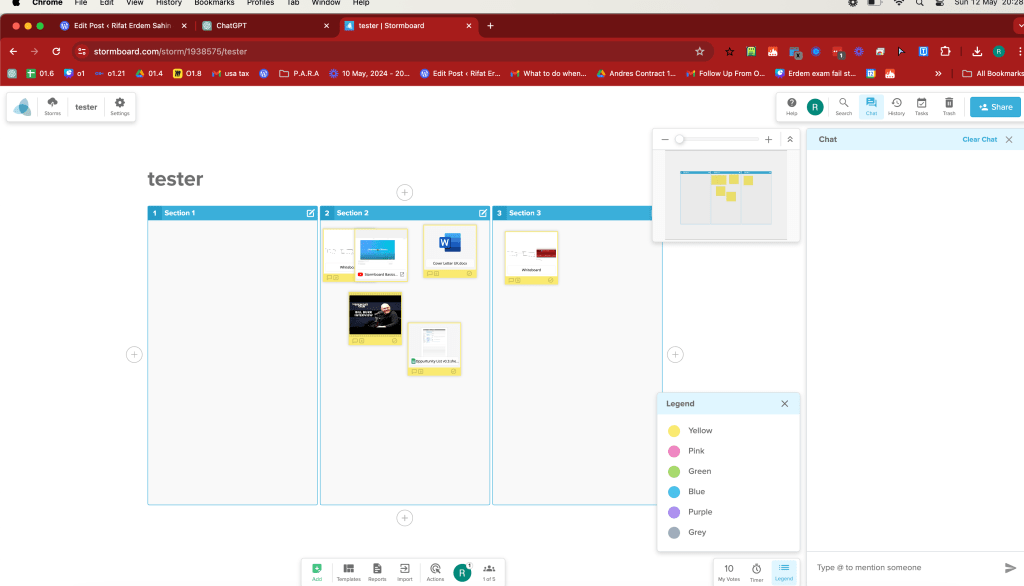
there is object linking
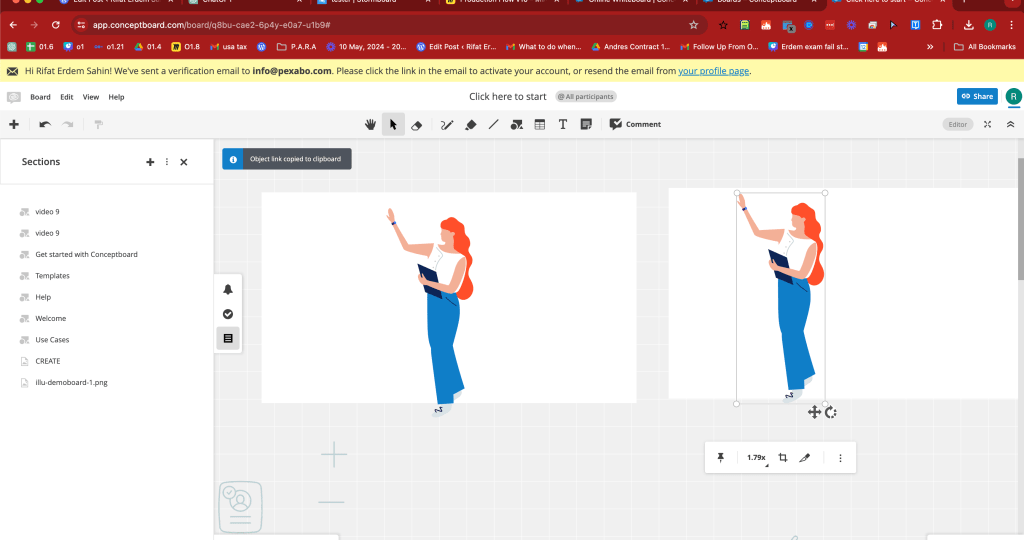
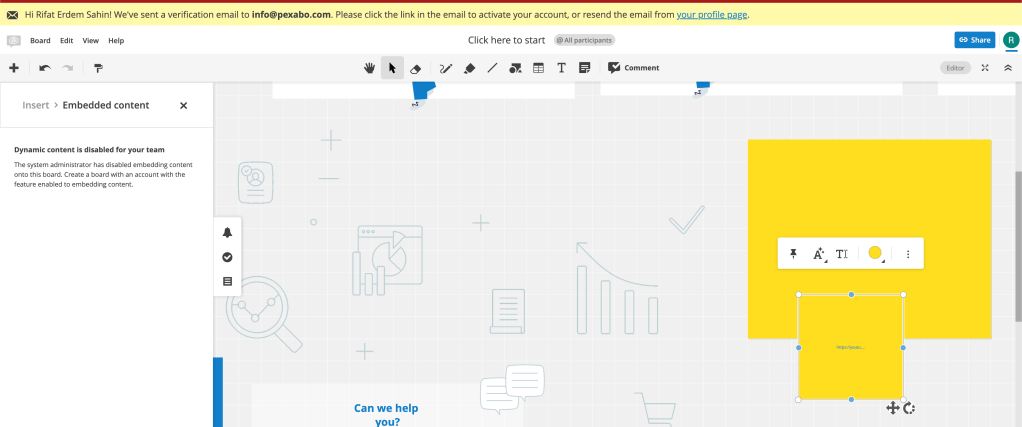
video embed disabled
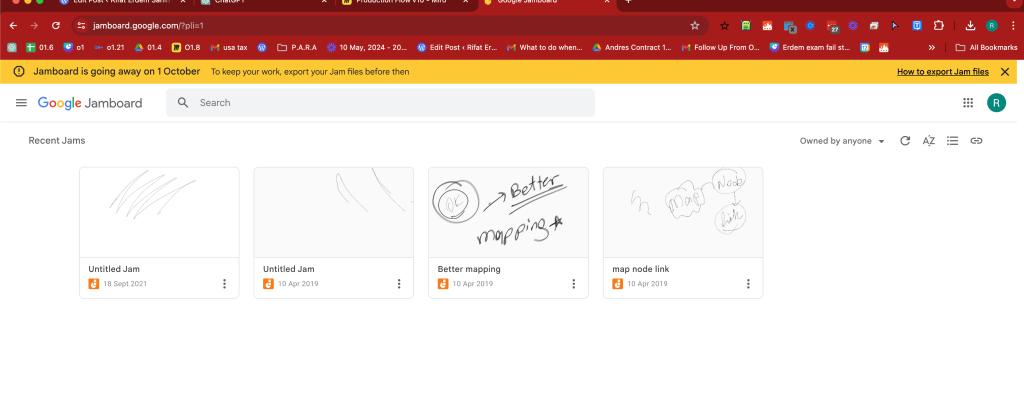
old friend
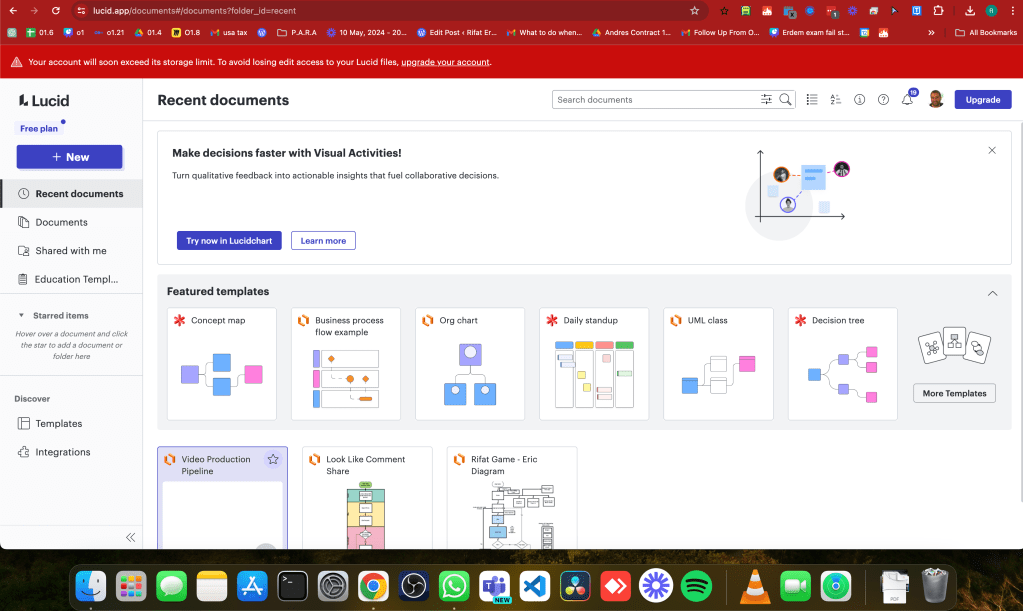
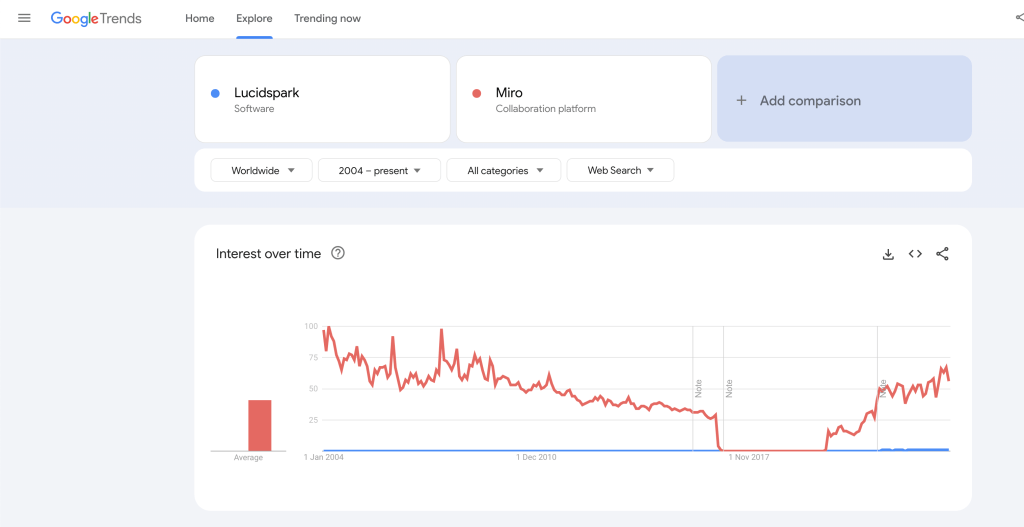
miro up and down
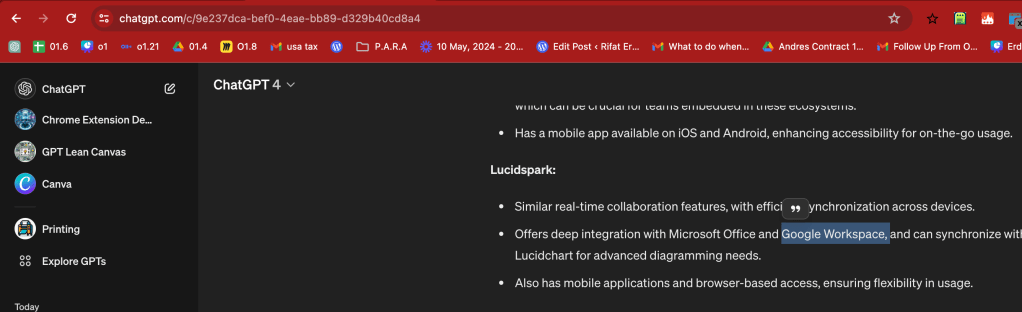
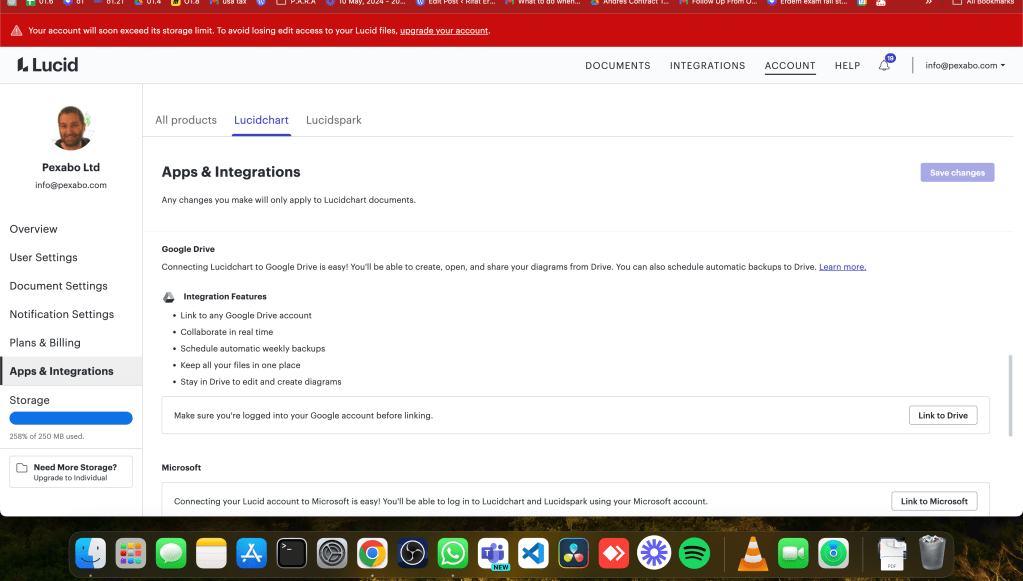
better integration
natural video play
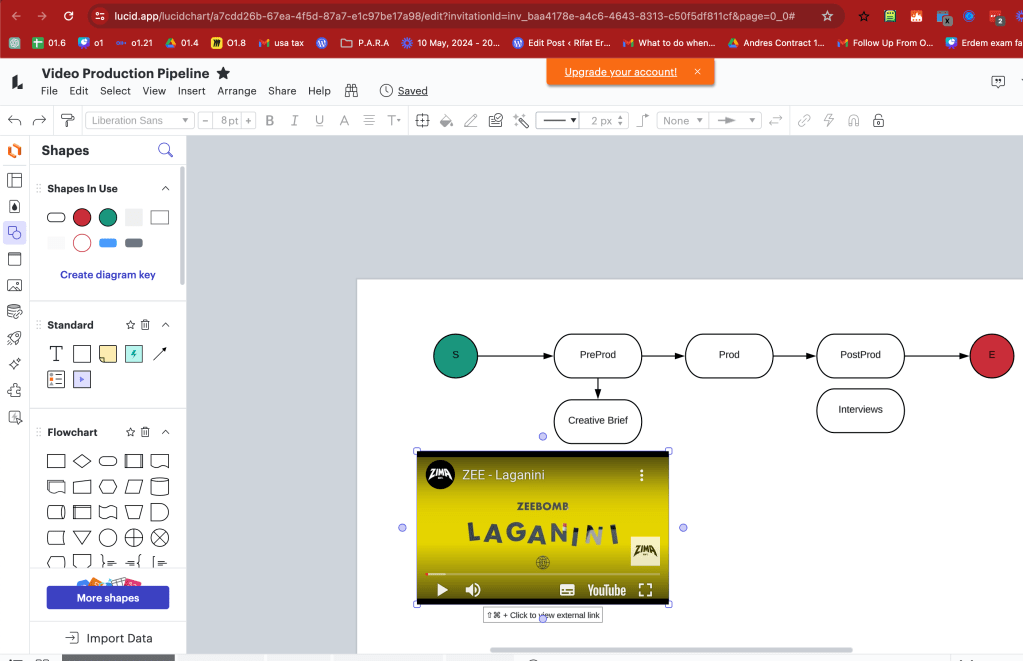
better layers
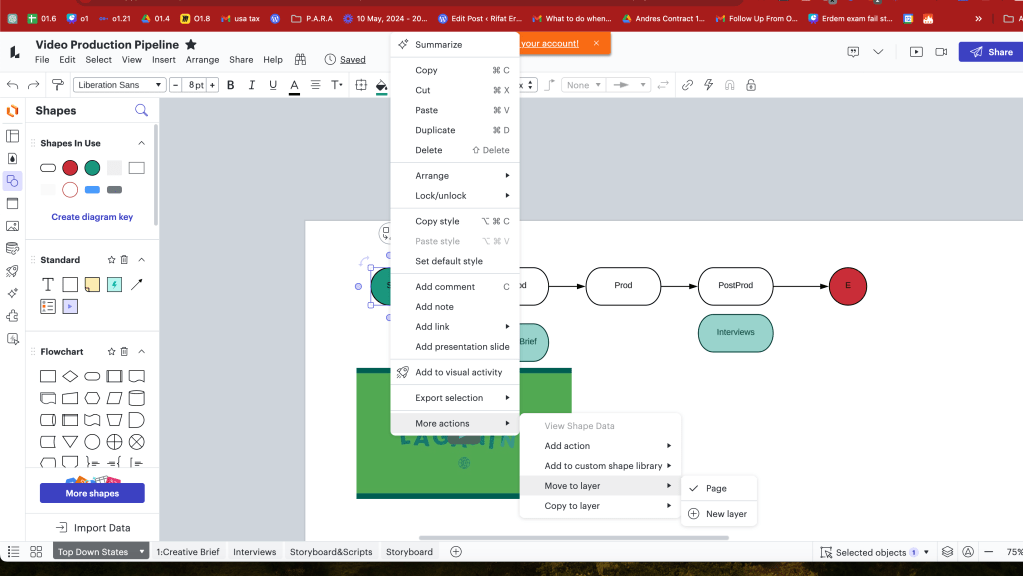
lucid spark with frames as well
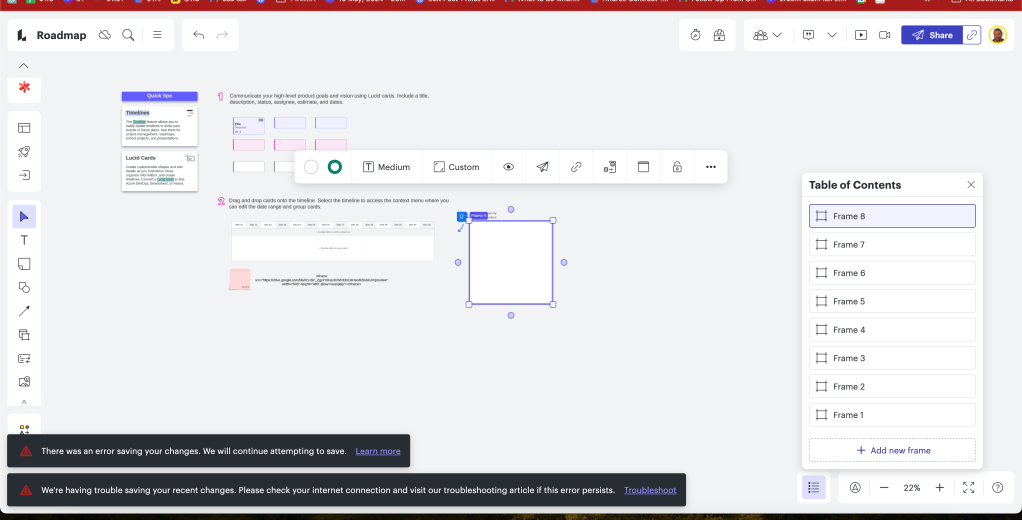
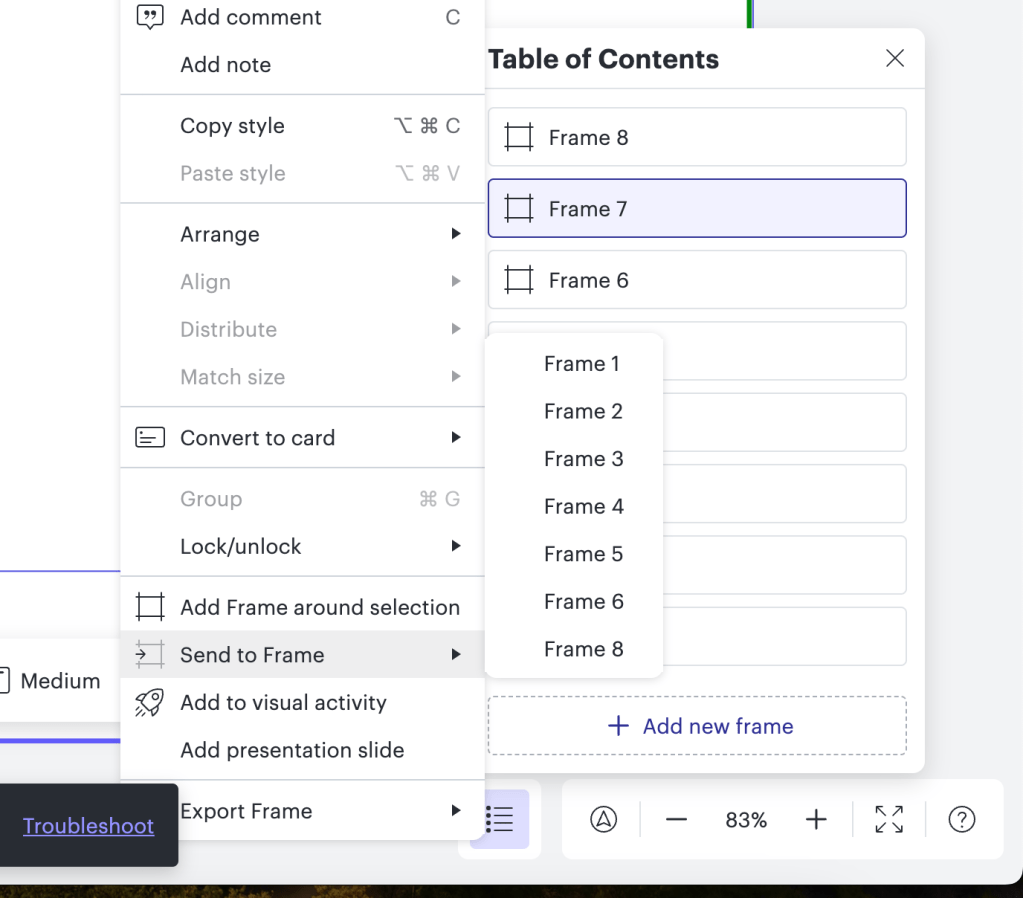
there is a send to frame option
13 more expensive
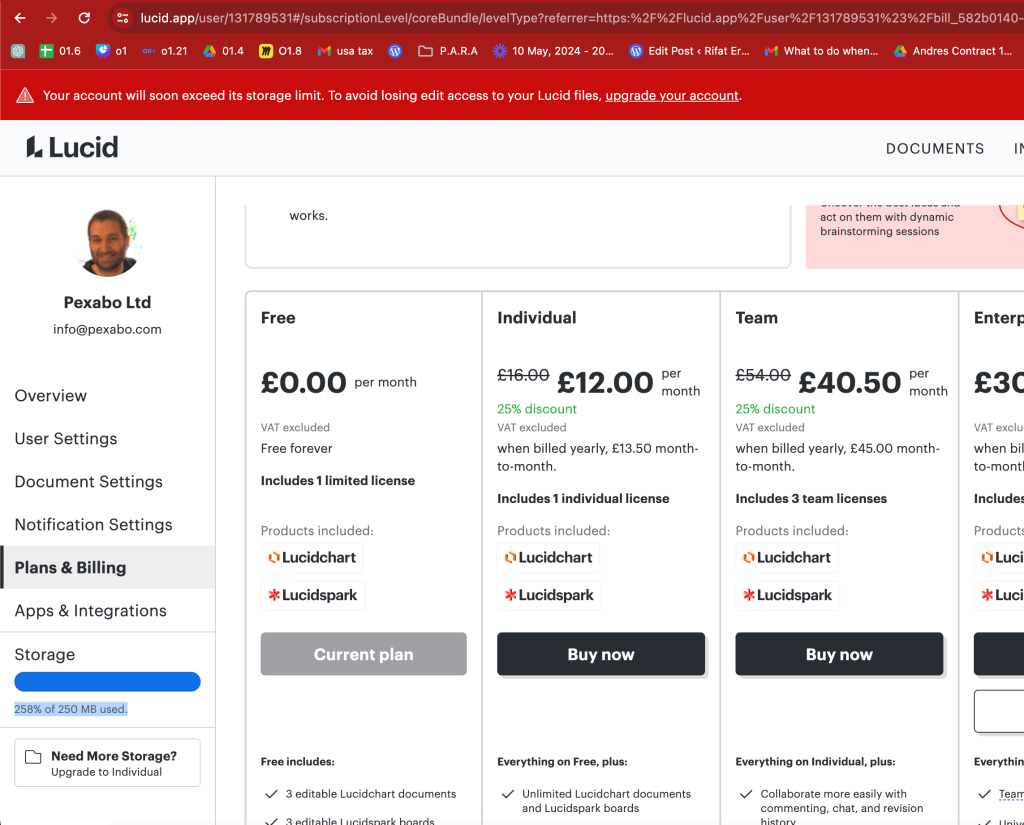
just spark is easier
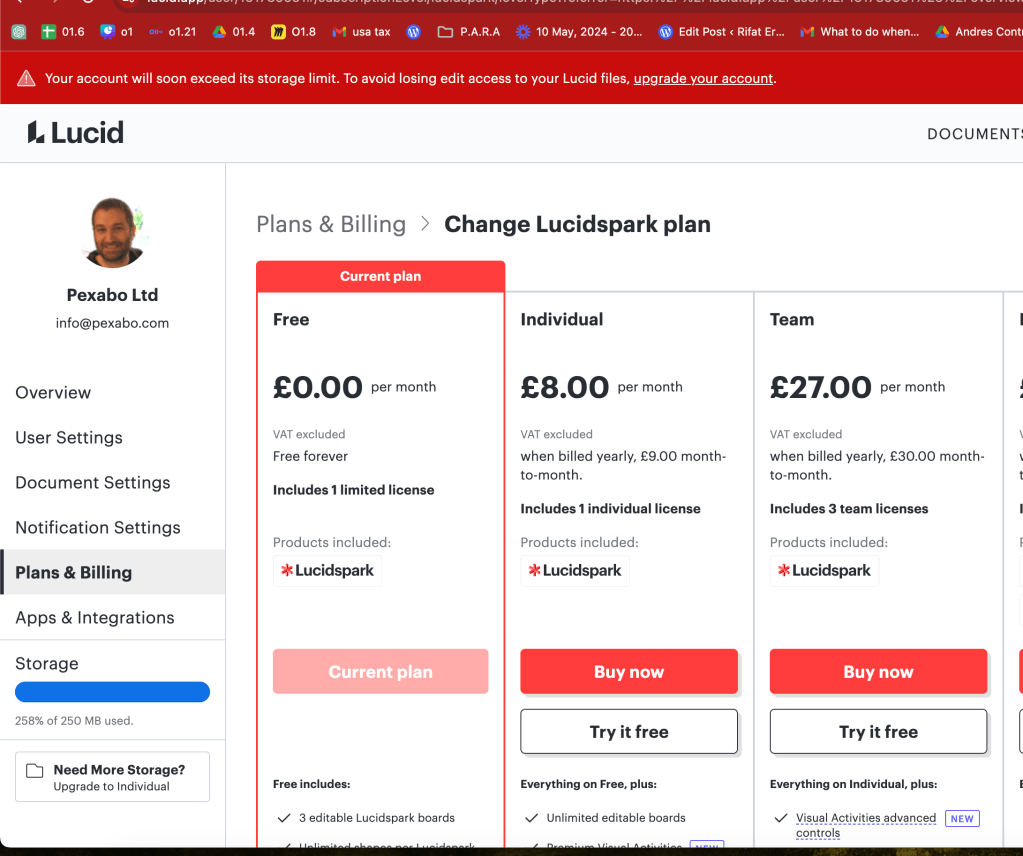
tasks are better
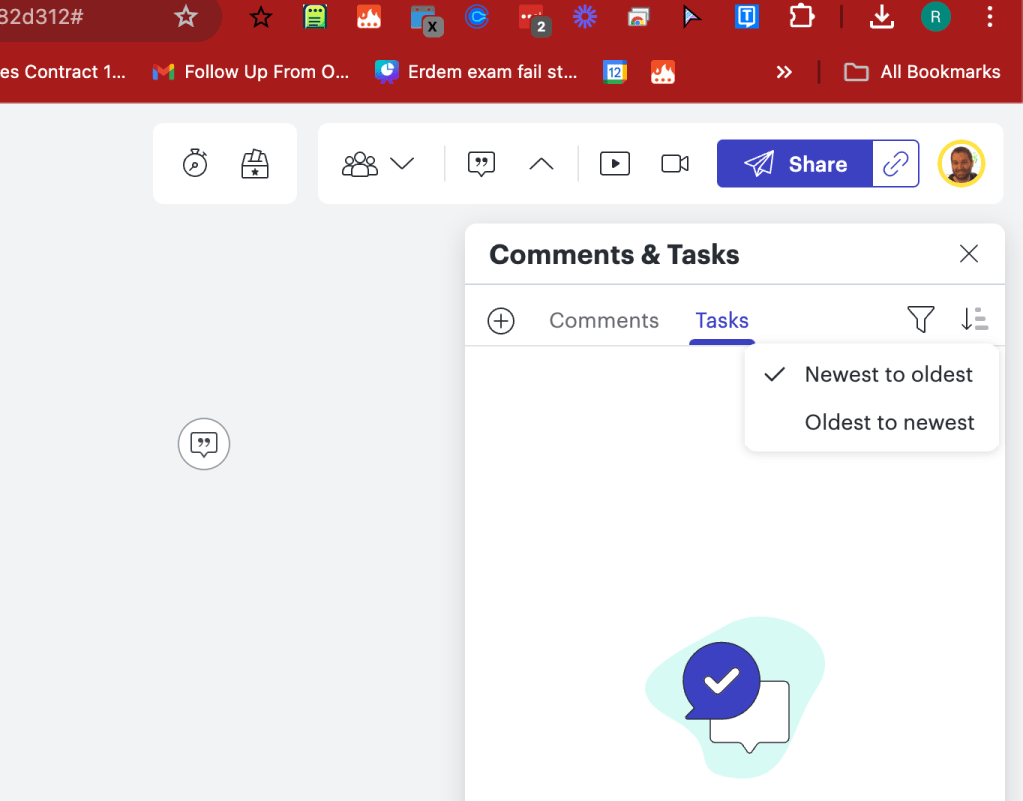
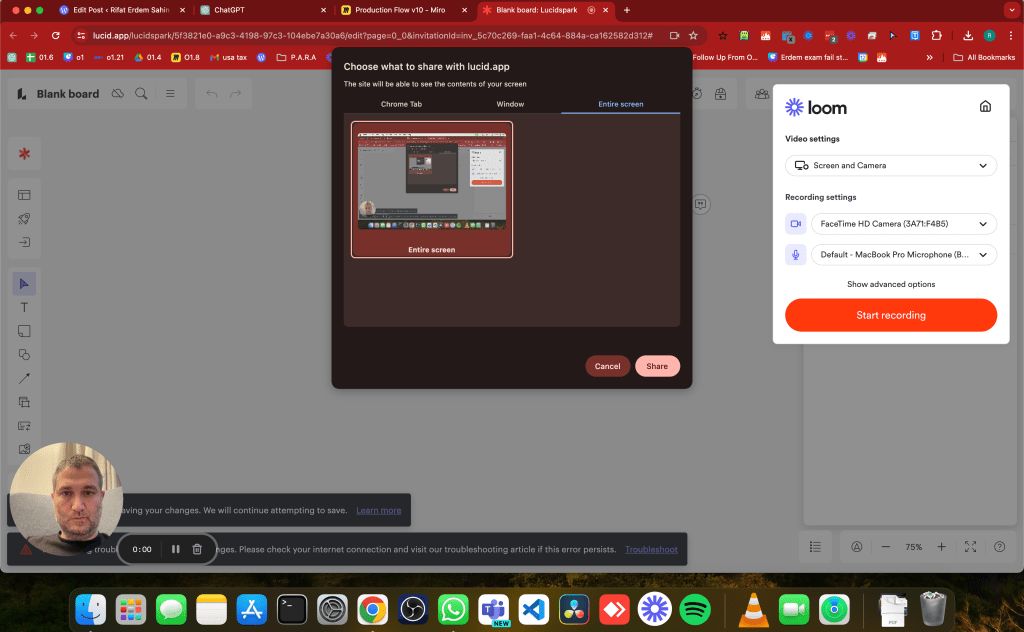
Loom integrated
Competition
https://miro.com/compare/miro-vs-lucidspark/
kanban inside
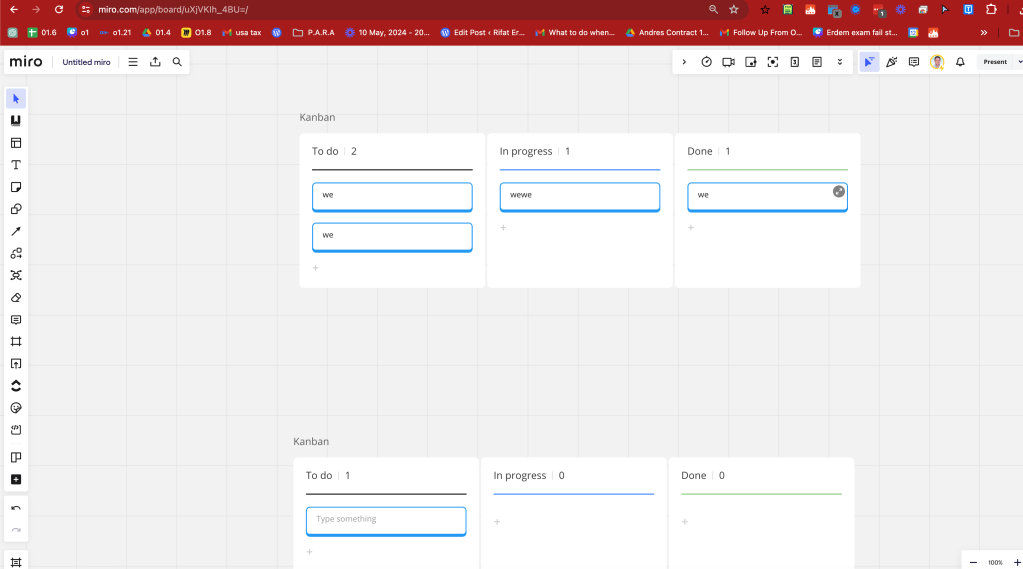
if miro created a page for it did lucidspark created one ?
Second option in there and the previz integratied
Kajla mood boards
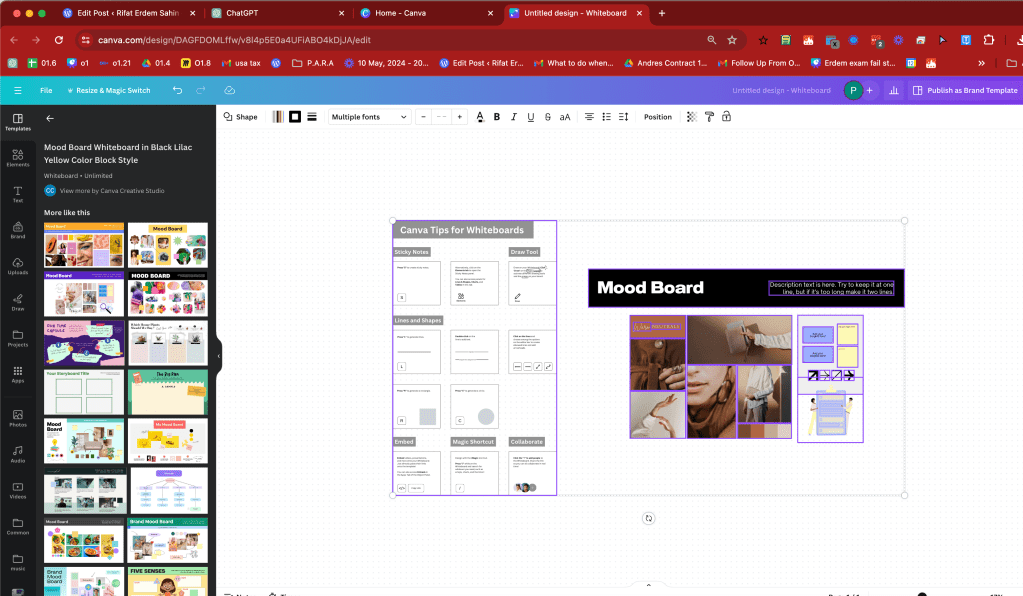
Canva plays
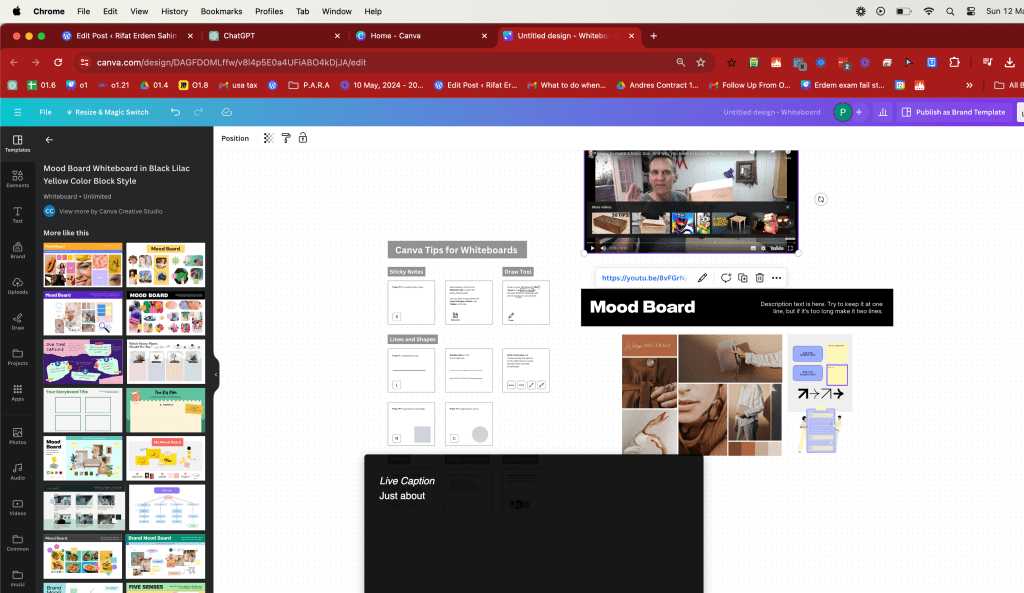
can embed the previz
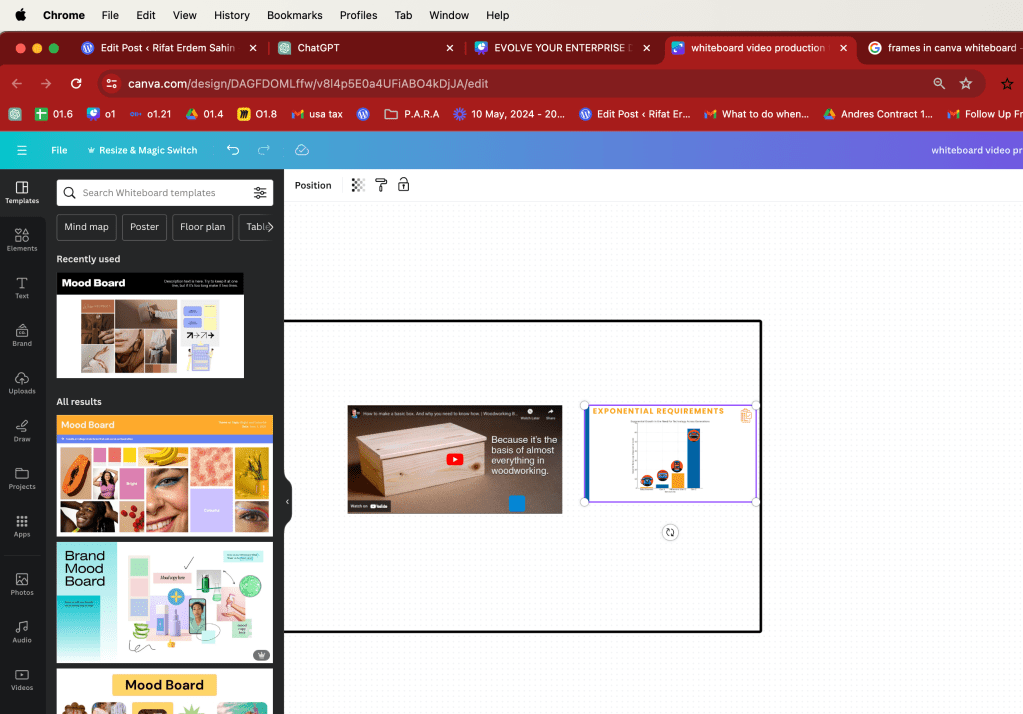
canva no individual item link
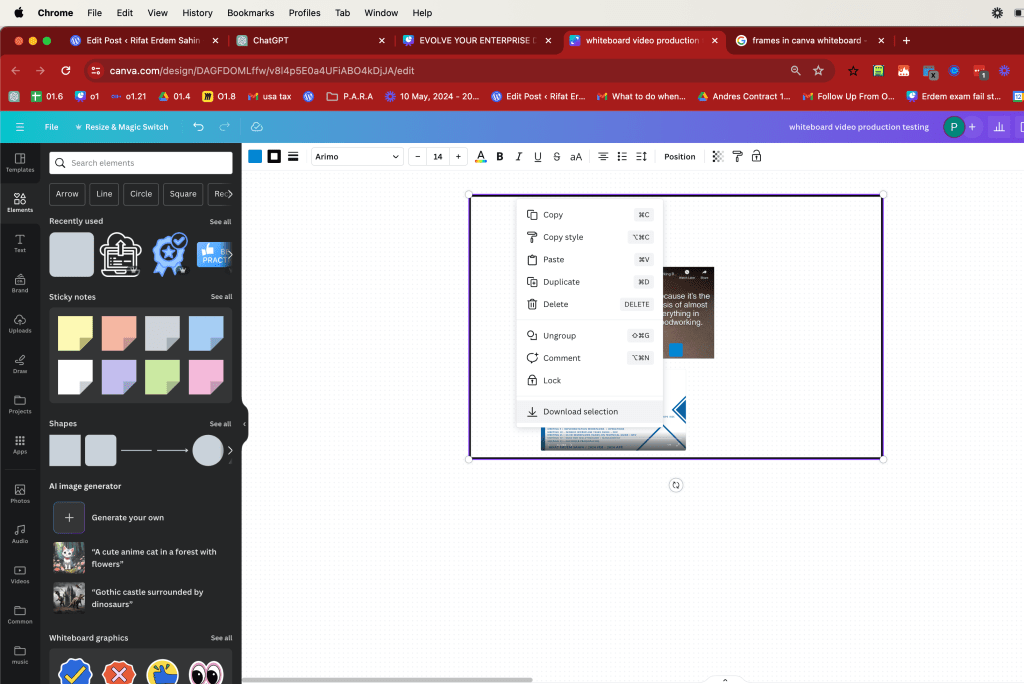
Google drive has a native app > maybe the sections should only be shared as white board not too big boards
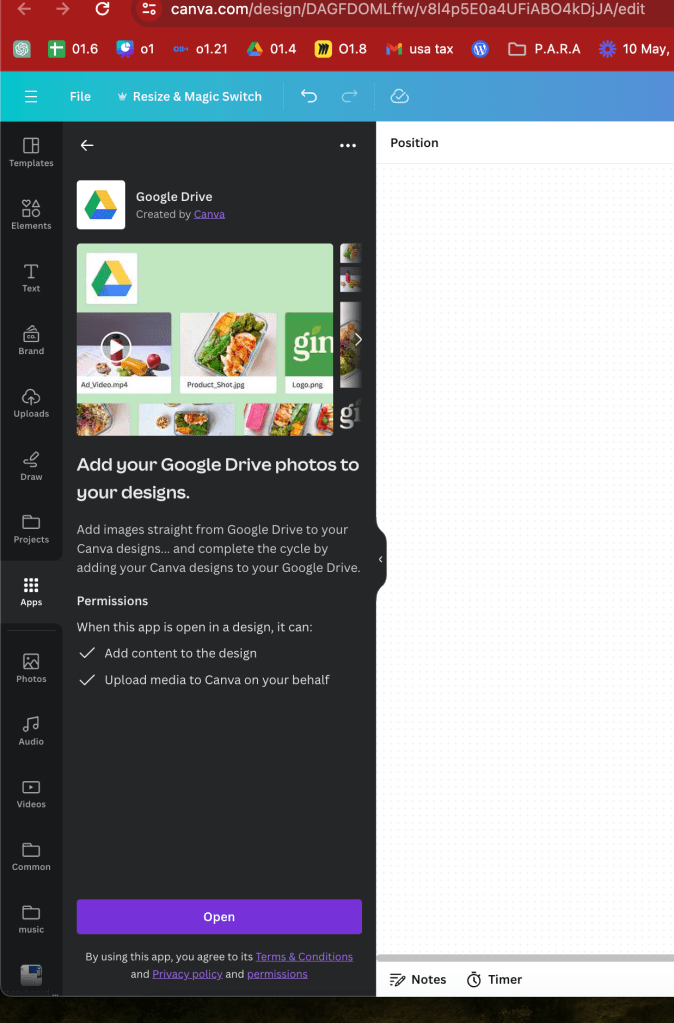
canva direct player
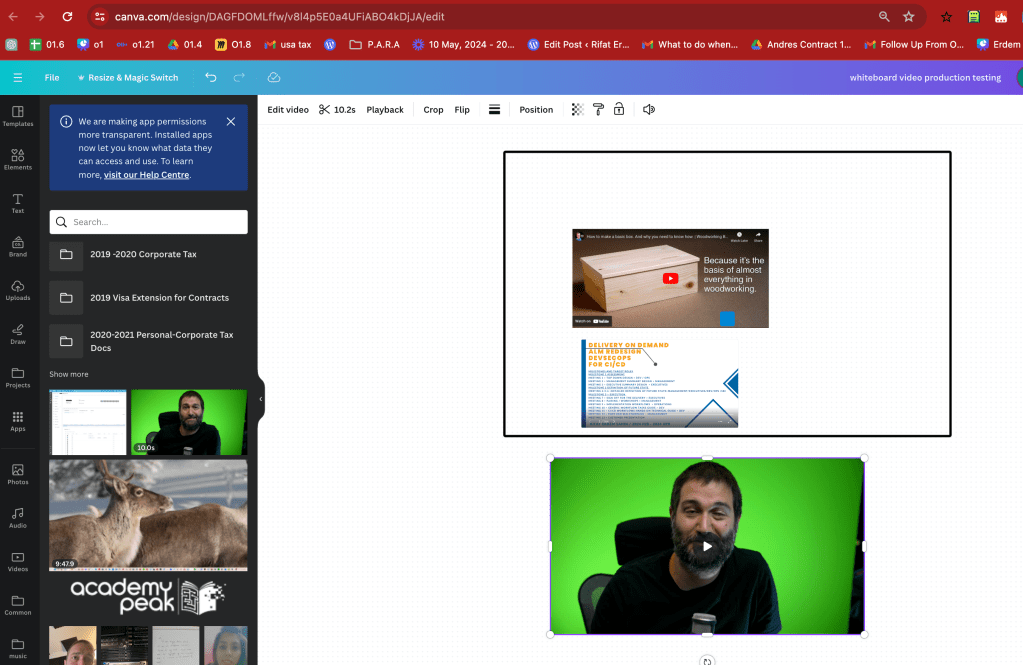
canva music closer and licenced
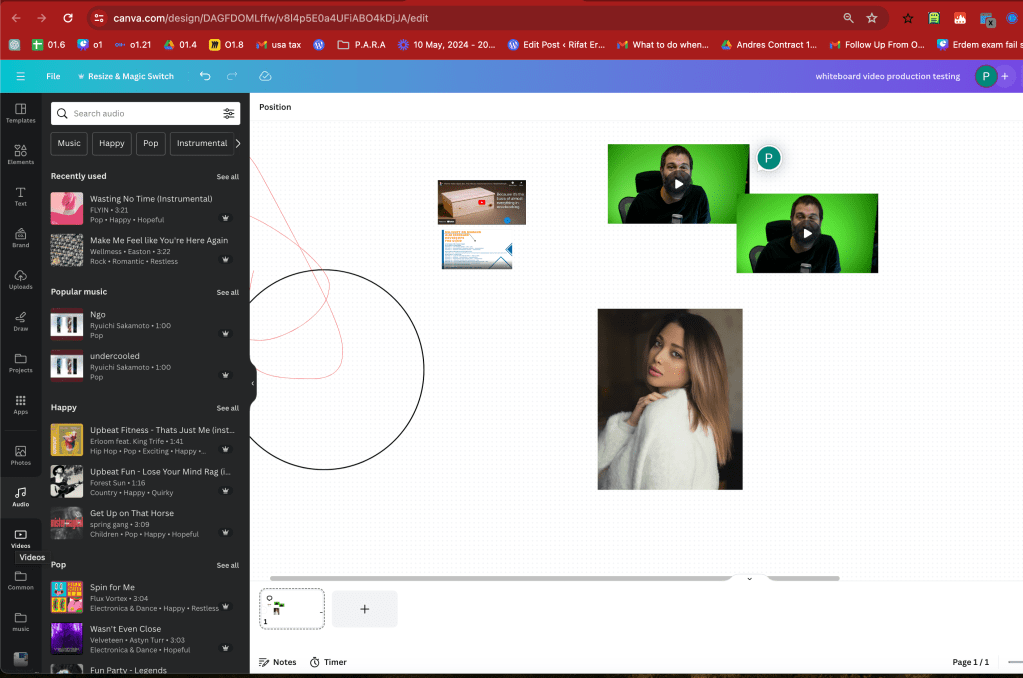
add the sections like this
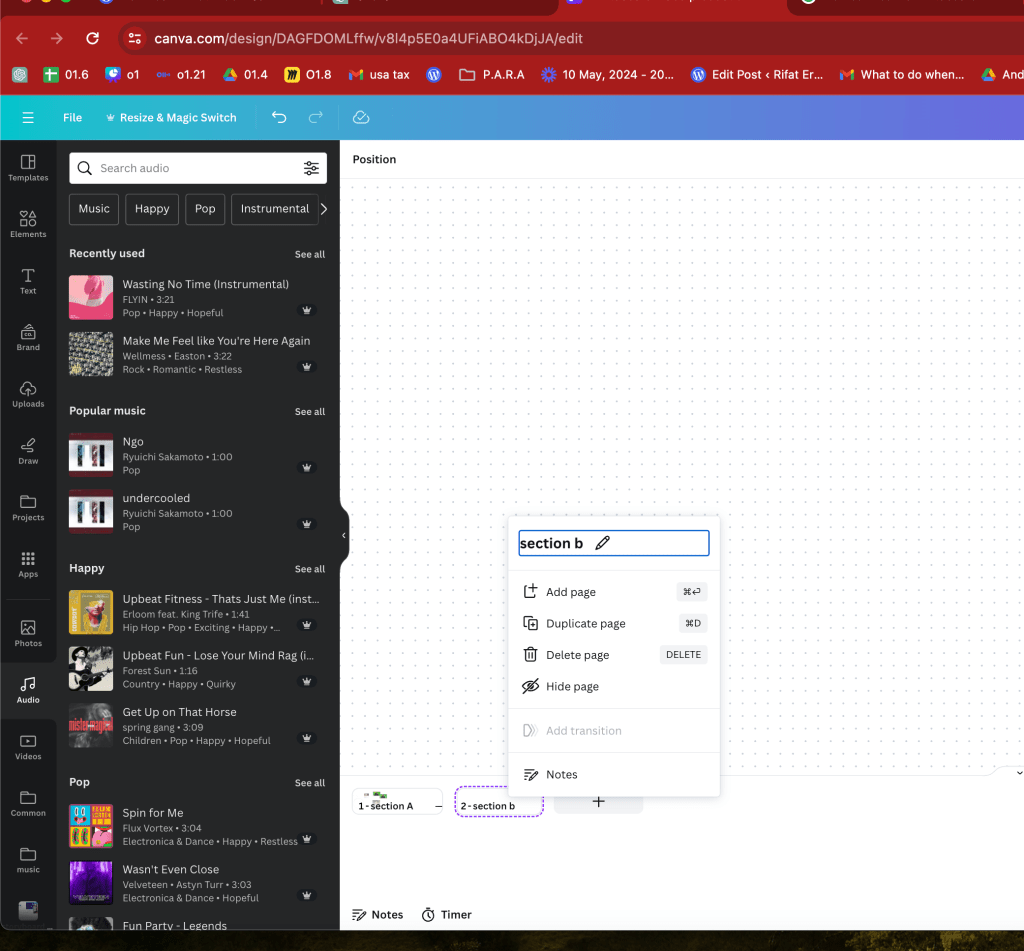
Stock footage easy to add
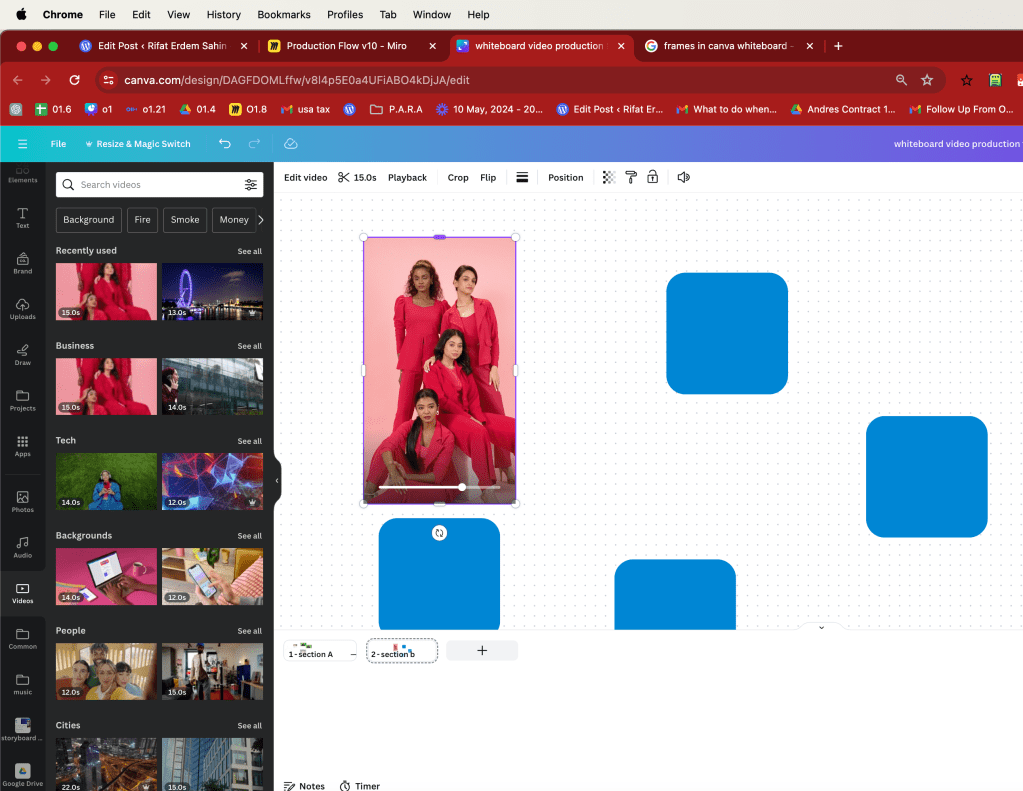
what can i do > testing in here not all the features>>> over 200 frames
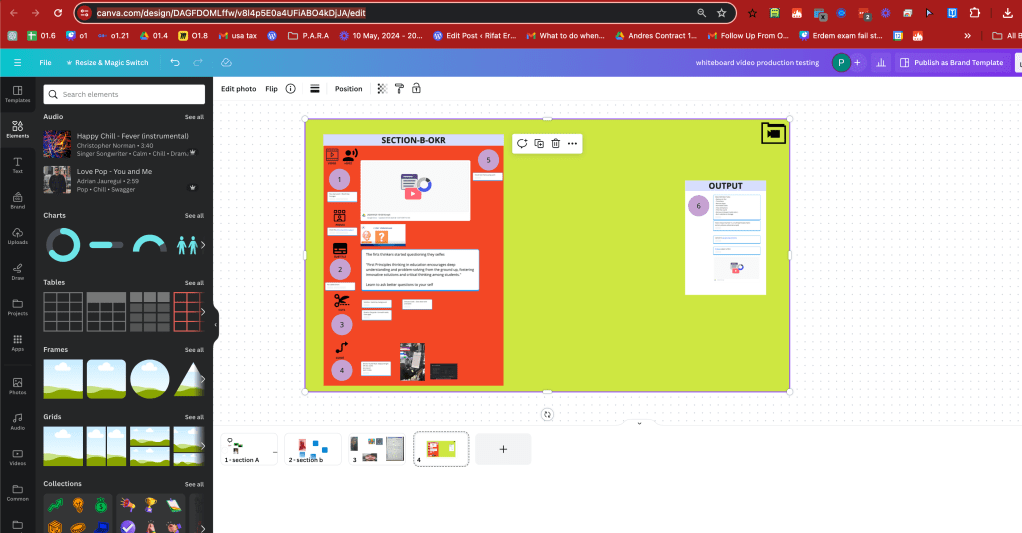
246 frame might be the issue
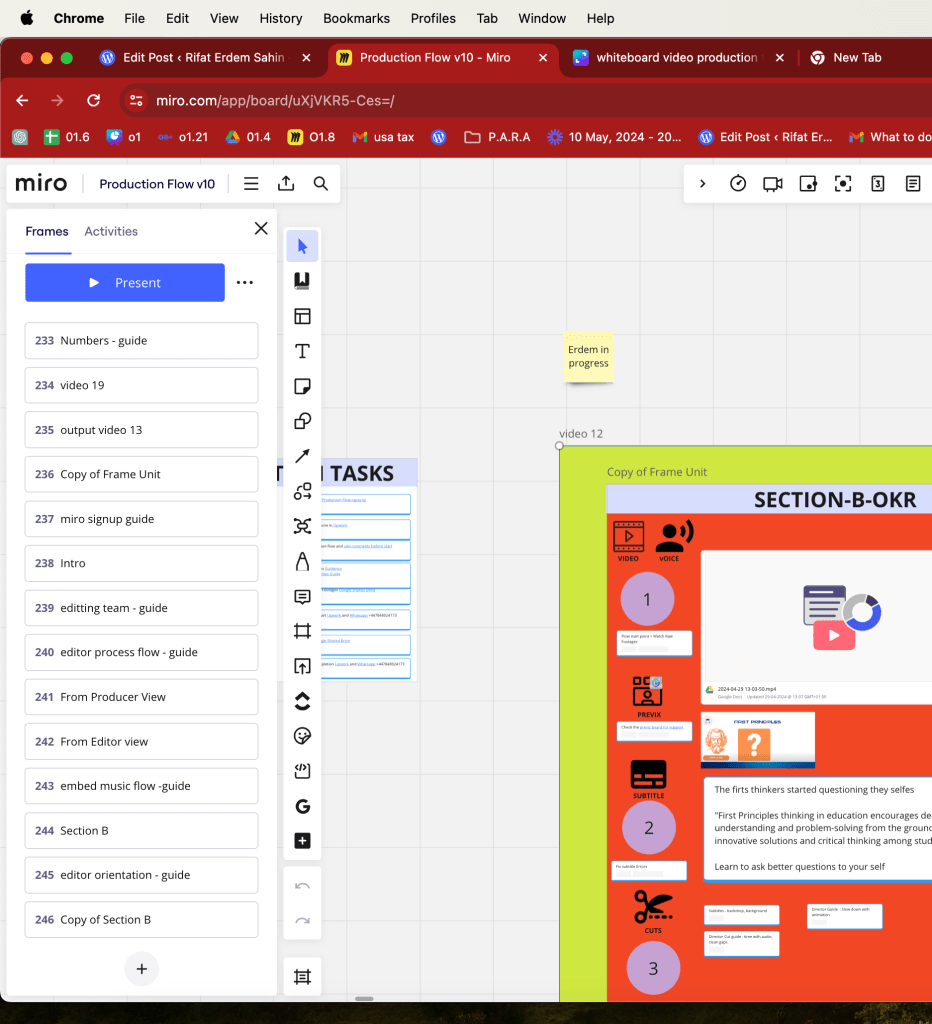
Notes section can be useful
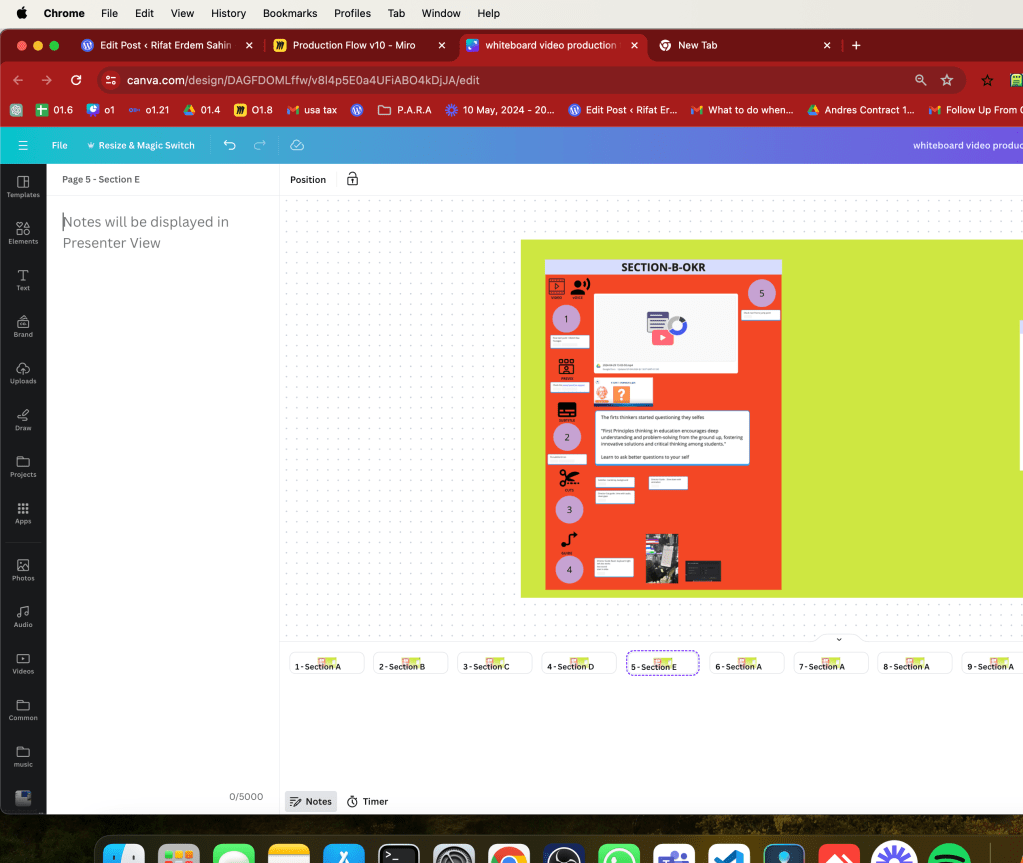
Sections opens up in canva
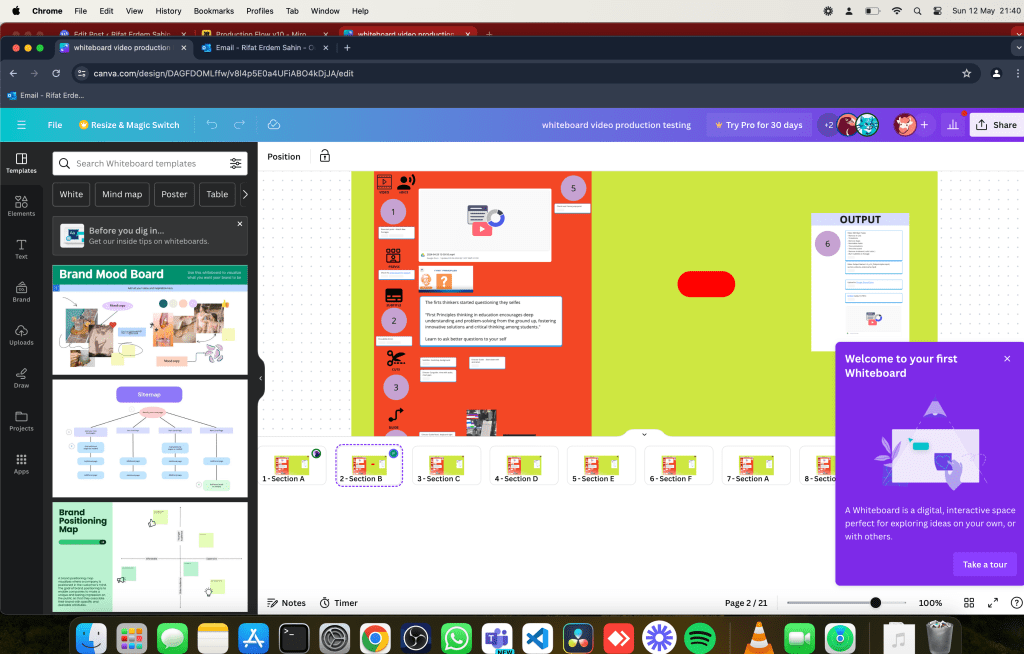
canva cant find shared drive
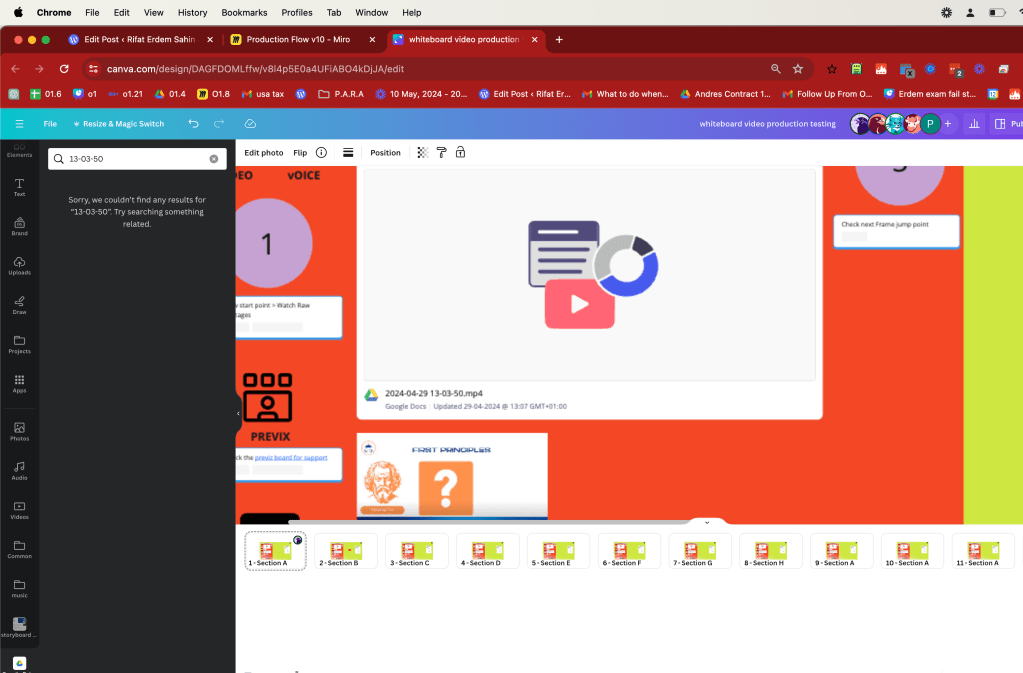
Google drive link can be added
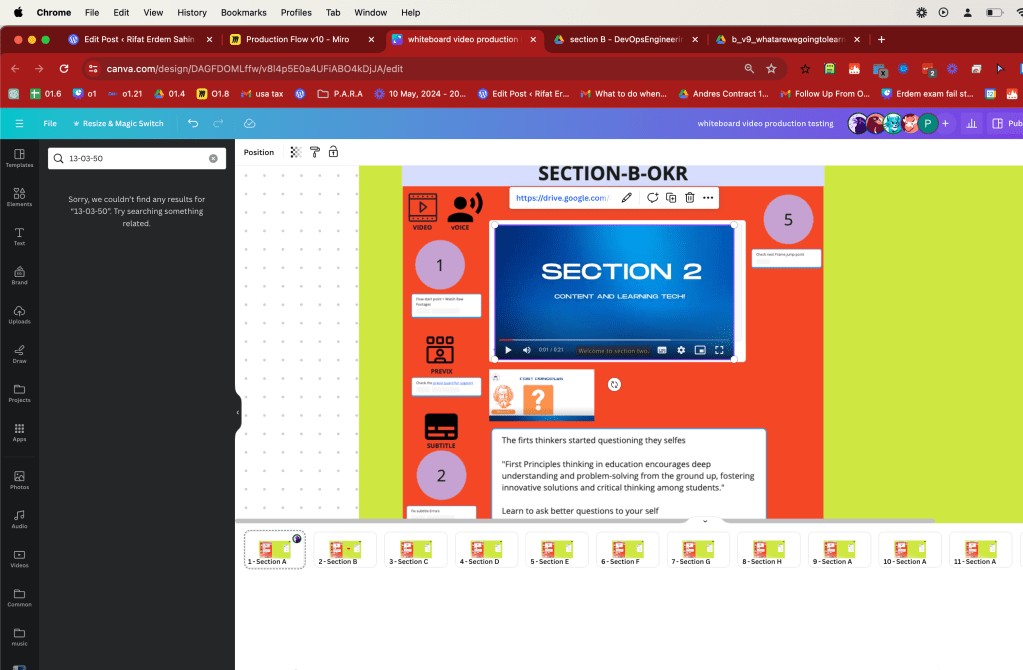
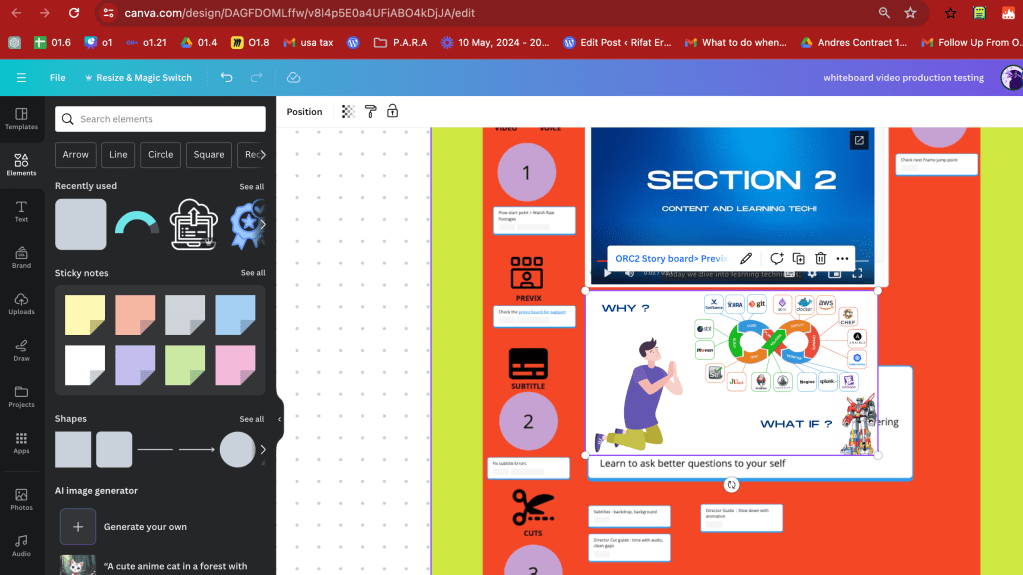
CANVA LINK WORKS
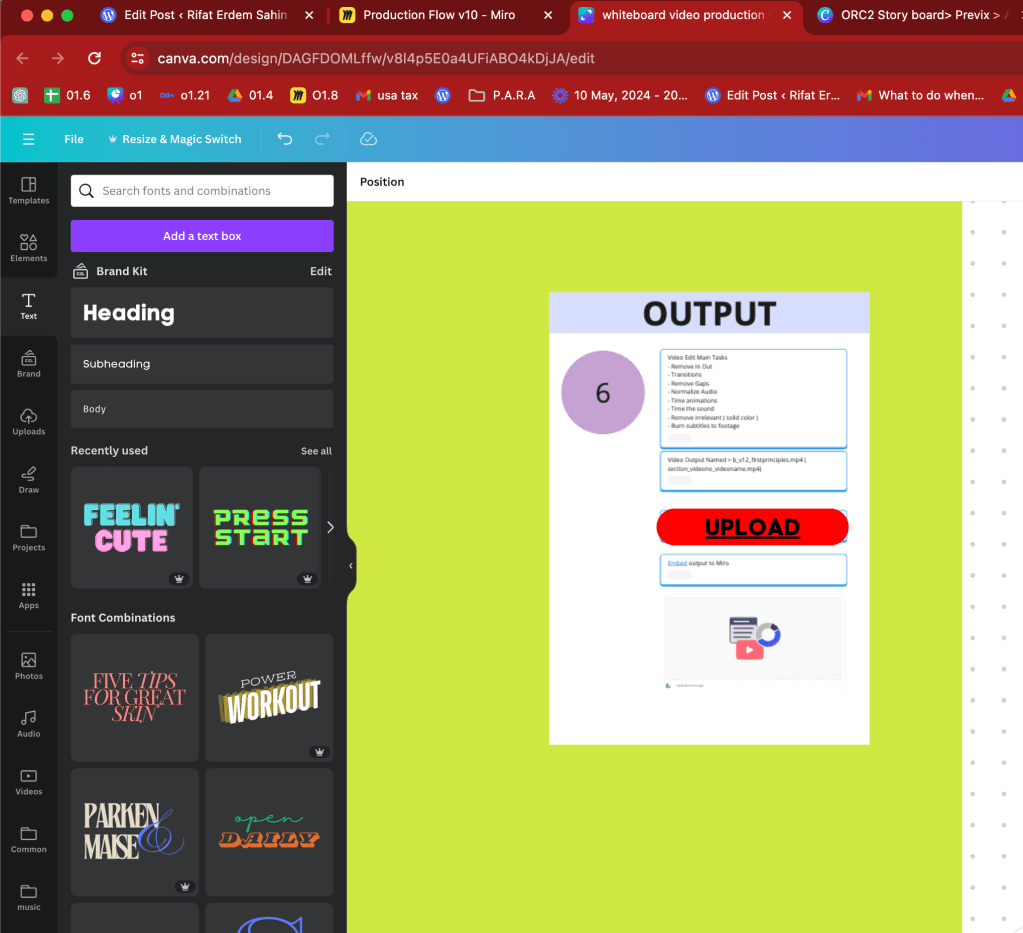
Changes > instead of 220 slides 15 sections > Each section with 20 slides
Embed into 20 page whiteboard > it is play ready
Go down to free plan
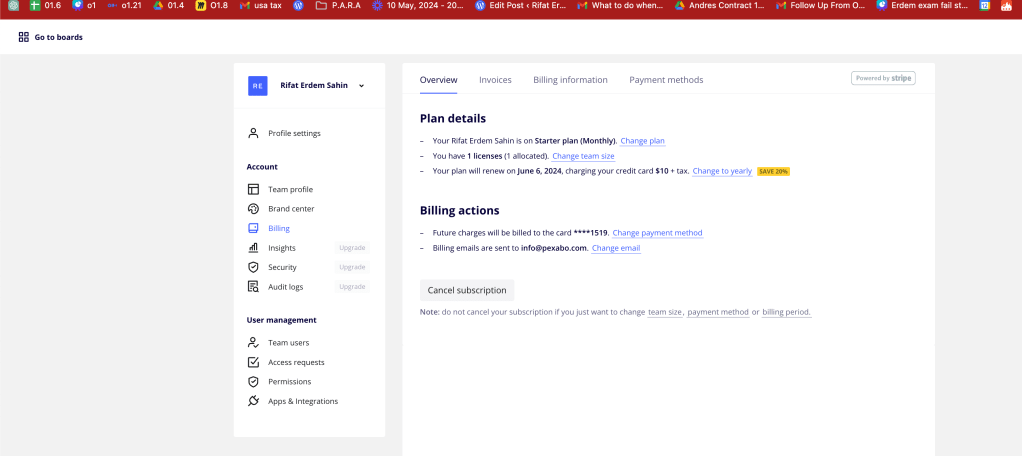
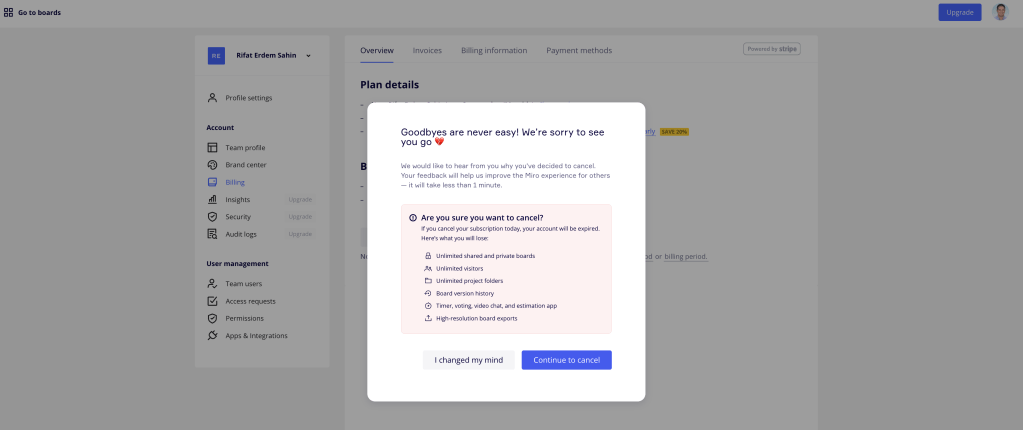
canva is there
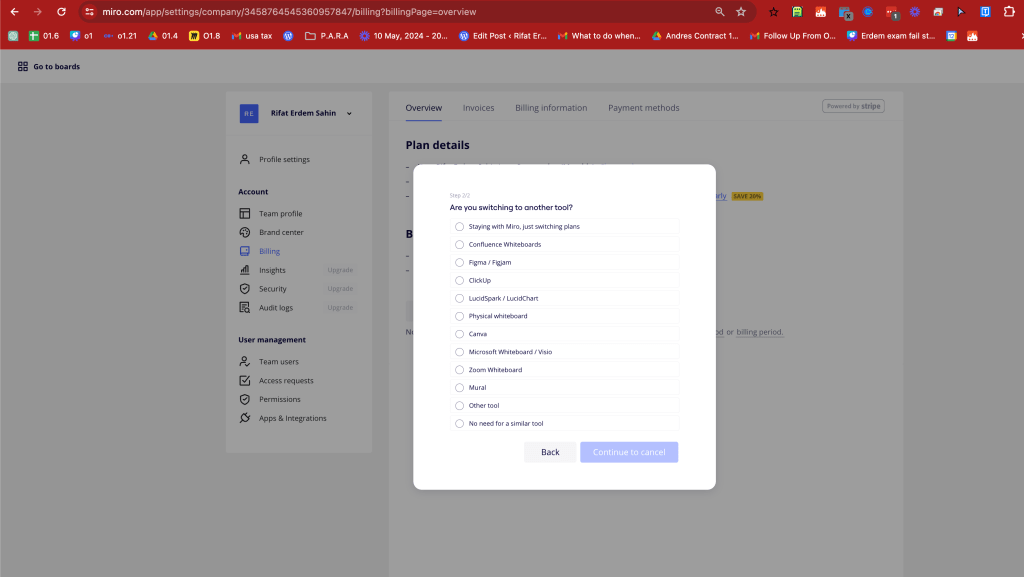
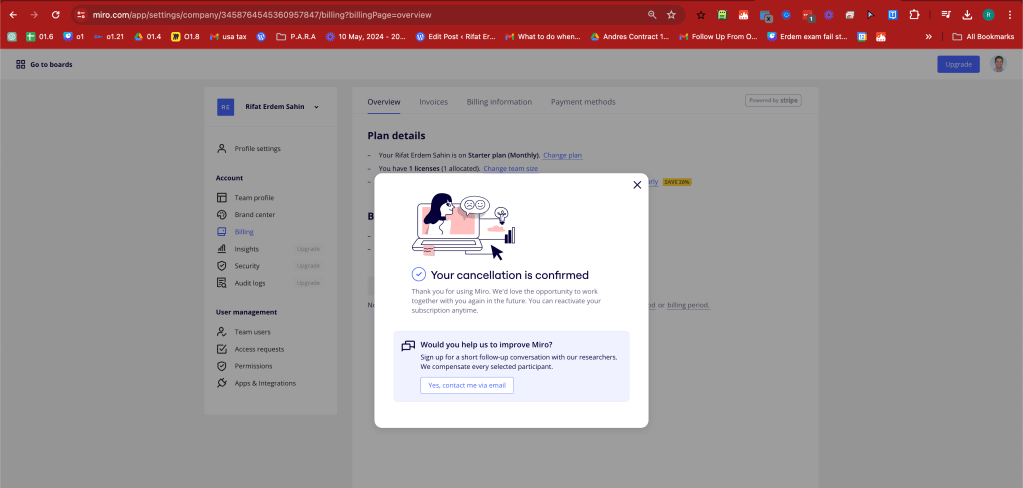
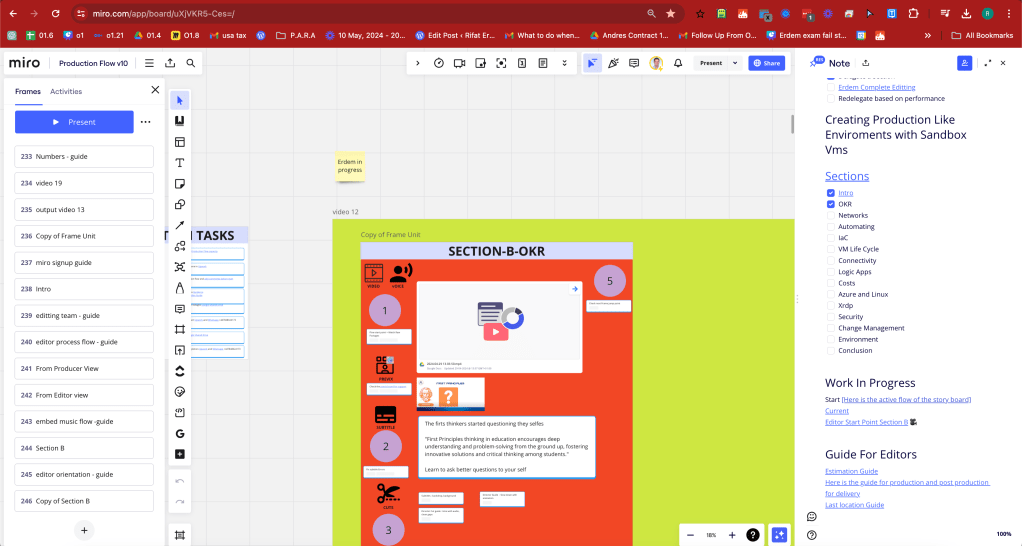
ending complexity
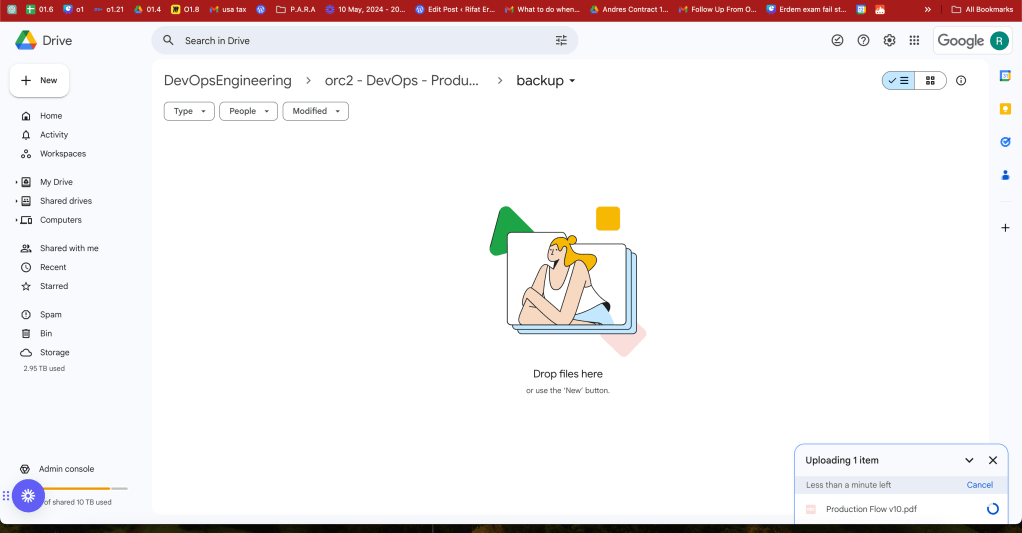
Backed up the board > makes sense to have the originals in one place
Linking not necessary visual numbers for the flow is enough
Updated version
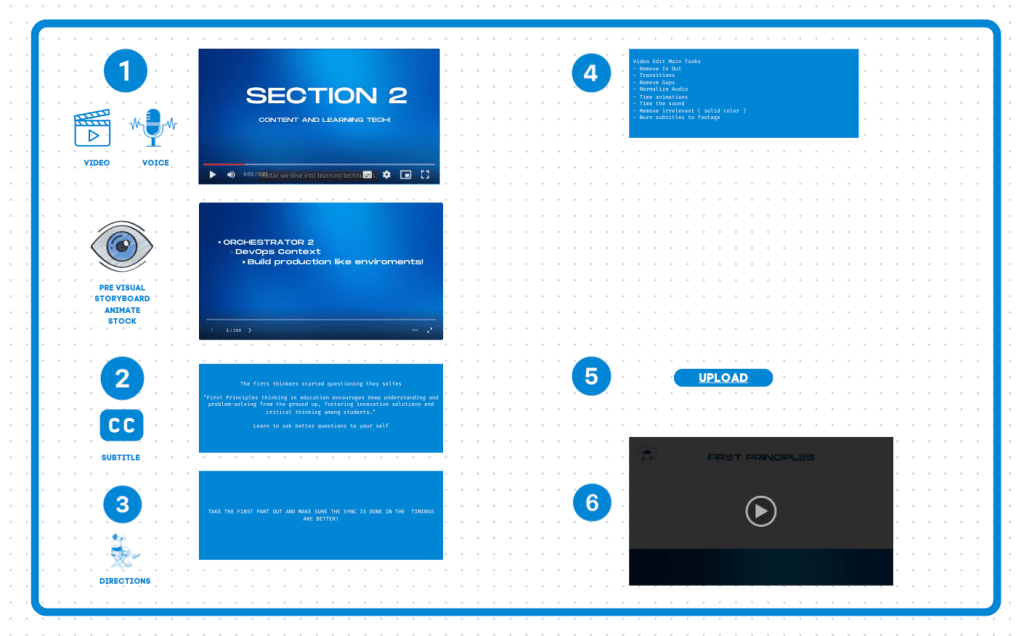
no more embed is needed easier to play in canva!
Current page download is there
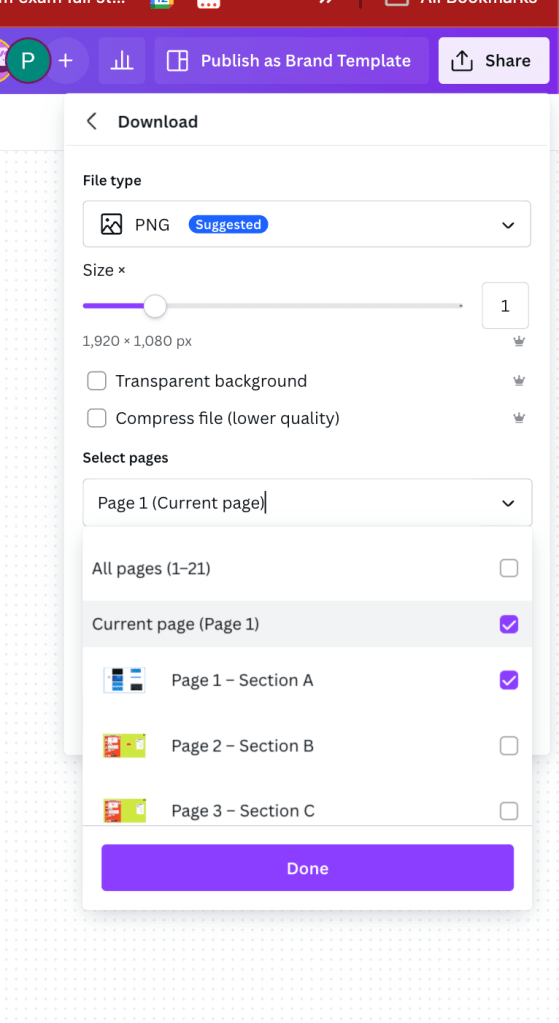
Sections
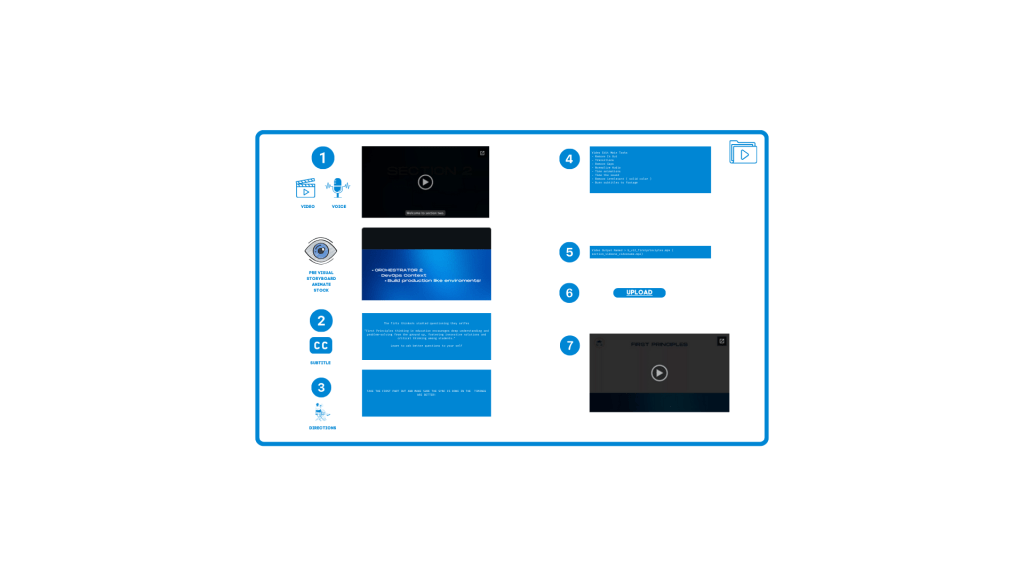
pdf export from canva also works
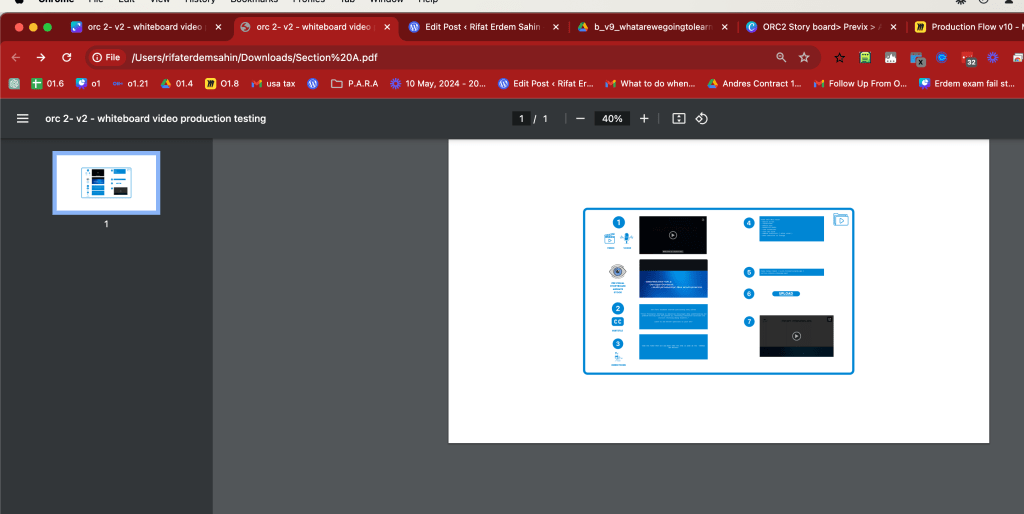
done checks can be done by simple markers at the bottom
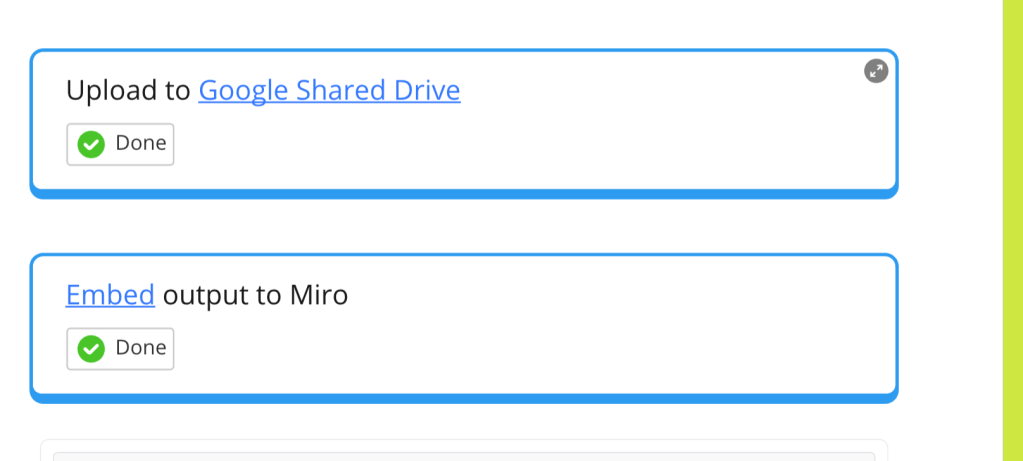
Stock plays inside the canva and in the guest mode
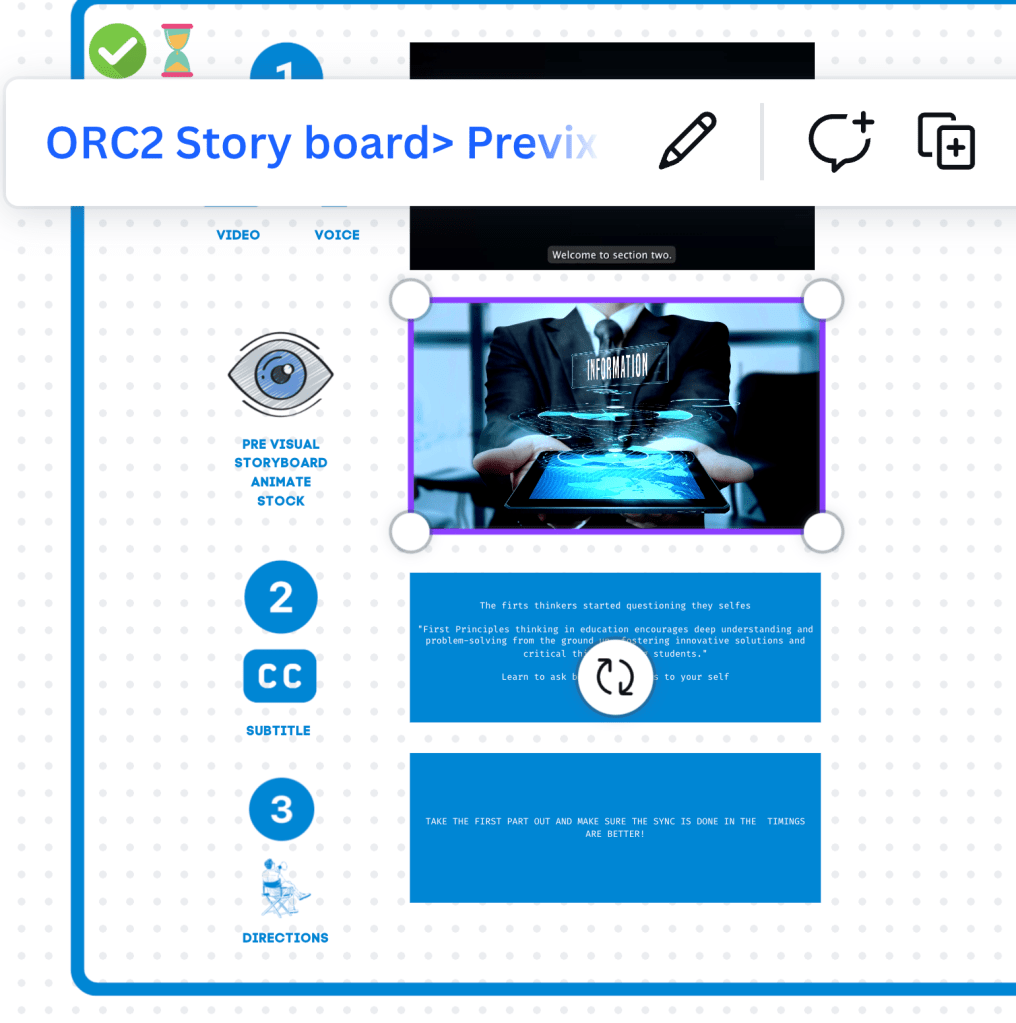
Also canva support the multi video file insertions
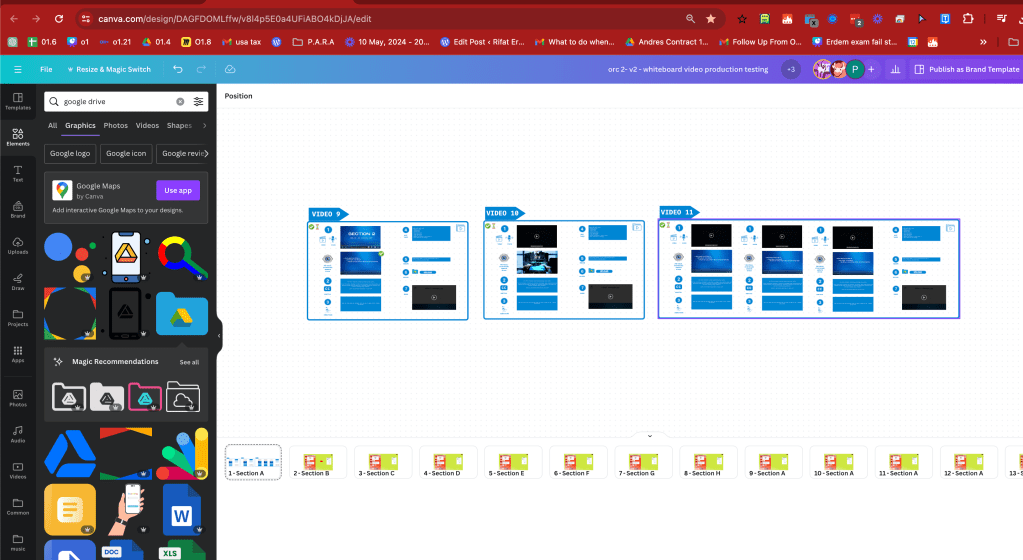
canva > https://www.canva.com/design/DAGFDOMLffw/v8l4p5E0a4UFiABO4kDjJA/edit
music embed from drive
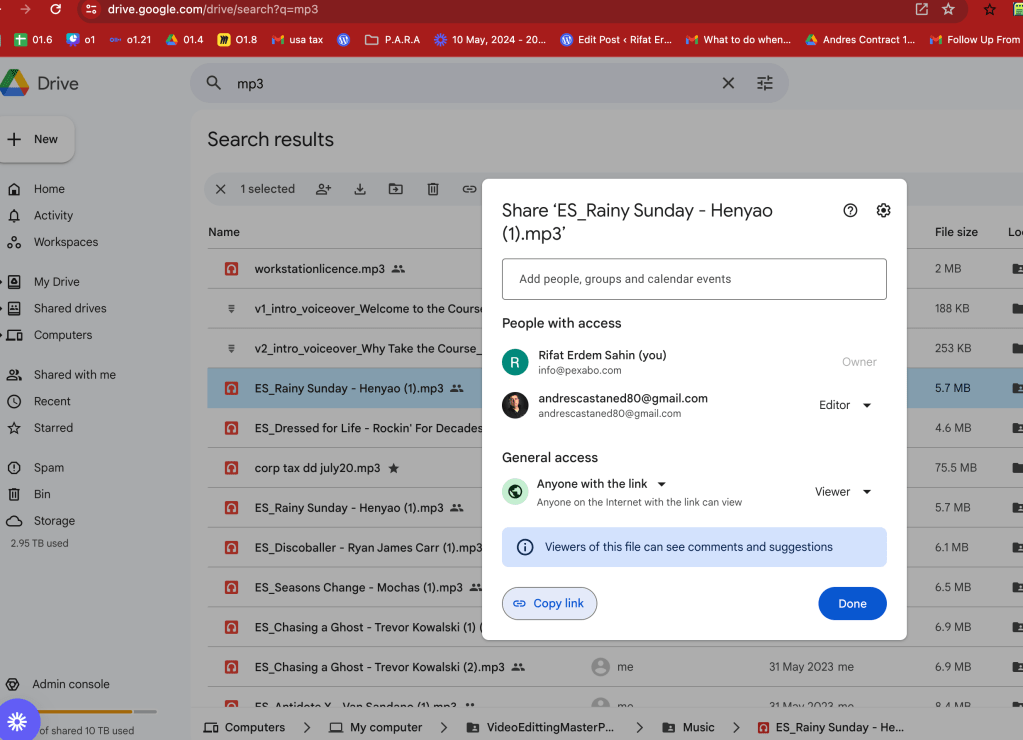
updated pdf with music google drive embed on music works
input and output has marked
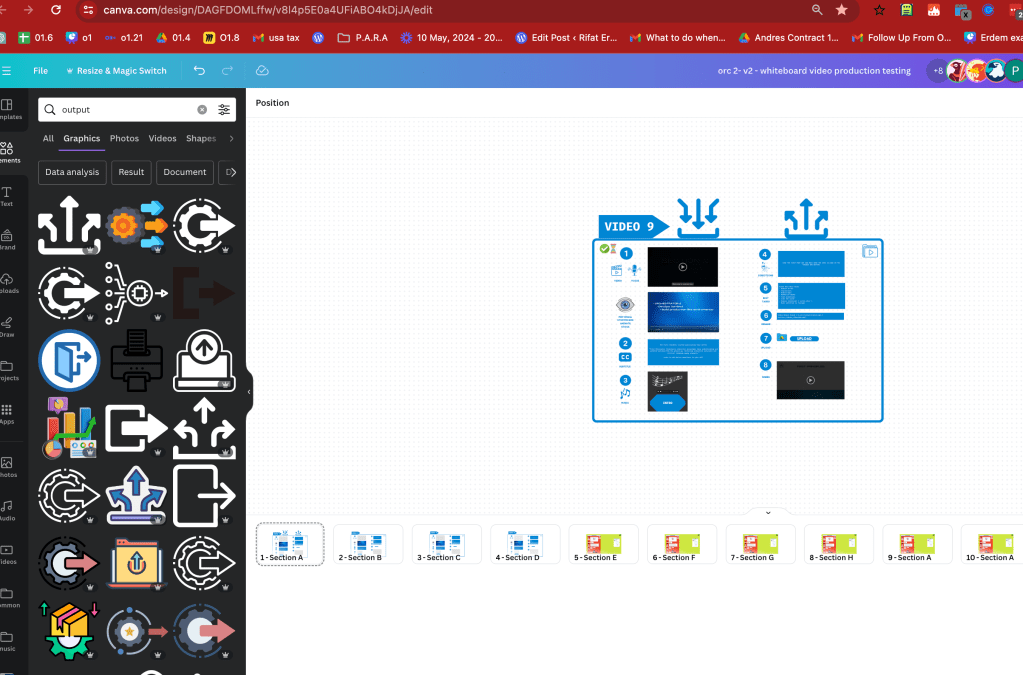
collect them here
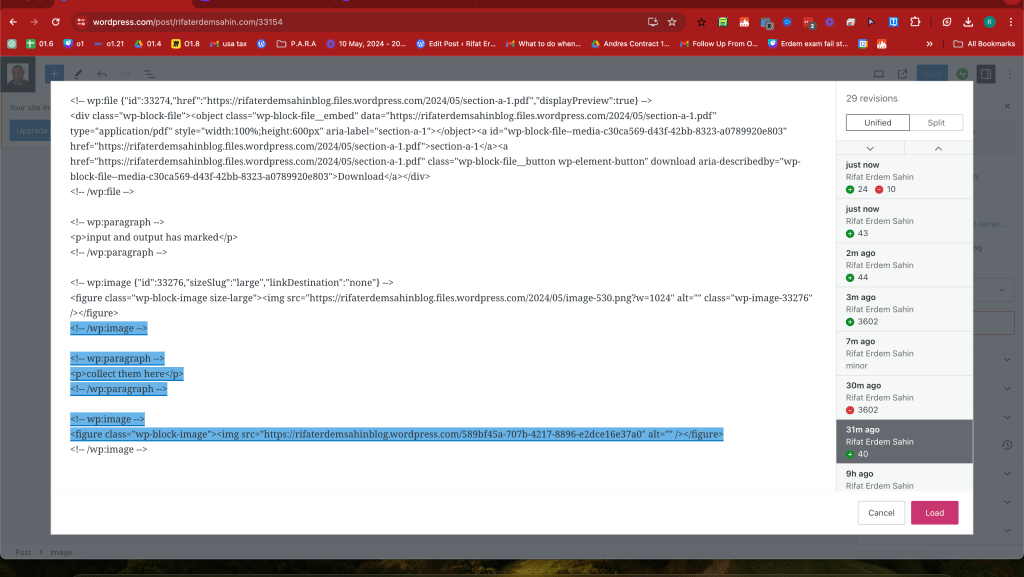
lost my updates >>> wordpress errors
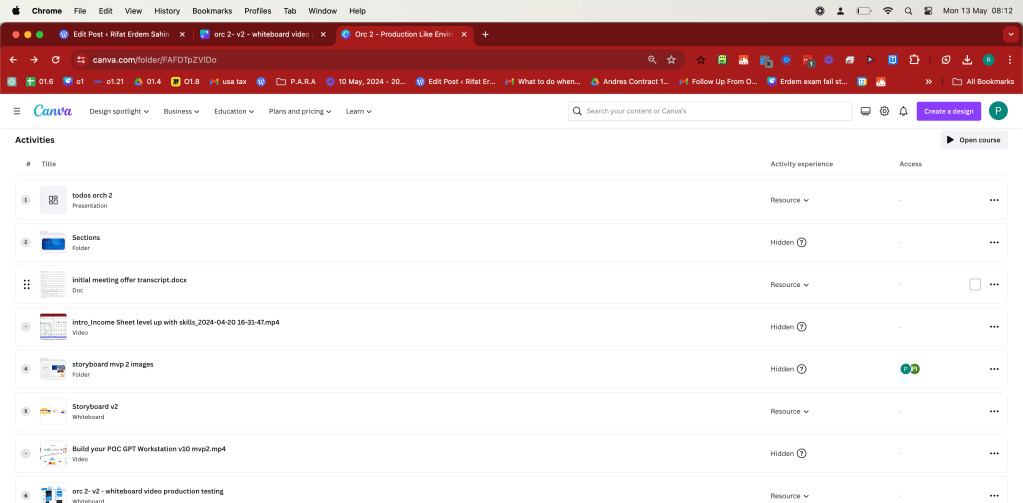
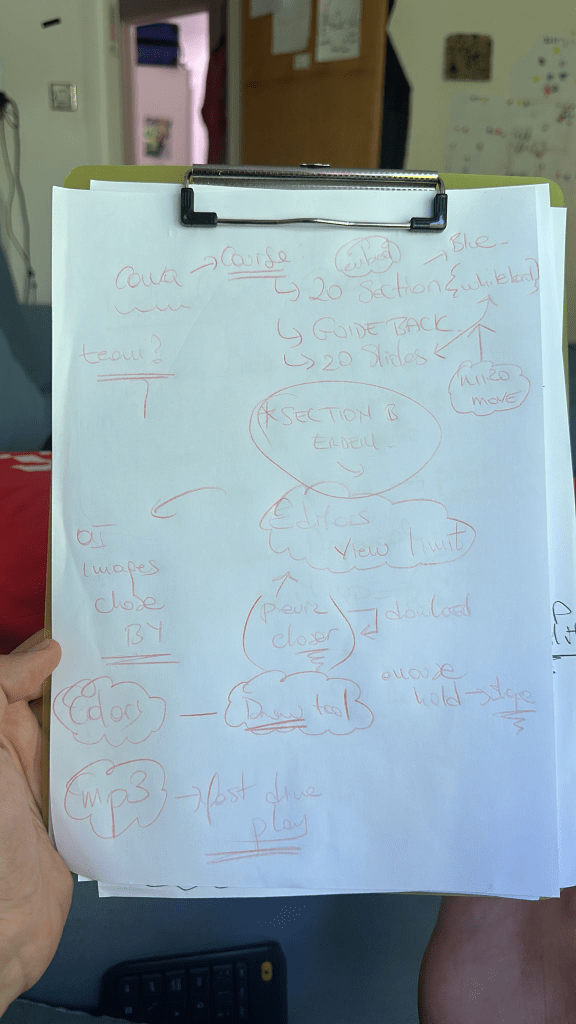
Losing big points so that is ok in research
Imported from rifaterdemsahin.com · 2024