Upwork automating the application process
Automating the Application Process on Upwork: A Cost-Effective Approach
In the ever-evolving landscape of freelancing, staying ahead of the competition while managing costs is a challenge many of us face. As a freelancer or agency owner on Upwork, one of the most time-consuming tasks can be the application process and managing incoming communication. To streamline this process, I've integrated an automated system that handles applications and responses, all for about $400 a month. Here's how it works and why it might be a game-changer for your freelancing business.
Understanding the Need for Automation
Applying to projects on platforms like Upwork can be daunting due to the sheer volume of opportunities and the speed at which you need to respond to remain competitive. Additionally, once you get noticed, managing the influx of client communications can quickly become overwhelming. This is where automation comes in.
Setting Up Automated Applications
Step 1: Identifying Suitable Projects
The first step in automating your applications is to define your niche and set clear criteria for the types of projects you're interested in. This could be based on project size, budget, industry, or the type of work required.
Step 2: Automation Tools
Several tools on the market can help automate the application process on Upwork. These tools typically work by scanning new job postings and applying on your behalf based on the predefined criteria you've set. This ensures that you're always one of the first to apply, increasing your chances of being noticed by potential clients.
Step 3: Tailoring Your Proposals
To make automated applications effective, it's crucial to have a well-crafted template that can be slightly customized for each job. The template should highlight your skills and experience relevant to the job category. Automation tools can help tailor your proposal by inserting specific keywords or phrases from the job posting.
Automating Email Responses
Step 1: Setting Up an Email Automation System
Using an email marketing tool or CRM software, you can set up automated responses that trigger when you receive new messages on Upwork. These automated emails can acknowledge the receipt of the client’s message and provide a timeframe within which they can expect a detailed reply.
Step 2: Personalization
Even though the system is automated, personalization is key. Your automated responses should feel as personal as possible. Include the client's name and reference specific details from their initial contact to make the interaction more engaging.
Step 3: Integration with Direct Response Marketing
Integrating your email system with direct response marketing techniques can significantly enhance your engagement rates. This involves crafting emails that are not only timely and relevant but also compel the client to take a specific action, such as scheduling a call or confirming project details.
Cost Analysis
Spending around $400 a month on automation tools and systems might seem significant, but when compared to the cost of manual processing and the potential for increased earnings through more consistent and timely applications, it's a worthwhile investment. The automation frees up valuable time, allowing you to focus on actual work and client interaction, which are crucial for growing your freelance business.
Conclusion
In conclusion, automating your application and response process on Upwork can significantly enhance your productivity and responsiveness. For around $400 a month, you can ensure you're always in the running for new projects without being tied down by the repetitive tasks of application and initial client communications. As with any investment, it's important to monitor the performance and adjust your strategies as needed to ensure that the automation provides the best return on investment. Happy freelancing!
Contract
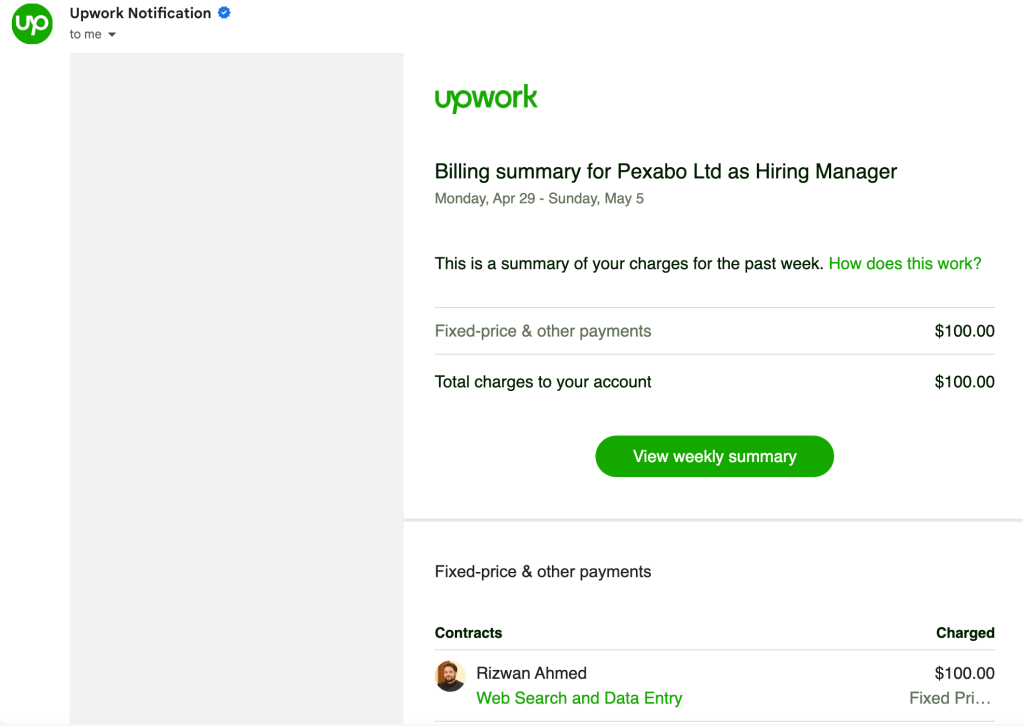
Check with incoming
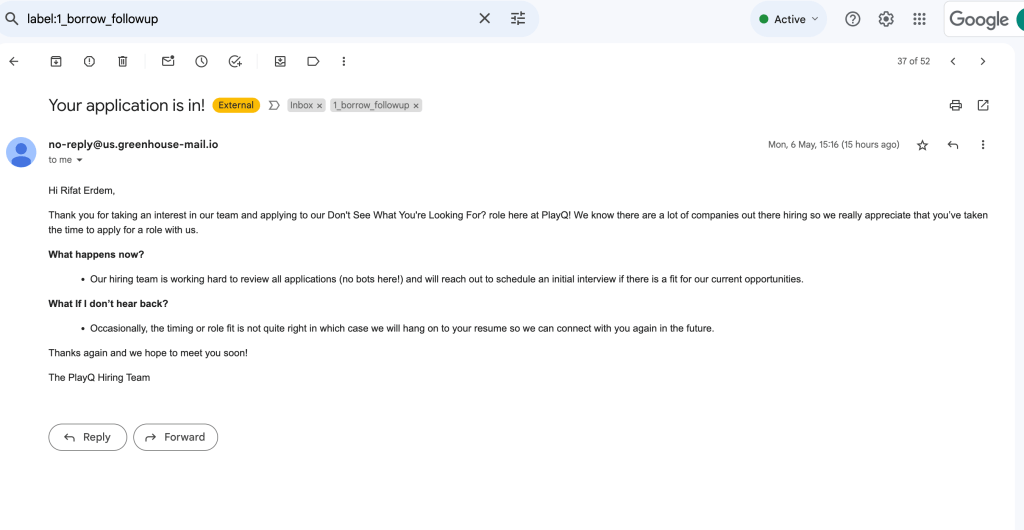
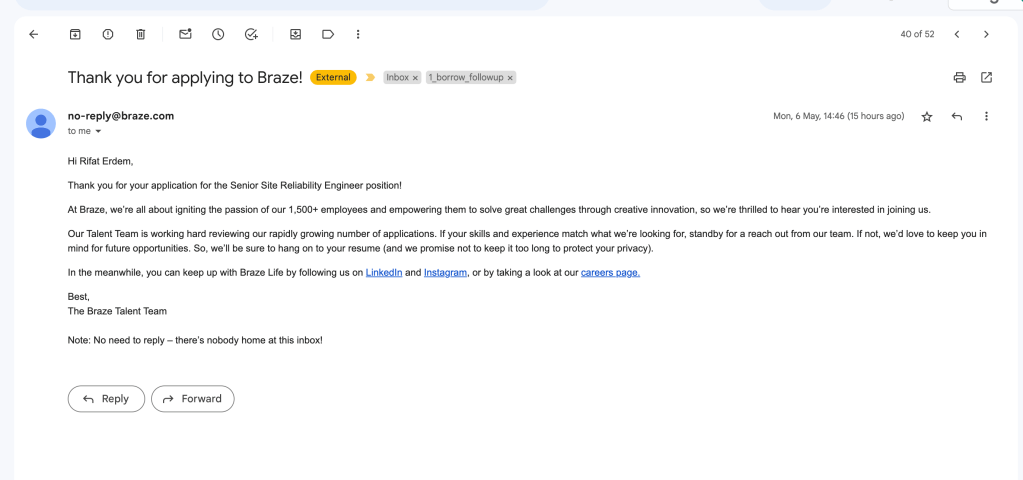
Reference
https://www.cnbc.com/2024/05/06/career-consultant-says-gen-z-are-misusing-ai-to-generate-cover-letters.html
Imported from rifaterdemsahin.com · 2024