Not moving together in miro
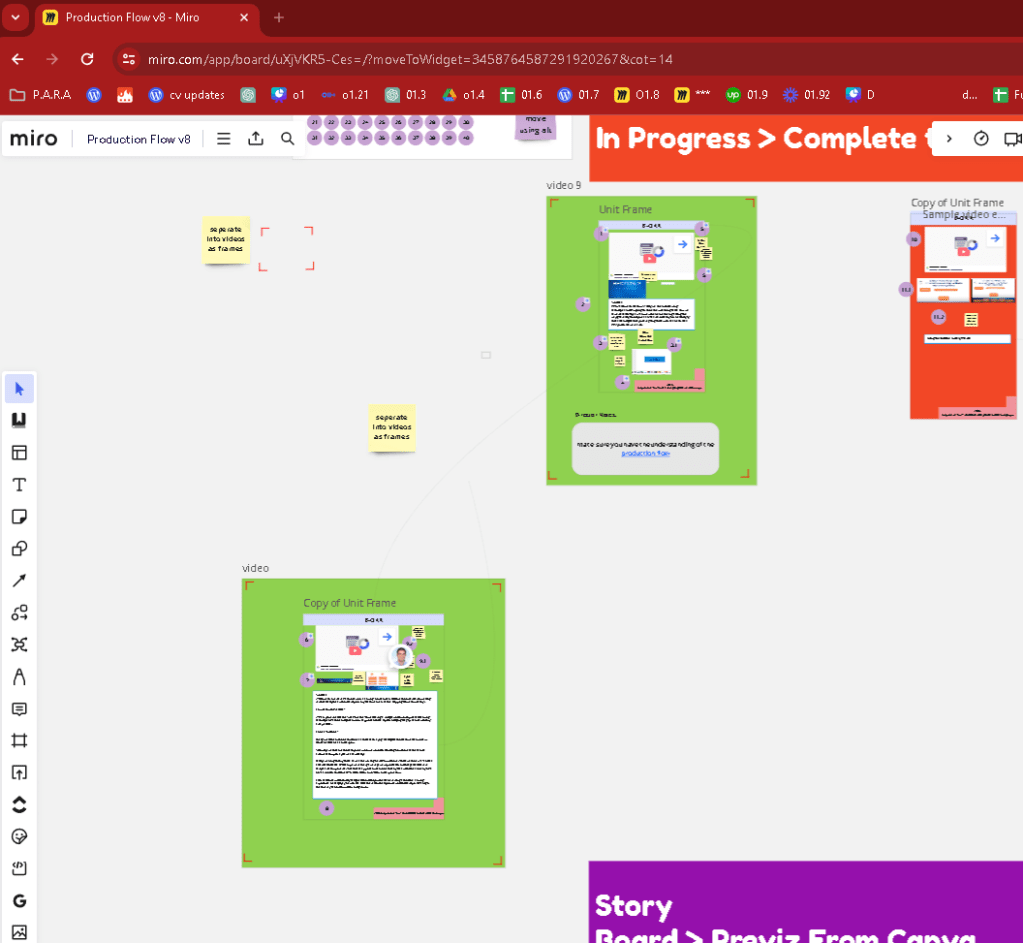
In Miro, a popular online collaborative whiteboard platform, if one frame doesn't move with another, it typically means that the frames are not grouped together. Miro allows users to create frames to organize and contain different elements on the board, such as images, texts, and sticky notes. Here are a few reasons and solutions if you're experiencing issues with moving frames together:
-
Frames are not grouped: If you want multiple frames to move together, you need to group them. To group frames in Miro, select all the frames you want to move together by clicking and dragging over them or holding down the 'Shift' key while clicking each frame. Then, right-click on one of the selected frames and choose "Group" from the context menu.
-
Locked Frames: Sometimes frames or other objects on the board might be locked. When an object is locked, it cannot be moved or edited. Ensure that none of the frames are locked by selecting them and checking for a lock icon in the toolbar that appears. If you see a lock, click on it to unlock the frame.
-
Layering and Arrangement Issues: The frames might be on different layers or arranged in a way that doesn't allow them to move as expected. You can adjust the layers by selecting a frame and using the "Bring to front" or "Send to back" options from the right-click context menu to organize the stacking order.
-
Board Permissions: In collaborative environments, different permissions might restrict what you can do with frames, especially if you're not the board owner or if specific restrictions have been set by the board's administrator. Check with the owner or admin if you find you're unable to manipulate frames as expected.
If you ensure that frames are grouped, unlocked, and properly arranged, they should move together without any issue on your Miro board.
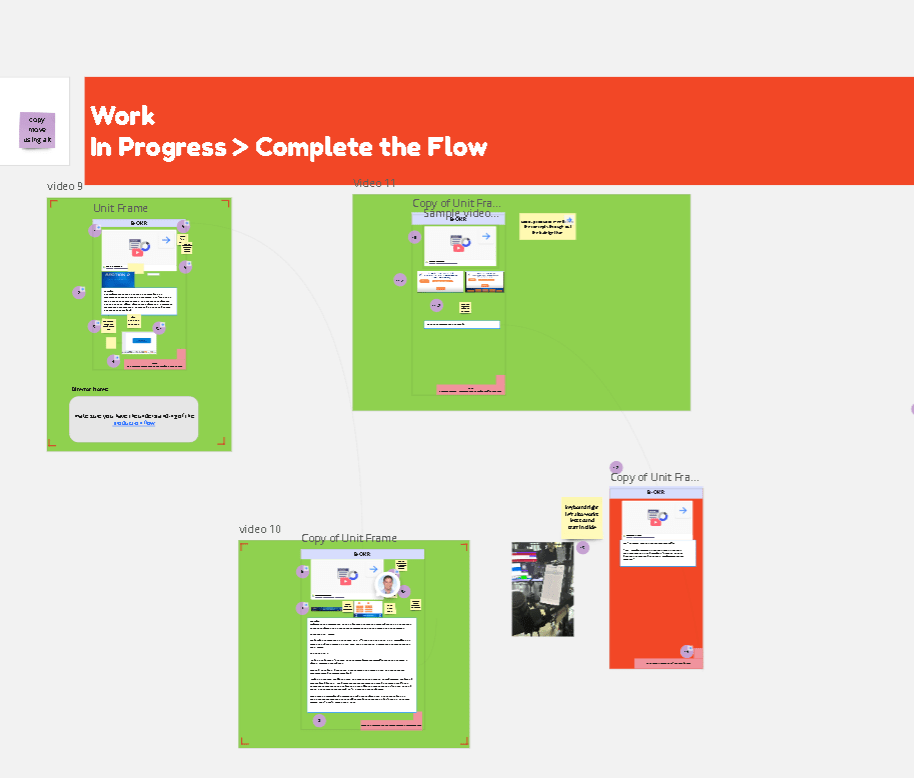
it still does not so extra frames and background with links are enoguh for now till it is resolved
Imported from rifaterdemsahin.com · 2024