Creating the flow !
Start with with work in progress
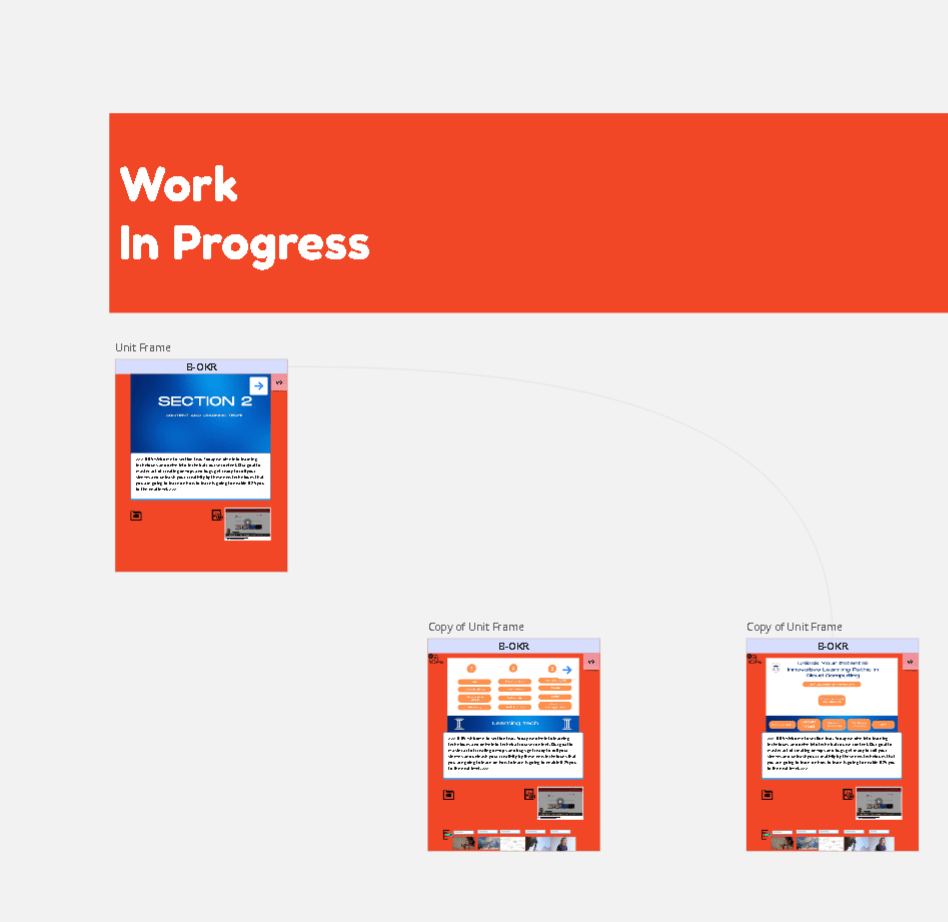
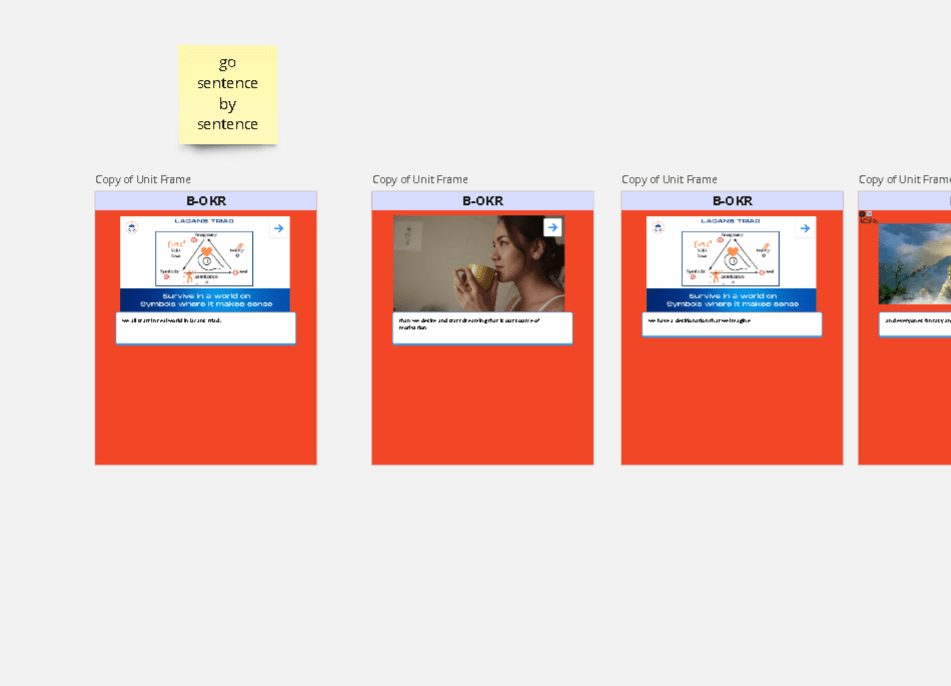
Move the text to the story board
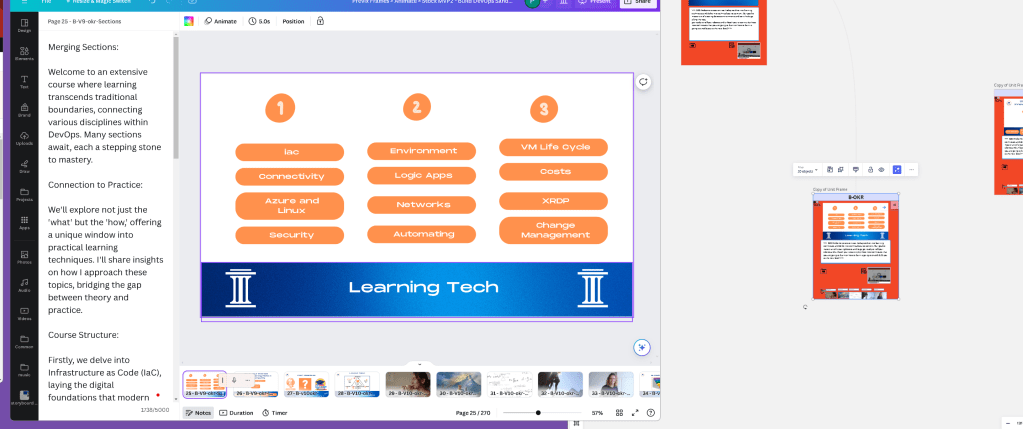
box sizez can be different creative means > be out of the box
updated the miro board to the name production
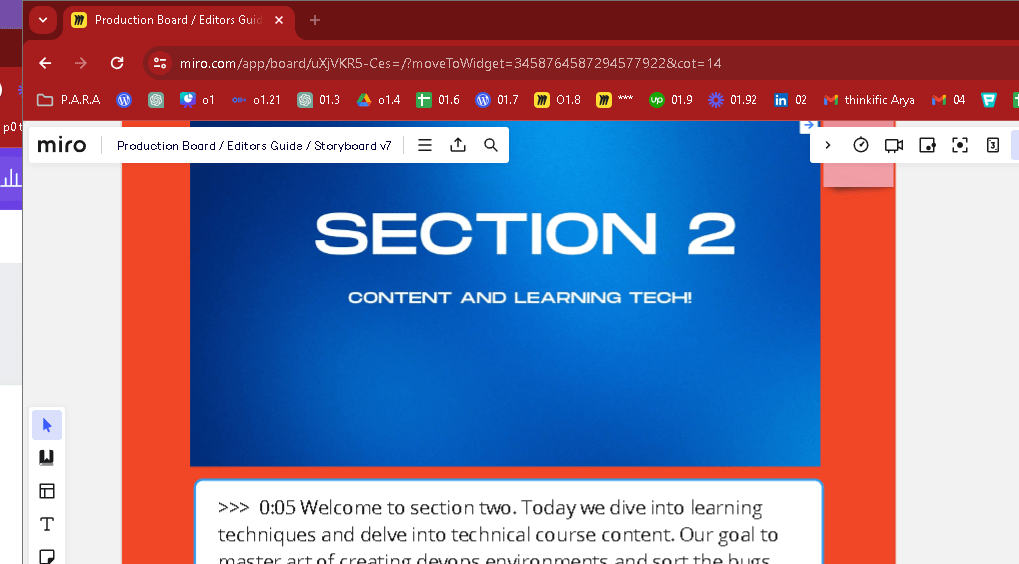
using the remote on it
give the media the editor wants and make your life easier
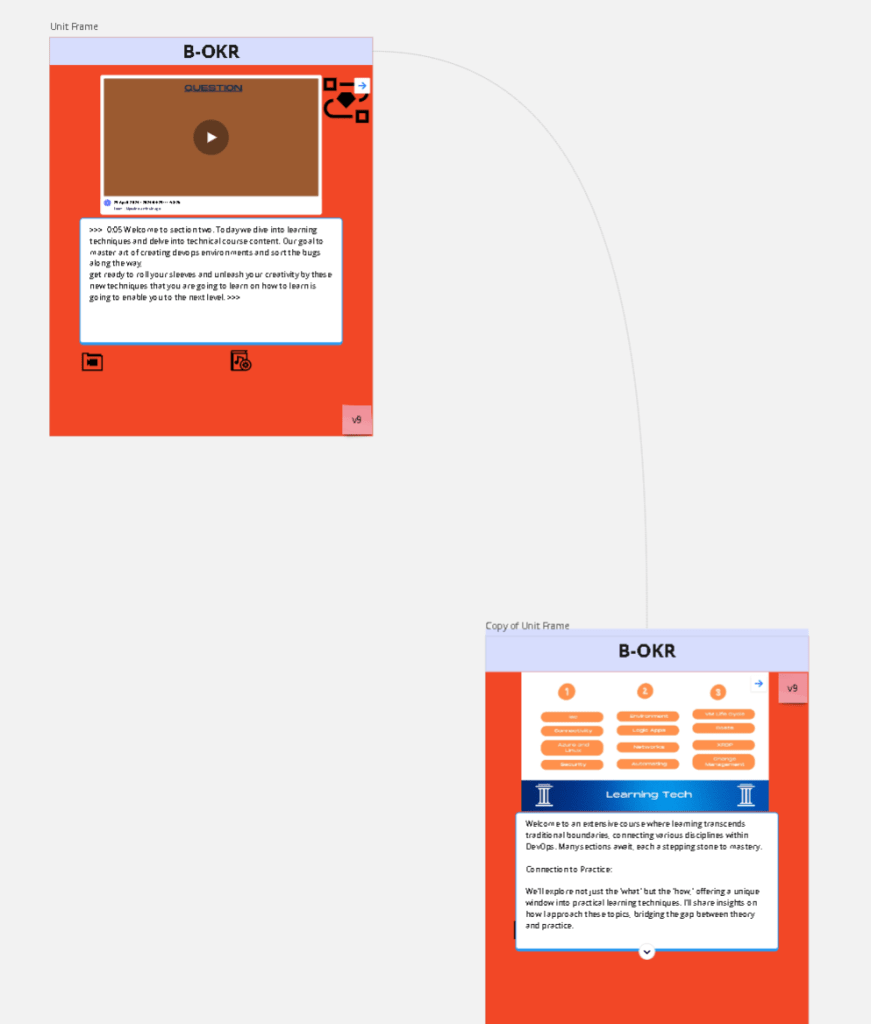
Add Production helper ES
mute added
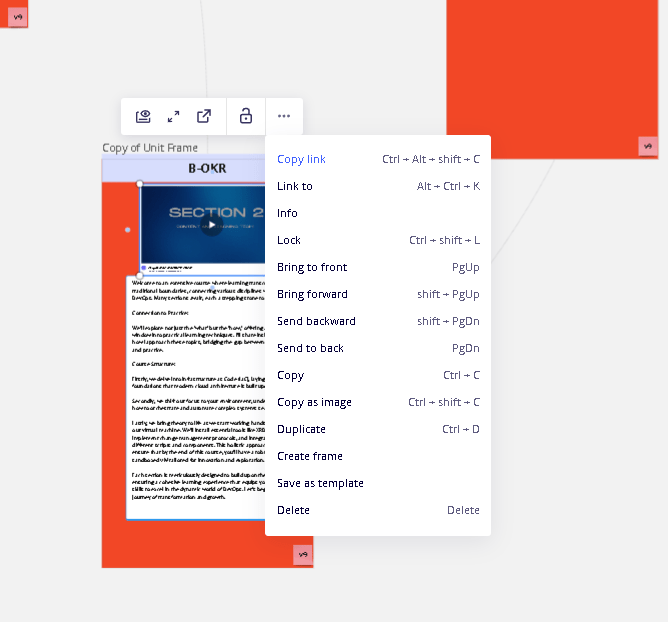
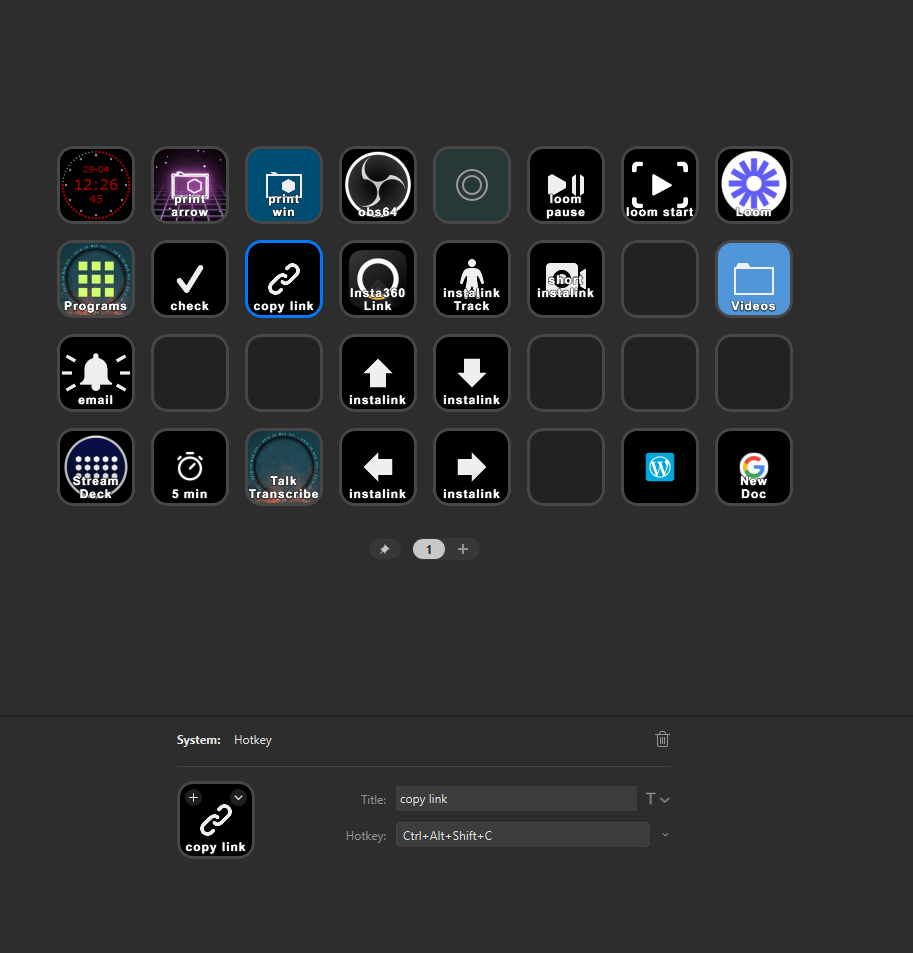
object copy link is there
remove not used parts
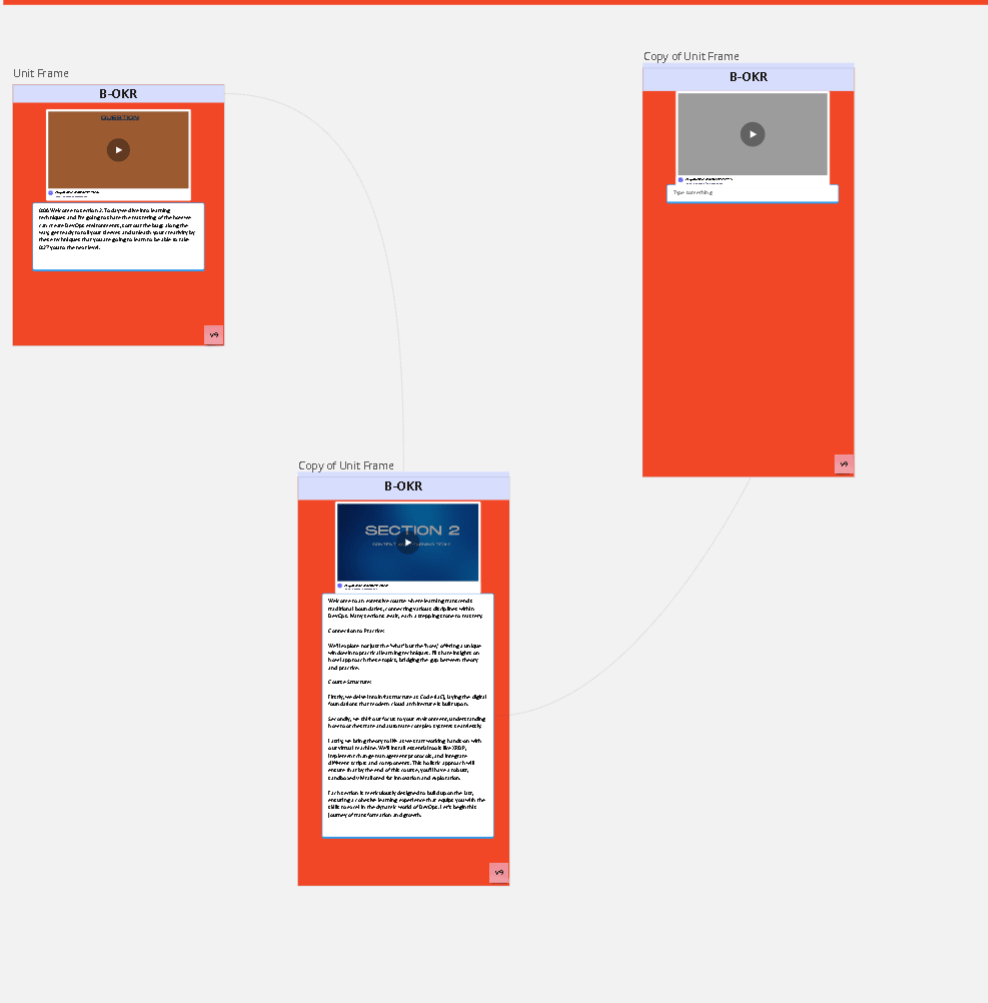
Adding it tool lowers the quality x2>
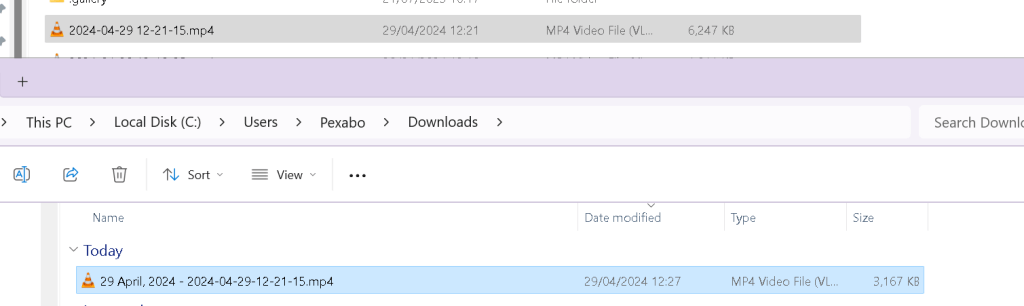
CAn be discarded in screen captures!
for edtting better footage is iumportant
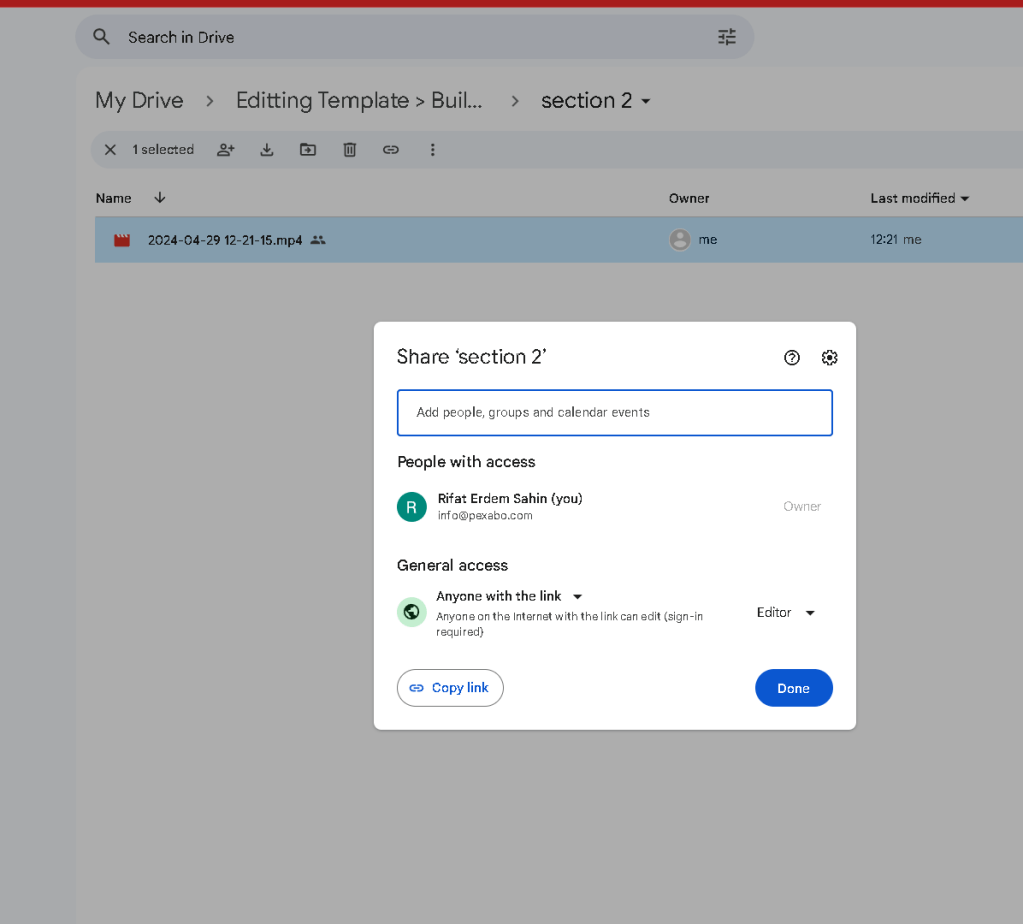
Top quality with google drive no loom so it is much more direct
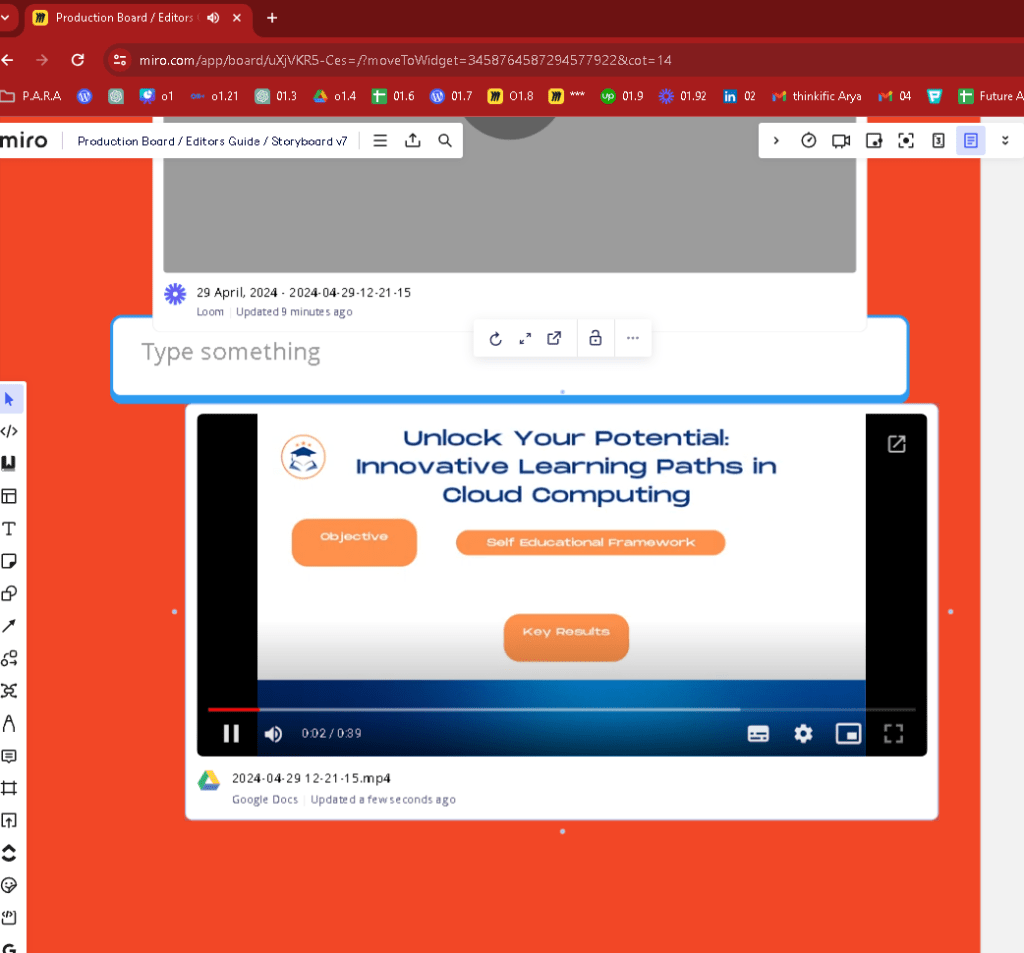
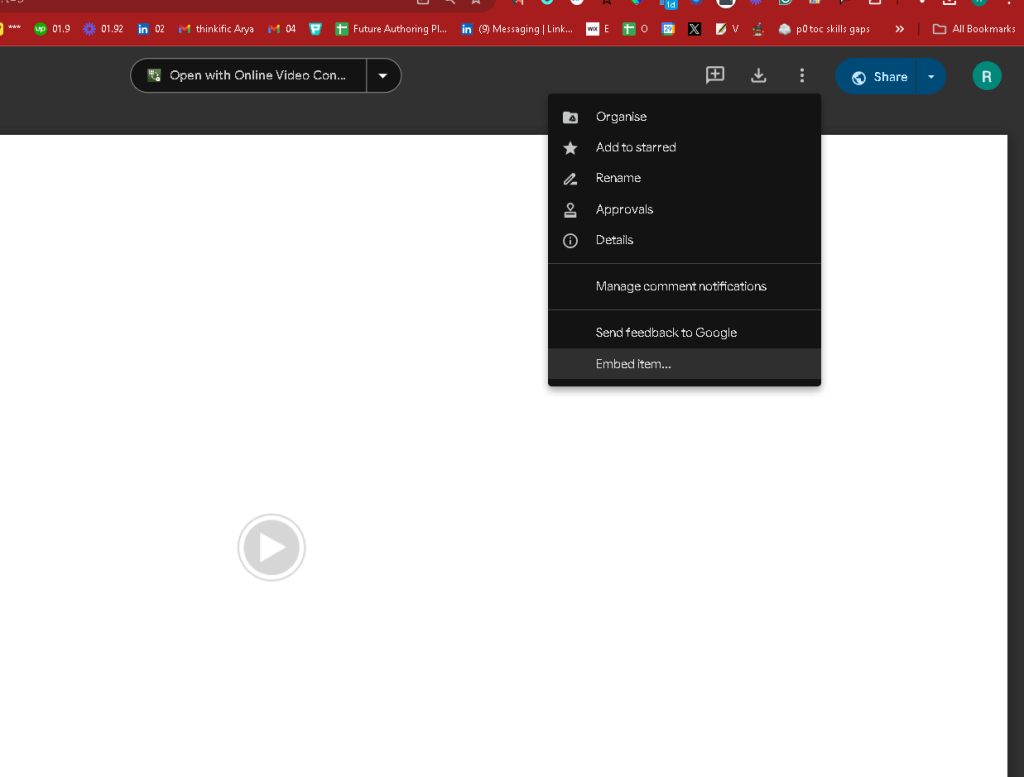
fixing an refixing wellcome to production
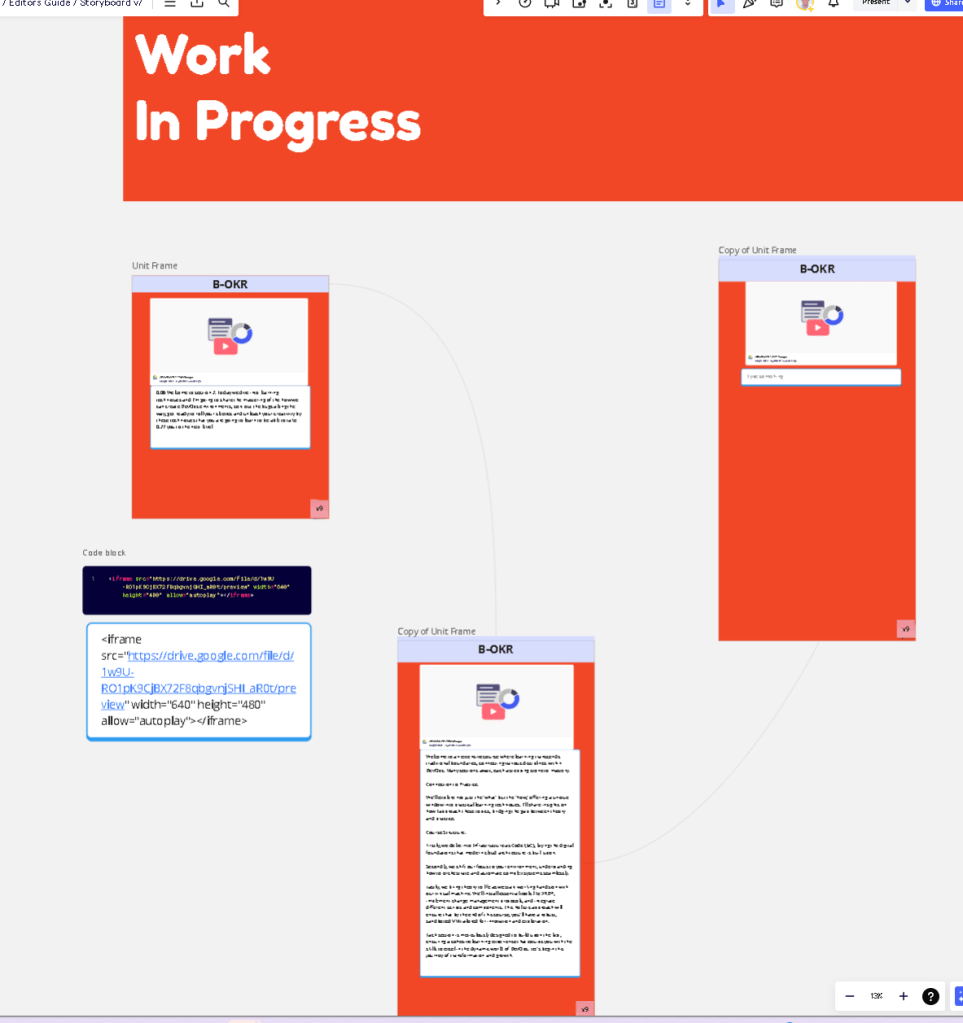
Quality reserved and text not exact but from canva
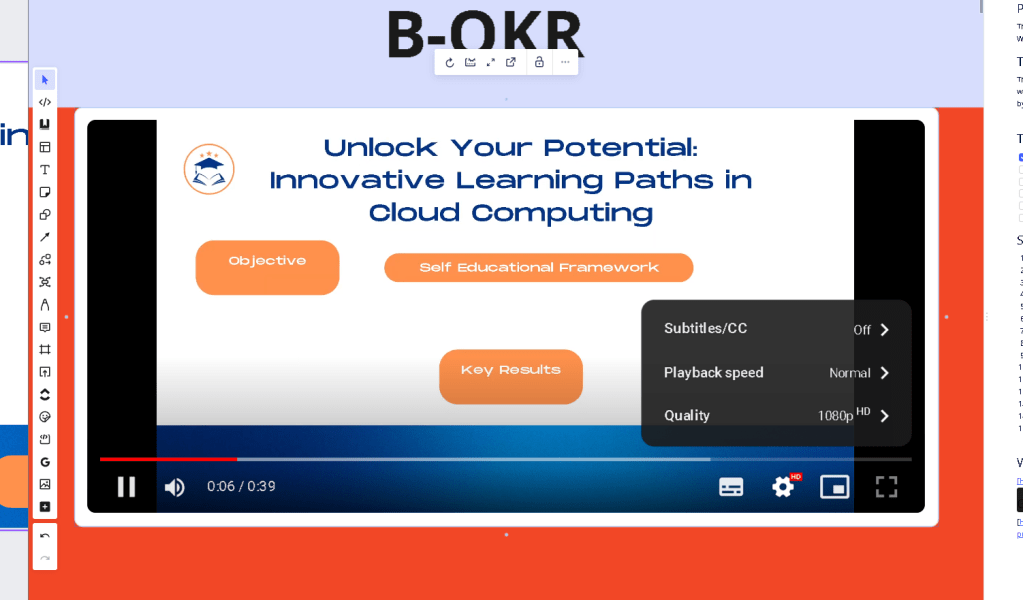
link and link to is done for the flow automation
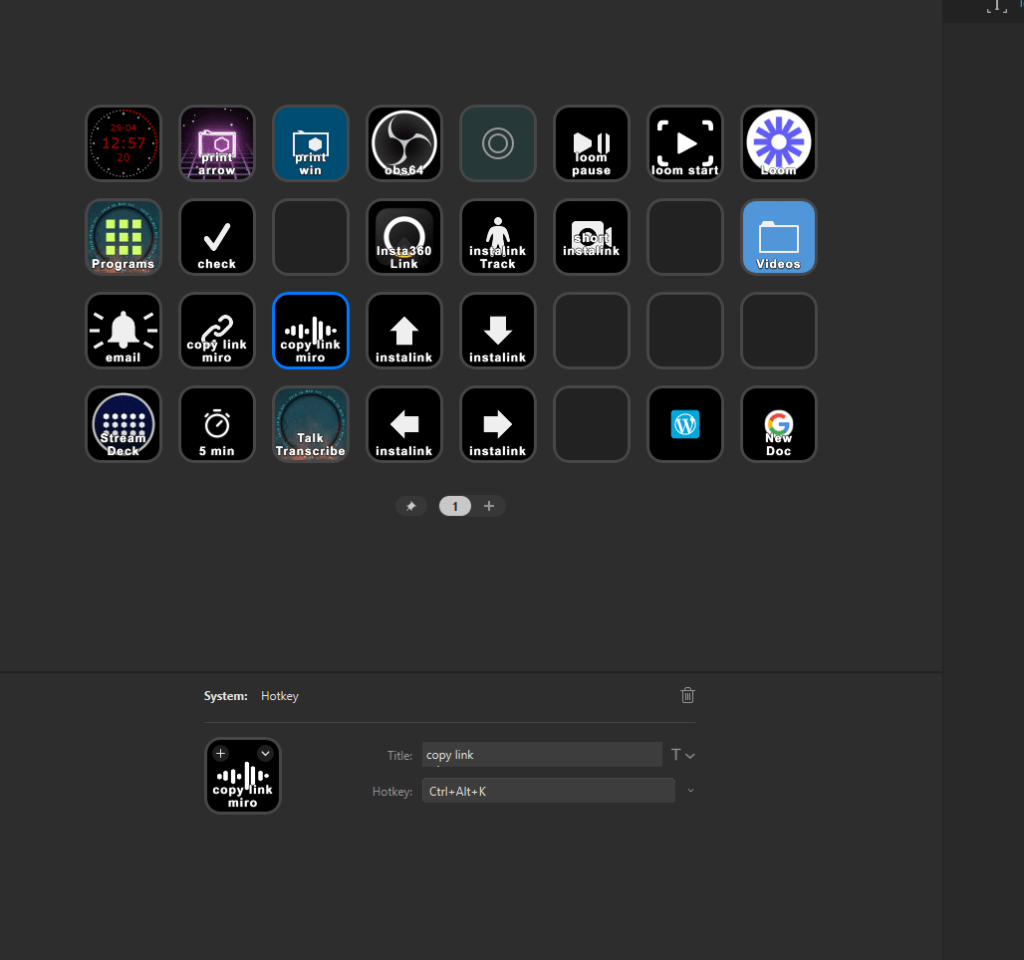
Es Helper moved
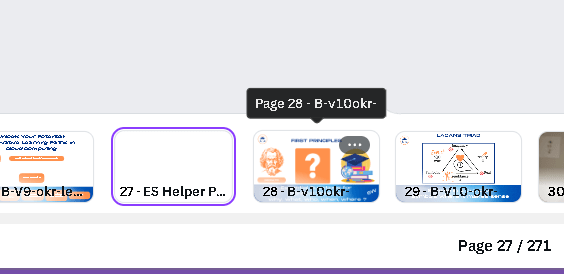
move it to both sides
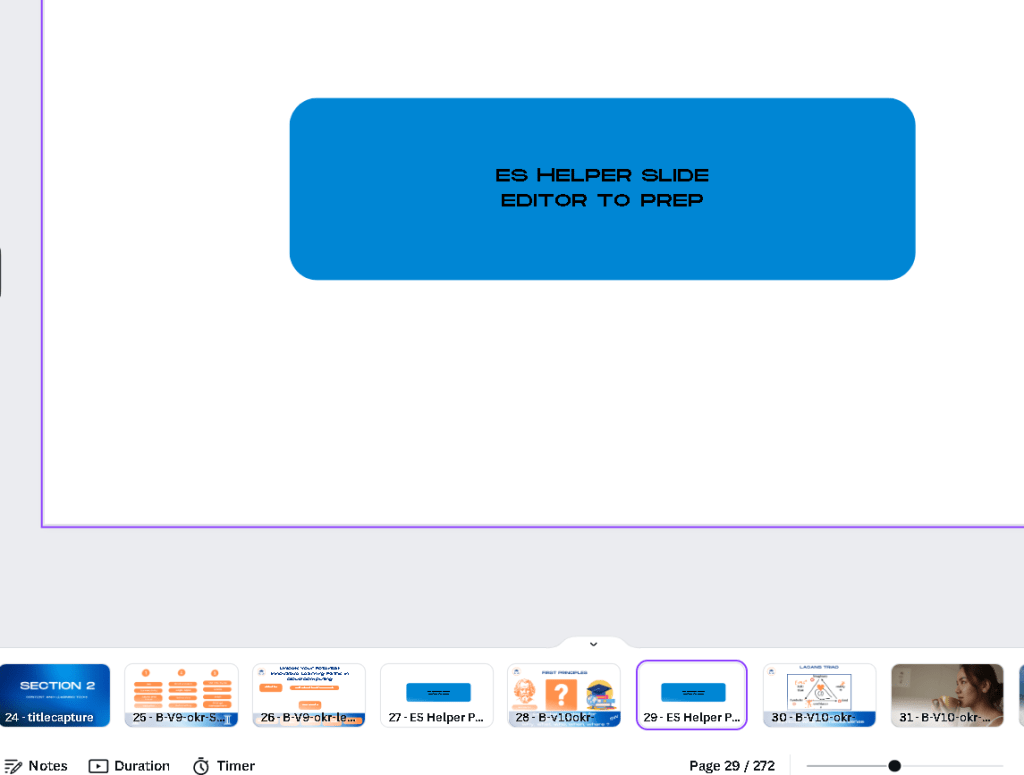
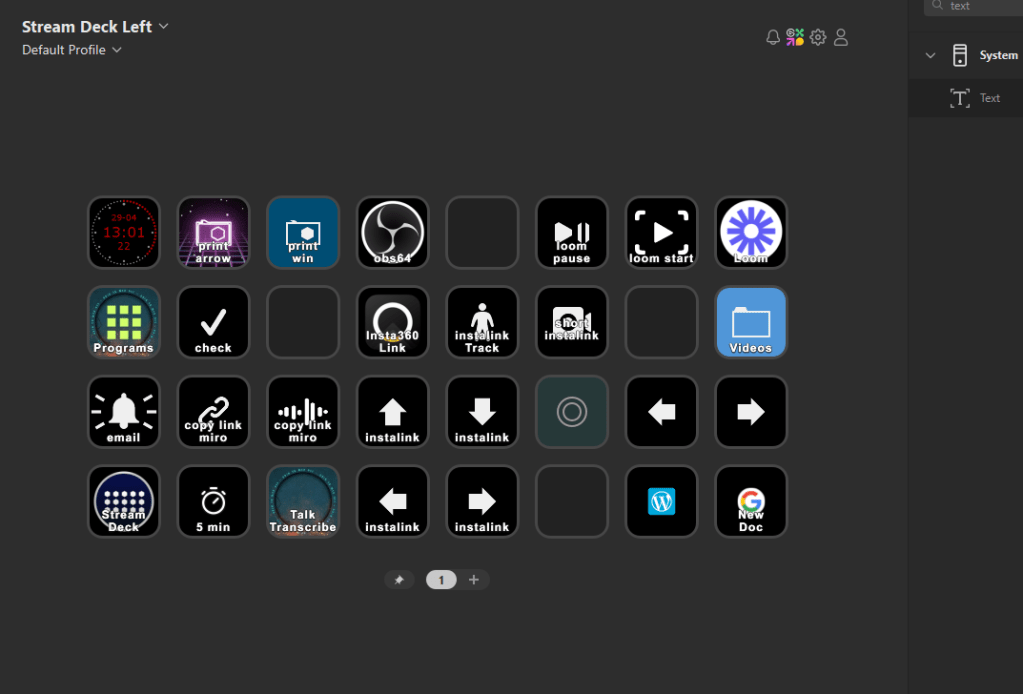
remap start and stop with recorded
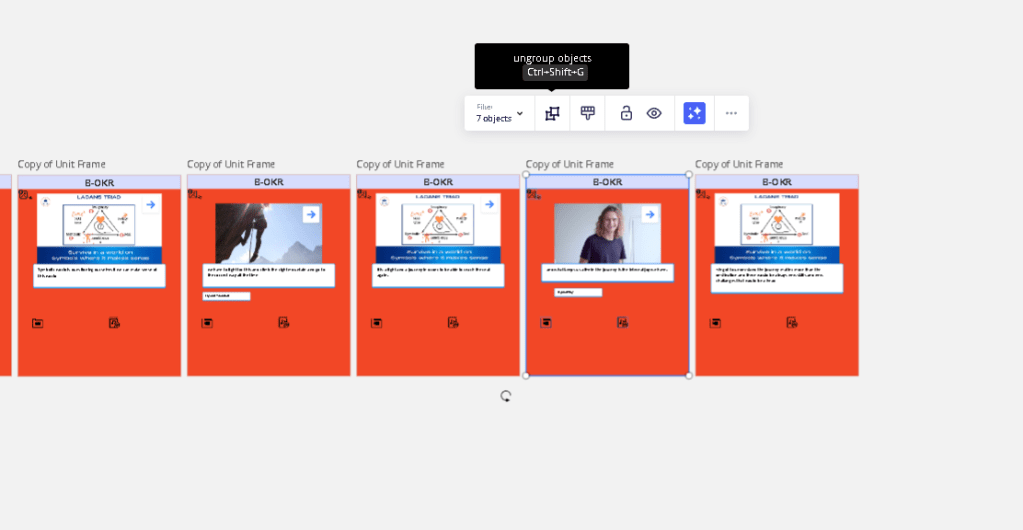
u n grouping the objects
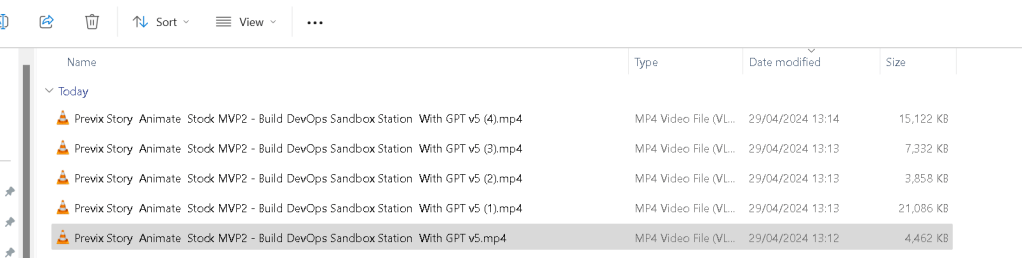
5 file downloads
these creative notes are better
Imported from rifaterdemsahin.com · 2024