Video Editor Delegation Stages
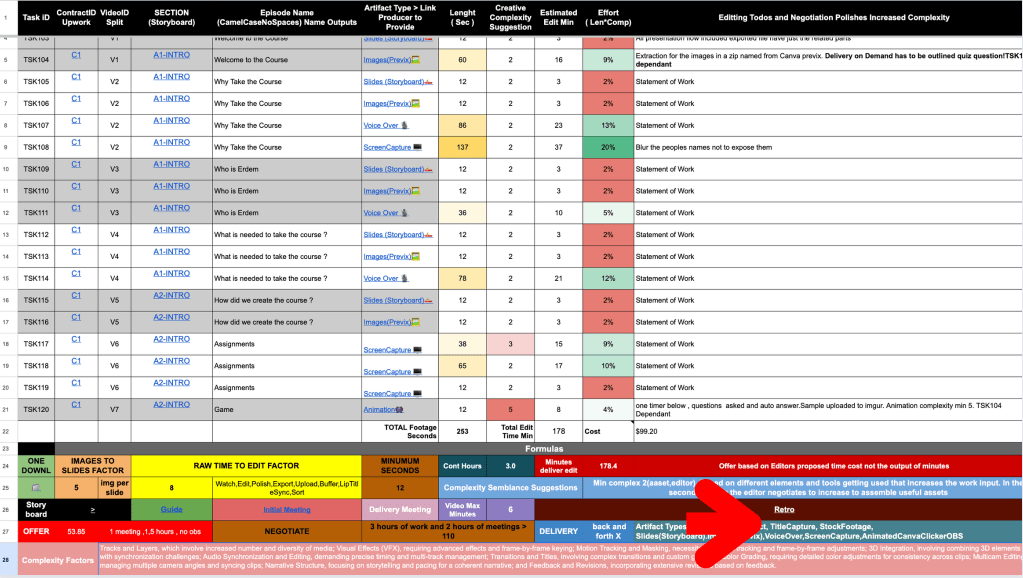
( Retro As Conclusion )
Objective : Set up system to delegate the post production work to editors
Key Results: Use time and Statement of work to negatiate
Key Results: Focus on the self learners to get the best divergence for them to cross the chasm
Waiting for the Offer to be accepted and negotiated
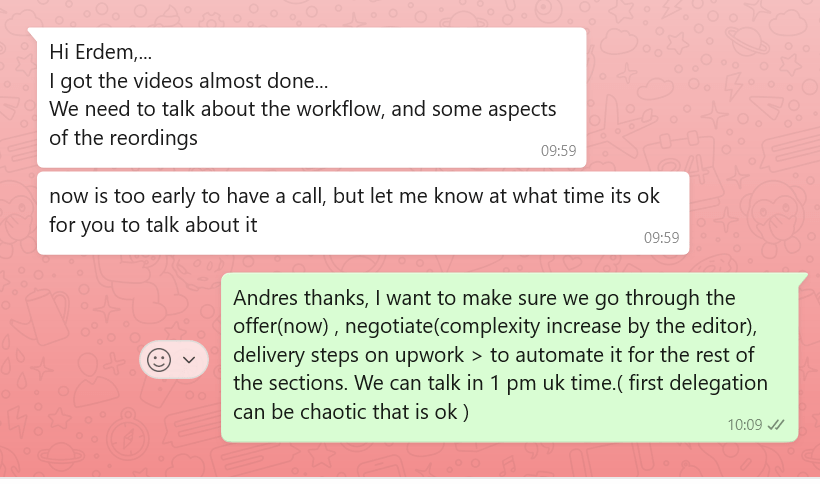
Editor jumps one step ahead to delivery
Where we where
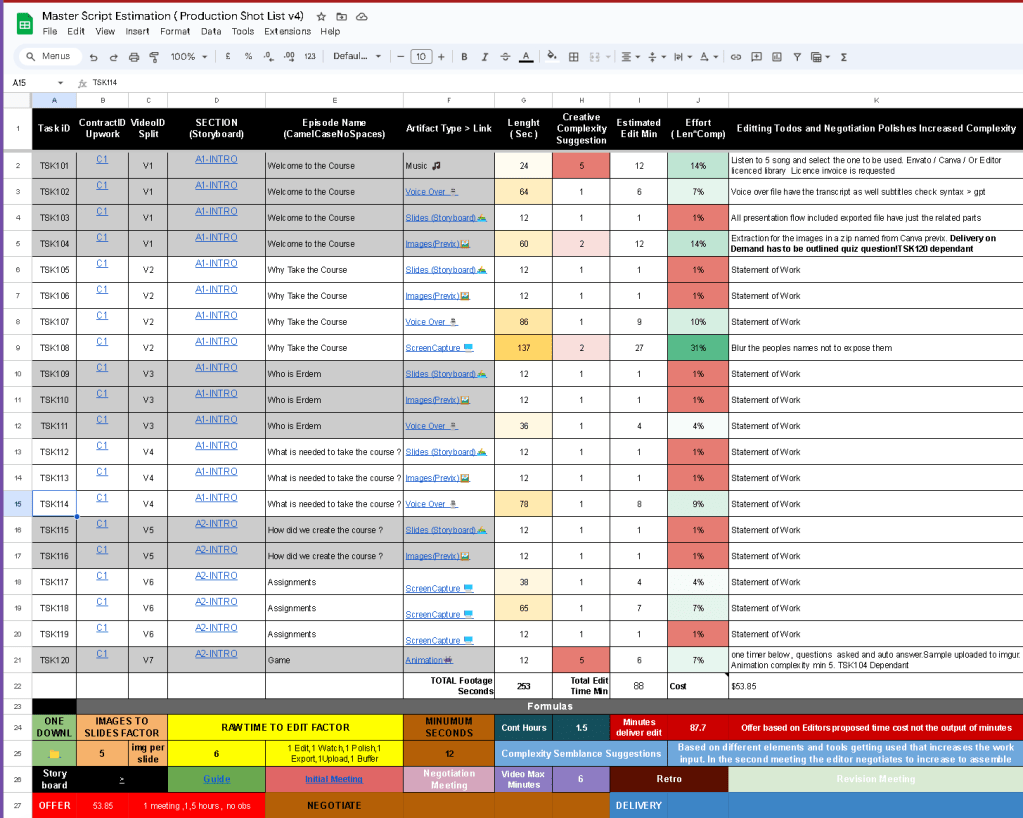
https://docs.google.com/spreadsheets/d/1dtuG0oJte3ebFubnp1TEZ7BdHupkckLASYqm96iRgMc/edit#gid=0
Also the upwork cycle is similar >
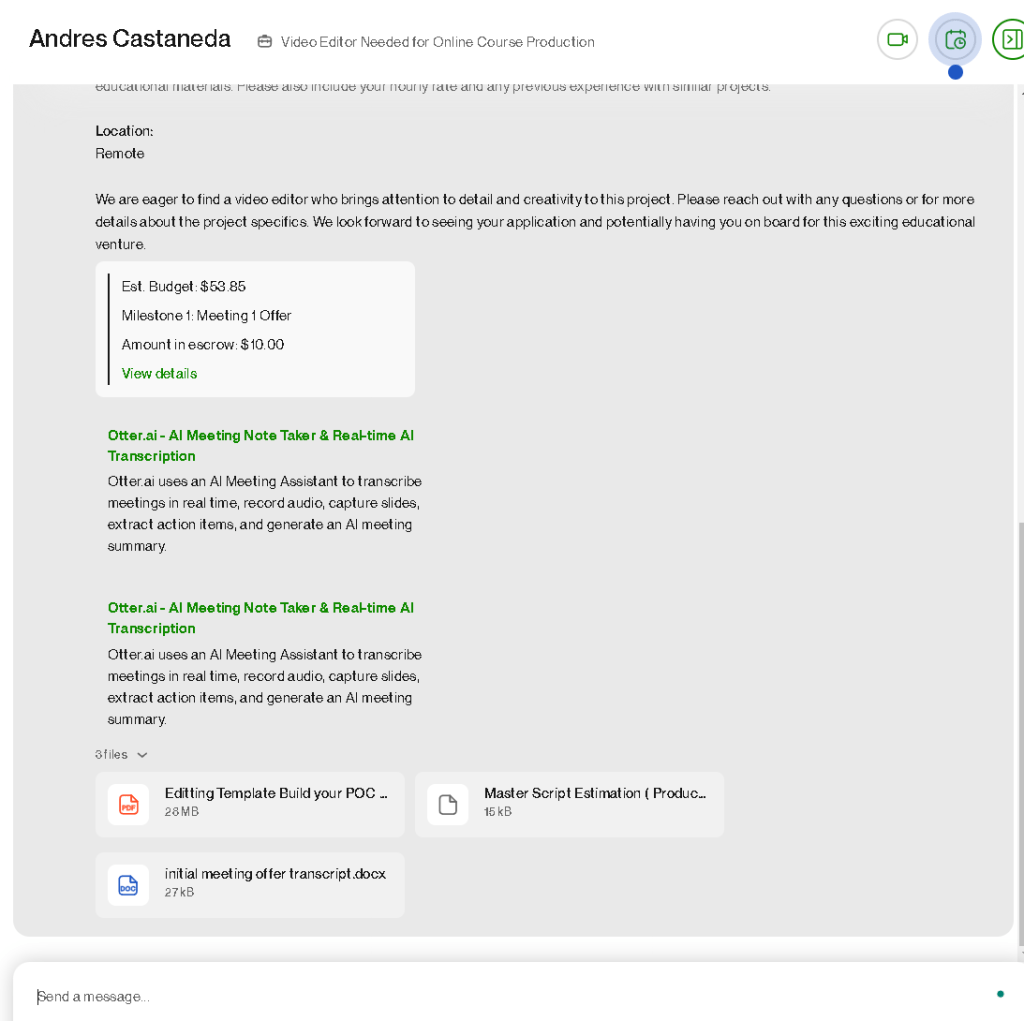
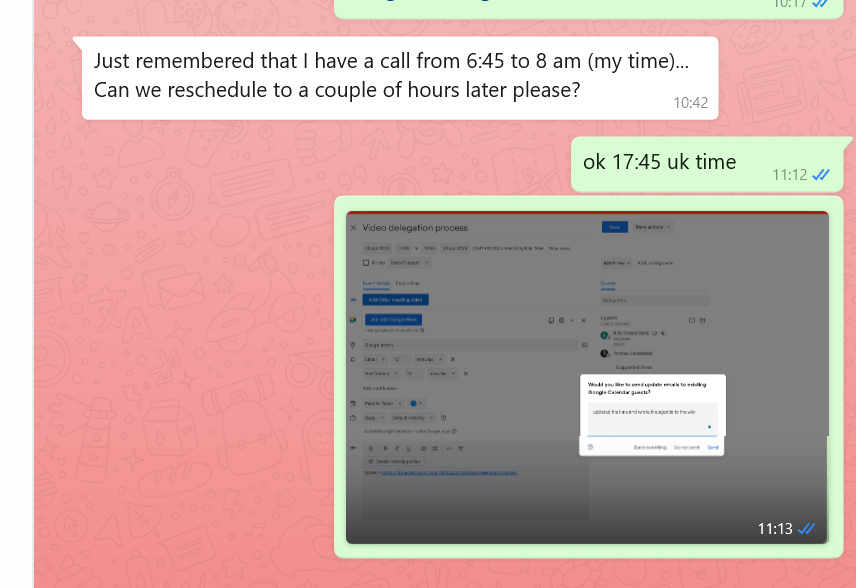
1 pm call set it up
Agenda
- Feedback
otter not getting used that much!
-
canva mp4 in the future
-
all assets produced by producer
-
xlr mic use it
-
and resolve the payment and project in 2 meeting and start second meeting after review process
-
Updates
Miro 2 timelines
- Estimation sheet
Math factor increase
-
Source for the offers
-
Andres what he has done on his side
Why did we not do the meeting but he started working on it
That might be better > so we always have smaller scopes
- Erdem
Upwork escrow and offer process
Perception on Andres side
- Negotiate
Extra complexity >>>
Help consumer to do self learning in the videos
Gamification
-
Editor to get the context
-
Fund the Next milestone
meeting 2, delivery if aggreed
- Next Section Delegation
What we learned
**back and forth game **
Focus to have the offer system ready on your end >>> and task breakdown by time ! > detail the items
Added the sync factor >>> anything missing add on it
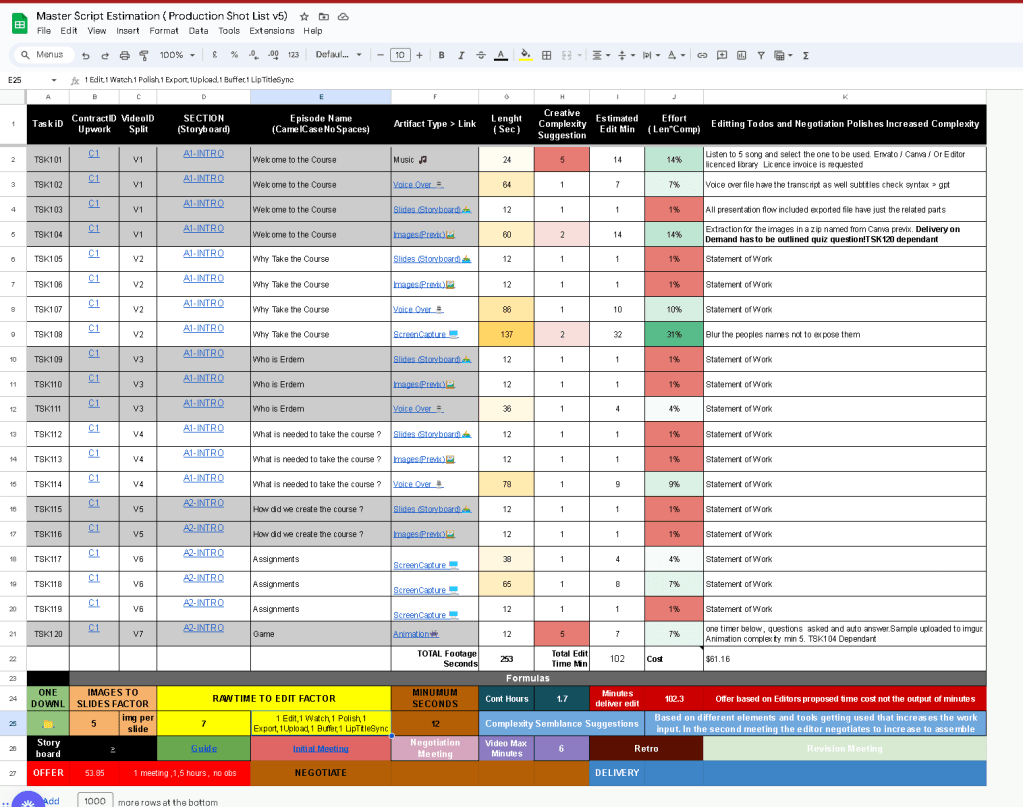
Complexity Added
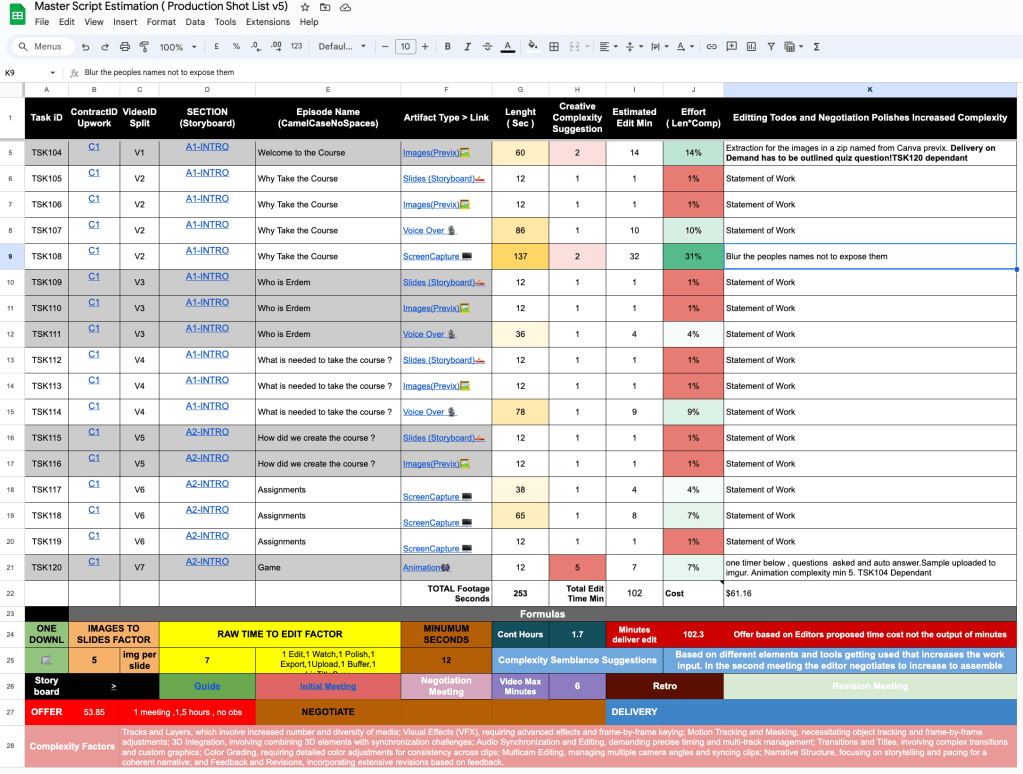
Story board and Guide
https://miro.com/app/board/uXjVKR5-Ces=
Audio is better with rodecaster(XLR) than the headphone one!
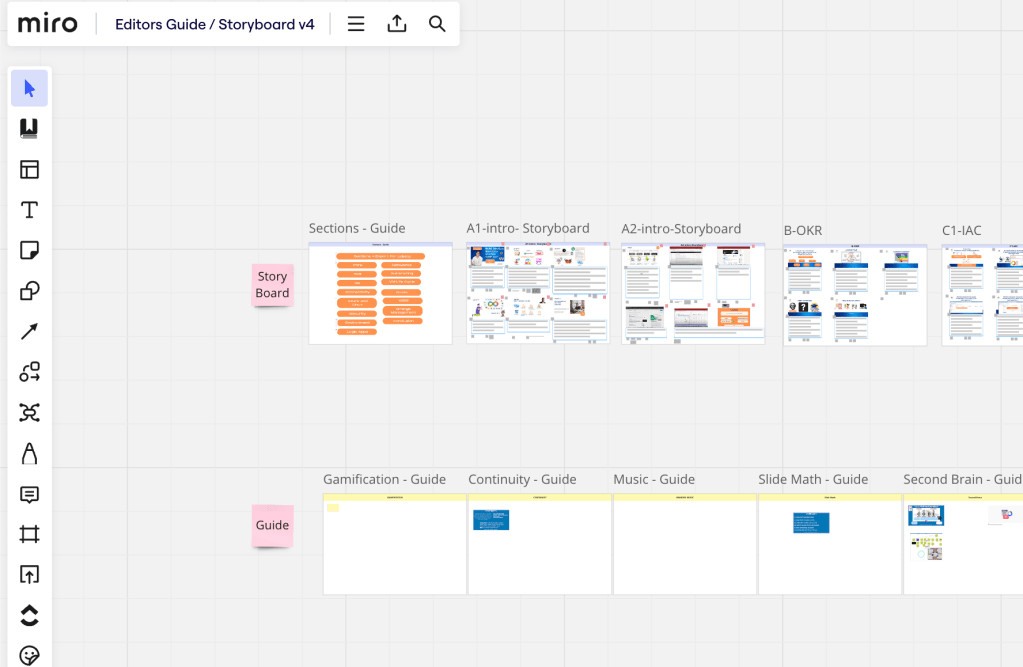
Caption location needs to be thought about in previx
NAMING >> names of the files are important ! v1/v2/v3/v4 > A / B / C is also important with the artifact!
there are some click noises coming up in the screenrecordings!
watch on the exported > presentations or loom >>> no echo!
otter srt was not working!
Feedback givin should be done before the meeting and complete in the meeting!
xlr has a more dynamic range and the razer has less range more robotic!
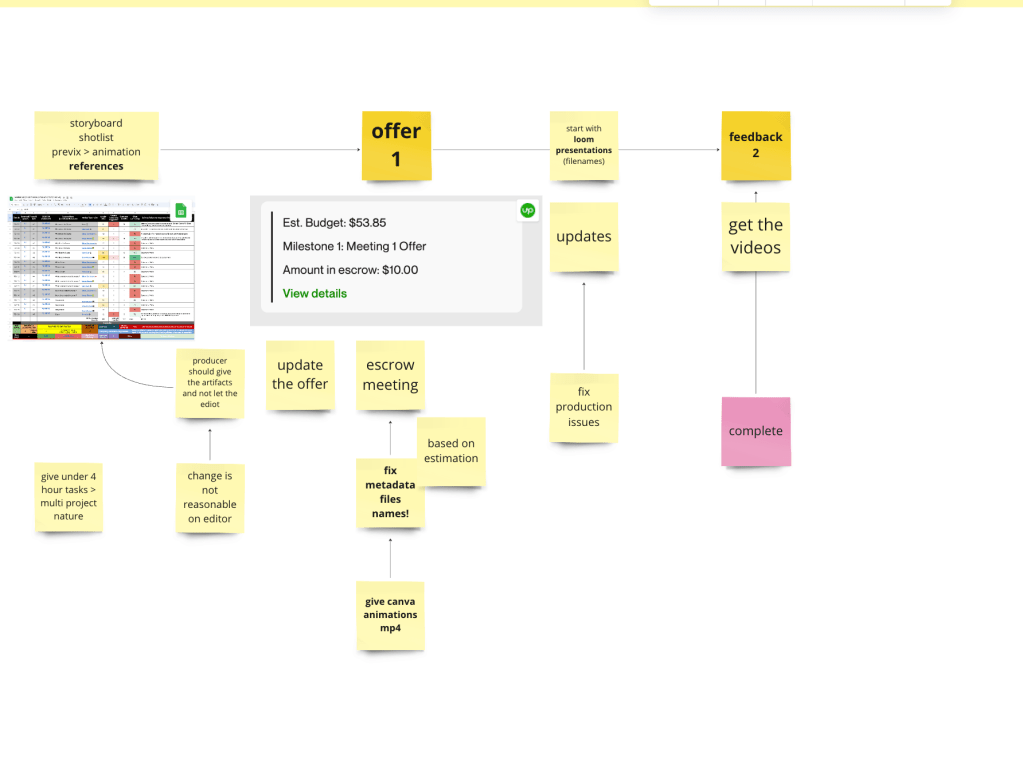
Miro Reference > https://miro.com/app/board/uXjVKR5-Ces=/?moveToWidget=3458764586811764065&cot=14
Meetings
Summary > down
Test process with another editor and verify the process
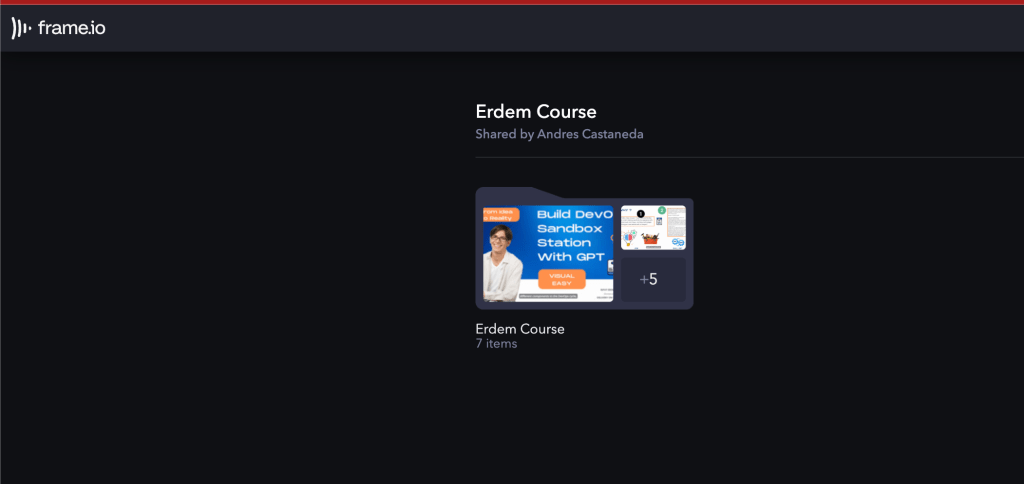
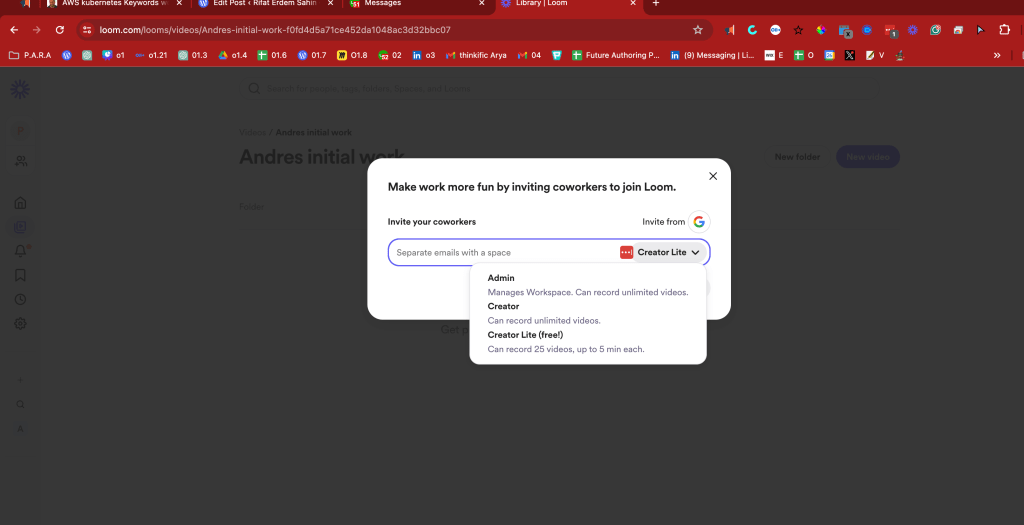
Problem is Andres looses the storage > than it is an issue
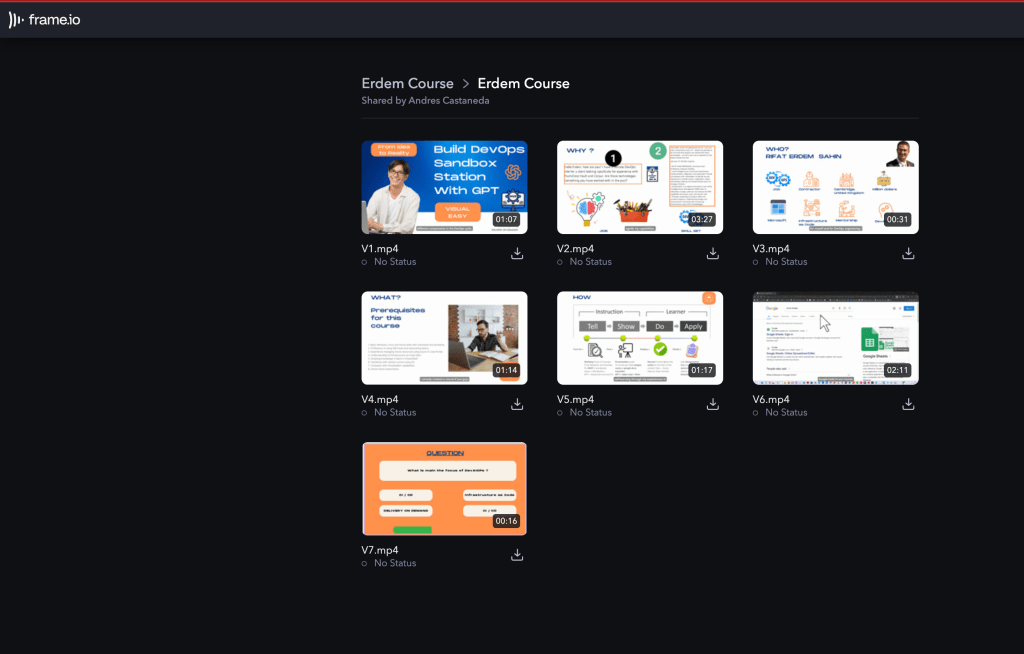
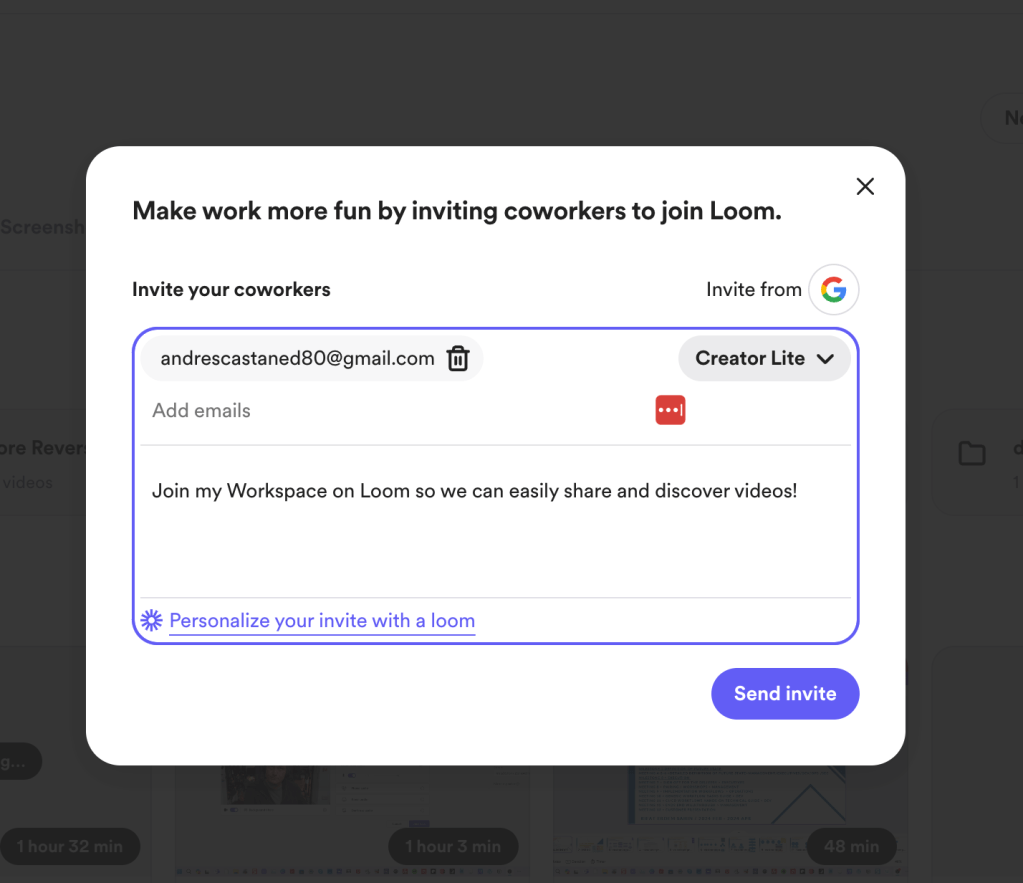
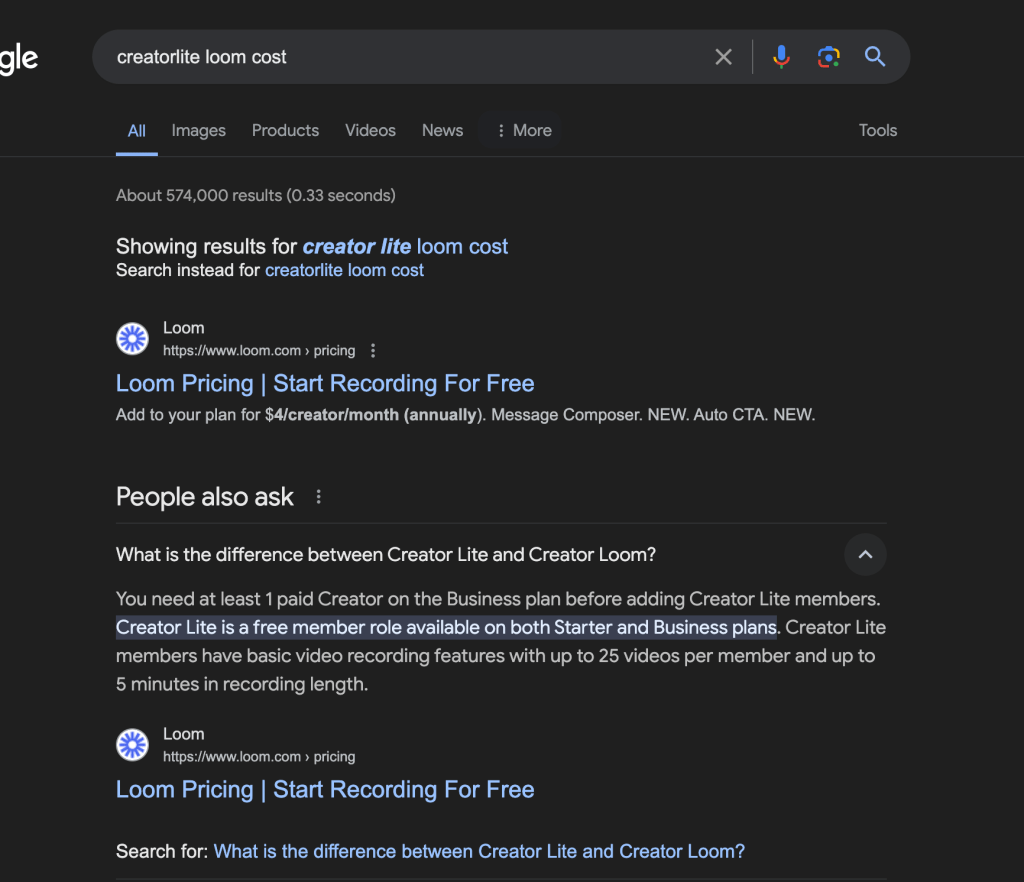
maybe creator lite is the way to go ?
File names are not there
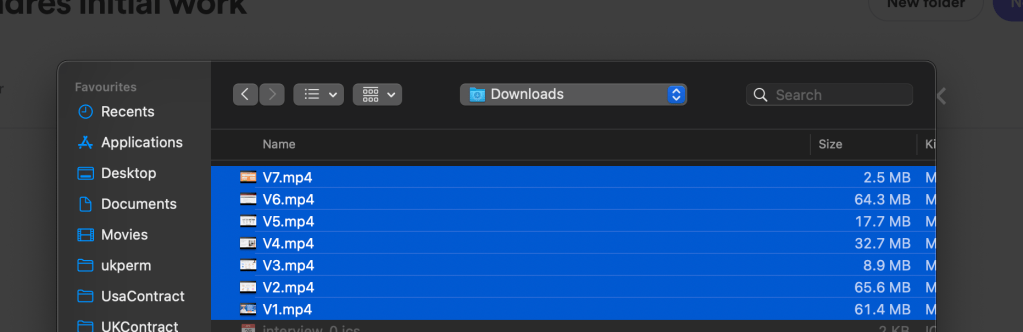
Files where not named correctly
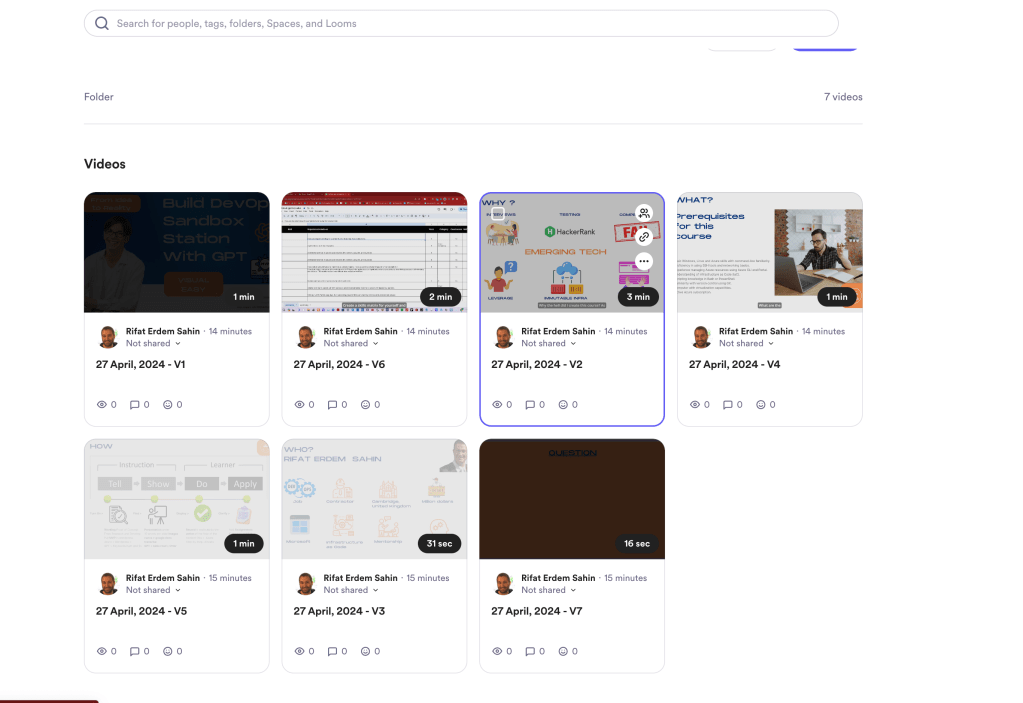
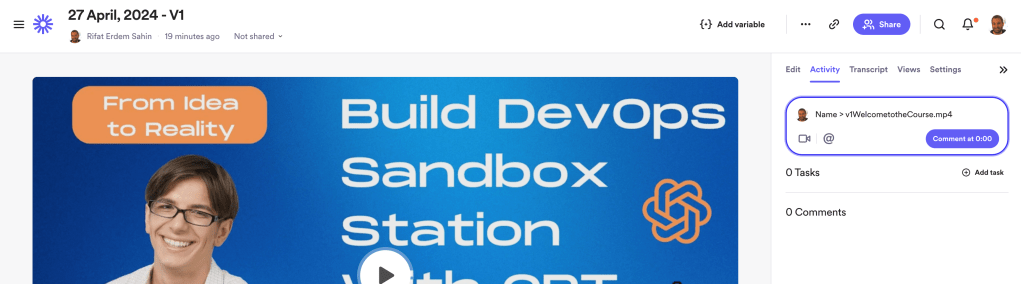
Comment counts are there > does andres gets them is a question mark
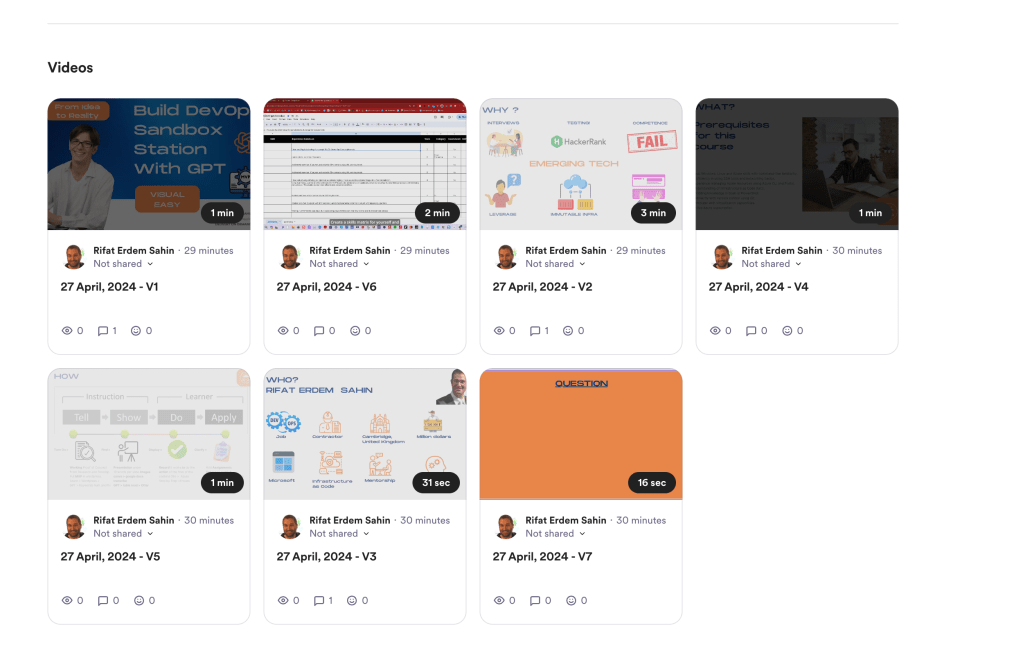
adding the same and the watch stats are there
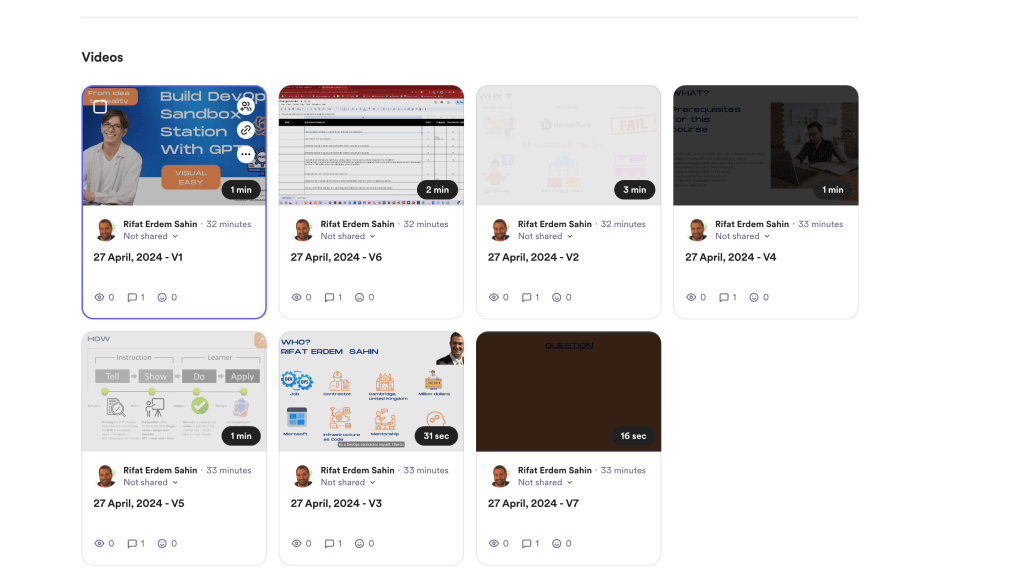
Second Eye is important
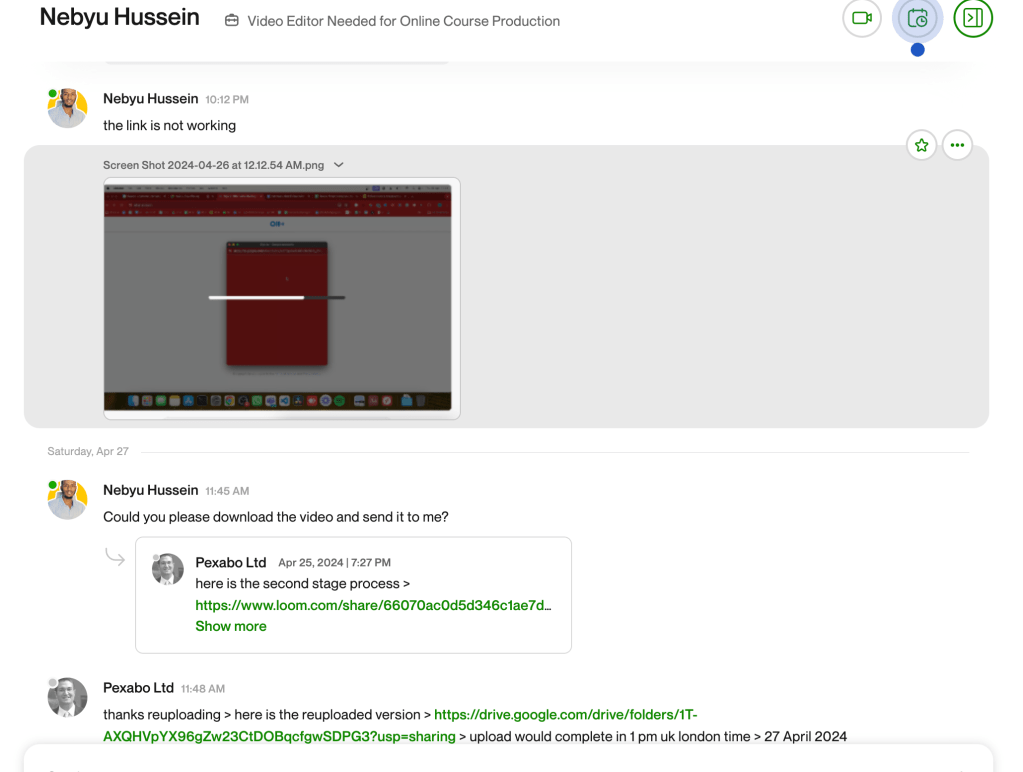
**Backing up the process to Google Drive as well **
https://drive.google.com/drive/folders/1T-AXQHVpYX96gZw23CtDOBqcfgwSDPG3
Also sharing the upload to andres > https://drive.google.com/drive/folders/1s89cxWxIbFWUNlGPWj0v7EOtiHURhBk8
Comments converted to tasks
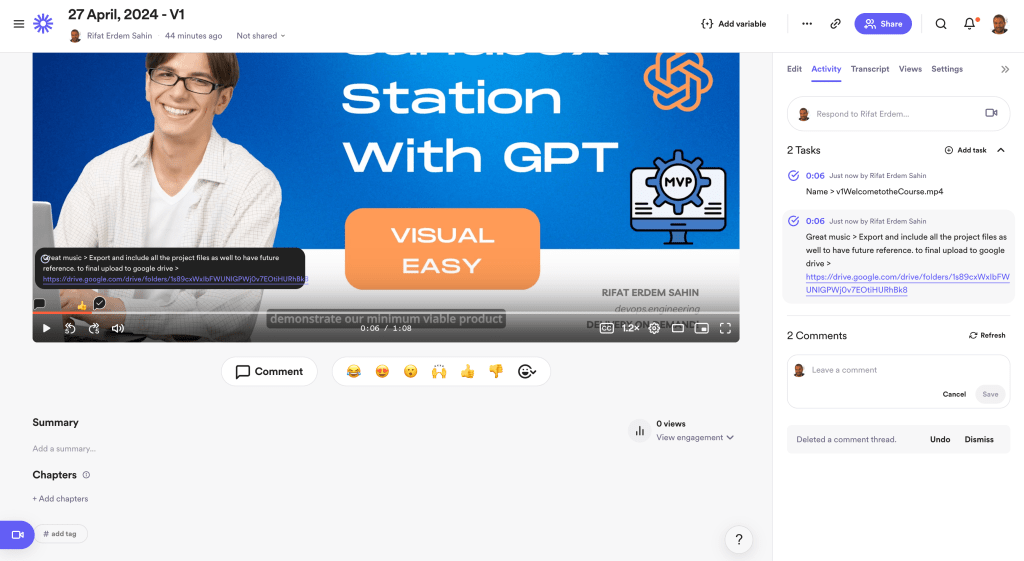
devaiops maturity matrix trainings > orchestration >>> template for us to deliver!
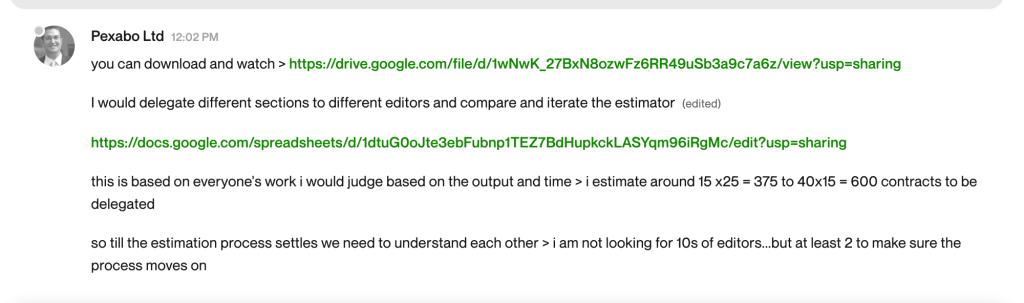
There is just tasks for the final export todos
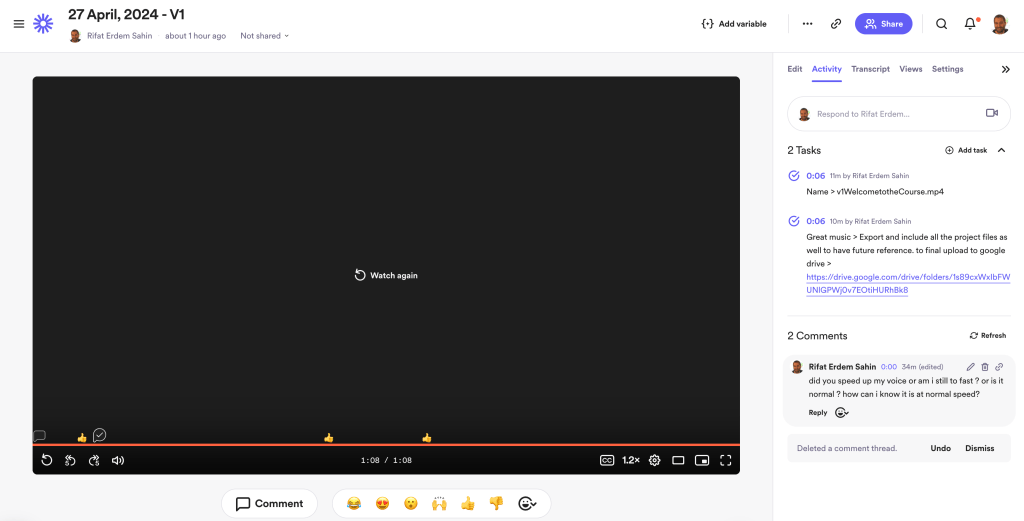
Script errors are there
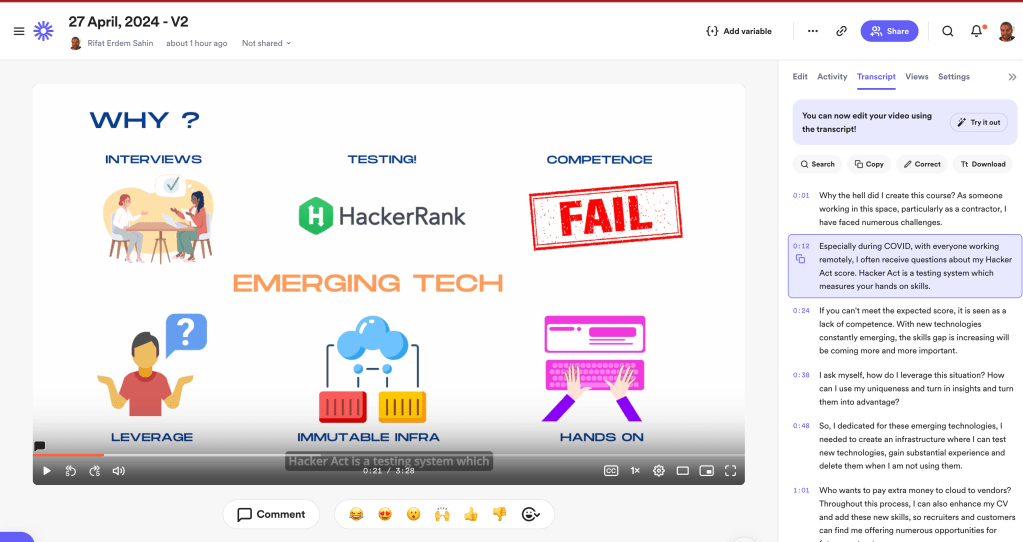
subtitle errors better with frame.io
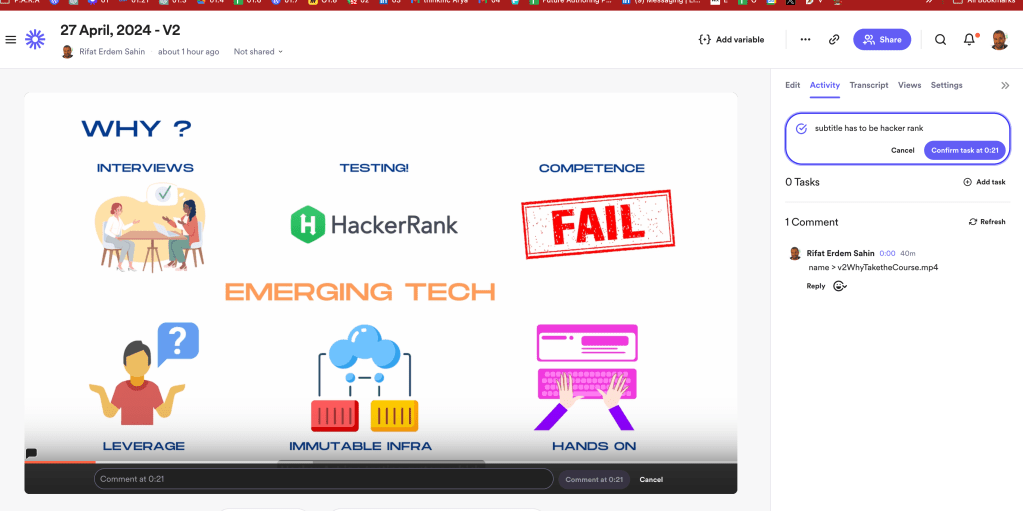
the frameio looks better
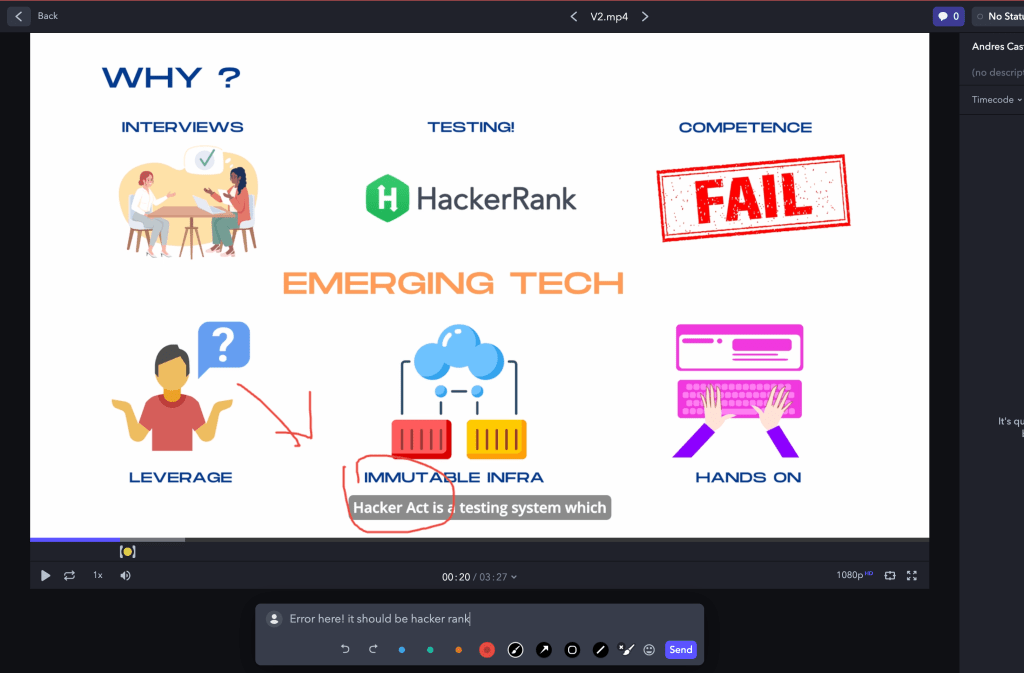
I still can do it with imgur and lightshot ! >>> dont want to get involved in the editting toolset
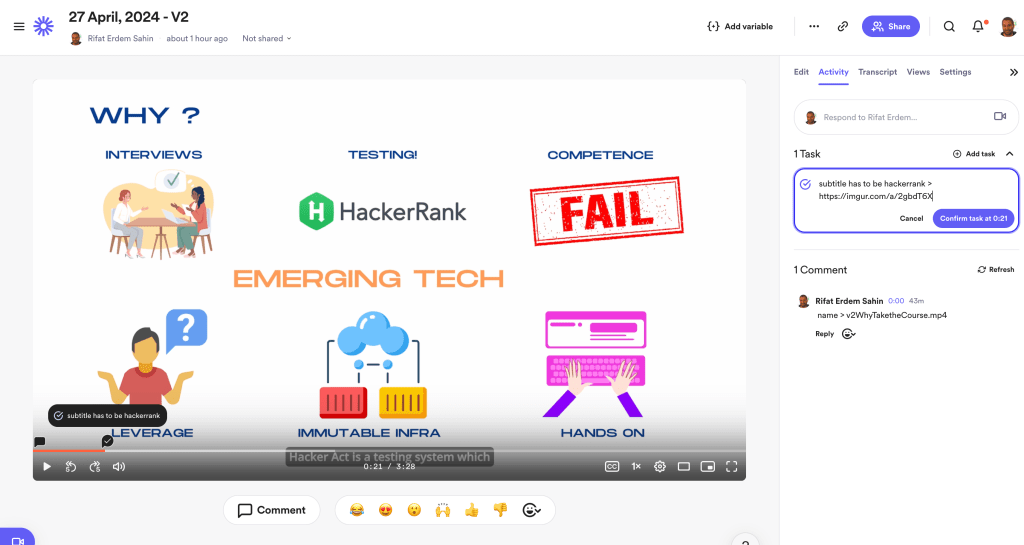
epic fail on my end the editor does not wanna do the timing for the content > not meaningful to expect for the editor who is racing for their time
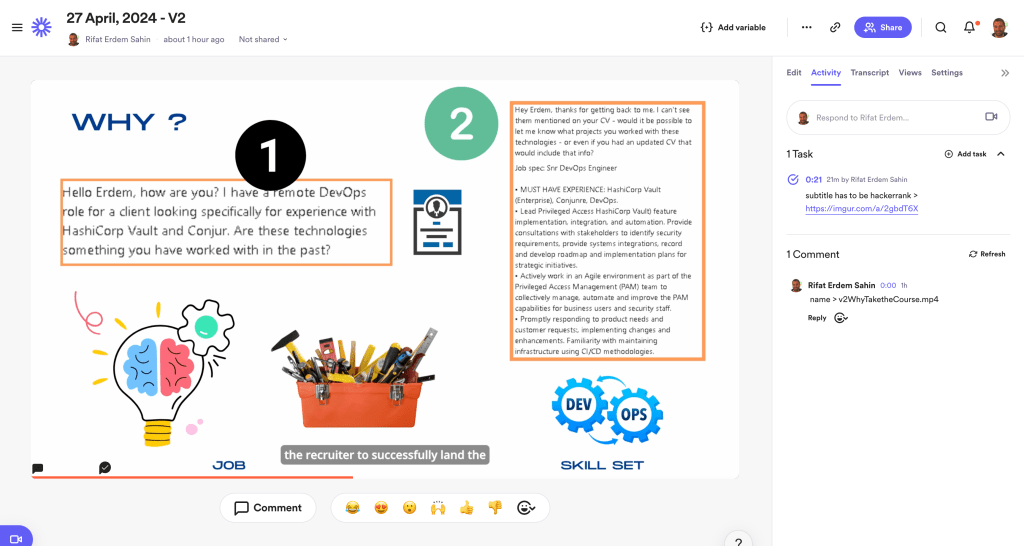
start at 12:40
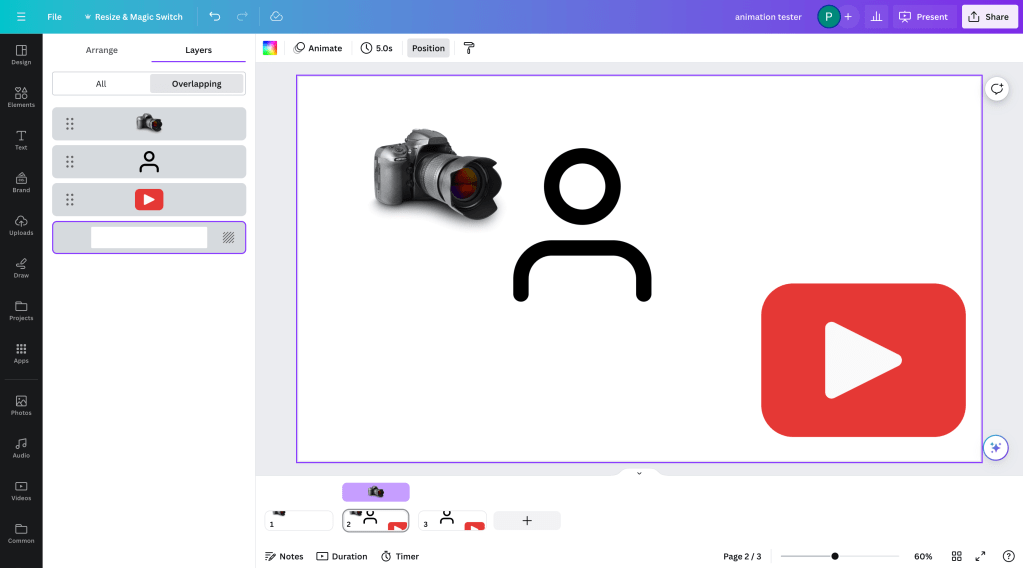
Drawing board canva to add arrows
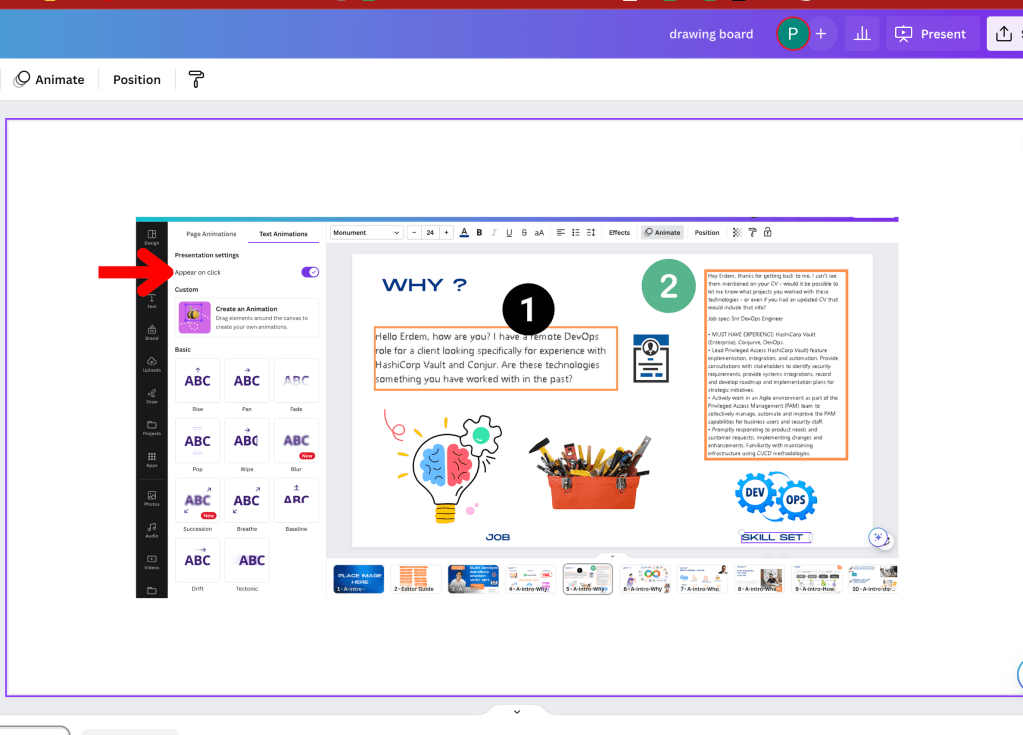
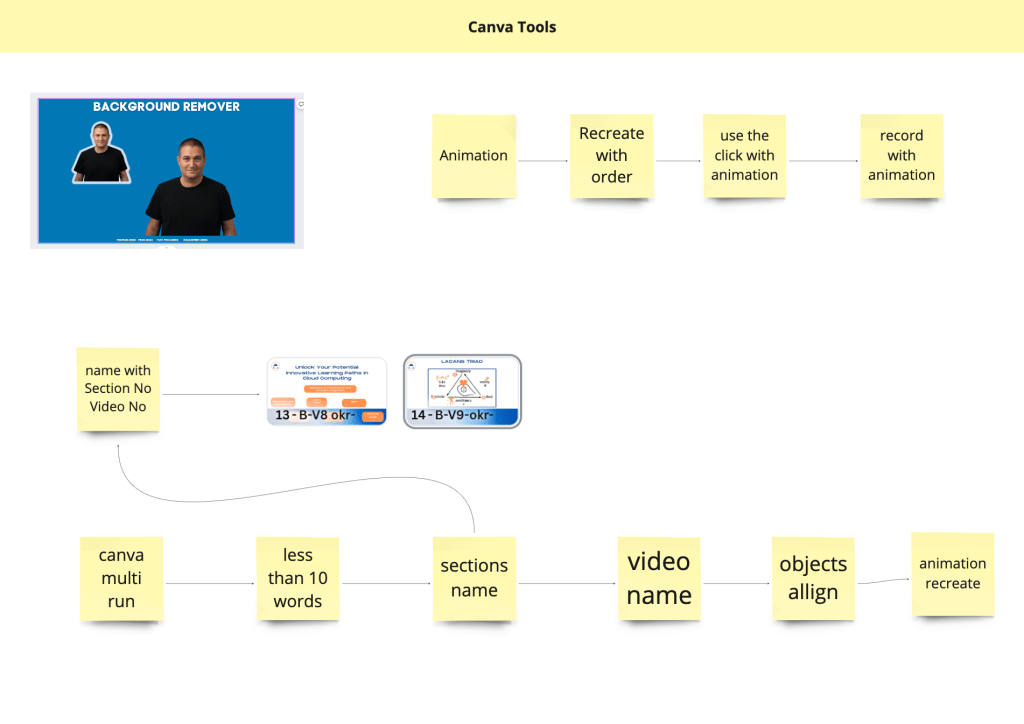
i have to do this ( appear on click )
missing items are also problematic >
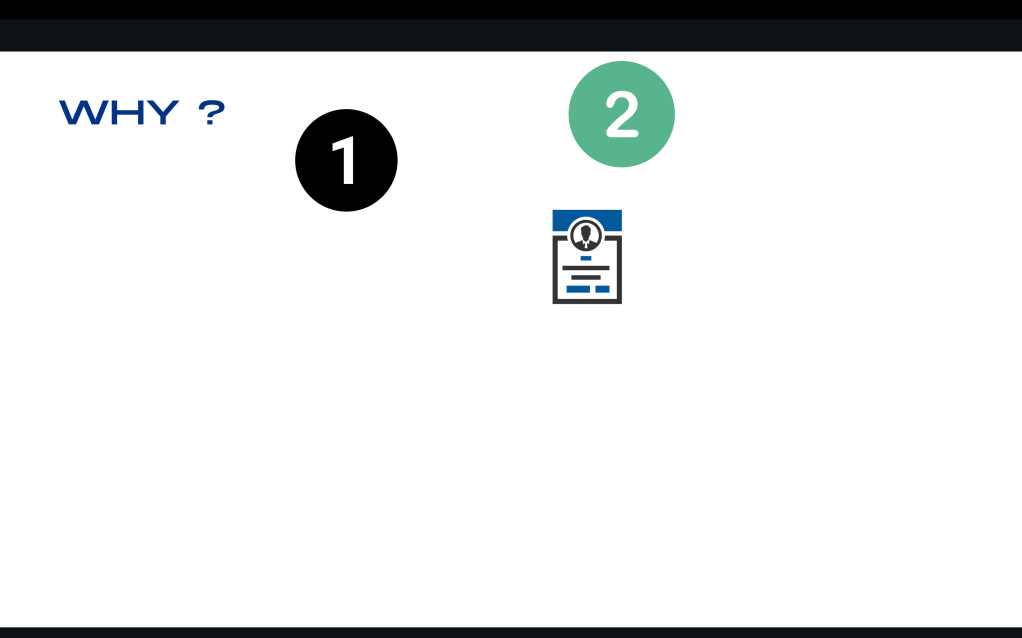
start select all and animate
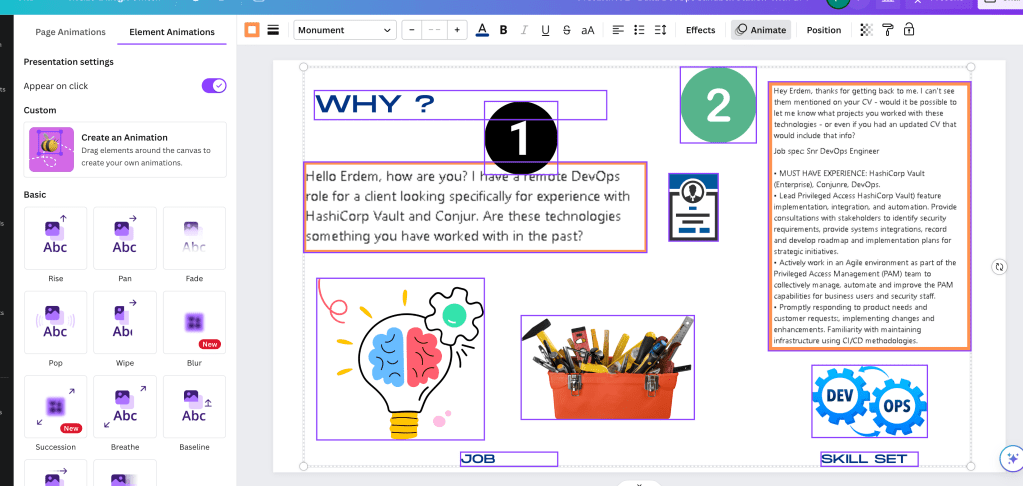
still it takes my time
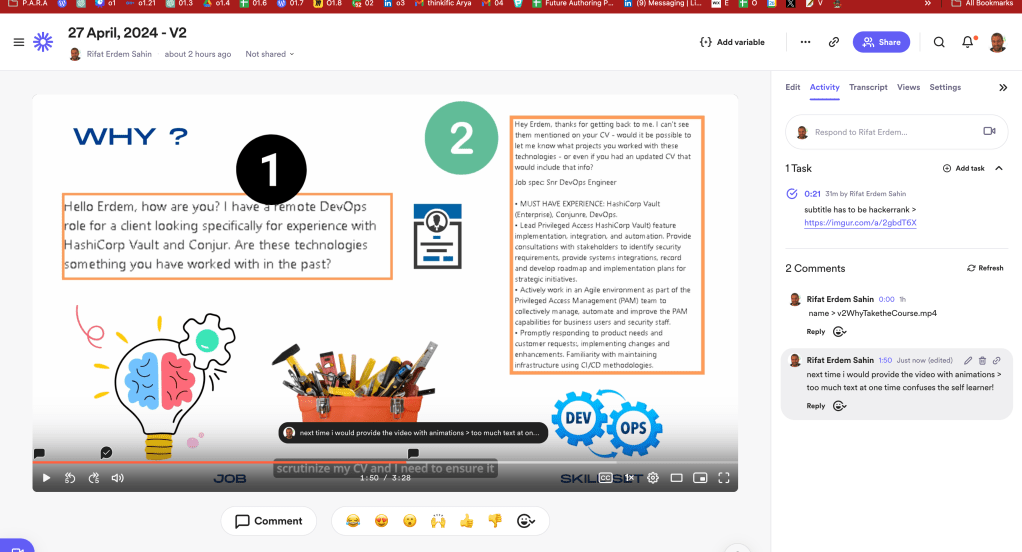
index issue
https://twitter.com/rifaterdemsahin/status/1784188019295055978
workaround to work in multiple screento do the action

found it here
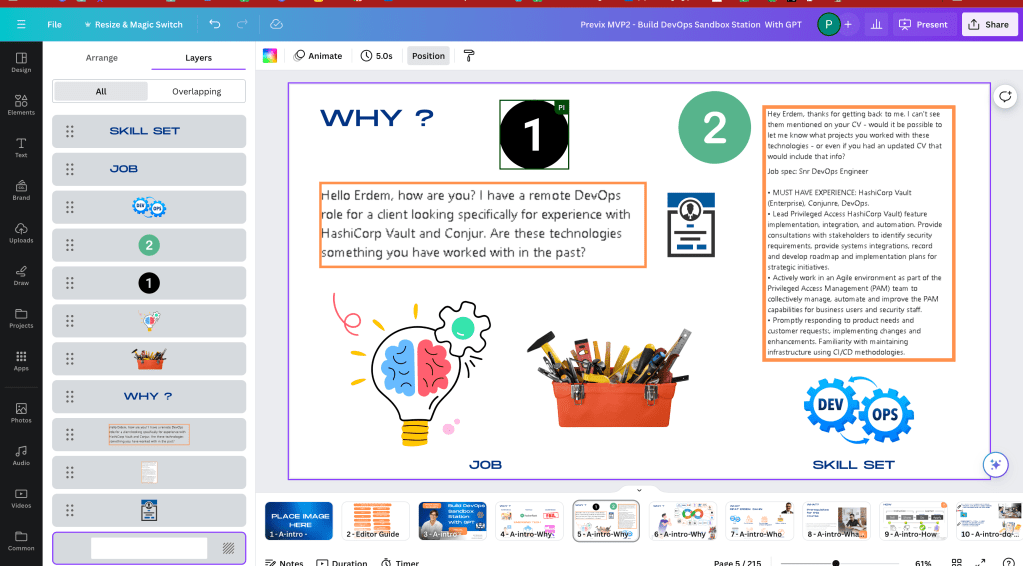
https://twitter.com/rifaterdemsahin/status/1784189466652893516
Position button needed
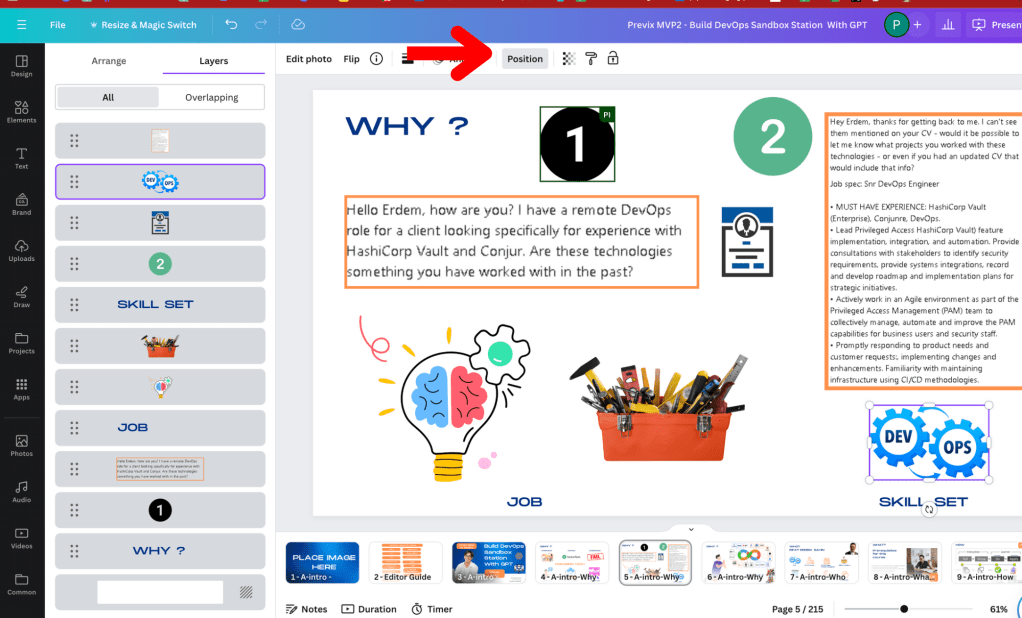
Layering order does not work
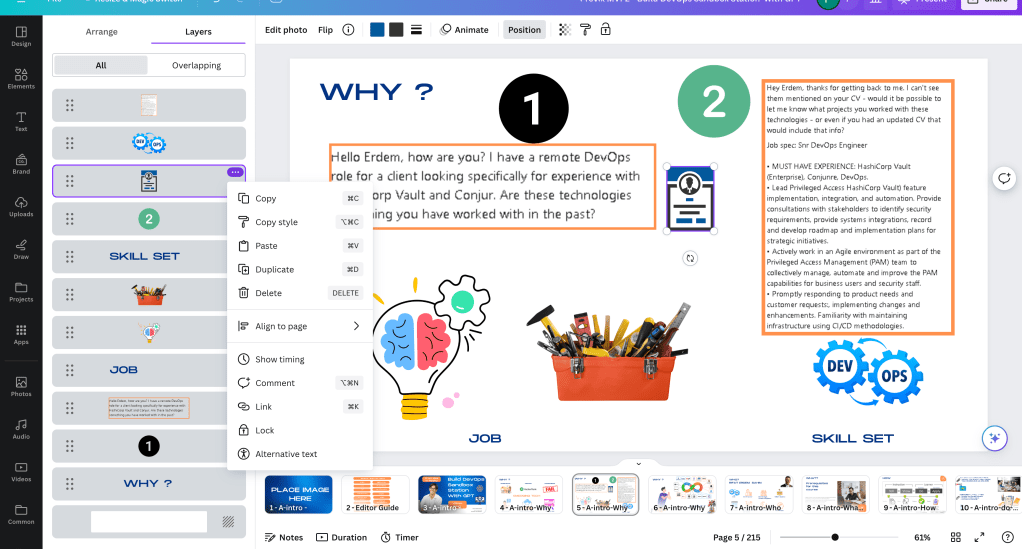
In Canva, creating animations with timed orders for objects involves using layers and the animation features provided in the editor. Here’s a step-by-step guide on how you can time the order of objects in your Canva design:
-
Create Your Design:
-
Start by adding all the objects (like text, images, shapes) to your design. Each object can be adjusted on its own layer.
-
Layering Your Objects:
-
To manage layers, select an object and right-click on it. You will see options to bring the object forward or send it backward. This helps in positioning which object is on top of another.
-
Properly layering your objects will be crucial when you start adding animations, as animations are applied per object.
-
Applying Animations:
-
Select the object you want to animate. Click on the animate icon in the top toolbar. This will show you a variety of animation styles like Breathe, Fade, Pan, etc.
-
Apply an animation style to each object as per your design requirement.
-
Timing the Animations:
-
As of now, Canva doesn’t allow precise control over the exact timing (like seconds) directly through its interface. However, you can control the order of the animations.
-
The animation timing is generally set by the order of how you apply the animations to each object. Objects animated first will play their animation before objects that are animated after.
-
Preview and Adjust:
-
Use the play button in the editor to preview your animations. This helps you see how your animated elements come together.
-
If the order isn't right or the effect isn't as expected, you can go back and reapply the animations in a different sequence or adjust the layering of the objects.
-
Export Your Animated Design:
-
Once satisfied with the timing and order, export your design. Canva allows you to download your animated designs as GIFs or videos.
Remember, while Canva provides basic animation capabilities, the control over timing and advanced animation effects is somewhat limited compared to more specialized animation software. If you need more precise control over timing or more complex animations, you might need to consider software like Adobe After Effects.
found layers in 20 minutes > 13:00
show timing why is at the start
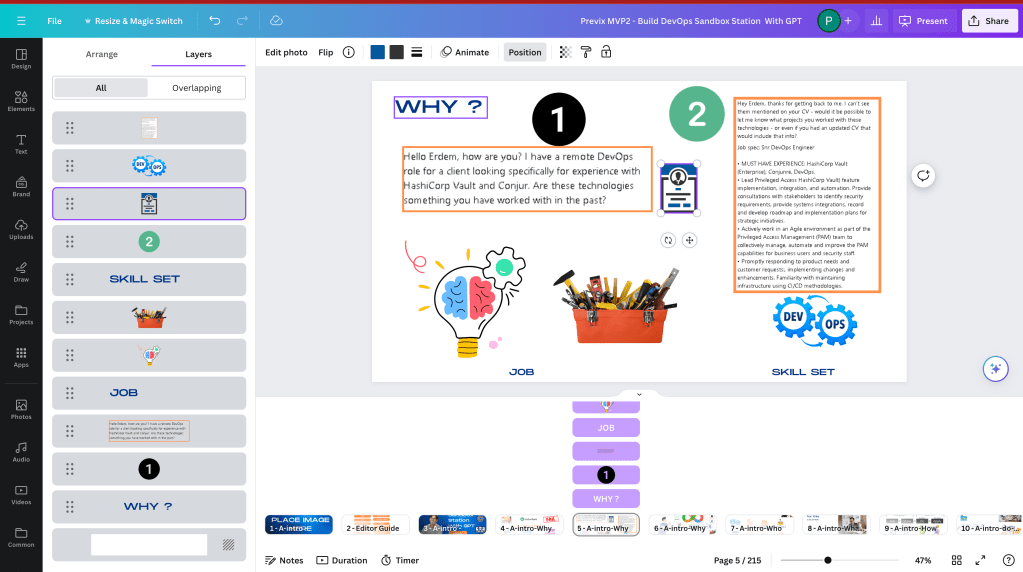
do a new implementation
layers did not change the output
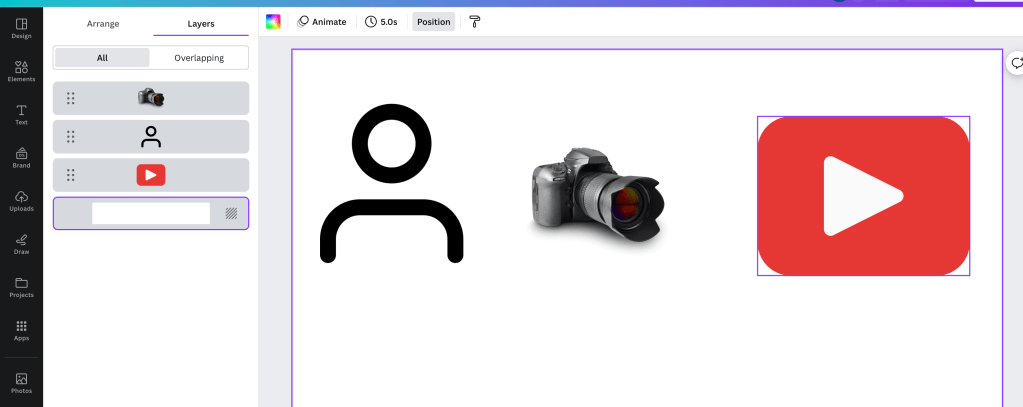
does not work with timing
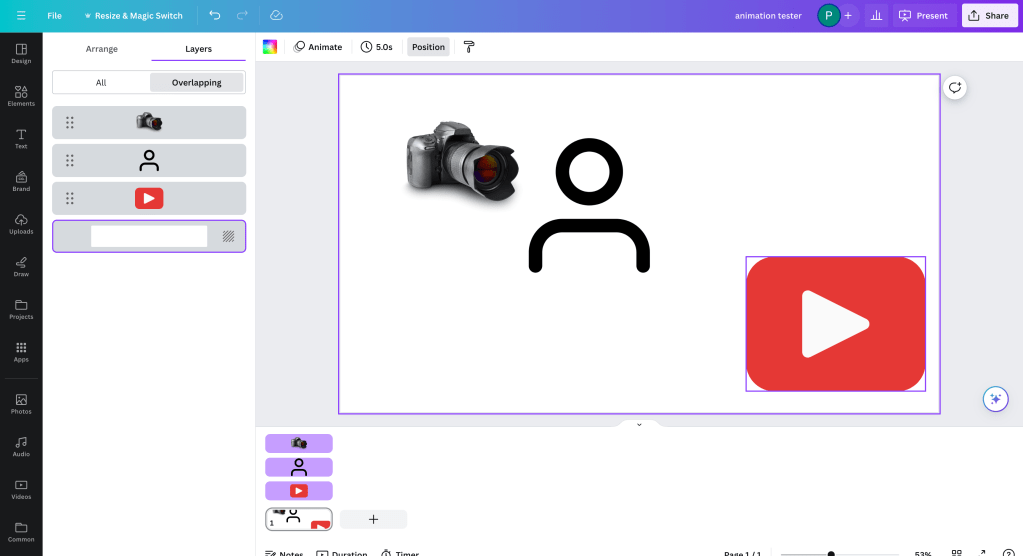
forces me to create multi slides as it is not supported
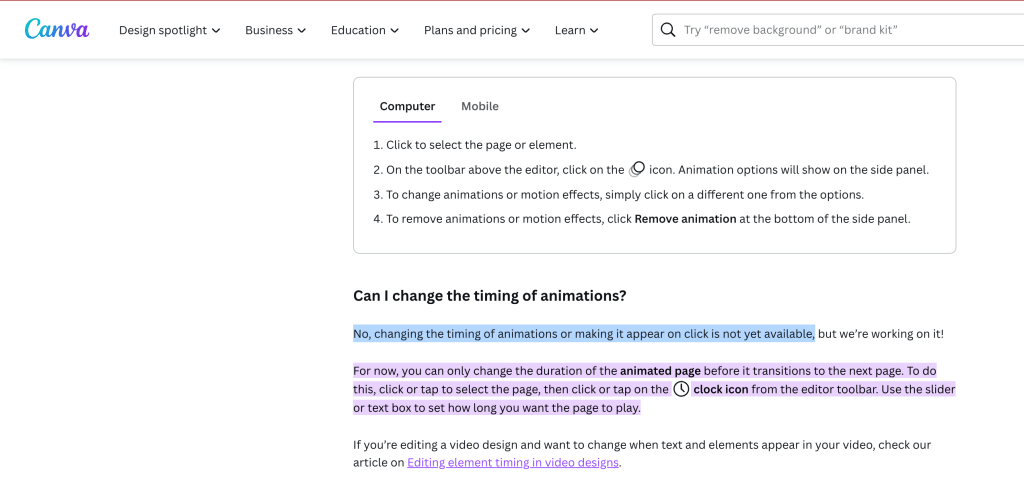
it multiples the effort on slides and complicates the effort
If you're looking for alternative online tools to create animations, particularly with more control over timing and effects than Canva offers, there are several good options available. Here are some popular tools that cater to various levels of expertise and specific needs:
-
Adobe Creative Cloud Express (formerly Adobe Spark):
-
This is a more intuitive tool compared to Adobe’s professional suite, ideal for beginners and intermediate users. It allows for simple animations and can be used for social media graphics, short video clips, and more.
-
Crello:
-
Similar to Canva, Crello offers a drag-and-drop interface with a variety of templates. It supports animations and is very user-friendly, making it suitable for creating animated social media posts, ads, and other digital content.
-
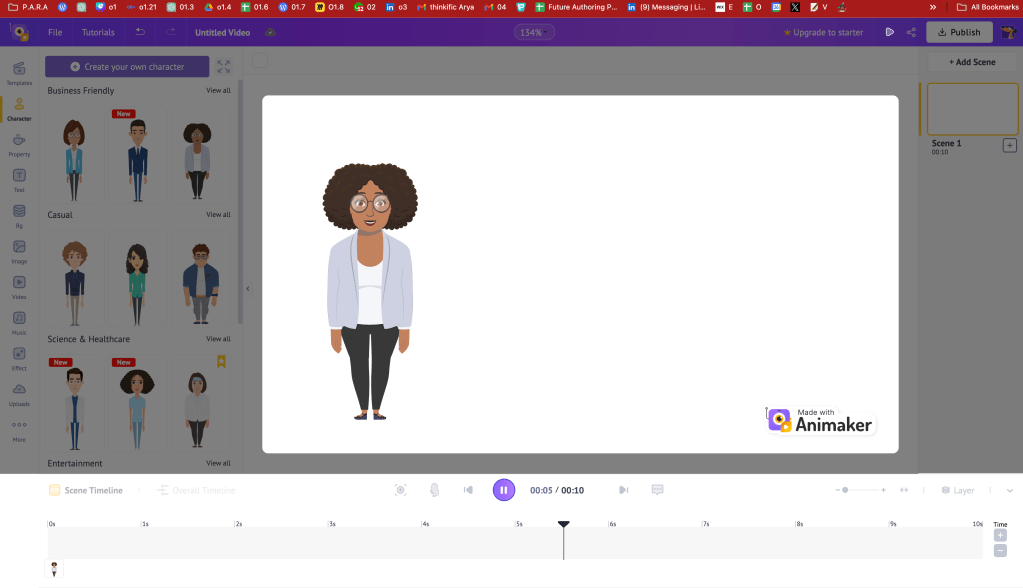
Animaker:
-
Animaker is a robust tool that caters to creating animated videos with a focus on user-friendly features. It provides features like character animations, voiceovers, and a wide range of animation effects and timelines for precise control.
-
Vyond (formerly GoAnimate):
-
Vyond is great for creating animated informational videos, like explainer videos or instructional materials. It offers a range of characters and scenarios that can be customized and animated according to specific needs.
-
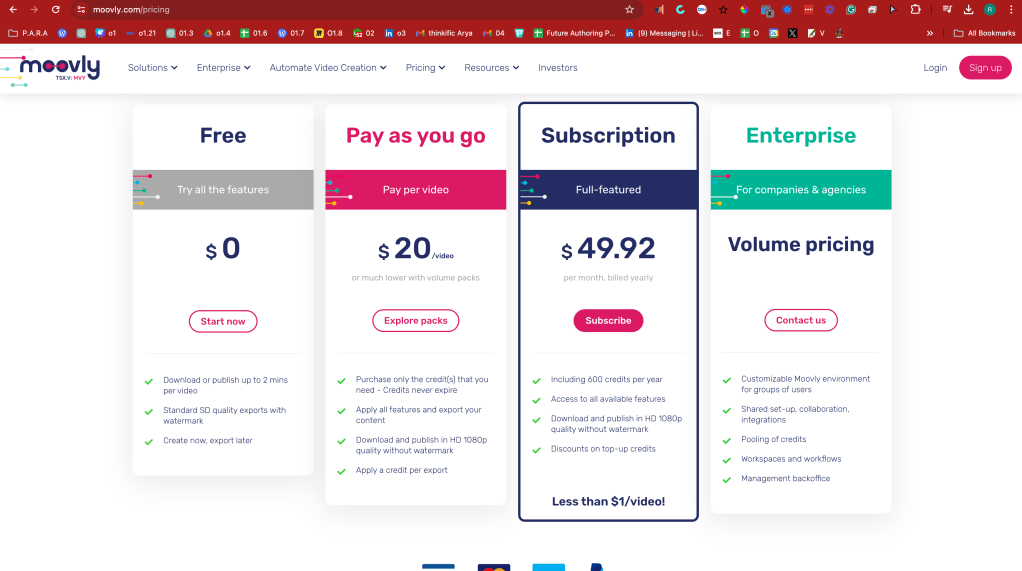
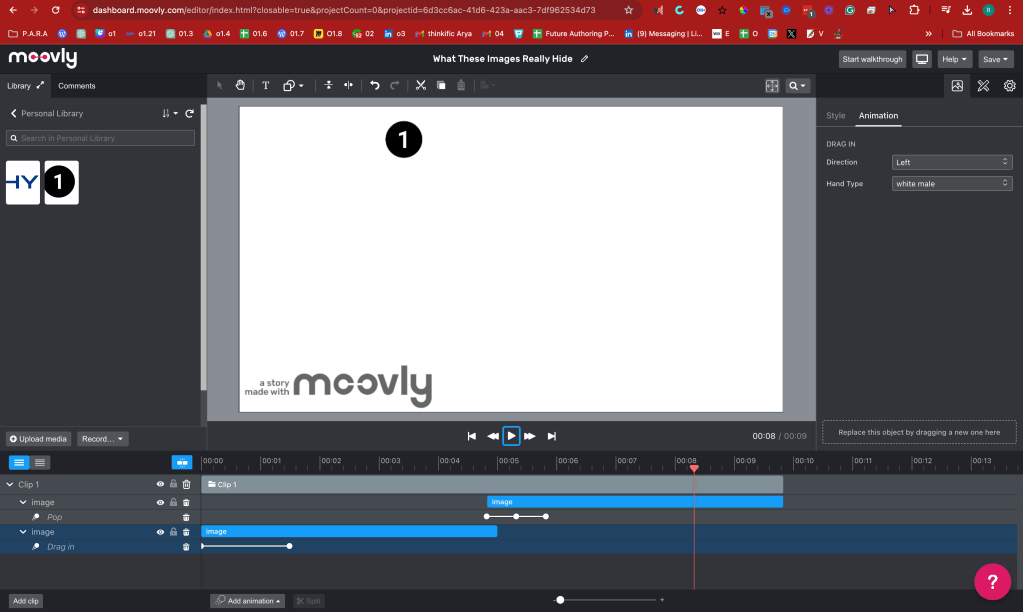
Moovly:
-
Moovly is another strong alternative that offers extensive libraries of stock videos, sounds, and images, along with the ability to upload your own assets. Its editor is timeline-based, which allows for detailed control over the timing of animations.
-
Powtoon:
-
Powtoon is designed to create video presentations and animated videos that are engaging and visually appealing. It’s especially popular in business and education sectors for its ease of use and professional-quality output.
-
Biteable:
-
Biteable is a simple-to-use online tool for creating animations and is particularly good for quick, stylish video ads and social media videos with a variety of templates and stock footage.
-
Renderforest:
-
Renderforest offers video creation, logos, website, and graphic design. It’s useful for producing music visualizations, professional intros, and animated explainer videos with a significant degree of customization.
Each of these tools offers a unique set of features, so the best one for you will depend on your specific needs, the complexity of the animations you want to create, and your budget.
end in
this also makes sense
Focused on it
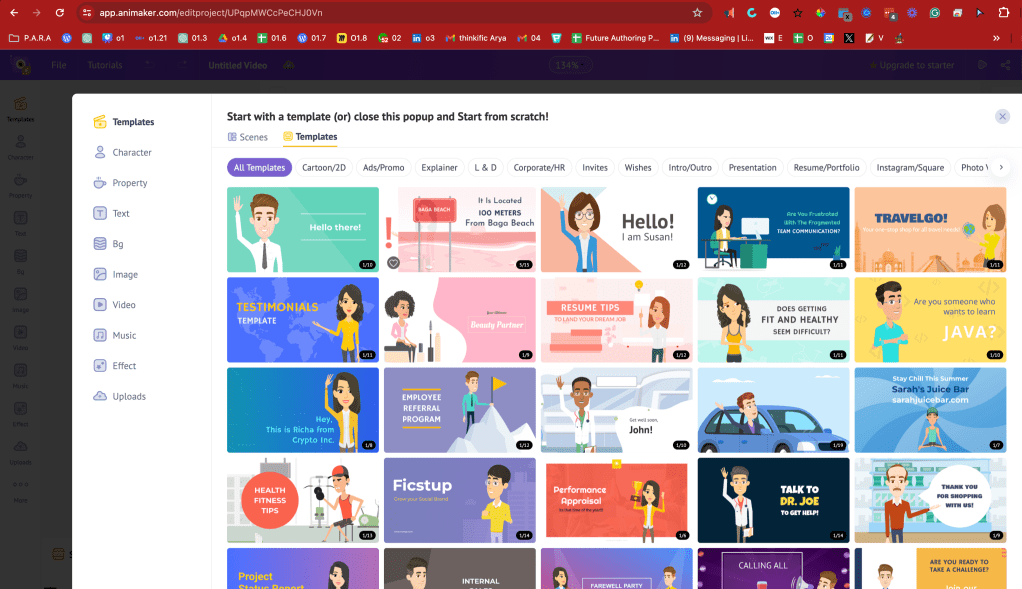
its own editor
maybe from pptx
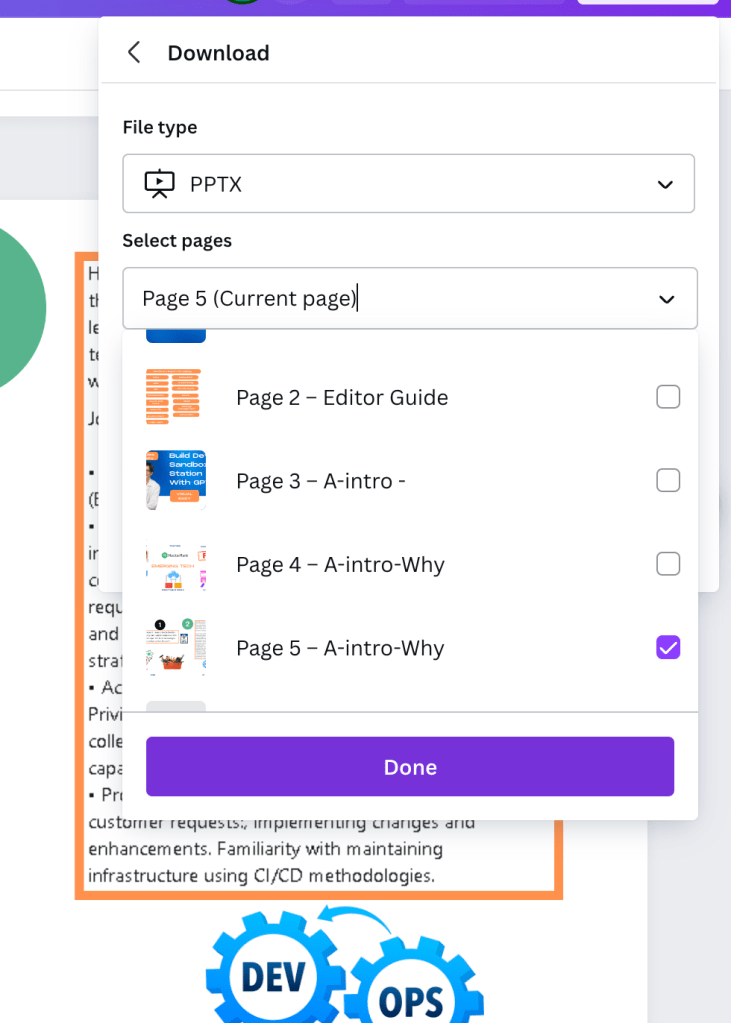
able to do what i needed but fonts did not line up
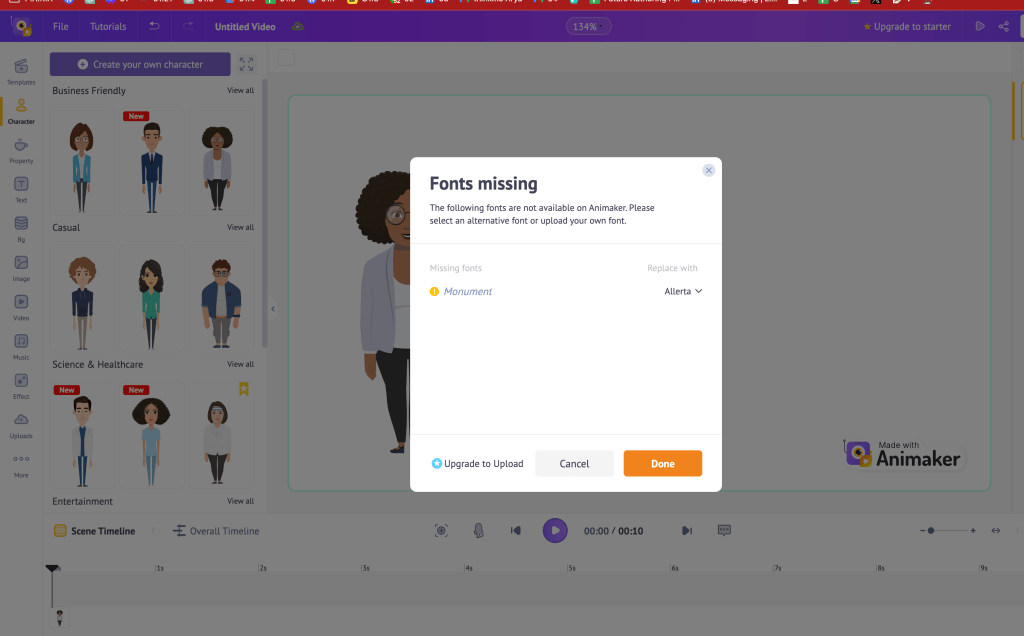
there is a cost for this
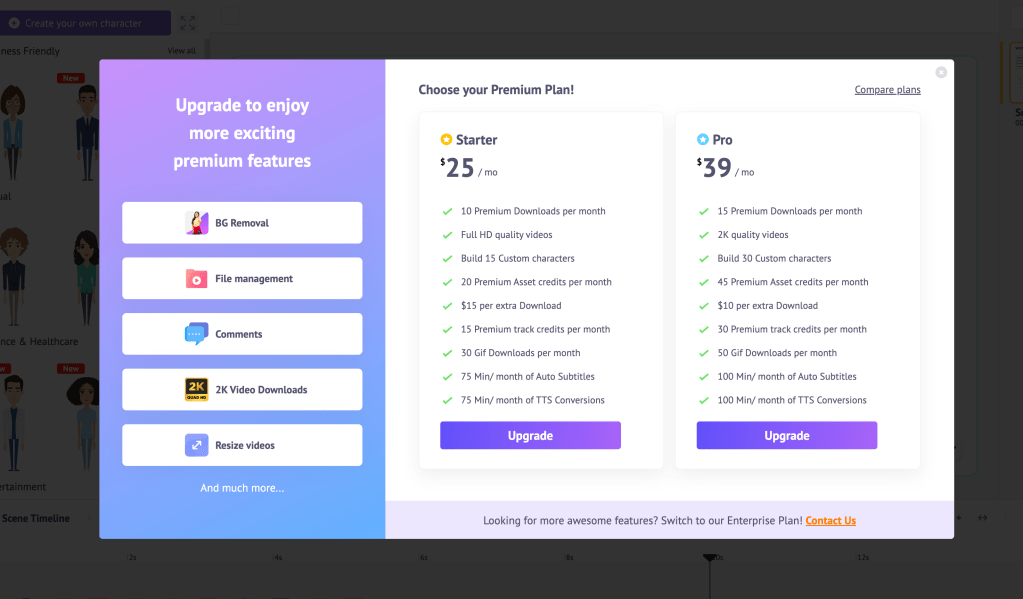
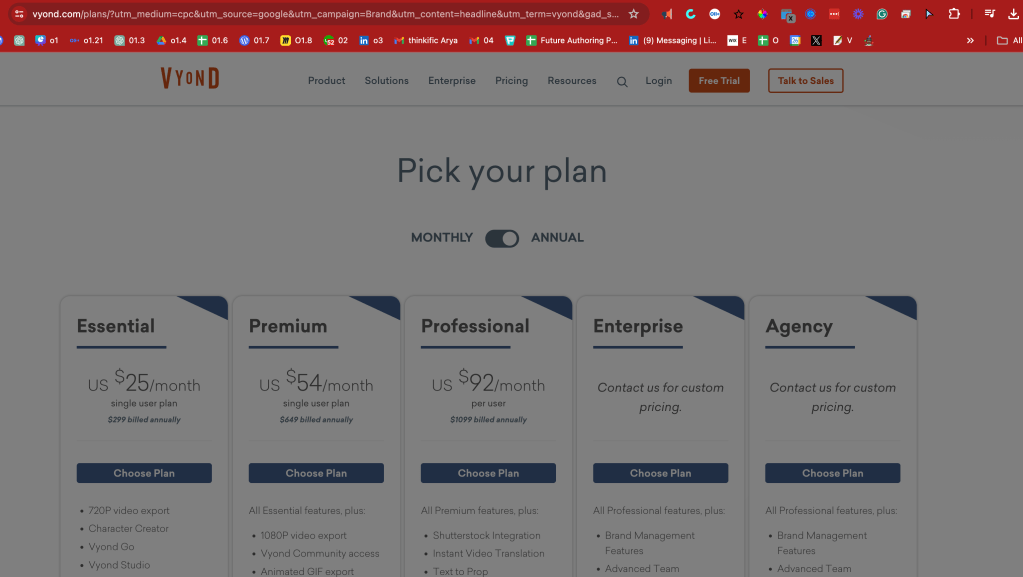
editor and export process needed
can repaste resolved the case ?
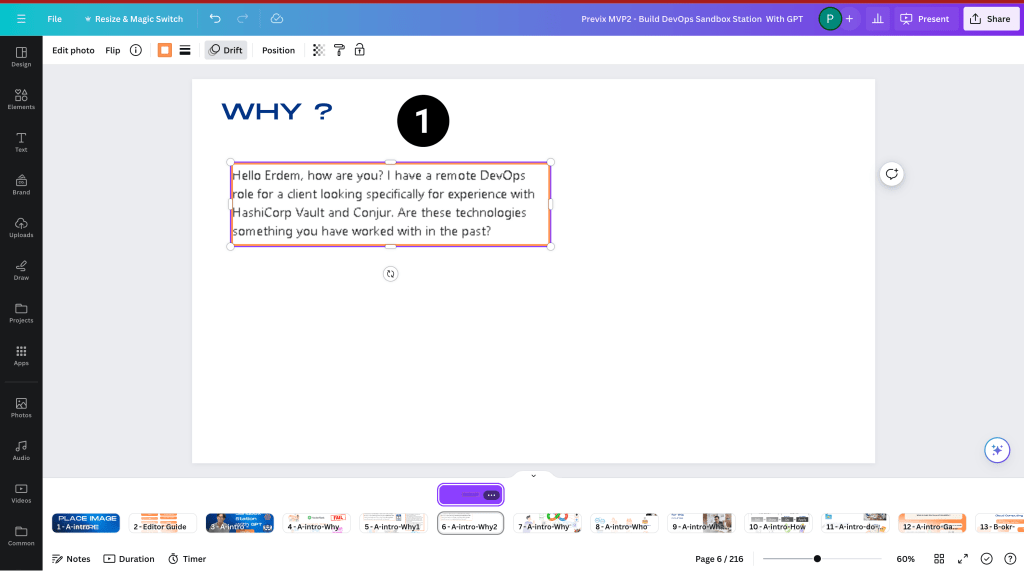
animation metadata does not get created
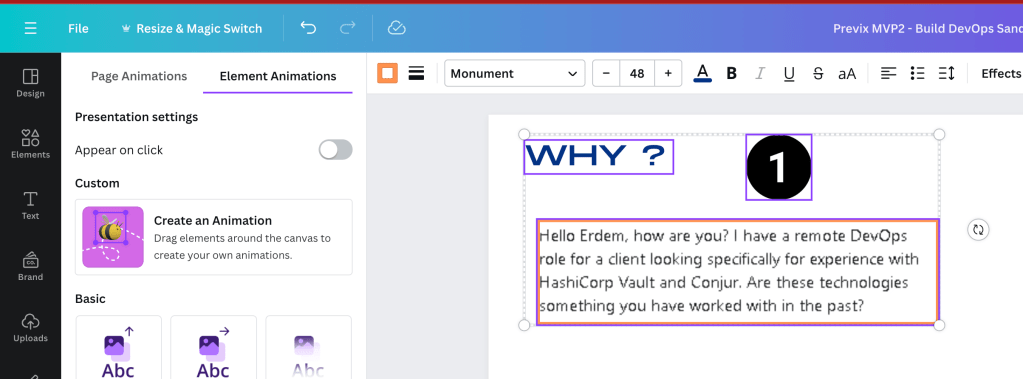
follows up creation order
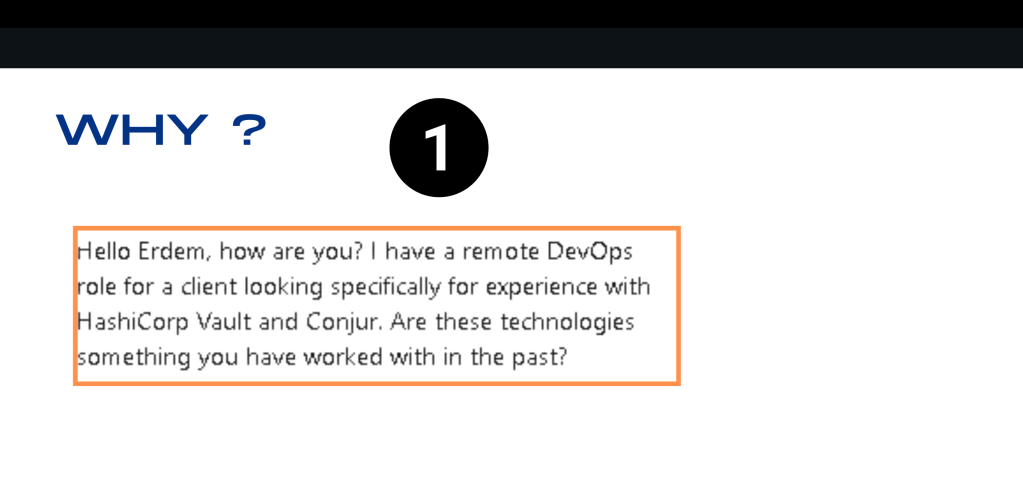
might be smarter to give mp4 on this than explain the animation in a workflow
solved
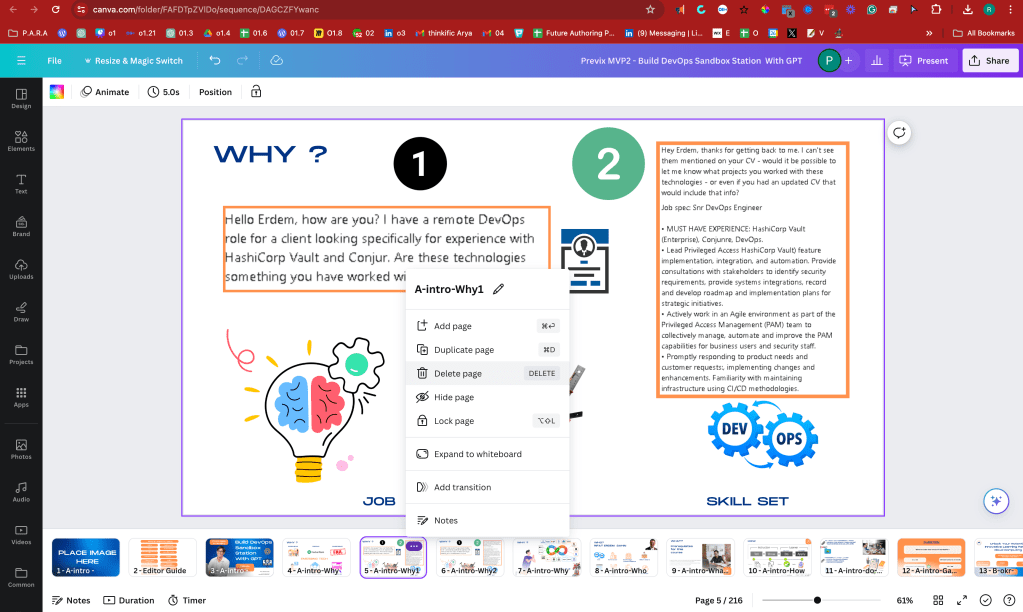
13:40 > 60 minutes >>> dont expect this from the editor ! ( he might be against X )
download video per slide
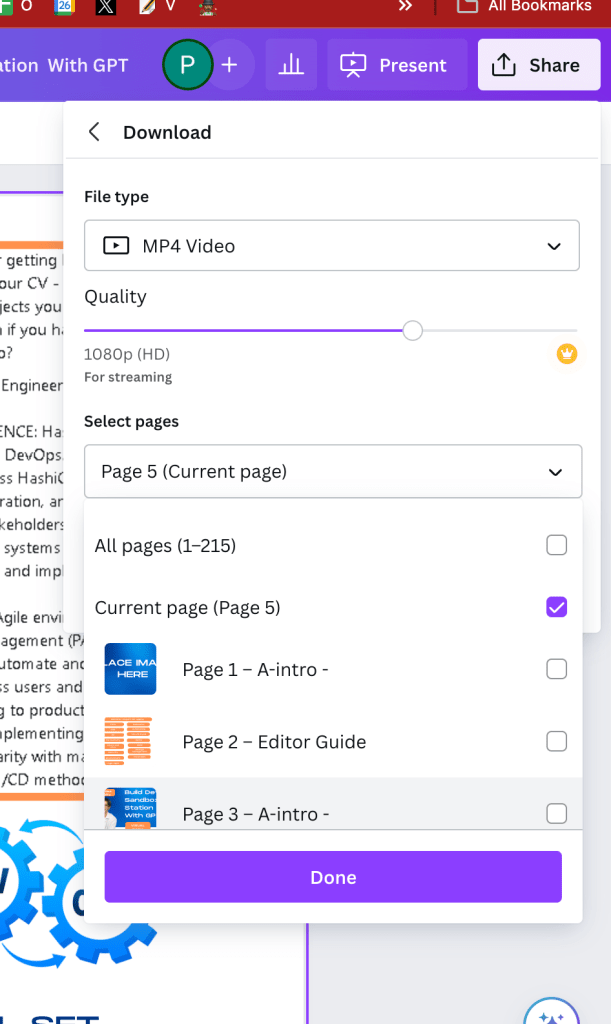
still not there you need the obs to record it
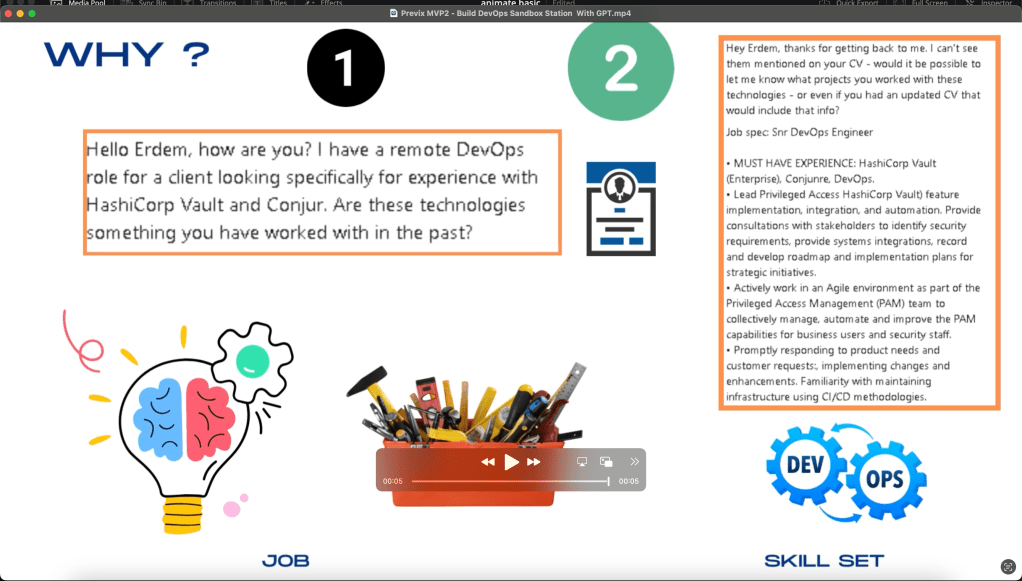
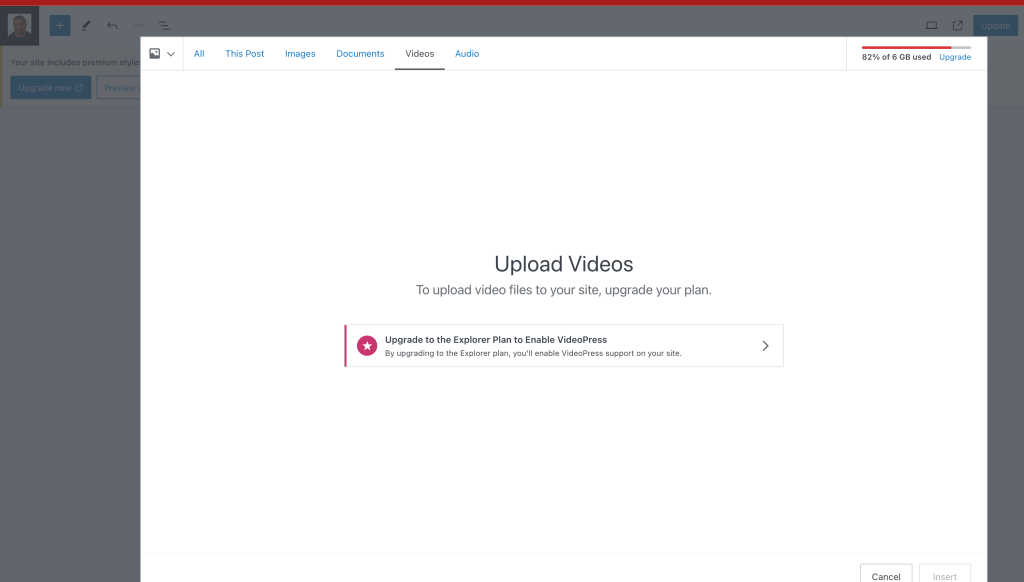
everyone wants a piece!
Click also has the timing info when there is no timing info than it is not a animated video
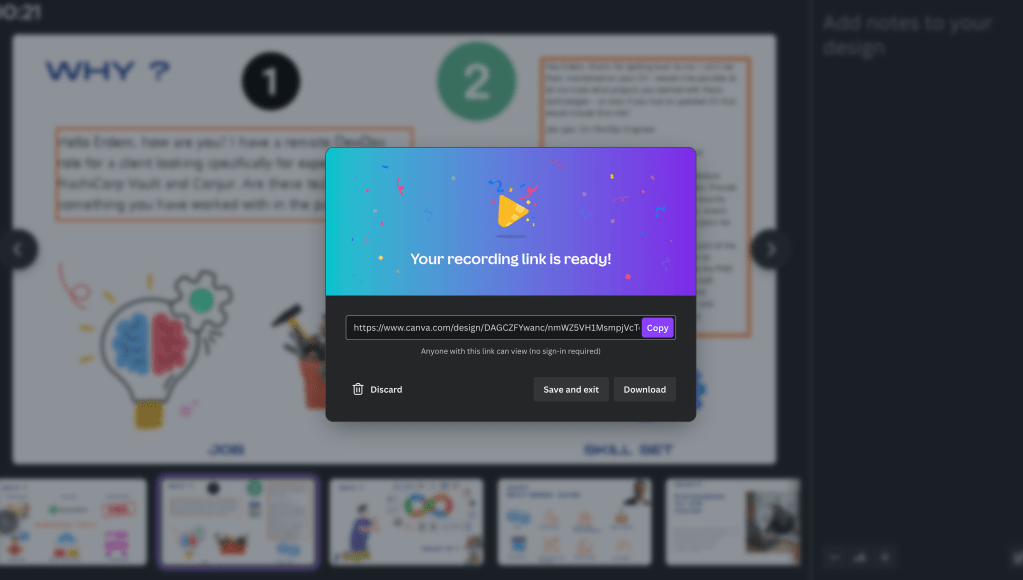
obs record is at least fast and cutting in and out points not a hassle
Also this 16 seconds also needs the action as well
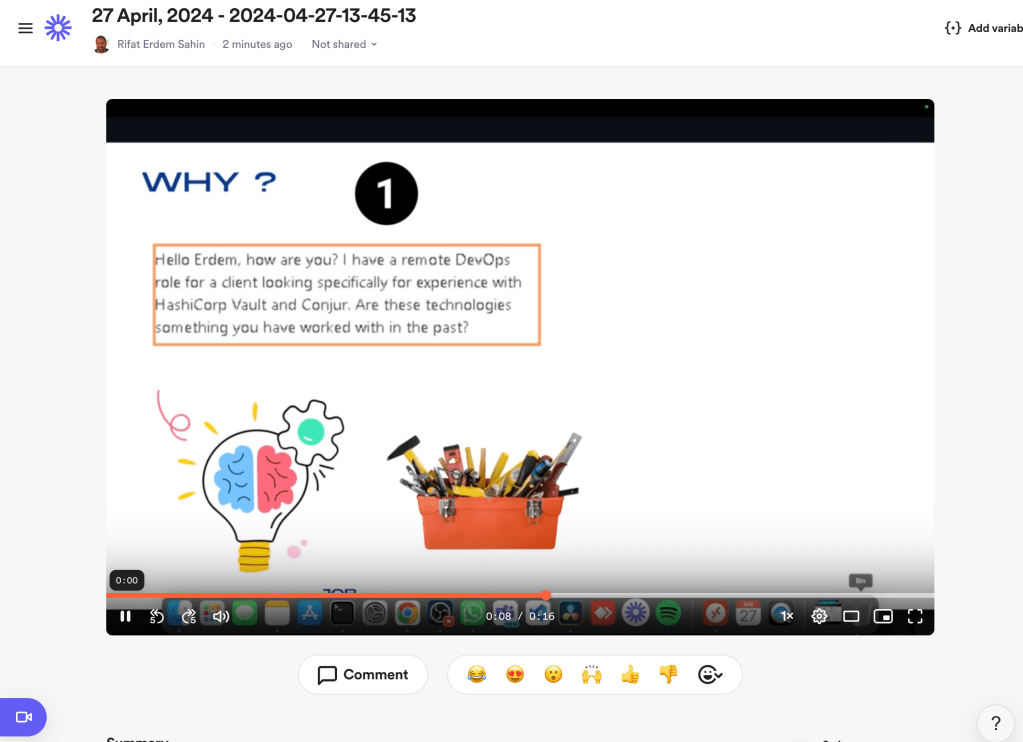
check her toolset
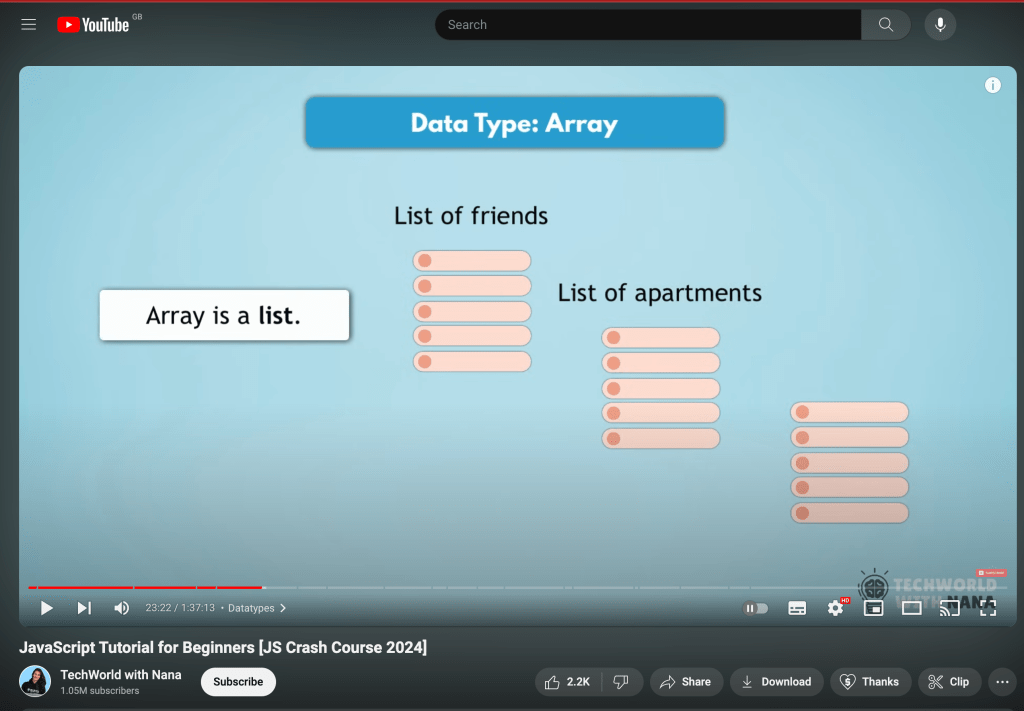
same slide is faster
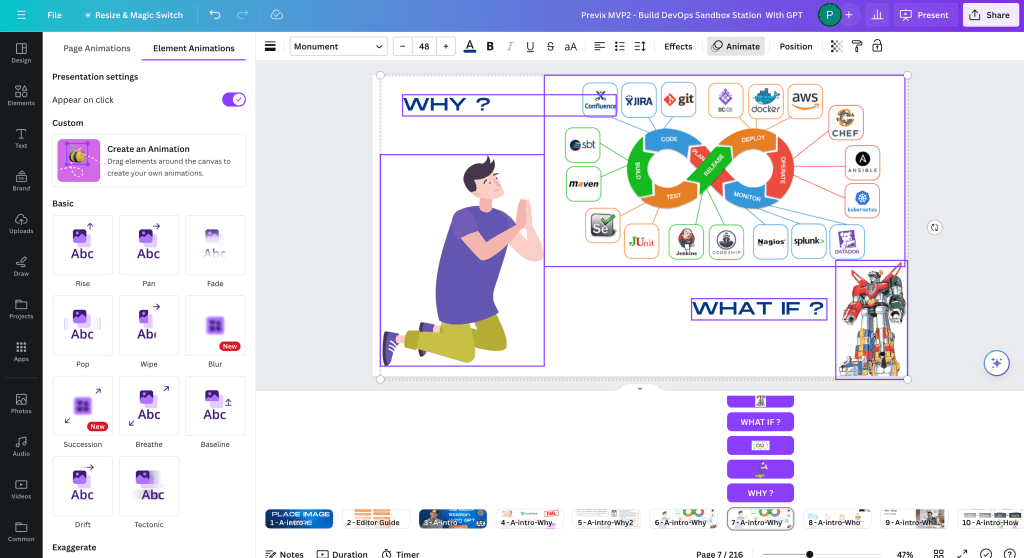
NO NEED FOR 2 SLIDES > COPY PASTE AND DELETE THE ORIGINAL!
Also basic movements are there and i am alredy using obs to record
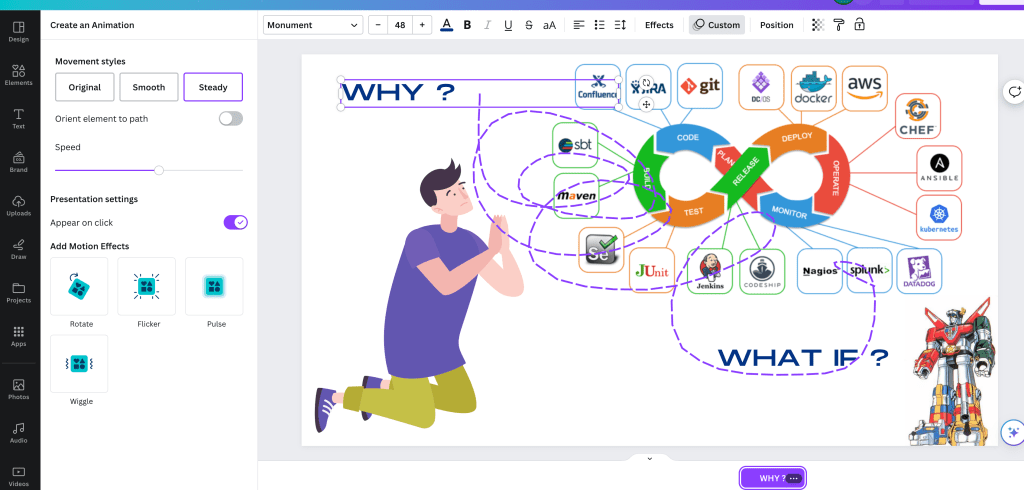
Presentations with canva resolved write it down
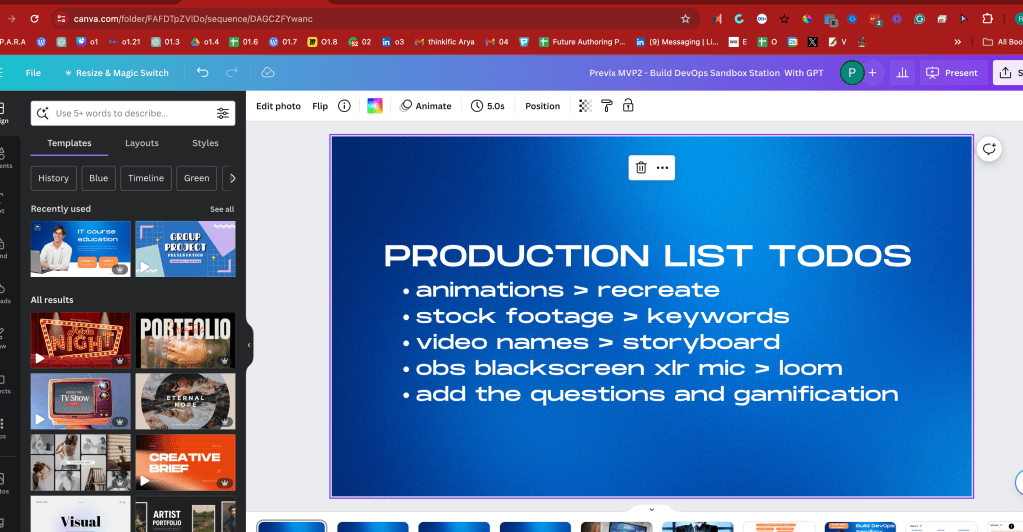
Canva todos outlined here as we iterated
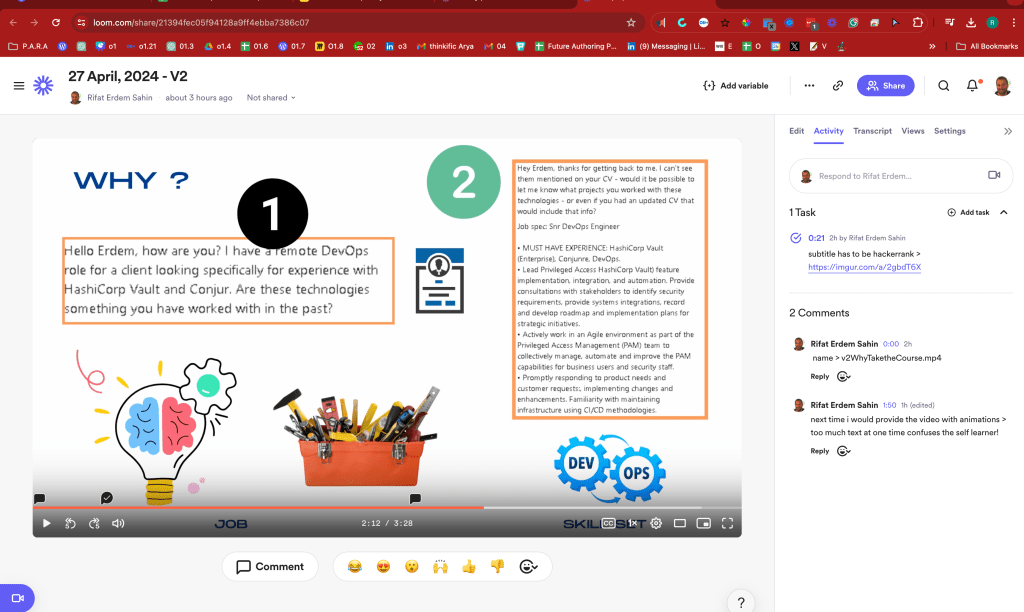
too dull the stock footage needs to be given by me as well
in the timeline spot it with the keyword ( mapped )
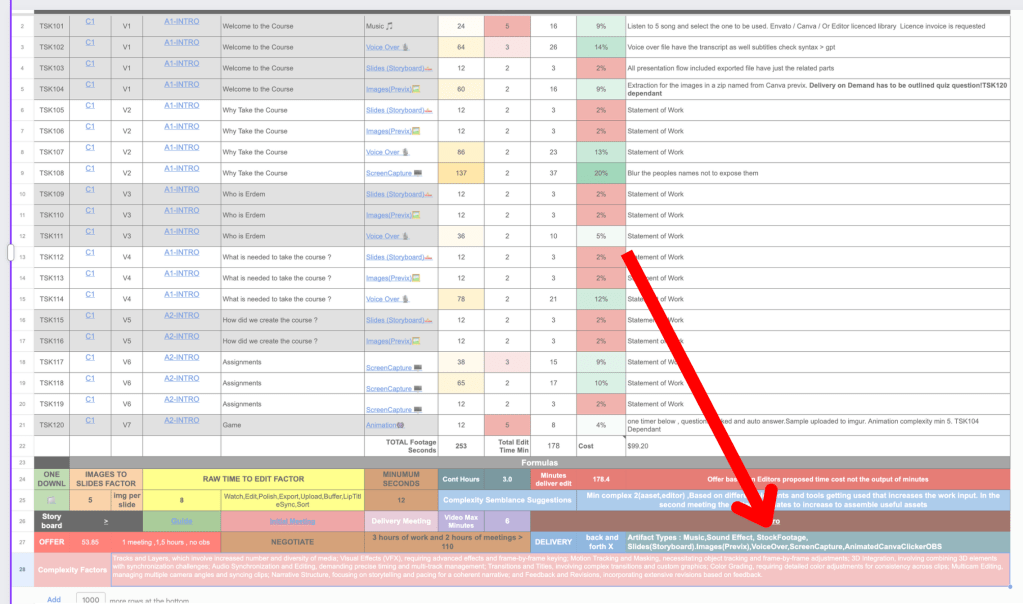
key word mapped stockfootage
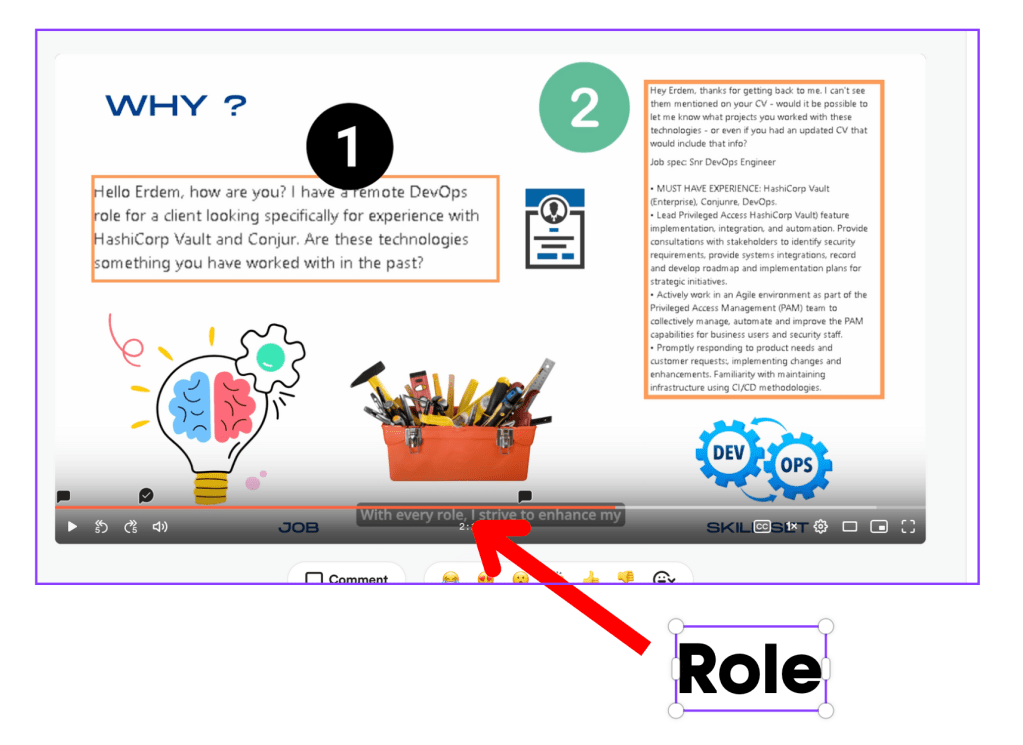
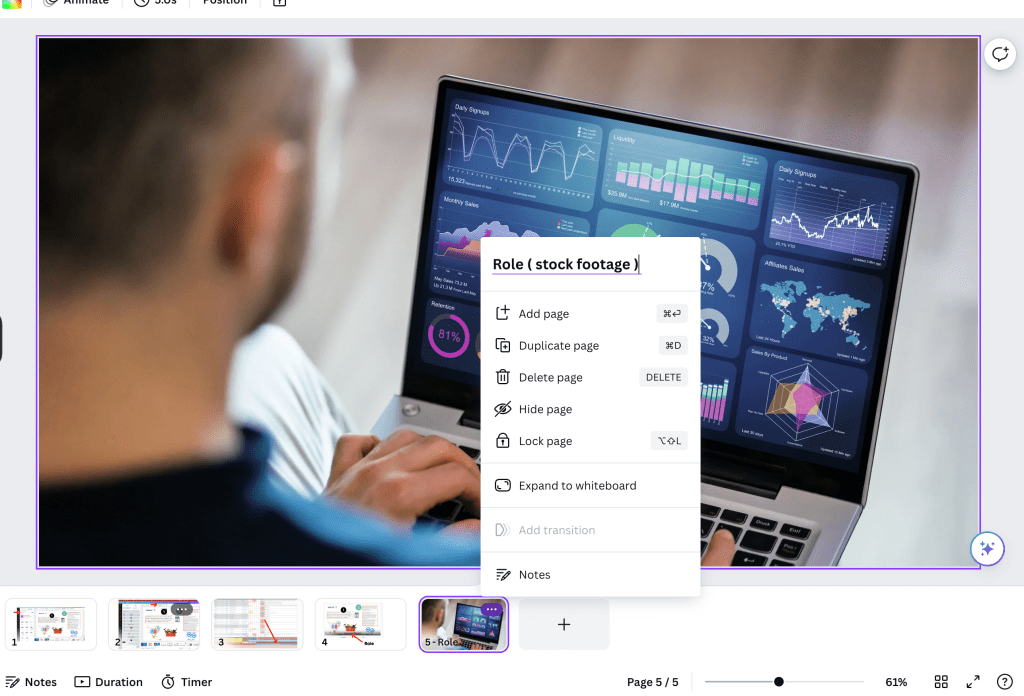
added with the names
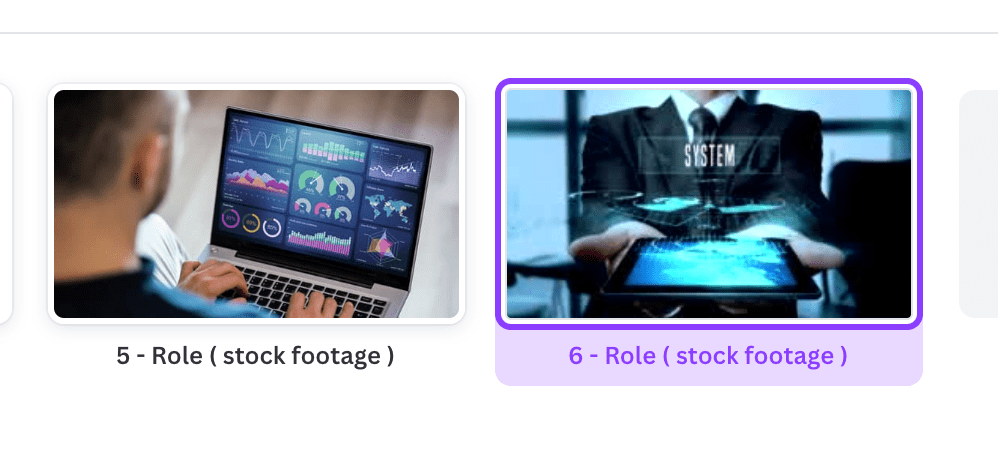
give it with the keyword mapping with the editor on the shotlist and in storyboard down
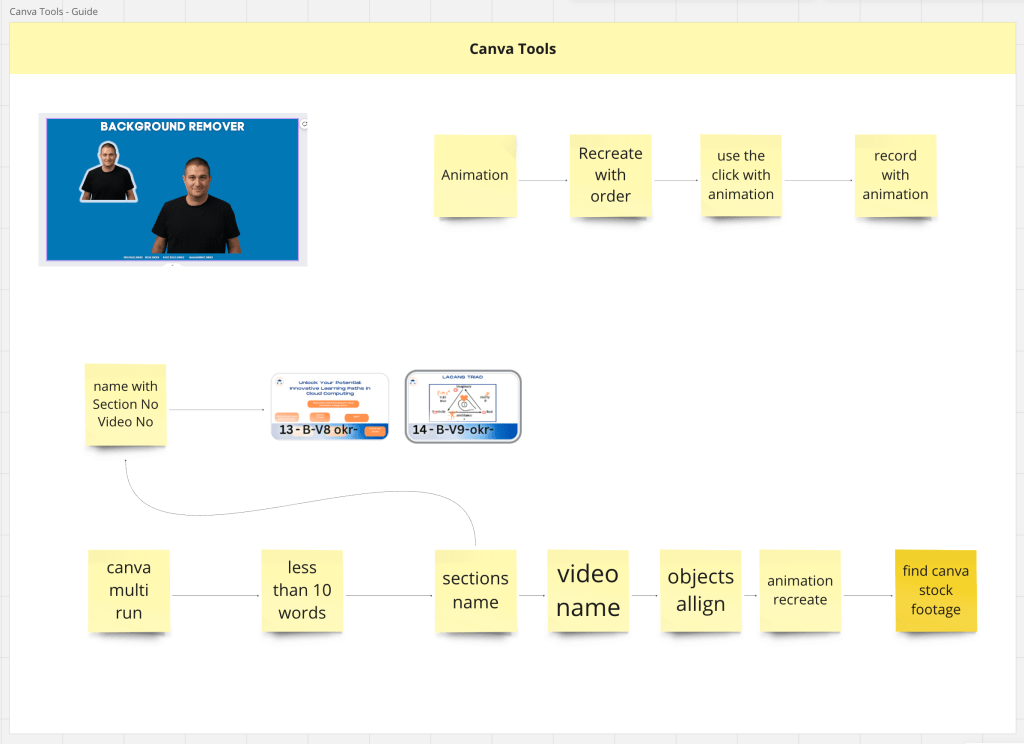
added text linking
otter needs to be removed! > or just change the xlr could be also fine!
loom cant take mp3
otter has ai feature and reread is easy and the text is there so it might be used!!!
Even though Andres said he did not use it
back screen loom is ok >>> file is small enough
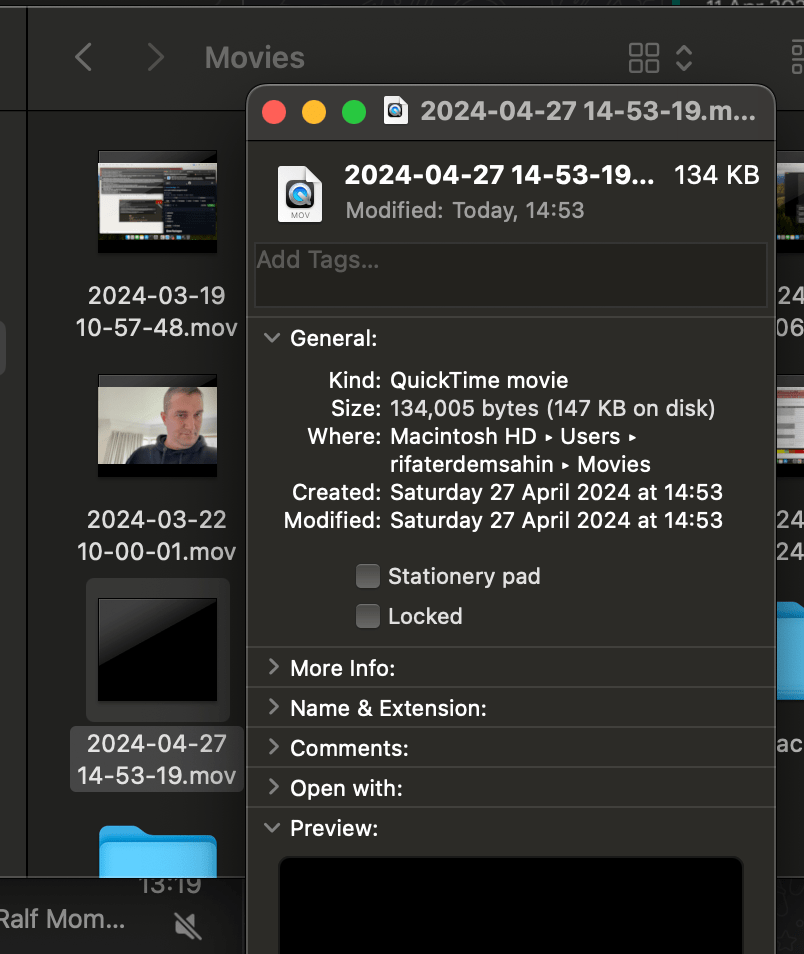
Loom can drive it
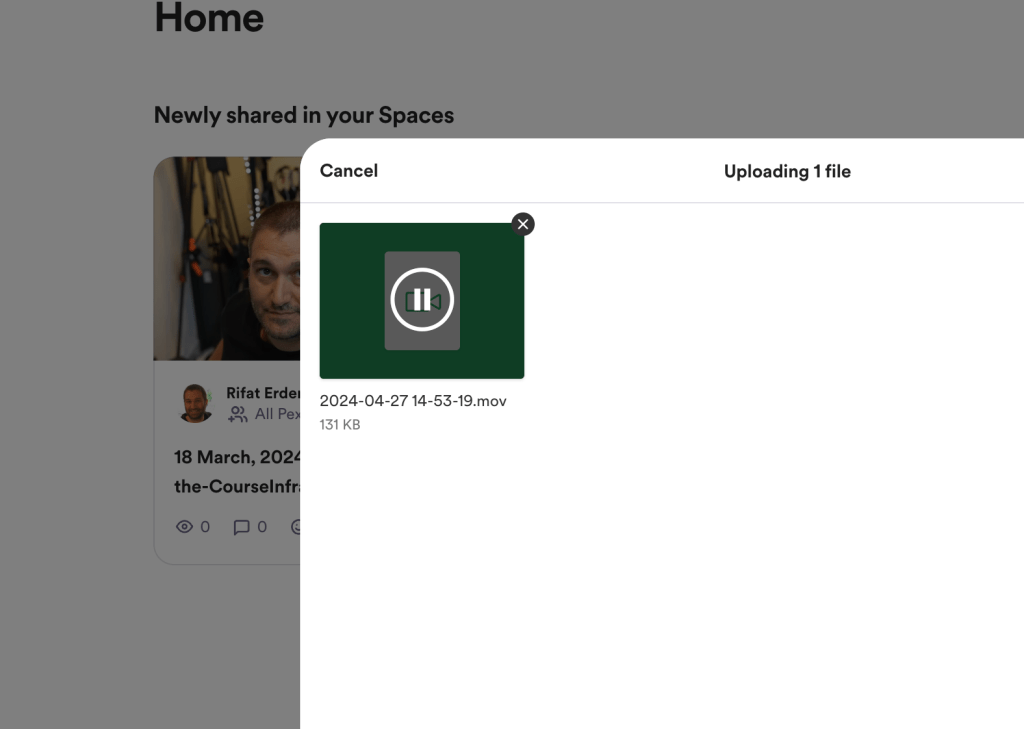
added on todos
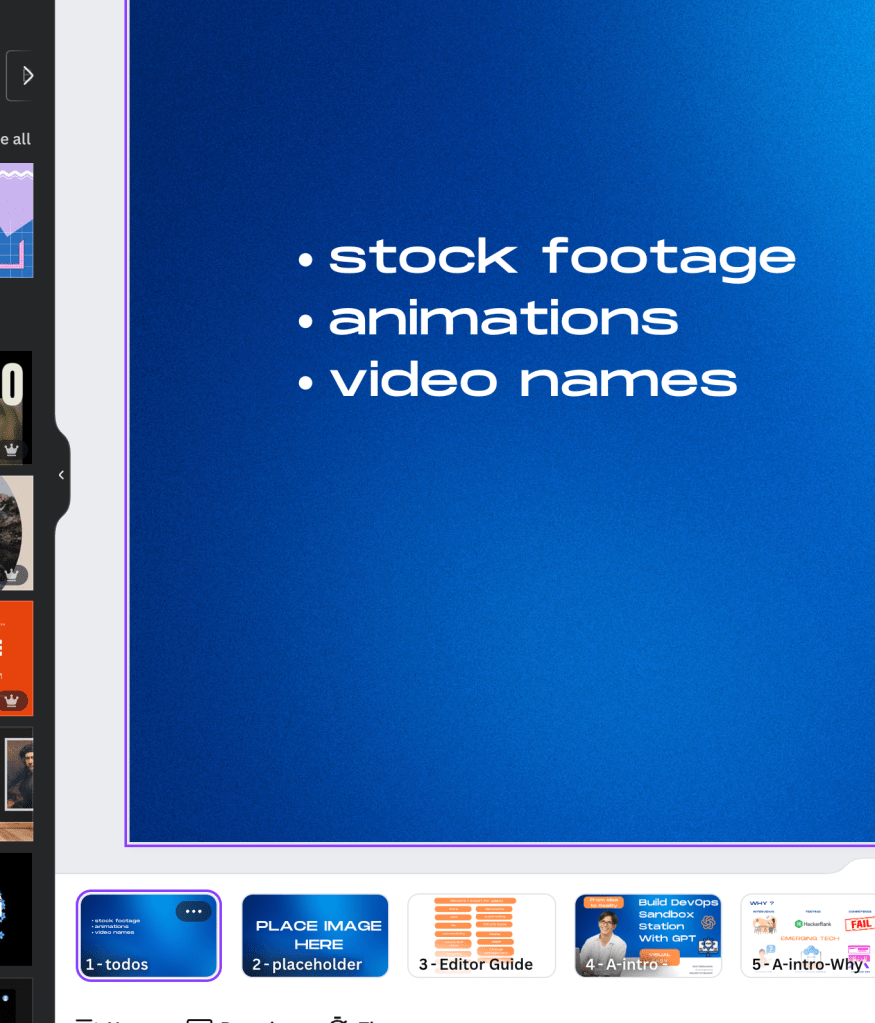
audio recording added
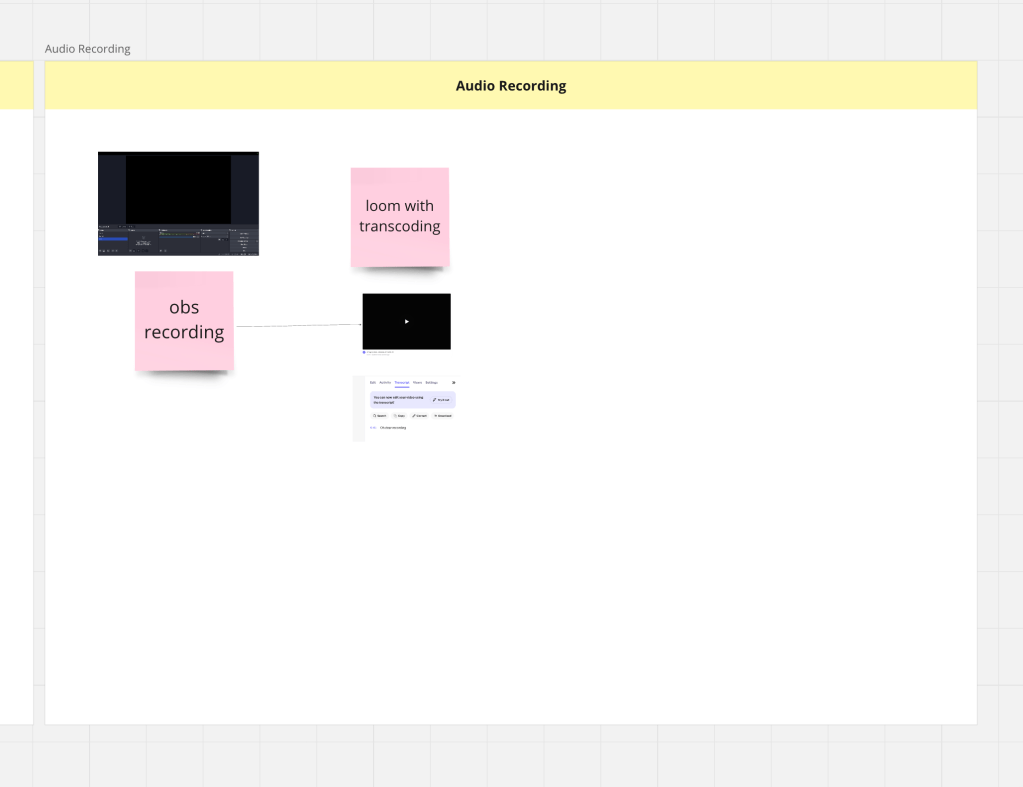
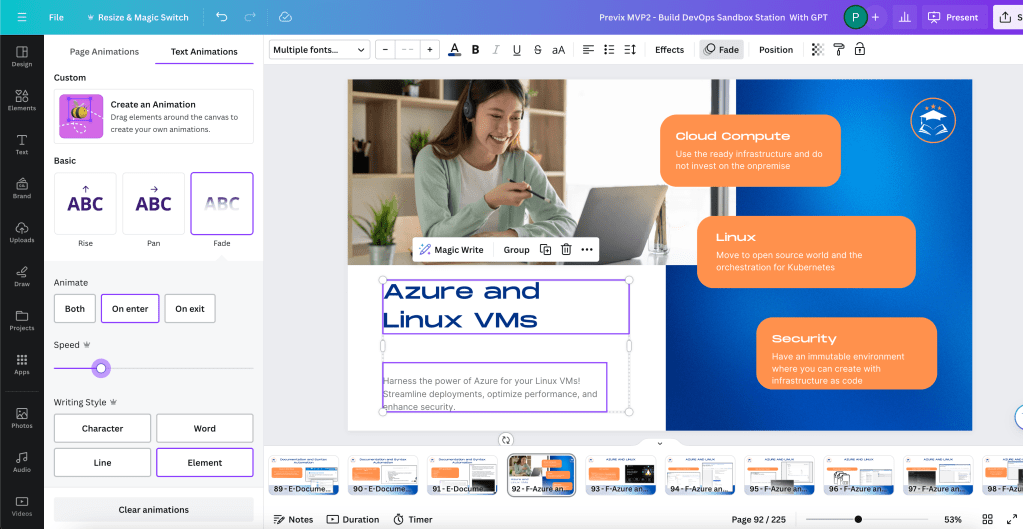
Edittor does not have the time to animate even the text needs animation to go live
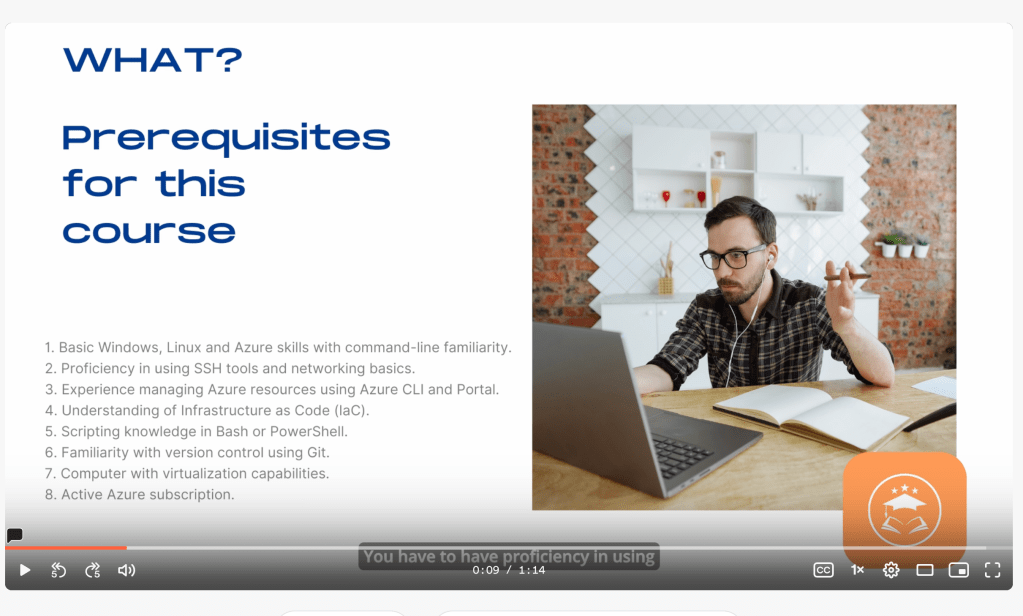
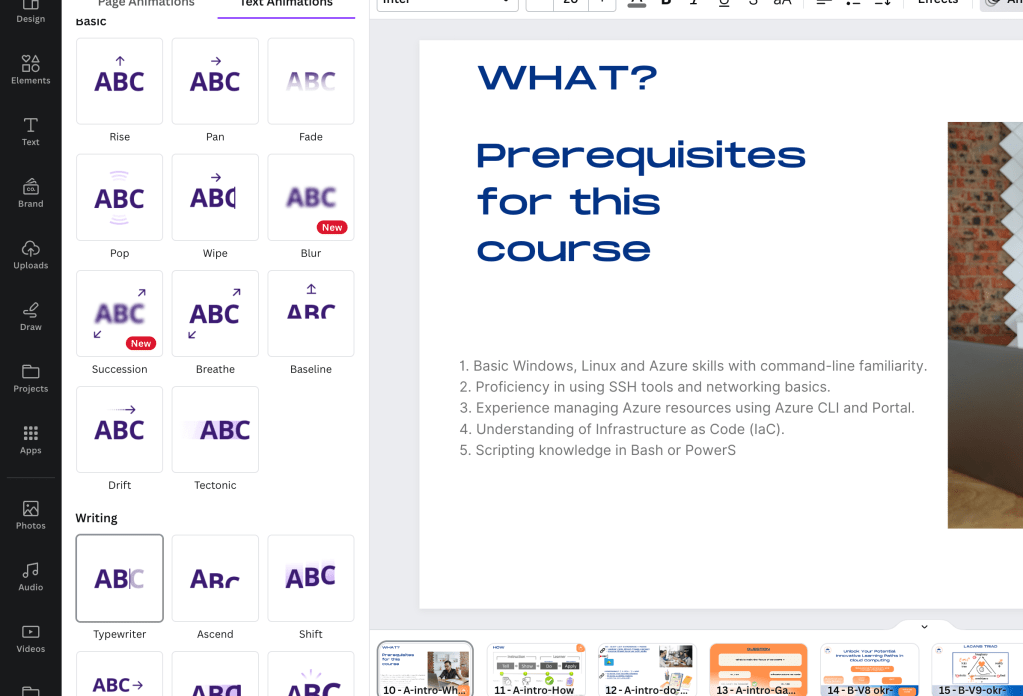
Writing animations the speed to be
too dull >>> bottom subtitles should not entertain >>> cant watch with the editor you need the flow state to watch it
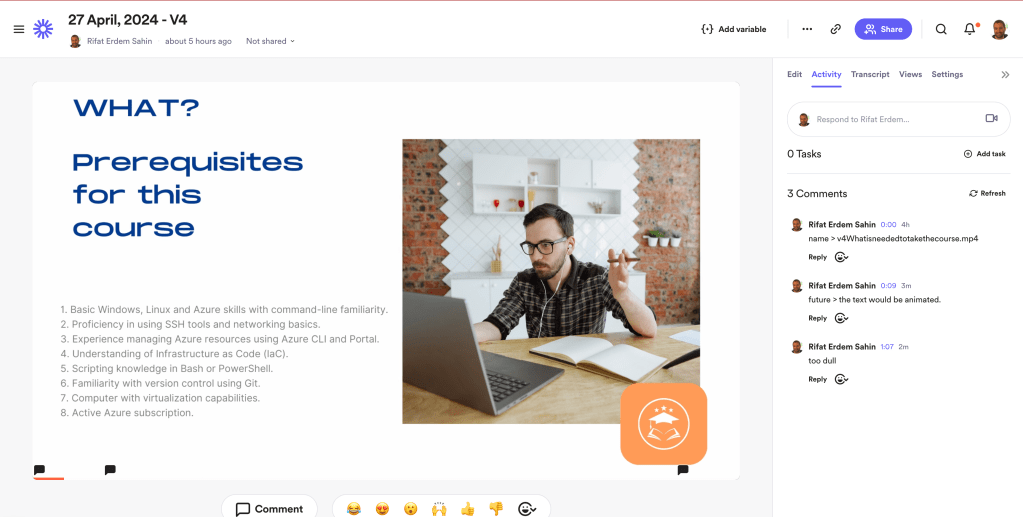
revision process is important
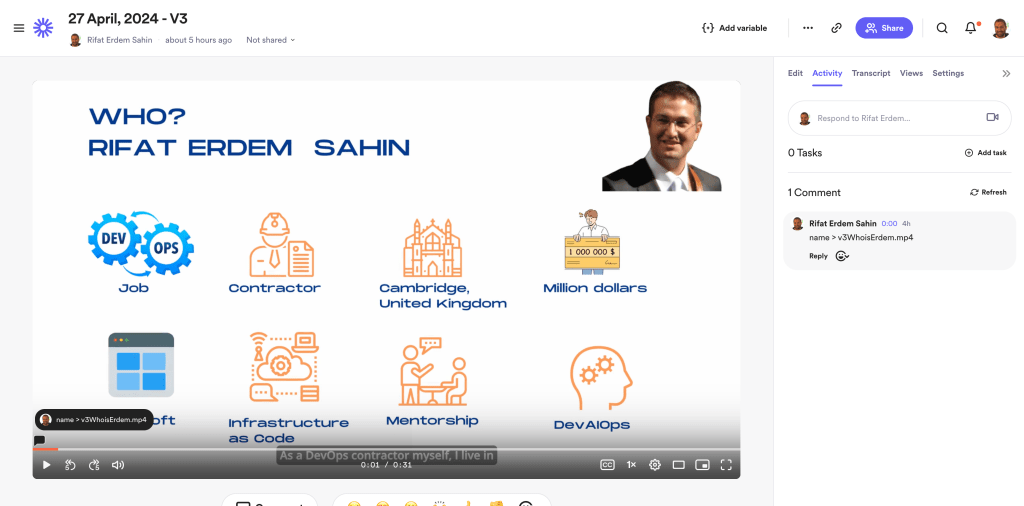
If there is missing footages >>> it means i did not list with the footage before sharing it to the editor.
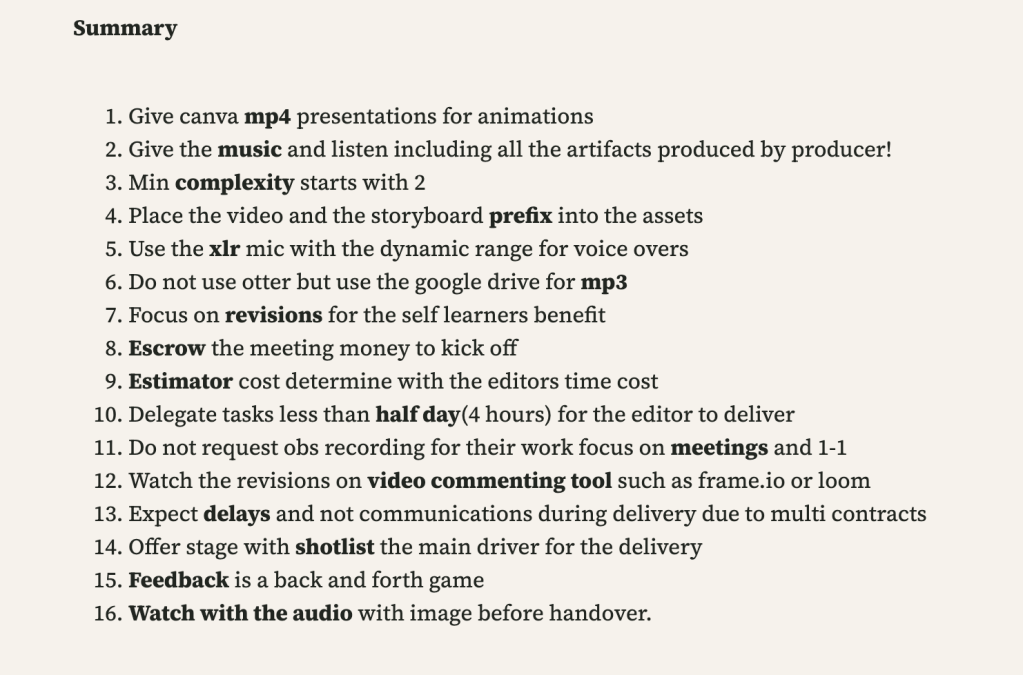
Added 16 to the summary
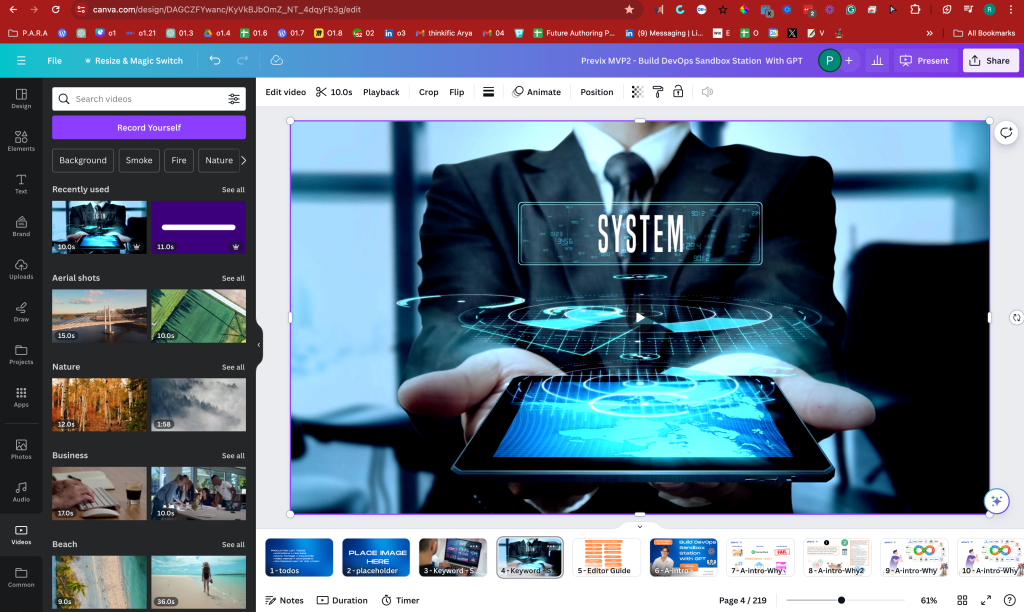
added the intro slides
Moving Summary to here again > before
-
Give canva mp4 presentations for animations
-
Give the music and listen including all the artifacts produced by producer!
-
Min complexity starts with 2
-
Place the video and the storyboard prefix into the assets
-
Use the xlr mic with the dynamic range for voice overs
-
Do not use otter but use the google drive for mp3
-
Focus on revisions for the self learners benefit
-
Escrow the meeting money to kick off
-
Estimator cost determine with the editors time cost
-
Delegate tasks less than half day(4 hours) for the editor to deliver
-
Do not request obs recording for their work focus on meetings and 1-1
-
Watch the revisions on video commenting tool such as frame.io or loom
-
Expect delays and not communications during delivery due to multi contracts
-
Offer stage with shotlist the main driver for the delivery
-
Feedback is a back and forth game
-
Watch with the audio with image before handover.
-
Use gpt as the original image creator
Moving Summary to here again > AFTER
-
Give canva mp4 presentations for animations > click to start,recreate with order,record to obs
-
Give the music listen > stock footages as well by producer
-
Min complexity starts with 2 > Footage and editor (2)
-
Place the video and the storyboard prefix into the assets > B2-V2-XXX
-
Use the xlr mic with the dynamic range for voice overs > back screen obs to loom
-
Do not use otter but use the google drive for mp3 > loom destination is ok
-
Focus on revisions for the self learners benefit > offer - revision - delivery process
-
Escrow the meeting money to kick off > fund the meeting and estimate > be flexible
-
Estimator cost determine with the editors time cost > multi editor no constraints
-
Delegate tasks less than half day(4 hours) > easier in complexity editors delivery
-
Do not request obs recording > Focus on meetings and 1-1 and share to others
-
Revisions on >video commenting tool such as frame.io or loom > imgur ,canva
-
Expect delays and not communications during delivery > multi contracts on both
-
Offer stage with shotlist the main driver for the delivery > share previous sessions
-
Feedback is a back and forth game > give time to process it dont rush it
-
Watch with the audio with image before handover > reverse on your end
Start and Adapt Cycle > https://miro.com/app/board/uXjVKR5-Ces=/?moveToWidget=3458764587214732362&cot=14
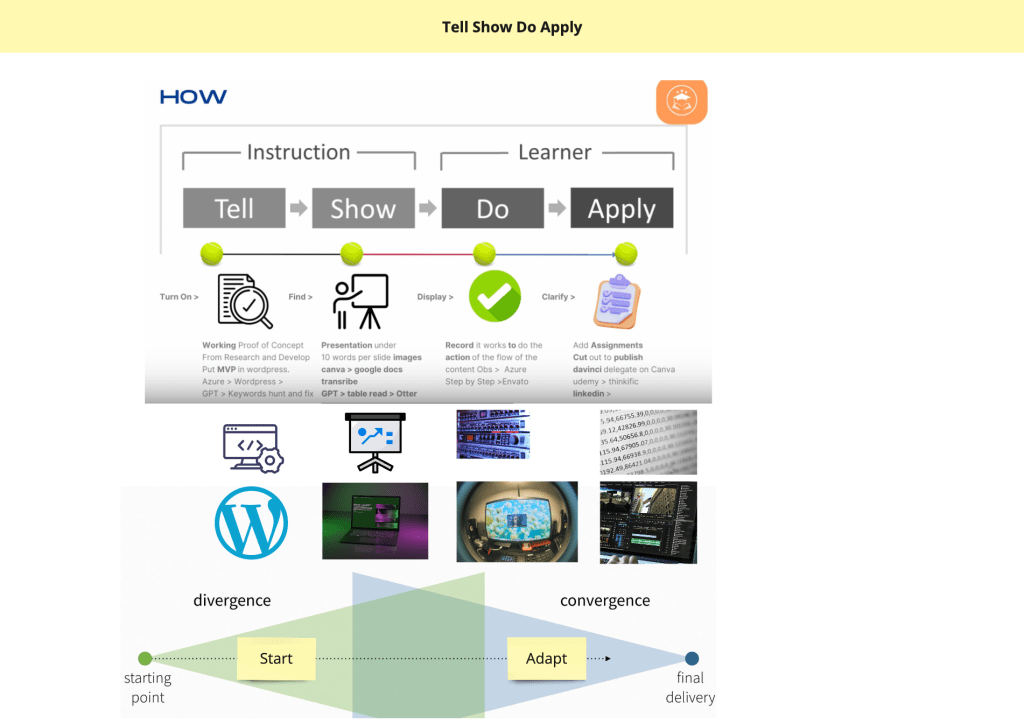
being original is the case as well > so many grounds to cover
ai is here to help
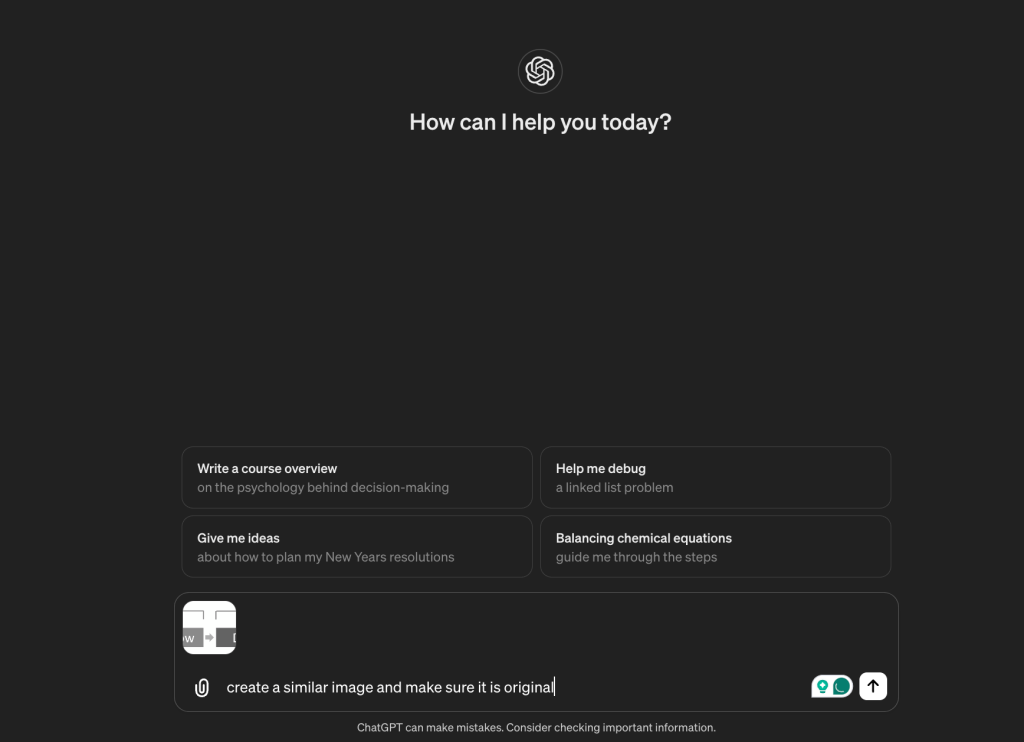
not so great
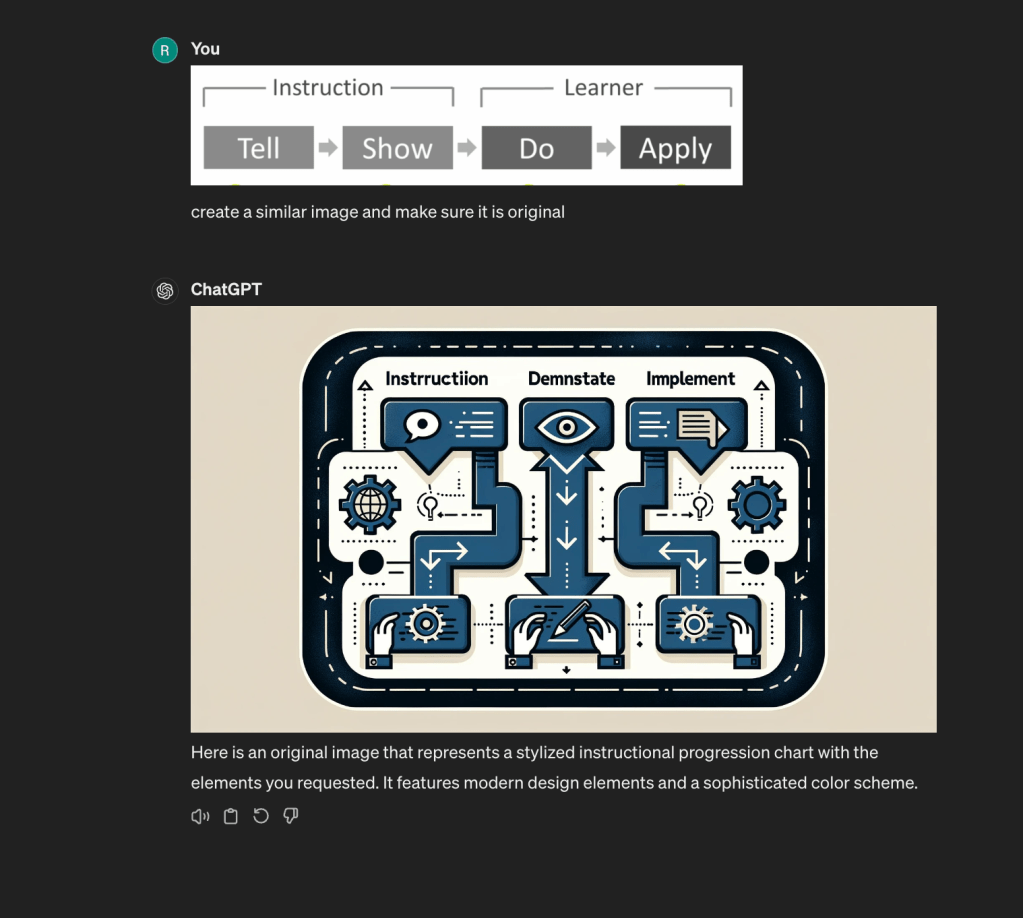
similar ones but not exact so that is good news
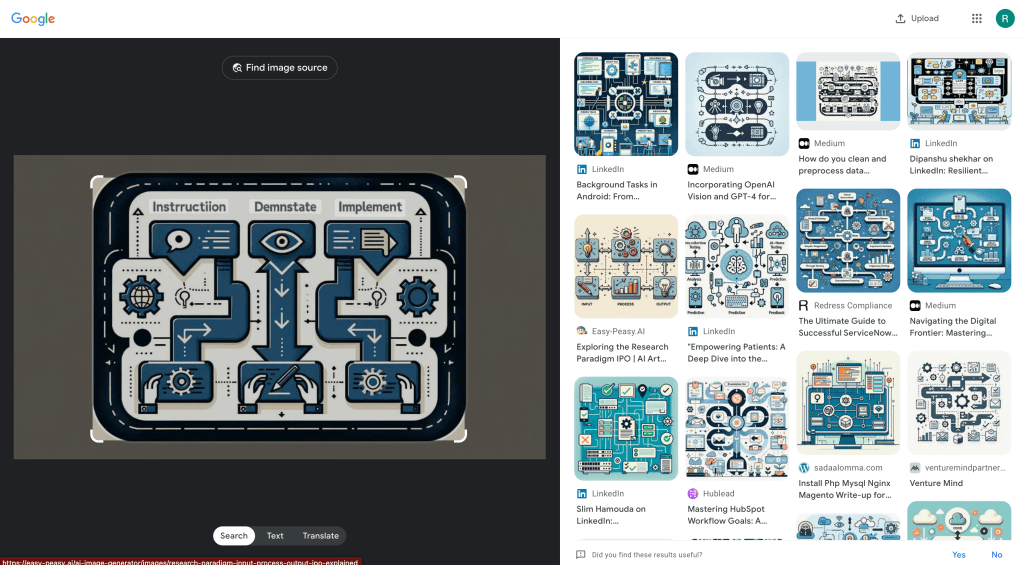
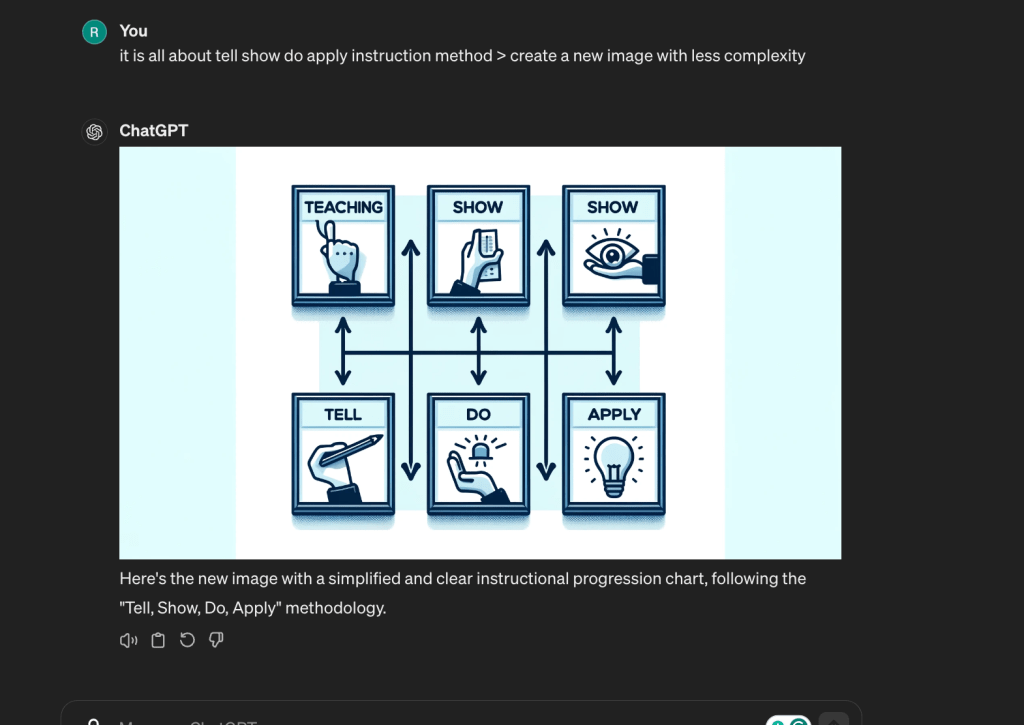
multi versions
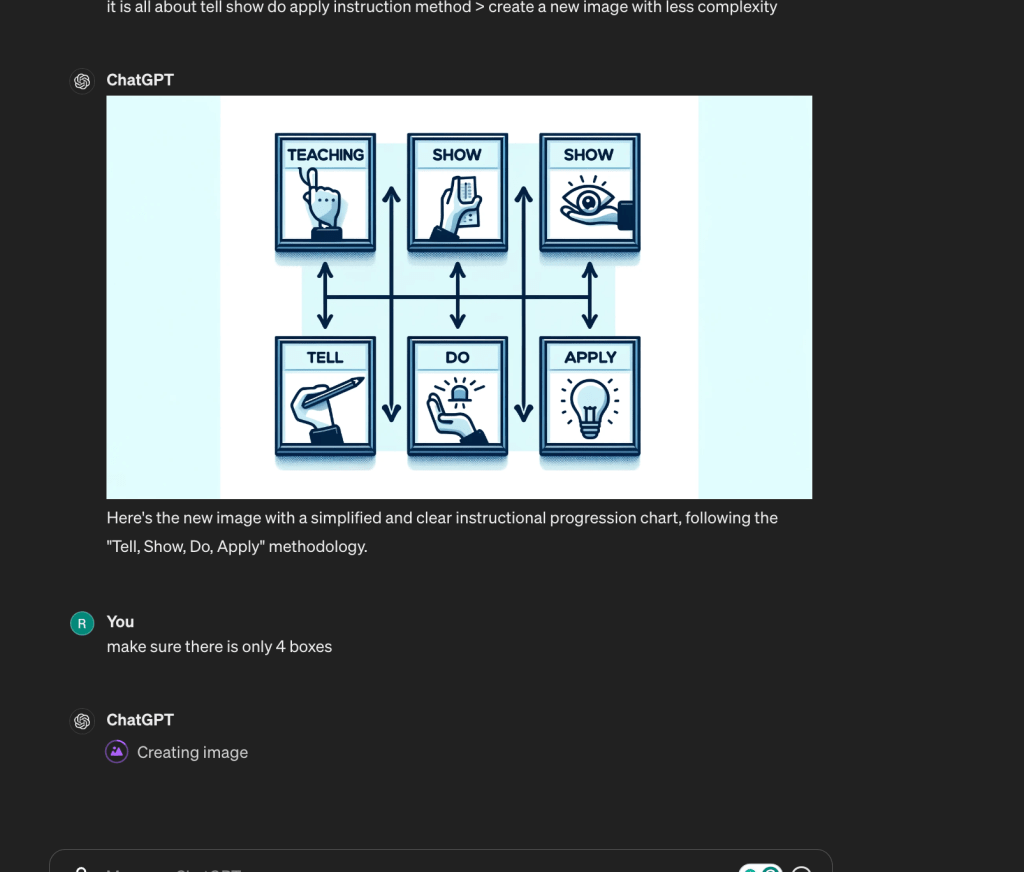
not bad
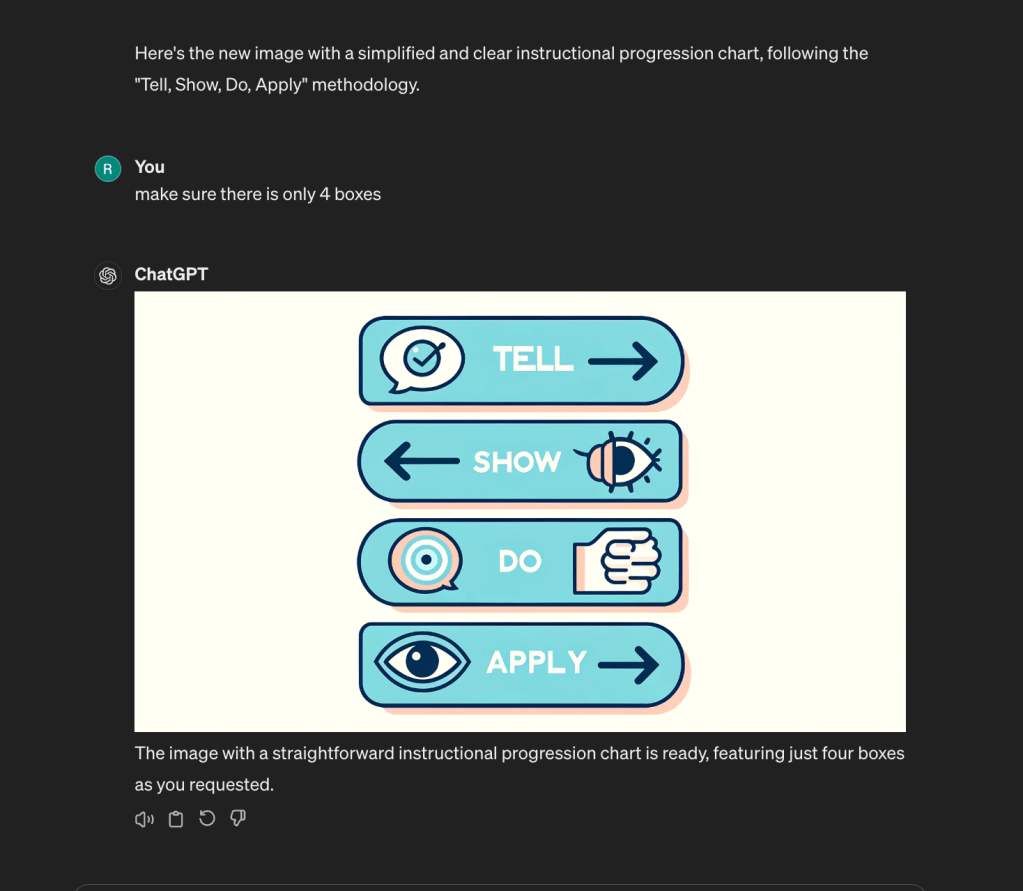
better prompts
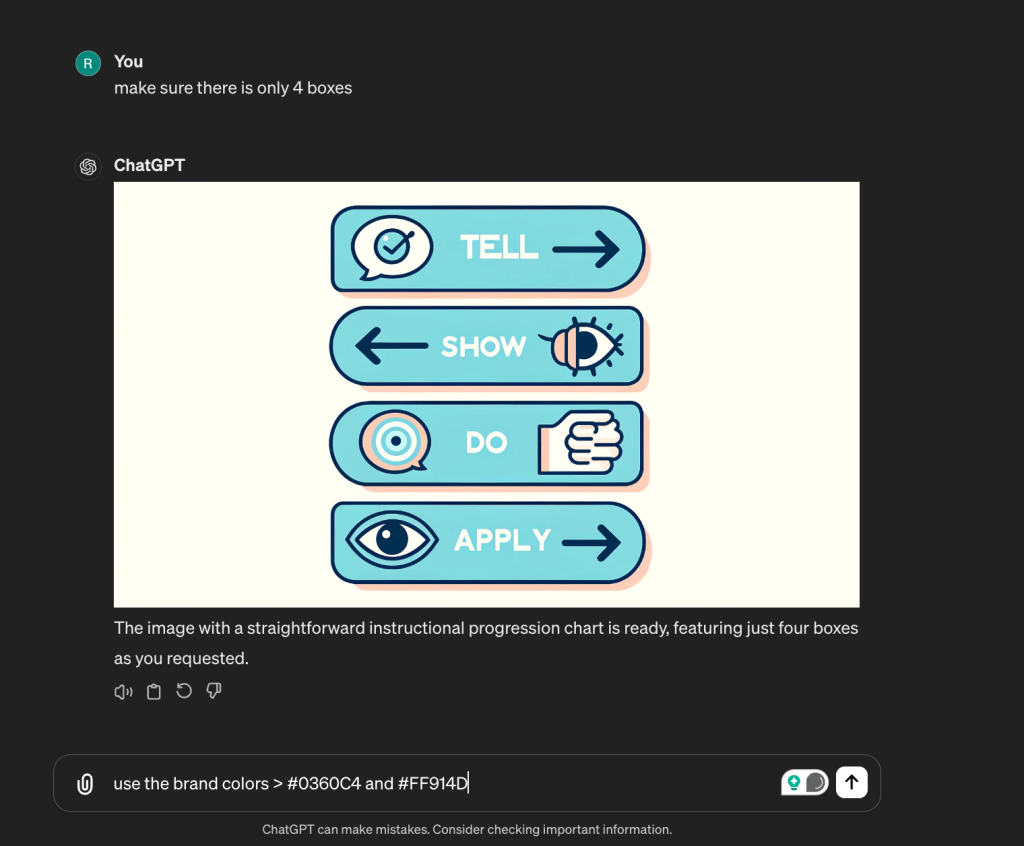
Write prompt to canva
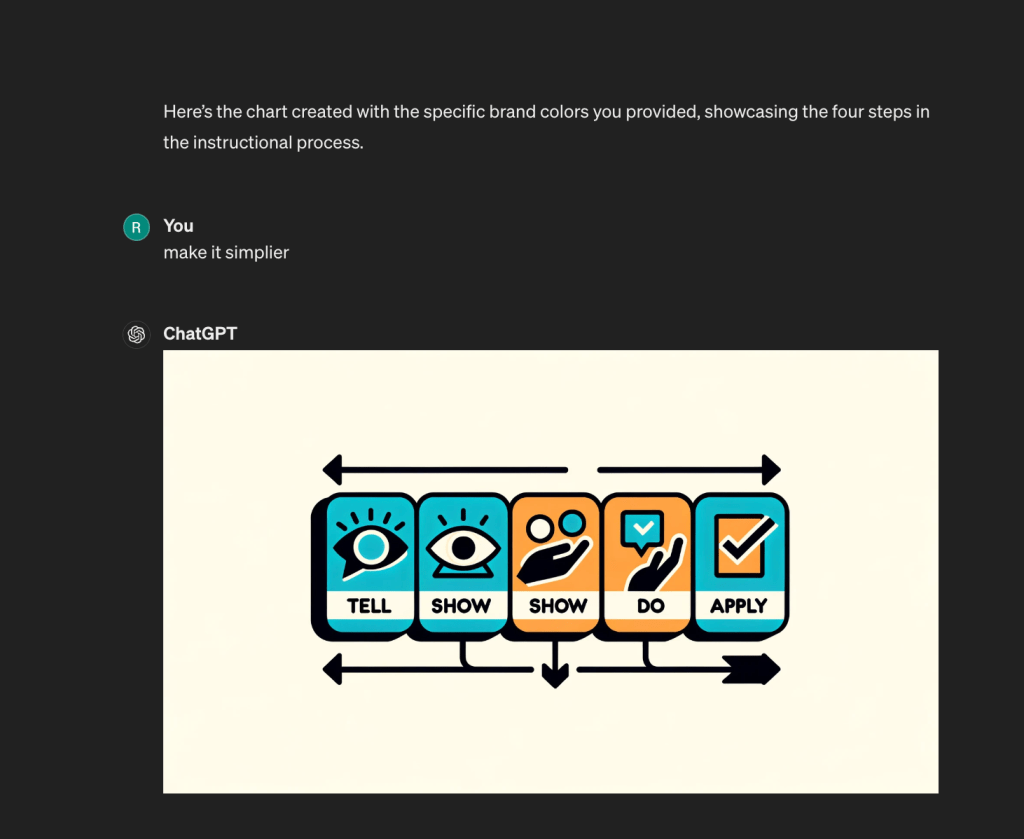
add your prompts
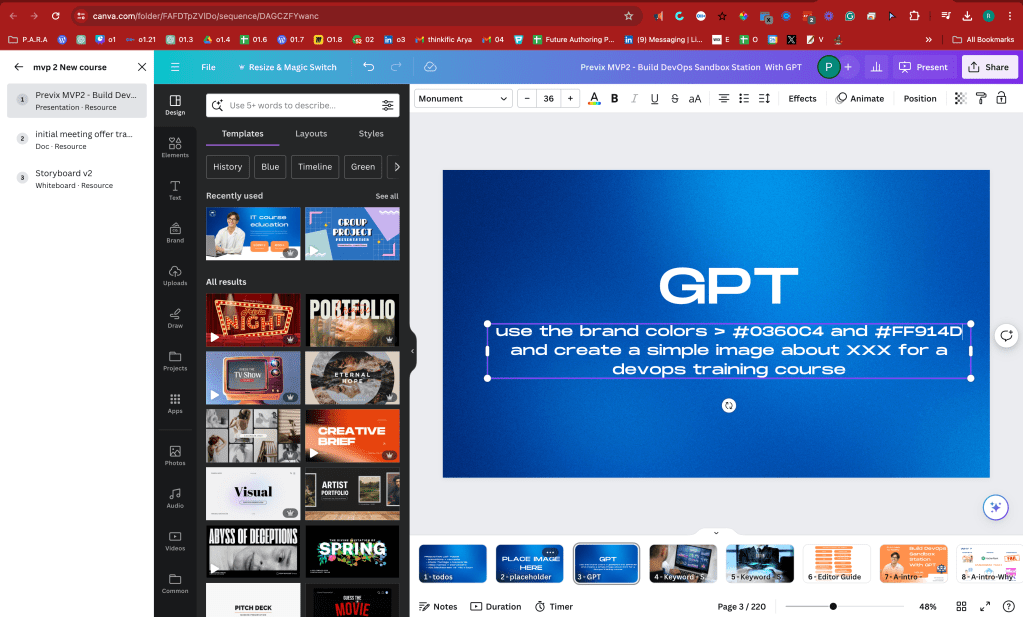
title slide is missing
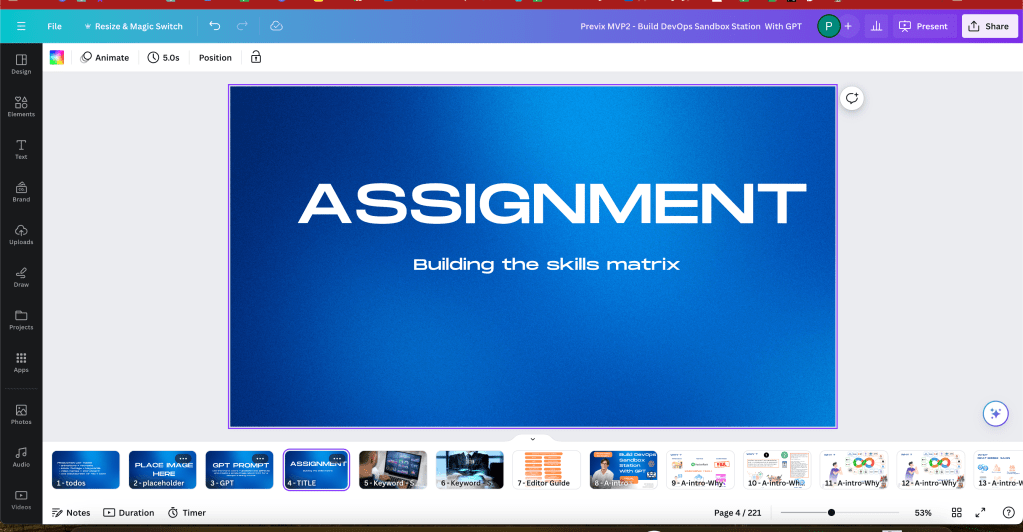
TitleCapture is added >>> missing the basics!!! >>> learner needs to know where they are >>> editor is adapting and making the tasks mininimum for him self
no obs practical loom recording is also fine just for the example sake
Basics
Title capture is added
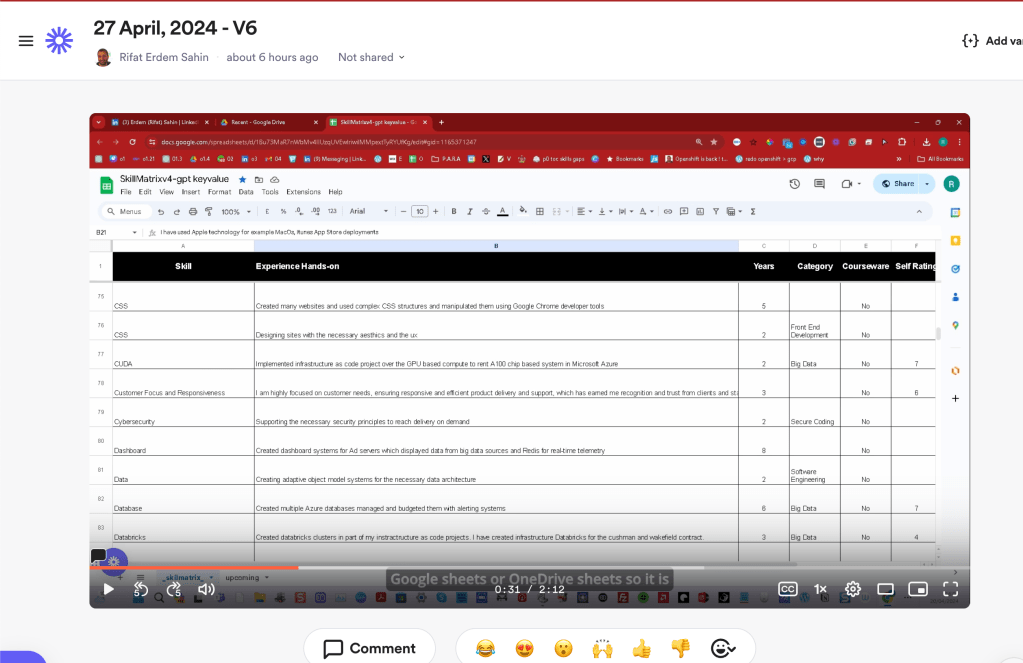
Gpt is also a great feedback for me on what i am saying wrong on personal development
The provided text contains several spelling and grammatical errors. Here are the corrections:
-
"skills metrics" should be "skills matrix".
-
"hands on experience" should be "hands-on experience".
-
"what's the category and the course where if you created any teaching some this, it can even be a block, mention it" is unclear and could be rephrased for clarity. A suggestion is: "the category and any courses related to the skills. If you have taught this skill, even in a blog, mention it".
-
"how do you rate yourself, create it, though" could be improved to "how you rate yourself. Create it, though".
-
"by time" should be "over time".
-
"it can become much bigger by time" could be rephrased as "it can grow over time".
-
"So it is going to be cloud-based" could be simplified to "It will be cloud-based".
-
"once you guys sign in to Google Sheets it is the Google Sheets Editor" should have a period or semicolon after "Google Sheets".
-
"you are going to see that every time it's a different language, so it is also very important for everybody to have some kind of a future-autoring program or past-autoring plan for themselves" could be improved for clarity. A suggested revision is: "you will notice that each time there's a different language, highlighting the importance of having a future-proofing or retrospective planning strategy".
-
"future-autoring program or past-autoring plan" should be "future-proofing program or retrospective plan".
-
"close-lo skills" is unclear and possibly misspelled. This may need to be clarified or corrected to "closely related skills" if that fits the context.
-
"Every job is an opportunity to add on new skills that I'm showing on here the skills edit" could be rephrased for clarity. A suggested revision is: "Every job offers the opportunity to acquire new skills, as shown in the skills edit here".
These corrections aim to improve the clarity and readability of the text.
Edittor getting lost in aestethics not the content >>> they are not there
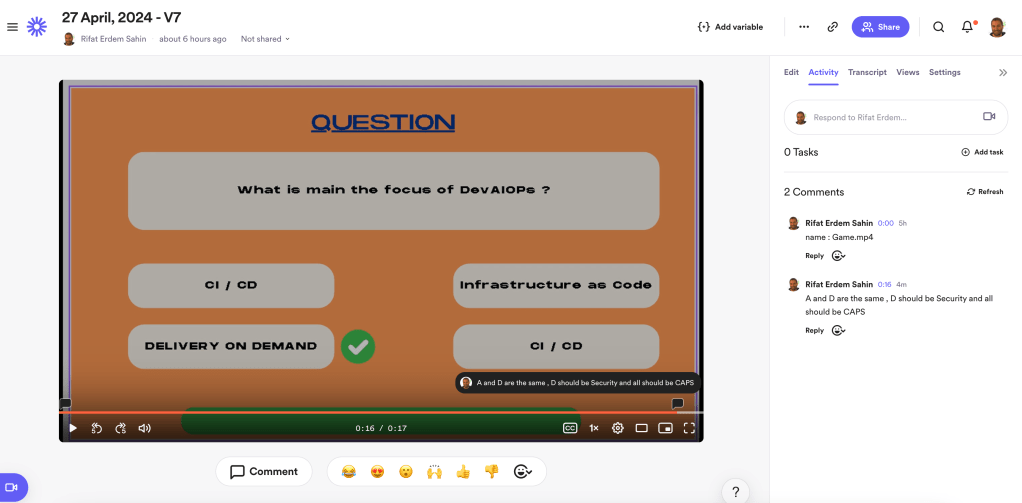
better animation with the canva
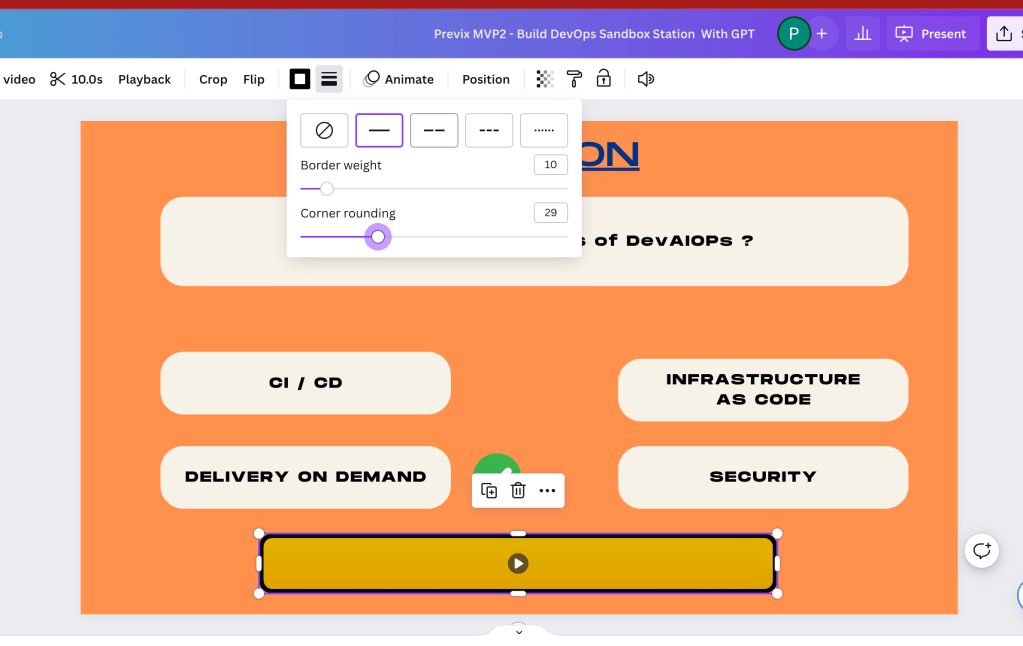
fixed version of tha gamification and the questions
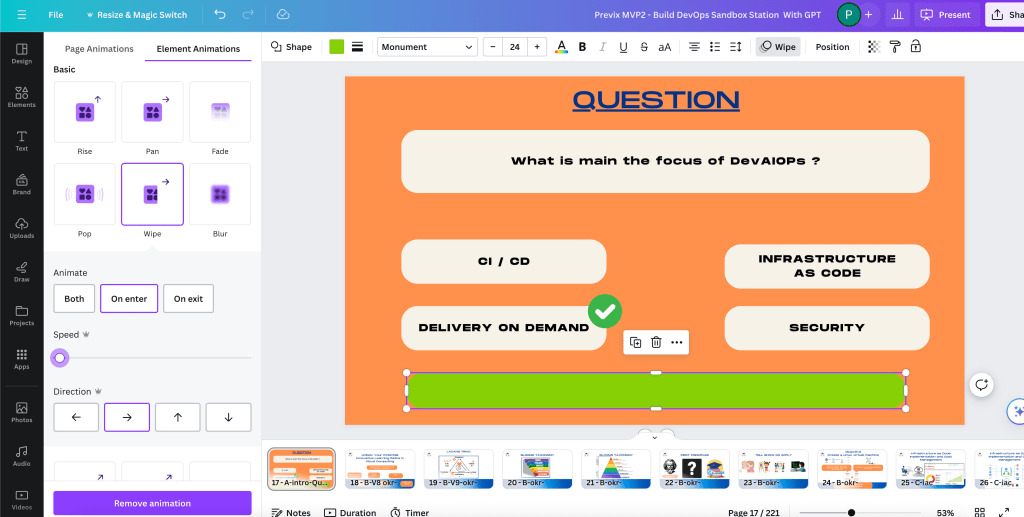
Set speed and use something that is similar to andres
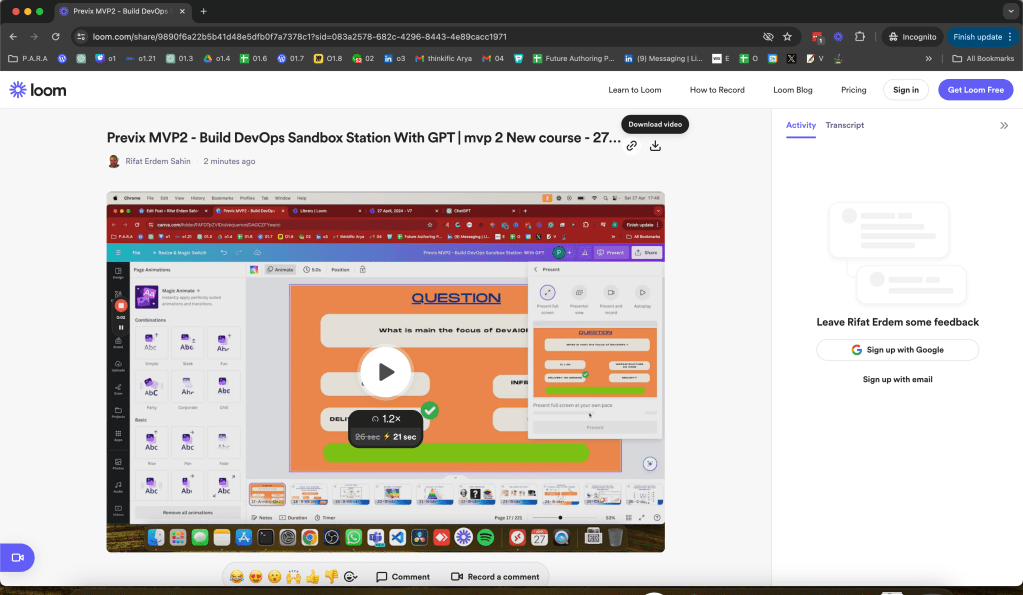
download is also there
questions and gamification
default action
Imported from rifaterdemsahin.com · 2024