Canva course format collect artifacts
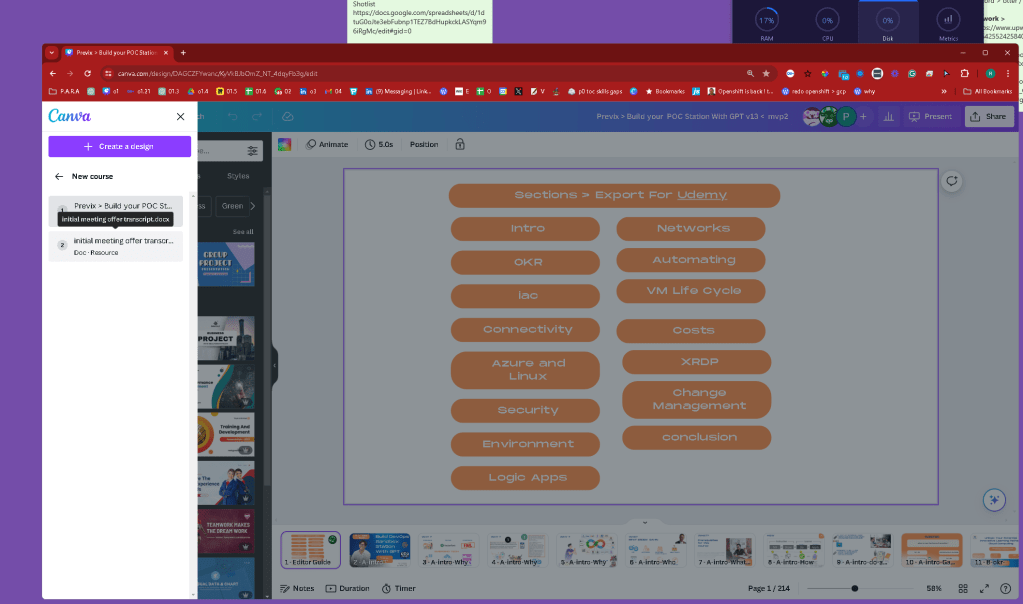
still not a storybpoard
moved images as projects
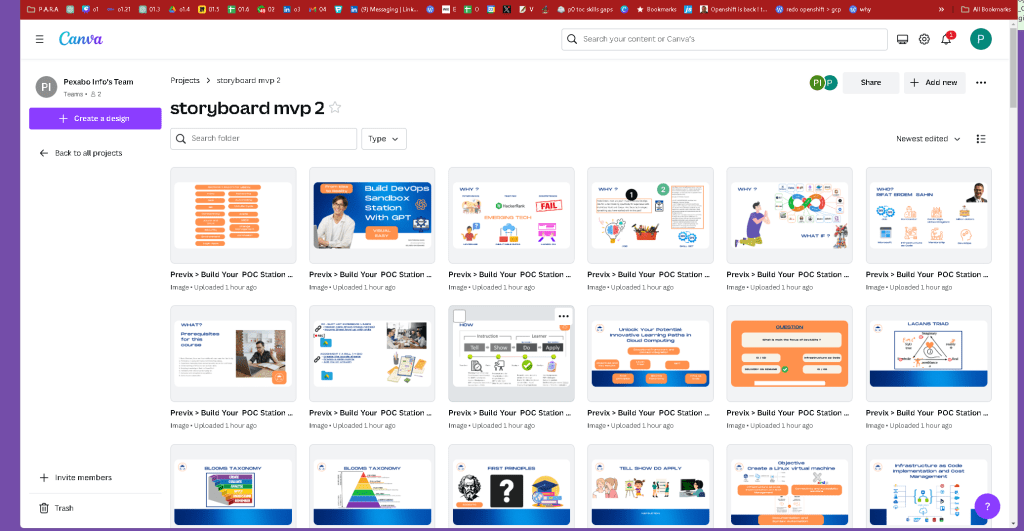
move folder to the course
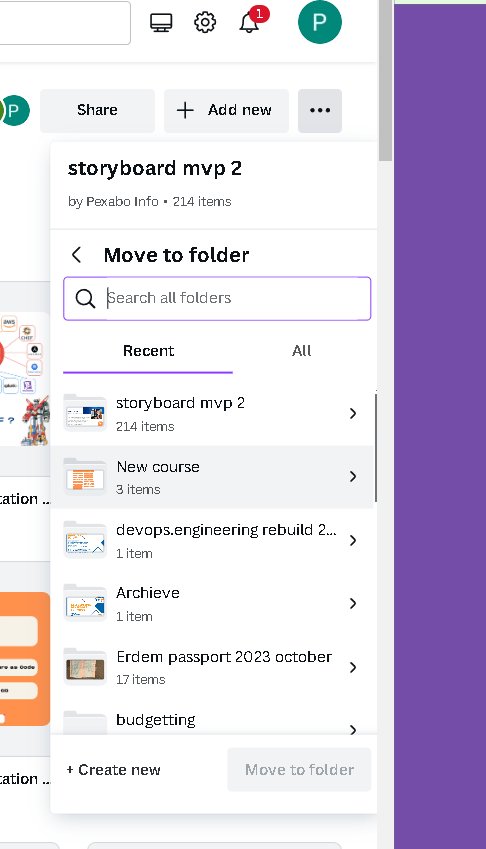
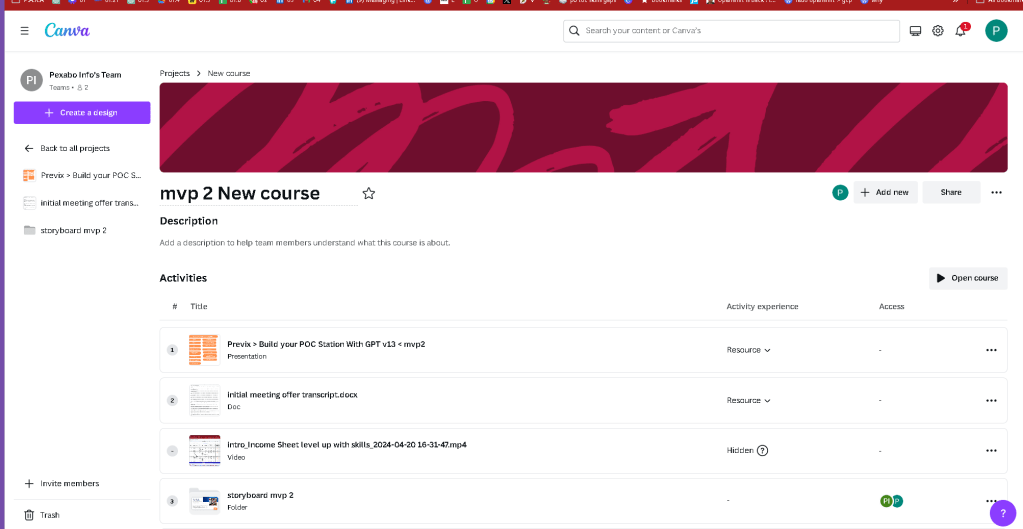
name as images
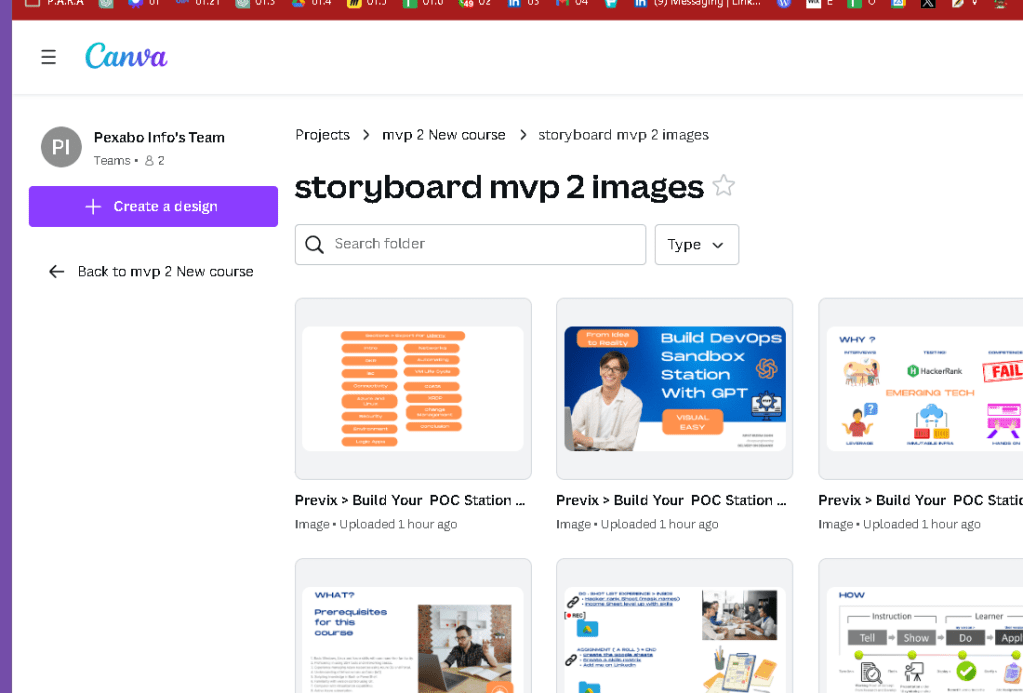
couse multi upload ready till 300mb
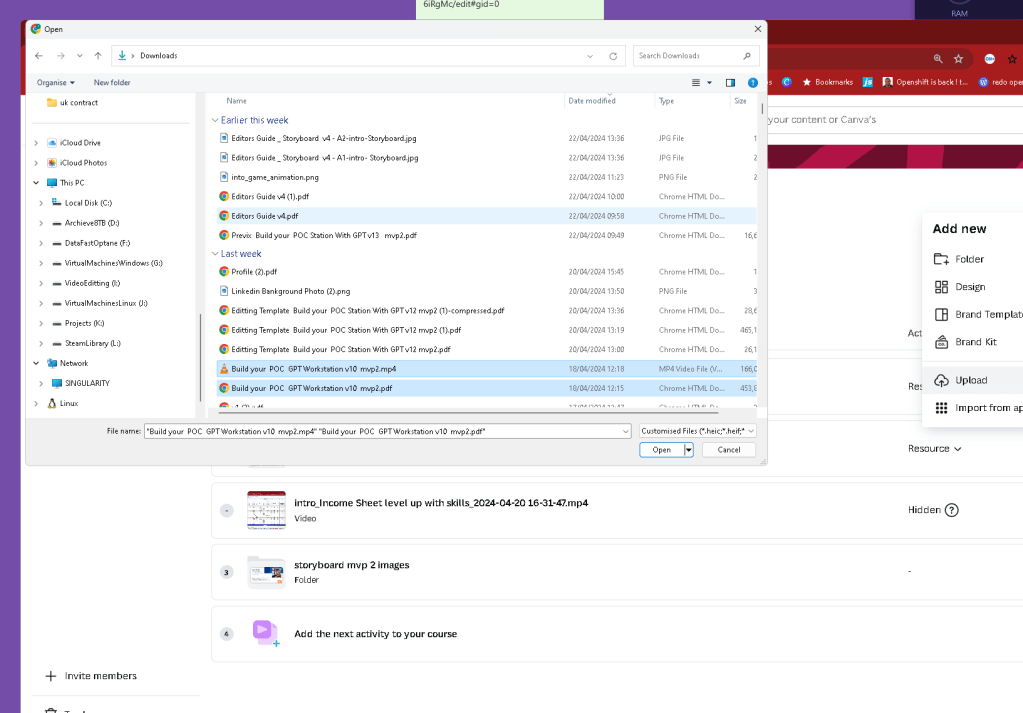
Similar to google drive
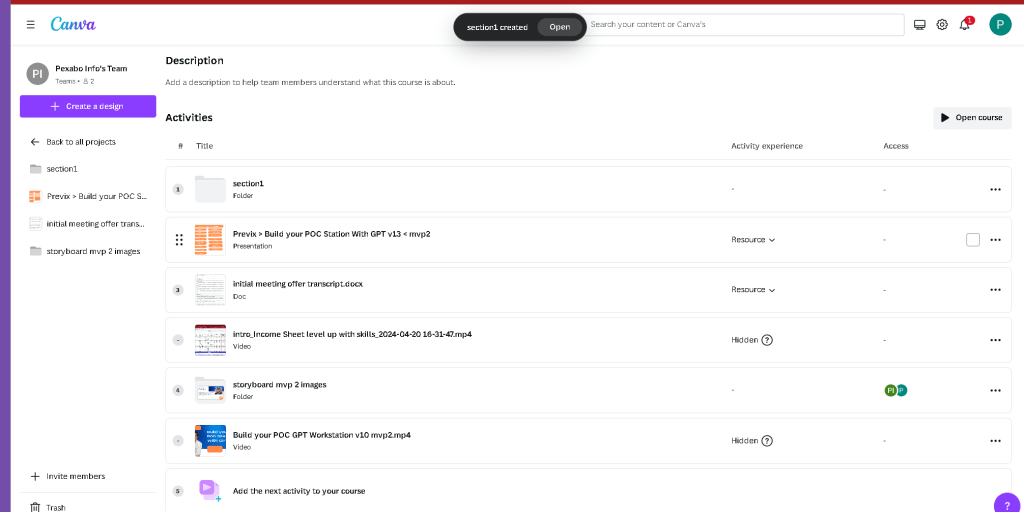
internal canva components easier to move
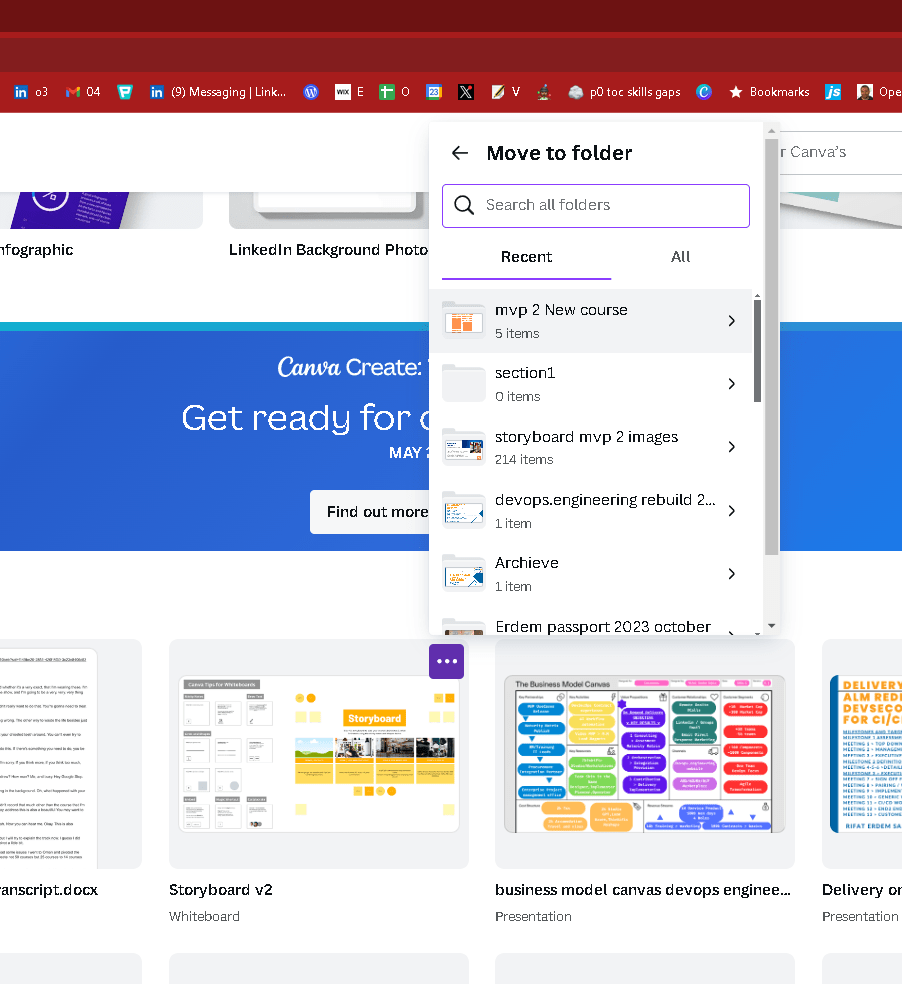
move it to starred
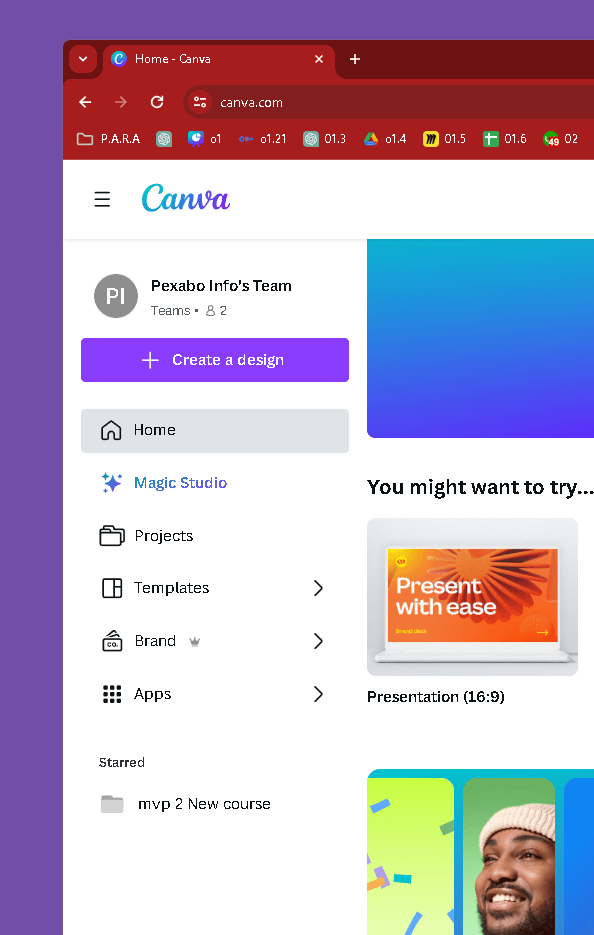
Folder to bring it to here
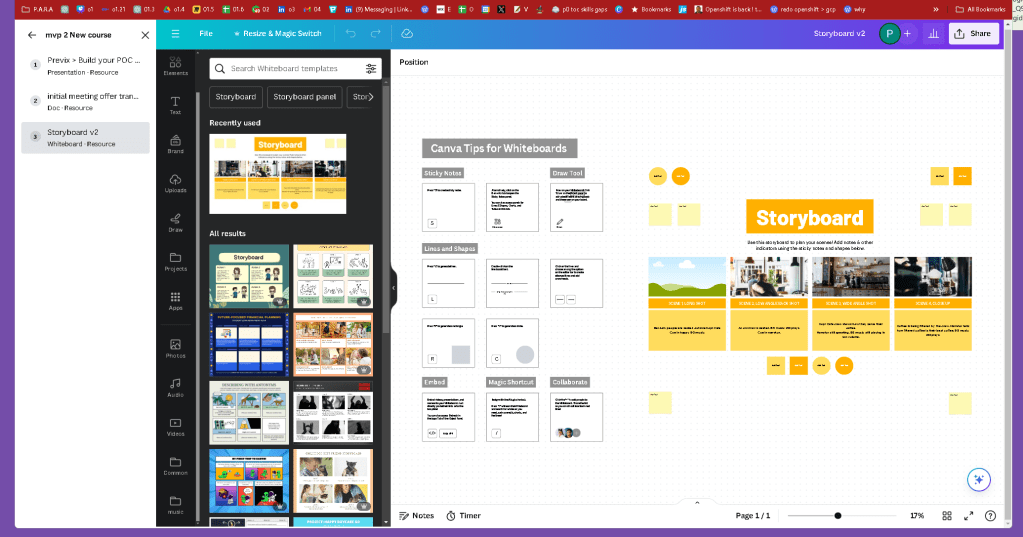
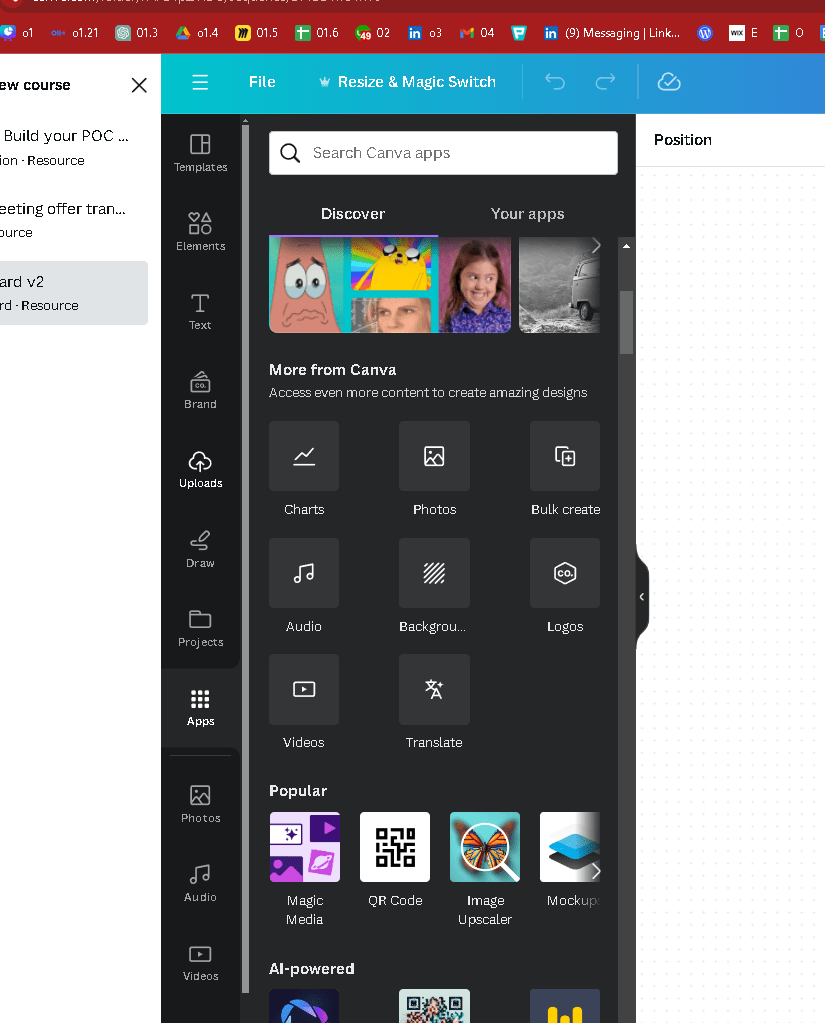
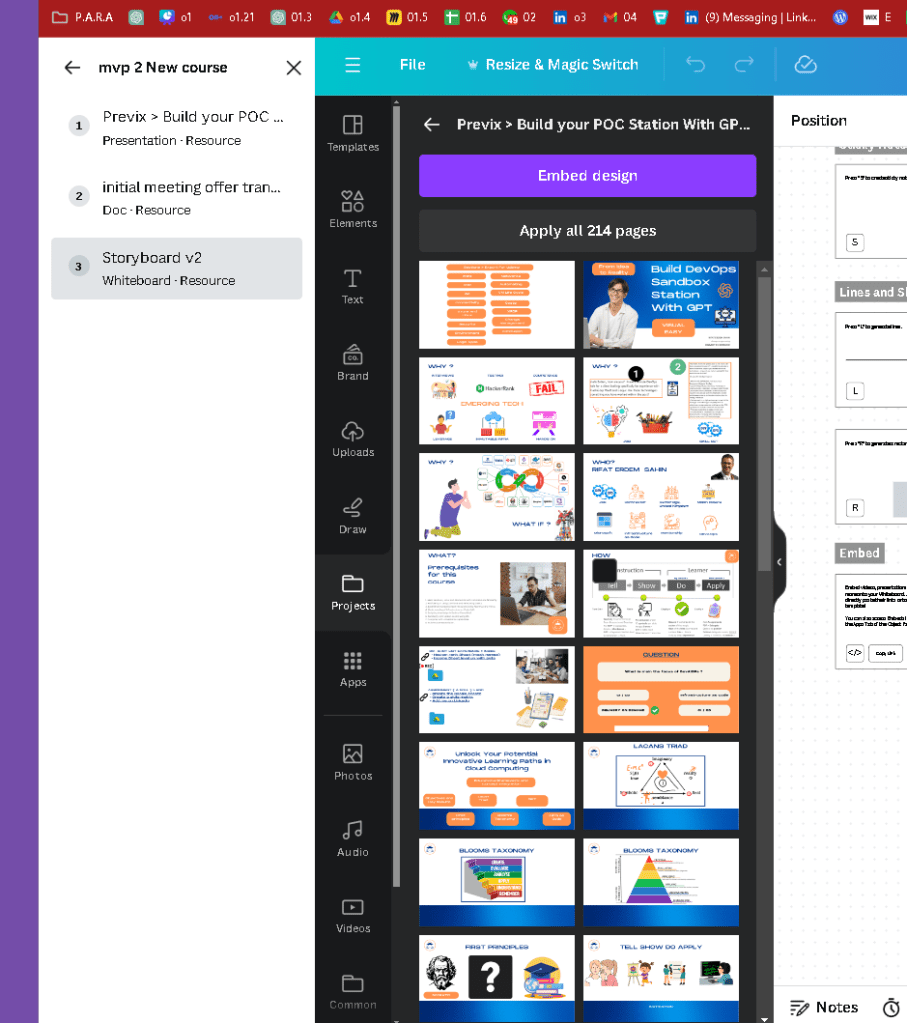
it can take parts
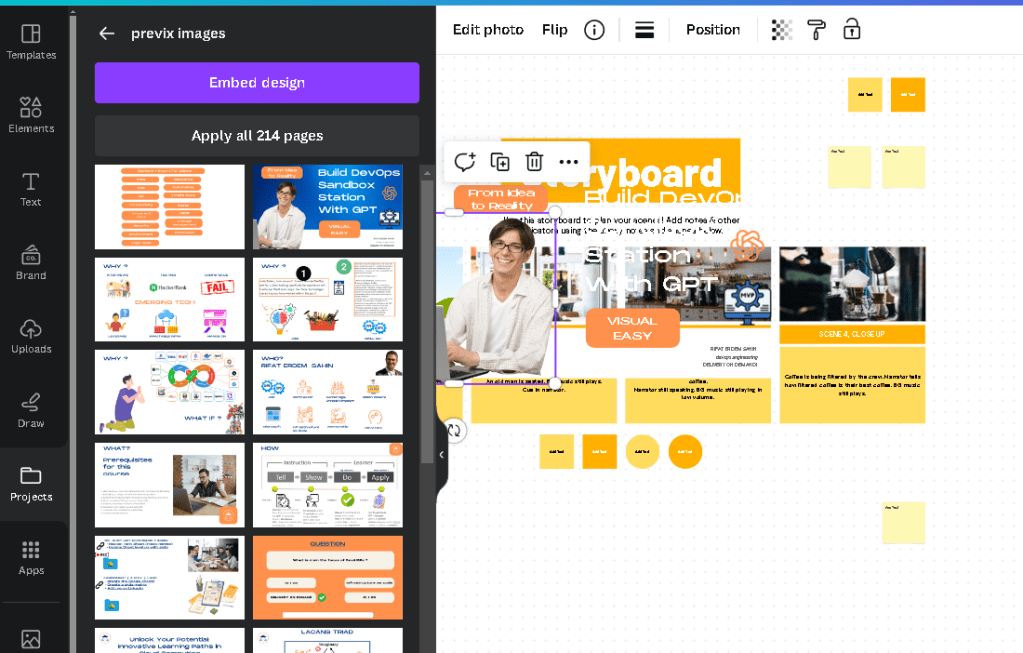
There is embed design is there a feature leave it on a page?
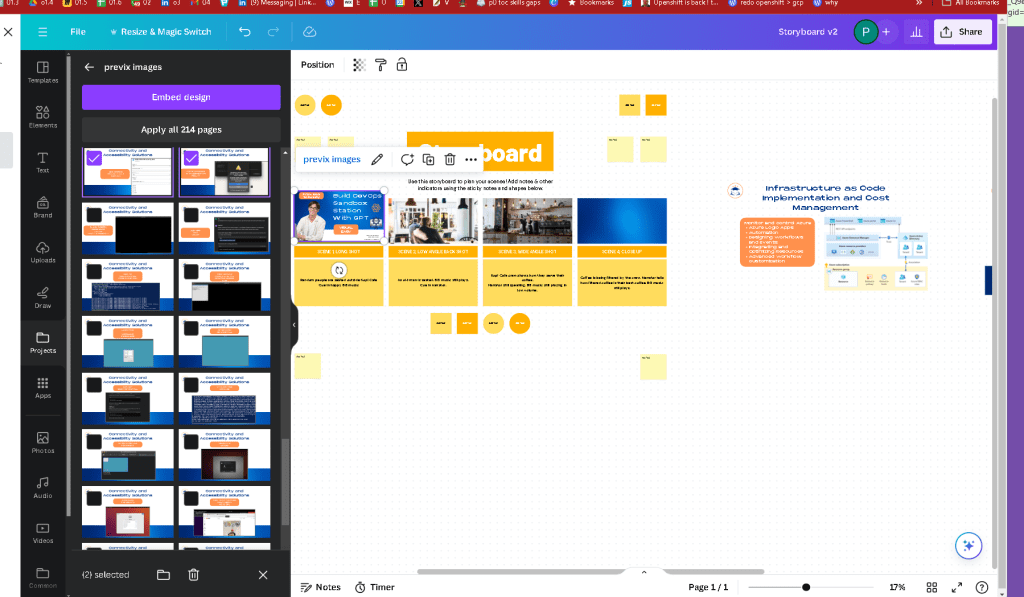
does it hold state?
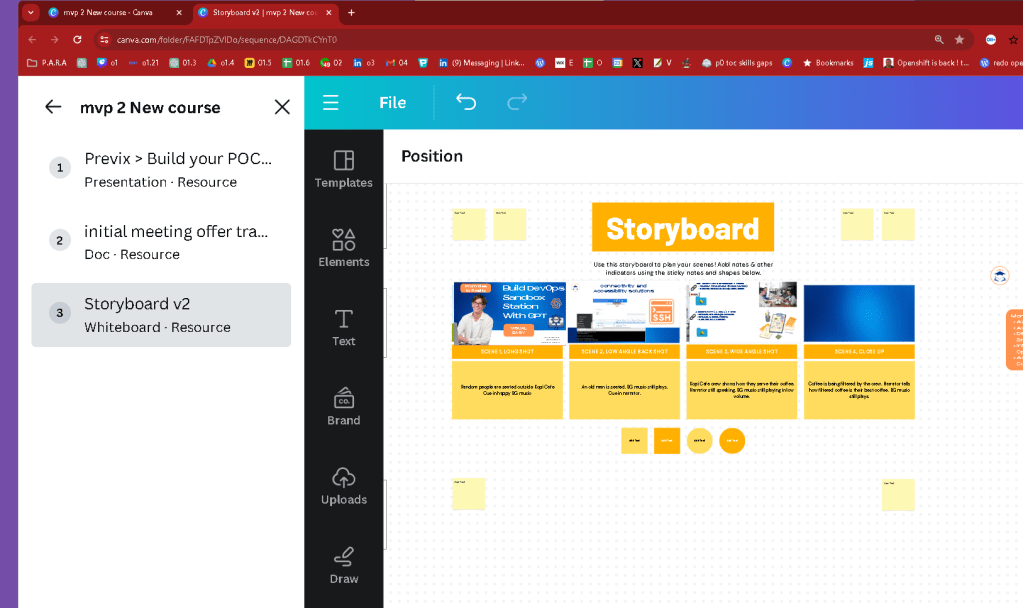
refresh it lost the state
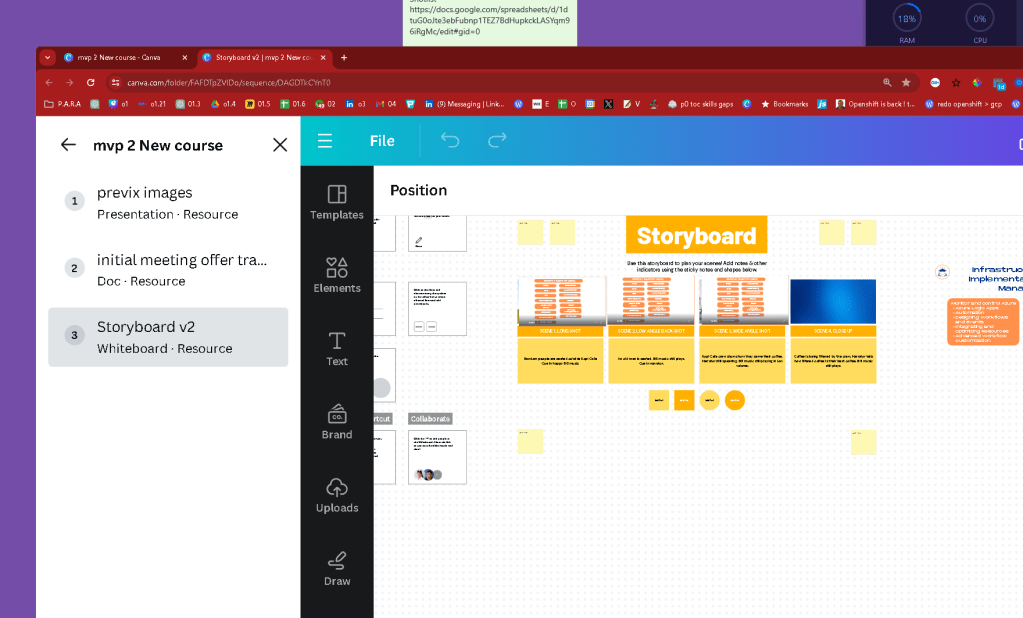
wHITE BOARD ACTS differently than presentation
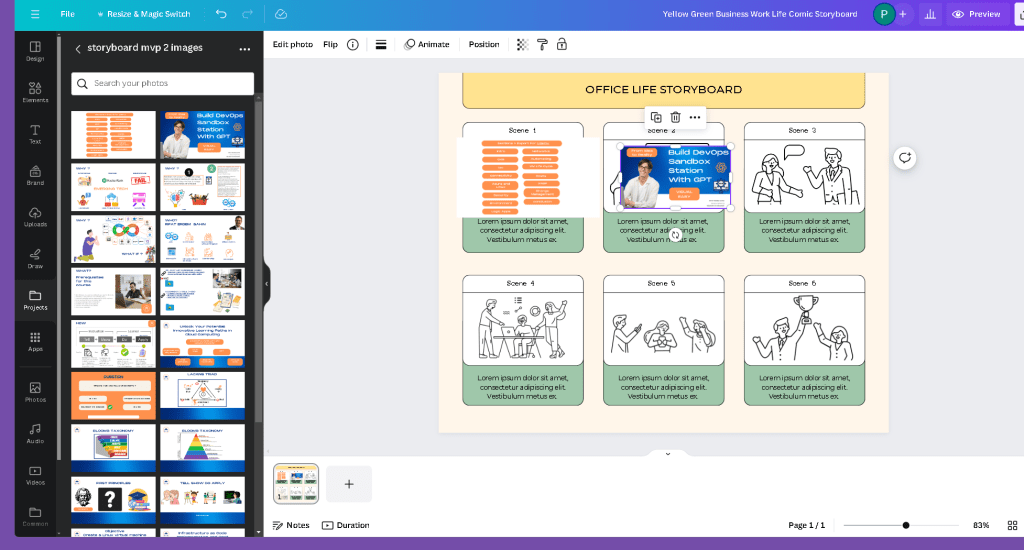
faile naming better in miro
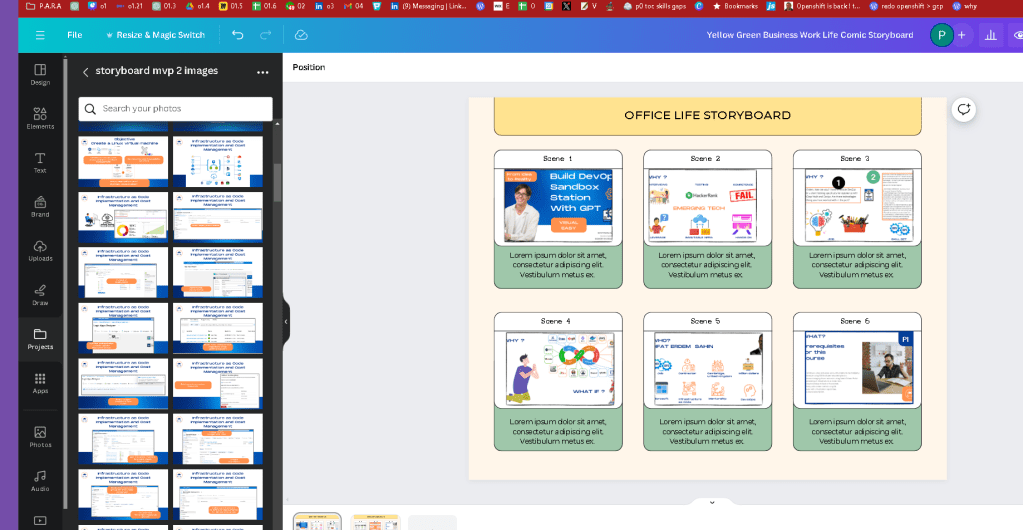
I need to export images and if names are not there so hard to map
Canva doesn't natively support features like "smart embed" with index change automation directly within its design tool as of my last update. Canva primarily focuses on graphic design, presentation, and publishing tools, and it is excellent for creating visuals, documents, and simple animations or interactive elements like links and videos within presentations.
If you're looking to automate content changes or embeds based on some index or condition (like in a database or spreadsheet), you might need to integrate other tools or services that specialize in automation, such as Zapier, Integromat, or custom scripts that interact with Canva through its API (if available). These tools can help you automate parts of your workflow by connecting Canva to other applications where conditions and data changes are managed.
For complex automation like index change automation:
-
Zapier or Integromat: These tools can automate workflows between Canva and other platforms (like spreadsheets or databases) based on triggers and actions. For example, updating a design in Canva when a spreadsheet entry changes.
-
Custom Programming: Using programming languages and APIs to interact with Canva and other data sources, enabling sophisticated control and automation over design elements based on data changes.
For specific implementations or to see if newer features have been added that support such capabilities, I'd recommend checking out Canva's official website or their user forums for the latest updates and community advice.
Maybe move the height
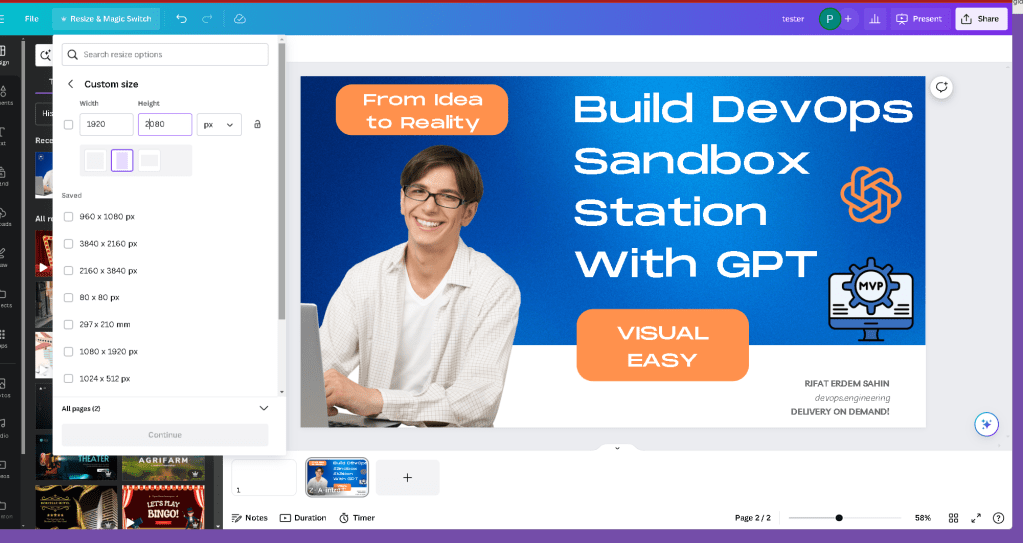
now it is not in a4 format easy to extract
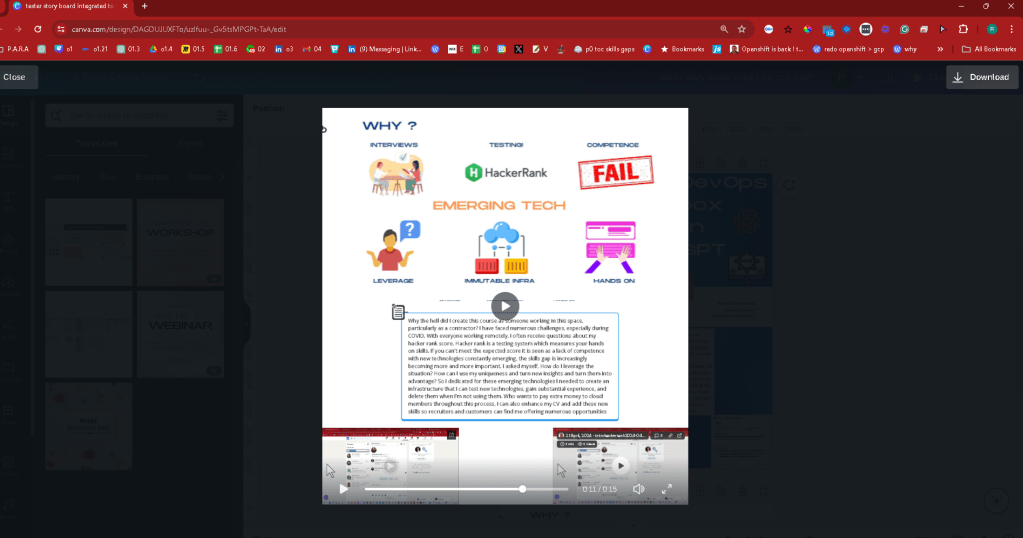
https://www.canva.com/design/DAGDUJUXFTo/uzIfuu-_Gv5tsMPGPt-TaA/edit
one versus 6 > and slides can be exported > easier for the editor to price it
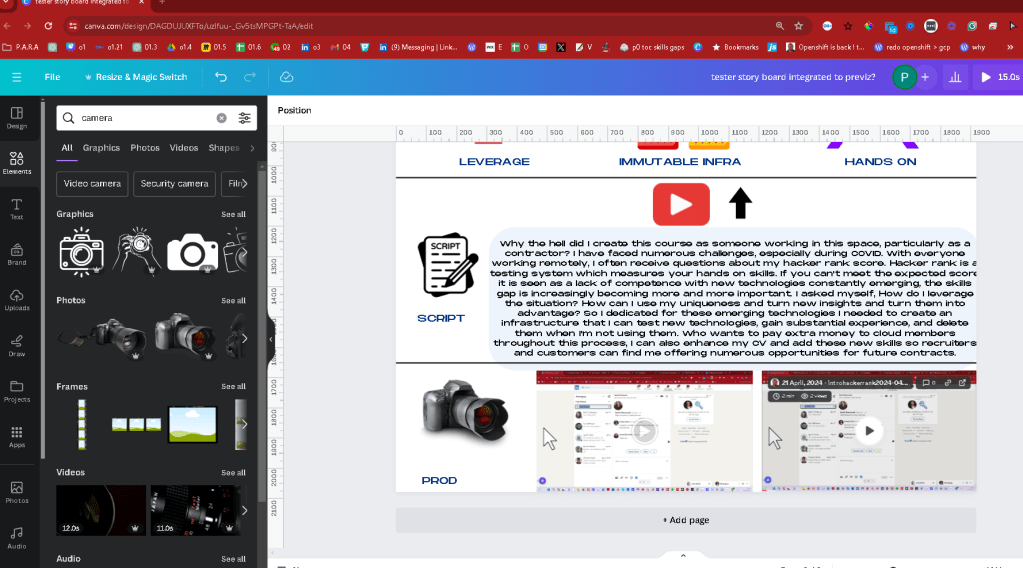
Pdf export and image export also gives the idea as well and the text is there for the editor to use ?
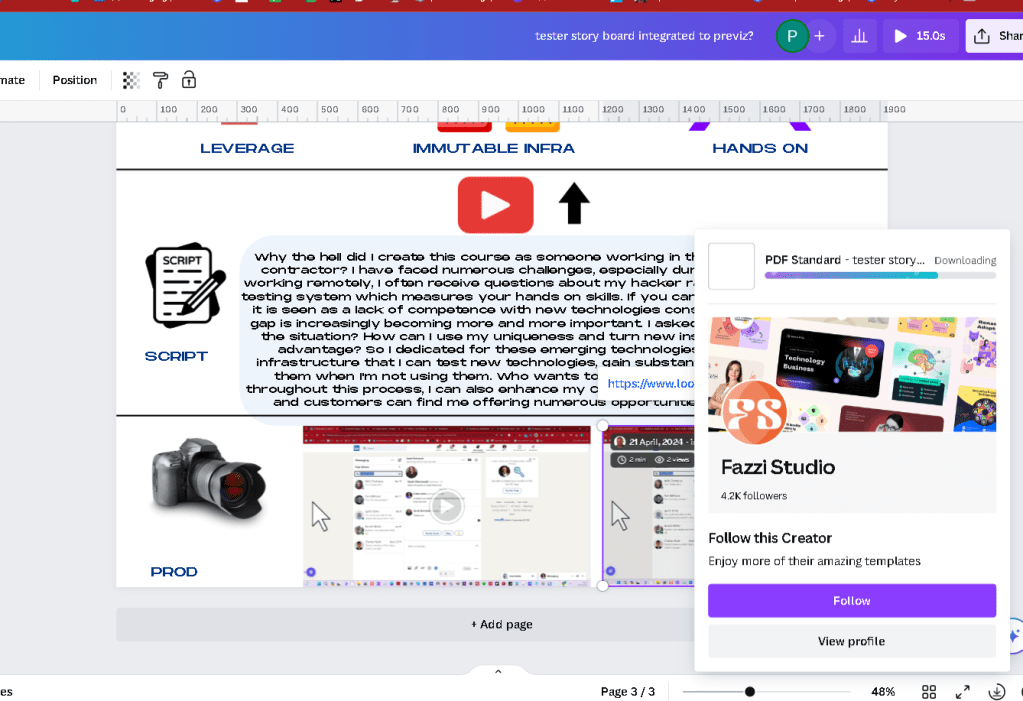
tester-story-board-integrated-to-previzDownload
Easy sorting for them
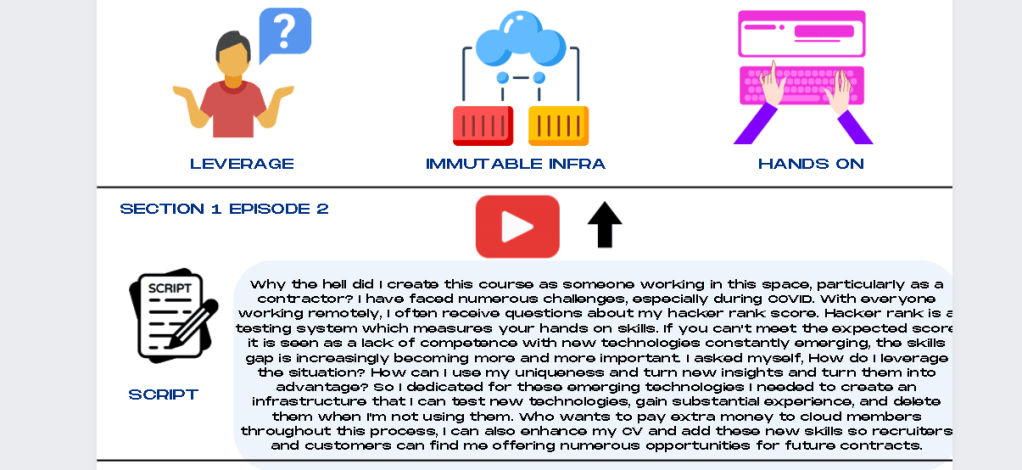
In davinci you do not need to import the pdf but the image can be cut and they can always see the episode number Script and footages
PDF Standart does not have links
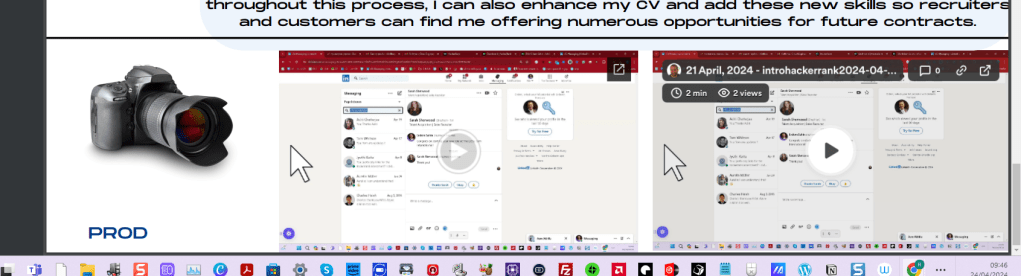
Test pdf print
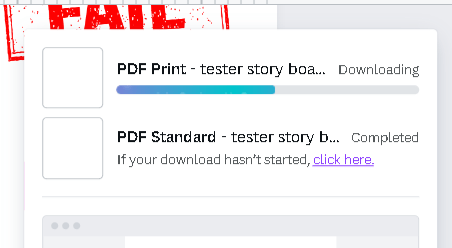
Pdf print also does not have the lnk
Forced links on pdf with text > works! with pdf
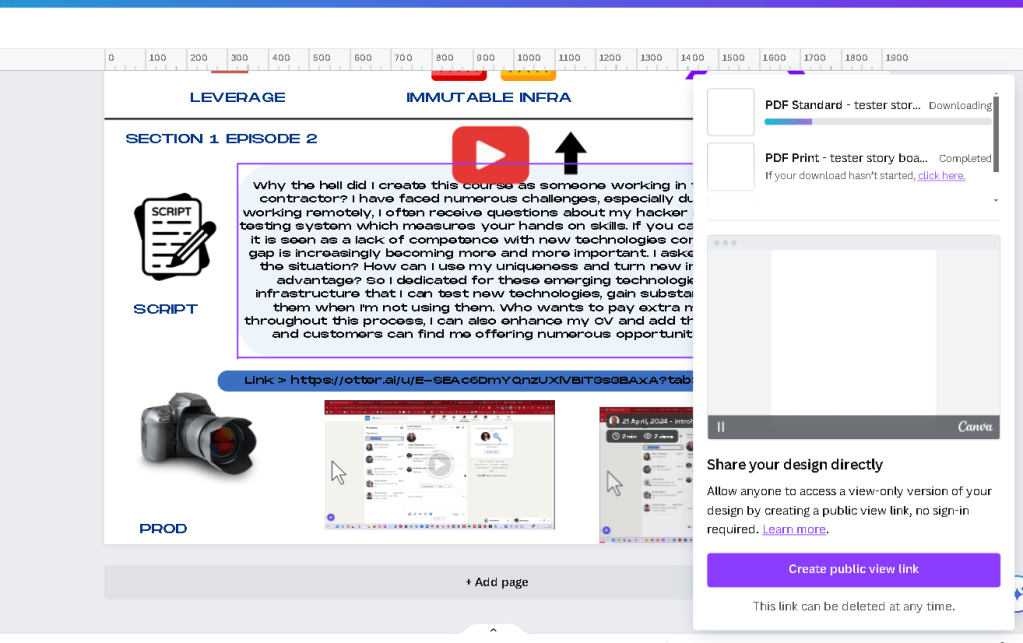
sLIDE SHOW WORKS IN A VIDEO FORMAT WHICH COULD BE FINE
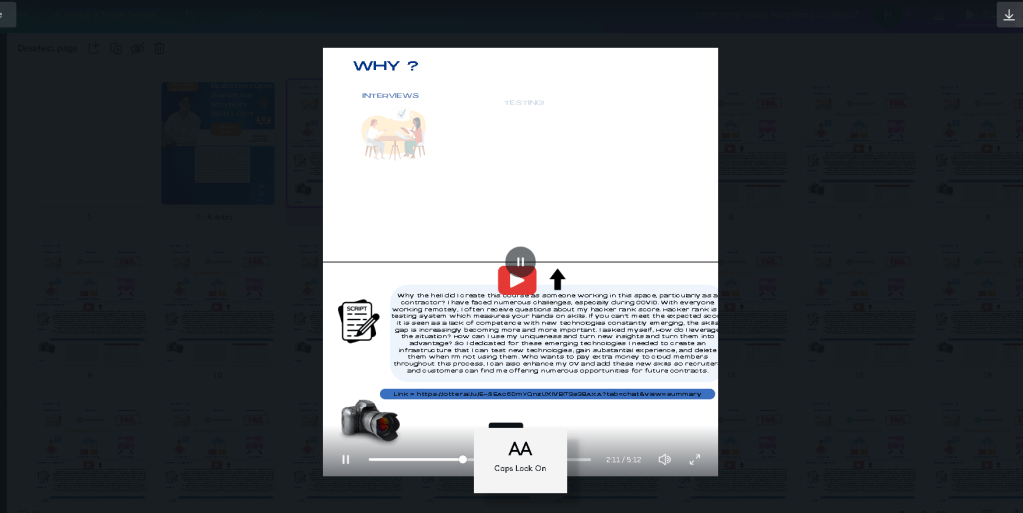
Download video with the text could give more of the flow
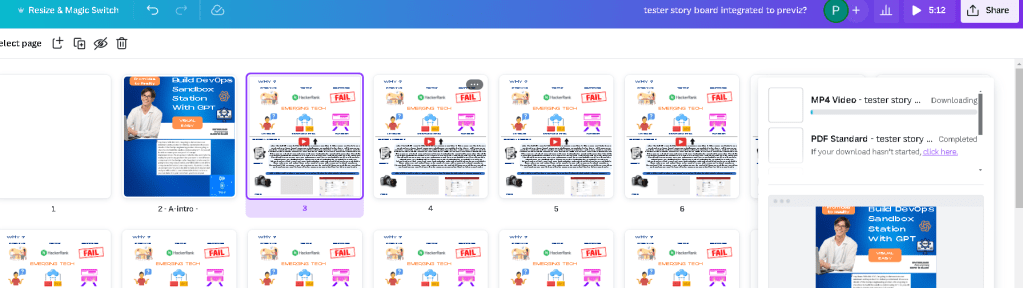
but real footage takes time
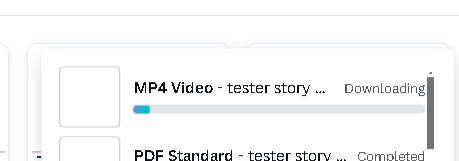
image migh bring extra cutting into dacvinci with not that much pro
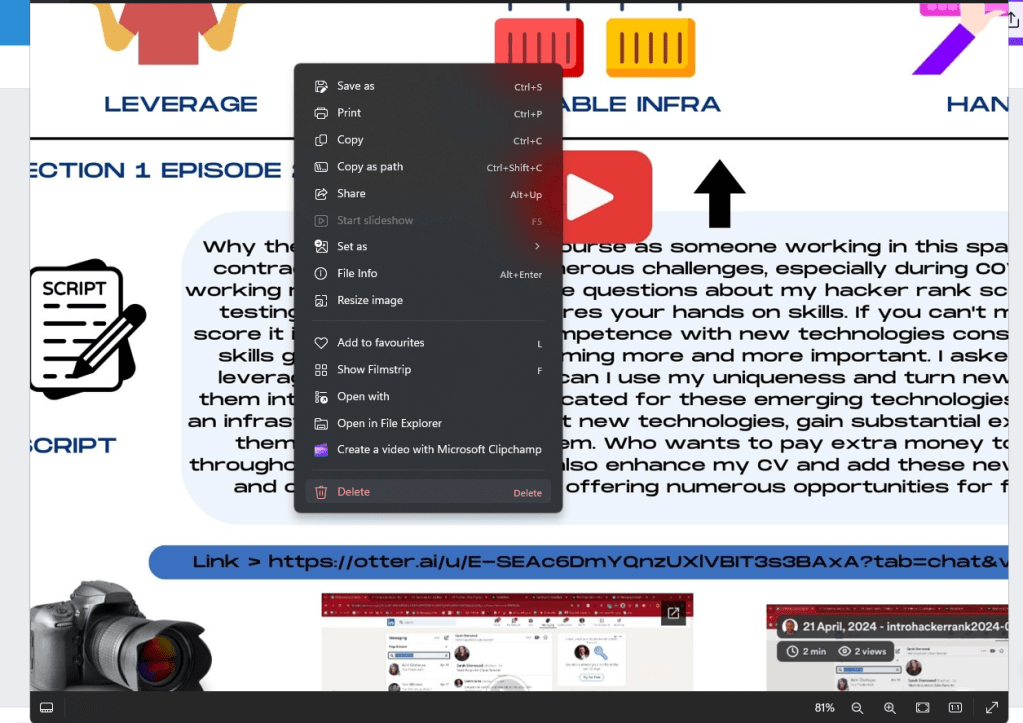
NO
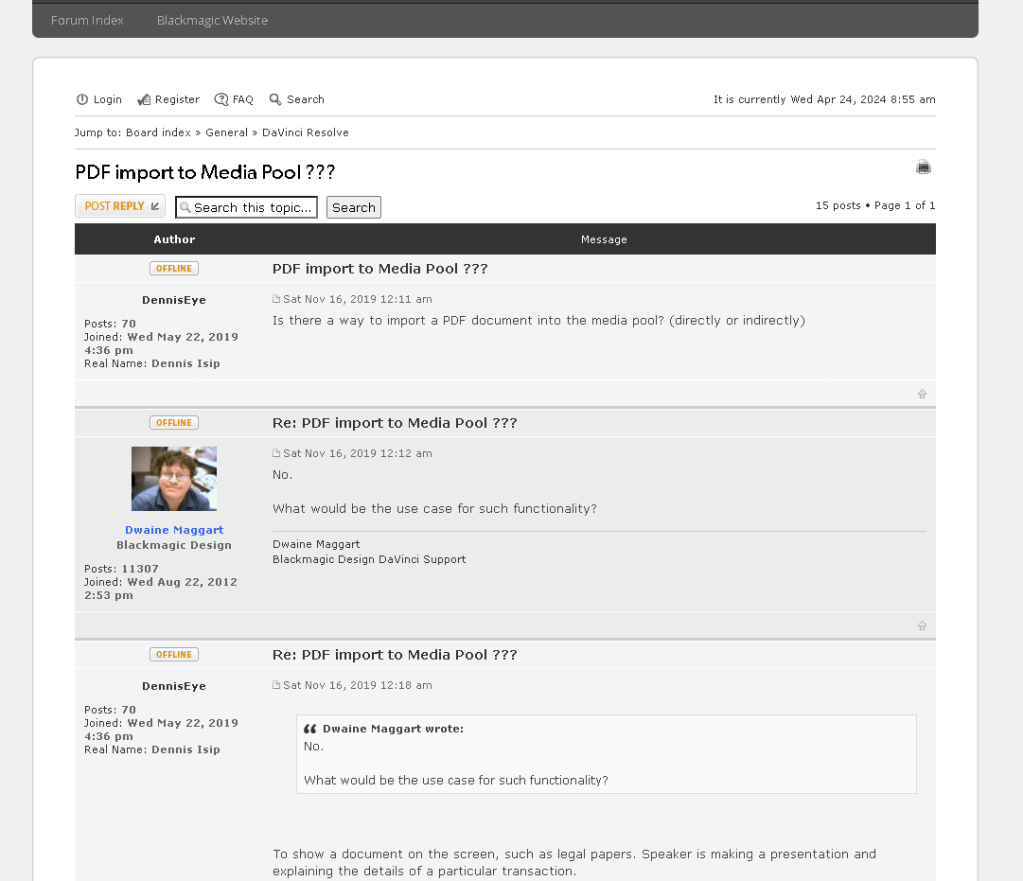
supply image is important
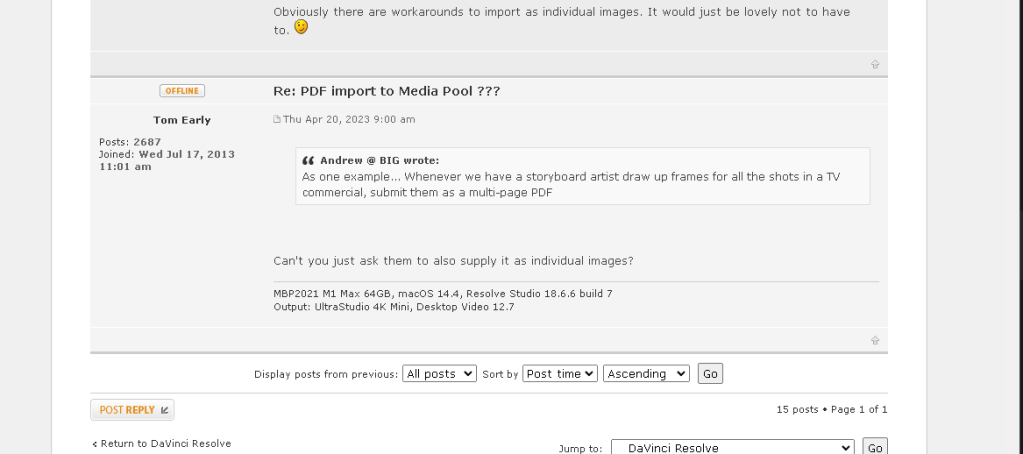
https://forum.blackmagicdesign.com/viewtopic.php?f=21&t=102723
mira all has other features as well
if i use img there are so many of them 220 enters and populates miro
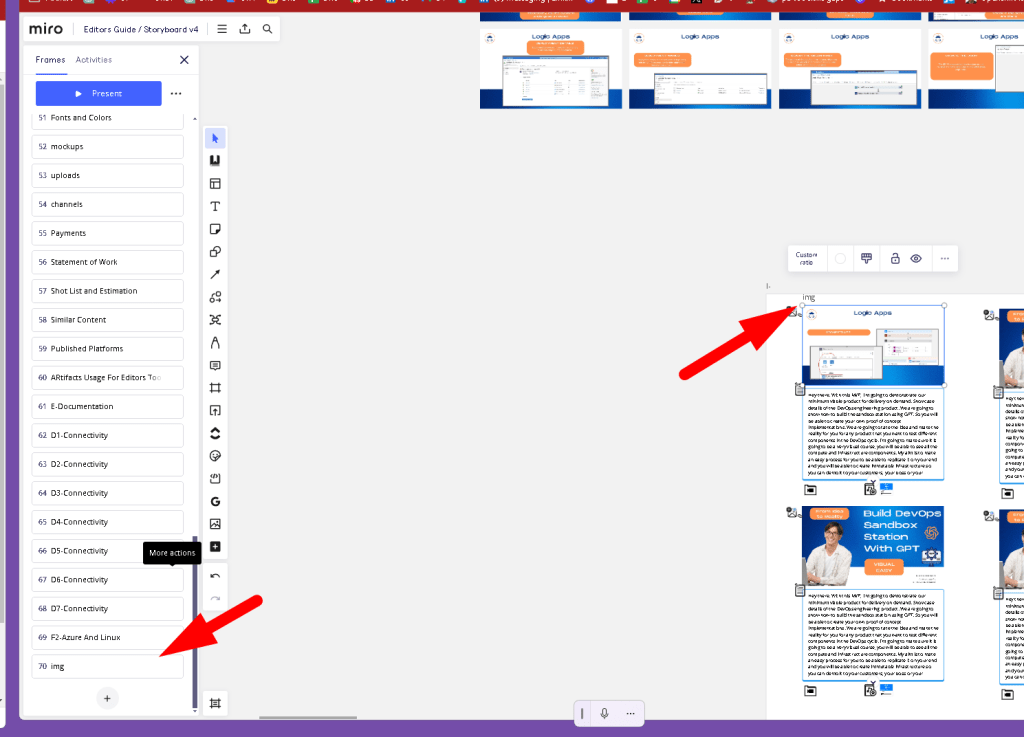
miro easier play ground
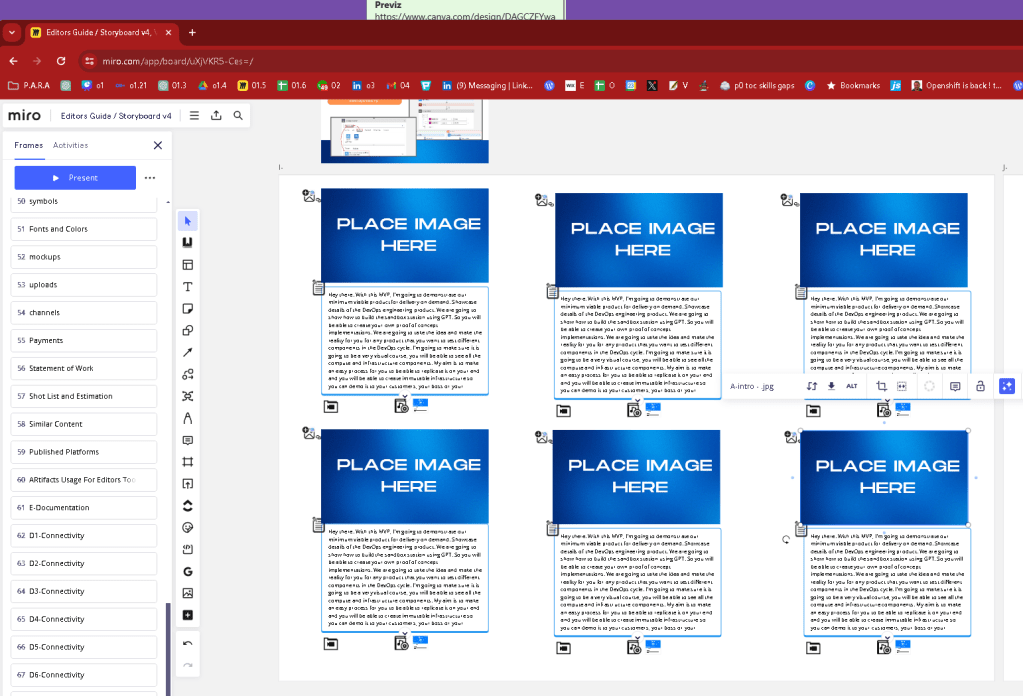
easier to move on
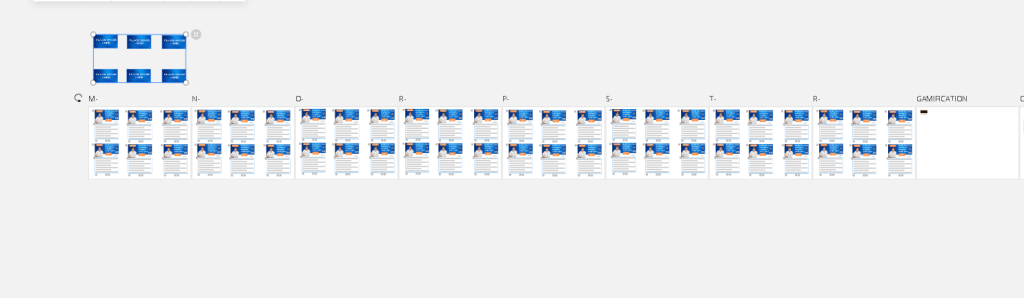
done in 3 minutes
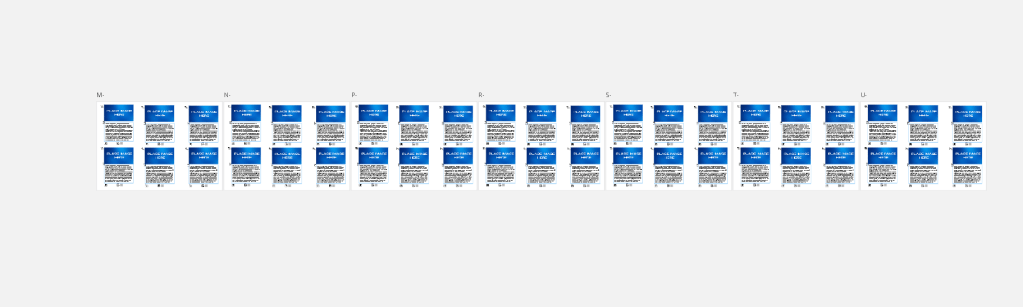
bring to front tactic to past and dont delete the bottom
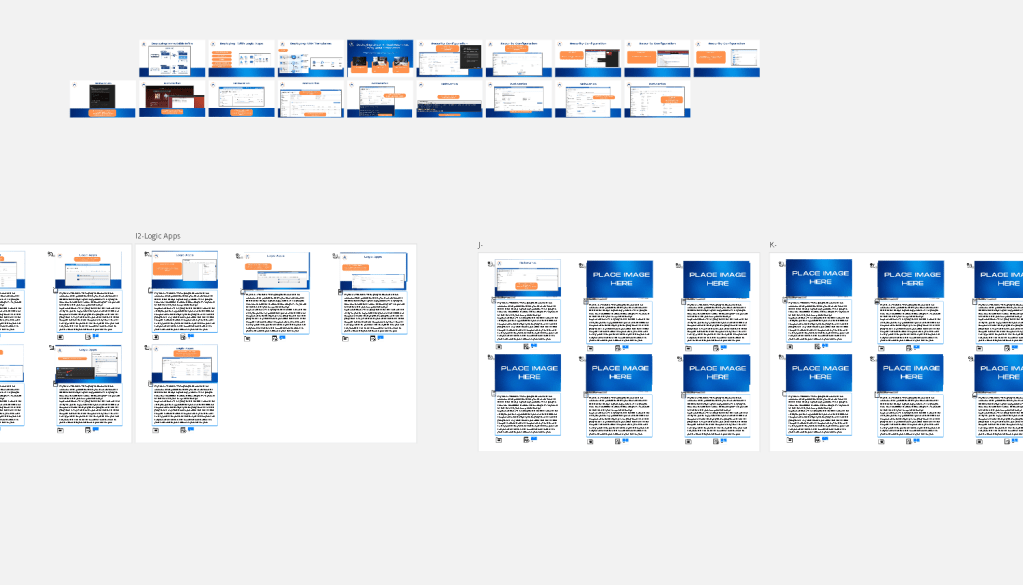
Also miro makes more sense on production most creative before turning into the excel sheet for delegation offer > negotiation and delivery
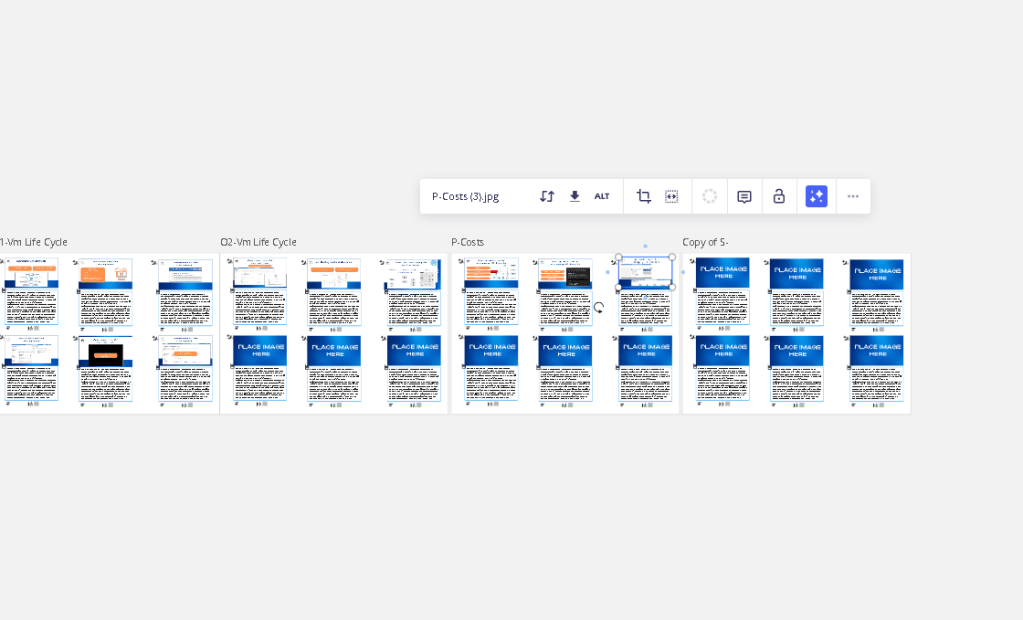
The miro is creative and location based links
Fix it
Imported from rifaterdemsahin.com · 2024