Missing part in Flow
one big script with flow
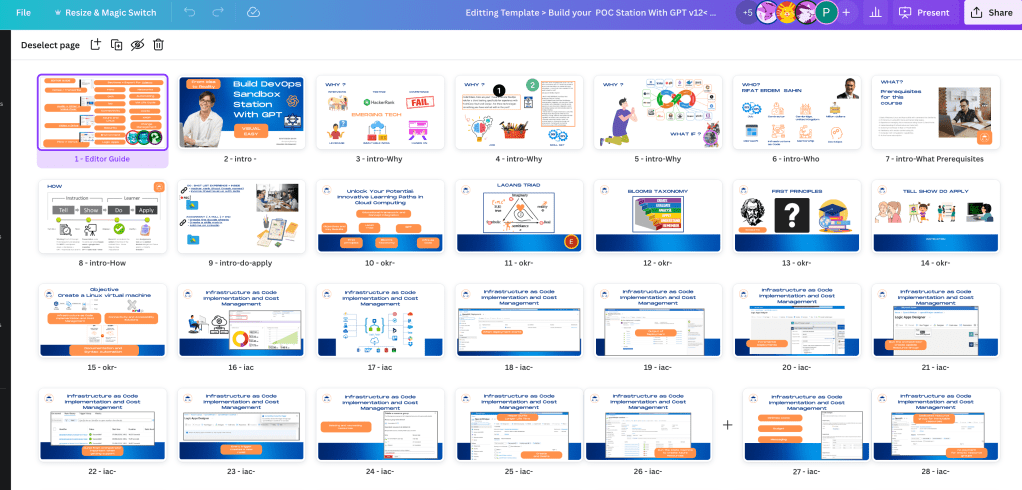
All this has to be linked
Creating a Virtual Machine on Azure for Sandboxing
In this course, you will learn how to set up a virtual machine on Microsoft Azure for sandboxing purposes.
Module 1: Introduction to Azure Virtual Machines
In this module, you will get an overview of Azure Virtual Machines and their key features. You will also understand the benefits of using Azure for your sandboxing needs.
Module 2: Creating an Azure Account
Here, you will be guided through the process of creating an account on Microsoft Azure, including the necessary steps for account verification and subscription setup.
Module 3: Configuring a Virtual Machine
In this module, you will learn how to configure a virtual machine on Azure, including selecting the appropriate machine type, operating system, and networking settings for sandboxing.
Module 4: Deploying Sandbox Environments
You will explore the practical aspects of deploying sandbox environments on Azure Virtual Machines, including best practices for security and resource management.
By the end of this course, you will have the knowledge and skills to effectively create and utilize virtual machines on Azure for sandboxing purposes.
Creating a Virtual Machine on Azure for Sandboxing
In this course, you will learn how to set up a virtual machine on Microsoft Azure for sandboxing purposes.

Module 1: Introduction to Azure Virtual Machines
In this module, you will get an overview of Azure Virtual Machines and their key features. You will also understand the benefits of using Azure for your sandboxing needs.
Module 2: Creating an Azure Account
Here, you will be guided through the process of creating an account on Microsoft Azure, including the necessary steps for account verification and subscription setup.
Module 3: Configuring a Virtual Machine
In this module, you will learn how to configure a virtual machine on Azure, including selecting the appropriate machine type, operating system, and networking settings for sandboxing.
Module 4: Deploying Sandbox Environments
You will explore the practical aspects of deploying sandbox environments on Azure Virtual Machines, including best practices for security and resource management.
By the end of this course, you will have the knowledge and skills to effectively create and utilize virtual machines on Azure for sandboxing purposes.

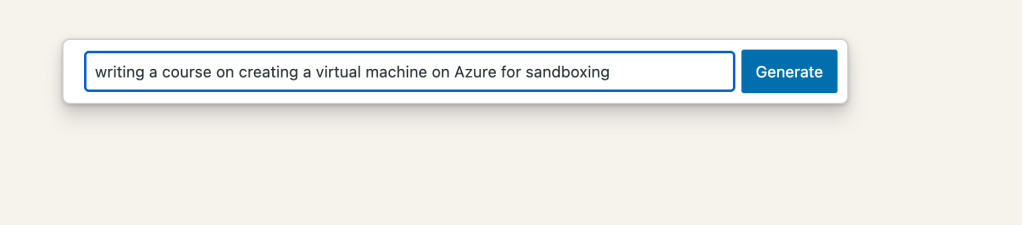
There is slides and notes in the > action is moving forward.
maybe i use the drive docs or copilot to write the script like
maybe a master script > https://docs.google.com/document/d/17cjkpa_Q1czxY6yGx6fFlnXP0AKqovbwp9qciso2bjw/edit
Entering tables is there
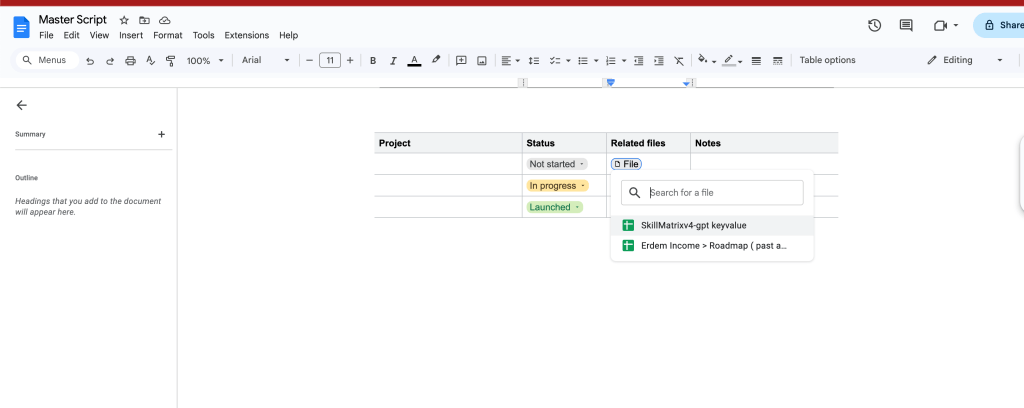
Shot list and the script ointegrated to each other
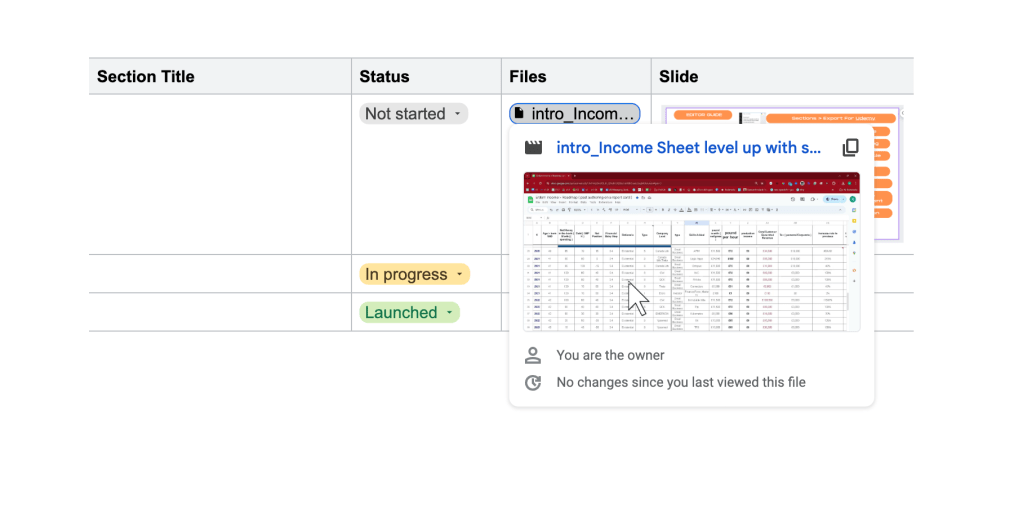
it can be seen here
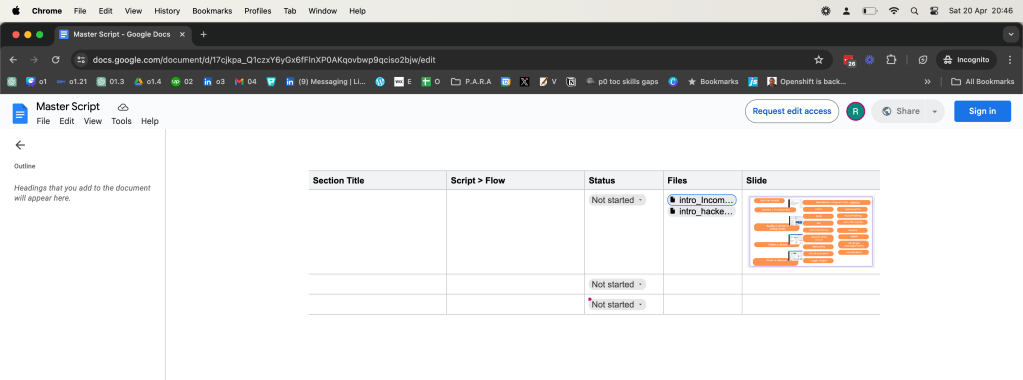
tabular data makes >>>> sense
export canva and add works
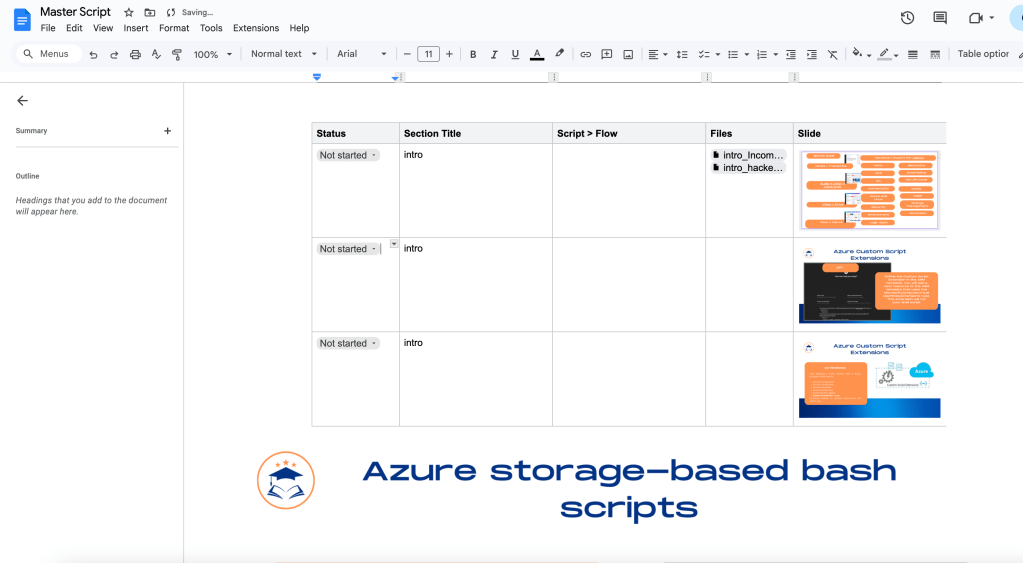
index ids needed
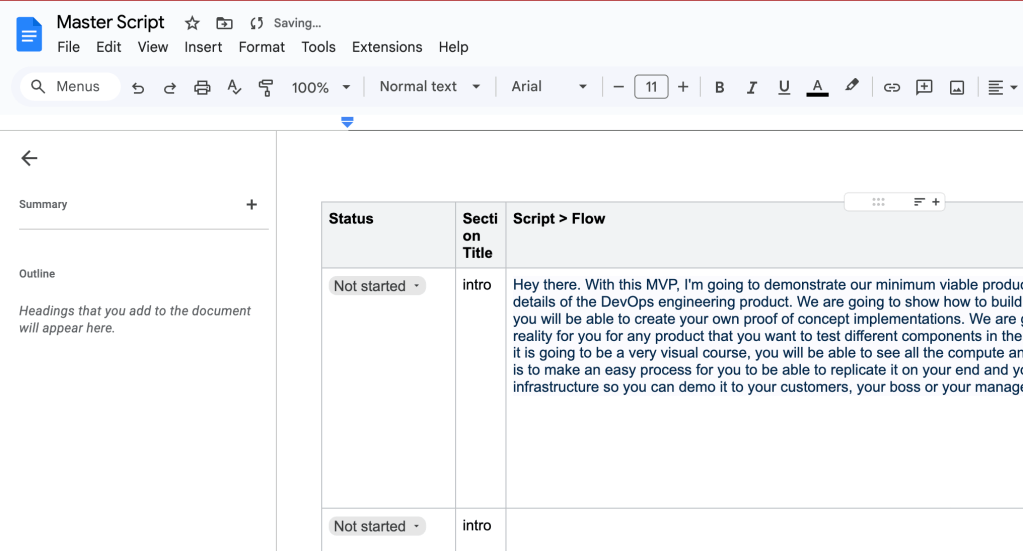
Hard time saving it
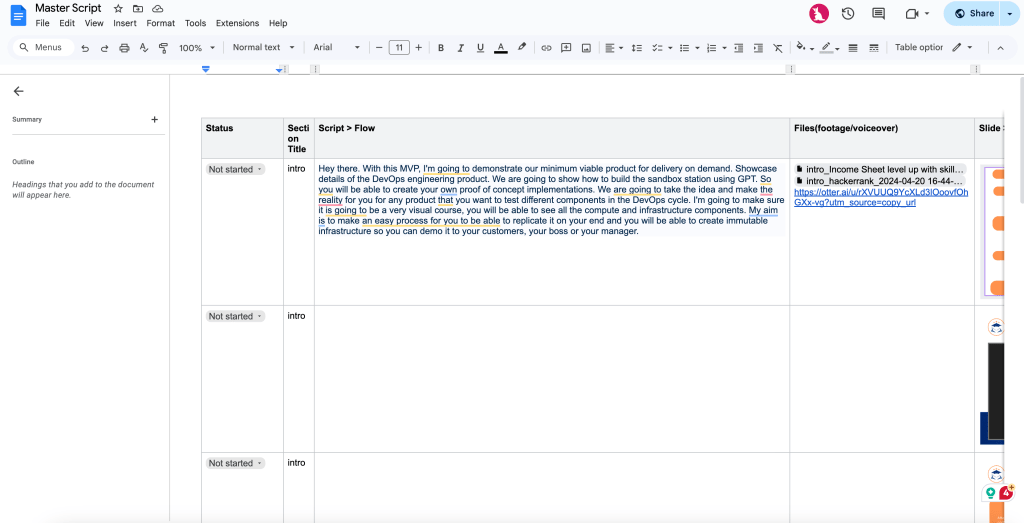
if so tabular why not use sheets
maybe wordpress table
https://www.canva.com/design/DAGCZFYwanc/W9p2zGW733jotlquobjbOQ/view?embed
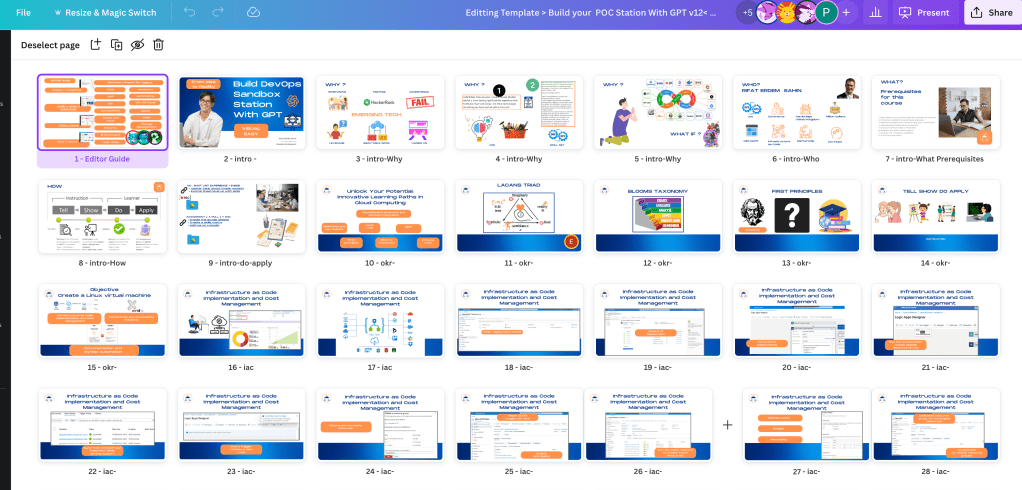
Editting Template > Build your POC Station With GPT v12< mvp2 by Pexabo Info
<div style="position: relative; width: 100%; height: 0; padding-top: 56.2500%;
padding-bottom: 0; box-shadow: 0 2px 8px 0 rgba(63,69,81,0.16); margin-top: 1.6em; margin-bottom: 0.9em; overflow: hidden;
border-radius: 8px; will-change: transform;">
[https://www.canva.com/design/DAGCZFYwanc/W9p2zGW733jotlquobjbOQ/view?embed](https://www.canva.com/design/DAGCZFYwanc/W9p2zGW733jotlquobjbOQ/view?embed)
</div>
<a href="https://www.canva.com/design/DAGCZFYwanc/W9p2zGW733jotlquobjbOQ/view?utm_content=DAGCZFYwanc&utm_campaign=designshare&utm_medium=embeds&utm_source=link" target="_blank" rel="noopener">Editting Template > Build your POC Station With GPT v12< mvp2</a> by Pexabo Info
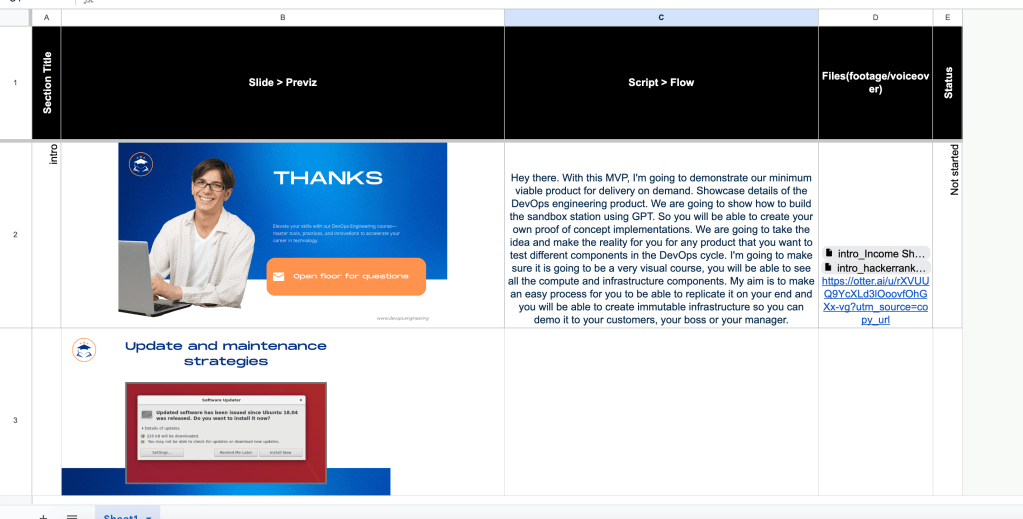
it can create the table
Section Title
Slide > PrevizScript > FlowFiles(footage/voiceover)StatusHey there. With this MVP, I'm going to demonstrate our minimum viable product for delivery on demand. Showcase details of the DevOps engineering product. We are going to show how to build the sandbox station using GPT. So you will be able to create your own proof of concept implementations. We are going to take the idea and make the reality for you for any product that you want to test different components in the DevOps cycle. I'm going to make sure it is going to be a very visual course, you will be able to see all the compute and infrastructure components. My aim is to make an easy process for you to be able to replicate it on your end and you will be able to create immutable infrastructure so you can demo it to your customers, your boss or your manager.
not easy to change like sheets
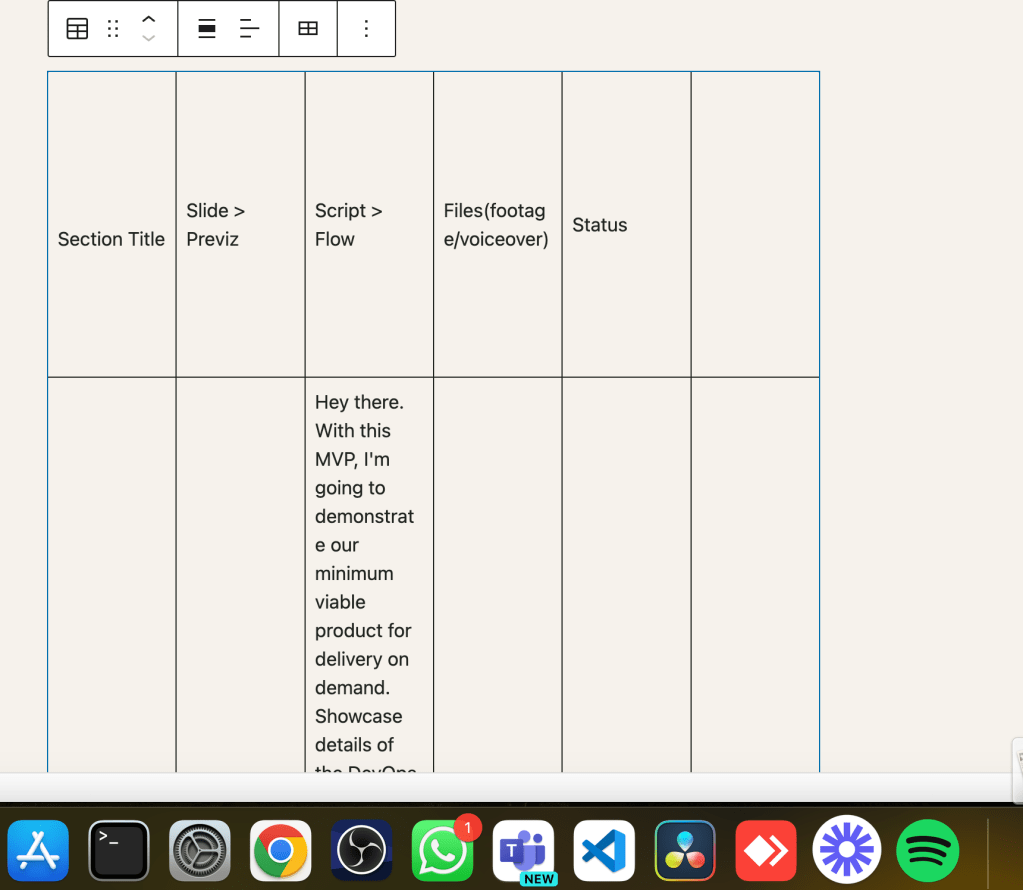
not that easy
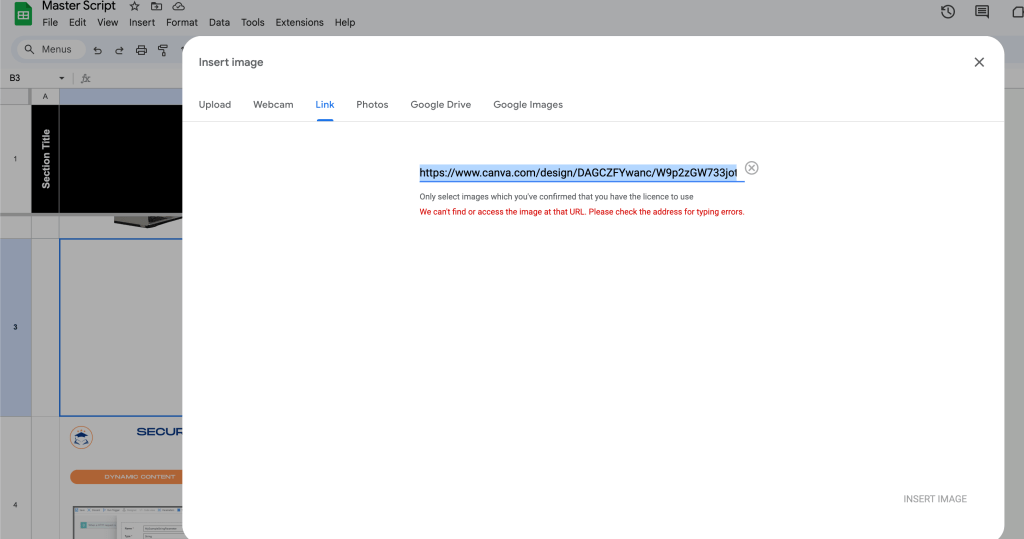
NOTION HAS MAXIMIZE AND MINIMIZE BUT SINGLE FILE
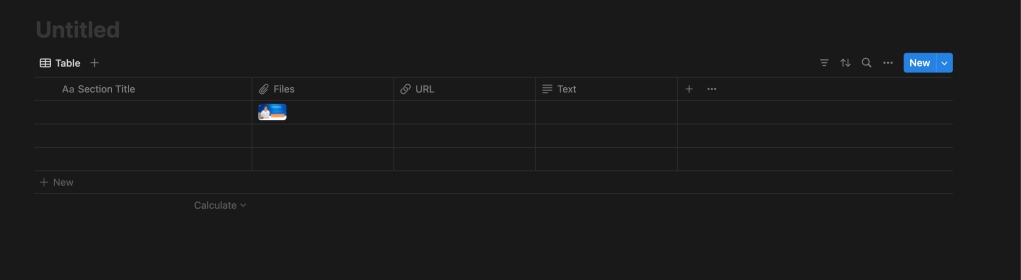
maybe again
smartsheet has multifile intake
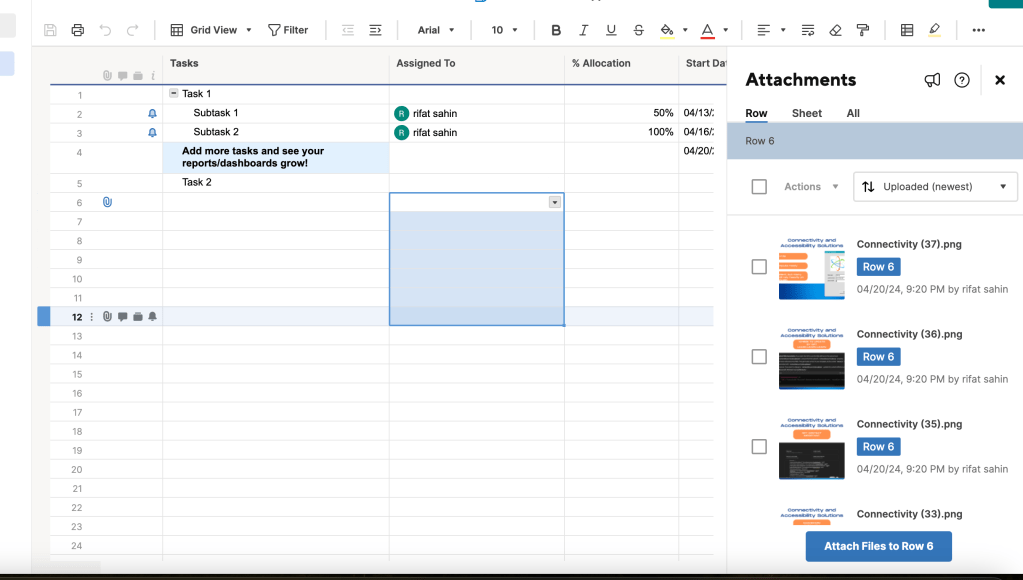
naybe view is not correct
notion also took in agallery view as well
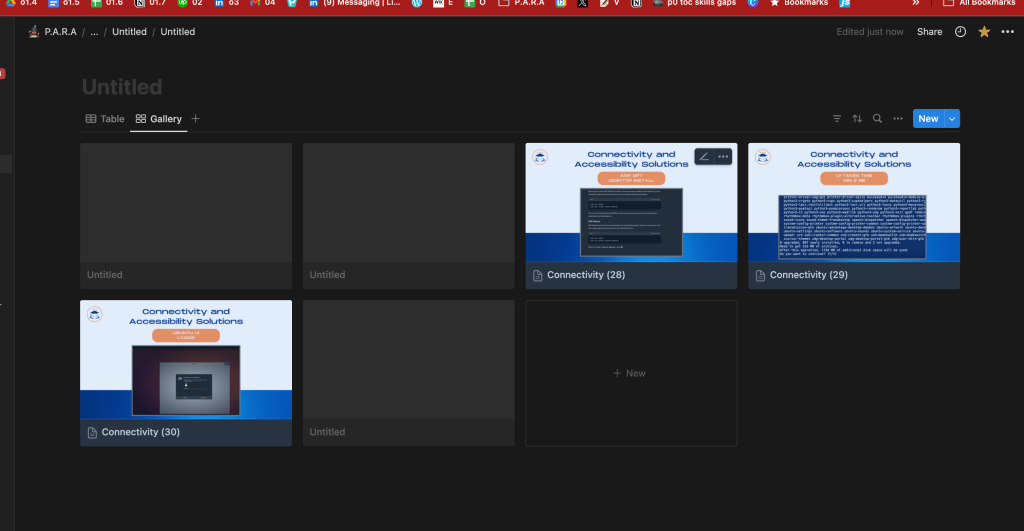
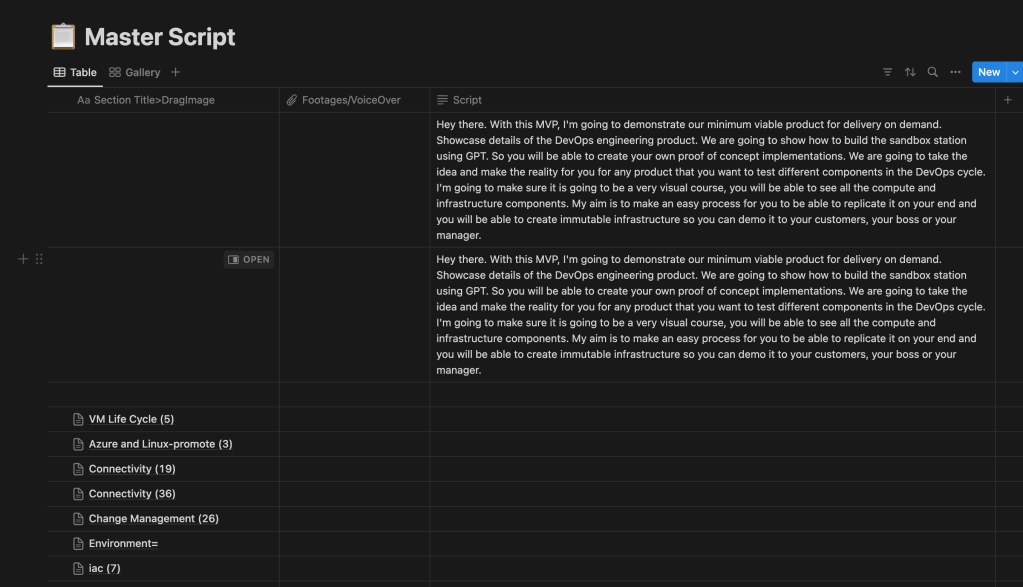
Looks good but the flow is not guranteed
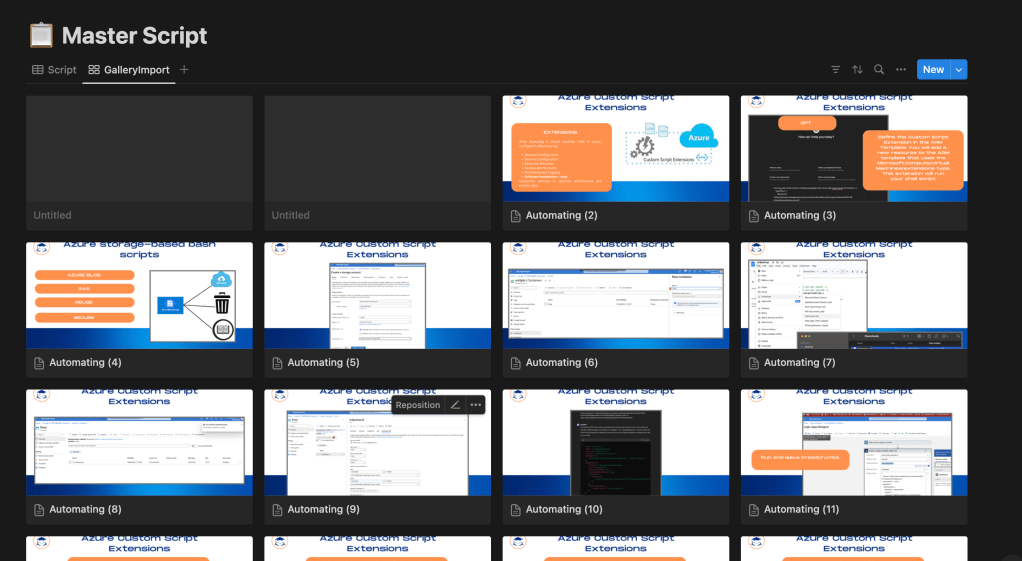
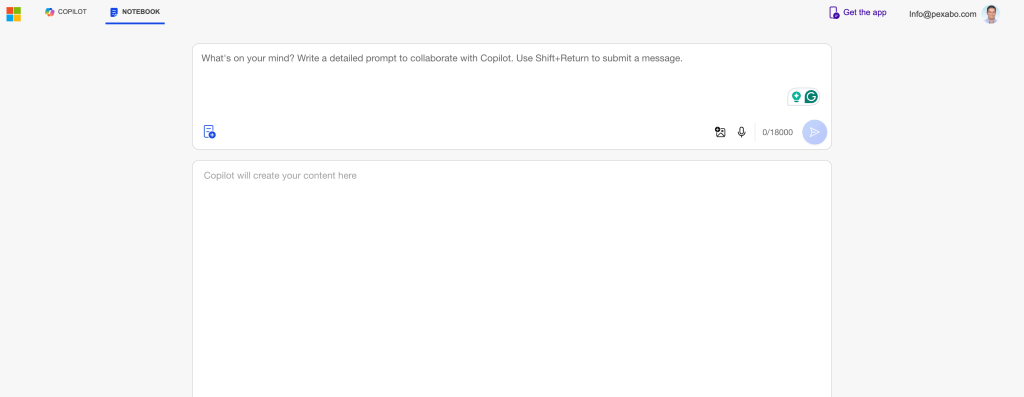
no otter but dictate is there
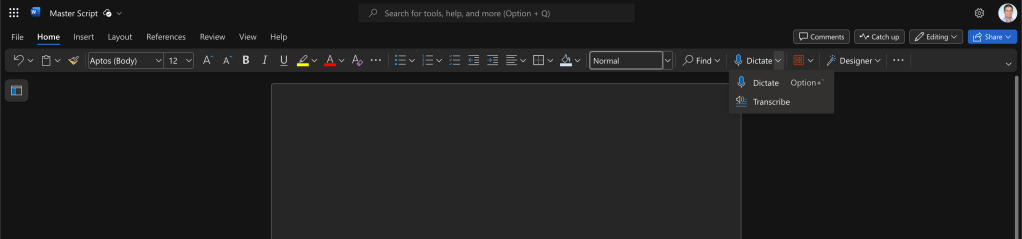
gpt added
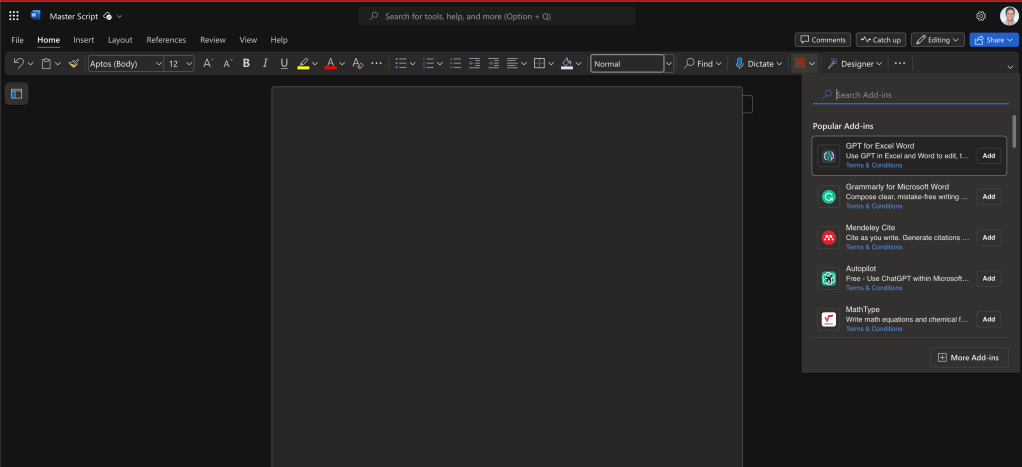
side by side
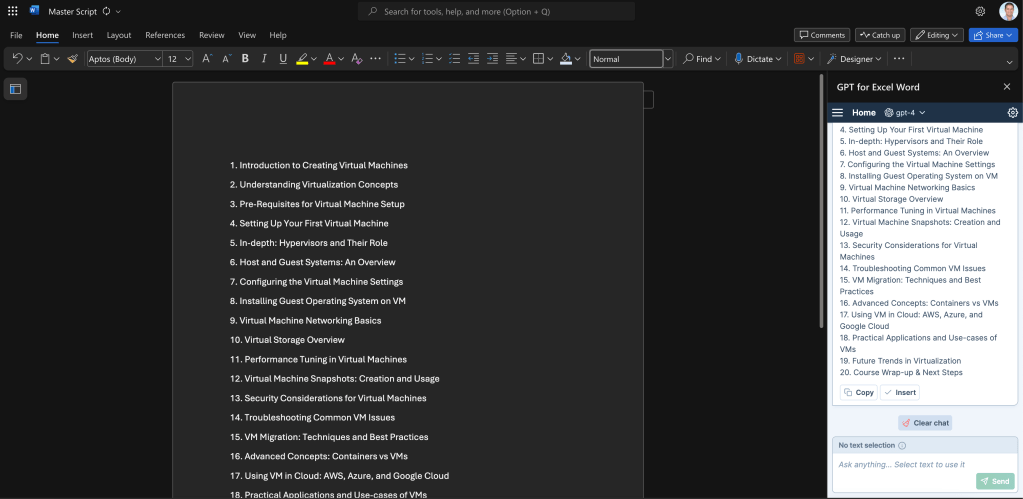
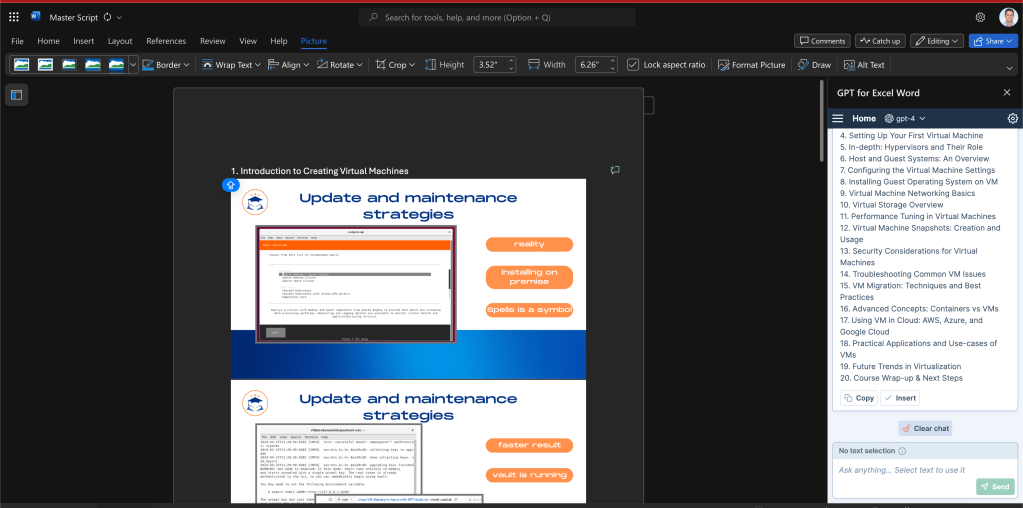
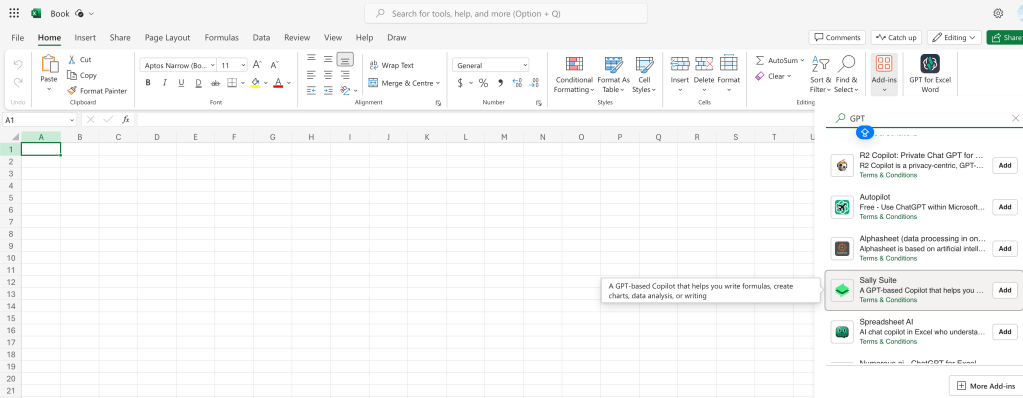
cant delete them all
cant really take the image
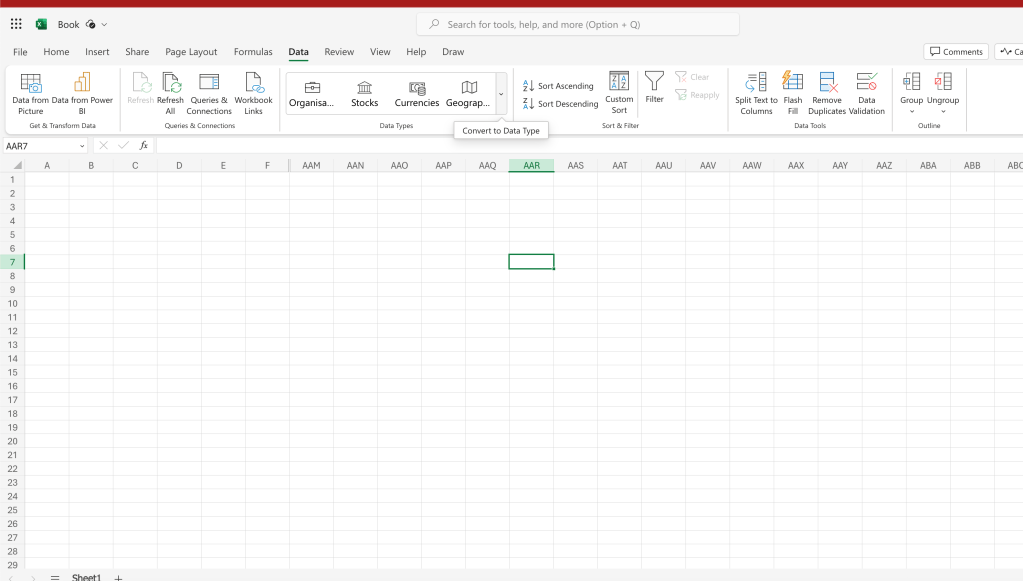
THIS IS WHAT I NEED
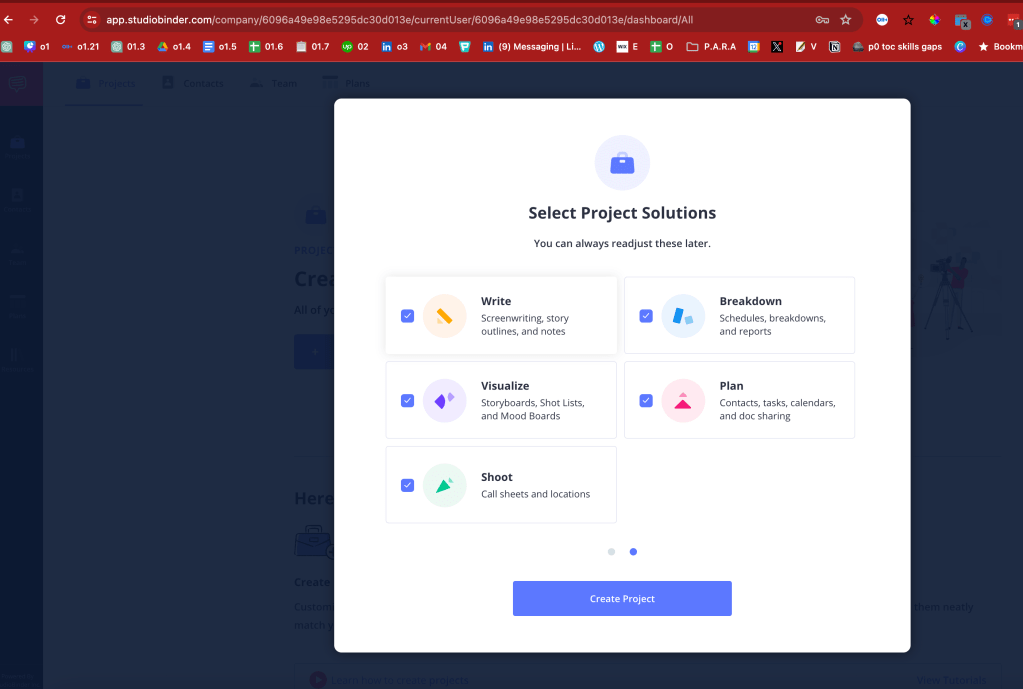
it has start with images
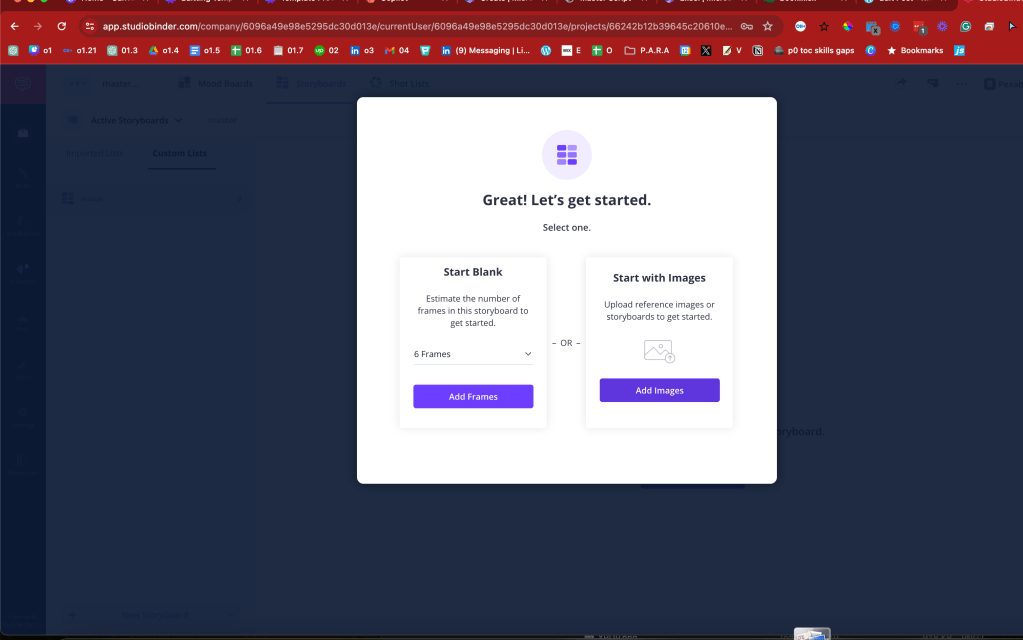
the pdf is the one i am looking for
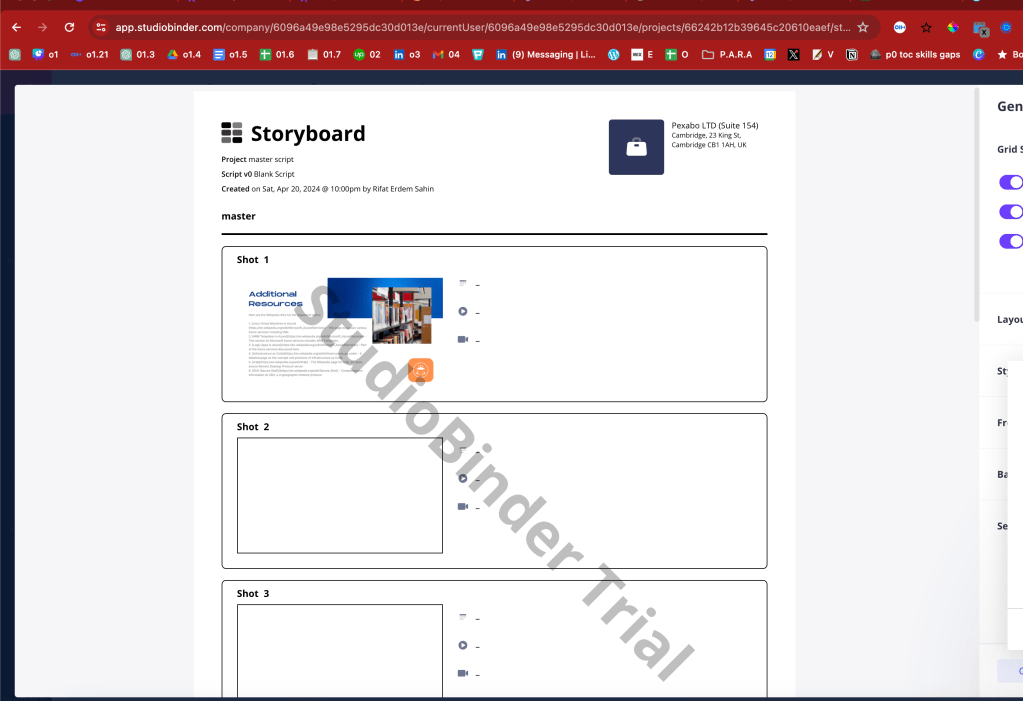
so many elements in it
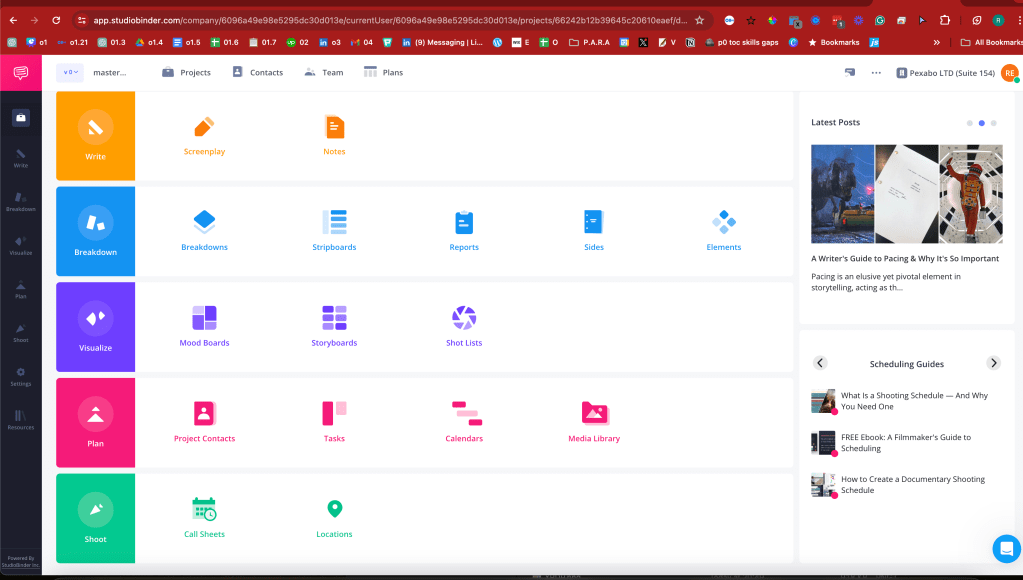
notion is one of them
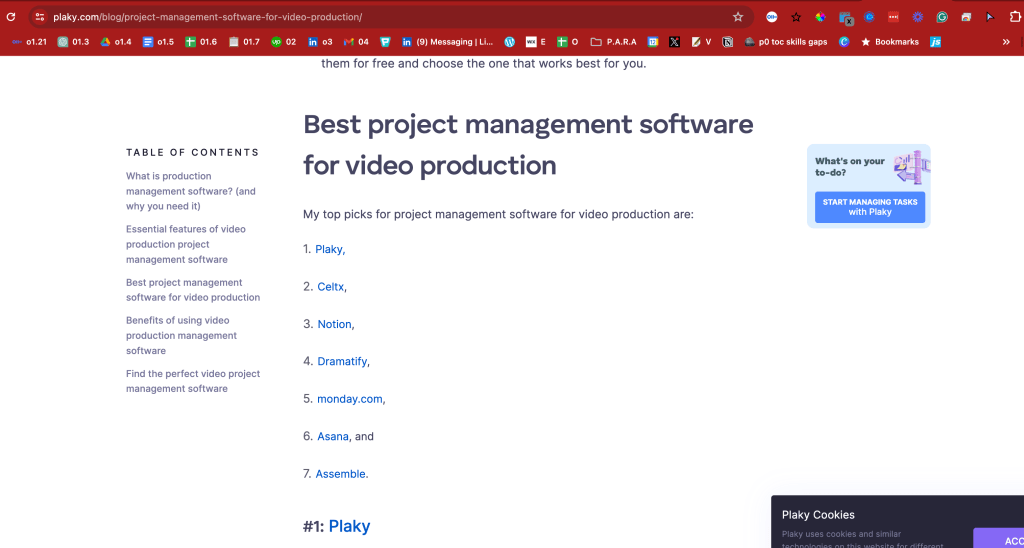
https://plaky.com/blog/project-management-software-for-video-production
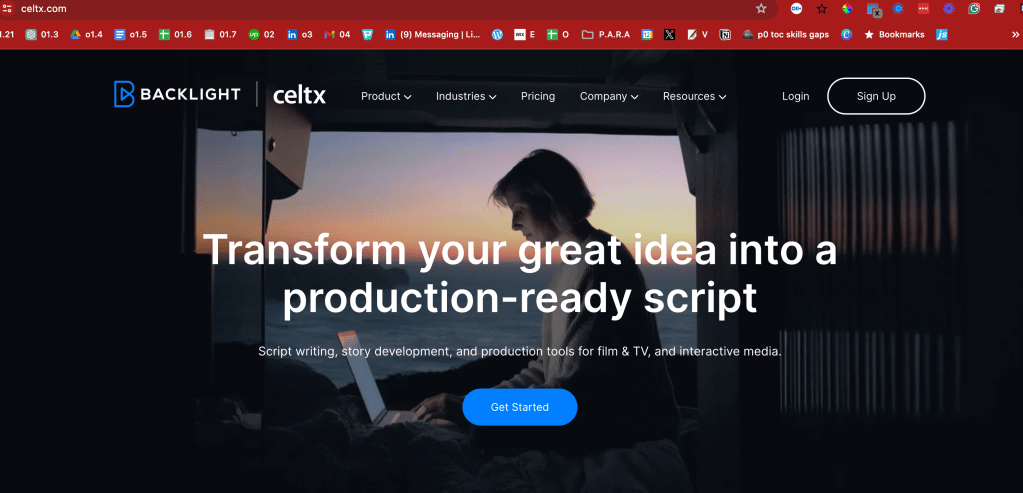
thgere is always script at the core
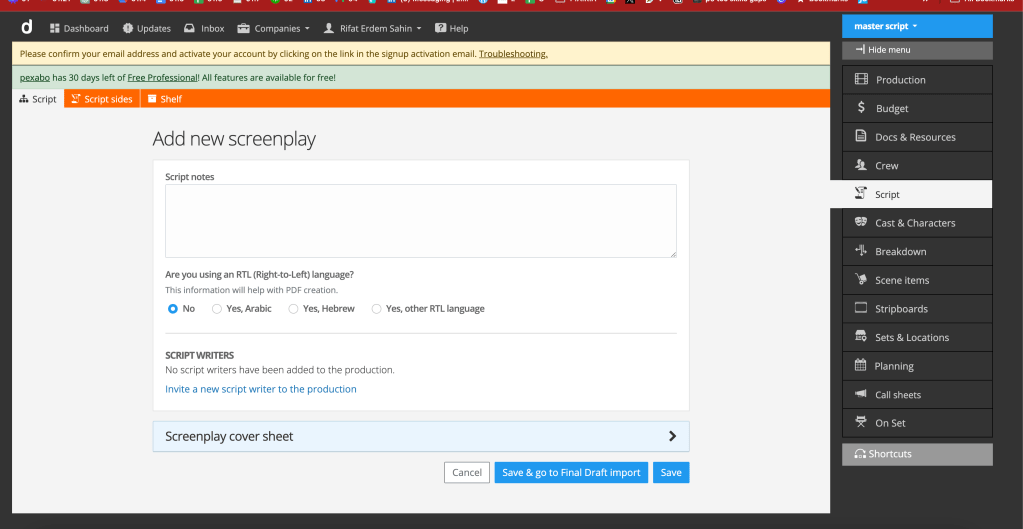
maybe one note is what i look for
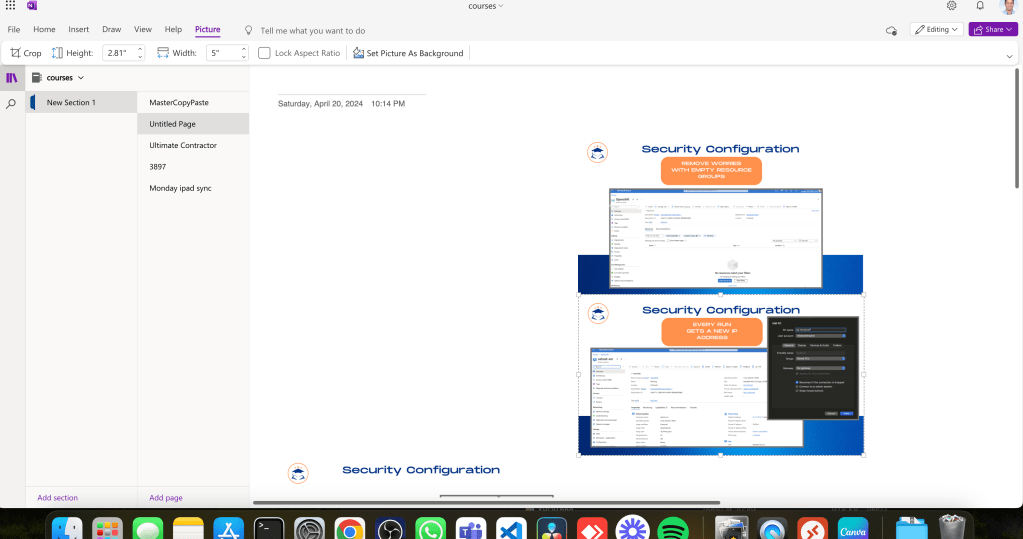
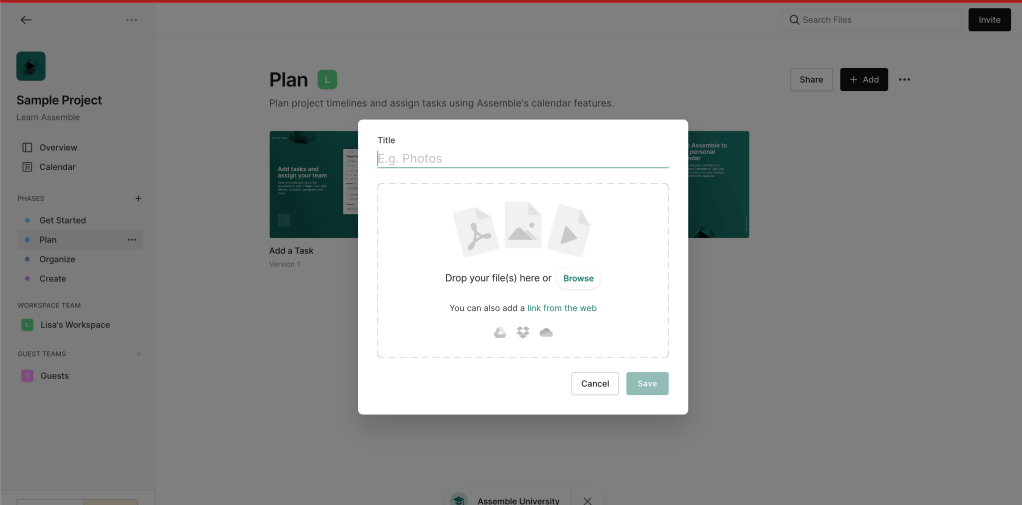
assemble has a gallery
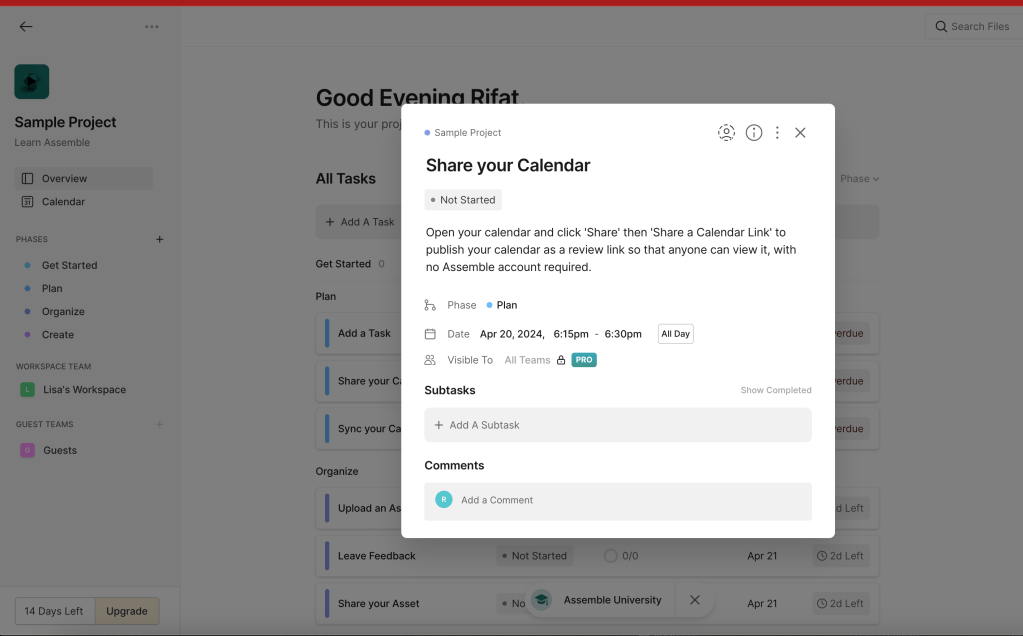
grom flow to confusion
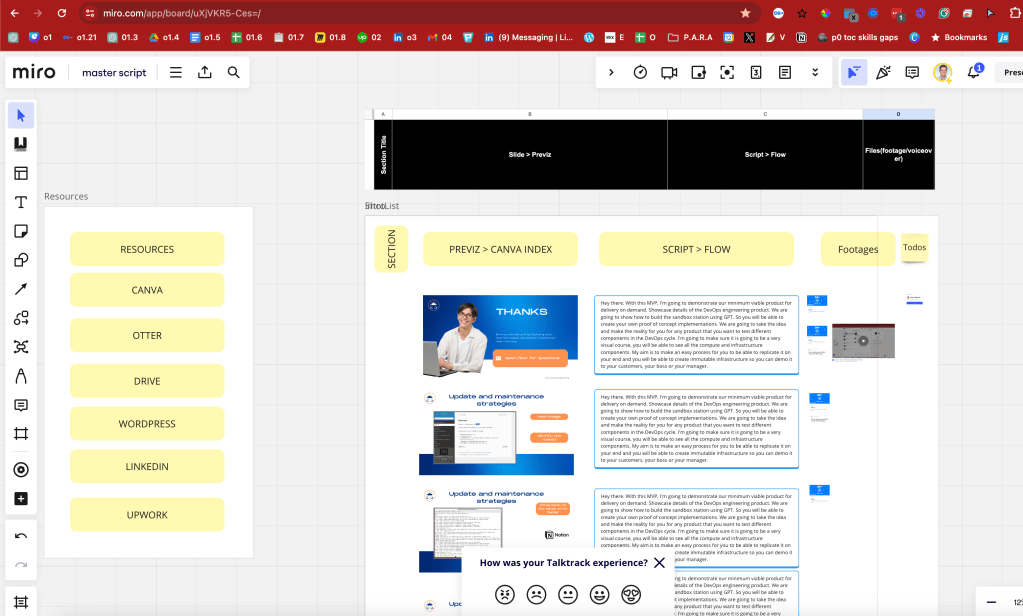
miro takes it in order > similar to onenote
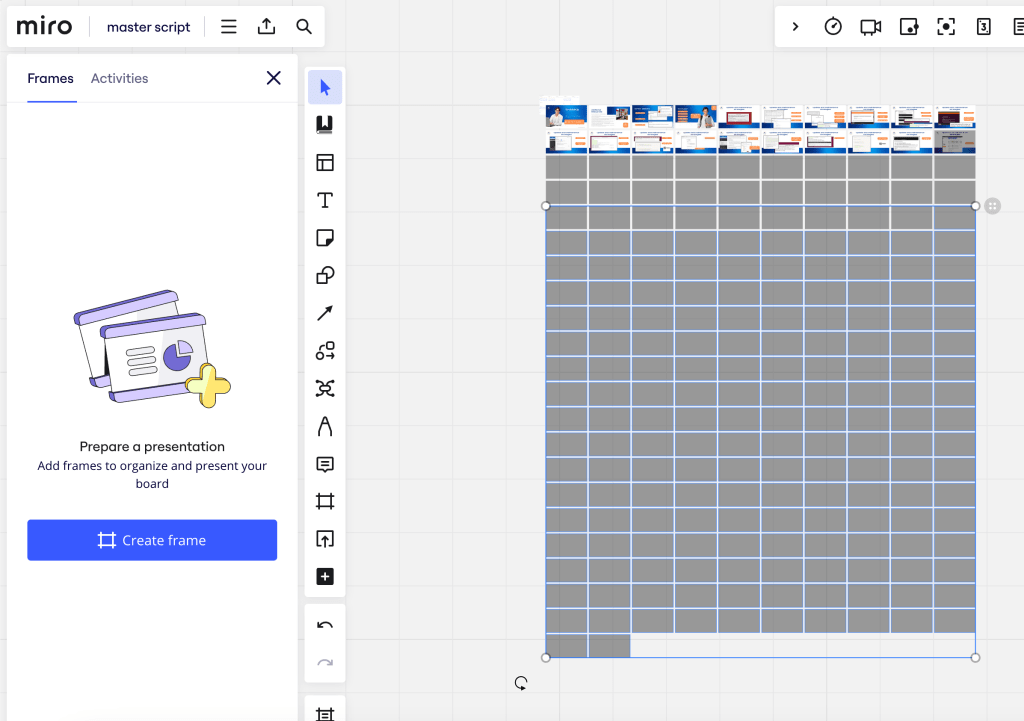
miro feels the most flexible
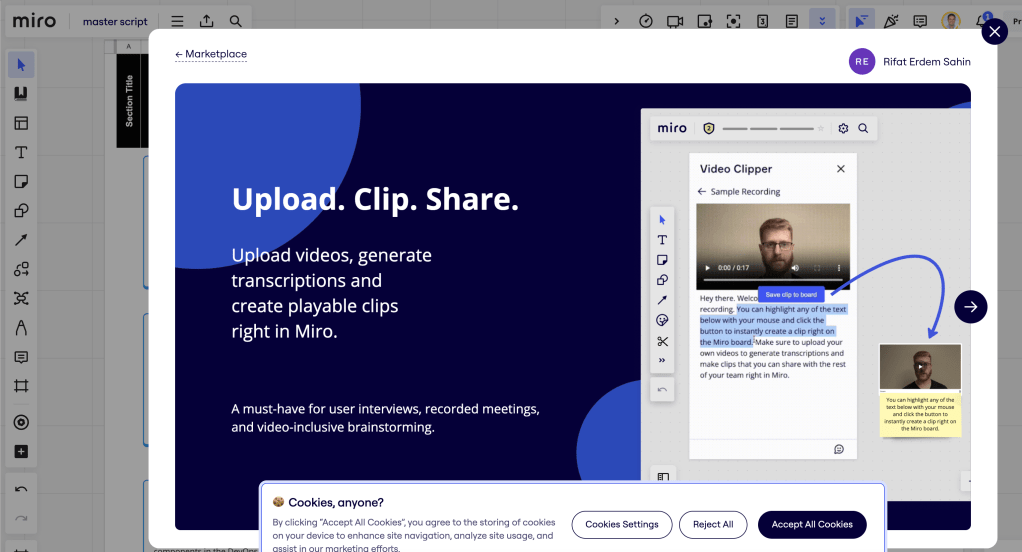
Today add it to the miro after indexing it at least at miro there are frames like the slide they can be exported in groups and there are links and it can be watched.
it is close to the table format that can be printed and the flow is there ! >>> the editor is in the business of flow.
instead of 1.2.3 >>> ABC is better >>> to go to A2 if it needs to be inserted
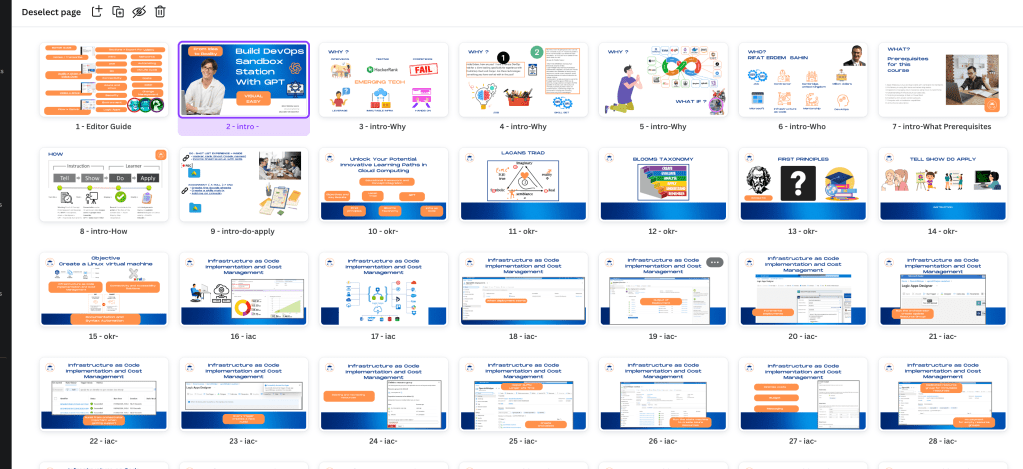
start making miro better bring all the guns into the fight than leave the ones that works
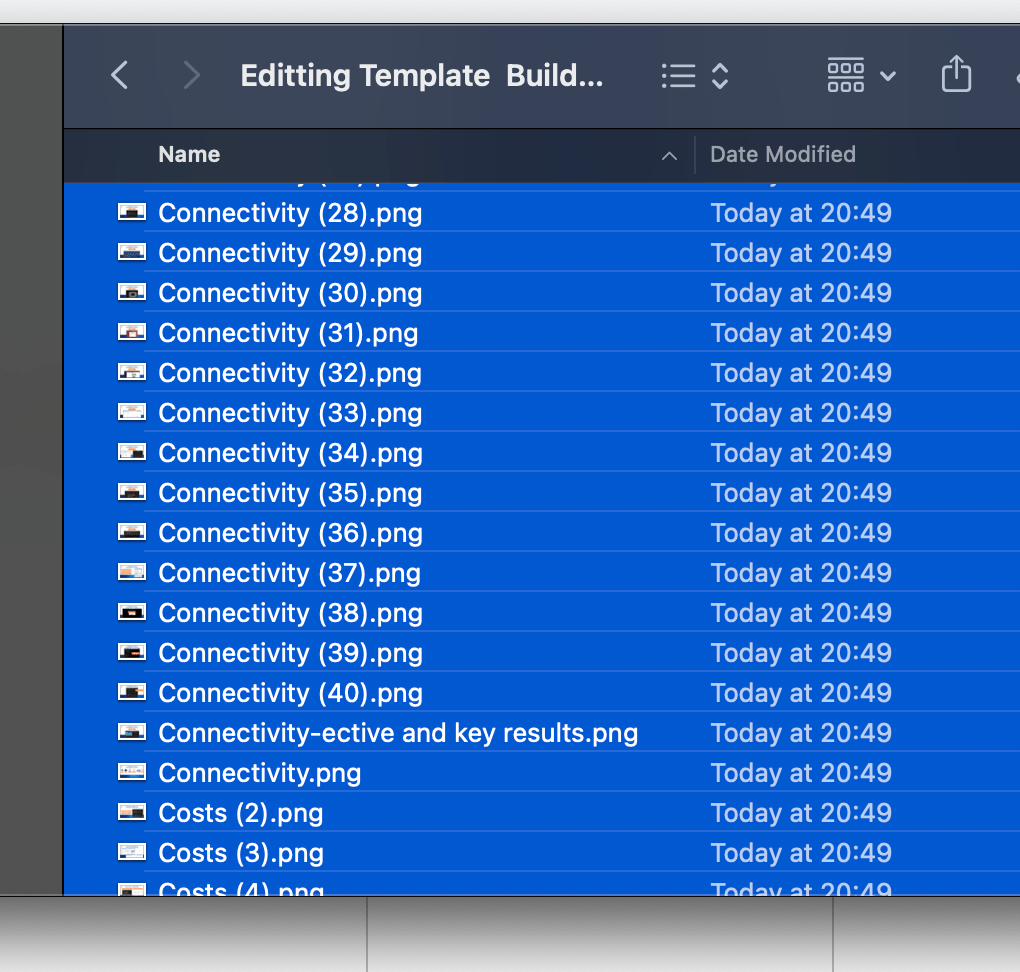
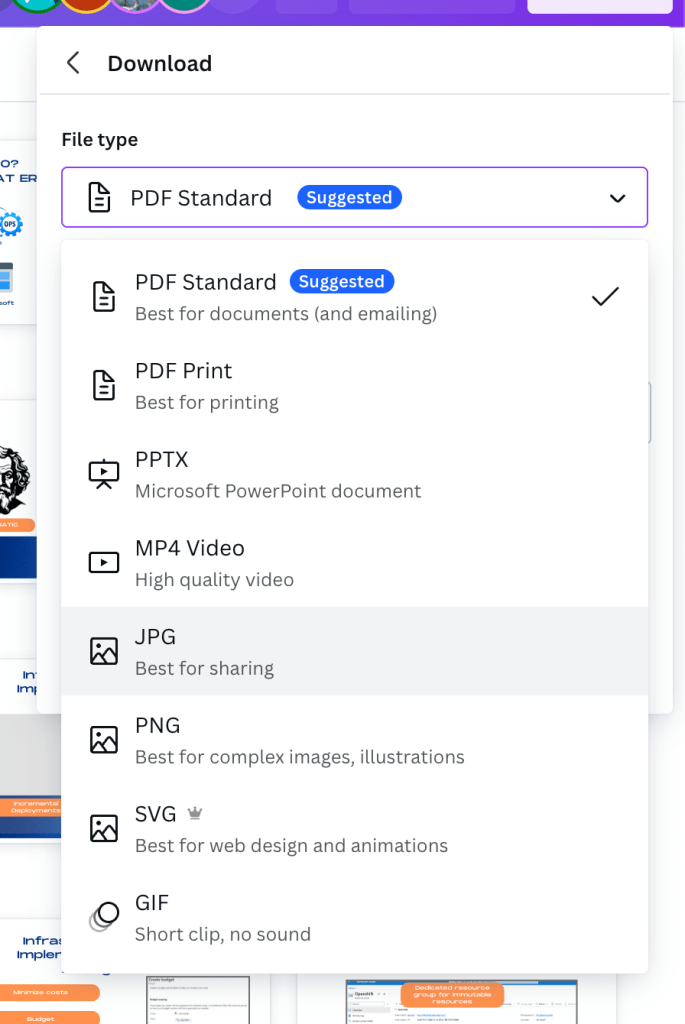
pdf and images downloaded
Pdf into the slides order
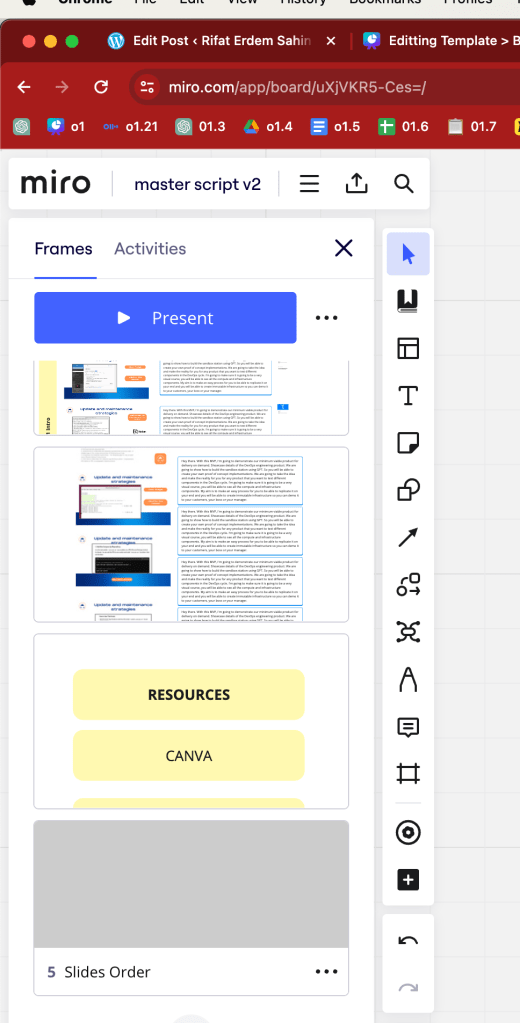
Idea of miro everything should be found and explained so that the editor enters the state of the flow
a4 frame ready to print

maximum upload is 30
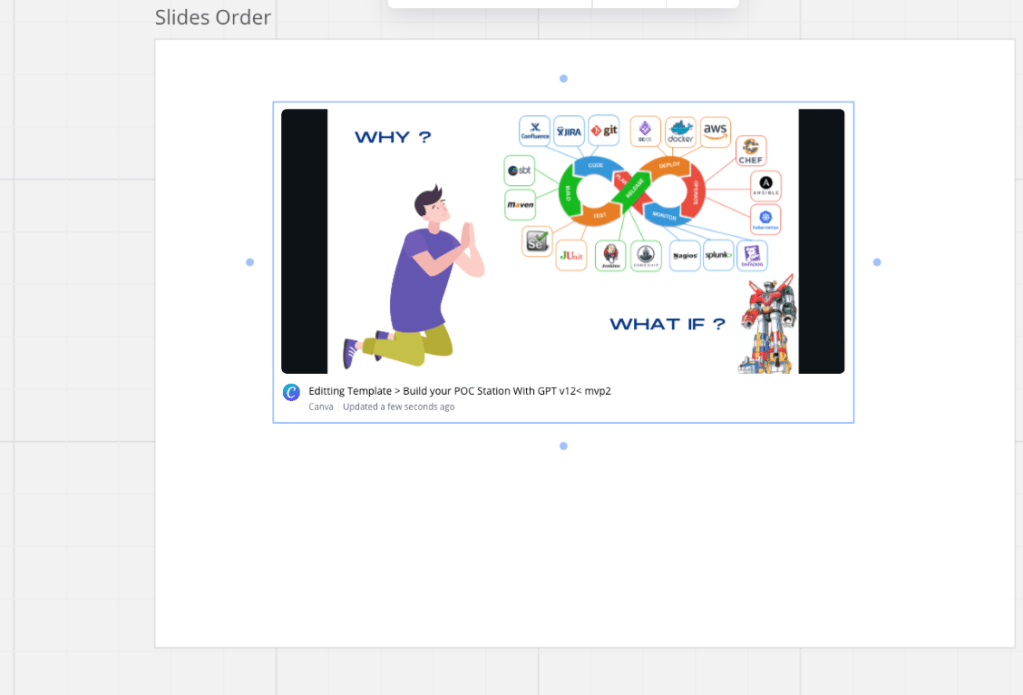
at least canva embed is there
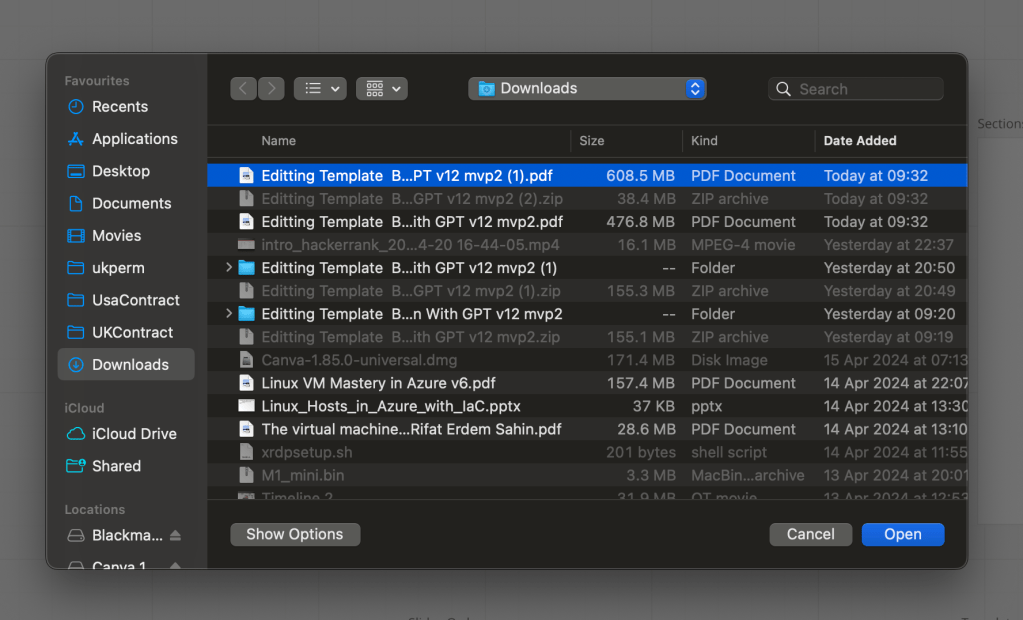
pdf is bigger not just the images
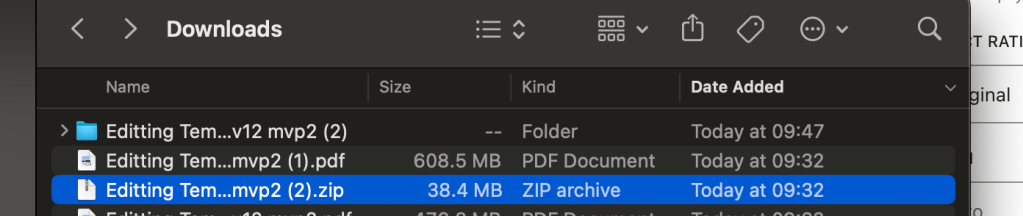
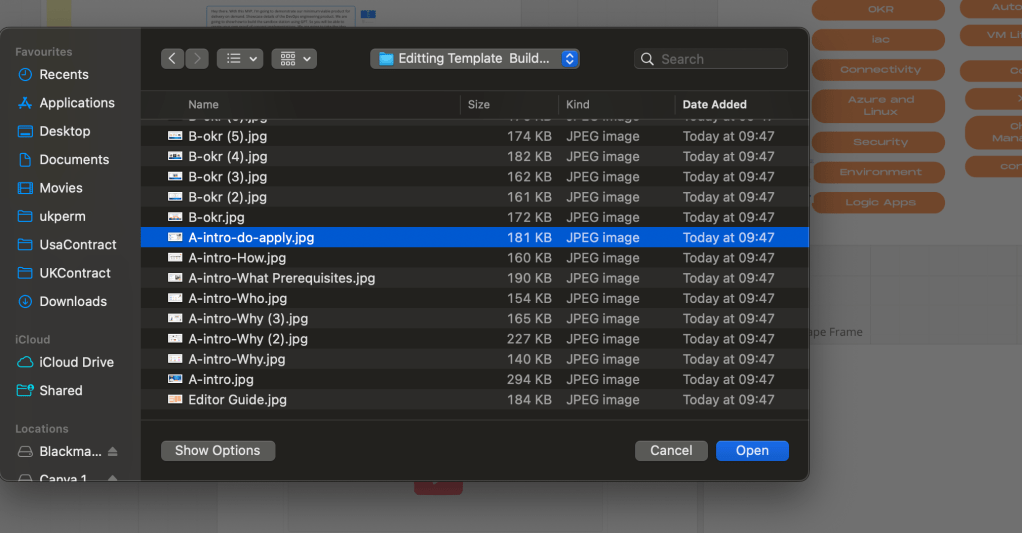
upload works
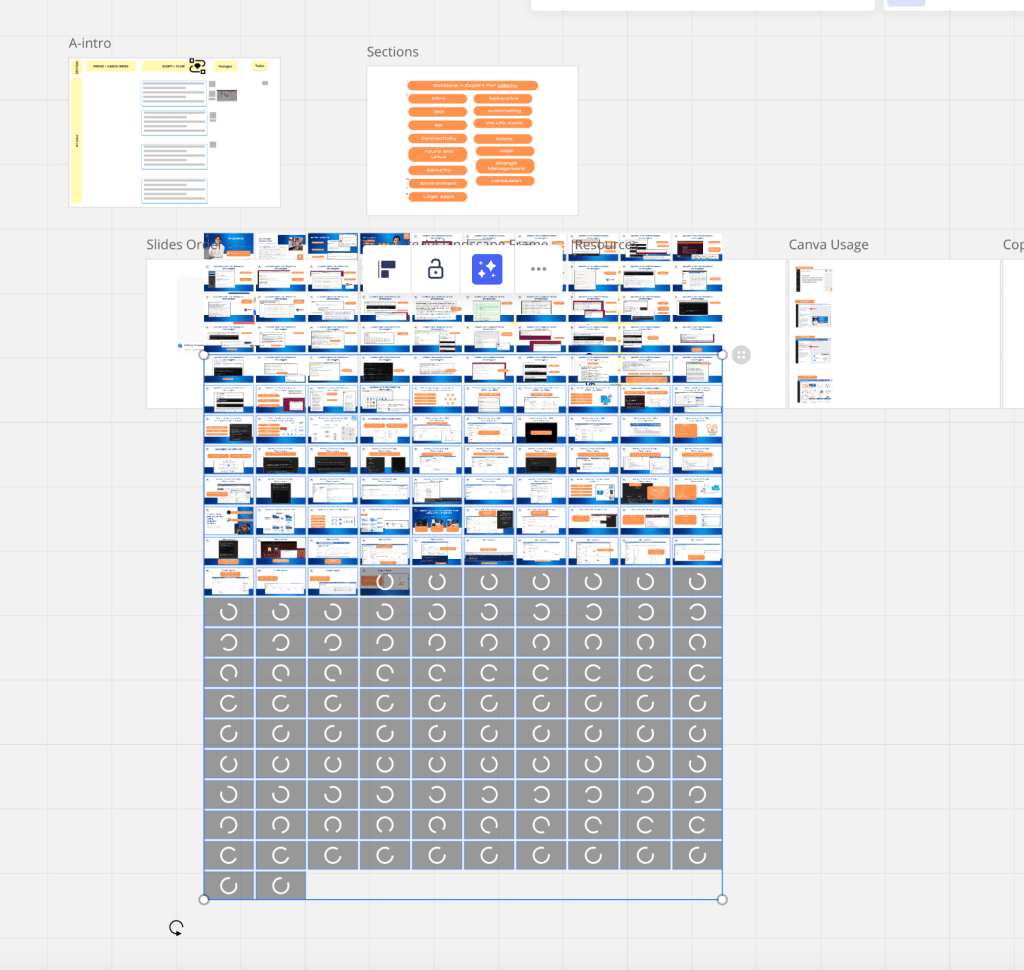
Arrival order has an issue
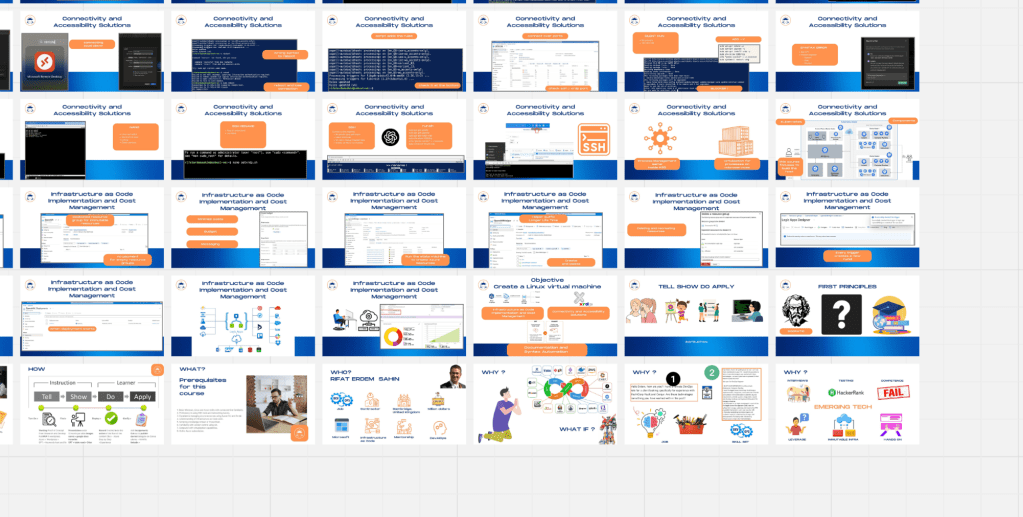
Goal See the the slides and the text in one line > and work on the FLOW!
order ok it is just at the bottom
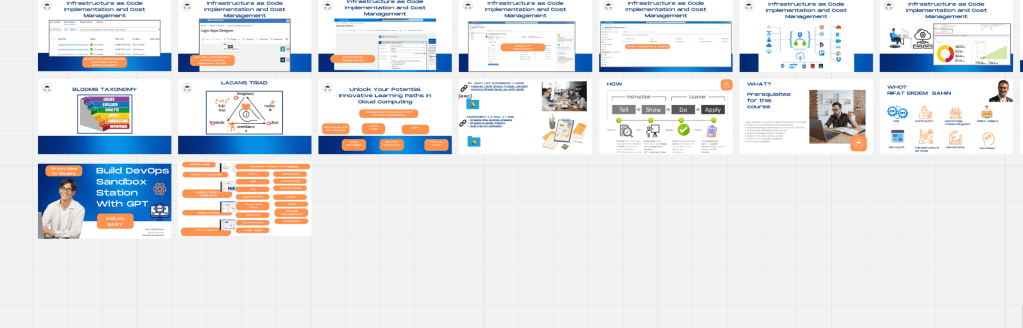
maybe storyboard format is better from taking on the previz in the canva
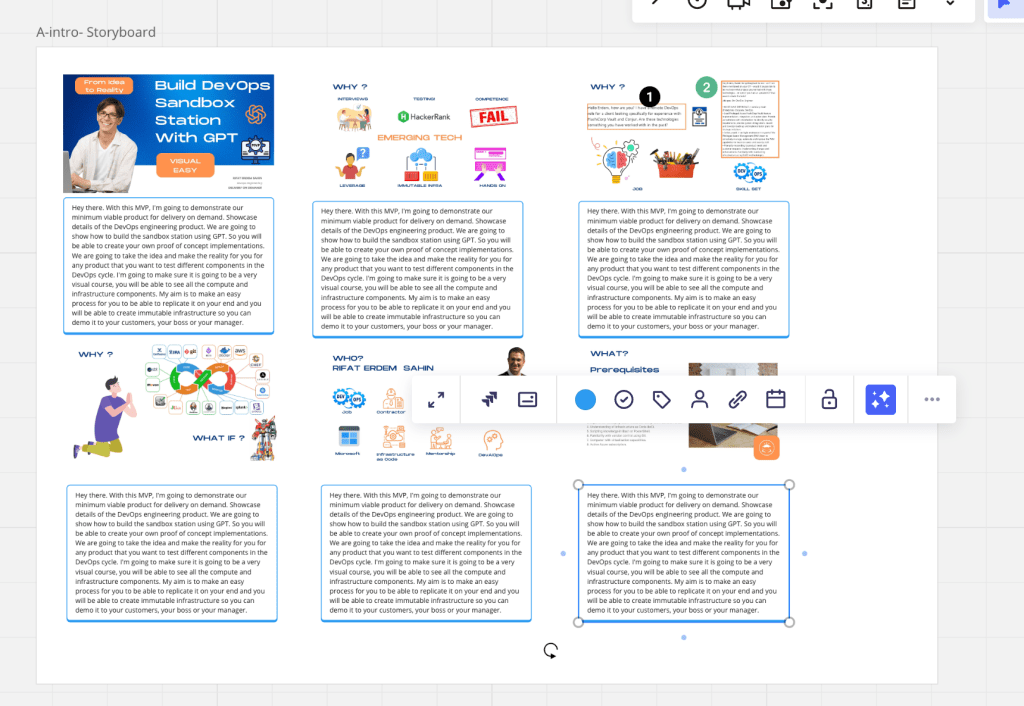
Auto save is easier
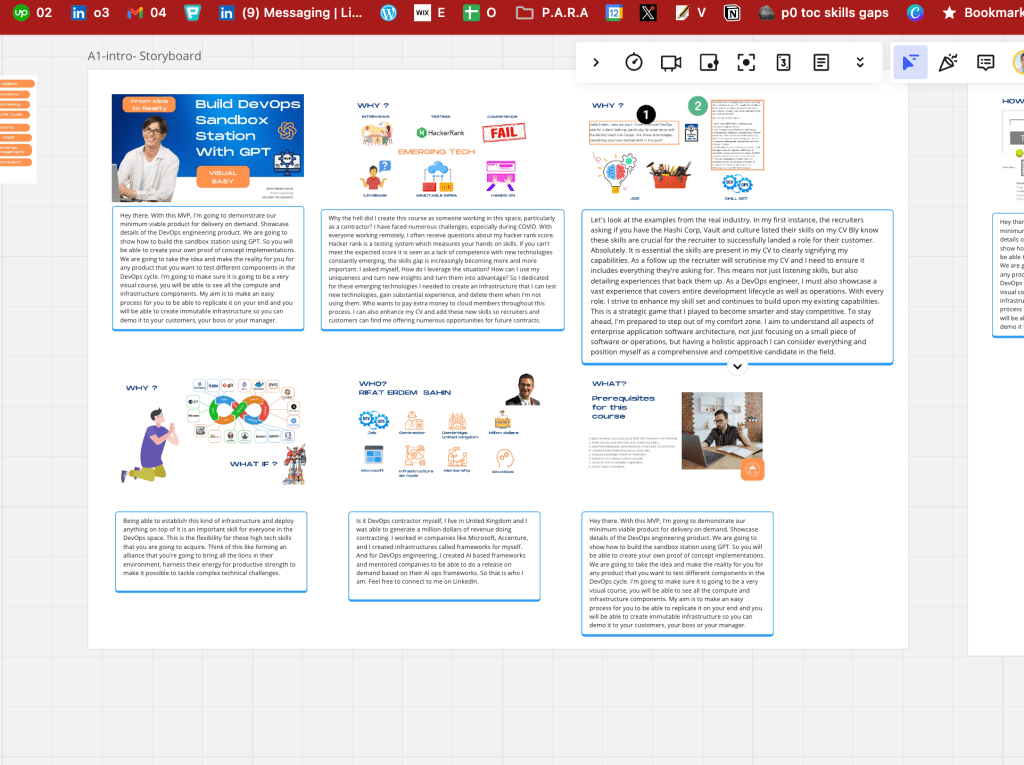
you can place the otter here inside the storyboard
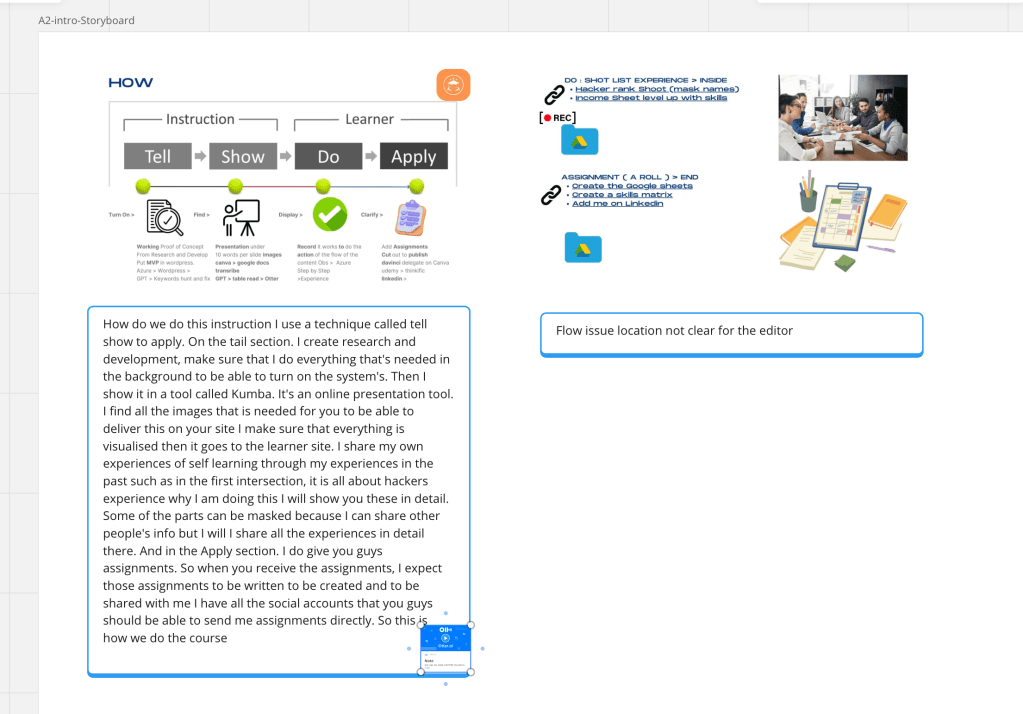
it is a linked pdf so that should work better in terms of the implementation
upwork task should not be the canva export but miro export with. links and help the editor
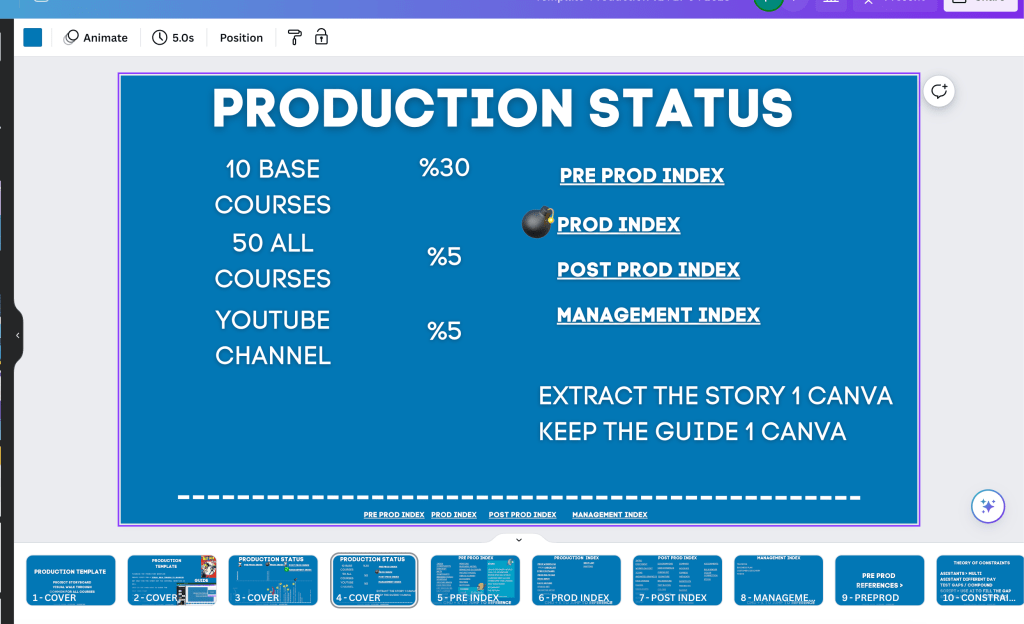
move production template legacy to here
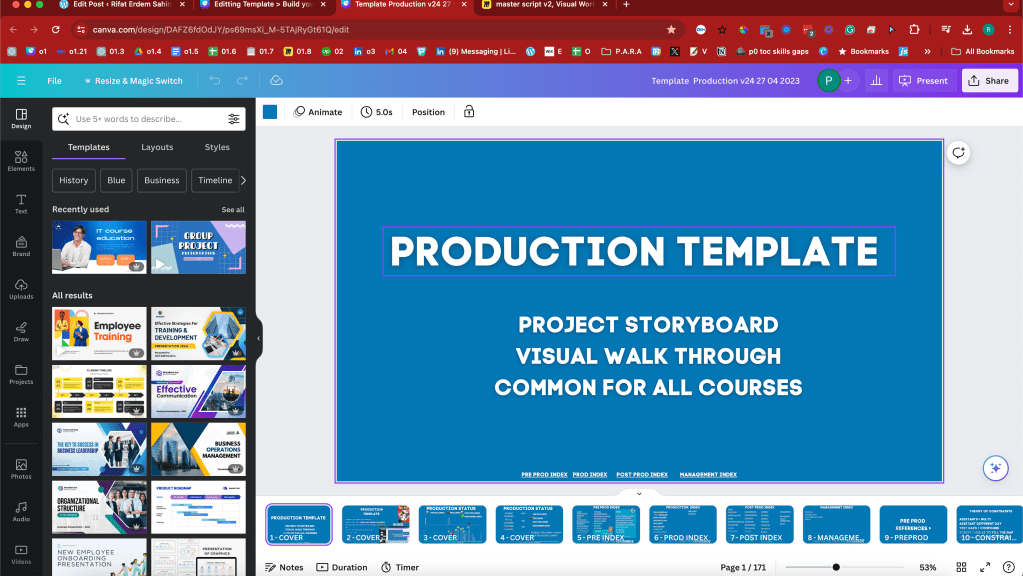
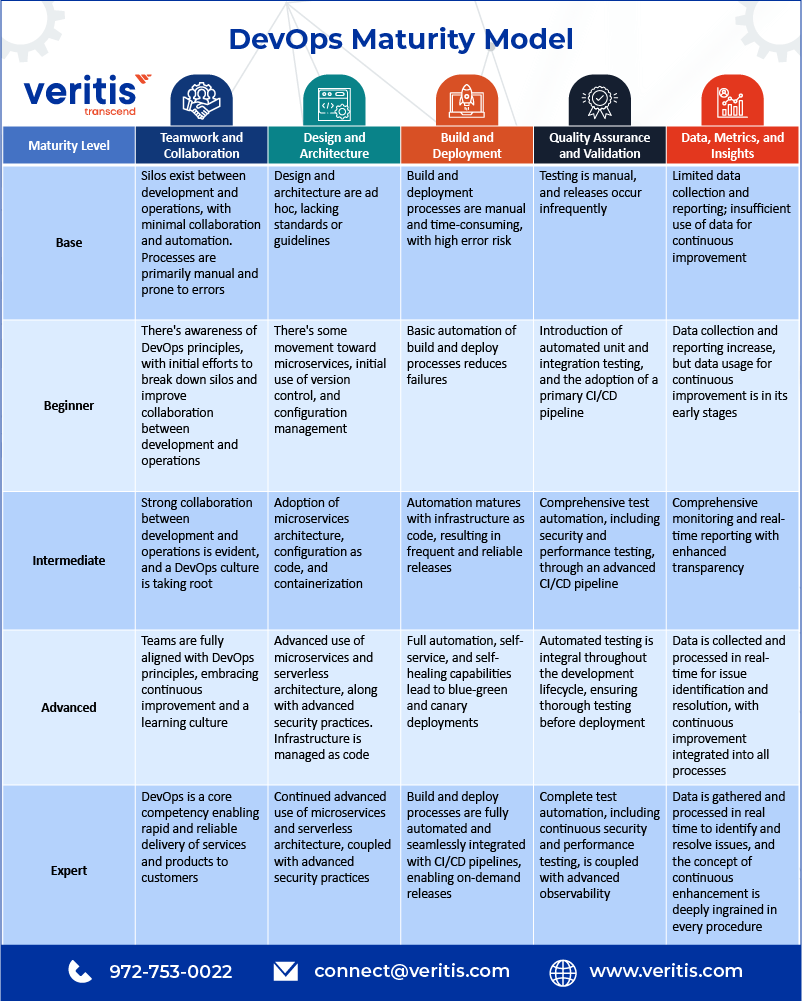
updated the course structure to maturity matrix
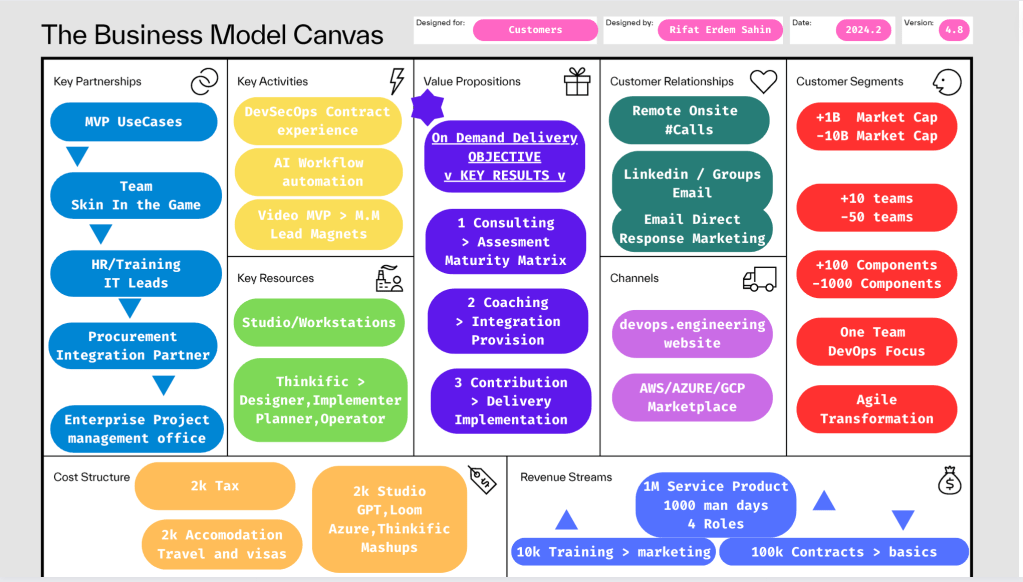
different pivoted business plan
more read more updates
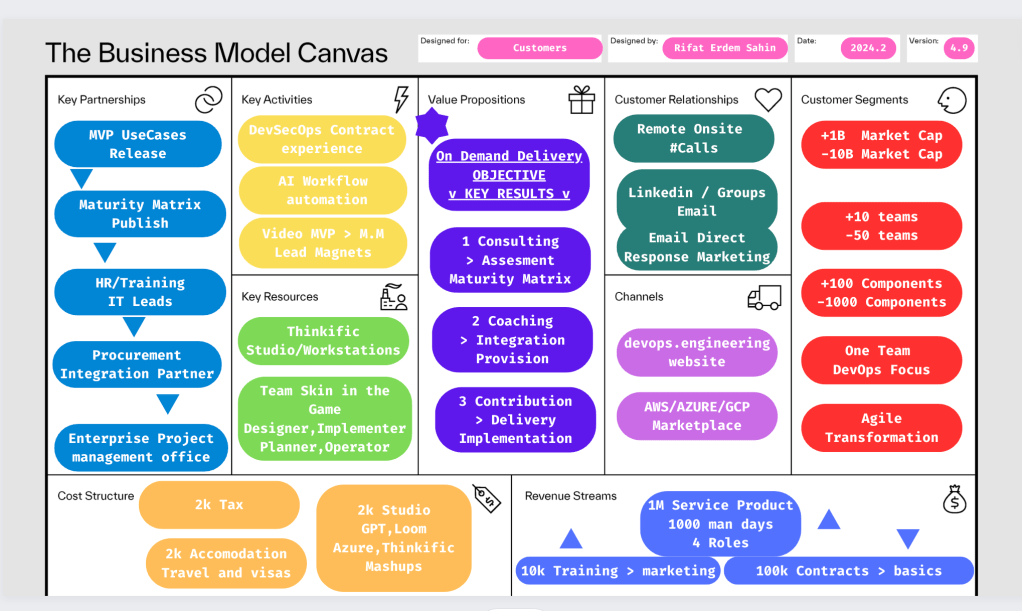
Convert into editors guide
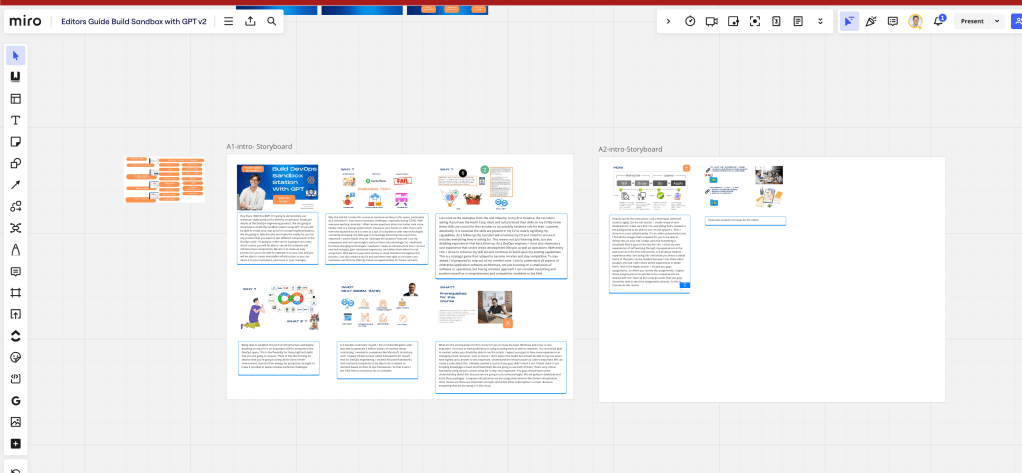
move your idea to legacy
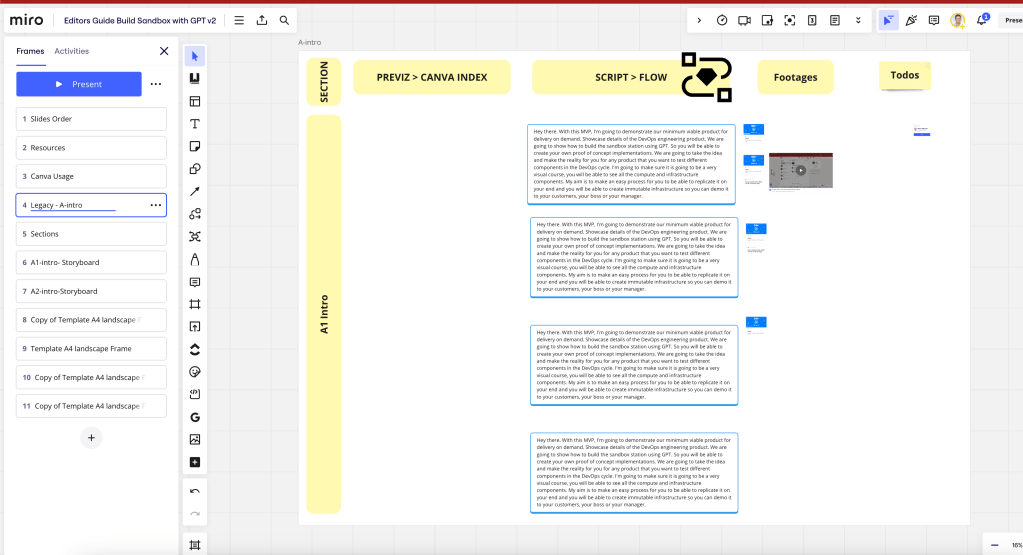
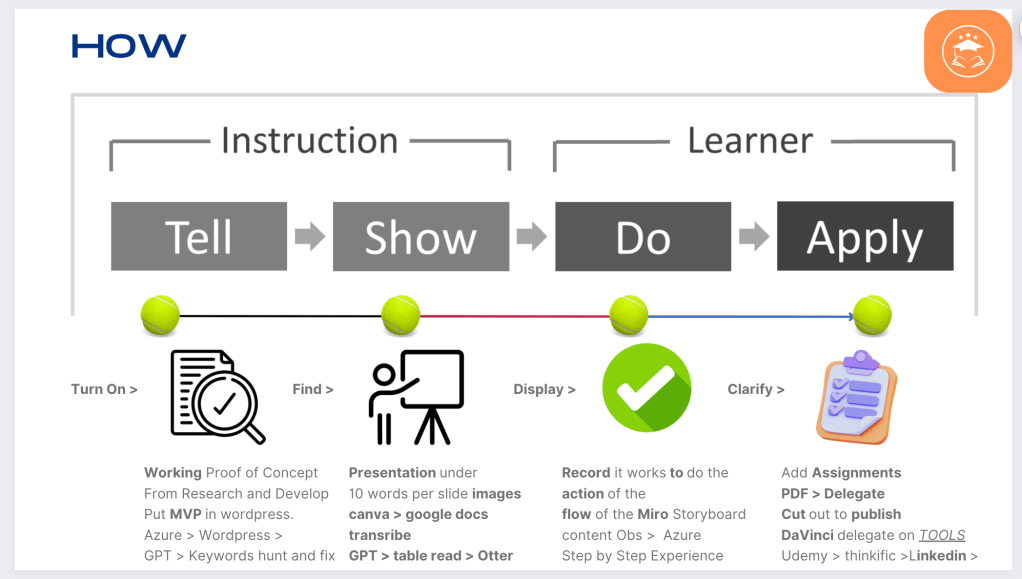
PDF to delegate not the table as the person would need the links to download >>>
the destionation can have everything in one folder
resources
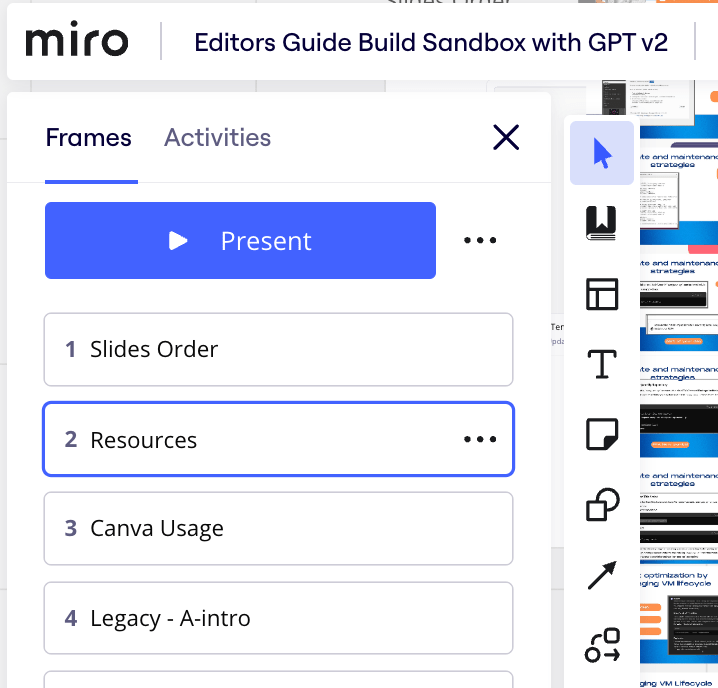
Script image audio and video added to story board
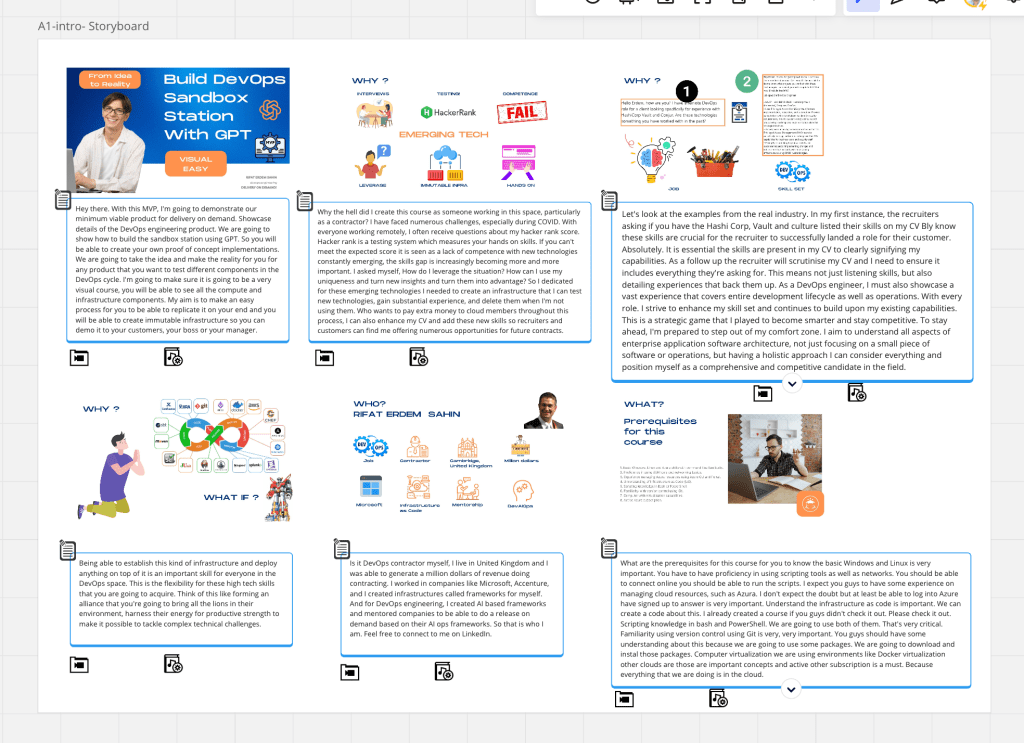
Storyboard with links
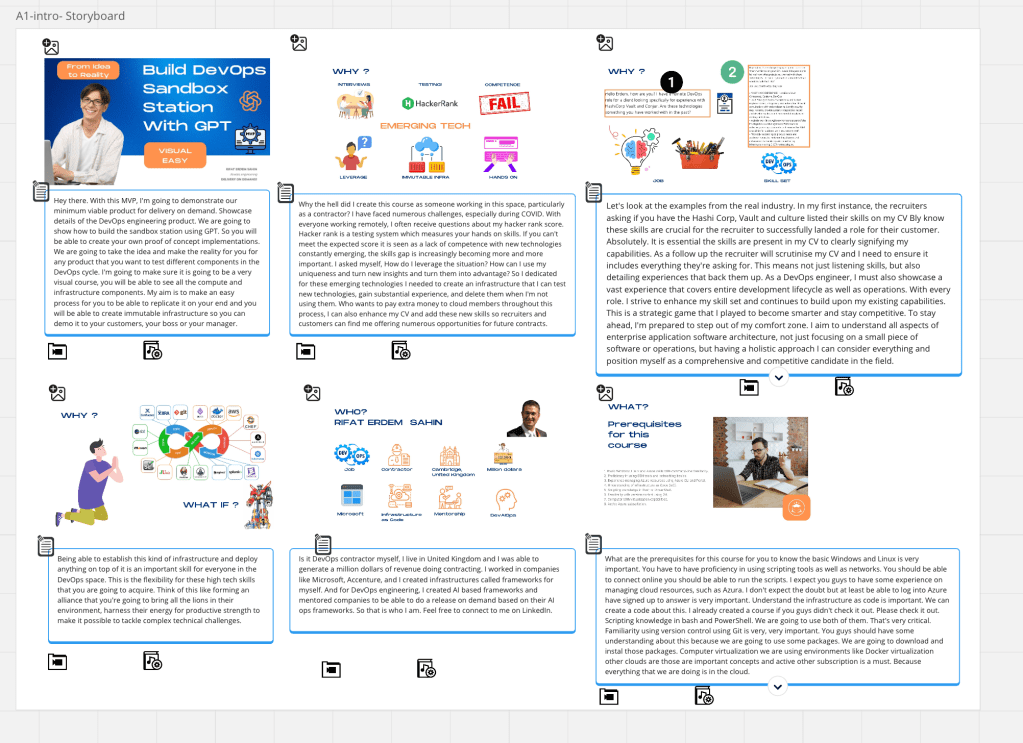
Audio add
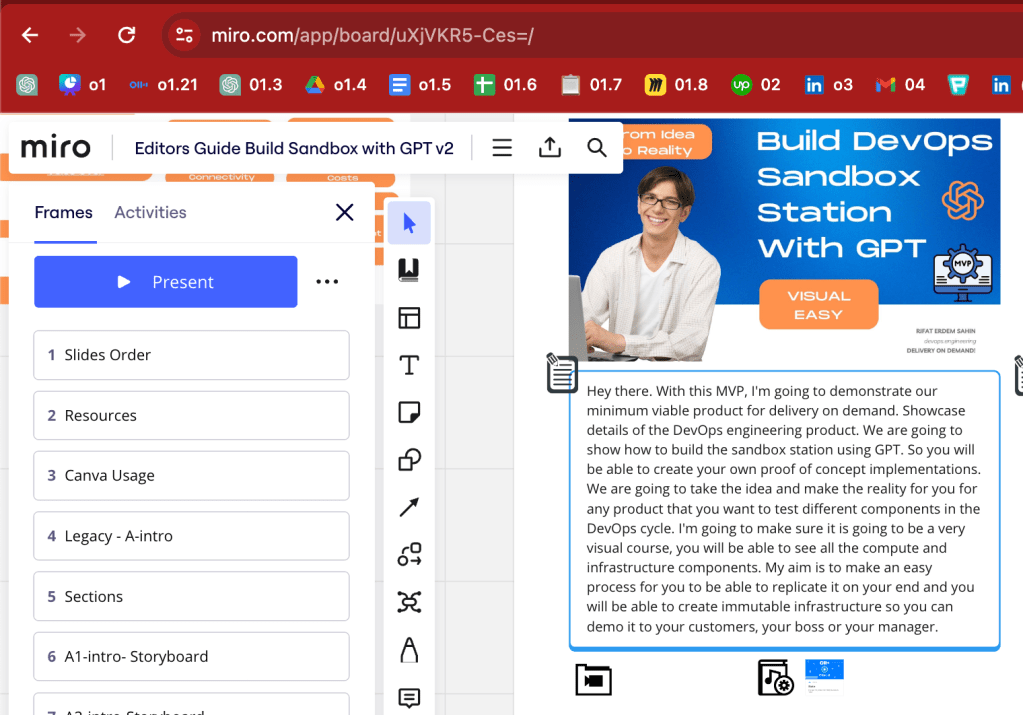
added the hacker rank
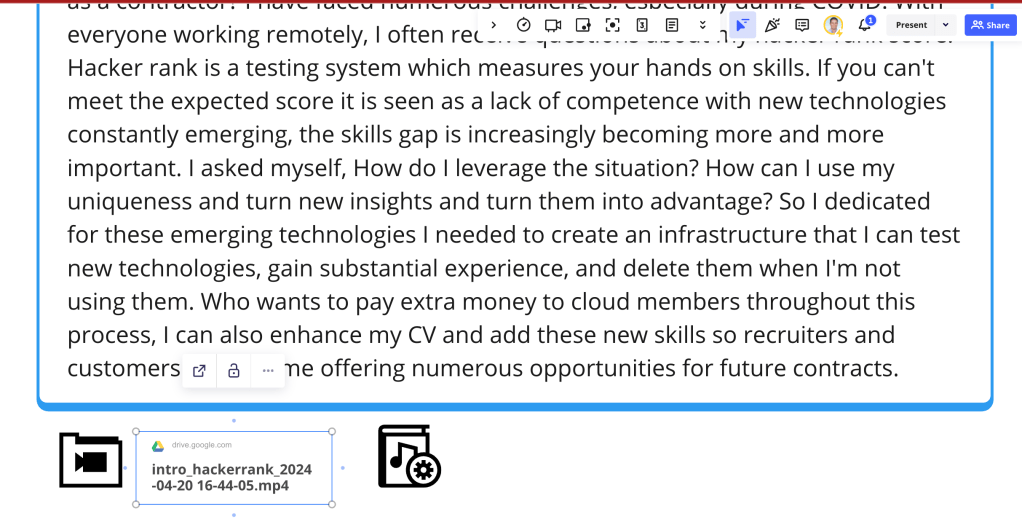
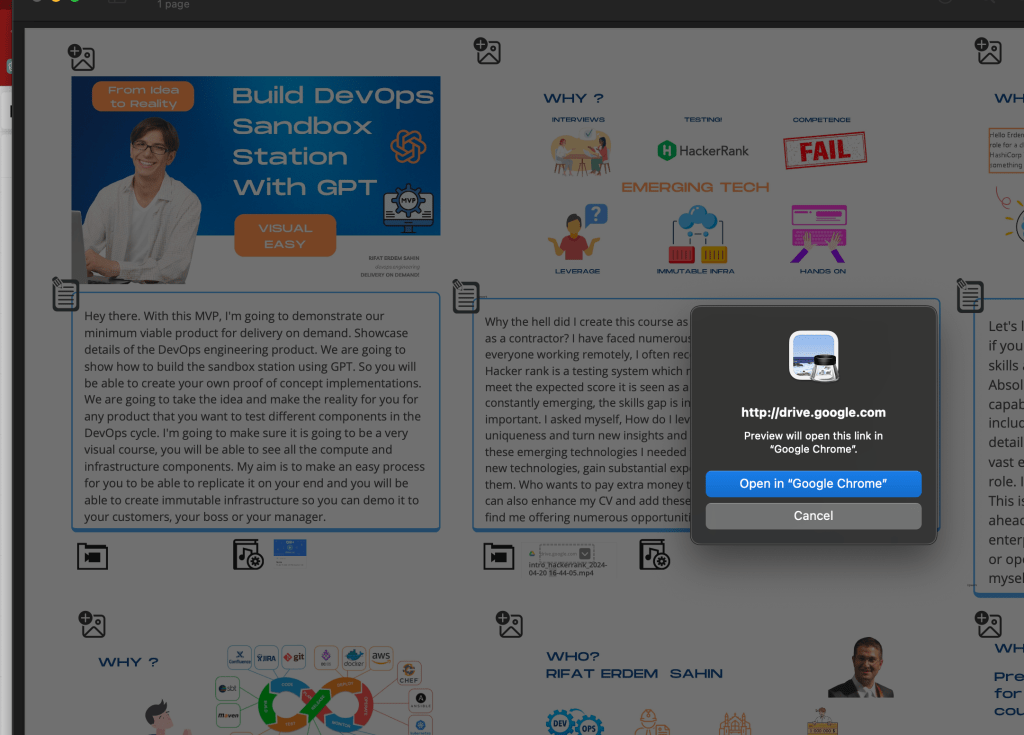
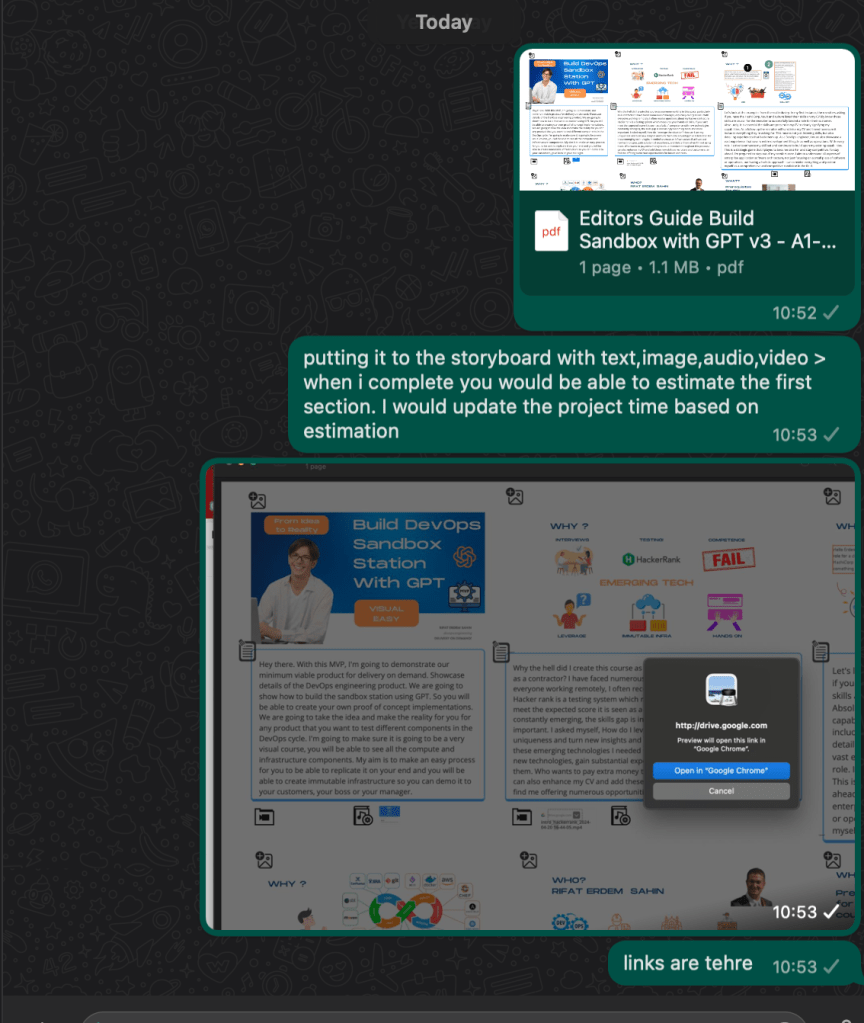
sotryboard outlining the gaps
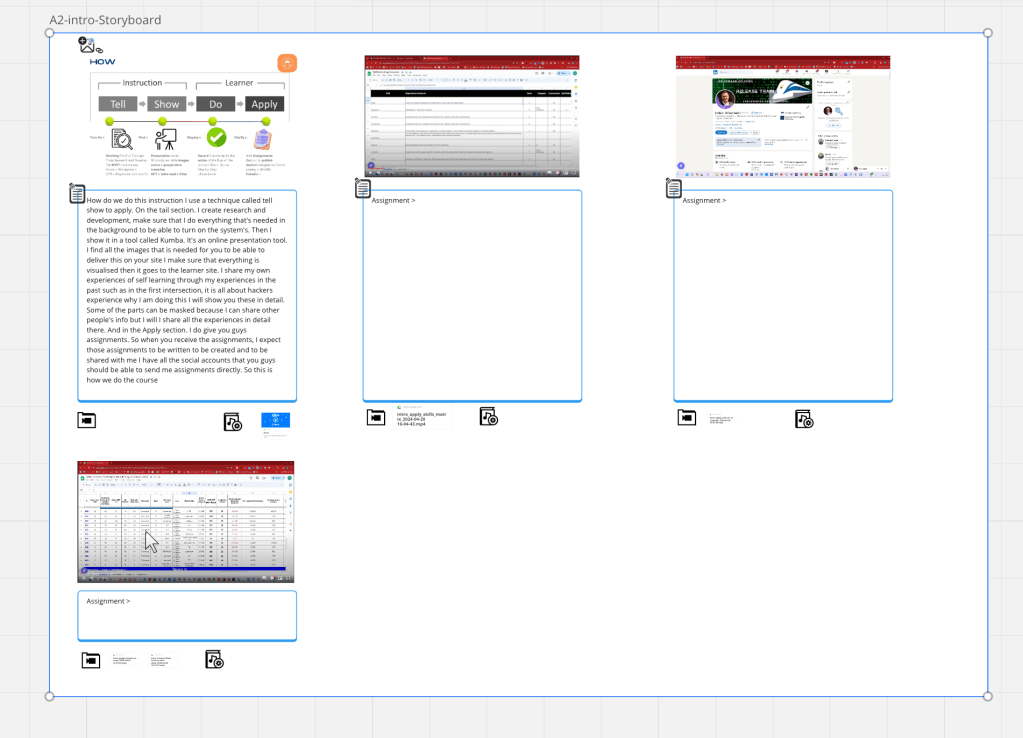
Loom is a better place to upload
and dowload is there and the transcribe is there
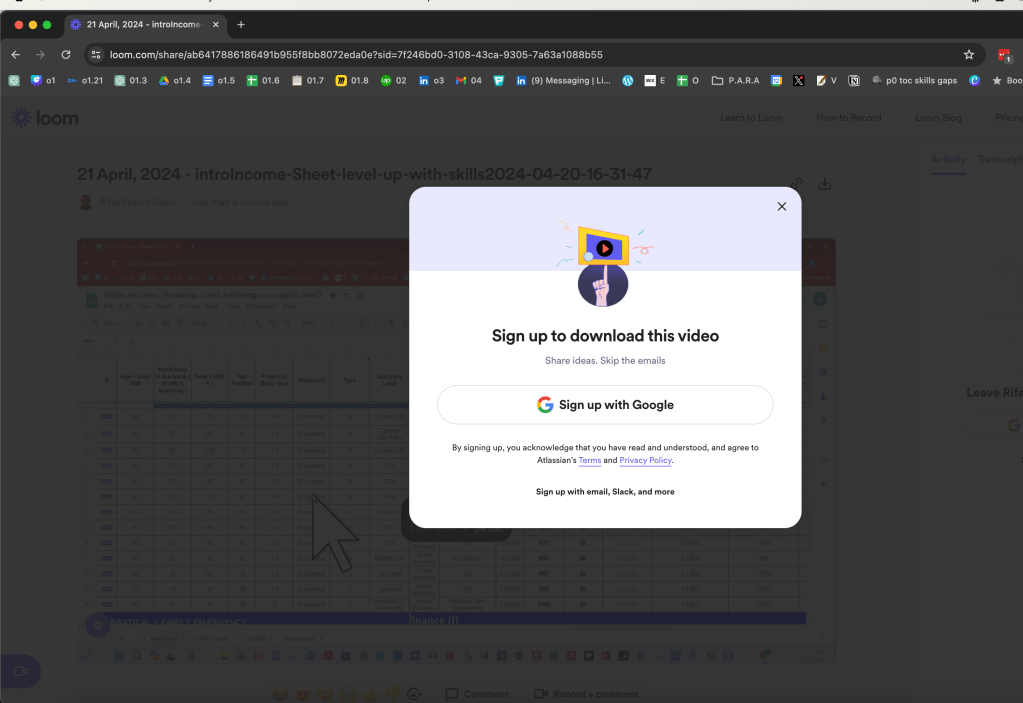
uploading to loom
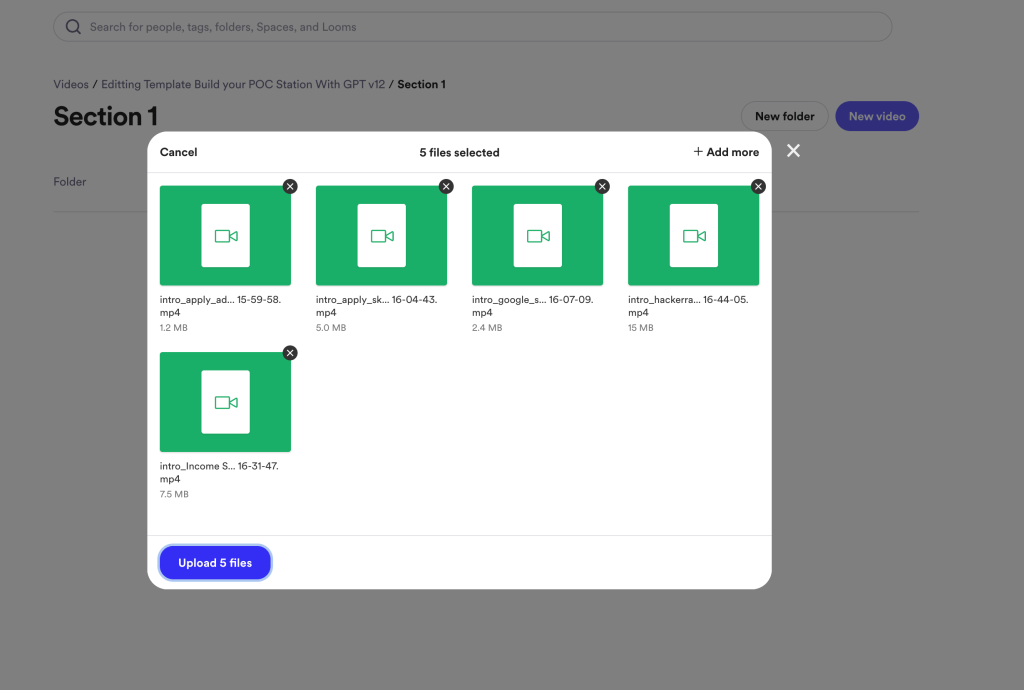
Loom has practical player on the miro board >
pdf for the upwork ad > miro fior reallife use case for collabration
move transcribe into miro
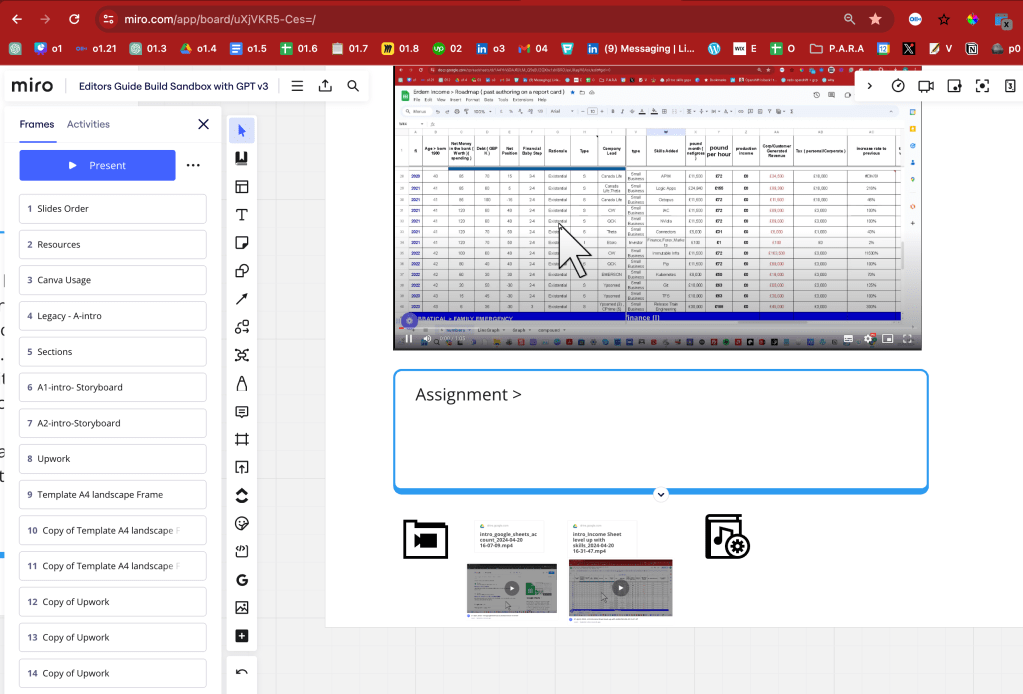
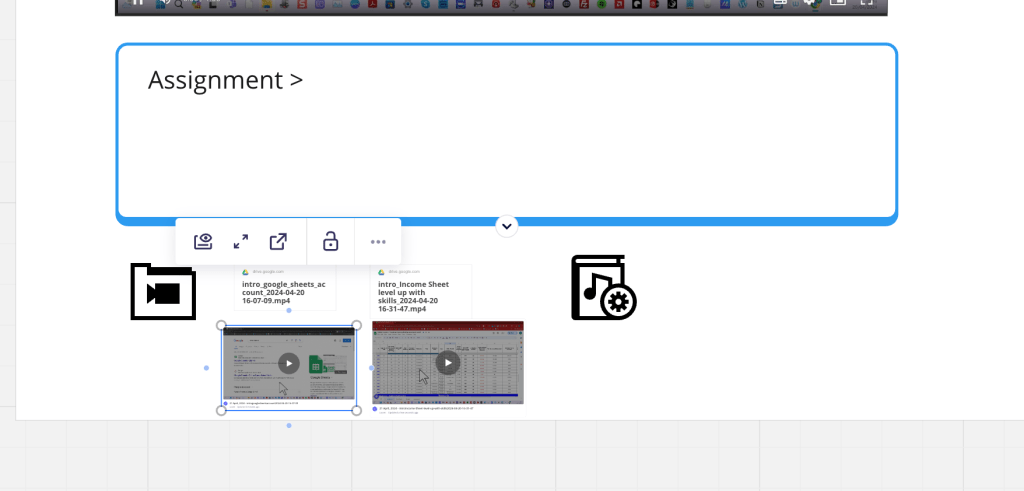
external link opener in miro
maybe left to right is important
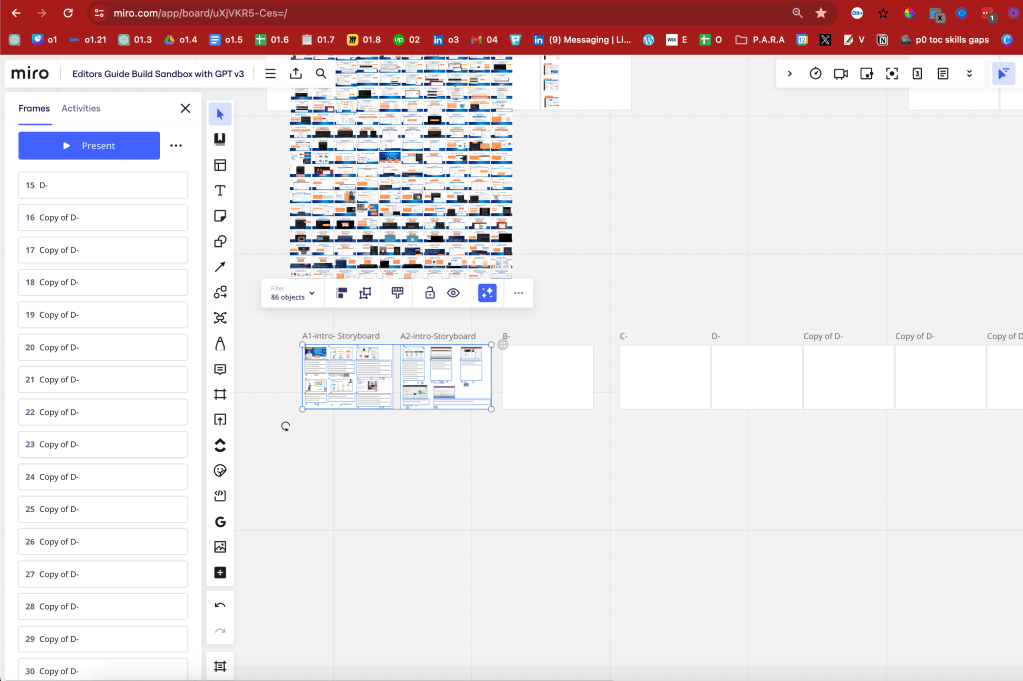
A1 A2 is makes sense and to be able to see all
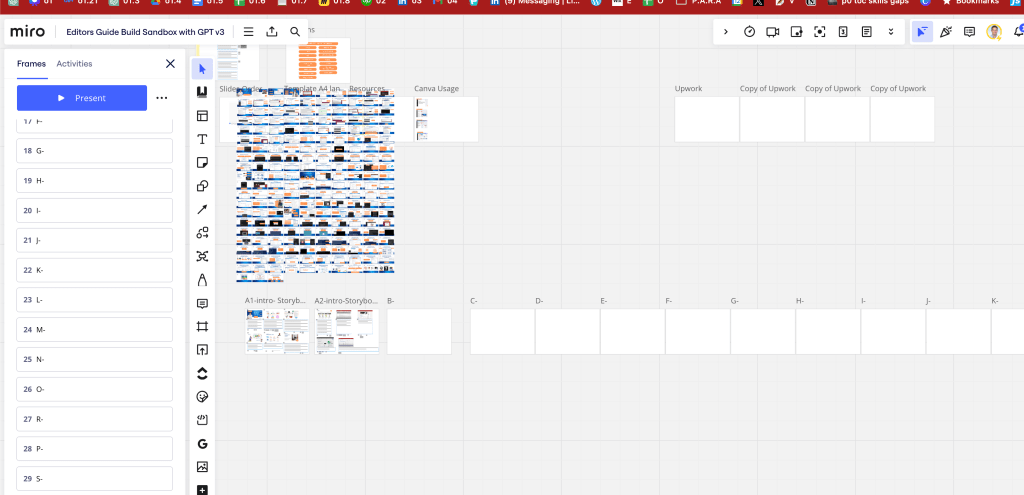
faster template to share it
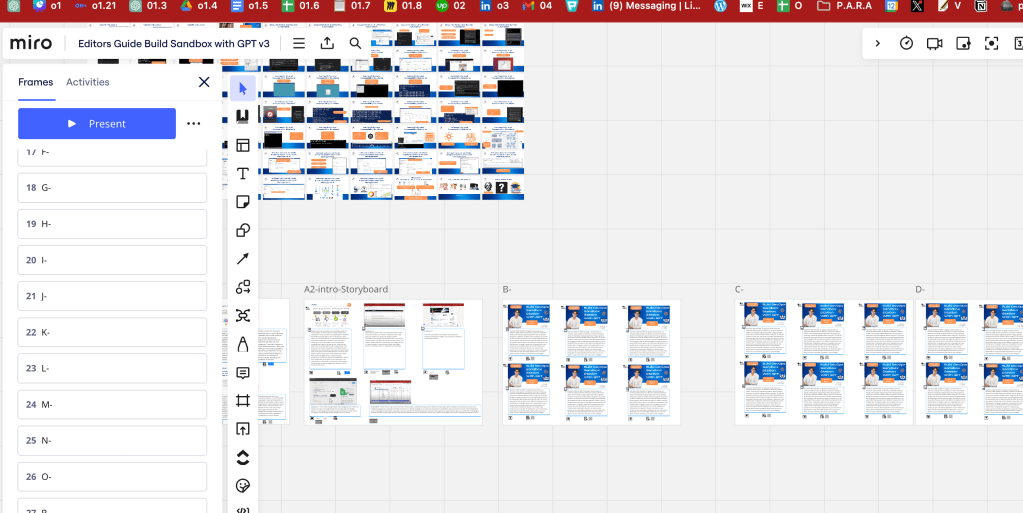
most parts from old template with a change in business plan cant be taken
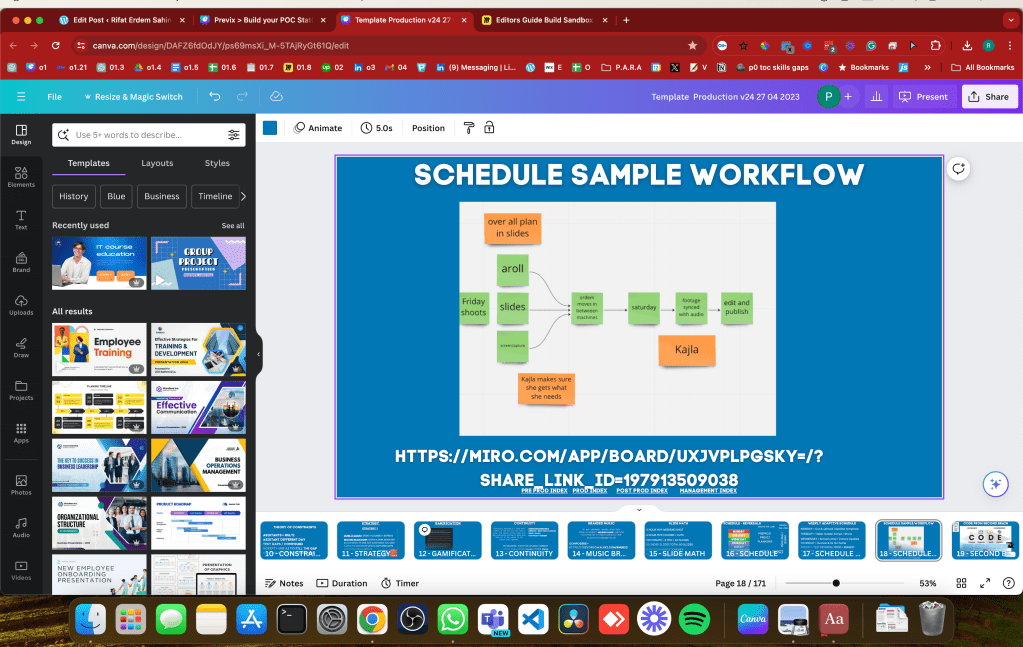
writing in bulk
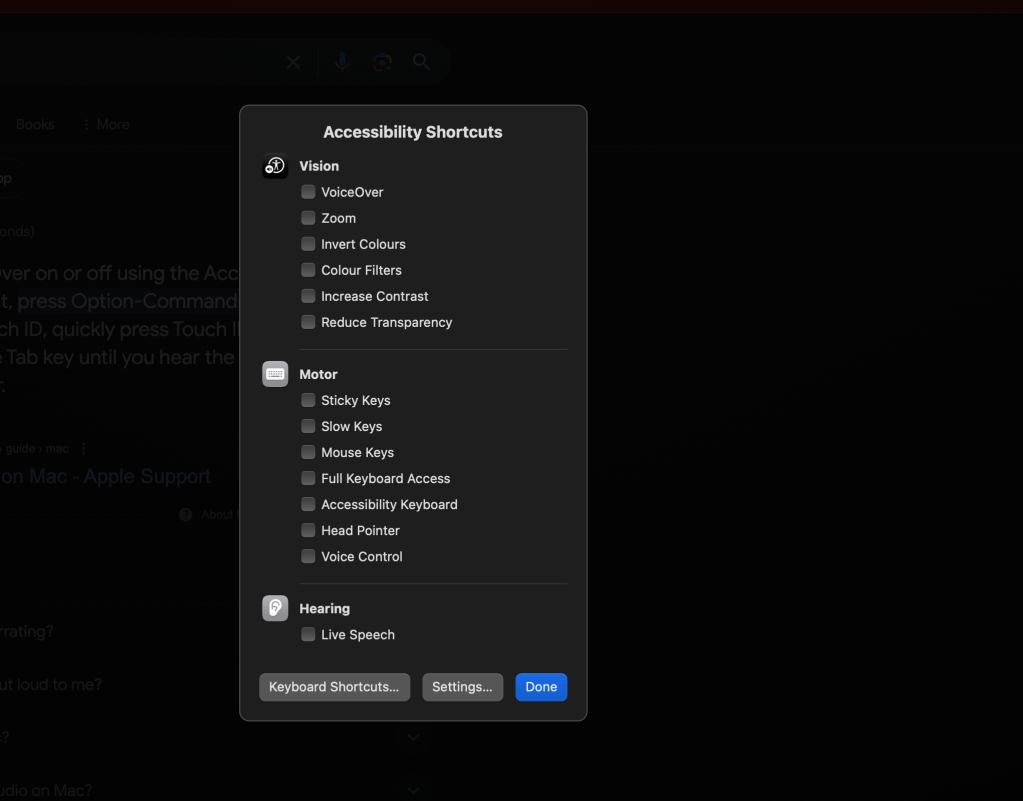
dictation
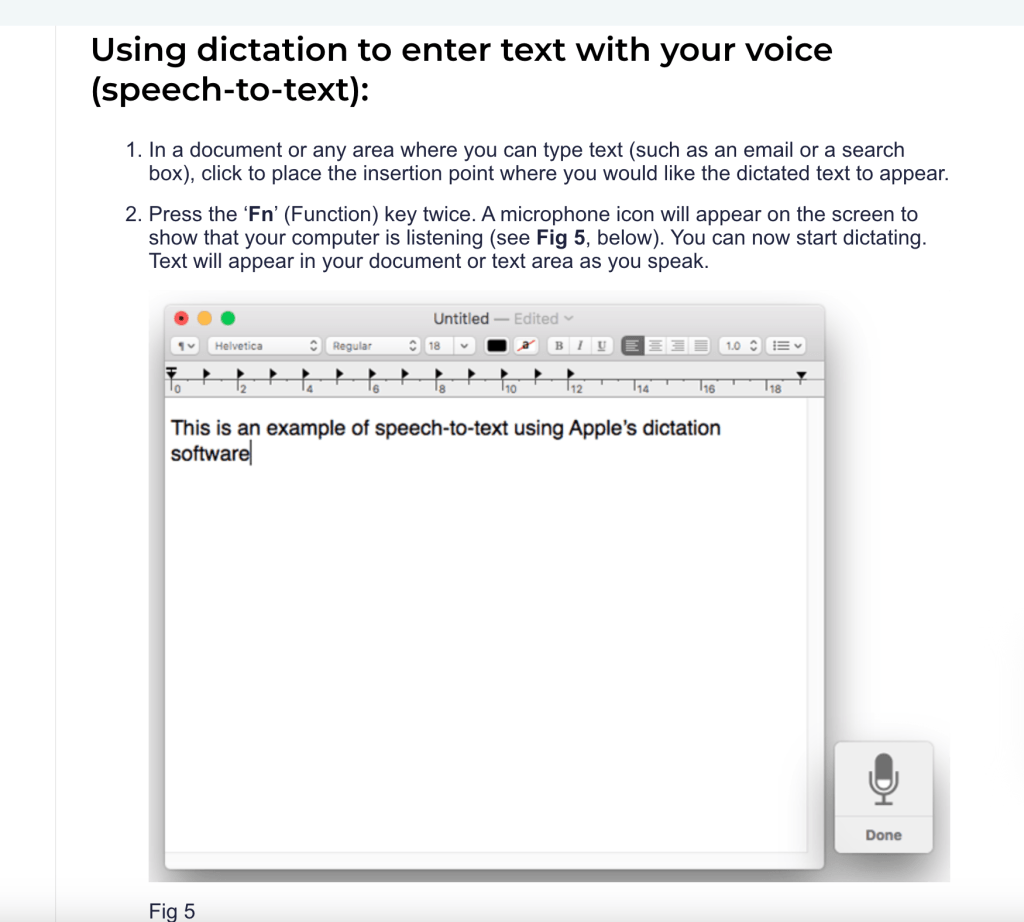
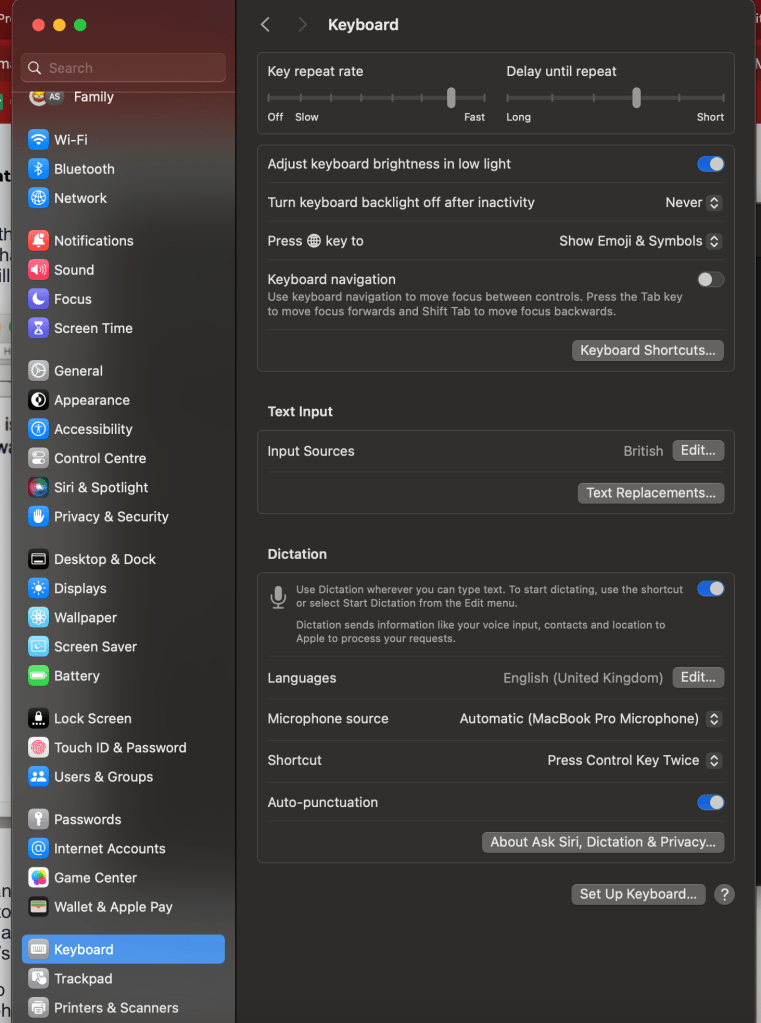
some take time to write
https://rifaterdemsahin.com/2024/04/21/2023-to-2024-video-production-maturity
Space mouse time
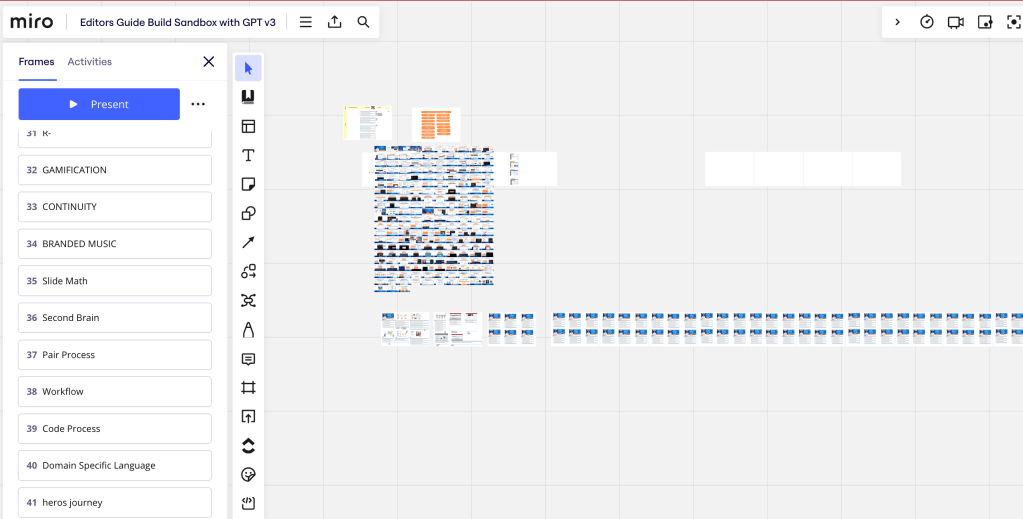
MVP3 FOUND AND PROBLEM SOLVING COURSE
DEVAIOPS ITERATED
NOW MOVE THE REMAIING TO THE TEMPLATE AND TALK TO EDITORS LEVERAGE WITH THEM
Imported from rifaterdemsahin.com · 2024