Delegating Video Edit Process
Objective : Delegate the edit process
Key Results: Have a visual structure
Key Result : Have audio,video ,footage
Key Results: Have order and flow
Question : What are the tools that are used ?
Question : What is the quide
Sample Canva Editors Quide > https://www.canva.com/design/DAGCZFYwanc/KyVkBJbOmZ_NT_4dqyFb3g/edit
Question : Where is the instructions written ?
In the notes section
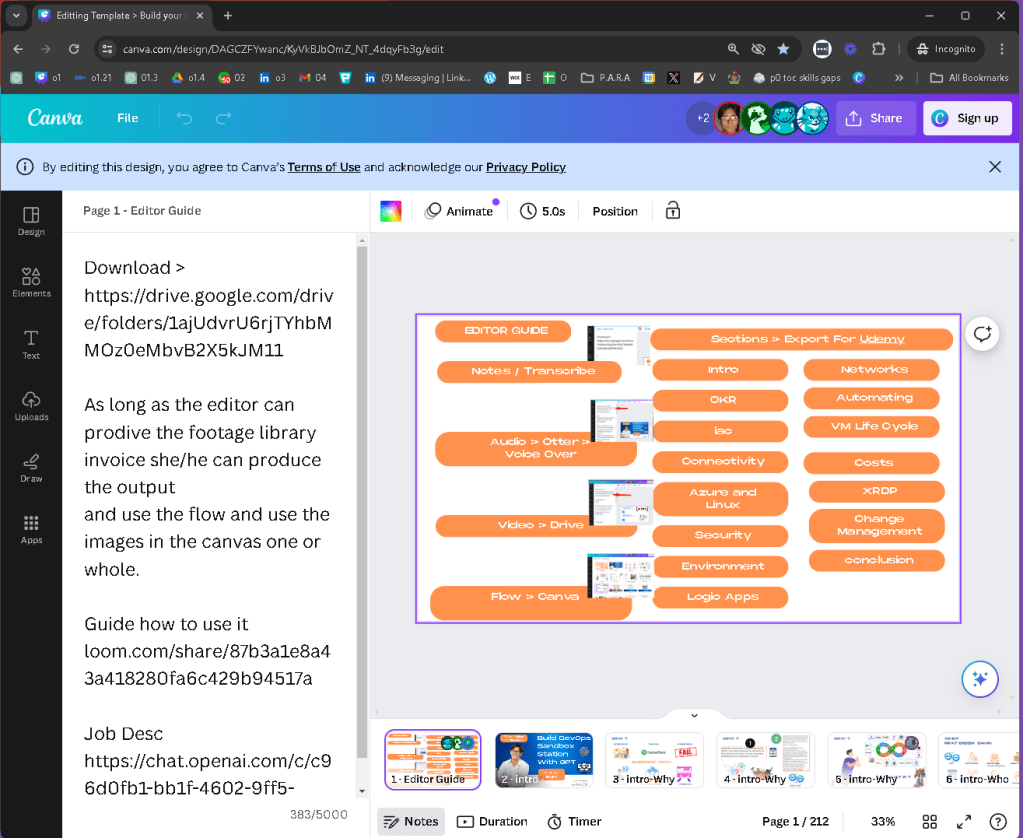
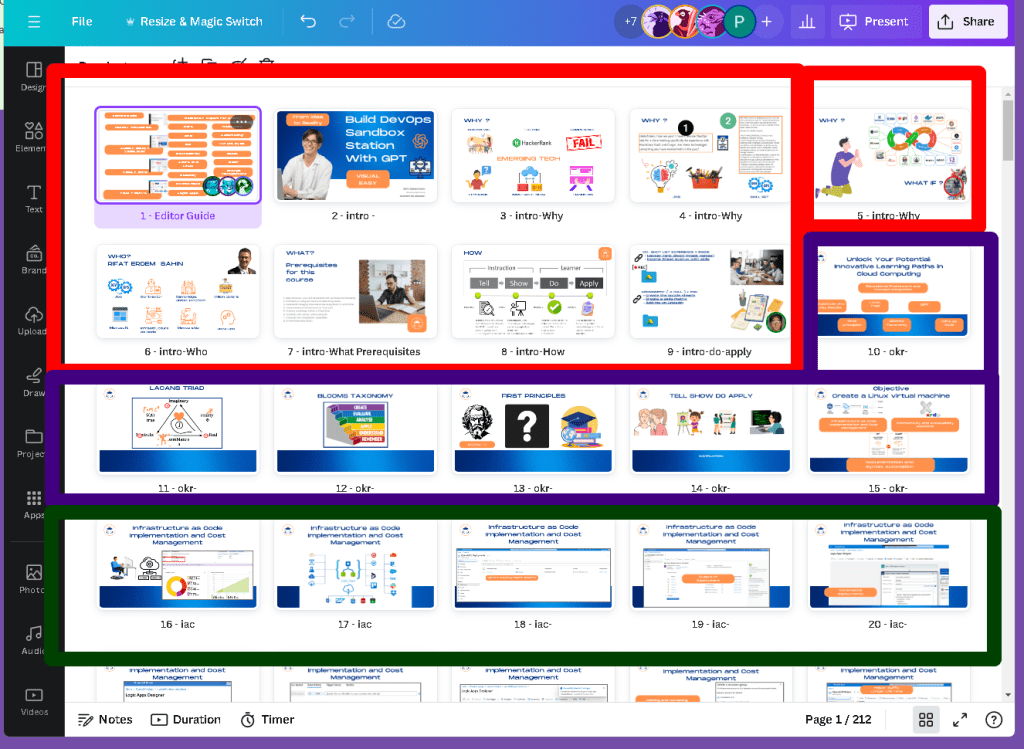
Q:How many Sections are there ?
Explained in the first slide
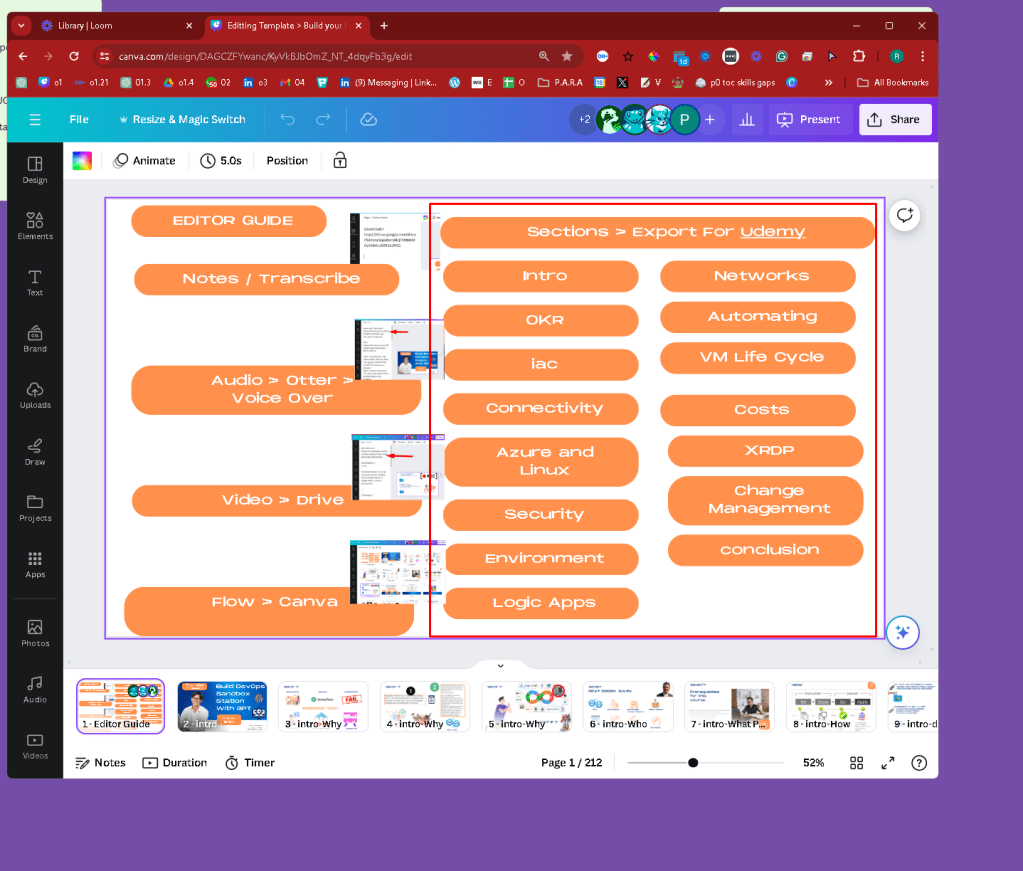
Q:Where is the footage ?
GoogleDrive
https://drive.google.com/drive/folders/1ajUdvrU6rjTYhbMMOz0eMbvB2X5kJM11
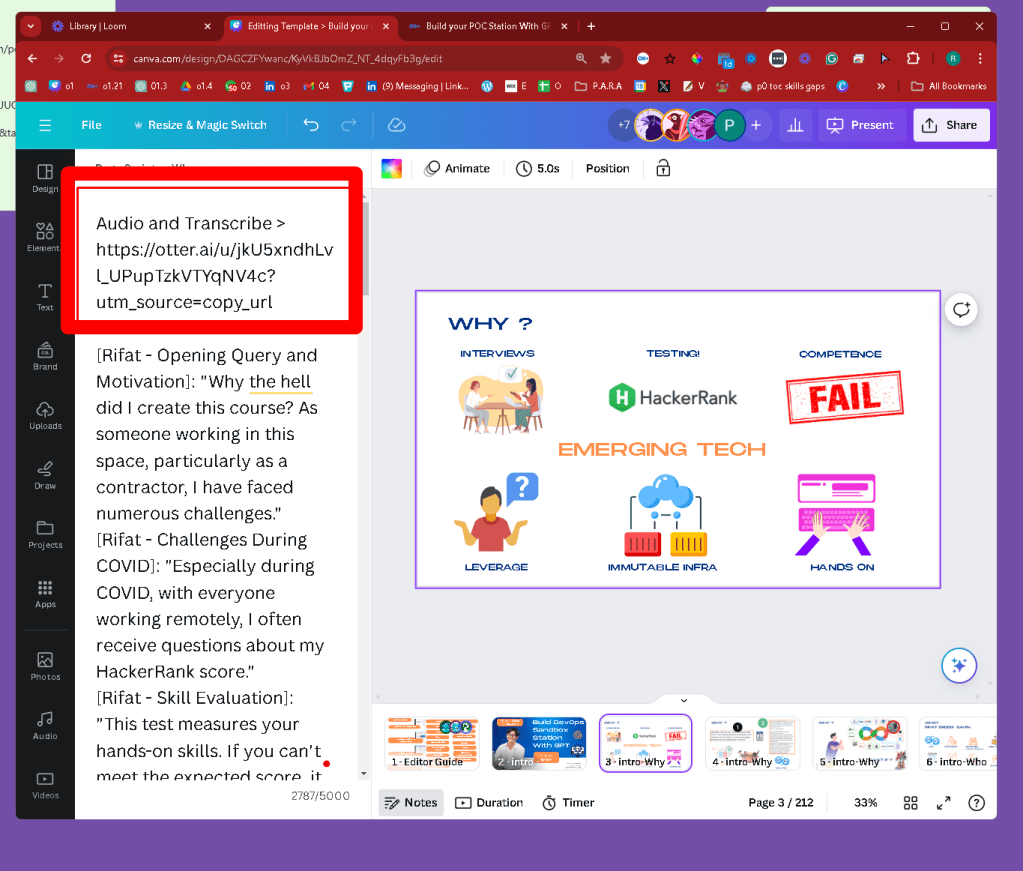
Q:Where is the voice over ?
In Otter with transcript > https://otter.ai/folder/1234838
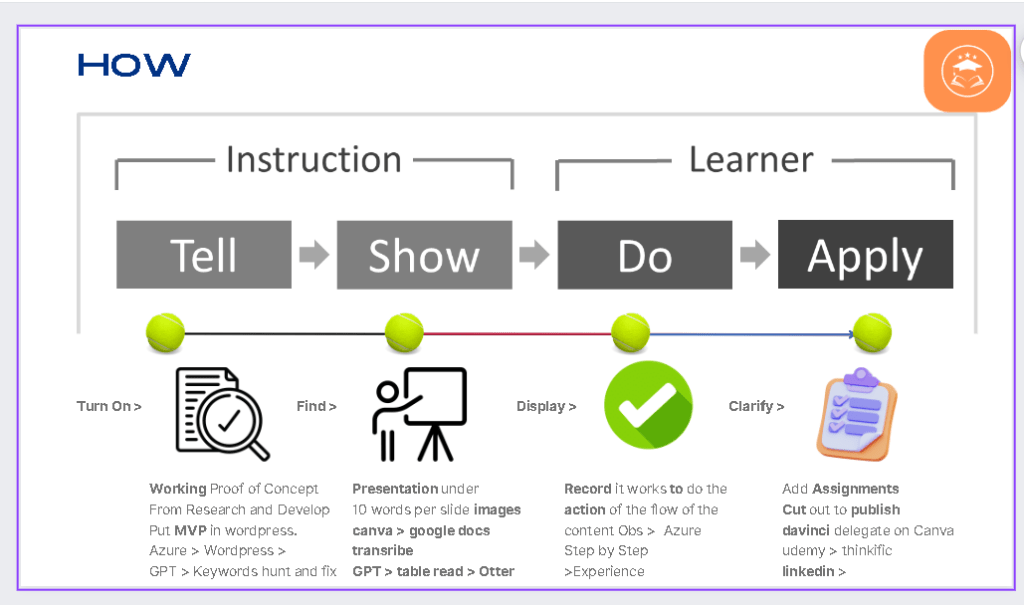
Q:Where is the Order of production ?
We use tell ,show do and apply for the courses.
Q: What are the challanges with the flow ?
Use the do sections and merge them with the show
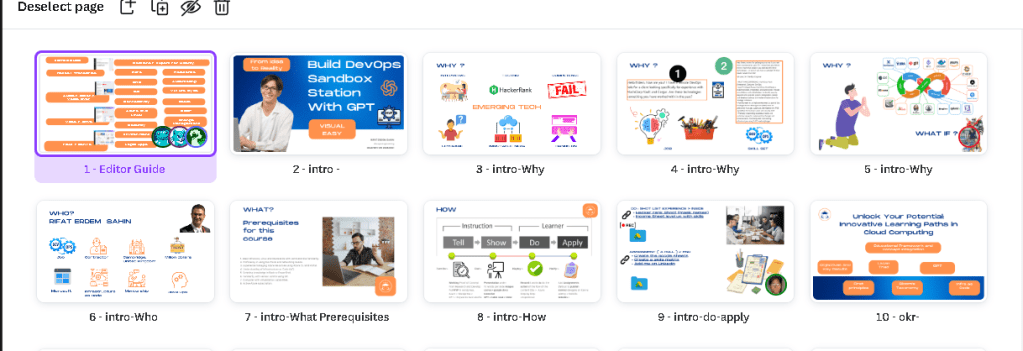
Use the canva to see the sections and the order
Section names infront of the slide
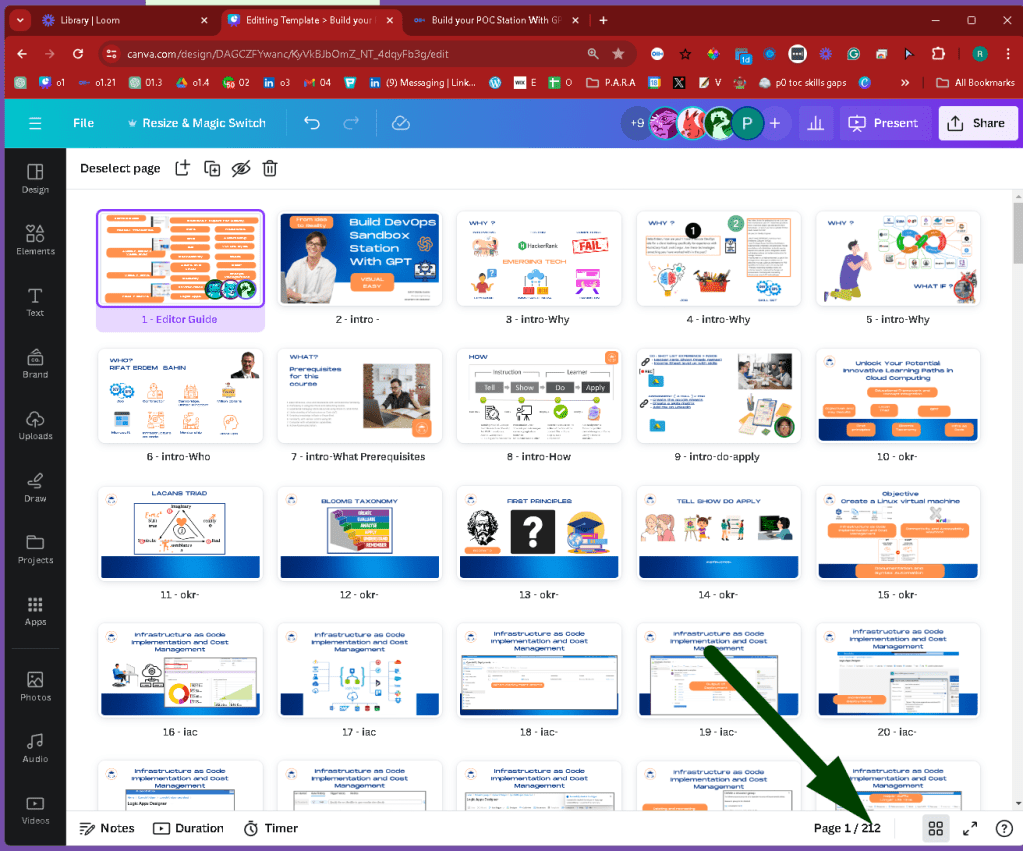
q:How many slides are there where can i find ?
212
q:How do i contact Erdem?
Upwork or Linkedin > https://www.linkedin.com/in/rifaterdemsahin/
q:How much creative control does the editor have on assets?
As long as the editor can provide a stock footage library invoice they can use external assets
q:What is the required format of output ?
1080P
q:How do we monitor time ?
-
Contract Agreement: Initially, you and the editor agree on the estimated time required for editing a particular section of work. This agreed time is then documented in the contract, forming the basis for payment.
-
Recording Work: The editor uses OBS to record their screen while editing. This serves as a transparent method to verify the amount of work and time spent on the project.
-
Time Tracking: The screen recording can be used to track the actual time spent by the editor on the project. This method ensures that both parties have a clear and fair understanding of the work involved.
-
Payment Based on Time: Compensation is based on the time recorded. This method incentivizes accurate reporting and efficient work practices by the editor.
-
Updates and Revisions: If there are any updates or additional requirements beyond the initial agreement, the contract would need to be updated to reflect the extended time needed for these changes. This ensures that the editor is fairly compensated for the extra work.
-
Monitoring and Verification: Regular checks or reviews of the recorded sessions can help in verifying the work done and the time spent, ensuring compliance with the contract.
This method provides a clear, accountable way to manage freelance or contractual editing work, aligning expectations and compensation. It might also be useful to have a system or tool in place for easier tracking and verification of the video logs to streamline the process further.
Imported from rifaterdemsahin.com · 2024