Organize with GPT
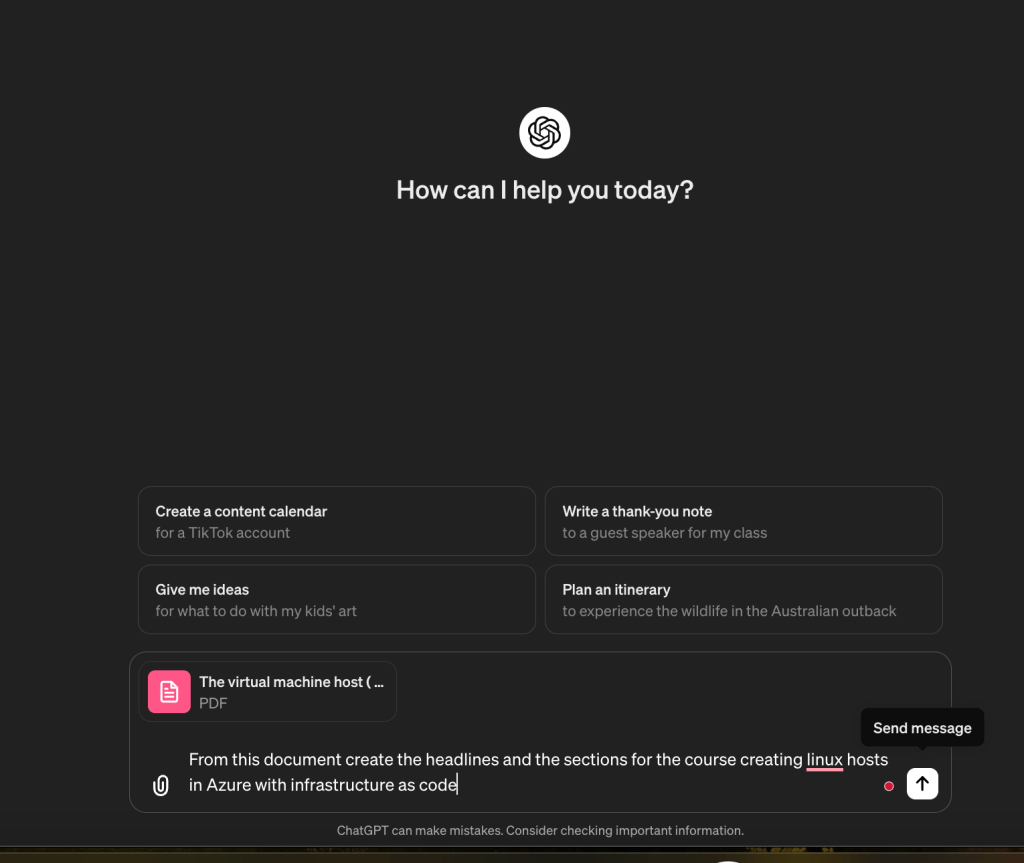
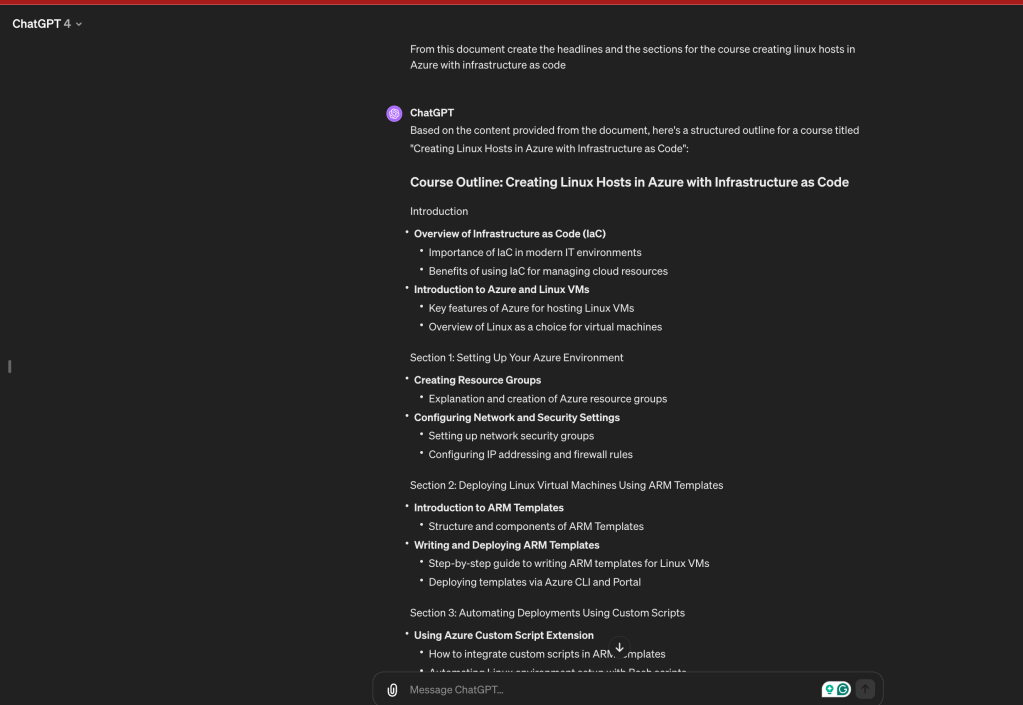
Based on the content provided from the document, here's a structured outline for a course titled "Creating Linux Hosts in Azure with Infrastructure as Code":
Course Outline: Creating Linux Hosts in Azure with Infrastructure as Code
Introduction
-
Overview of Infrastructure as Code (IaC)
-
Importance of IaC in modern IT environments
-
Benefits of using IaC for managing cloud resources
-
Introduction to Azure and Linux VMs
-
Key features of Azure for hosting Linux VMs
-
Overview of Linux as a choice for virtual machines
Section 1: Setting Up Your Azure Environment
-
Creating Resource Groups
-
Explanation and creation of Azure resource groups
-
Configuring Network and Security Settings
-
Setting up network security groups
-
Configuring IP addressing and firewall rules
Section 2: Deploying Linux Virtual Machines Using ARM Templates
-
Introduction to ARM Templates
-
Structure and components of ARM Templates
-
Writing and Deploying ARM Templates
-
Step-by-step guide to writing ARM templates for Linux VMs
-
Deploying templates via Azure CLI and Portal
Section 3: Automating Deployments Using Custom Scripts
-
Using Azure Custom Script Extension
-
How to integrate custom scripts in ARM templates
-
Automating Linux environment setup with Bash scripts
Section 4: Managing VM Lifecycle
-
Starting, Stopping, and Deallocating VMs
-
Commands and scripts to manage VM lifecycle
-
Recreating VMs to Optimize Costs
-
Strategies for using VMs in a cost-effective manner
Section 5: Advanced Configuration
-
Remote Desktop and SSH Configurations
-
Setting up xRDP for Linux VMs
-
Configuring SSH for secure remote access
Section 6: Monitoring and Maintenance
-
Using Azure Monitor and Log Analytics
-
Tools and practices for monitoring VM performance
-
Updating and Maintaining Linux Systems
-
Regular updates and security patches
Conclusion
-
Best Practices and Summary
-
Recap of key practices in managing Linux VMs in Azure
-
Q&A and Closing Remarks
Additional Resources
-
Documentation and Further Reading
-
Links to Azure documentation and detailed guides on Linux VM management
This outline covers the key aspects of creating and managing Linux hosts in Azure using infrastructure as code, providing a comprehensive roadmap for learners to follow in a course format.
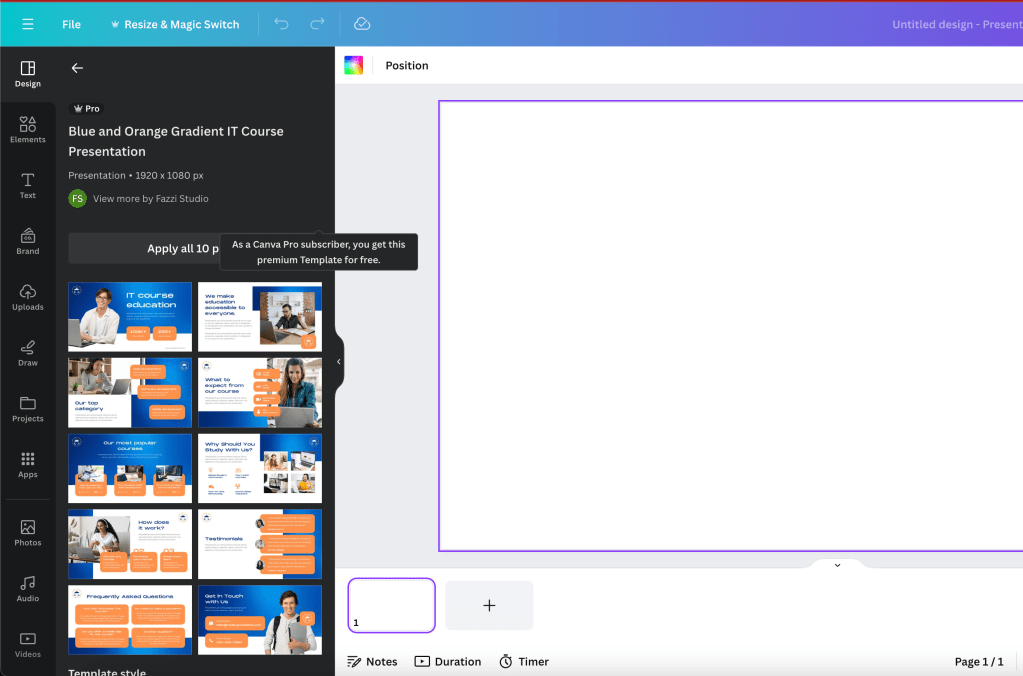
To record at the distill stage i need a canva presentation. these are the topics for thinkific and udemy
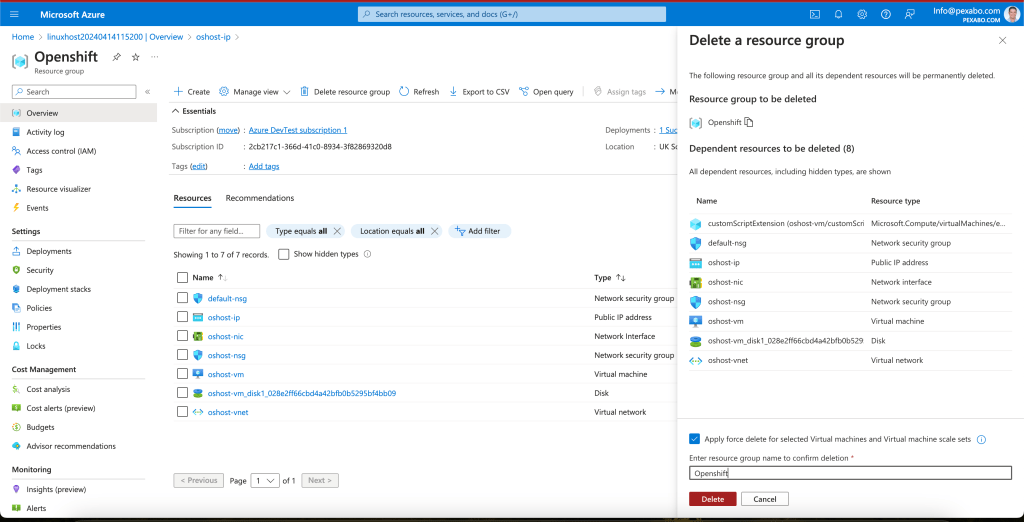
Delete and be ready to rerun it
lets see if i can create the presentation from here
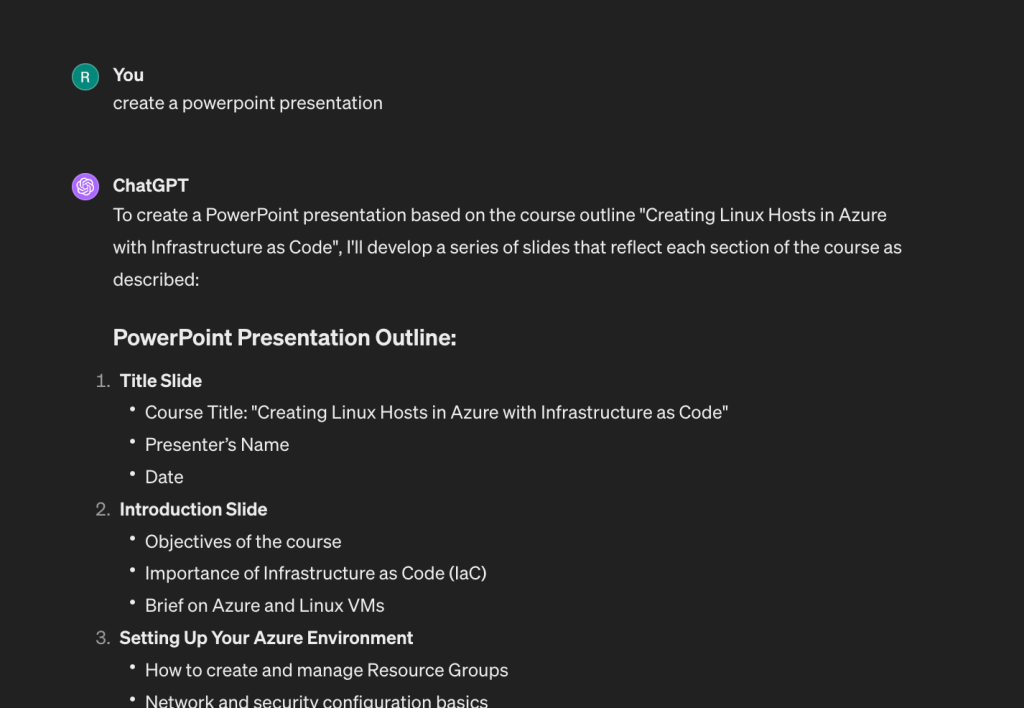
it is ready
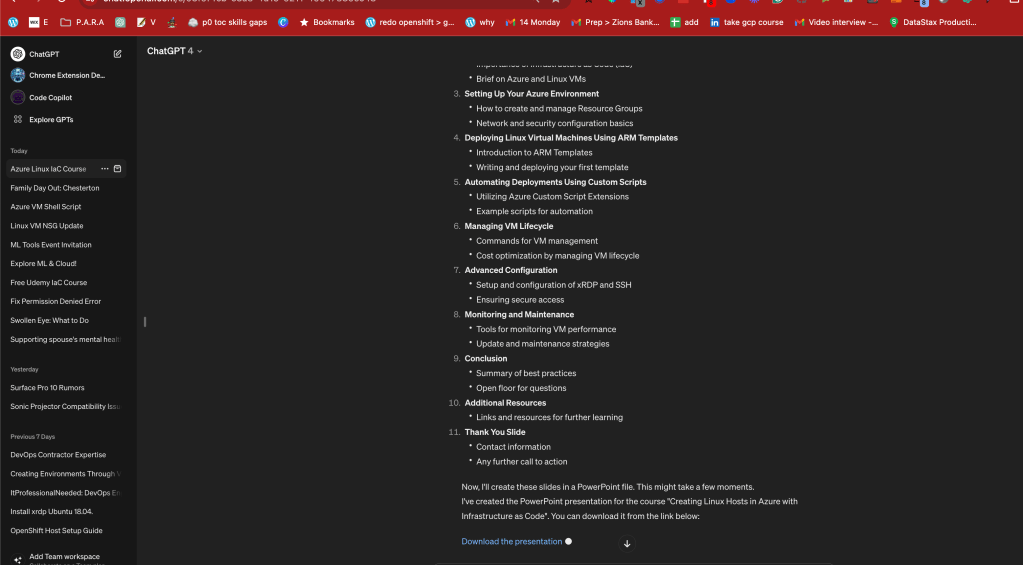
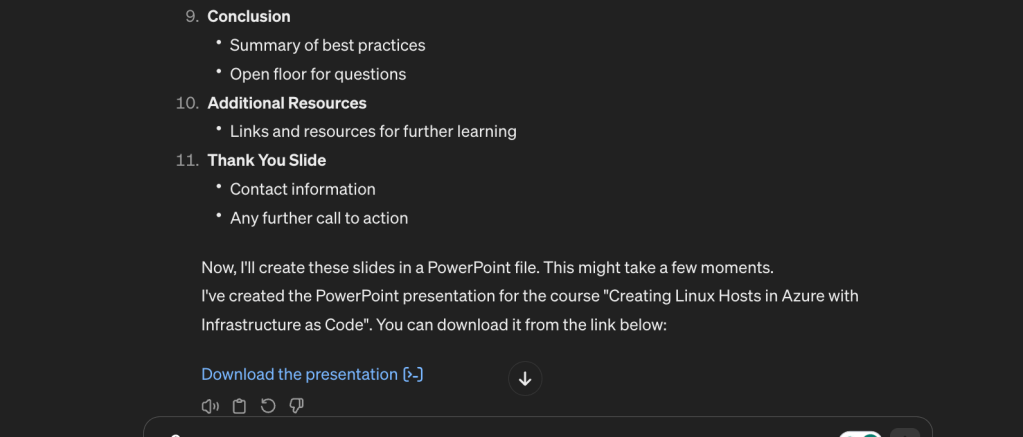
Text and slides are in
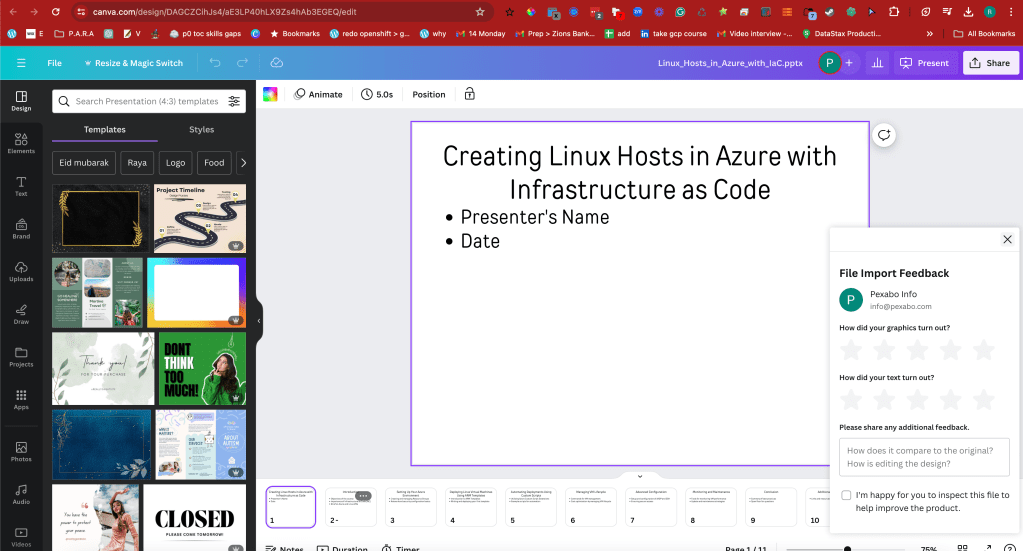
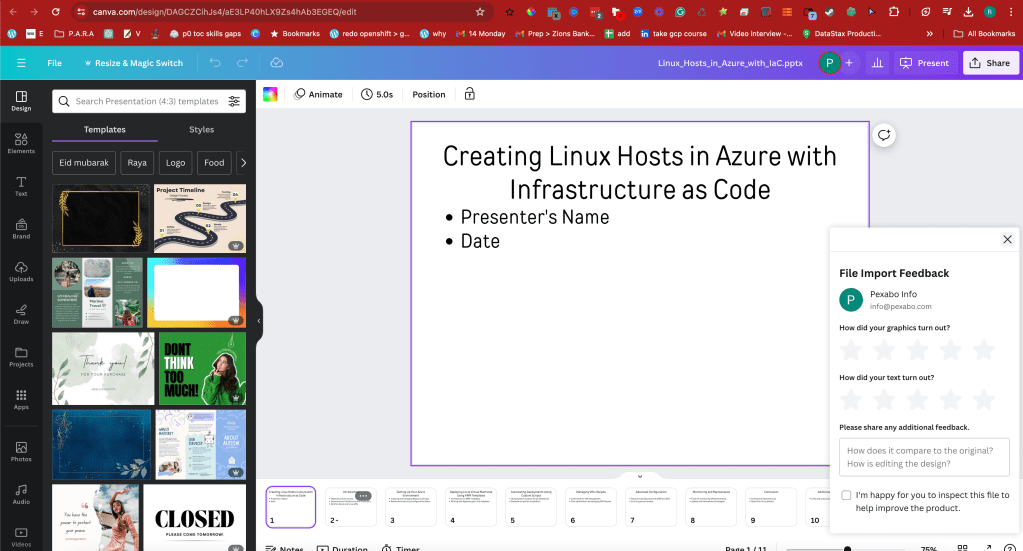
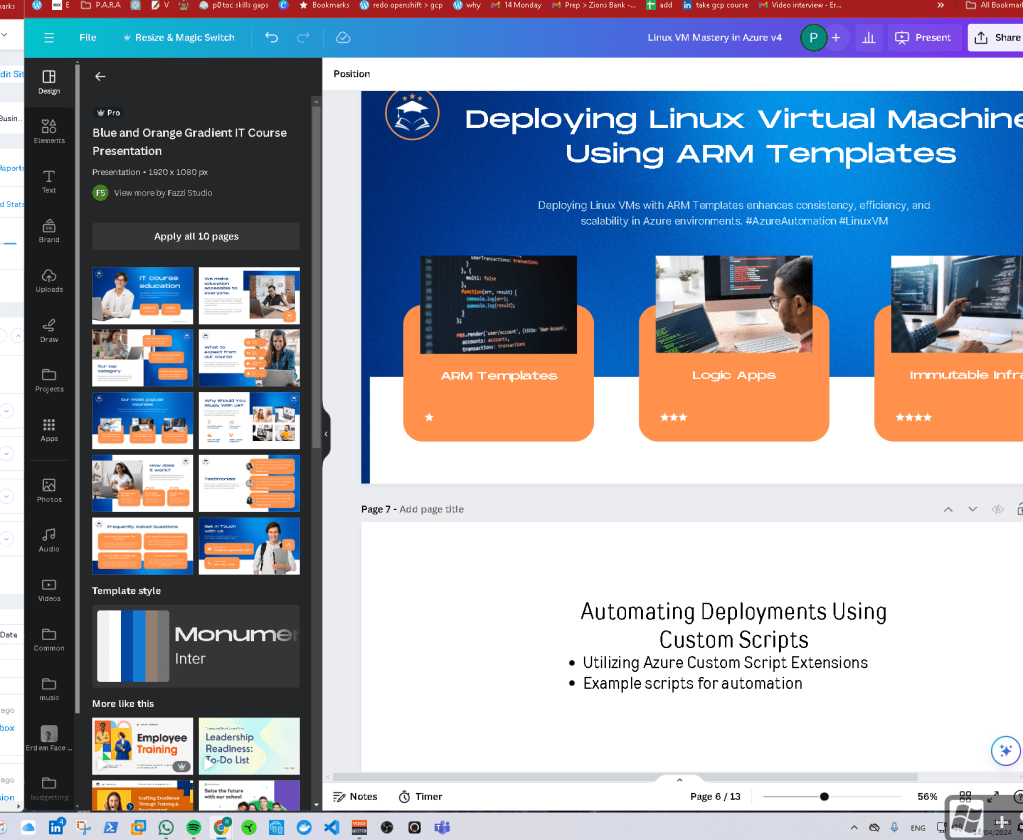
use presentation template
Another rational persons one hour course is my 8 hour course
version higher
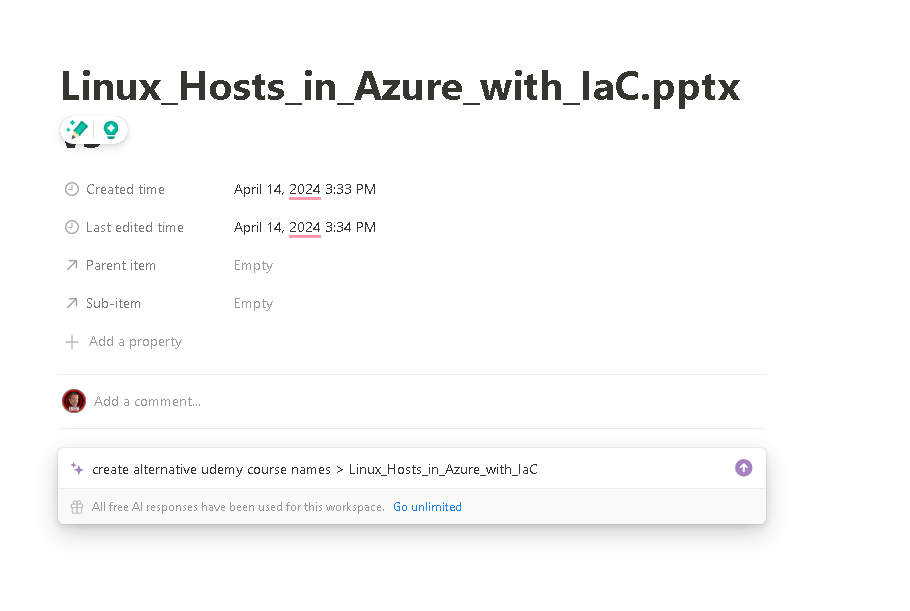
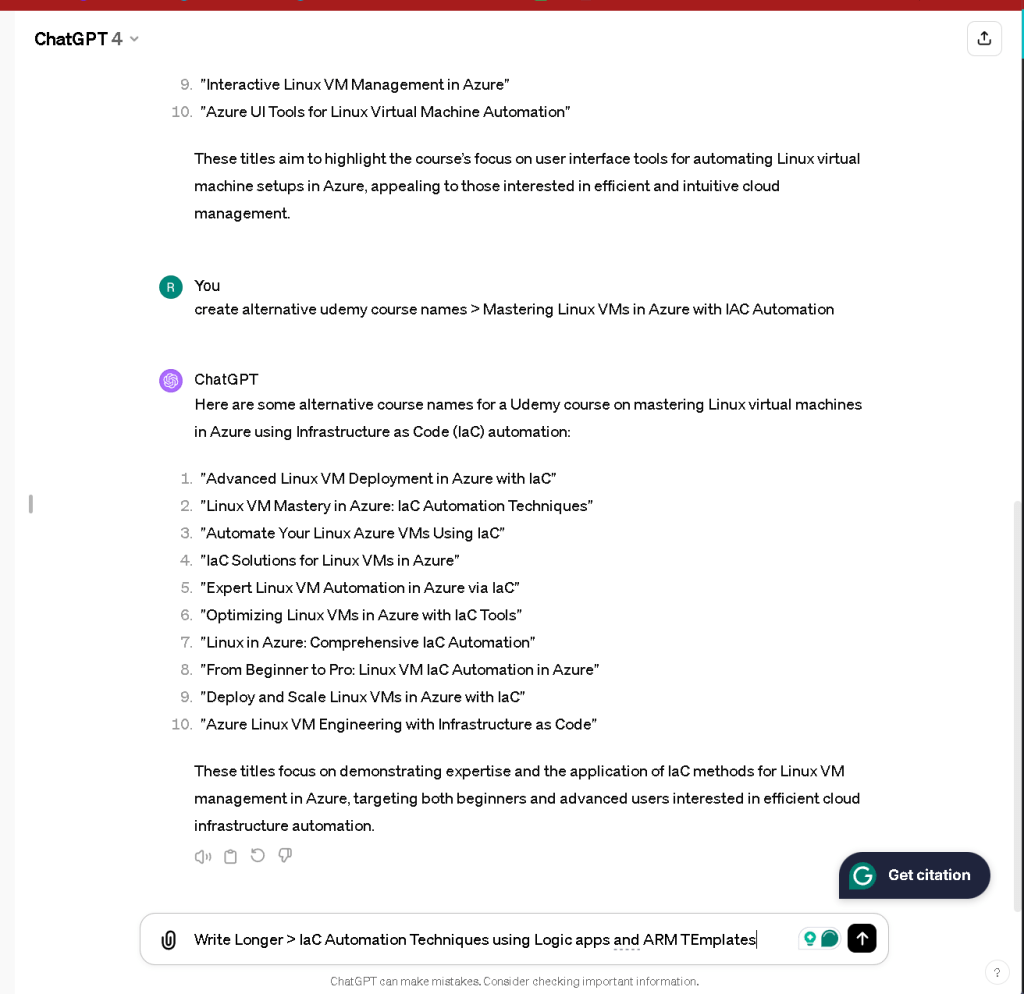

Started on the canvas prepare distilled shooting https://www.canva.com/design/DAGCZFYwanc/KyVkBJbOmZ_NT_4dqyFb3g/edit?utm_content=DAGCZFYwanc&utm_campaign=designshare&utm_medium=link2&utm_source=sharebutton

ready organie template
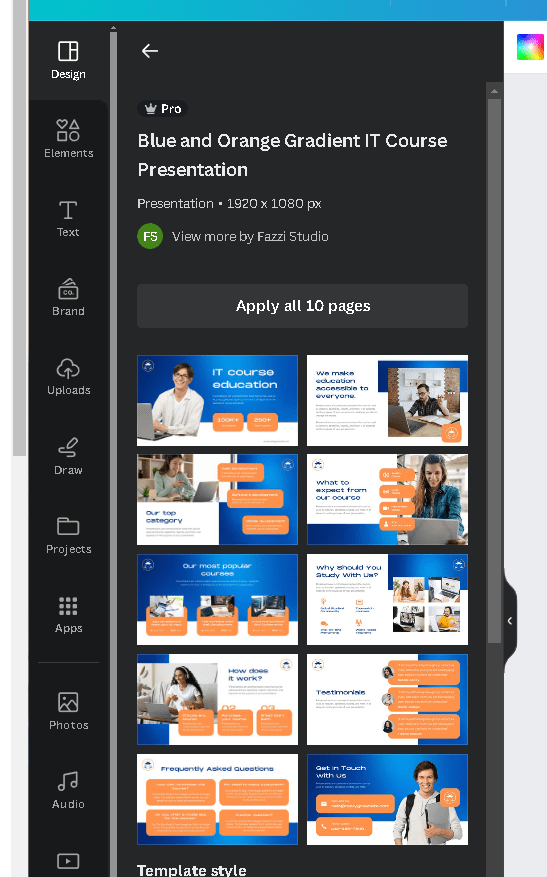
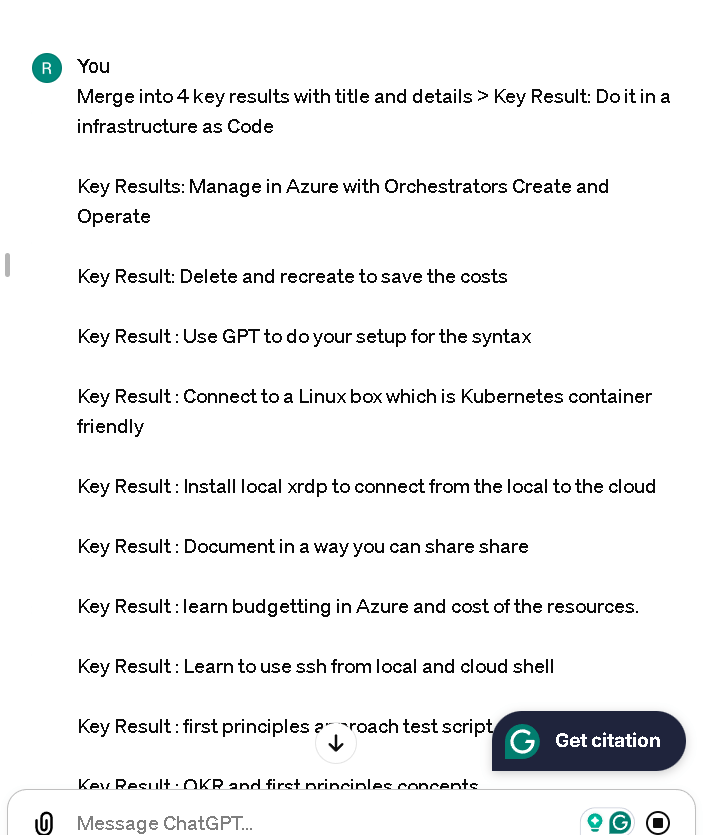
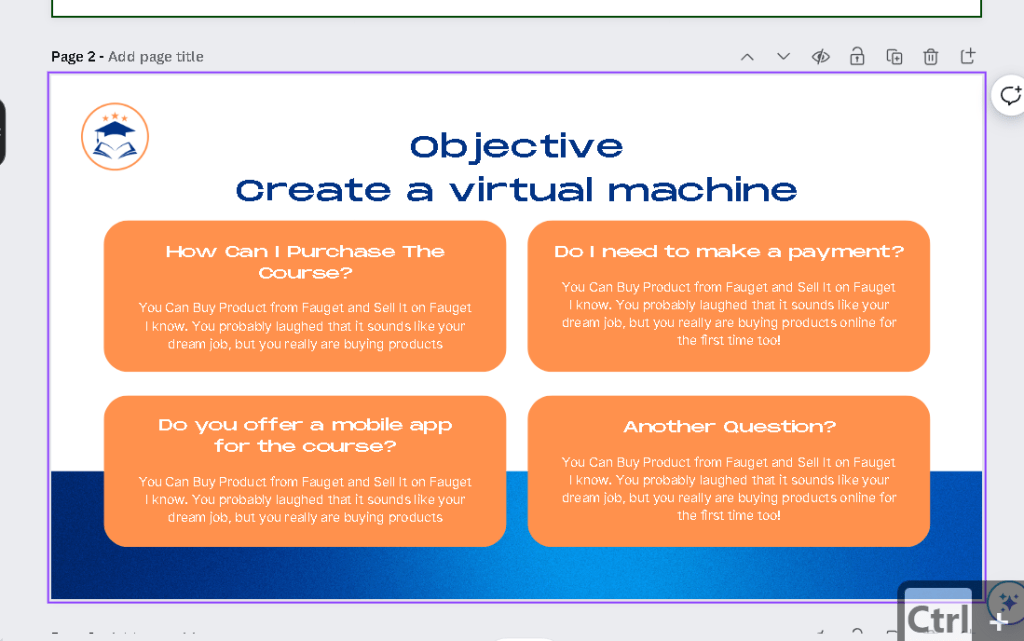
fit yourn text
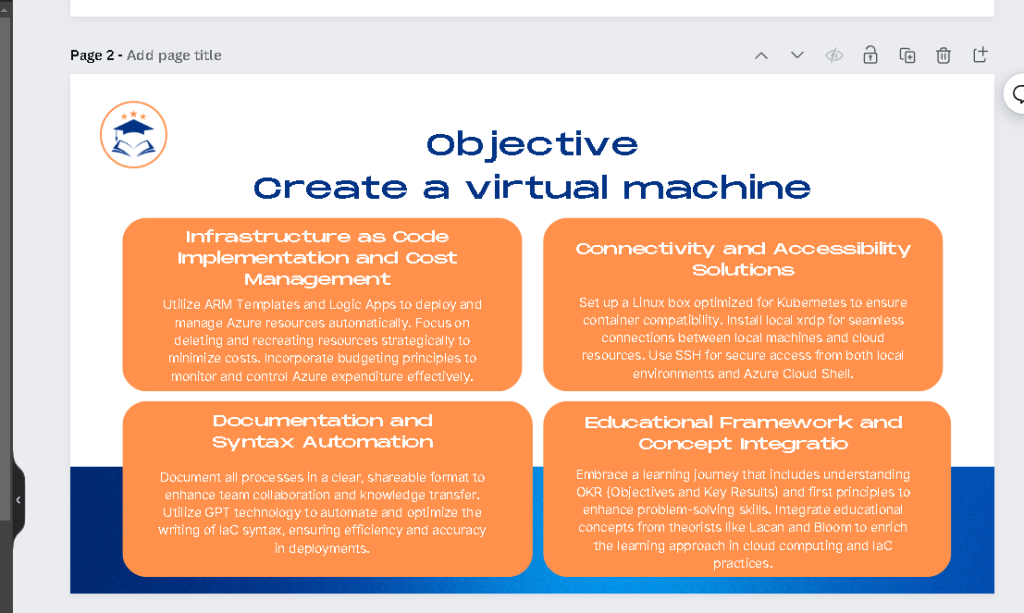
adapt while shiooting it
intro as helper
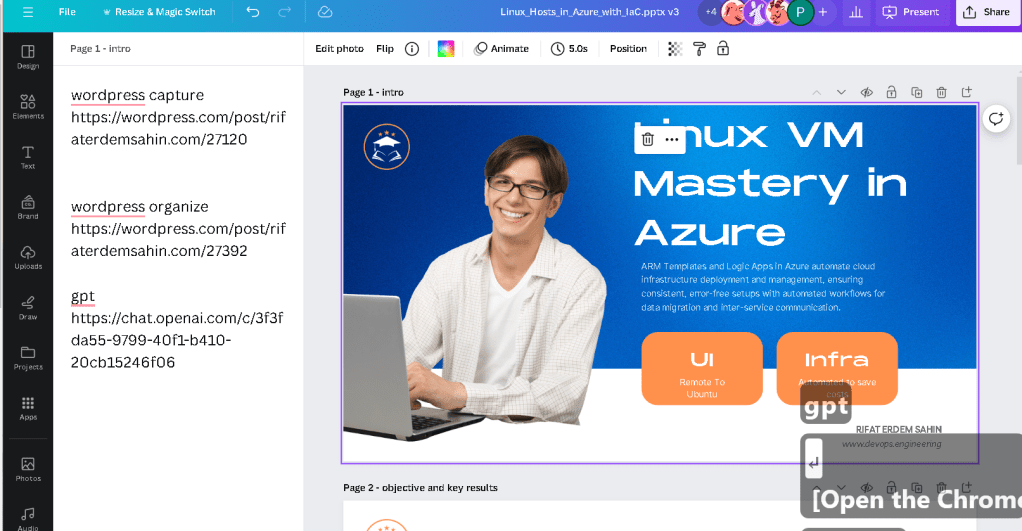
POWERPOUINT LIMITATIONS
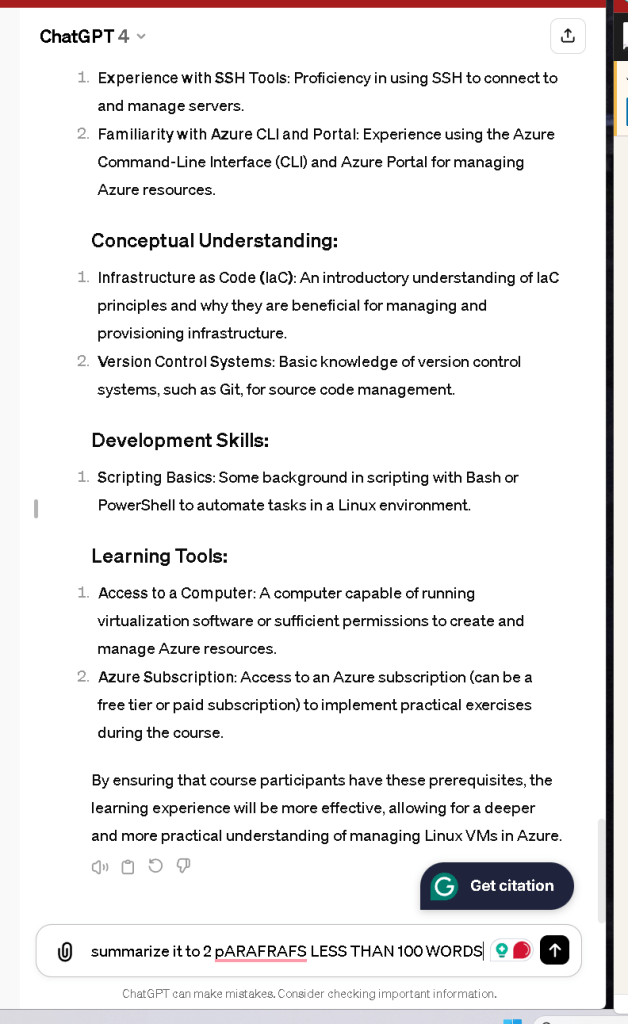
none artistic touch on the templates leverage the canva subs
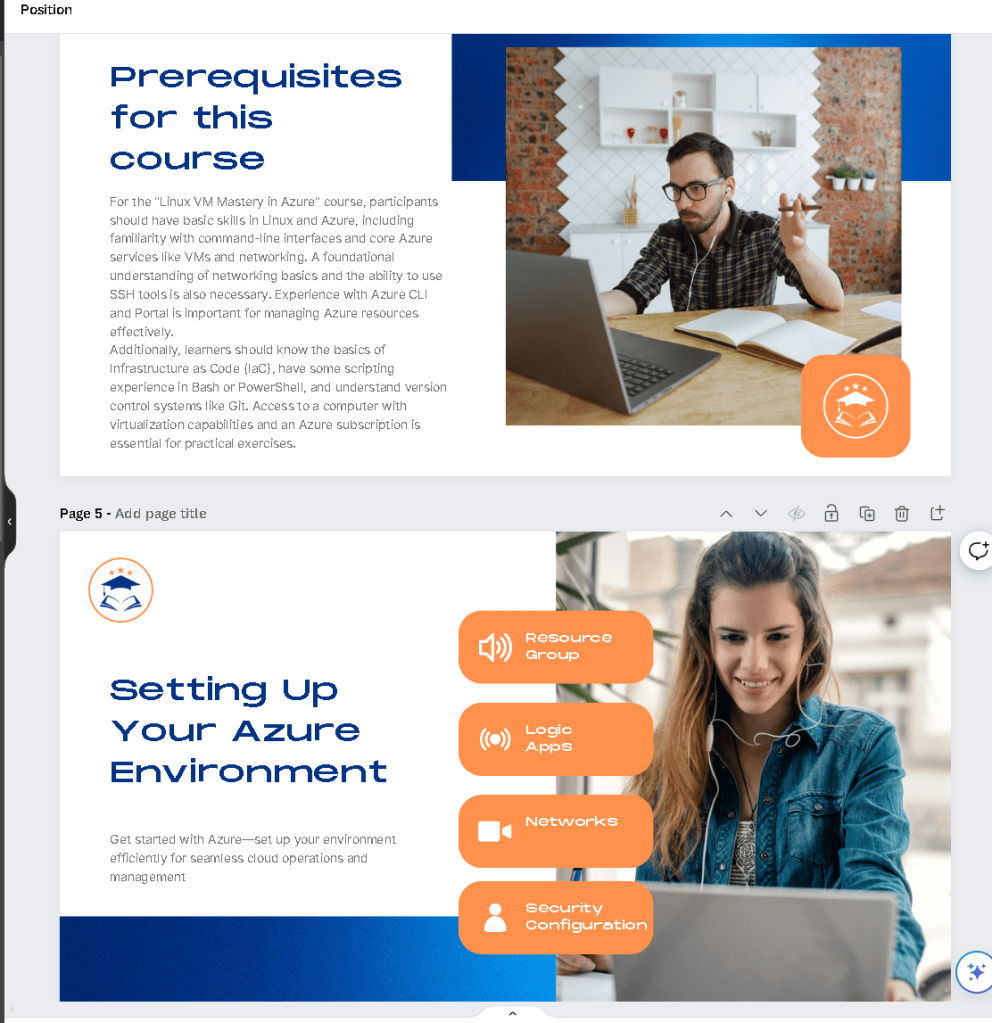
half done for 13 pages
upload
linux-vm-mastery-in-azure-v4Download
bold it and convergence continues
reuse template
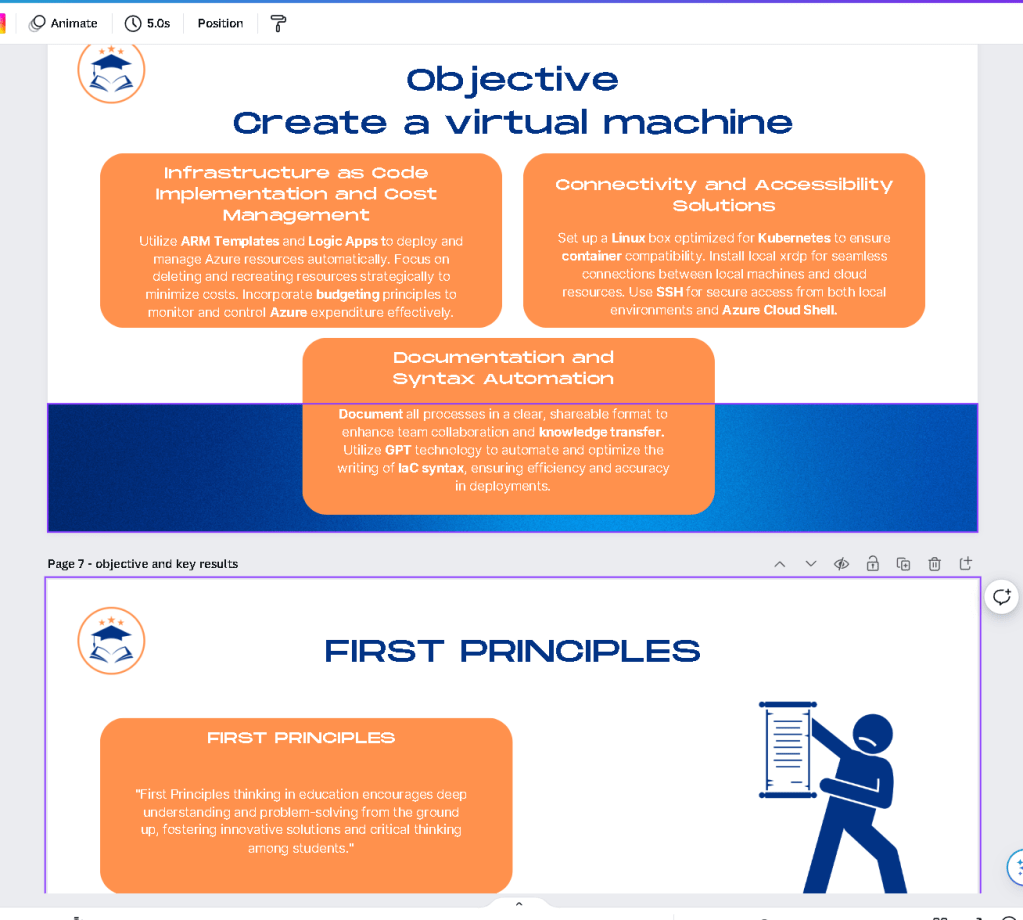
create symbols
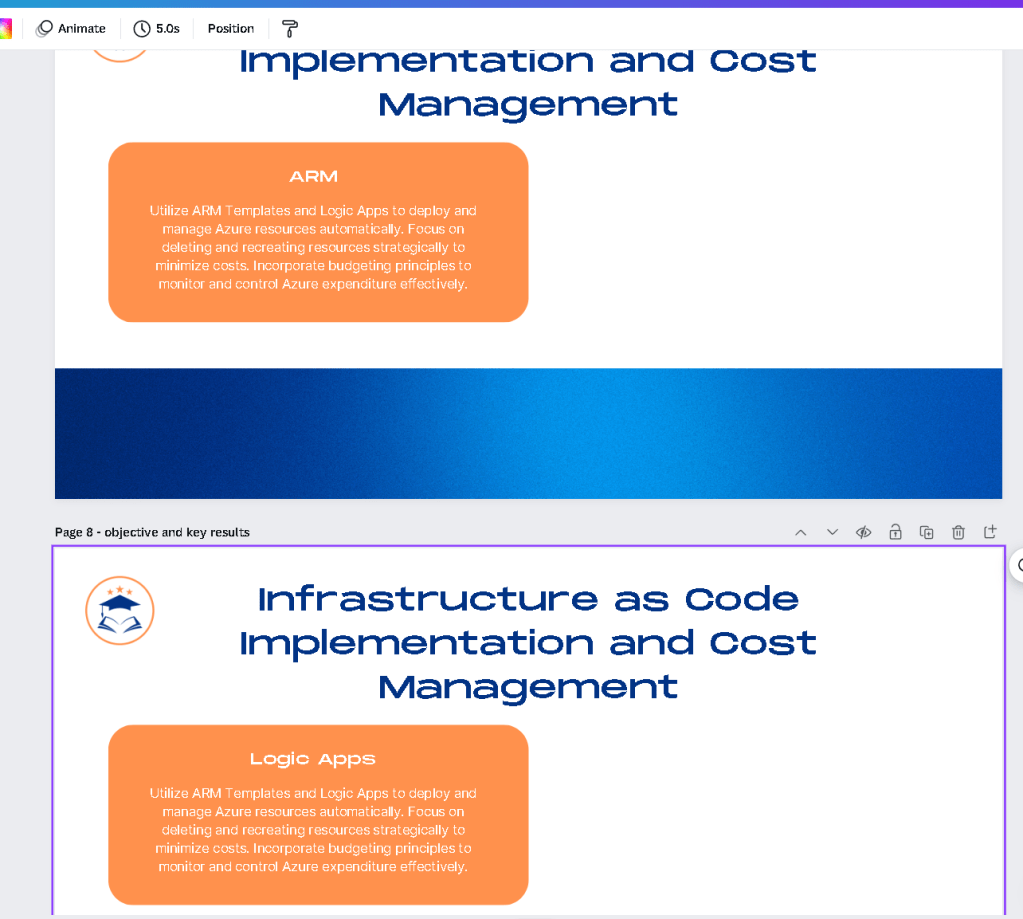
60 slides 60 minutes

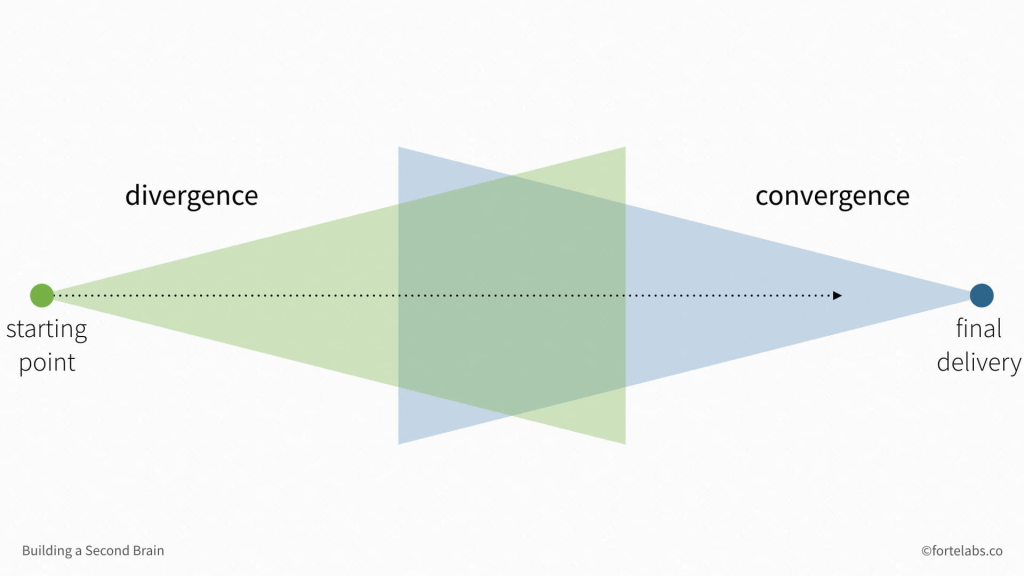
- divergence ( gather the points ) > hero reaches there
reach the goal >> 96 pages pdf
-
create presentation >> 50 Pages more
-
convergence ( connect point for one goal ) ( cheat sheets are ready to do it )
record in bulk doing the goal with presentation ( multi cam)
OBS
Face
-
Screen
-
edit and publish in bulk
Transcript
practical davinci 19
At the start one skip >>> and parts not fully done
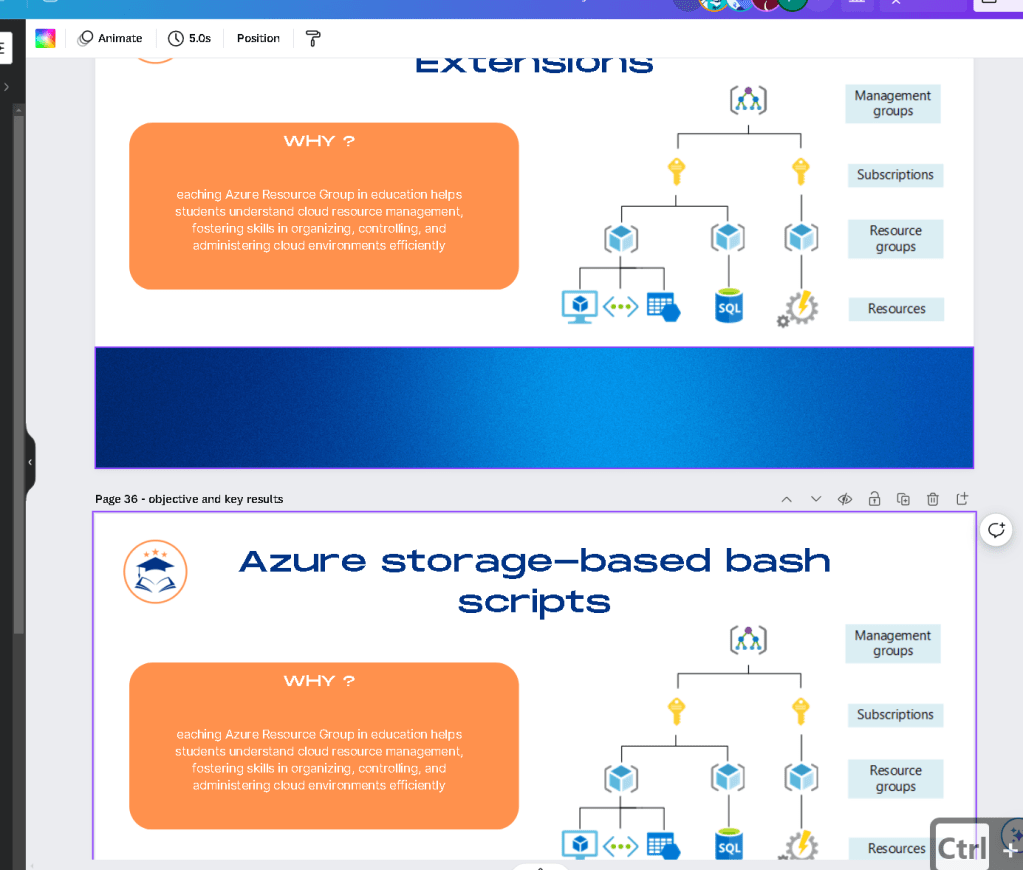
for the flow be ready to update
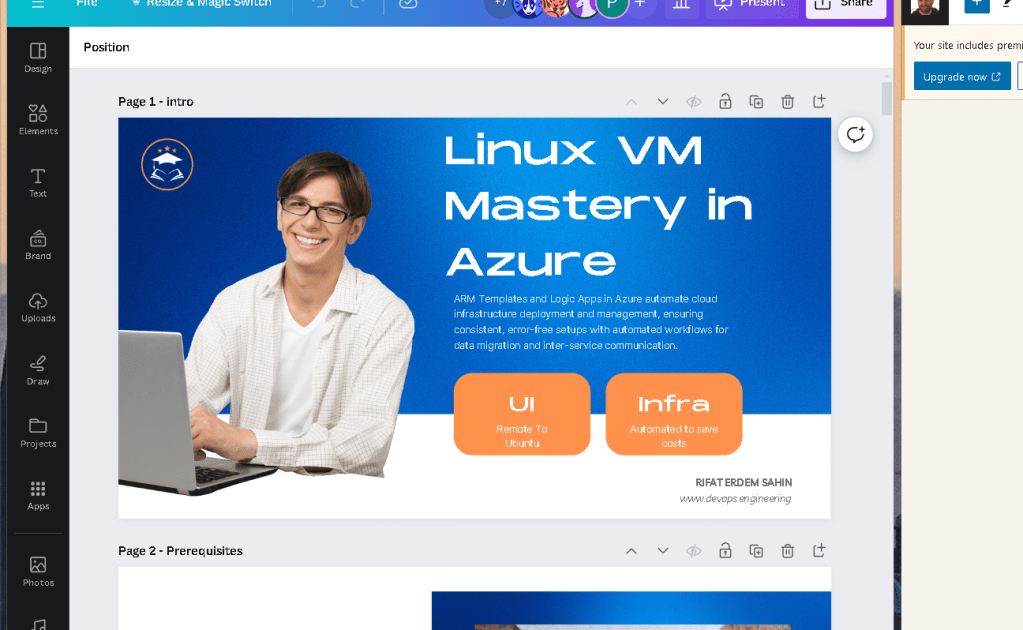
2 mic to record
ask iothers
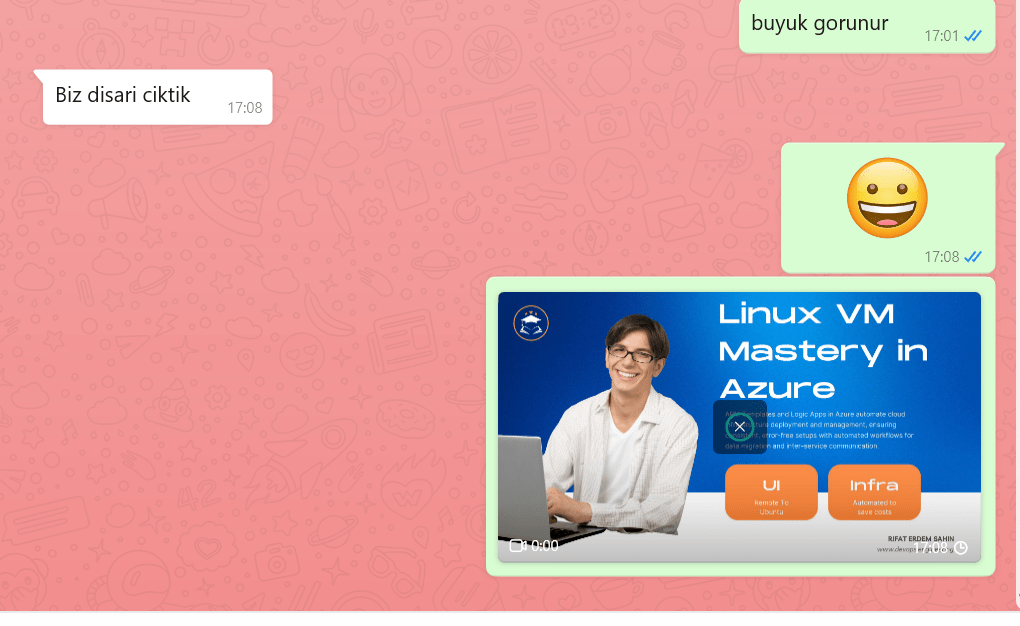
audio issue and now daiuvinci is getting installed
i can also record to the rodecaster as backup > 3 audio backups now
find audio
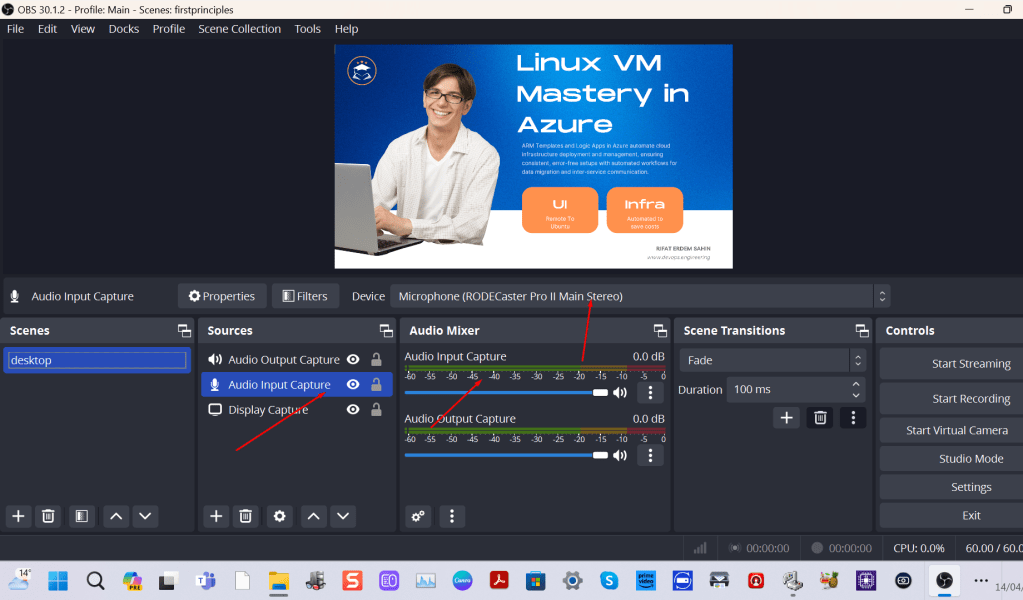
it has to be there
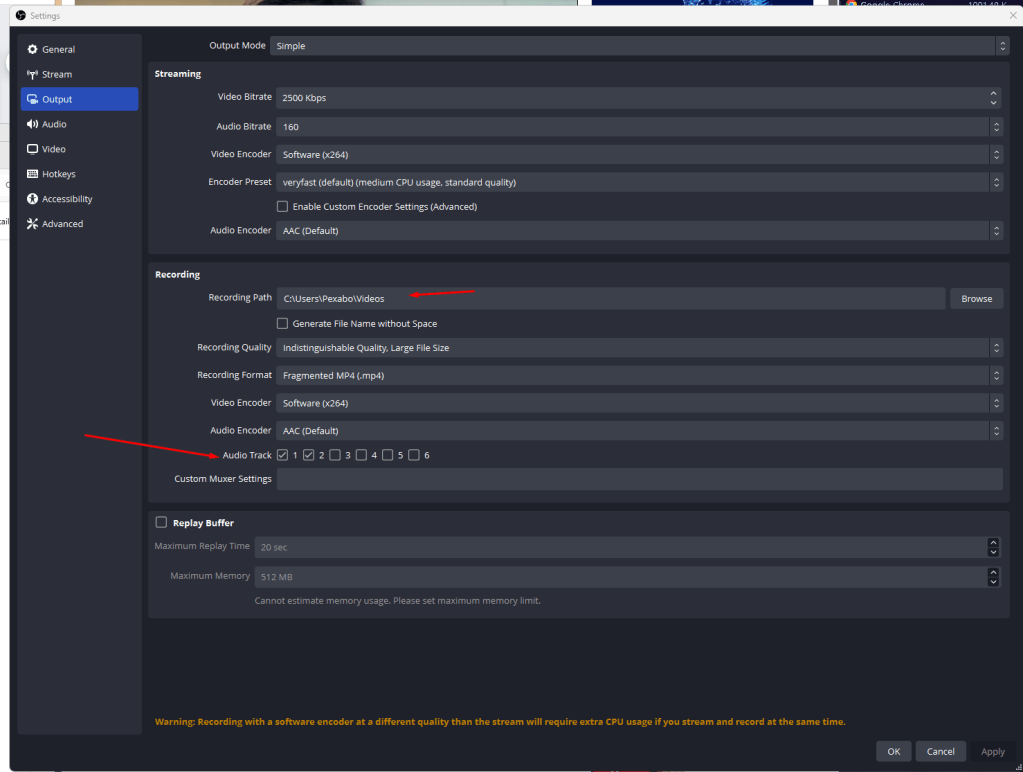
editor needed
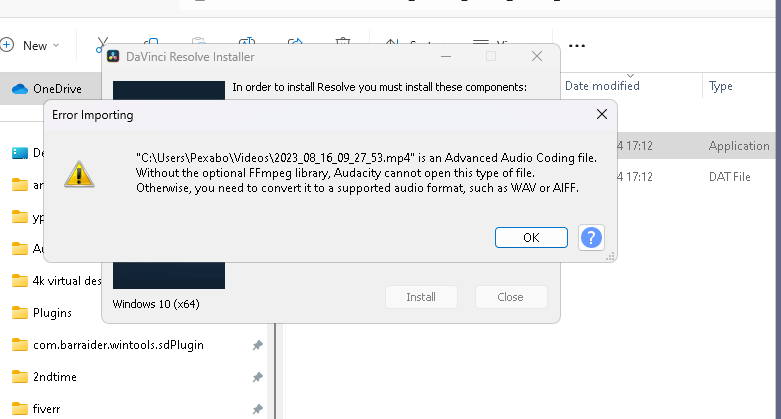
if obs fails move loom canvas
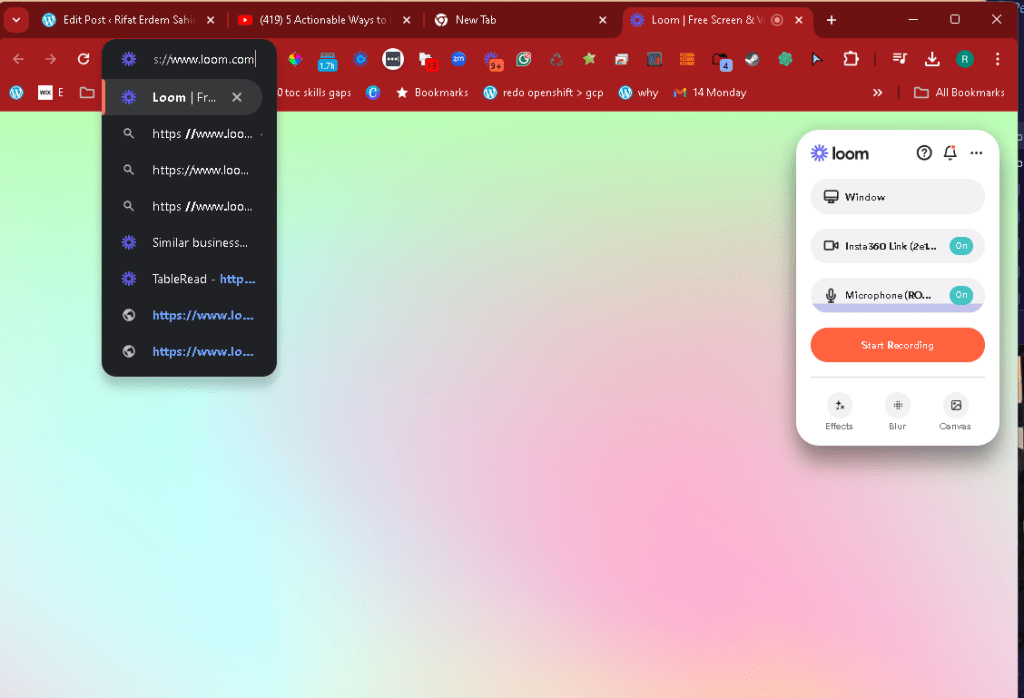
loom works
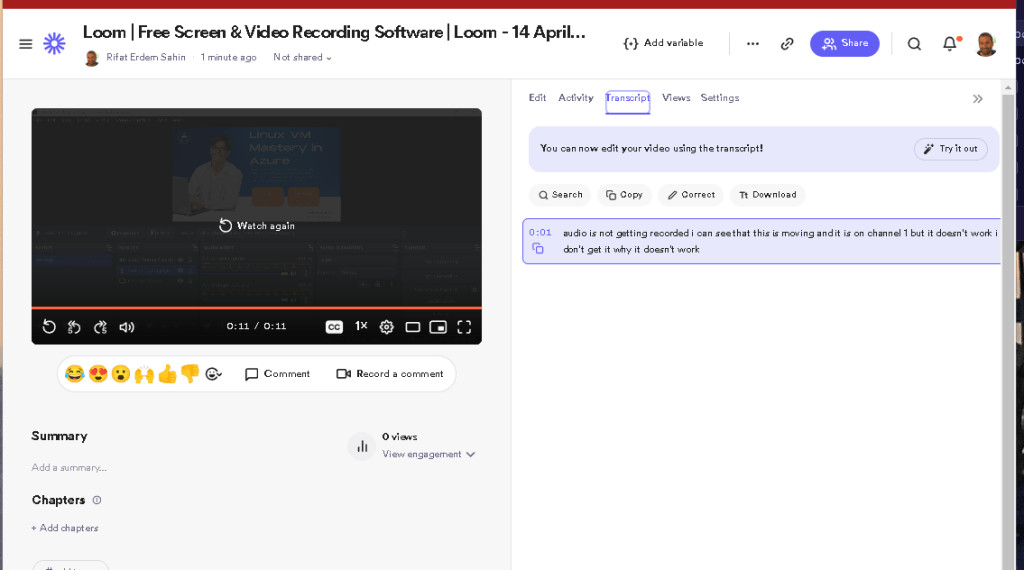
why does my oobs dies not work
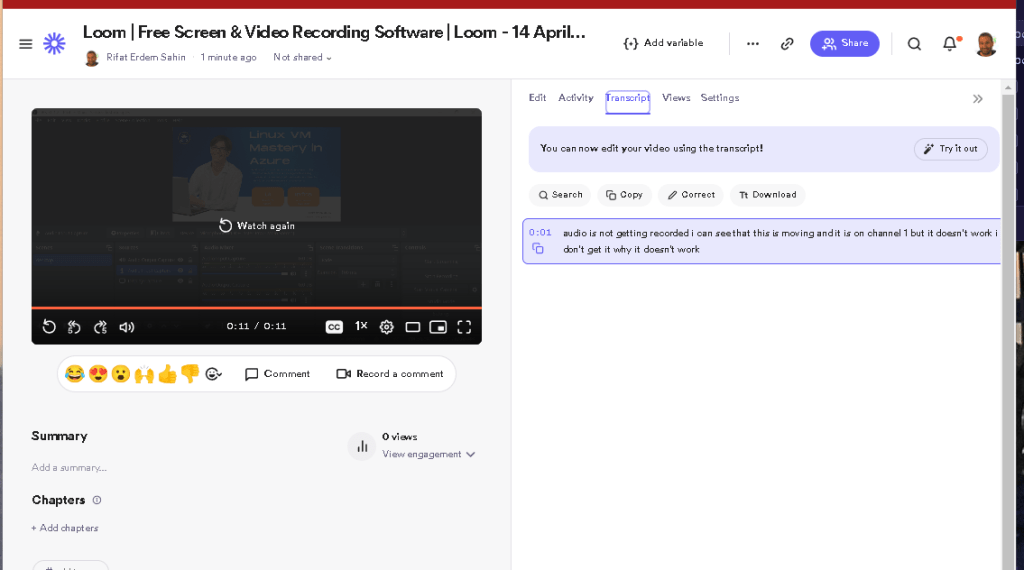
remove and readd
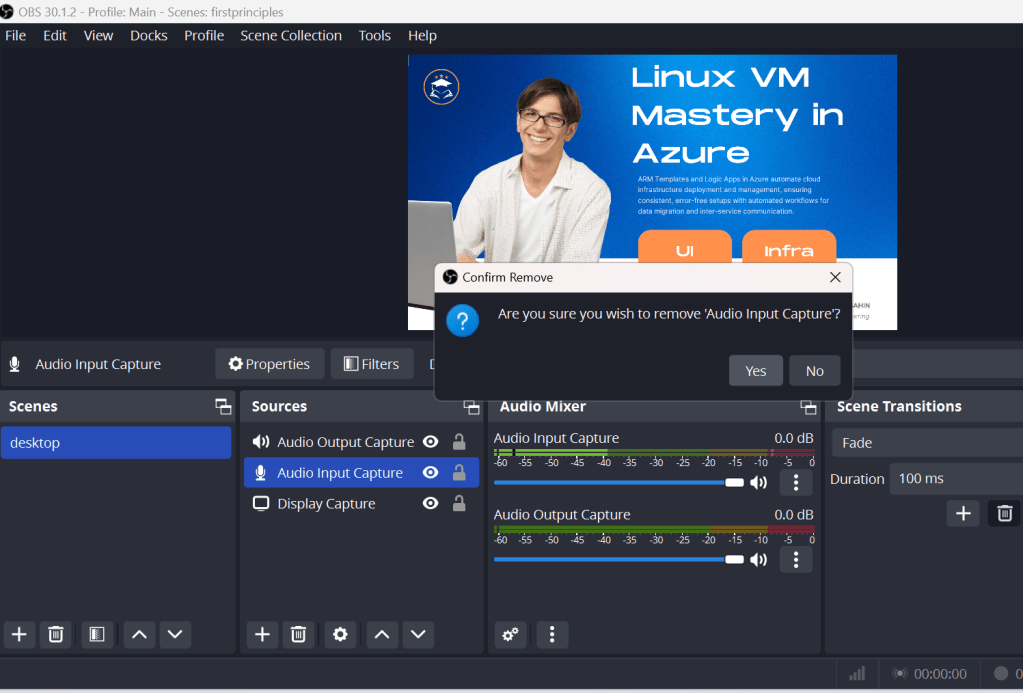
delete and readded it is back
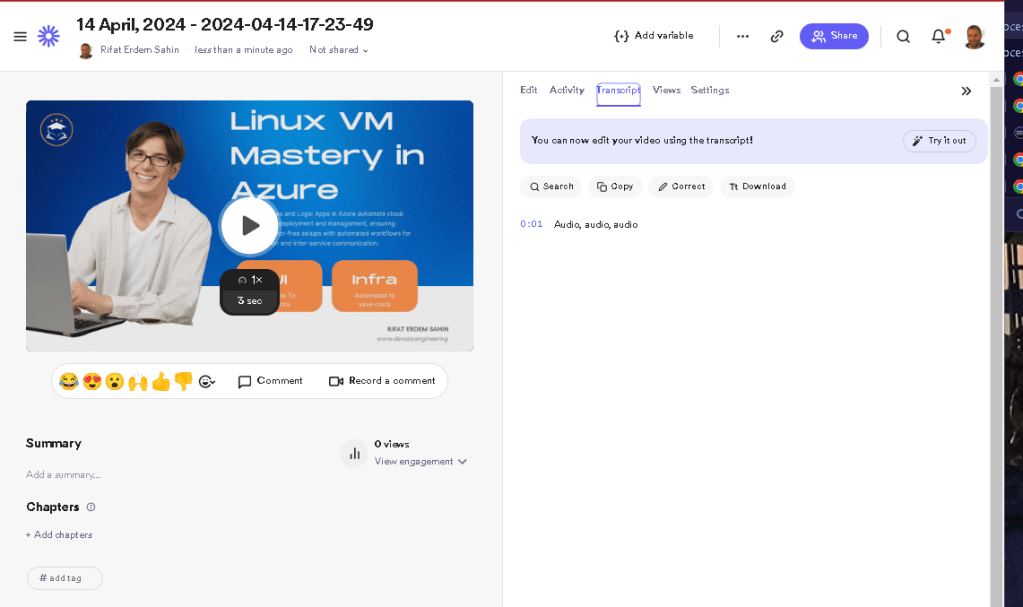
read and update
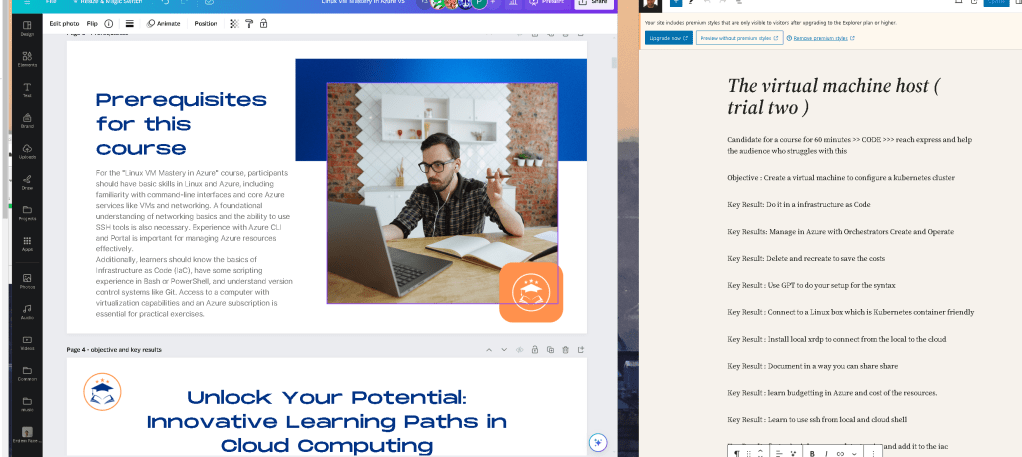
3 saves audio the voicemeeter not saving
risk install in the back on davinci
flow got stopped ion the slide 3
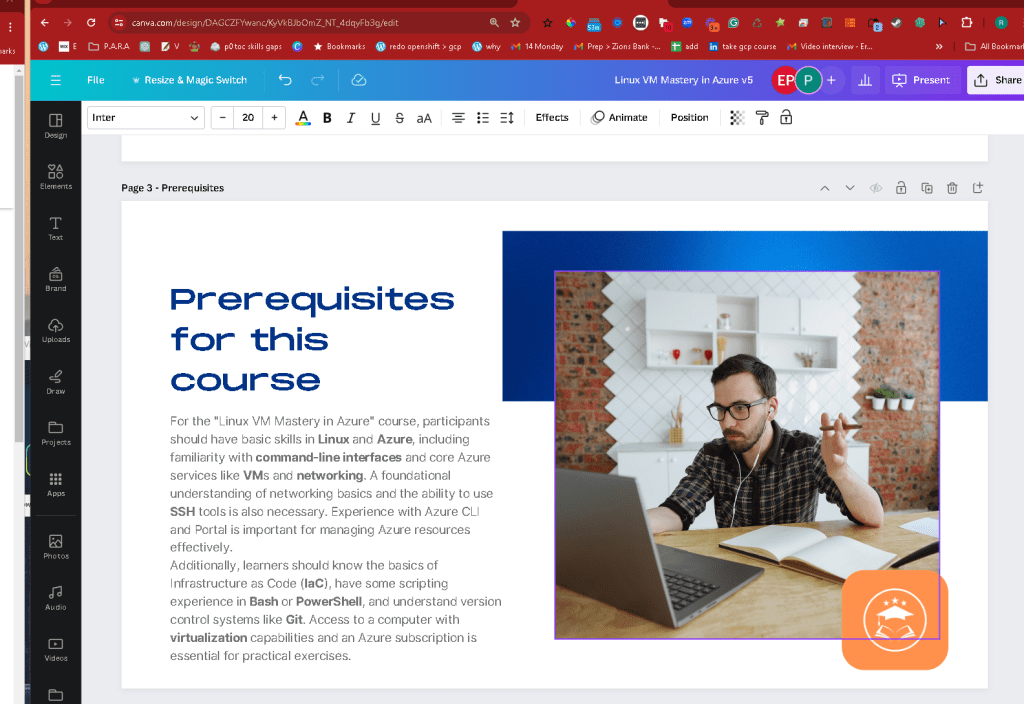
AT LEAST CHECK WITH THE EXISTING ONE >>> flow IS CRITICAL TRY TO COMPLETE THE SHOOT IN ONE GO
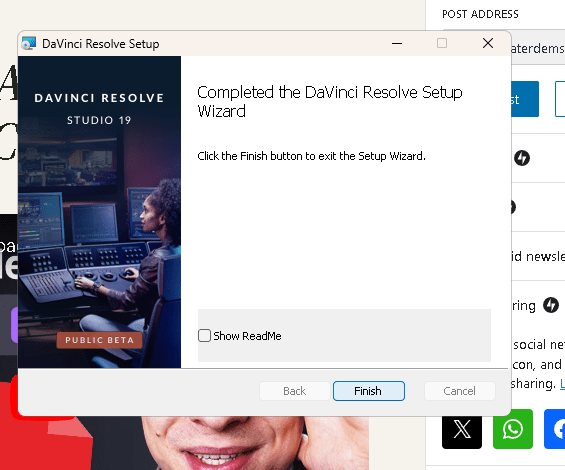
CANVA IS THERE
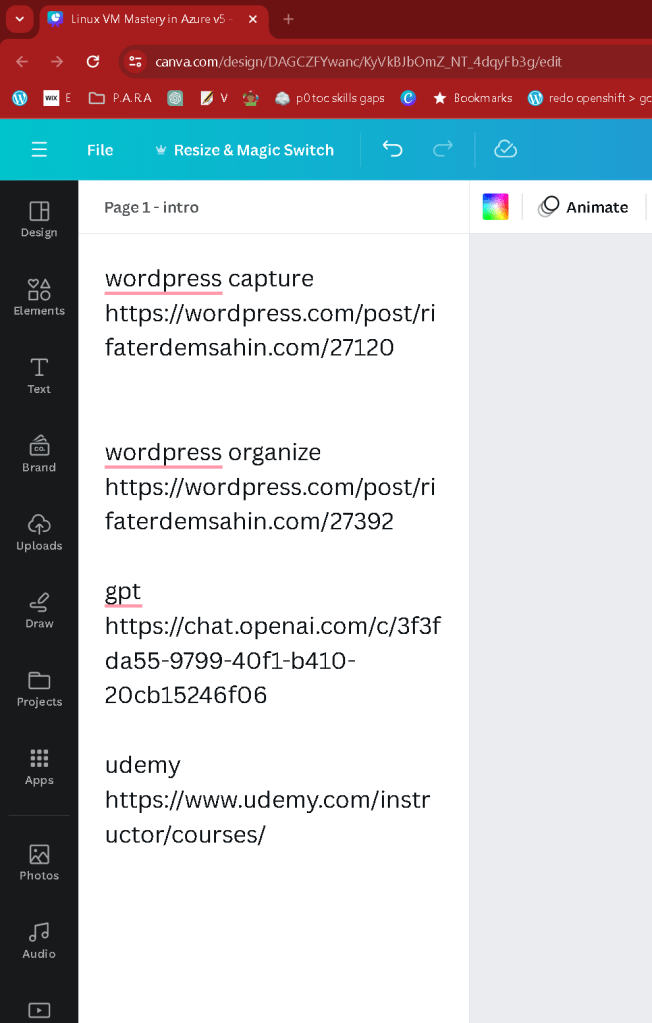
`wordpress capture
https://wordpress.com/post/rifaterdemsahin.com/27120
wordpress organize
https://wordpress.com/post/rifaterdemsahin.com/27392
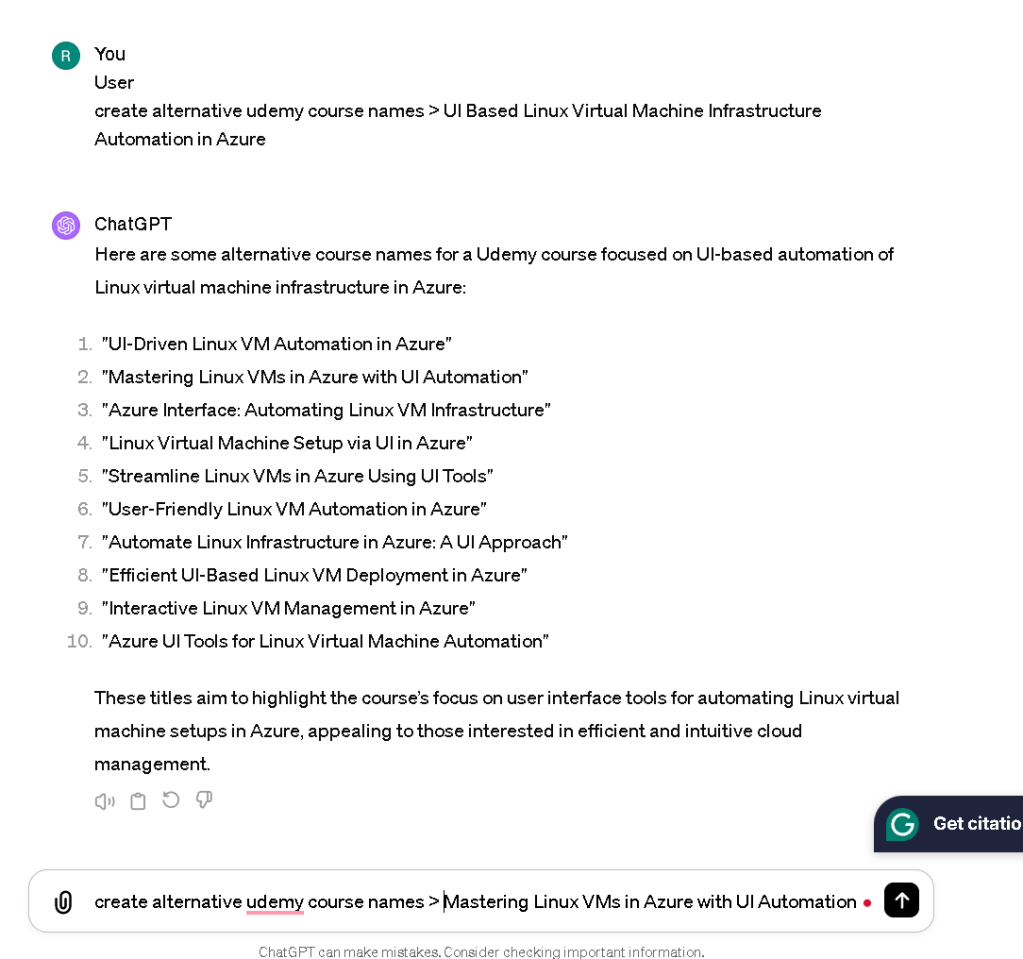
gpt
https://chat.openai.com/c/3f3fda55-9799-40f1-b410-20cb15246f06
udemy
https://www.udemy.com/instructor/courses/
Loom
https://www.loom.com/looms/videos/Linux-VM-Mastery-in-Azure-v5-b8e4c46134af41738862e3c78776d0fb`
Upload it there
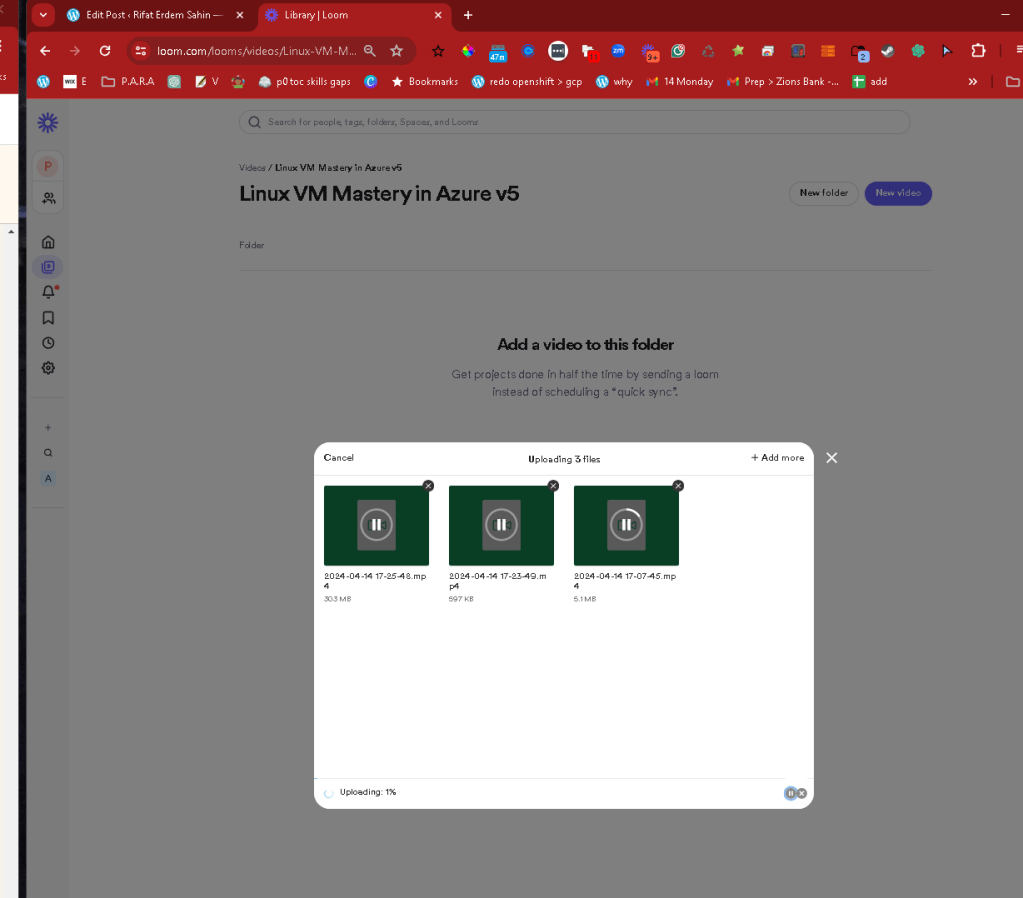
Wait for the correct time to deliver it
Flow is crucial in video production as it ensures a seamless, engaging experience for viewers. Proper flow maintains continuity and coherence across scenes and transitions, guiding the audience through a logical progression of ideas or story elements. This is achieved through careful editing, consistent pacing, and strategic narrative structuring. A well-maintained flow holds the viewer's attention, evokes the desired emotional responses, and enhances the overall impact of the video, making the content more memorable and effective. Without good flow, videos can appear disjointed or confusing, potentially alienating the audience and diminishing the communicative power of the production.
thne davinci 19 is installed and arya in the studio restart the box
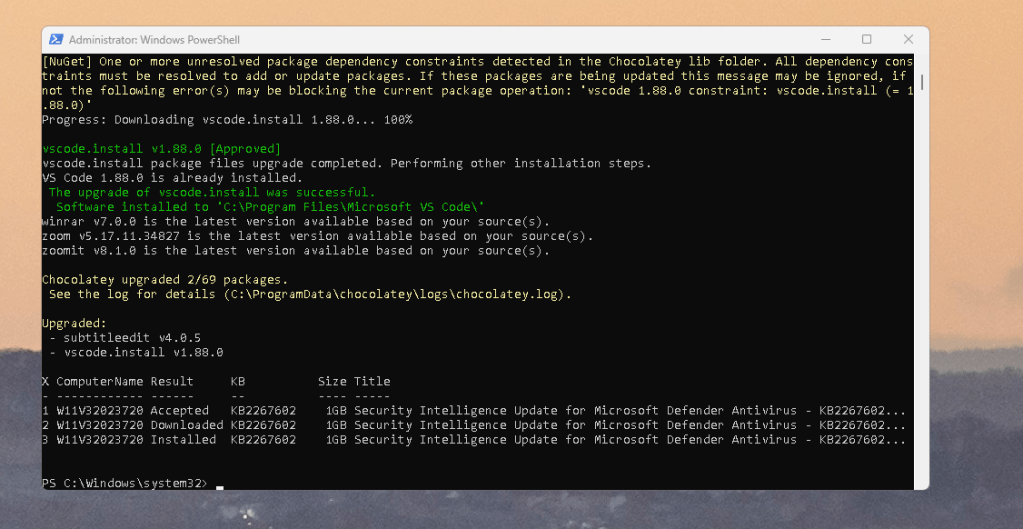
and test transctipy based edit> leave the cameras on and record.!
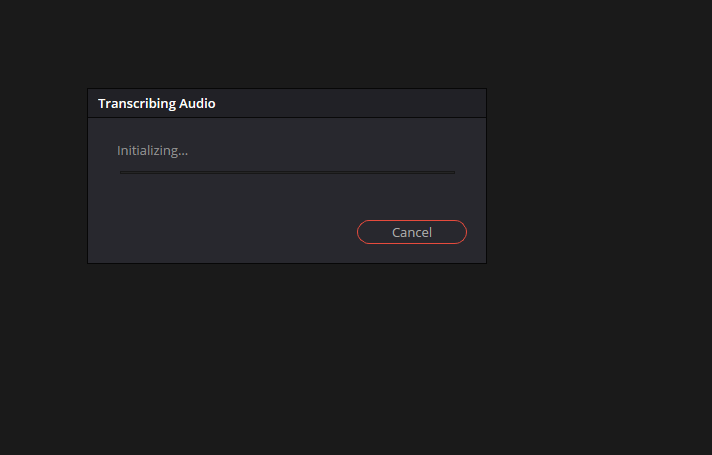
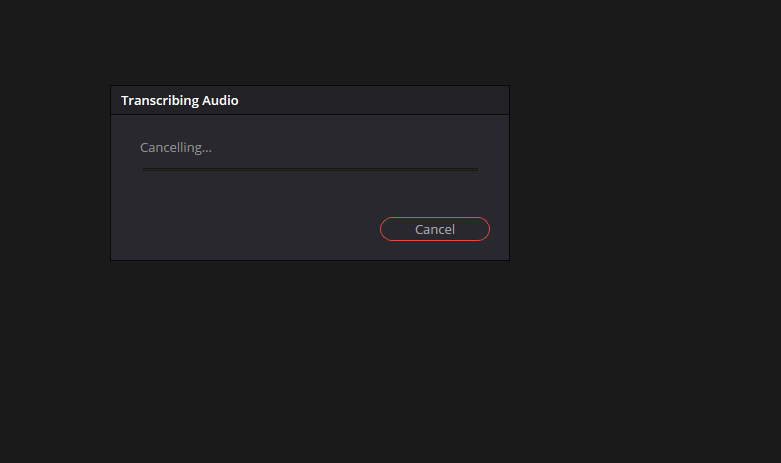
resolve issues>
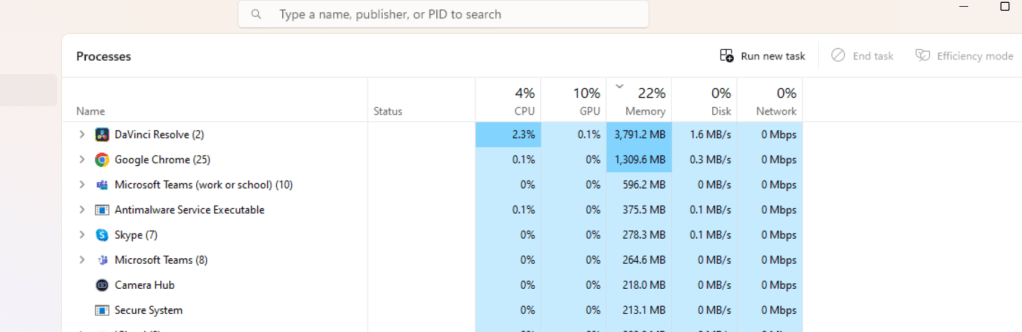
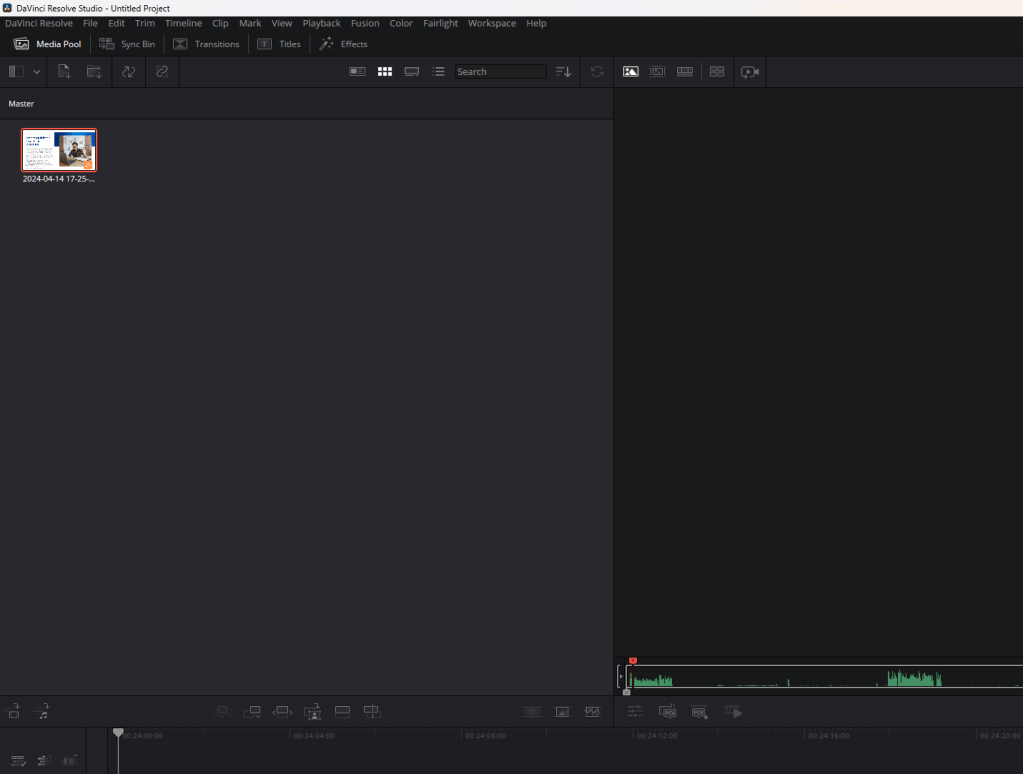
Proper memory allocation
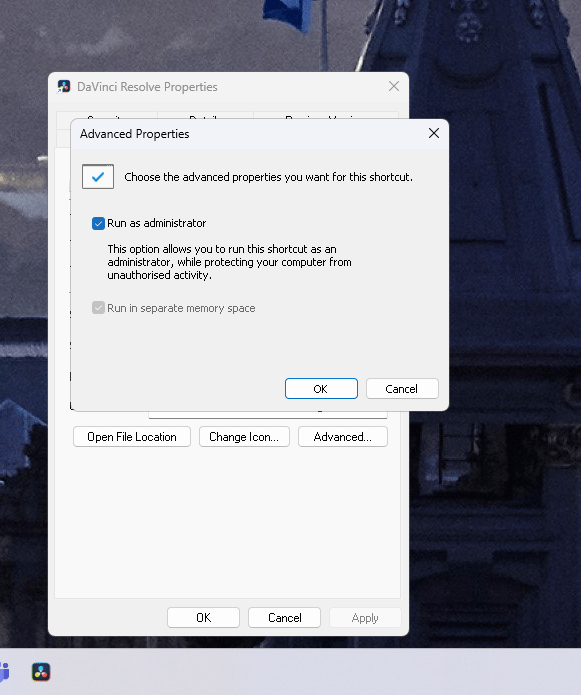
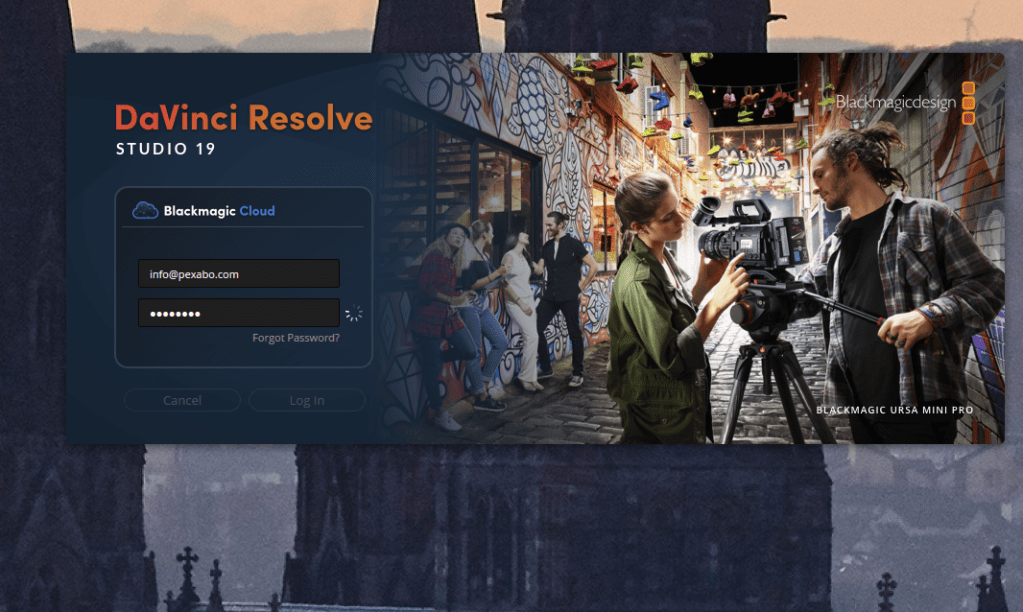
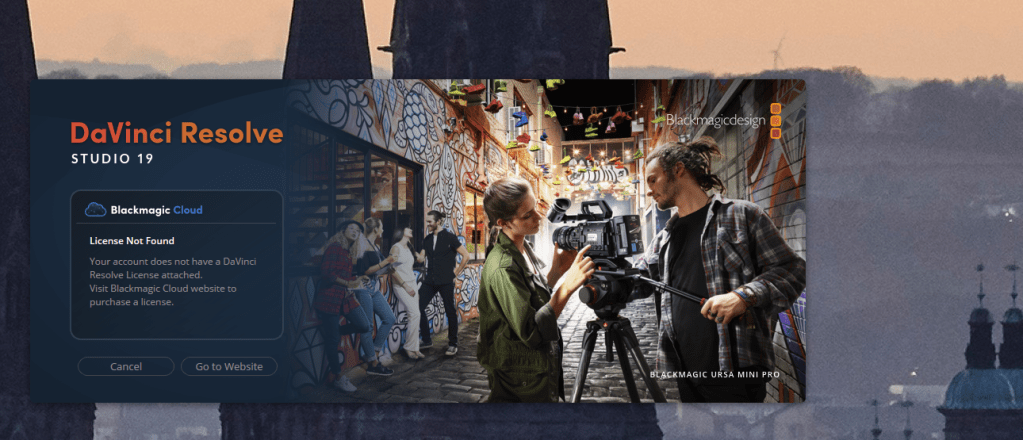
Licence key issue could make thins harder
future task ( todo )
second transcribe with licence as this is a licenced feature
2.8x
no smart card but still the error is there
The error message you're encountering typically occurs in environments where smart card authentication is used, especially in Windows systems. This message indicates a problem with how the domain information is structured or presented in the smart card logon certificate, making it difficult for a non-domain-joined computer (a computer that is not part of a larger network of computers managed centrally) to recognize and authenticate the user properly. Here's what you can do to address this issue:
-
Contact System Administrator: As the error message suggests, the first and most straightforward step is to contact your system administrator. This issue often involves configuration settings that are not accessible to the average user.
-
Certificate Configuration: The administrator should check the smart card's logon certificate, particularly the Distinguished Name (DN) field. The DN needs to include specific domain information that the system can use to verify the user's credentials. It's possible the certificate was not properly issued or lacks necessary domain information.
-
Update Certificate Template: If the certificate template used to issue smart card certificates is missing necessary information, the administrator may need to update the template to include these details. This change typically involves adjusting the template in the Certificate Authority that issues these certificates.
-
Reissue Certificate: If the existing certificate is not configured correctly, it might be necessary to reissue a new certificate with the proper settings and information in the DN field.
-
Test Configuration: After adjustments are made, testing with a non-domain-joined computer is crucial to ensure the problem is resolved. This can help verify that the domain information is now correctly included and recognized during the authentication process.
-
Review Group Policy Settings: For domain-joined computers, it's also a good idea to review Group Policy settings related to smart card login to ensure they are correctly configured and enforced.
-
Documentation and Support: Sometimes, specific scenarios or configurations might require looking into the vendor’s documentation or seeking direct support from the software or hardware provider of the smart card systems.
Addressing this issue typically requires administrative access and a good understanding of the domain and certificate configurations, so coordinating with IT support is essential.
cancelled the audio >
The error message you're encountering indicates that the "GameInput Service" service on your system stopped because it encountered a storage-related compatibility issue. Specifically, the service is trying to access a compound file that was created or modified using a newer version of the storage format than the service can handle. Here's how you can address this problem:
1. Update Your System and Software
-
Update Game Software: Ensure that the game or application using the GameInput Service is updated to the latest version. Sometimes, updates include patches for compatibility issues.
-
Update Windows: Make sure your Windows operating system is updated. Updates can provide patches and improvements that might resolve version incompatibilities with system services.
-
Update Drivers: Particularly, ensure that input device drivers (like those for game controllers, keyboards, etc.) are up to date, as these can affect how services related to input are handled.
2. Reinstall the Affected Service
- If updates don’t resolve the issue, try reinstalling the software that utilizes the GameInput Service. A fresh install might replace outdated or corrupted files and configurations.
3. Compatibility Mode
- If you suspect that the issue is due to compatibility, particularly with older games or applications, try running the game or application in compatibility mode:
Right-click the executable file or shortcut.
-
Choose 'Properties'.
-
Go to the 'Compatibility' tab.
-
Check 'Run this program in compatibility mode for:' and select an older version of Windows.
-
Apply and OK.
4. Check System Logs
- Use Event Viewer to check for additional error details that might provide more context on why the GameInput Service is failing. This information can be helpful if you need to contact technical support.
Press Win + R, type eventvwr.msc, and hit Enter.
- Navigate to Windows Logs > Application and look for error entries related to the GameInput Service.
5. Contact Support
- If none of the above steps work, consider contacting the support team for the game or application, or Microsoft Support if the issue seems related to Windows components.
6. System Restore
- As a last resort, if you believe a recent change in your system caused the issue, you can perform a system restore to revert your system settings to a previous state when everything worked correctly. This should be done cautiously:
Type Create a restore point in the Windows search bar and select it.
-
Go to the 'System Protection' tab and click on 'System Restore'.
-
Follow the instructions to choose a restore point prior to when the error began occurring.
Each of these steps targets a different potential cause of the issue, from simple software updates to more complex compatibility problems. It's best to proceed methodically, starting with the most common solutions (like updating software) before moving to more involved processes.
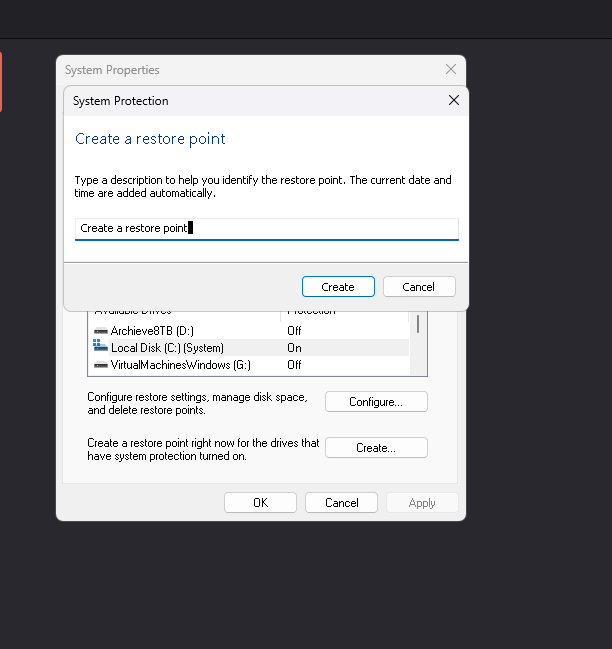
eye cut and make it shorter
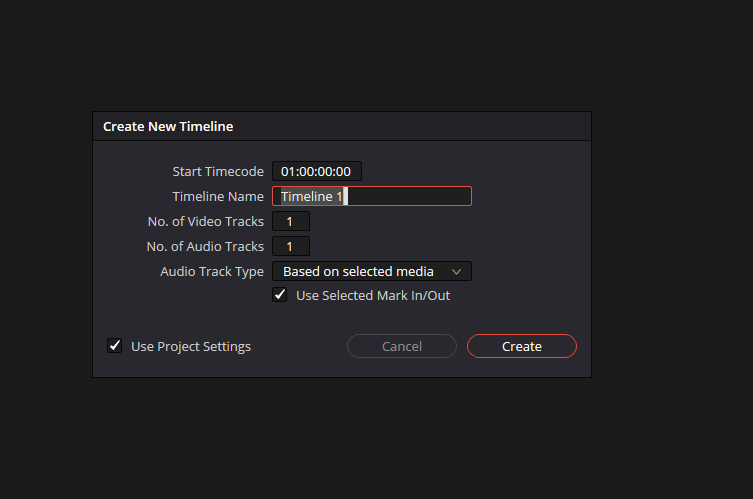
transcribe on shorter one
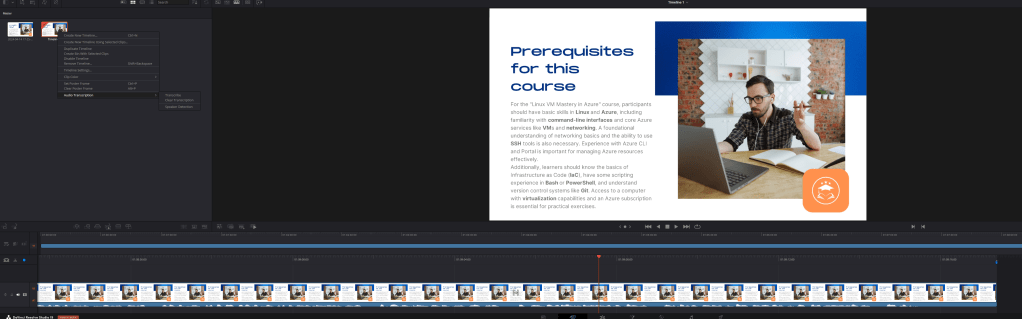
20 minutes went down to 2 minutes
2x goes to 26x
gpu gets used
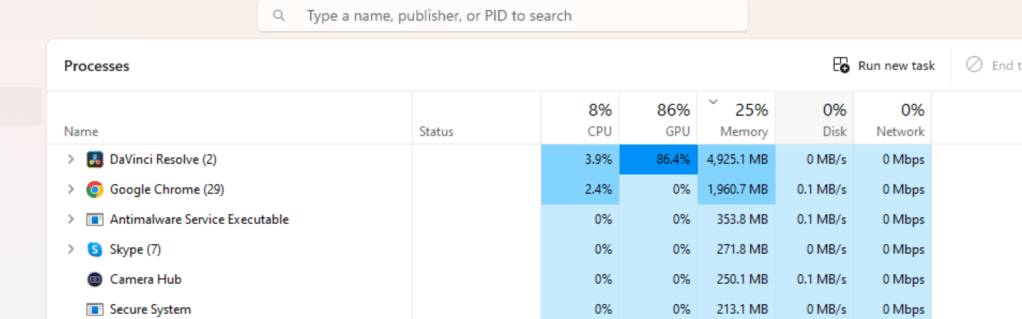
create timeline 2 and drop there
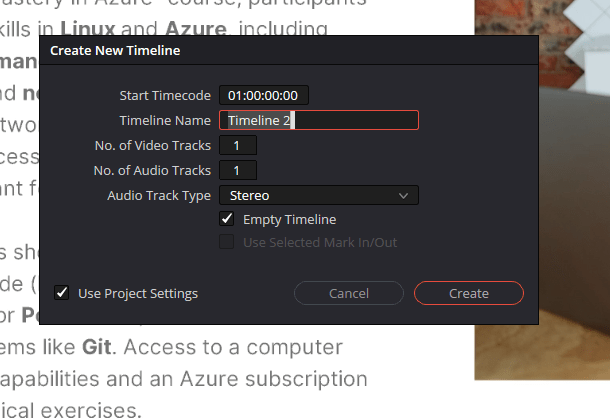
export testing
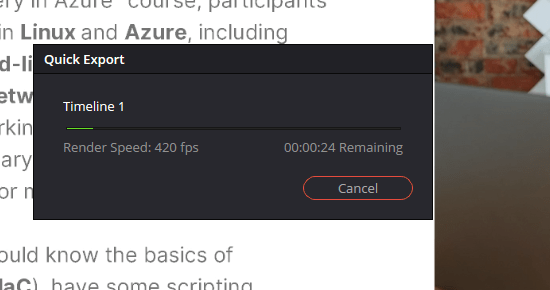
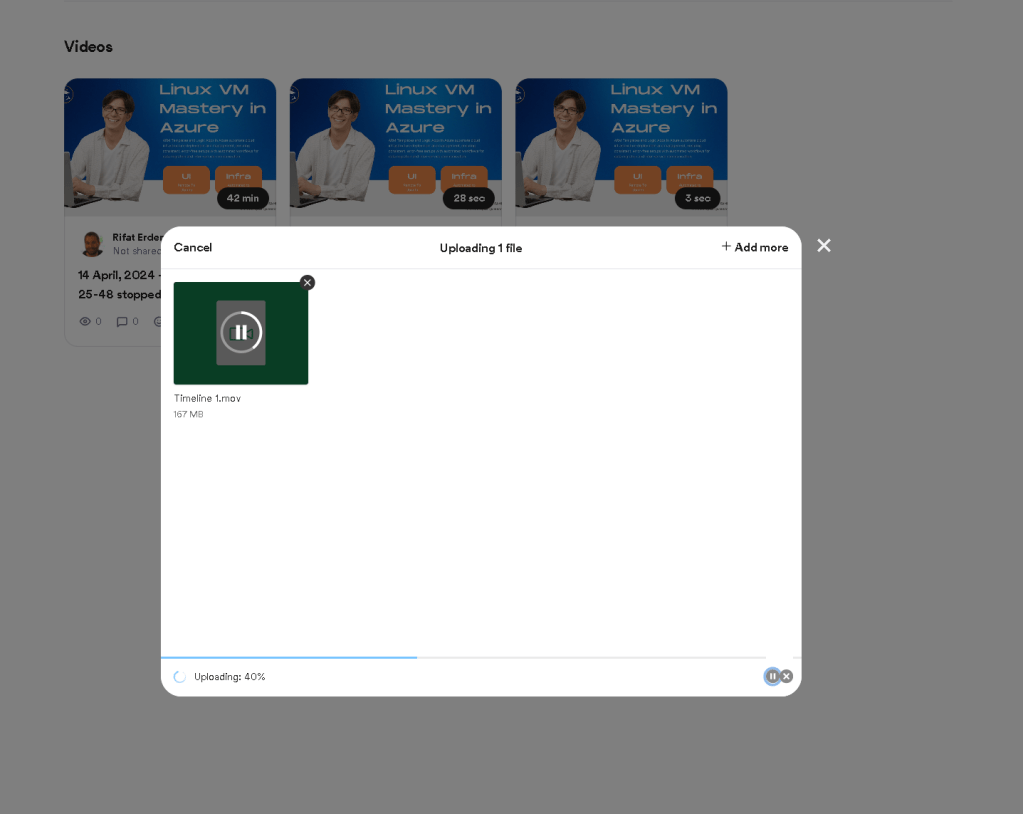
Converted to mov
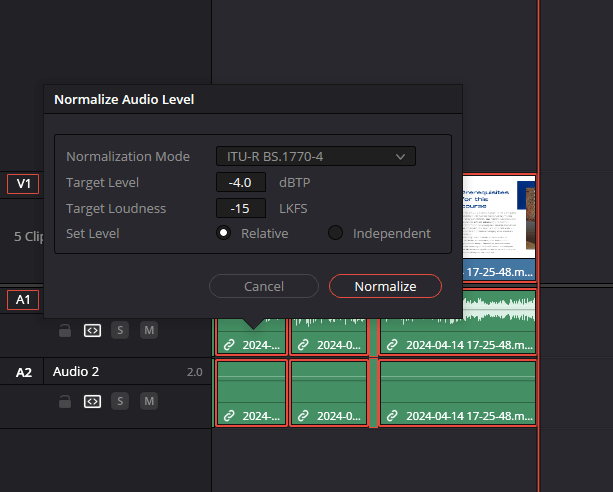
normalize audio and retry
fix issues on the topic read multi times and make it good for the comunnunity to consume!
more incoming and gpt in many places
paster style with keyboard shortcuts makes it easier
enter animate takes time
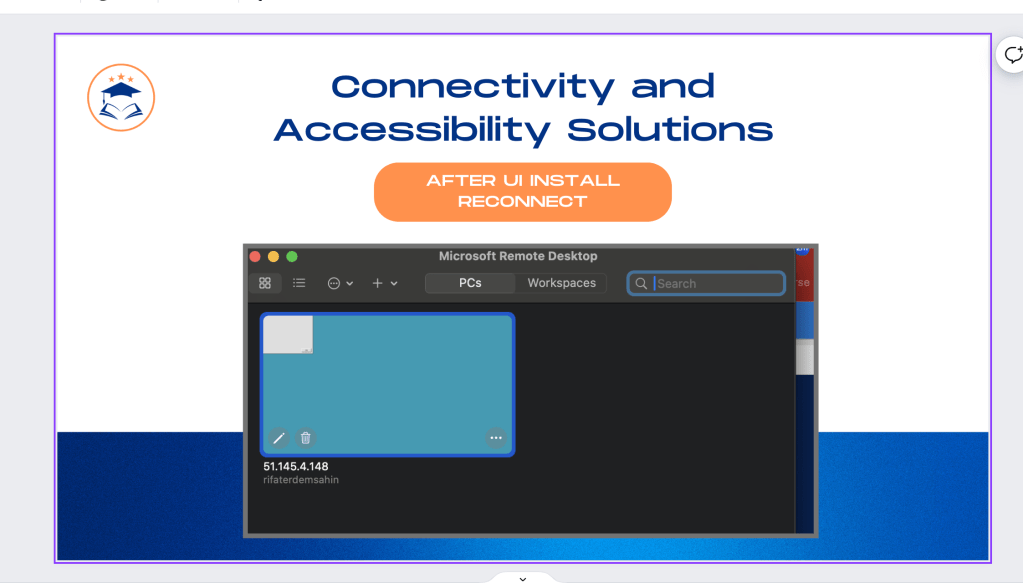
90 minutes
add markers + on where you are left
Imported from rifaterdemsahin.com · 2024