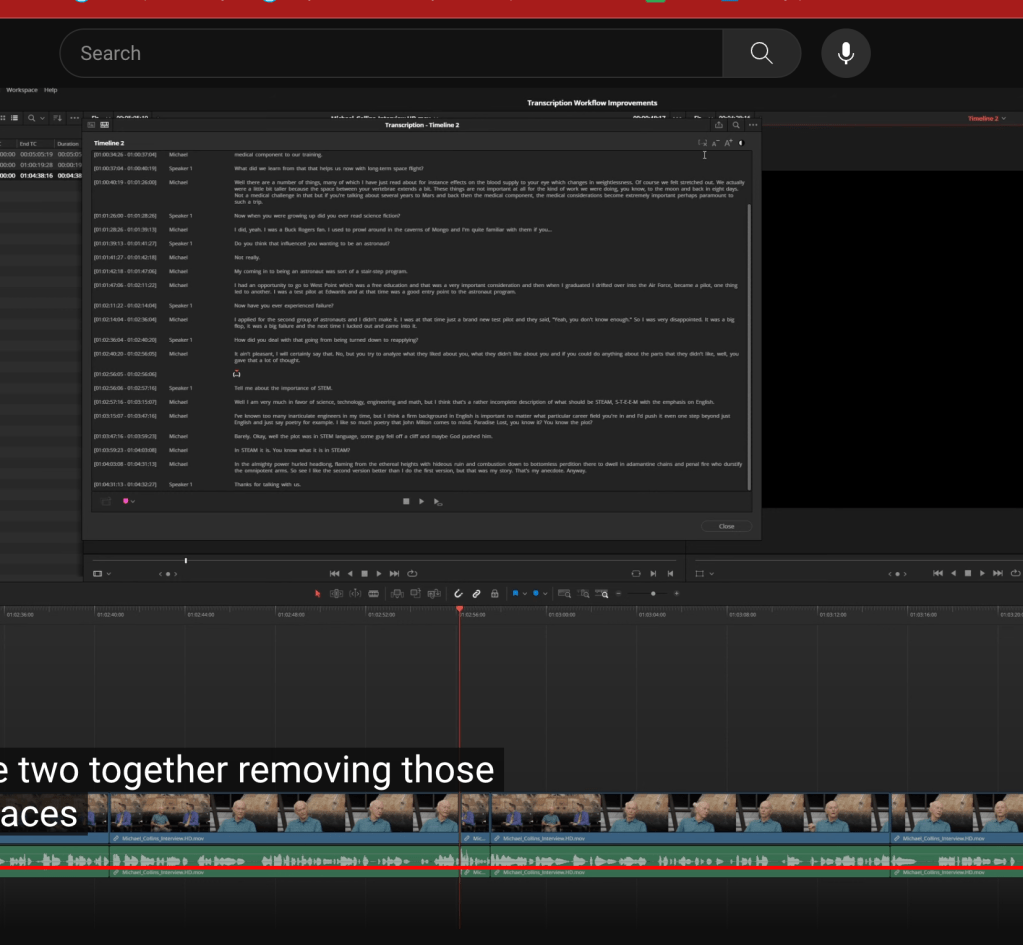
Transcript feature of the davinci studio
Shoot your day of >>> delivery on demand
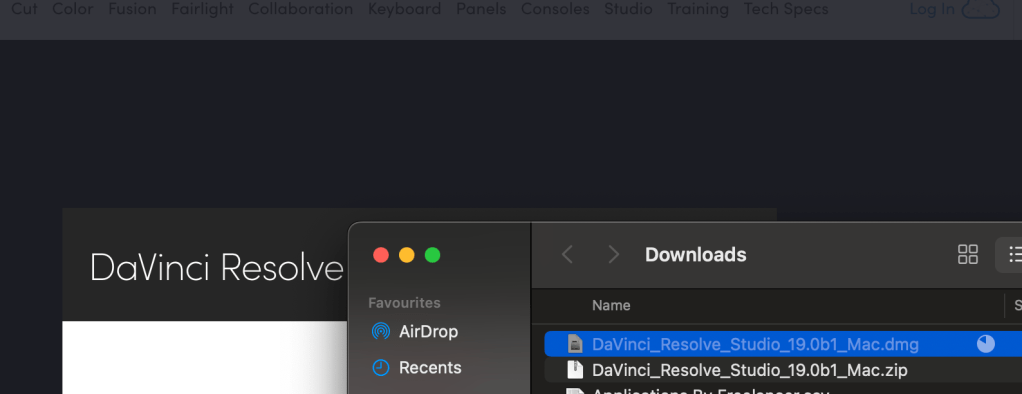
Get the IT heads to sign off after collecting the sign off from managers and hearts of the tech
similar steps
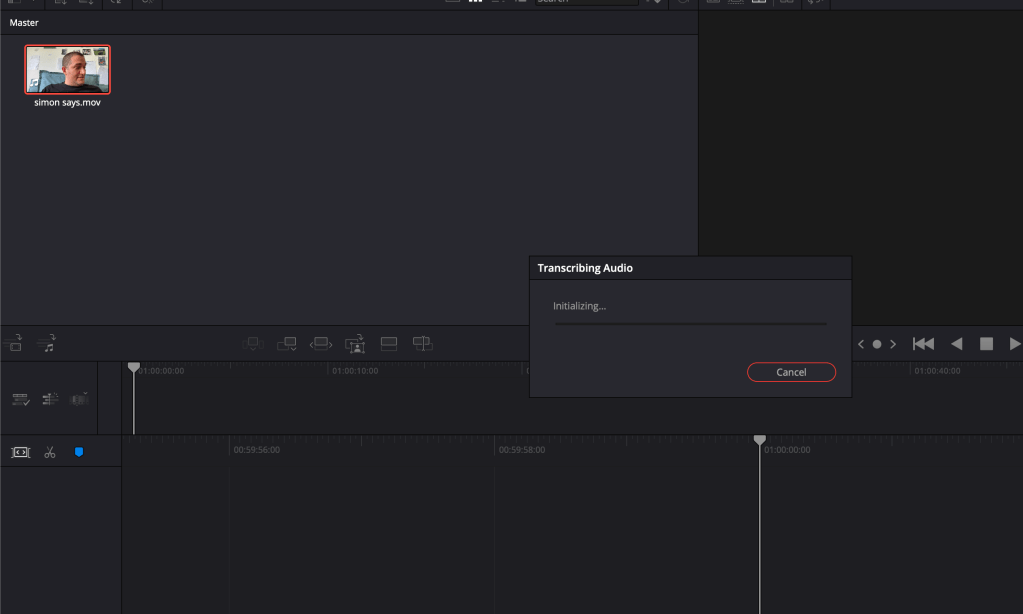
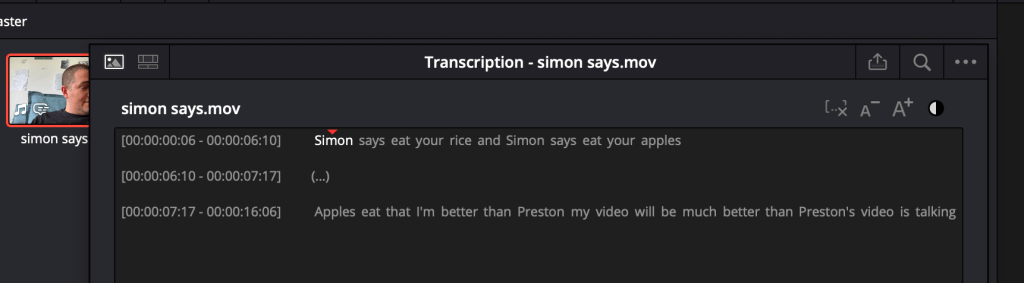
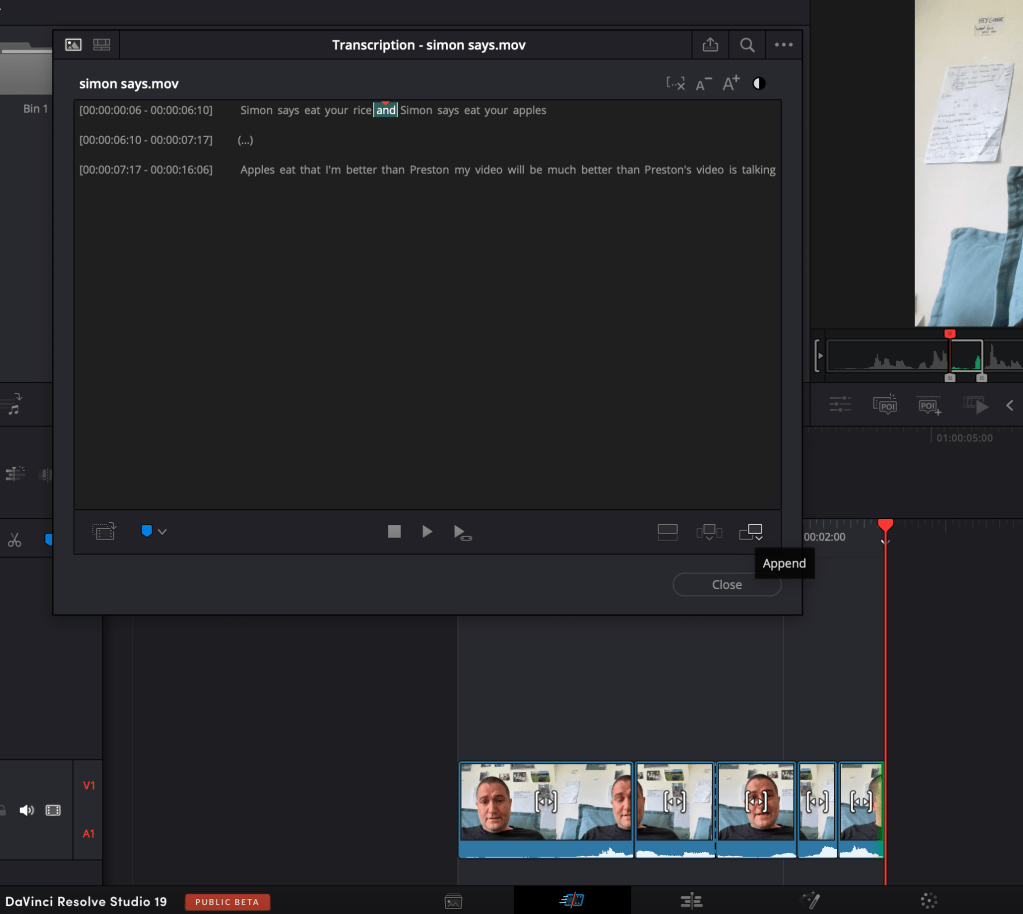
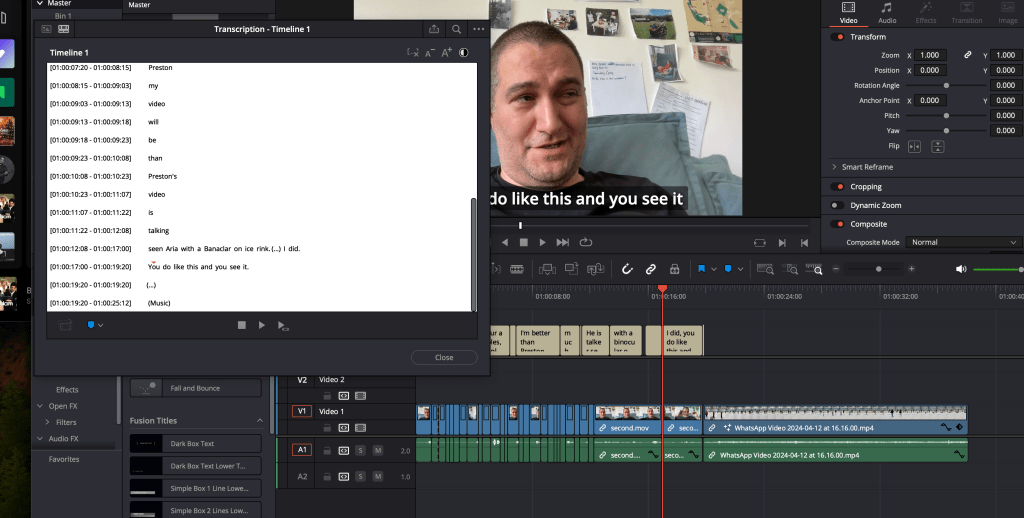
editting by words
Contrast change
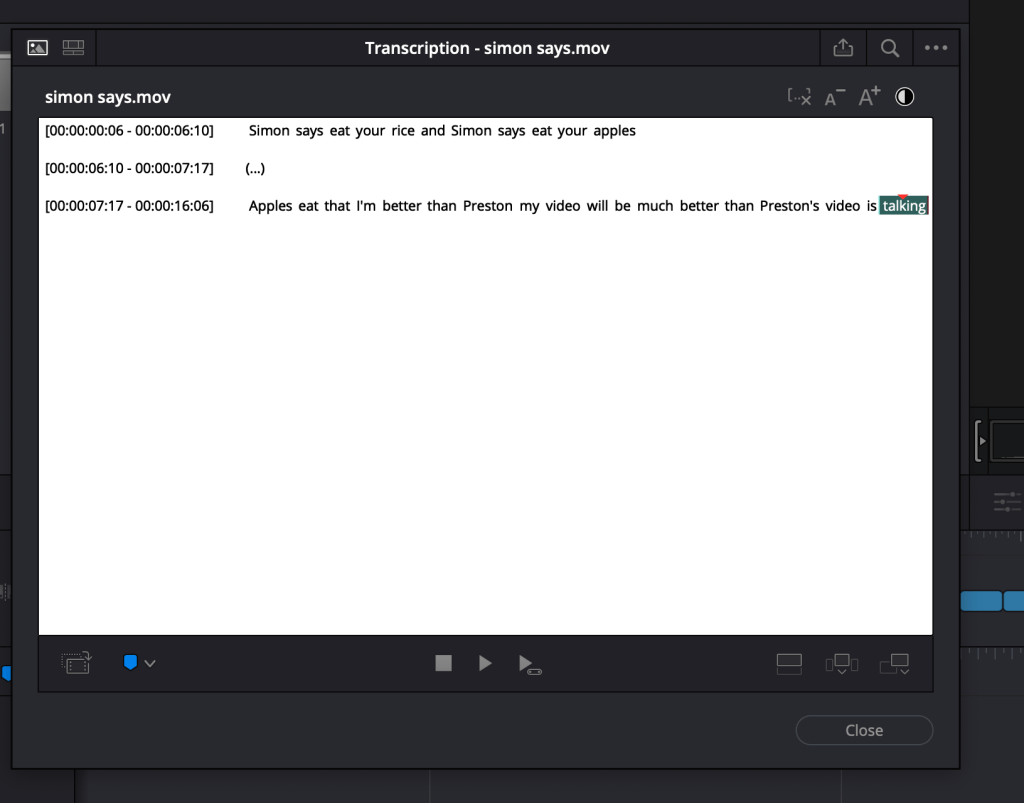
after divide by sentences place the subtitles
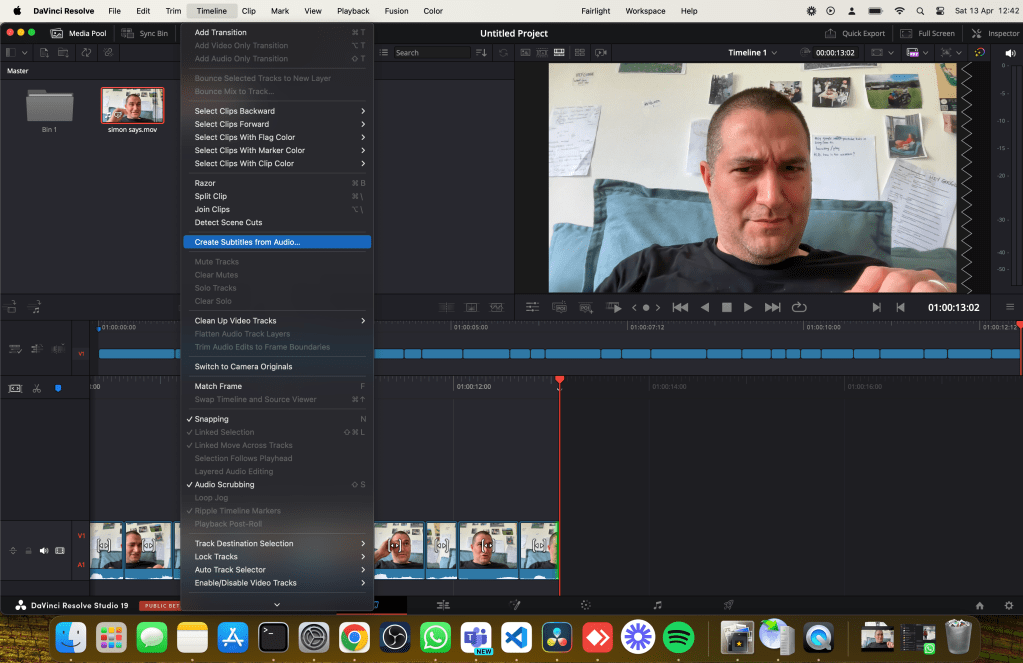
double clip and jump to the location
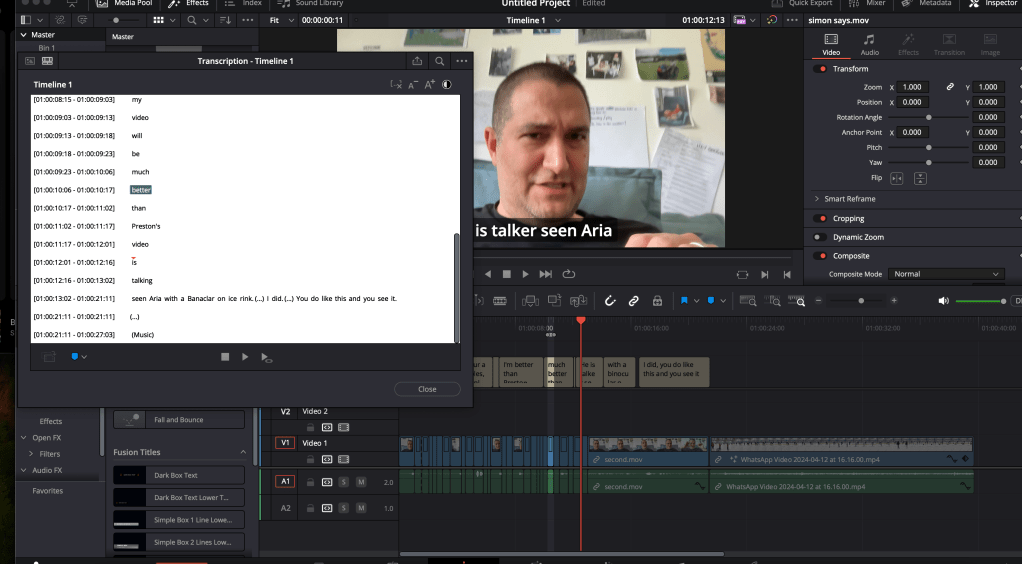
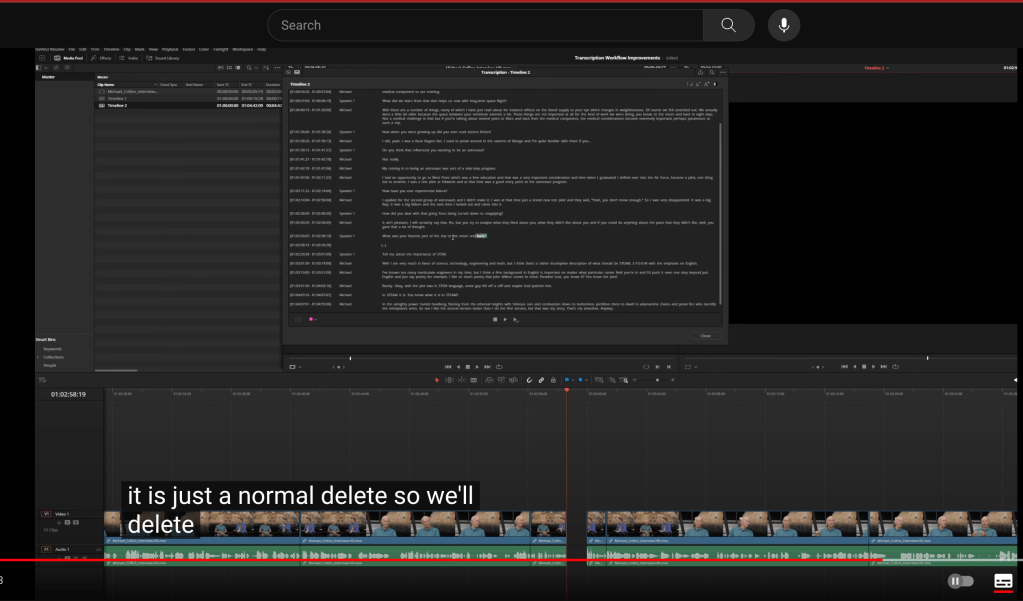
be able to delete from the transcript and timeline
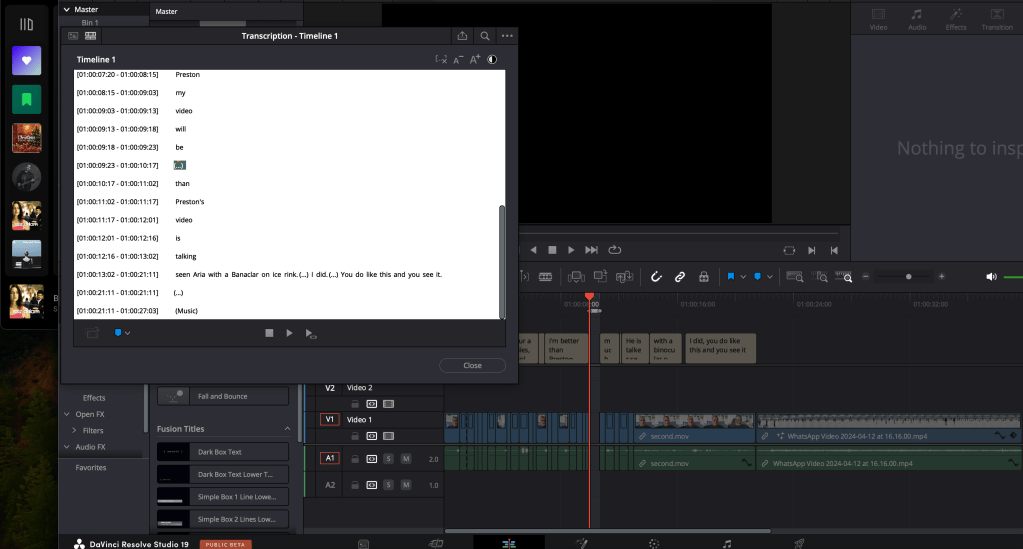
double side real time it works
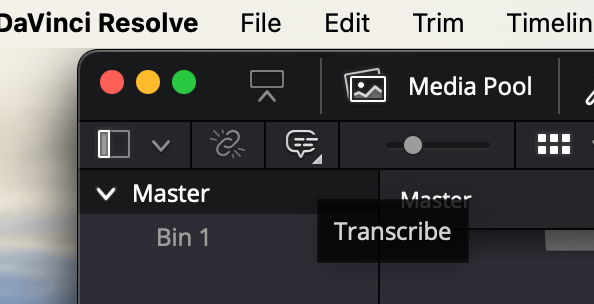
transcribe button
removes the gaps in audio
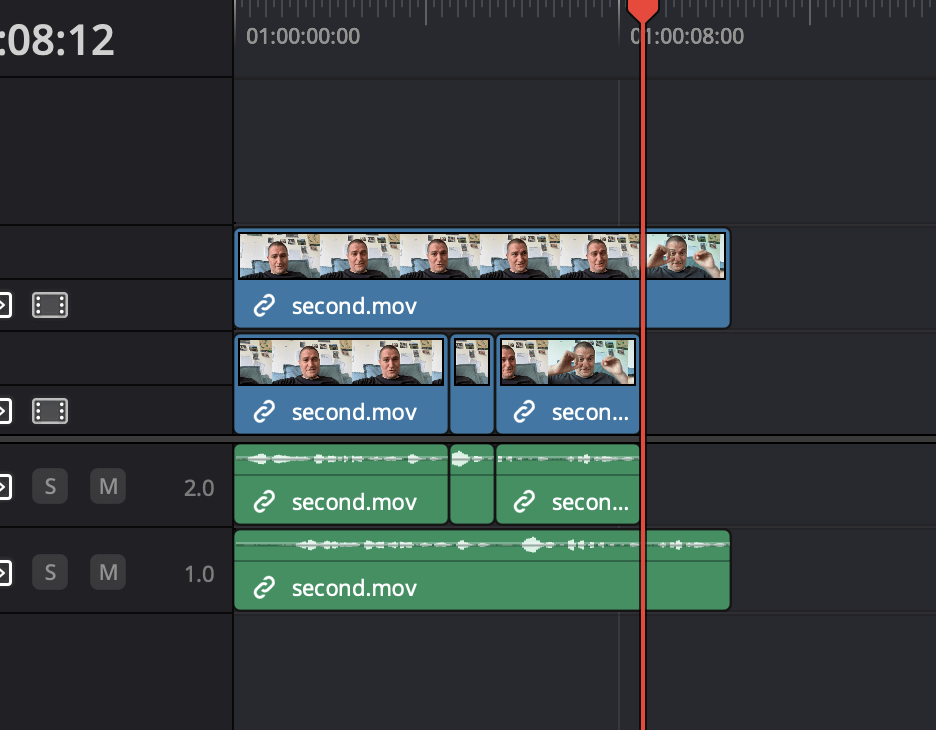
Davinci Transcribe does not currently have a feature specifically dedicated to empty space removal. However, you can achieve this by using the "top clicker" feature to select and remove the empty spaces. After transcribing, locate the empty spaces you wish to remove and utilize the "top clicker" to select and delete them. If you encounter any difficulties or need further assistance, feel free to reach out for more detailed guidance.
Imported from rifaterdemsahin.com · 2024