projector does not display netflix
If you're experiencing DRM (Digital Rights Management) issues with your ViewSonic projector when trying to stream content from services like Netflix, here are some steps you can take to potentially fix the problem:
-
Firmware Update: Make sure your projector's firmware is up to date. Manufacturers often release updates that can fix bugs, including those related to DRM. Check the ViewSonic website or your projector's settings menu for any available firmware updates.
-
HDCP Compliance: Ensure that your projector is HDCP (High-bandwidth Digital Content Protection) compliant. HDCP is a form of digital copy protection that's required for streaming high-definition content. If your projector or any component in your video setup (like an HDMI splitter or older HDMI cable) isn't HDCP compliant, you might experience issues with DRM-protected content.
-
Factory Reset: If updates don't solve the issue, try performing a factory reset on your projector. This can resolve underlying software issues that might be affecting DRM. Note that this will erase all your settings, so it should be done as a last resort.
-
Alternate Connection Methods: If you're streaming via a connected device like a streaming stick or box, ensure the device itself is fully updated and supports the necessary DRM protocols. Sometimes using a different streaming device can solve the issue.
-
Consulting Support: If you continue to have DRM-related issues, contacting ViewSonic support directly can be helpful. They can provide specific guidance based on your model.
-
Check Cable Connections: Verify that all cables are securely connected and are in good working condition. Faulty or loose connections can sometimes cause issues with content protection protocols.
By following these steps, you can usually resolve most DRM issues related to content streaming on a ViewSonic projector.
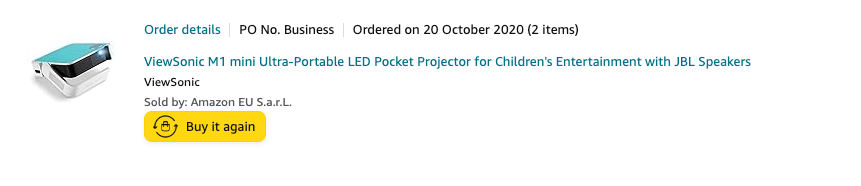
`https://www.amazon.co.uk/gp/product/B07YGPK9HG/ref=ppx_yo_dt_b_search_asin_title?ie=UTF8&psc=1
ViewSonic M1 mini Pocket LED Ultra-Portable`
https://www.viewsonic.com/global/support/article?title=How+to+upgrade+M1+Mini+firmware%3F&articleId=33000265314
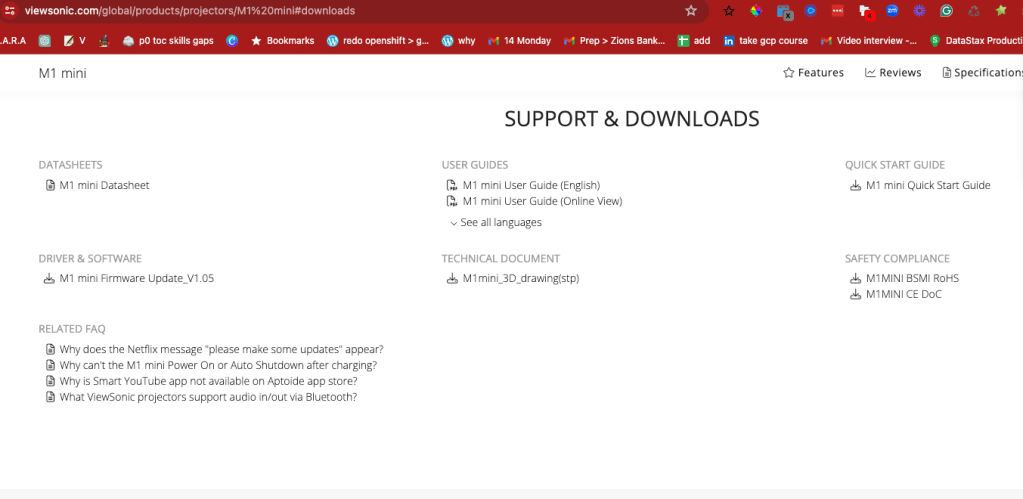
1.05 loaded
no store no display ?
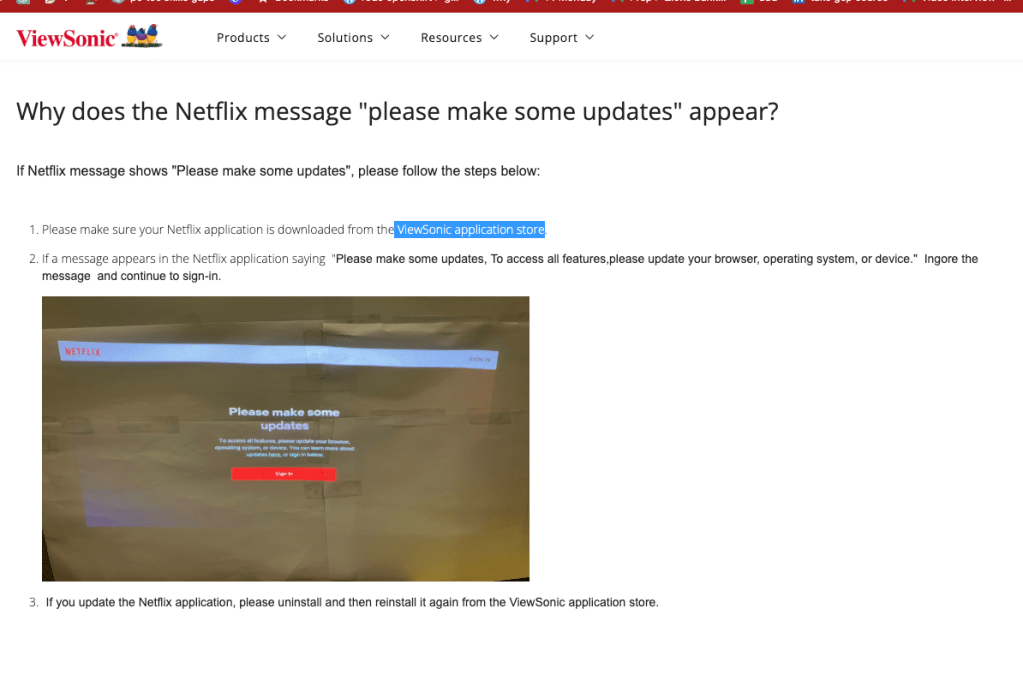
linus resolves it
Imported from rifaterdemsahin.com · 2024